


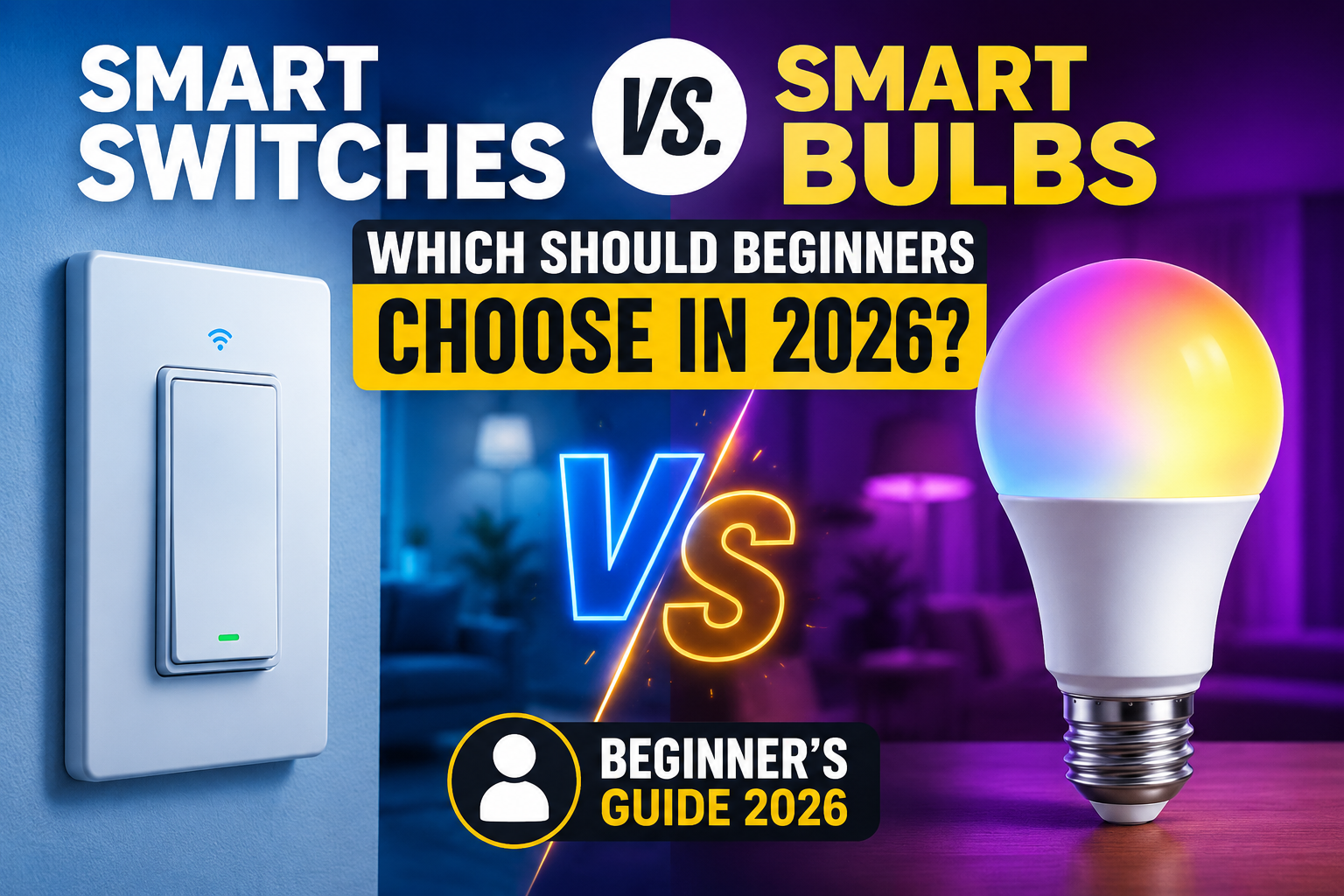
Every beginner hits the same fork in the road. You want smart lighting, you open a shopping app, and you immediately find two competing answers: buy smart bulbs, or buy a smart switch. Both promise the same result — voice control, schedules, dimming — and both have loud fans online telling you the other option is a mistake. Neither side is wrong. They just solve different problems, and picking the wrong one for your situation is the single most common regret beginners report after their first smart lighting purchase.
- The Core Difference You Need to Understand First
- Smart Bulbs: Strengths and Limits
- Smart Switches: Strengths and Limits
- Side-by-Side Comparison
- What Installing a Smart Switch Actually Involves
- Do You Need a Hub?
- Voice Assistant and Ecosystem Compatibility
- Real Cost Comparison Over Time
- Features Worth Paying For
- Features You Can Safely Ignore
- A Realistic Buying Strategy by Room
- Renters vs. Homeowners: Does It Change the Answer?
- Common Beginner Mistakes
- Troubleshooting Common Problems
- The Bottom Line
- Frequently Asked Questions
This guide skips the brand debate and focuses on the decision itself: what each option actually does, where it breaks down, how installation really goes, what it costs over time, and how to match it to your home instead of someone else’s.
The Core Difference You Need to Understand First
A smart bulb puts the intelligence inside the light source itself. A smart switch puts the intelligence in the wall, controlling whatever ordinary bulb is already installed. That single distinction explains almost every trade-off in this guide.
Because a smart bulb is the electronics, it only works while it has power — which means the physical wall switch controlling it must stay permanently on. A smart switch, on the other hand, doesn’t care what bulb is screwed in above it; you can keep using cheap, ordinary bulbs and still get full smart control, because the intelligence lives where the wiring is, not inside the glass.
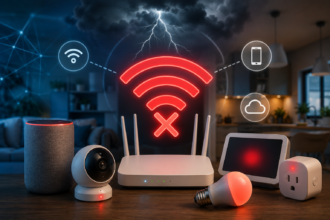
This also changes how each device fails. A smart bulb that loses its Wi-Fi connection is still a working bulb — you can still flip it on and off manually, you just lose the smart features. A smart switch that loses connection behaves the same way for the same reason: it’s still a switch first, smart second. Neither technology leaves you in the dark if the internet goes down, which is a common (and unfounded) worry for first-time buyers.
Smart Bulbs: Strengths and Limits
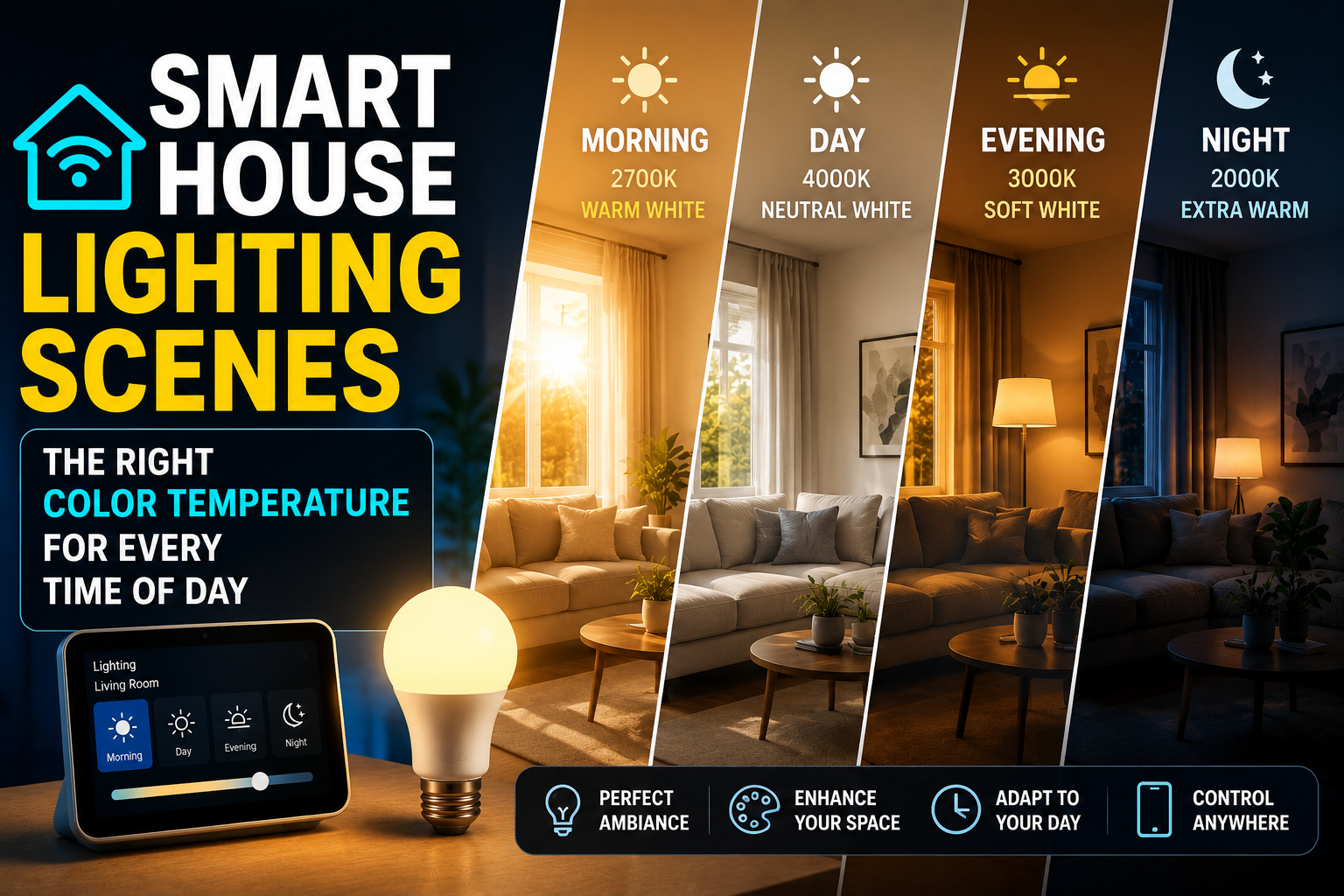
Smart bulbs win on simplicity and effects. Setup is just screwing one in and pairing it with an app — no wiring, no electrician, no risk of touching household current. They’re also the only realistic option for color and tunable white lighting, since a switch has no way to change the color of a bulb that isn’t designed for it.
Beyond color, smart bulbs also tend to offer richer software features because the manufacturer controls the entire device end to end: things like gradual sunrise wake-up effects, music sync, or per-bulb scheduling that would be impossible for a switch to replicate on a single ordinary bulb.
Their weak point is scale and cost per fixture. A ceiling fixture with four bulbs means buying four smart bulbs, and every one of them stops working the moment someone flips the physical switch off out of habit — which happens constantly in shared households. Smart bulbs are best treated as a per-lamp or per-fixture upgrade, not a whole-room solution. They also have a shorter practical lifespan than a switch in one sense: if the electronics inside the bulb fail, you replace the entire bulb, not just a component, and smart bulbs are meaningfully more expensive to replace than a plain LED.
Smart Switches: Strengths and Limits
Smart switches win on coverage and cost efficiency in rooms with multiple bulbs. One switch controls the entire fixture, regardless of how many bulbs it holds, and you keep using inexpensive standard bulbs. This makes switches the more economical choice for kitchens, hallways, and any ceiling fixture with three or more bulbs.
Switches are also the more “invisible” upgrade. Once installed, they look almost identical to a normal wall switch, which matters if you care about your home not looking like a gadget showroom. And because the switch is hardwired, there’s no battery, no pairing drop-off from being screwed into a fixture with poor Wi-Fi reception, and generally a more stable connection than a bulb sitting inside a metal lamp shade.
The trade-off is installation. A smart switch replaces a wall switch, which means working with your home’s wiring. Many are simple enough for a confident DIYer, but some homes have wiring configurations (no neutral wire is the classic problem) that make certain switches incompatible or require an electrician. Switches also can’t do color, since they only control power and, on some models, dimming — not the bulb’s light output itself. And a smart switch controls an entire fixture as one unit, so if you wanted each bulb in a multi-bulb fixture to behave differently, a switch simply can’t do that.
Side-by-Side Comparison
| Smart Bulbs | Smart Switches | |
|---|---|---|
| Setup difficulty | Screw in, pair with app | Requires wiring work |
| Best for | Lamps, single fixtures, accent lighting | Multi-bulb fixtures, whole rooms |
| Color / tunable light | Yes | No |
| Cost per fixture (multi-bulb) | Adds up fast | One switch covers all bulbs |
| Risk from wall switch being flipped off | Loses smart function entirely | None — switch is the smart device |
| Works with existing cheap bulbs | No, bulb must be replaced | Yes |
| Visual footprint | Visible as a “smart” product | Blends in like a normal switch |
| Per-bulb individual control | Yes | No, controls the whole fixture |
| Typical install time | 1–2 minutes | 20–40 minutes (or more with rewiring) |
What Installing a Smart Switch Actually Involves
This is the step most beginners underestimate, so it’s worth walking through honestly. Installing a smart switch means turning off power at the breaker, removing the existing switch plate, disconnecting the old switch, and wiring the new one to the same terminals — typically load, line, and ground, plus neutral if the switch requires it. Most switches designed for beginners include labeled wiring diagrams and color-coded wires that match standard household wiring.
The part that trips people up isn’t the wiring itself — it’s confirming beforehand that a neutral wire is present in the switch box, since a meaningful share of homes built before the 2010s in many regions don’t have one at every switch location. Some switches are built specifically to work without a neutral, but they’re a smaller product category with more limitations, so checking your wiring before buying anything saves a return trip to the store. If you’re not comfortable working near your home’s wiring or your panel is unfamiliar to you, this is a reasonable and inexpensive job to hand to an electrician rather than a DIY requirement.
Do You Need a Hub?
Not necessarily, and this applies to both bulbs and switches. Most modern smart bulbs and switches connect directly to your home Wi-Fi network, meaning your phone’s app talks to the device directly without any extra equipment. A dedicated hub becomes worth considering once you’re running a larger number of devices, want a more advanced automation platform like Home Assistant, or specifically want Zigbee or Z-Wave devices, which use a separate wireless protocol from Wi-Fi and require a hub to translate their signal for your phone and voice assistant.
For a first purchase — one or two switches, or a handful of bulbs — skip the hub. It’s an unnecessary expense and an extra point of failure for a setup this small.
Voice Assistant and Ecosystem Compatibility
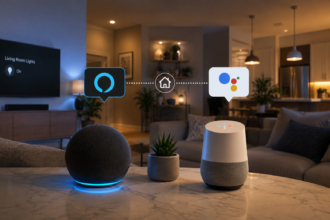
Both bulbs and switches generally work with Amazon Alexa, Google Home, and Apple Home, but the depth of that support varies by product line and is worth checking before buying rather than after. The safest long-term choice is a device that supports Matter, a shared smart home standard that lets a single device work across all three major ecosystems without needing separate hardware or firmware for each one. Matter support means that if you switch from an Echo speaker to a Google Nest setup two years from now, your lighting doesn’t need to be replaced along with it.
If a product doesn’t mention Matter, check specifically whether it lists compatibility with your preferred assistant by name, since older or budget product lines sometimes only support one ecosystem.
Real Cost Comparison Over Time
Sticker price only tells part of the story. A single smart bulb typically costs several times more than a standard LED bulb, and that gap multiplies with every bulb in a fixture. A smart switch has a higher one-time cost than a bulb, but it’s a flat cost regardless of how many bulbs sit behind it, and it lets you keep buying cheap standard bulbs indefinitely.
For a single lamp, bulbs win on total cost easily. For a six-bulb kitchen fixture, a single switch is very often cheaper than even three smart bulbs, before factoring in that the switch also covers the remaining three bulbs for free. The crossover point where a switch becomes the cheaper option is typically around three bulbs on a single fixture, though exact pricing varies by product line and region.
There’s also a hidden cost worth mentioning: smart bulbs eventually reach end of life, both physically and in terms of software support, and replacing five bulbs at once is a meaningfully bigger expense than replacing one switch.
Features Worth Paying For
Regardless of which route you take, a few features consistently earn their price. Matter compatibility keeps you free to switch between Alexa, Google, and Apple Home later without re-buying hardware. For switches specifically, confirm neutral-wire support and dimming compatibility with your existing bulbs before purchase — this single check prevents most installation headaches. For bulbs, prioritize power-loss memory, so a brief outage doesn’t reset your lighting to full brightness at random. For both categories, look for a manufacturer with a track record of ongoing app and firmware updates, since a smart device that stops receiving updates a year after purchase tends to become unreliable well before it physically fails.
Features You Can Safely Ignore
Skip smart switches that advertise elaborate scene libraries or built-in speakers — these are marketing additions layered onto a device whose real job is simply reliable on/off and dimming control. On the bulb side, ignore “millions of colors” claims used as a selling point on tunable-white-only bulbs you’ll never actually set to color, and don’t pay extra for app features you can already achieve with your platform’s built-in routines (Alexa Routines, Google Home Automations, Apple Shortcuts). Motion-sensing add-ons bundled into a switch are also worth scrutinizing closely — they’re often a worse, non-adjustable version of a standalone motion sensor you could add later for a similar price with far more control over sensitivity and timing.
A Realistic Buying Strategy by Room
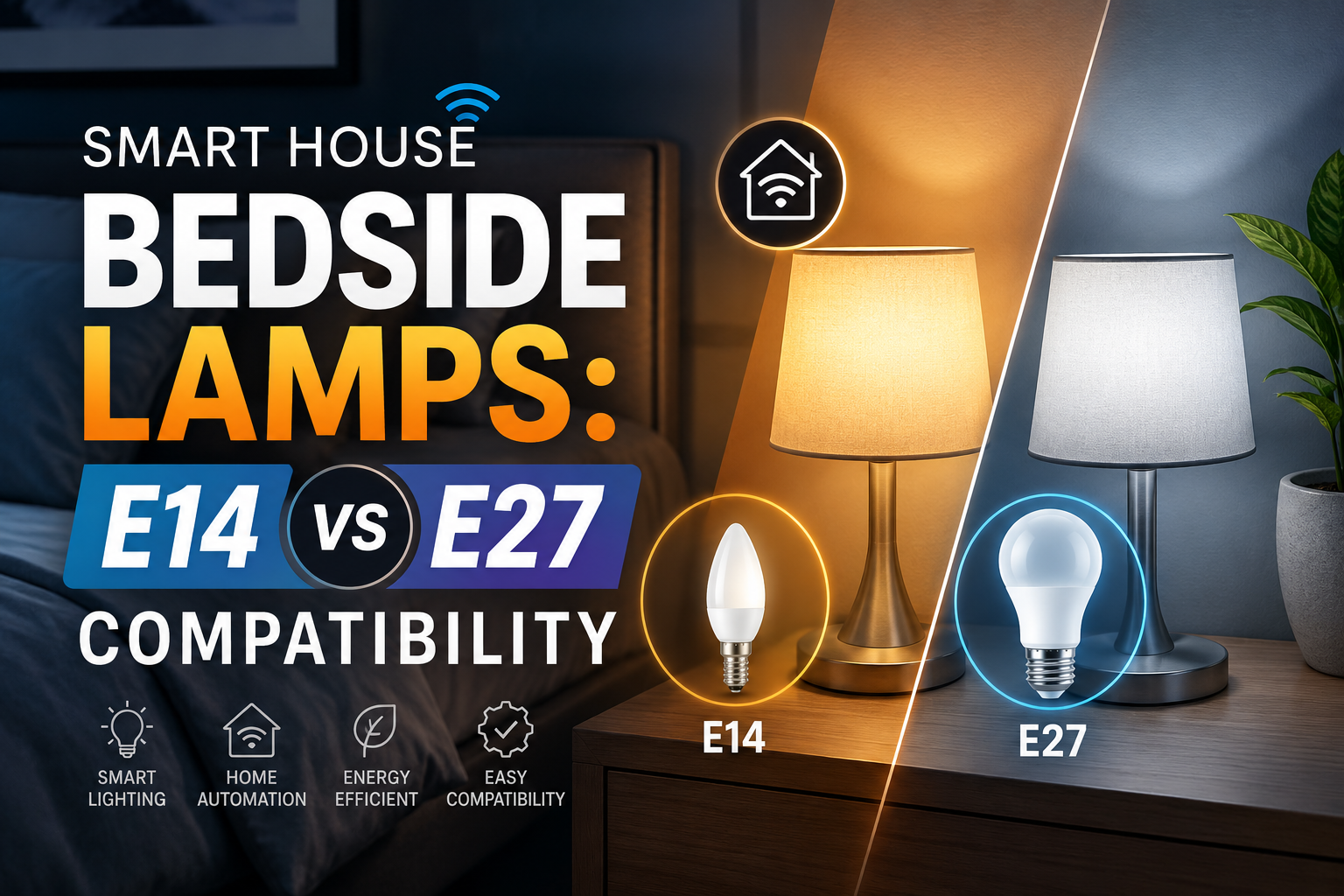
Think fixture by fixture rather than committing to one technology for the whole house. A bedside lamp or a single accent fixture is a natural fit for a smart bulb, especially if you want color or warm-to-cool tuning for winding down at night. A kitchen ceiling fixture with four or six bulbs, a hallway, or a stairwell is a better fit for a smart switch, since it’s cheaper per fixture and immune to the “someone turned off the wall switch” problem entirely.
Living rooms are the room where the decision is genuinely closer, since they often mix ambient ceiling lighting with accent lamps. A common approach that works well in practice is a smart switch on the main ceiling fixture for reliable everyday lighting, paired with one or two smart bulbs in lamps for color and mood lighting in the evening. That combination gets you the cost efficiency of a switch where it matters most and the flexibility of bulbs exactly where you’ll actually use color.
If your home has a mix of both situations, that’s normal — most fully set-up smart homes end up using bulbs in some rooms and switches in others. Start with whichever room bothers you most on a daily basis, live with it for two weeks, and let that experience guide your next purchase rather than buying everything at once.
Renters vs. Homeowners: Does It Change the Answer?
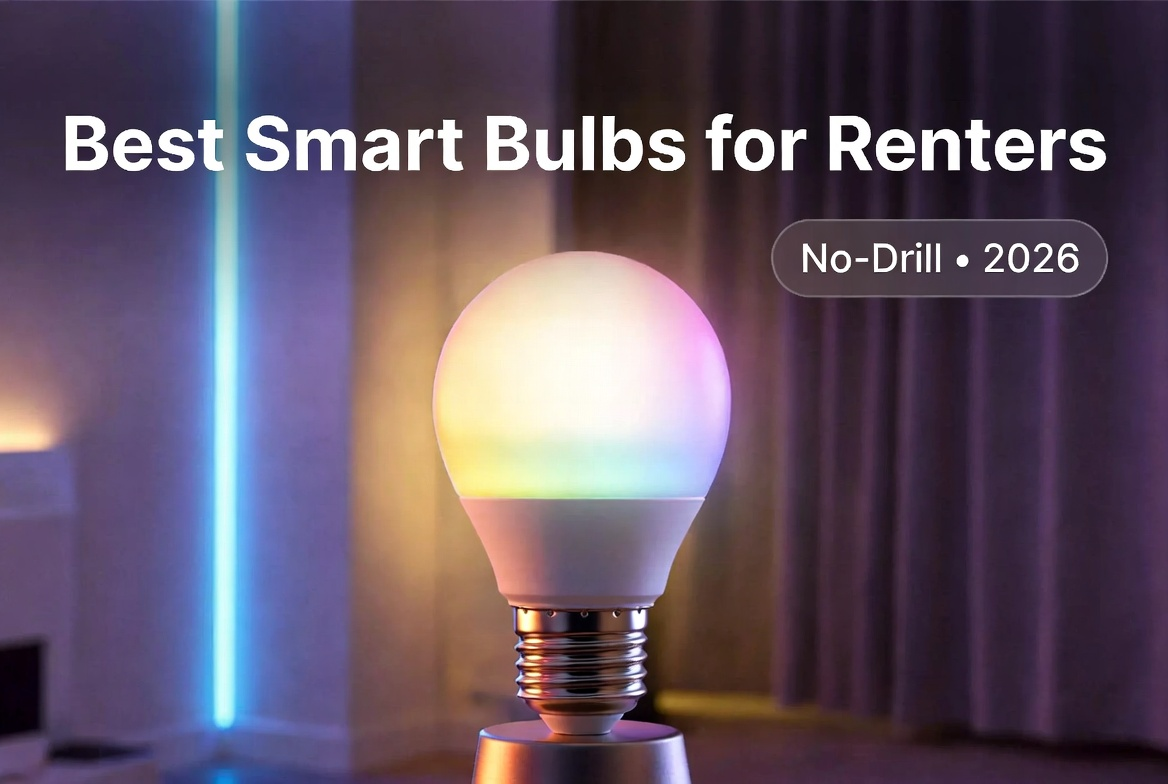
Significantly, yes. Renters generally can’t or shouldn’t replace wall switches, since it involves permanent wiring changes and most leases either prohibit it outright or make it impractical to reverse before move-out. For renters, smart bulbs are almost always the more practical choice by default, precisely because they require zero permanent modification — unscrew the smart bulb, screw the original one back in, and the apartment looks untouched.
Homeowners have the freedom to install switches wherever it makes financial sense, which is why the fixture-by-fixture strategy above applies more fully to owned homes. If you’re a renter who still wants switch-level convenience for a multi-bulb fixture, some plug-in smart outlets can achieve a similar result for lamps, though they don’t help with hardwired ceiling fixtures the way a switch would.
Common Beginner Mistakes
The most frequent mistake is buying smart bulbs for a multi-bulb ceiling fixture, then discovering the cost of four or five smart bulbs far exceeds a single smart switch that would have controlled the same fixture for less. The second is buying a smart switch without confirming neutral-wire availability, leading to a return or a botched install. The third is forgetting to physically leave the wall switch on when using smart bulbs — an easy habit to break for you, but not for every family member or guest, who will flip it off out of pure muscle memory.
A fourth, less obvious mistake is mixing a smart switch with a smart bulb on the same fixture. This creates a genuine conflict rather than double the features: the switch can cut power the bulb needs to stay connected to Wi-Fi, and the bulb’s smart functions become unreliable as a result. Pick one technology per fixture, not both.
A fifth mistake is buying dimmer switches without checking bulb compatibility. Not every LED bulb is designed to be dimmed, and pairing an incompatible bulb with a dimmer switch commonly causes flickering, humming, or a reduced dimming range rather than smooth control.
Troubleshooting Common Problems
If a smart bulb won’t hold its connection, the most common cause is Wi-Fi signal strength at the fixture itself, since bulbs are often installed inside metal or glass fixtures that weaken a wireless signal more than open air would. Moving the router closer, adding a Wi-Fi extender, or switching to a 2.4GHz-only network (which has better range than 5GHz, even if it’s slower) usually resolves this.
If a smart switch won’t turn on after installation, double-check the wiring against the included diagram before assuming the unit is defective — a swapped load and line connection is the single most common installation error and is usually harmless to fix, but should be corrected with the breaker off.
If dimming causes flickering, the bulb is very likely not rated as dimmable, or it’s a dimmable bulb below the switch’s minimum wattage load — some dimmer switches require a minimum number of watts connected to function smoothly, which can be an issue with very low-wattage LED bulbs.
The Bottom Line
Choose bulbs when you want color, tunable white, or you’re upgrading a single lamp — the setup is instant and there’s no wiring involved. Choose switches when you’re covering a multi-bulb fixture or a whole room and want to keep it simple and inexpensive with your existing bulbs. Renters should default to bulbs regardless of fixture size, since switches involve wiring changes most leases don’t allow. Most homeowners end up using both, matched room by room to what actually gets used, rather than one technology forced everywhere. Get that match right the first time and you skip the most common — and most expensive — beginner mistake in smart lighting.
Frequently Asked Questions
Can I use smart bulbs and smart switches in the same house?
Yes, and most smart homes do exactly this. Just never put a smart bulb behind a smart switch that also controls power to it — the two will conflict, since the switch can cut power the bulb needs to stay connected.
Do smart switches work with any bulb?
Yes, standard bulbs work fine, since the switch controls power rather than the bulb’s electronics. If you want dimming, confirm the switch is rated for dimmable use and that your bulbs are dimmable too.
What is a neutral wire, and why does it matter?
It’s a wiring component some older homes lack in their switch boxes. Many smart switches require it to stay powered at all times. Always check your switch box or consult an electrician before buying if your home is older or you’re unsure.
Is it cheaper to go with switches or bulbs?
For a single lamp, bulbs are cheaper and simpler. For any fixture with three or more bulbs, a single smart switch is almost always the more economical choice.
Do I need a smart home hub to get started?
No. Most current smart bulbs and switches connect directly over Wi-Fi. A hub is only worth adding once you’re running a larger setup or specifically want Zigbee or Z-Wave devices.
Will my smart lighting still work if the internet goes down?
Yes, for basic manual on/off. Both bulbs and switches still function as regular lighting hardware; you just temporarily lose app control, scheduling, and voice commands until the connection is restored.
Can renters install smart switches?
Technically yes, but it’s rarely a good idea, since it involves permanent wiring changes most leases prohibit and isn’t easily reversible before move-out. Smart bulbs are the more practical choice for renters.
What happens if I mix a smart bulb with a dimmer switch instead of a regular one?
It depends on the bulb. Many smart bulbs are not designed to be dimmed by an external switch, since they already manage brightness through their own electronics, and pairing them with a physical dimmer can cause flickering or damage over time. Check the bulb’s specifications before combining the two.