
Smart LED strip lights turn a plain wall, shelf, or desk into a controllable light source you can dim, recolor, and schedule from your phone. This guide shows you which strip to buy, how to mount it without damage, and which automations are worth setting up.
What Smart LED Strip Lights Actually Are
A smart LED strip is a flexible circuit board with small LEDs soldered along its length, plus a controller that connects to your Wi-Fi, Bluetooth, Zigbee, or Matter network. The controller receives commands from an app or voice assistant and tells the LEDs what color and brightness to show.
Most strips come in rolls of 2 to 5 meters (about 6 to 16 feet). You can usually cut them at marked points, and many can be extended with connectors. That flexibility is the whole appeal: one product fits a TV, a bookshelf, and a staircase.
How a smart strip works
Every strip has three parts: the LED tape, the controller, and the power adapter. The adapter converts household current into the low voltage the tape needs. The controller sits between the two and handles the smart features.
Cheap strips often hide a tiny controller on the cable, while better ones build the electronics into a small box with a reset button and status light. That box matters, because it is the part that stays connected to your network.
Strip lights vs. smart bulbs
Smart bulbs light a room. Strips accent a room. A bulb throws light in every direction from a fixture, while a strip creates a line or a glow along an edge. Most homes need both.
If you are still deciding how to control your main lights, our comparison of smart switches and smart bulbs for beginners covers that decision. Strips solve a different problem: they add atmosphere and indirect light where no fixture exists.
How to Choose the Right Smart LED Strip
Strip specifications look confusing, but only a handful decide whether you will be happy. Check these before you buy.
Color type: RGB, RGBW, RGBIC, and tunable white
The color system determines what the strip can do.
- RGB: Mixes red, green, and blue. Whites look slightly bluish or pink because they are made by blending colors.
- RGBW: Adds a dedicated white chip, so whites look cleaner and more natural.
- RGBIC: Each segment has its own chip, so one strip can show several colors at once, like a rainbow or a flowing effect.
- Tunable white: Skips colors entirely and shifts between warm and cool white. This is the best choice for task and work lighting.
If you only want soft, warm light under a cabinet or behind a monitor, tunable white is enough. If you want color effects, choose RGBIC. If you want both, look for an RGBWW or RGBICW model.
| Strip type | Best for | Main drawback |
|---|---|---|
| RGB | Cheap color accents | Weak, tinted whites |
| RGBW | Mixed color and clean white | No multi-color segments |
| RGBIC | Gaming rooms, TV backlighting, effects | Costs more |
| Tunable white | Desks, closets, kitchens | No color |
Voltage and power: 5V, 12V, and 24V
Voltage tells you how far a strip can run before it gets dim at the far end.
- 5V USB strips plug into a TV or a power bank. They are perfect for short runs of 1 to 3 meters.
- 12V strips are the most common. They work well up to about 5 meters per power feed.
- 24V strips lose less brightness over distance, so they suit long runs and larger rooms.
To size your power supply, check the wattage per meter on the listing, multiply by the length, and add 20 percent headroom. Strips typically draw somewhere between 5 and 15 watts per meter, depending on LED density and whether you are running full white. An undersized adapter overheats and fails early.
Brightness, density, and CRI
Look for the LED density (LEDs per meter) and the lumens per meter. A strip with 60 LEDs per meter looks like a row of dots when you see the bare tape. A strip with 120 or more, or a COB (chip-on-board) strip, looks like one continuous line of light.
Hiding the strip behind a lip or in a channel reduces the dotted look, but dense strips still look better.
For task lighting, also check the CRI (color rendering index). A rating of 90 or higher makes food, skin, and fabrics look natural. Low-CRI strips make everything look flat.
Connectivity: Wi-Fi, Bluetooth, Zigbee, and Matter
How the strip connects affects reliability more than any spec on the box.
- Bluetooth-only strips work from your phone but cannot be controlled when you are away, and they rarely support schedules that run while your phone is out of range.
- Wi-Fi strips work without a hub and support voice assistants, but every one adds a device to your router.
- Zigbee strips need a hub or compatible speaker, but they are fast and keep your Wi-Fi uncluttered.
- Matter-compatible strips work across Alexa, Google Home, and Apple Home, which makes switching ecosystems much easier.
If you plan to add more devices later, favor Matter or Zigbee. If you want the cheapest first step, a Wi-Fi strip with an app is fine.
How to Install Smart LED Strips Without Damaging Your Walls
Installation is where most people run into trouble, especially renters. A few small habits make the difference between a clean result and a strip that falls down in a week.
Prepare the surface
The adhesive on the back of most strips is only as good as the surface under it. Wipe the area with isopropyl alcohol and let it dry completely. Dust, grease, and cleaning sprays are the most common reasons strips peel.
Textured walls, fresh paint, and wallpaper are poor surfaces. Paint should cure for at least a few weeks before you stick anything to it.
Choose a renter-friendly mounting method
If you cannot risk paint damage, avoid sticking the tape straight to the wall. Instead, use one of these approaches:
- Aluminum channels mounted with removable adhesive strips, which also diffuse the light.
- Removable mounting clips that hold the strip’s backing in place.
- Mounting the strip to furniture, such as the back of a bookshelf or the underside of a desk, rather than to the wall.
To remove adhesive later, warm it gently with a hair dryer and peel slowly at a low angle.
Handle corners, cuts, and joins
Do not bend a strip sharply around a corner, because that can crack the circuit. Use a corner connector or fold-free solderless connector instead. Only cut on the marked copper pads, usually shown with a scissors icon.
If you need to extend a run, buy connectors that match your strip’s width and pin count. A 4-pin strip and a 5-pin strip are not interchangeable.
Hide the power and cables
A glowing strip with a messy cable defeats the purpose. Route the cable along the back edge of furniture, use adhesive cable clips, and place the controller where you can still reach the reset button. Leave a little slack so you can pull the controller out for resetting or re-pairing.
Never coil the controller or power adapter under a mattress or inside a closed cabinet without airflow. Power supplies produce heat.
Best Places to Use Smart LED Strips
Strips are most useful when they solve a specific problem. These locations give the best results.
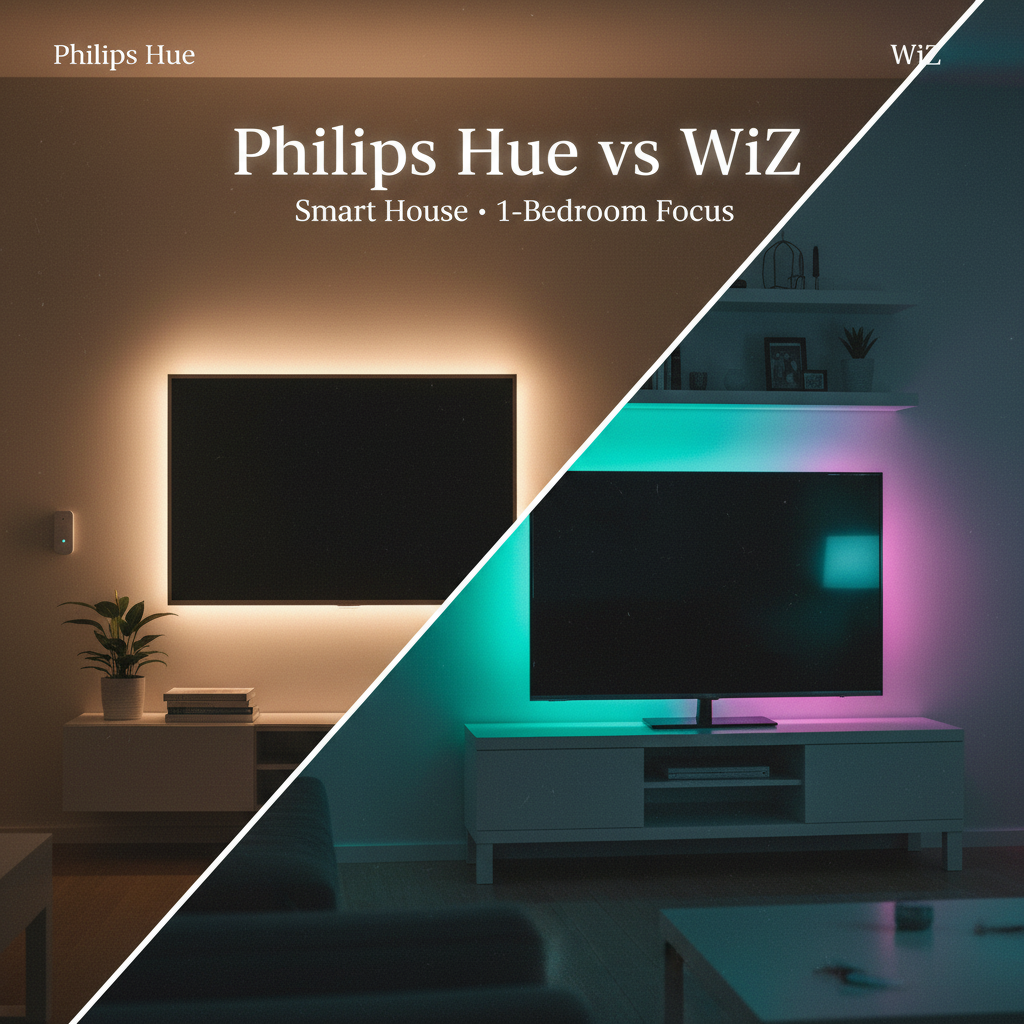
- Behind the TV: Reduces eye strain by softening the contrast between a bright screen and a dark wall.
- Behind or under a desk: Adds indirect glow and makes a workspace feel finished.
- Inside shelves and display cases: Highlights books, plants, and decor.
- Under the bed frame: Gives a soft night path without turning on the main light.
- Along stairs and hallways: Improves safety at night when paired with a motion sensor.
- In a ceiling cove or behind crown molding: Creates indirect light that makes a room feel taller.
Where to be careful
Skip humid locations unless the strip carries an IP65 or higher waterproof rating. Bathrooms, outdoor patios, and laundry rooms need sealed strips and sealed connectors. Also avoid placing strips next to heat sources like stovetops, where the adhesive and plastic can degrade.
For kitchens and bathrooms specifically, see our dedicated guides on under-cabinet lighting and bathroom lighting, which go deeper on placement and safety in those rooms.
Automations and Scenes That Make Strips Useful
A strip you control only from an app quickly becomes a gimmick. Automation is what makes it part of the home.
Time-based scenes
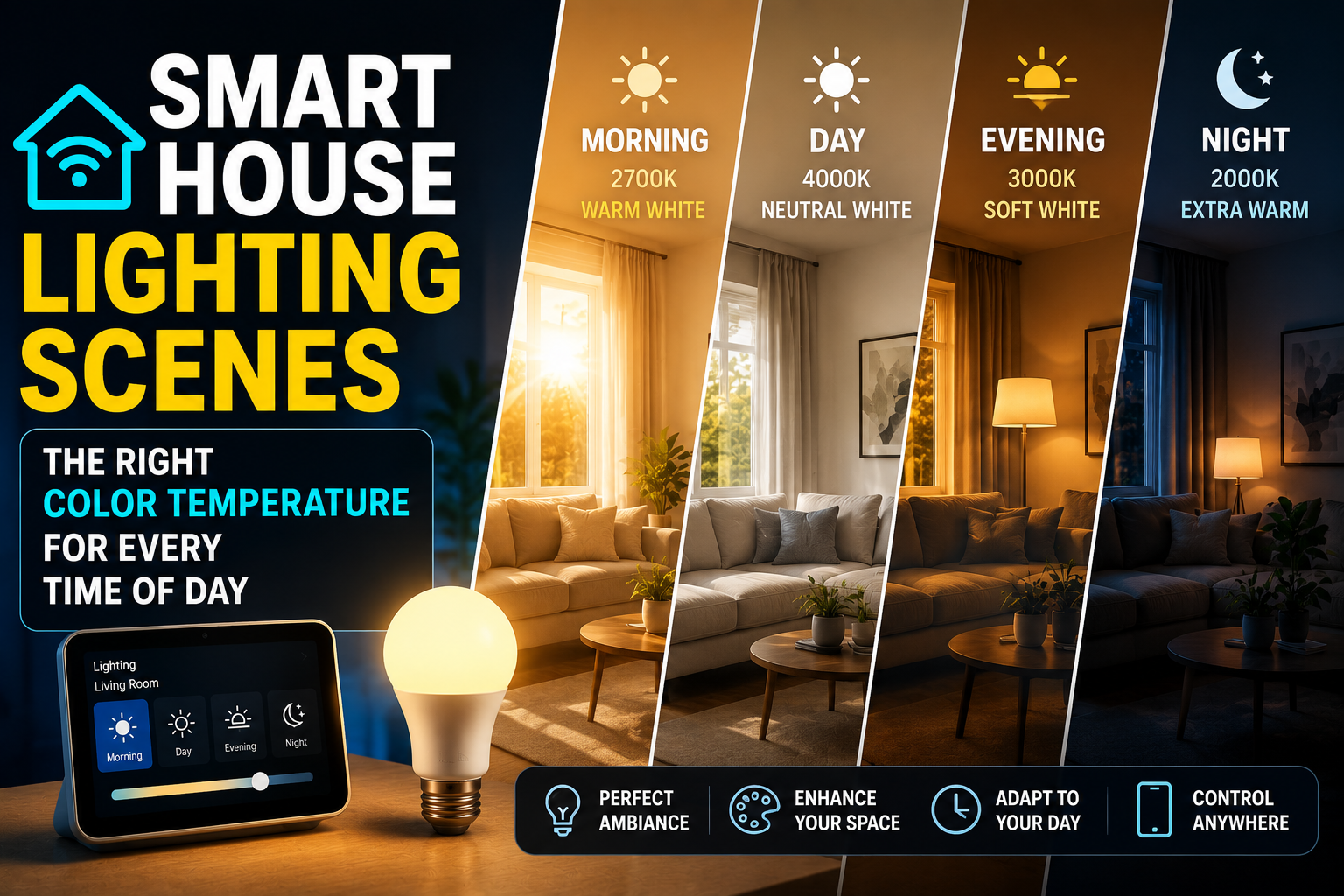
Set the strip to follow your day. A warm, dim glow in the evening and a cooler, brighter tone in the morning supports your routine without any effort.
Try this simple setup:
- Weekday morning: Cool white at 60 percent, starting 15 minutes before your alarm.
- Evening: Warm white at 30 percent after sunset.
- Bedtime: Slowly fade to off over 10 minutes.
Motion-triggered lighting
Pair a strip with a motion sensor for hallways, stairs, and closets. Set the strip to turn on at low brightness at night and full brightness during the day, then turn off a minute after motion stops.
This is one of the most practical uses of strips, because it removes the need to find a switch in the dark.
Syncing with a TV or music
Some strips come with a camera or a built-in microphone that matches colors to your screen or to music. The effect is fun for movies and gaming, but it can be tiring for everyday use.
Use sync modes for entertainment, and switch back to a calm, steady scene for the rest of the time.
Voice and widget shortcuts
Create a few named scenes, such as “Movie,” “Relax,” and “Reading,” and add them to your phone’s home screen or voice assistant. Three to five scenes are enough. More than that and nobody remembers them.
Common Problems and How to Fix Them
Even good strips can misbehave. These are the issues readers run into most often.
- The far end looks dim or yellow: This is voltage drop. Shorten the run, use a 24V strip, or feed power from both ends.
- Colors look wrong: Check that the app is set to the correct chip type, often listed as RGB or GRB, and update the firmware.
- The strip drops offline: Move the controller closer to your router, use the 2.4 GHz band, and avoid placing it behind metal furniture.
- Flickering at low brightness: Cheap power supplies cause this. Replace the adapter with a better-rated one, or increase the minimum brightness.
- The tape keeps peeling: Clean the surface again, press firmly for 30 seconds, and add clips every half meter.
- The strip gets warm: Mild warmth is normal at full brightness. If it is hot to the touch, reduce brightness, add an aluminum channel to dissipate heat, or check that the power supply is large enough.
If a strip stops responding altogether, try resetting the controller and re-adding it to the app before you assume it is broken.
Frequently Asked Questions
Can I cut a smart LED strip to fit my space?
Yes, but only at the marked cut points. Cutting anywhere else can leave a section without power. Keep the cut piece if you can, since some can be reconnected with a solderless connector.
Do smart LED strips use a lot of electricity?
No. A typical strip uses far less power than an incandescent bulb, and most of the time you run it at partial brightness. Running ten meters at full white for several hours a day will add a small but noticeable amount, so schedule an off time.
Will LED strips damage my paint?
They can. The adhesive can pull paint when you remove it, especially on fresh or cheap paint. Use channels, clips, or mount the strip to furniture, and remove adhesive slowly with gentle heat.
Are smart LED strips safe to leave on overnight?
Reputable strips with certified power supplies are designed for long use. Still, avoid covering the power adapter, avoid cheap uncertified products, and use a schedule or timer so lights are not running all night without reason.
Do I need a hub?
Not for most Wi-Fi and Bluetooth strips. A hub is only required for Zigbee models, and it brings faster, more reliable control when you have many devices.
Can I use LED strips outdoors?
Only if the strip, connectors, and power supply are rated for outdoor use. Look for an IP65 rating or higher, and keep the power adapter in a sheltered, ventilated spot.
How long do smart LED strips last?
Quality strips are often rated for 25,000 hours or more, which is many years of normal use. Heat and poor power supplies are what shorten that lifespan, not the LEDs themselves.
Conclusion
Smart LED strip lights are one of the cheapest ways to make a home feel more comfortable and more modern. The right choice depends on three things: the color type you want, the voltage and length you need, and the connectivity that fits your smart home.
Start small. Buy one good strip, mount it behind a TV or under a desk, and set two simple scenes. Once you see how much difference a soft edge of light makes, expanding to shelves, stairs, and bedrooms is easy.
Choose quality power supplies, prepare your surfaces, and automate lights so they work without your attention. That is what separates a useful smart strip from a drawer full of unused rolls.