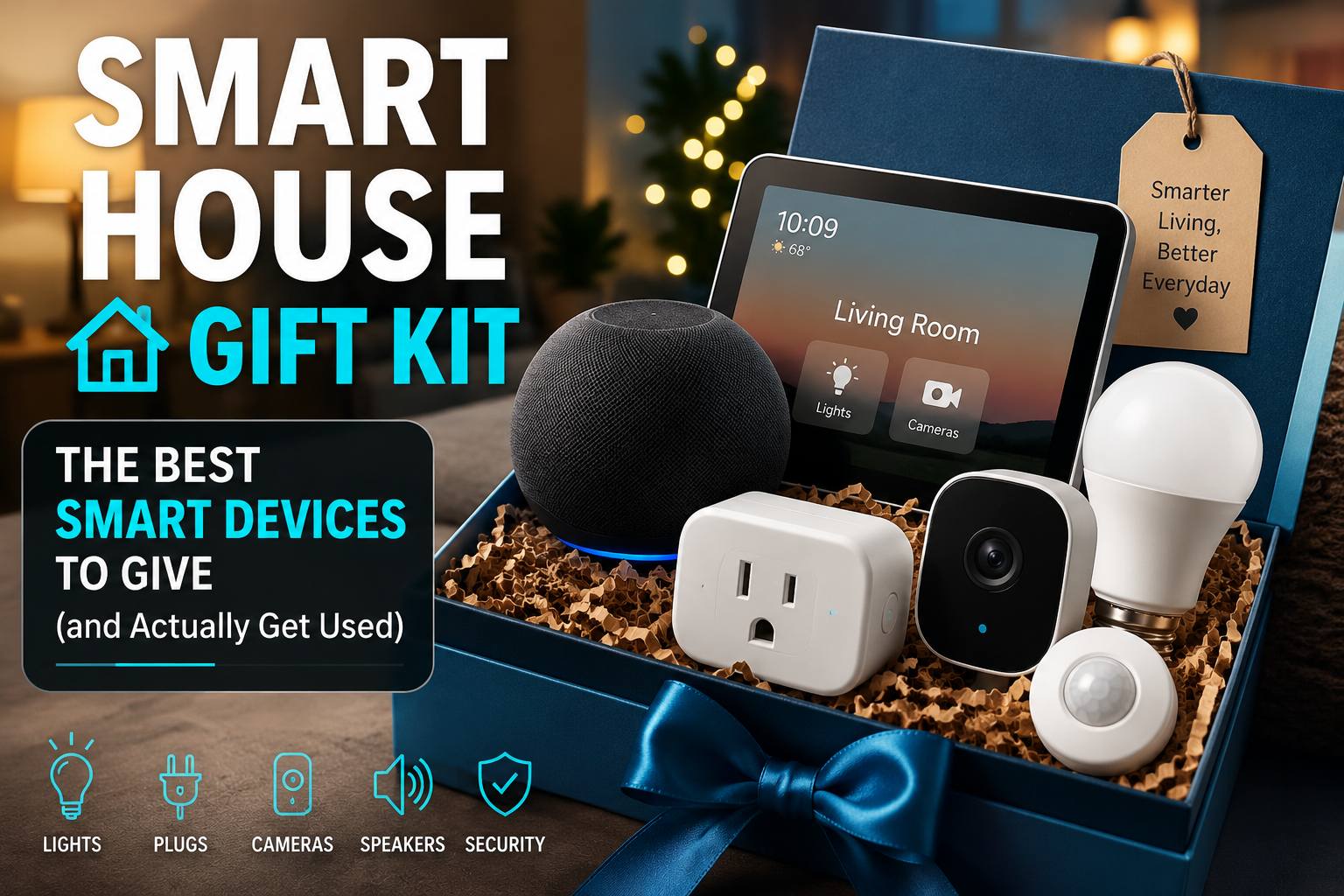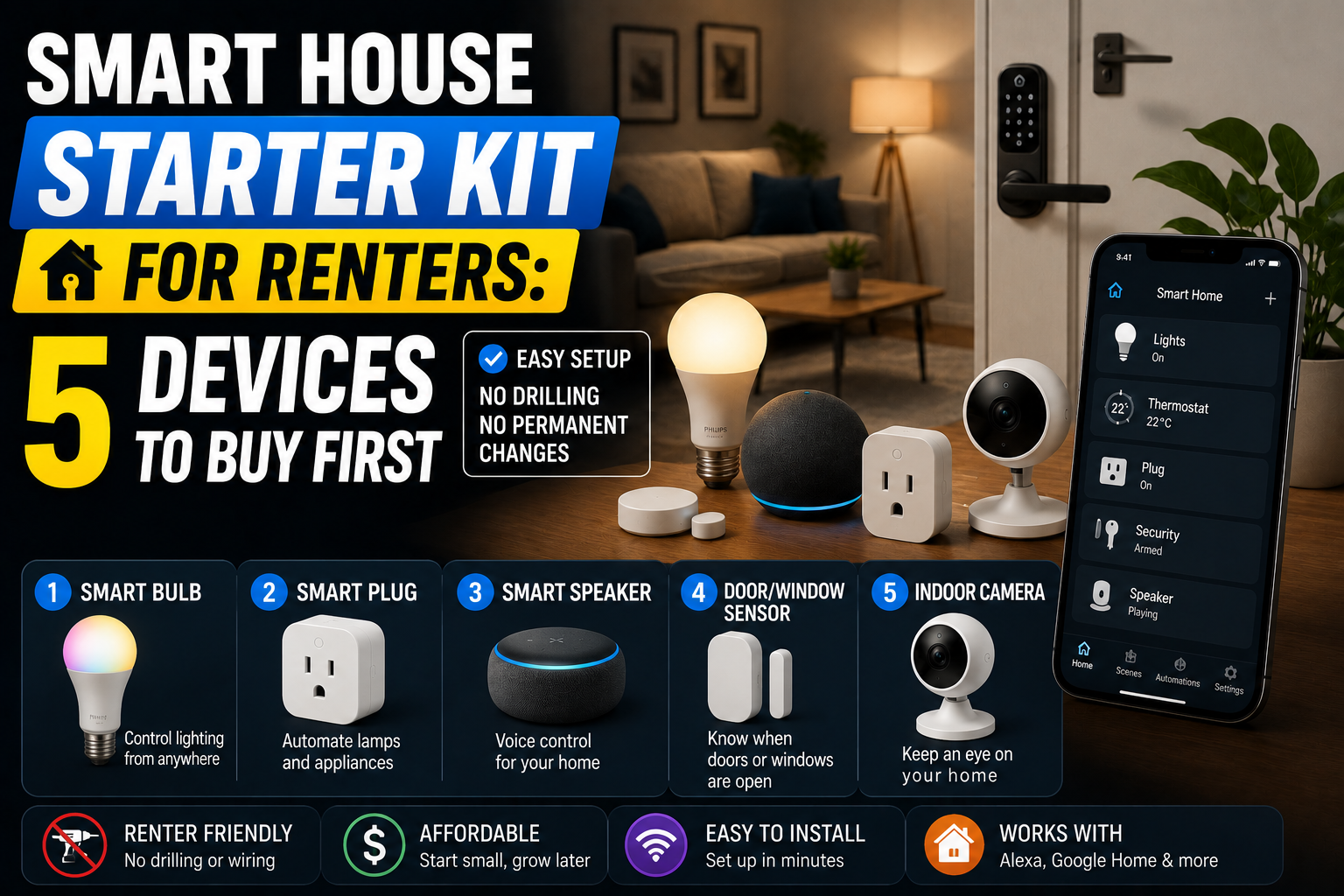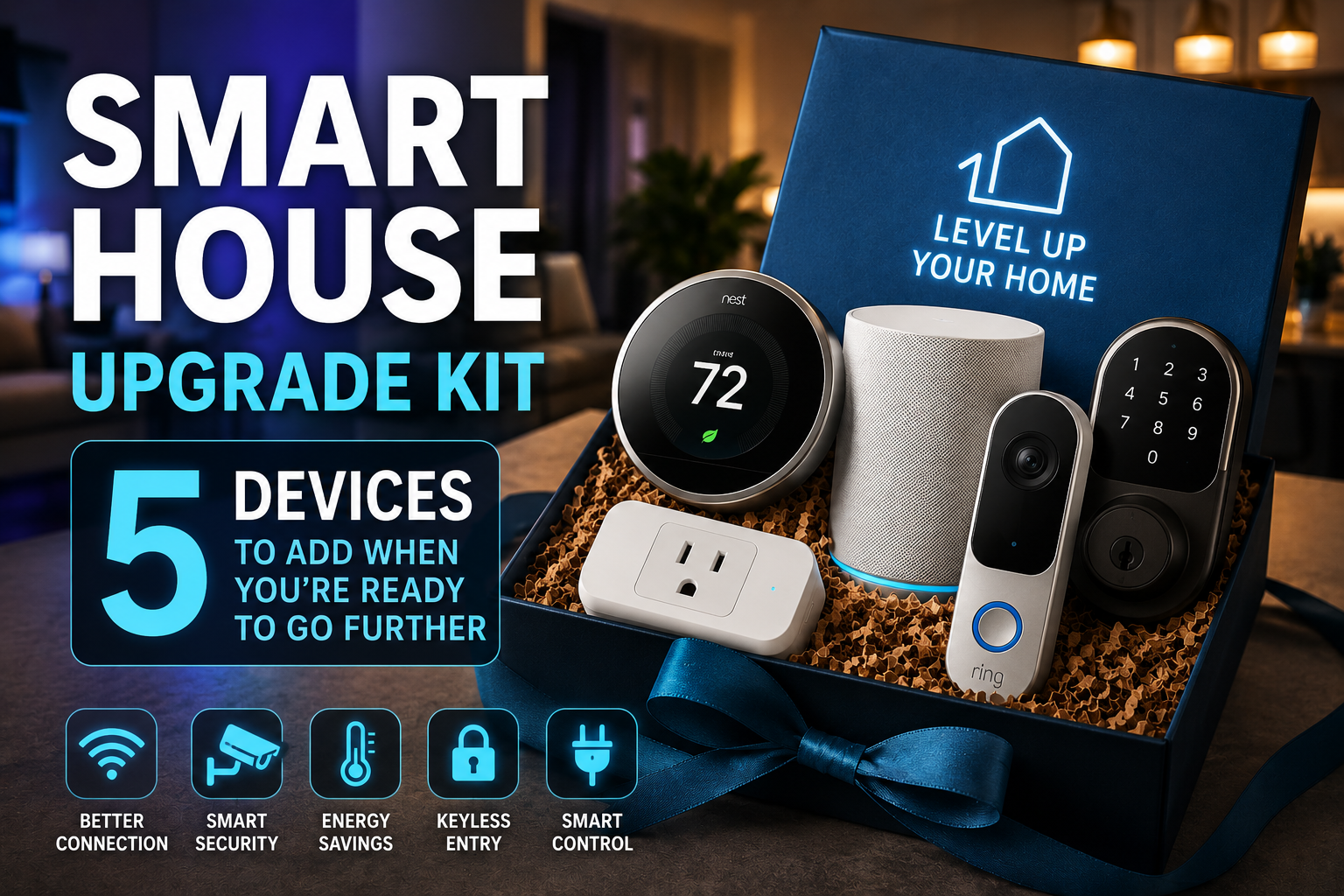

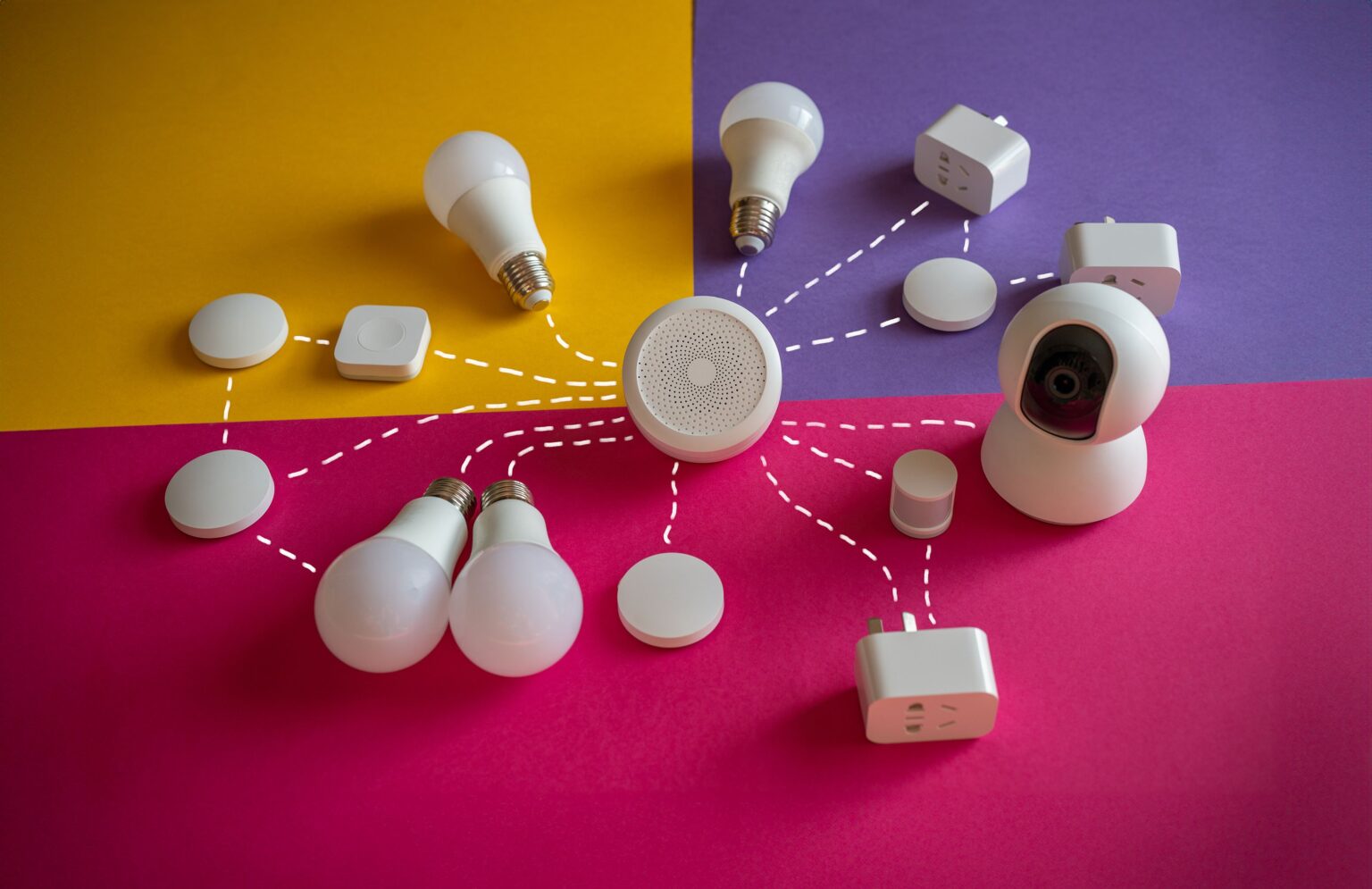
A smart home kit for new parents should do one thing well: save you effort when you are exhausted. The best setups use a few reliable devices for night lighting, nursery climate, door safety, and hands-free control, and nothing more.
- Why New Parents Need a Different Kind of Smart Home Kit
- The Core Devices Every Kit Should Include
- Nice-to-Have Devices Worth Considering
- Sample Kits for Three Budgets
- Automations That Actually Help During Sleepless Nights
- Safety and Privacy Rules for a Baby-Friendly Smart Home
- Common Mistakes New Parents Make With Smart Devices
- Frequently Asked Questions
- What is the first smart device a new parent should buy?
- Do I need a smart baby monitor if I already have smart cameras?
- Can smart devices replace safe sleep guidelines?
- Is voice control safe around a baby?
- How much should I spend on a smart home kit for a newborn?
- Will these devices work in an apartment?
- How do I keep my Wi-Fi reliable with more devices?
- Conclusion
Why New Parents Need a Different Kind of Smart Home Kit
Most smart home guides assume a calm household with time to tinker. A newborn changes that completely. You are awake at odd hours, you often have a baby in one arm, and every minute of sleep matters.
That shifts the priorities. Cool gadgets matter less. Reliability, quiet operation, and one-handed control matter more.
A good kit also has a clear limit. Smart devices can reduce small daily frictions, but they do not replace supervision, safe sleep practices, or your pediatrician’s guidance. Think of them as helpers, not guardians.
What a new-parent kit should accomplish
Before you buy anything, decide which problems you actually want to solve. For most families, they fall into four groups:
- Night-time routines: Moving around a dark house without waking the baby.
- Nursery comfort: Knowing the room temperature and humidity without guessing.
- Home awareness: Seeing who is at the door and whether the house is secure.
- Hands-free control: Adjusting lights, music, and timers when your hands are full.
If a device does not serve one of these four, skip it for now.
Keep the budget realistic
Baby gear is expensive, so a smart kit competes with strollers, cribs, and diapers. A sensible starter budget is $100 to $250, spread across three or four devices. You can always expand later, once you know which routines bother you most.
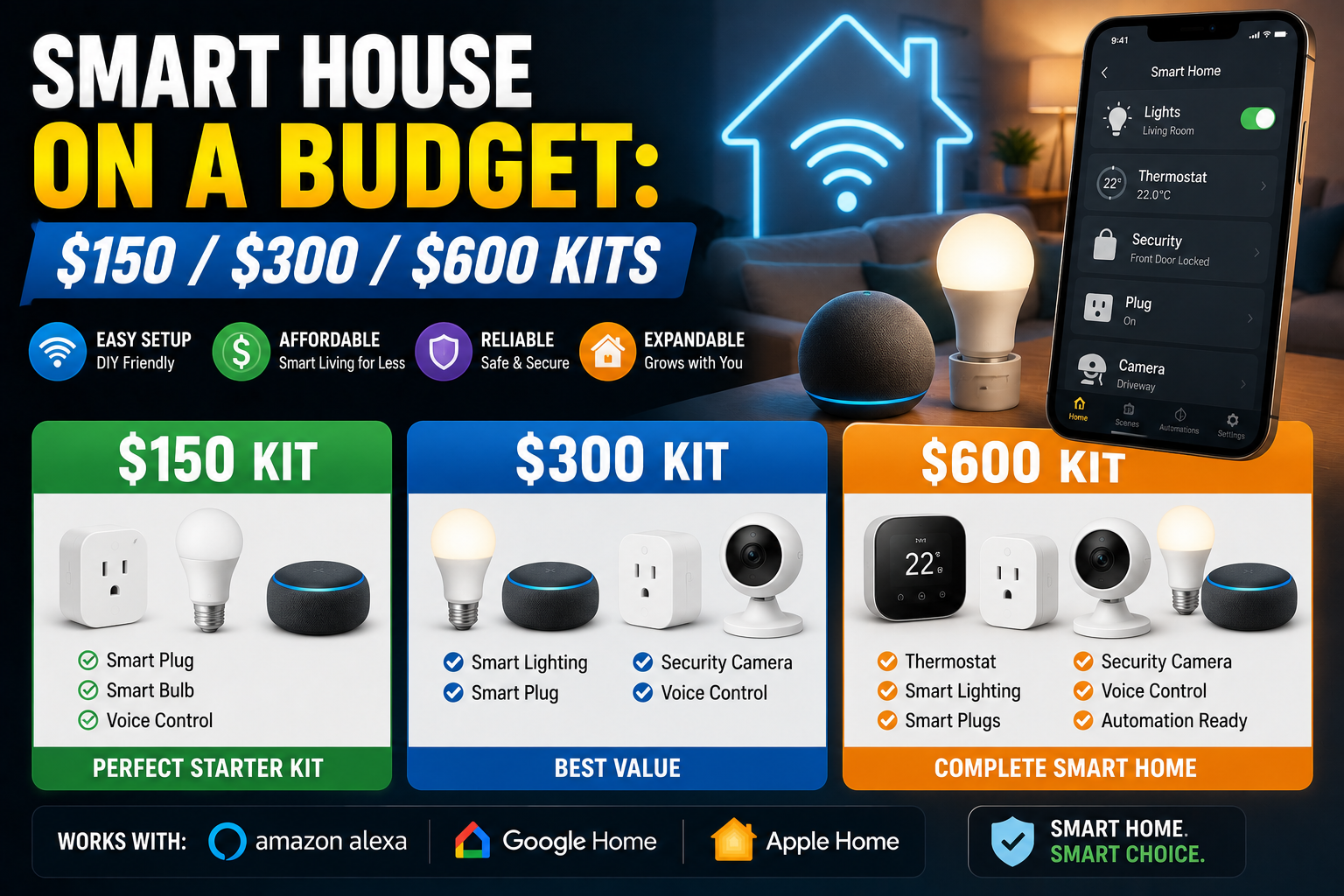
For a wider look at budget tiers, our guide to $150, $300, and $600 kits shows how to scale a setup. If you are just starting out, the under-$100 starter kit is also worth a read.
The Core Devices Every Kit Should Include
These four categories cover the vast majority of what new parents actually use. Start here.
1. Dimmable night lighting
Night lighting is the single most useful smart upgrade for parents. A normal overhead light is too harsh during a 3 a.m. feeding, and fumbling for a lamp switch wakes everyone.
Look for lamps or bulbs that support very low brightness (1 to 5 percent) and warm color temperatures. Bright, blue-heavy light is stimulating, while dim amber light is gentler on tired eyes.
Useful setups include:
- A smart bulb in the nursery lamp, set to a dim warm scene named “Night feed.”
- A plug-in smart night light in the hallway between the bedrooms and the bathroom.
- A motion-activated strip or night light under the crib-to-door path.
Name your scenes plainly, so a voice command works even when you are half asleep. “Night feed” is easier to remember than a cryptic default name.
2. A temperature and humidity sensor
Room conditions matter for sleeping babies, and guessing is unreliable. A small smart sensor lets you check the nursery from another room and set alerts if it gets too warm or too cold.
Choose a sensor with a clear app reading and a battery that lasts months. Place it at roughly the height of the crib mattress but well away from the crib itself, away from direct sunlight, vents, and windows.
Check your pediatrician or national health guidance for recommended room temperatures. Do not rely on a sensor alone to decide how to dress your baby, since it only tells you about the air in the room.
3. A smart speaker or display for hands-free control
When your hands are full, voice control stops being a luxury. A speaker in the nursery or living room lets you set timers, play white noise, dim lights, and ask quick questions without touching a screen.
Some practical uses:
- Timers for feeding, tummy time, or when to wake from a nap.
- White noise or lullabies started with a single phrase.
- Quiet announcements to other rooms, instead of shouting down the hall.
Lower the default volume and turn off the speaker’s loud chimes and confirmation sounds in the nursery, so a spoken command does not wake the baby.
4. A smart plug or two
Plugs are cheap, dependable, and flexible. They turn ordinary devices into scheduled ones, such as a white noise machine, a bottle warmer, or a lamp.
Use a plug only with devices that are safe to power on automatically. Never automate anything that creates a heat or fire risk without supervision, and do not use plugs with space heaters or similar high-wattage appliances unless the plug is rated for that load.
How to set up the core kit in one evening
You do not need a weekend to get this working. Set aside one calm evening, ideally before the baby arrives or during a nap, and follow this order.
- Install the bulbs and plugs first, then add them to your app and give each one a plain, room-based name.
- Place the sensor in the nursery and confirm the readings match a simple thermometer.
- Build one scene, “Night feed,” and test it by voice from the doorway.
- Add the hallway motion light and walk the path in the dark to check brightness.
Stop there. Live with the setup for a week, note what annoys you, and only then add anything else.
Nice-to-Have Devices Worth Considering
Once the core is working, these devices can add convenience. Each solves a more specific problem, so buy them only if the problem applies to you.
Video doorbell
A doorbell that sends a notification to your phone saves you from rushing to the door while the baby sleeps. You can see who is there, speak through the app, and decide whether to answer.
Check that notifications are easy to schedule. Many parents turn off audible chimes during nap times and rely on phone alerts instead.
Door and window sensors
If you have a curious toddler on the way, or you simply want reassurance, contact sensors on exterior doors tell you when something opens. They are inexpensive and work well with a few simple automations, such as turning on hallway lights when the front door opens at night.
Smart lock
Keyless entry helps when your hands are full of bags, car seats, and a diaper bag. A smart lock with a keypad also lets grandparents or a babysitter in with a temporary code, instead of copying keys.
If you rent your home, confirm that your landlord allows the installation first. Some locks replace only the interior portion of the deadbolt and can be reversed.
Baby monitor choices
Dedicated baby monitors are a separate category from general smart cameras. Many parents prefer a purpose-built monitor that works on a local connection and does not require a cloud account.
If you use a Wi-Fi camera, secure it properly. Use a strong, unique password, enable two-factor authentication, and keep the firmware updated. Cameras are one of the most sensitive devices in the home, so treat their security seriously.
Sample Kits for Three Budgets
Here are three realistic starting points. Prices vary by brand and region, so treat these as rough guides rather than quotes.
| Budget | What it includes | Best for |
|---|---|---|
| About $100 | Two smart bulbs, one smart plug, one temperature sensor | Parents who want night lighting and room monitoring |
| About $180 | Everything above, plus a smart speaker and a motion night light | Parents who want hands-free control and safer night walks |
| About $250 | Everything above, plus a video doorbell and two door sensors | Parents who also want entry awareness |
How to choose between them
If money is tight, begin with the first tier. Lighting and a sensor deliver the most daily value for the lowest price.
If you already own a smart speaker, skip the second tier’s speaker and spend the savings on a better night light or a second sensor. If you live in an apartment building with a lobby, the doorbell may matter less than it would in a house.
Automations That Actually Help During Sleepless Nights
Devices are only half of the setup. The automations are what save you effort. Keep them simple and test them in daylight before you rely on them at night.
Night-feed lighting
Create a scene that turns on one nursery lamp at 2 percent brightness in warm light. Trigger it by voice, a button, or a motion sensor, and have it turn off after 20 minutes.
This single automation is often the most appreciated one in the whole kit.
Hallway path lighting
Set a motion sensor in the hallway to switch on dim lights between late evening and early morning, and turn them off two minutes after the last movement. Keep brightness low so it does not leak into bedrooms.
Bedtime routine
Combine a handful of actions under one phrase, such as “Goodnight”:
- Dim the nursery lamp and then switch it off.
- Start white noise for a set time.
- Lock the front door, if you have a smart lock.
- Turn off the living room lights.
Test the routine for a few evenings and adjust the timing before you leave it unattended.
Temperature alerts
Set the sensor to notify you if the nursery drops below or rises above your chosen range. Use a moderate threshold and avoid alerts for tiny changes, or you will start ignoring them.
Safety and Privacy Rules for a Baby-Friendly Smart Home
Smart devices carry some risk when a baby is in the house. A few rules keep the setup safe and respectful of your family’s privacy.
- Keep cords and chargers out of reach. Use cord covers and mount devices high on walls.
- Never place devices inside the crib. Sensors, speakers, and cameras should stay clear of the sleep space.
- Secure your cameras. Use strong passwords, enable two-factor authentication, and update firmware regularly.
- Limit cloud storage. Record only what you need, and review how long footage is retained.
- Share access carefully. Give caregivers the minimum access they need, and remove it when they stop visiting.
- Check battery compartments. Small button batteries are dangerous if swallowed, so choose devices with screw-secured compartments.
If you have older children, also review which voice commands and purchases are allowed on shared speakers.
Common Mistakes New Parents Make With Smart Devices
Most disappointments come from the same few missteps.
- Buying too much too early. You do not yet know which routines frustrate you.
- Relying on a monitor instead of safe sleep practices. No device replaces proper setup and supervision.
- Forgetting to name scenes clearly. Voice commands fail when names are confusing.
- Ignoring Wi-Fi coverage. A nursery at the far end of the house may need a mesh node or a wired access point.
- Setting alerts that fire too often. Constant notifications train you to ignore them.
- Skipping a test. Run every automation during the day, and again at night, before you depend on it.
Frequently Asked Questions
What is the first smart device a new parent should buy?
Start with a dimmable smart bulb or night light for the nursery. It solves the most common problem, which is finding enough light to see without waking everyone, and it is cheap enough to try risk-free.
Do I need a smart baby monitor if I already have smart cameras?
Not necessarily, but dedicated baby monitors are usually designed for reliability and a local connection. If you use a general camera, secure it carefully and keep the app notifications under control.
Can smart devices replace safe sleep guidelines?
No. Smart devices can give you information, but they do not replace safe sleep practices or advice from your pediatrician. Follow your local health guidance for the sleep space.
Is voice control safe around a baby?
Generally yes, but lower the volume, turn off loud confirmation sounds, and consider disabling features such as shopping or unlocking doors by voice.
How much should I spend on a smart home kit for a newborn?
Many families start with $100 to $250. That range covers lighting, a sensor, and either a speaker or a doorbell, and leaves room for diapers and everything else a baby needs.
Will these devices work in an apartment?
Yes. Bulbs, plugs, sensors, and speakers need no installation, and many video doorbells have battery-powered, no-drill versions. Check your lease before changing a lock or hardwiring anything.
How do I keep my Wi-Fi reliable with more devices?
Place your router centrally, use the 2.4 GHz band for simple sensors and plugs, and add a mesh node if the nursery has a weak signal. Fewer, better devices are easier to keep online than dozens of cheap ones.
Conclusion
A smart home kit for new parents works best when it is small, quiet, and dependable. Start with night lighting, add a temperature sensor and a speaker if you want hands-free help, and consider a doorbell or door sensors for entry awareness.
Spend only what you need, test every automation in daylight, and secure anything with a camera or microphone. Above all, remember that these devices exist to give you back a few minutes of rest.
Begin with one lamp and one routine this week. Once you see how much easier a dim, warm night feed feels, you will know exactly what to add next.