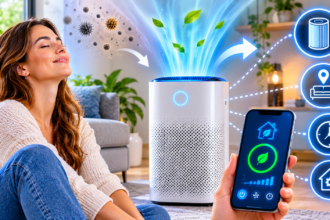

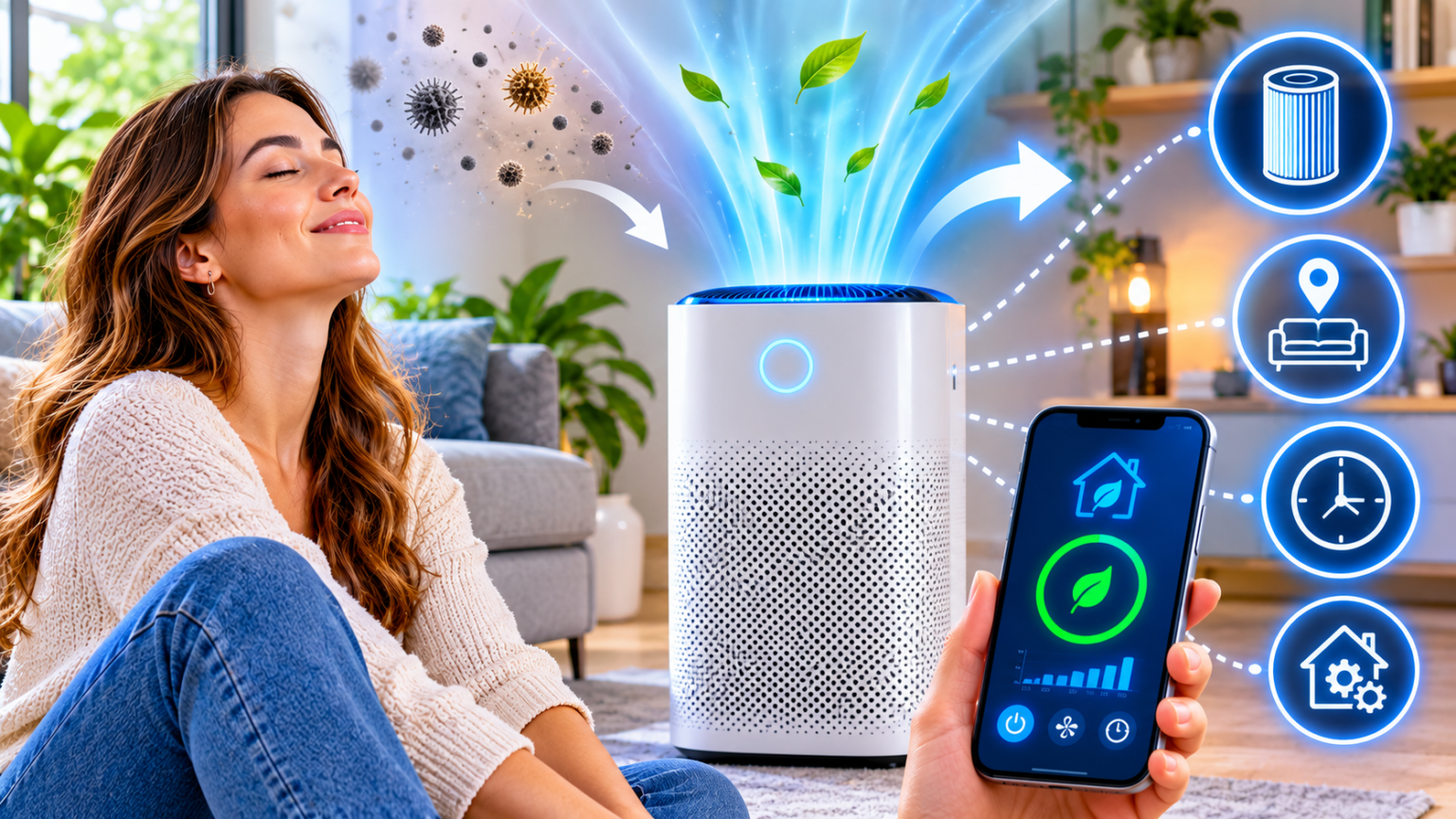
The best smart air purifier for most homes has a true HEPA filter, a CADR rating that matches your room size, a built-in particle sensor, and an auto mode you can schedule from an app. Place it where you spend the most time, keep the filter fresh, and let automation handle the rest.
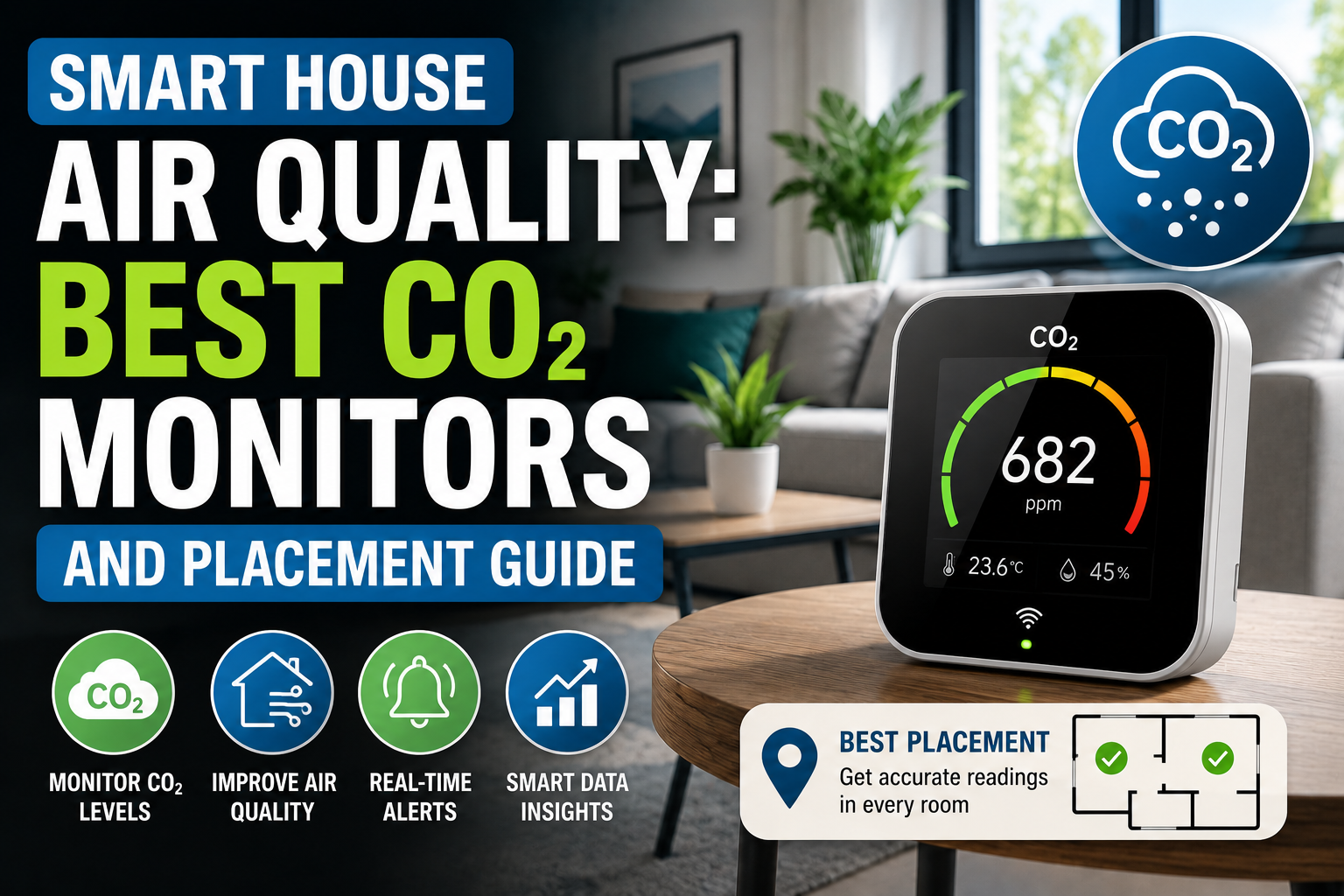
This guide explains how to size a purifier, what the specs really mean, how to compare types, and how to automate it. If you also want to measure your air, start with our guide to CO₂ monitors and placement.
How to Plan a Smart Air Purifier Setup Before You Buy
Most people buy a purifier the way they buy a fan: pick one that looks good and plug it in. That is how you end up with a unit that is too small, too loud, or too expensive to maintain. A little planning pays off for years.
Planning has two parts. First, you learn what is in your air and how big your room is. Second, you learn how to read the specs so you can match a purifier to both.
Know Your Air: Particles, Odors, and Room Size
Start by asking what you want to remove. Air purifiers are good at some problems and useless against others, and the label on the box rarely says so clearly.
Particles are the main target. These include dust, pollen, pet dander, mold spores, and smoke. A purifier with a true HEPA filter captures most of them as air passes through. This is the strongest use case, and it is where most people notice a difference, especially if they have allergies.
Smoke from wildfires or a fireplace is mostly made of very fine particles, often called PM2.5. These are small enough to travel deep into the lungs, which is why many people run a purifier on smoky days. A unit with a high CADR for smoke and a good filter helps.
Odors and gases are a different story. Cooking smells, cleaning products, and furniture fumes are gases, and HEPA filters do not catch gases. Some purifiers add an activated carbon layer, which can reduce odors. But the carbon in many consumer units is thin, so expect modest results, and treat it as a bonus.
Carbon dioxide is not removed by a purifier at all. If a room feels stuffy, the fix is fresh air, not filtration. A CO₂ monitor tells you when to open a window, which is why the two devices work well together. Our guide to CO₂ monitors explains how to read the numbers.
Humidity matters too. Very dry or very damp air affects comfort and how particles behave. A purifier will not fix either one. Our guide to smart humidity control explains when you need a humidifier, a dehumidifier, or just a sensor.
Next, measure your room. Purifier ratings assume a certain floor area, so you need your numbers. Follow this checklist:
- Measure length and width. Multiply them to get the floor area in square feet or square meters.
- Check the ceiling height. Most ratings assume a standard ceiling around 8 feet (2.4 meters). Higher ceilings mean more air to clean.
- Note open doorways. If the room opens into a hall or another room, the purifier is really cleaning a larger space.
- Count your sources. Pets, a kitchen nearby, a busy street, or a smoker all raise the workload.
A fair warning applies to health claims. A purifier can reduce the amount of particles in your air, but it is not a medical device. If you or a family member has asthma or serious allergies, talk to a doctor about what to expect.
Also think about who lives in the room. A bedroom needs a quiet unit, since it will run all night. A living room can tolerate more noise in exchange for power. An office benefits from a unit that stays quiet during calls.
Finally, think about ventilation. A purifier cleans the air that is already in the room, but it does not bring fresh air in. In a tightly sealed home, a mix of filtration and regular ventilation works better than either alone.
Read the Specs: HEPA, CADR, Noise, and Running Costs
Purifier boxes are full of numbers and marketing words. A few specs actually matter, and the rest can be ignored.
HEPA is the most important term. A true HEPA filter is designed to capture at least 99.97 percent of particles at 0.3 microns, which is among the hardest sizes to catch. Be careful with phrases such as “HEPA-type” or “HEPA-like.” They are marketing terms and do not guarantee the same performance.
CADR (Clean Air Delivery Rate) tells you how much clean air a purifier produces per minute. It is usually listed separately for smoke, dust, and pollen. A higher number means faster cleaning. This is the single best number for comparing units, because it measures real output instead of marketing claims.
A common rule of thumb is that the smoke CADR should be at least two-thirds of your room’s floor area in square feet, for a standard ceiling. For example, a 300-square-foot room needs a smoke CADR of roughly 200. If you have allergies or live in a smoky area, choosing a higher number gives you a margin.
Air changes per hour (ACH) is another way to think about it. It tells you how many times per hour the purifier cycles all the air in the room. Many people aim for around four to five changes per hour for allergy relief, although needs vary. Some manufacturers list this number directly.
Noise is measured in decibels (dB). Lower is quieter, and the number at the lowest fan setting matters most for a bedroom. A unit that is pleasant on low can be loud on high, so check both. If you are also shopping for fans, our guide to quiet bedroom fans shares useful tips on noise levels at night.
Filter life and cost are where purifiers can surprise you. Most need a new filter every 6 to 12 months. Some brands charge a lot for replacements, which can cost more over time than the purifier itself. Before you buy, look up the replacement price and how often it is needed.
Energy use is usually modest, since most purifiers run on low power. Still, a unit that runs 24 hours a day adds up, so check the wattage, especially at higher fan speeds.
Sensors are what make a purifier smart. A built-in PM2.5 sensor measures particles and adjusts the fan automatically. Some units also measure VOCs (volatile organic compounds), temperature, or humidity. Sensors are useful, but they are not laboratory instruments, so treat their readings as a guide rather than a precise number.
A few things to avoid:
- Ozone generators produce ozone on purpose, which can irritate the lungs. They are not a safe way to clean indoor air.
- Ionizers vary widely, and some produce small amounts of ozone as a by-product. Look for products that state their ozone output clearly.
- Unrealistic claims such as “removes 100 percent of viruses” or “cleans a whole house.” Look for third-party test results instead.
Then check the smart features. Useful ones include a scheduling option, an auto mode that reacts to the sensor, a filter-life alert, and compatibility with your home platform. Our explainer on Matter multi-admin shows how a single device can work with Alexa, Google Home, and Apple Home at the same time.
Finally, look at the build. A good purifier has a sealed housing so air passes through the filter rather than around it. Cheap units sometimes leak air around the edges, which cuts real performance.
Smart Air Purifier Types Compared, Plus Setup and Automations
Once you know your room and the specs that matter, you can compare real options. There are four common types, and each fits a different space and budget.
Here is a side-by-side comparison.
| Type | Best for | Main strength | Main drawback | Typical use |
|---|---|---|---|---|
| Compact tabletop purifier | Small bedrooms, desks | Quiet, cheap, easy placement | Low CADR, small rooms only | Personal air |
| Mid-size smart purifier | Bedrooms, living rooms | Good balance of power and noise | Filter costs add up | Everyday use |
| Large console purifier | Open-plan areas, smoky regions | High CADR, fast cleaning | Bulky, louder, pricier | Whole-area cleaning |
| Purifier with humidifier or fan | Multi-purpose rooms | One device does several jobs | Compromises on each function | Convenience |
A few notes help you read this table.
Compact units suit small spaces such as a child’s room, a desk, or a small bedroom. Check the room size on the box, and do not expect them to clean a large living room.
Mid-size purifiers are the sweet spot for most homes. They offer a solid CADR, reasonable noise, and a full set of smart features. If you are unsure, this category is the safest starting point.
Large console units are best for open-plan rooms or areas with heavy smoke. They move a lot of air, so they clean quickly, but they take more space and can be noisier at high speeds.
Combination devices that add humidifying or fan features can save space. Be sure that each function is actually good, and check that cleaning a humidifier tank will not become a chore.
A word on placement. It matters almost as much as the unit itself. Use this simple checklist:
- Leave space around the unit. Keep a gap on all sides, as the manual suggests, so air can flow in and out freely.
- Avoid corners and tight shelves. Blocked airflow reduces performance.
- Place it near the source. For pets or cooking smells, put it closer to the problem, but not directly in it.
- In bedrooms, place it a short distance from the bed. This gives you clean air while you sleep without a direct stream blowing on you.
- Keep doors closed when possible. A closed room cleans faster than an open one.
A note on ecosystems. If you already use Apple Home, Google Home, or Alexa, choose a purifier that works with your platform. Check that the app supports schedules and automations, not just on and off.
A note on smart plugs. A plug can turn a purifier on and off, but it cannot adjust fan speed or read the filter. For a unit without built-in smart features, a plug is a cheap way to add basic scheduling.
How to set up a smart air purifier, step by step:
- Unbox and remove packaging. Many filters ship wrapped in plastic, and the unit will not work properly until you remove it.
- Choose the spot. Follow the clearance rules and keep it away from walls, curtains, and heat sources.
- Plug it in and power on. Let the unit run a short self-check or warm-up.
- Connect it to your app. Join your Wi-Fi network and name the device clearly, such as “Bedroom Purifier.”
- Set auto mode. Let the sensor control the fan speed, and note the baseline air quality reading.
- Check the filter indicator. Record when the filter was installed and when it needs a replacement.
- Test the schedule. Create a simple routine and confirm it runs on time.
When the purifier is running, automations make it effortless. Here are five worth setting up.
Five automations for cleaner air:
- Pre-bed boost: Run the purifier on a higher setting an hour before bedtime, then drop to a quiet level for sleep.
- Cooking cleanup: After cooking, raise the fan speed for 30 minutes to clear particles and odors.
- Smoke day mode: When outdoor air quality is poor, keep windows shut and run the purifier on a higher setting.
- Arrival boost: Use presence detection to start the purifier shortly before you get home. Our guide to welcome home automations shows how.
- Away mode: Switch to a low setting when nobody is home, to save energy and filter life.
Some setups work best when a purifier is paired with ventilation. For example, if a CO₂ monitor shows a high reading, you can get a reminder to open a window. Then, if outdoor air is clean, ventilation brings in fresh air that a purifier alone cannot provide.
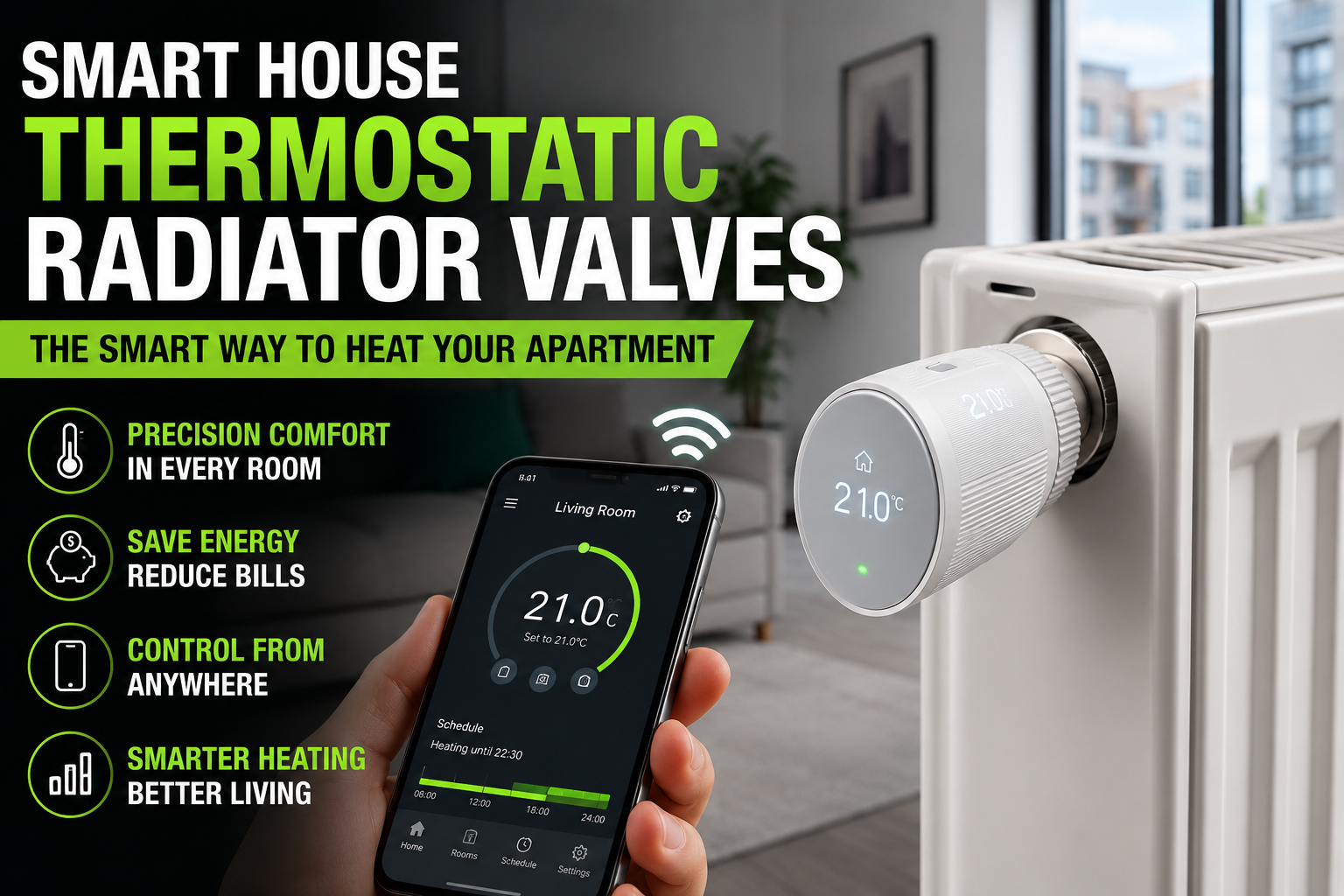
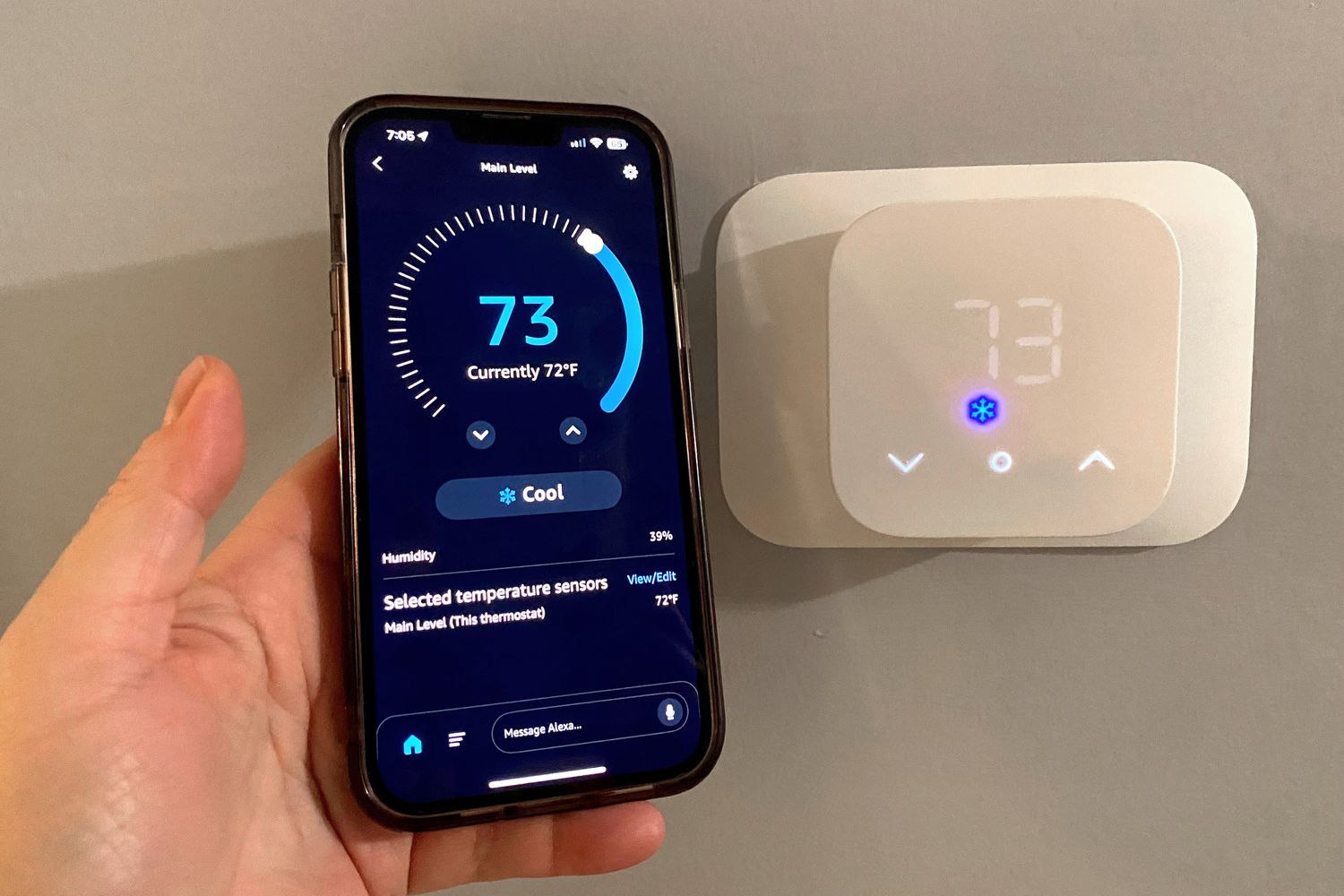
You can also tie a purifier to your climate setup. If you are comparing cooling options, our guide to smart air conditioners explains how different units move and filter air, and our guide to how a smart thermostat works shows how central systems can run fans on a schedule.
Keep automations simple. A purifier that constantly changes speed can be distracting, especially at night. A few steady schedules usually work better than many small triggers.
If a routine fails, the cause is usually a lost connection, a naming mismatch, or two schedules that conflict. Our guide on why smart home routines fail walks through the most common fixes, and our guide to why devices go offline covers signal problems.
Frequently Asked Questions
Do air purifiers really work?
A purifier with a true HEPA filter and the right size for the room can reduce airborne particles such as dust, pollen, and smoke. It does not remove gases well or replace ventilation. For health concerns, talk to a doctor about realistic expectations.
How do I choose the right size purifier?
Measure your room’s floor area and check the CADR. A common rule of thumb is a smoke CADR of at least two-thirds of the floor area in square feet, for a standard ceiling. If you have allergies or smoke exposure, choose a higher rating.
Should I run my purifier all day?
Many people run one continuously on a low or auto setting, since particles enter the home all the time. This is fine for most units, but check the energy use and filter replacement schedule. You can also lower the speed when you are away.
How often should I replace the filter?
Most filters last 6 to 12 months, depending on use and air quality. Smoky or dusty homes may need replacements sooner. Many smart purifiers track filter life and send an alert, which takes the guesswork out.
Can a purifier help with cooking smells?
Somewhat. A unit with a good carbon layer can reduce odors, but many have only a thin layer. Ventilation, such as a range hood or an open window, usually works better for cooking fumes and gases.
Are ozone-producing purifiers safe?
It is best to avoid them. Ozone can irritate the lungs, and it is not a safe way to clean indoor air. Choose a purifier that uses mechanical filtration and clearly states that it does not produce harmful ozone.
Conclusion
A smart air purifier is not magic, but it can make a real difference when it matches your room. Choose true HEPA filtration, check the CADR, and look at filter costs before you buy.
Use a compact unit for a small bedroom, a mid-size unit for most living spaces, and a large unit for open-plan or smoky areas. Then add a few simple automations, such as a pre-bed boost and an away mode.
Start small. Place one purifier in the room where you spend the most time, run it for a few weeks, and watch the sensor readings. Once you see the difference, adding the rest takes very little effort.