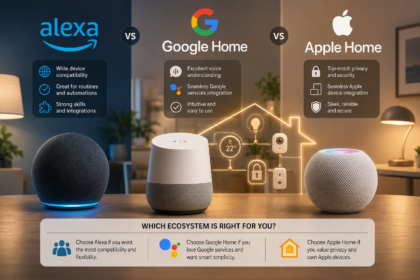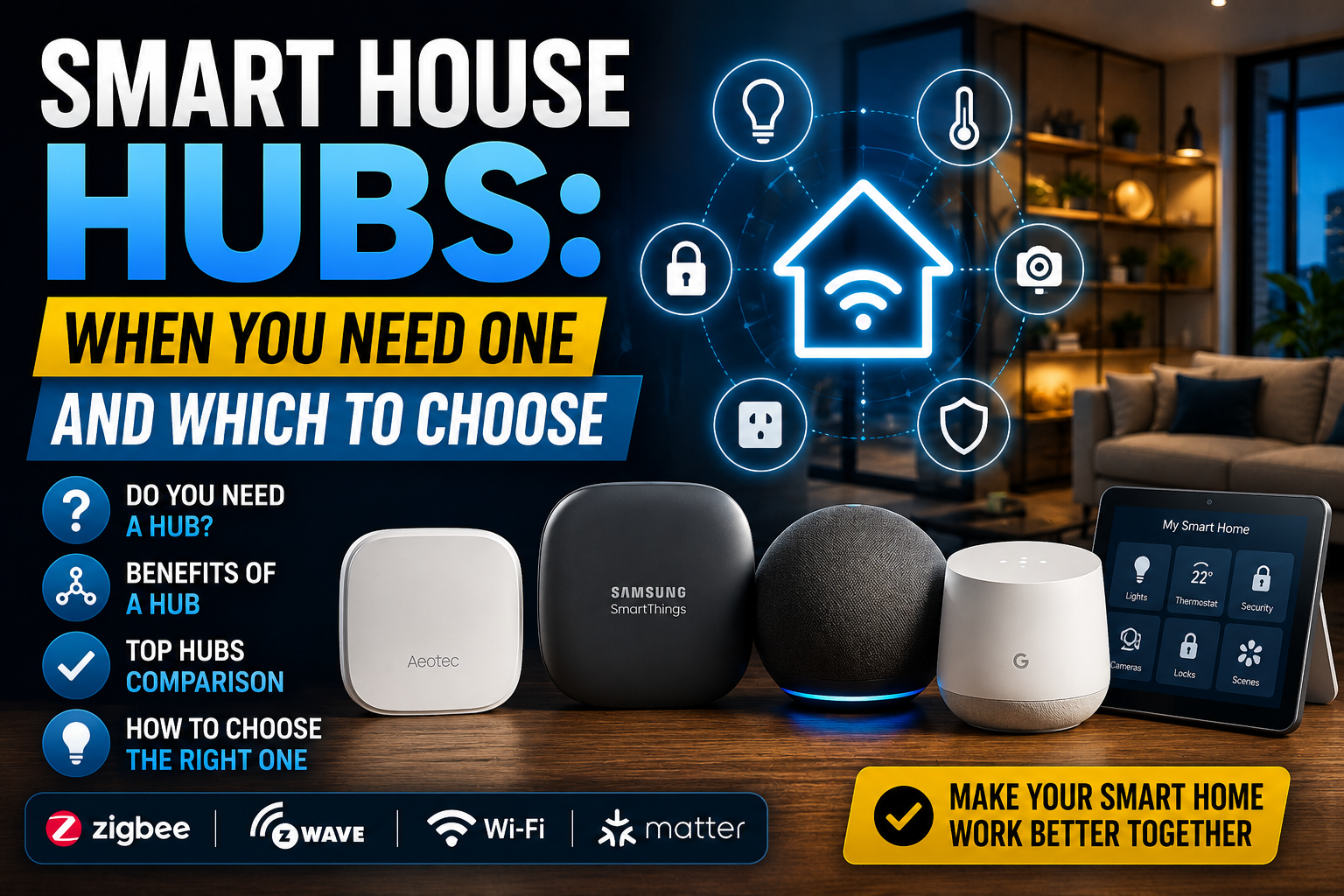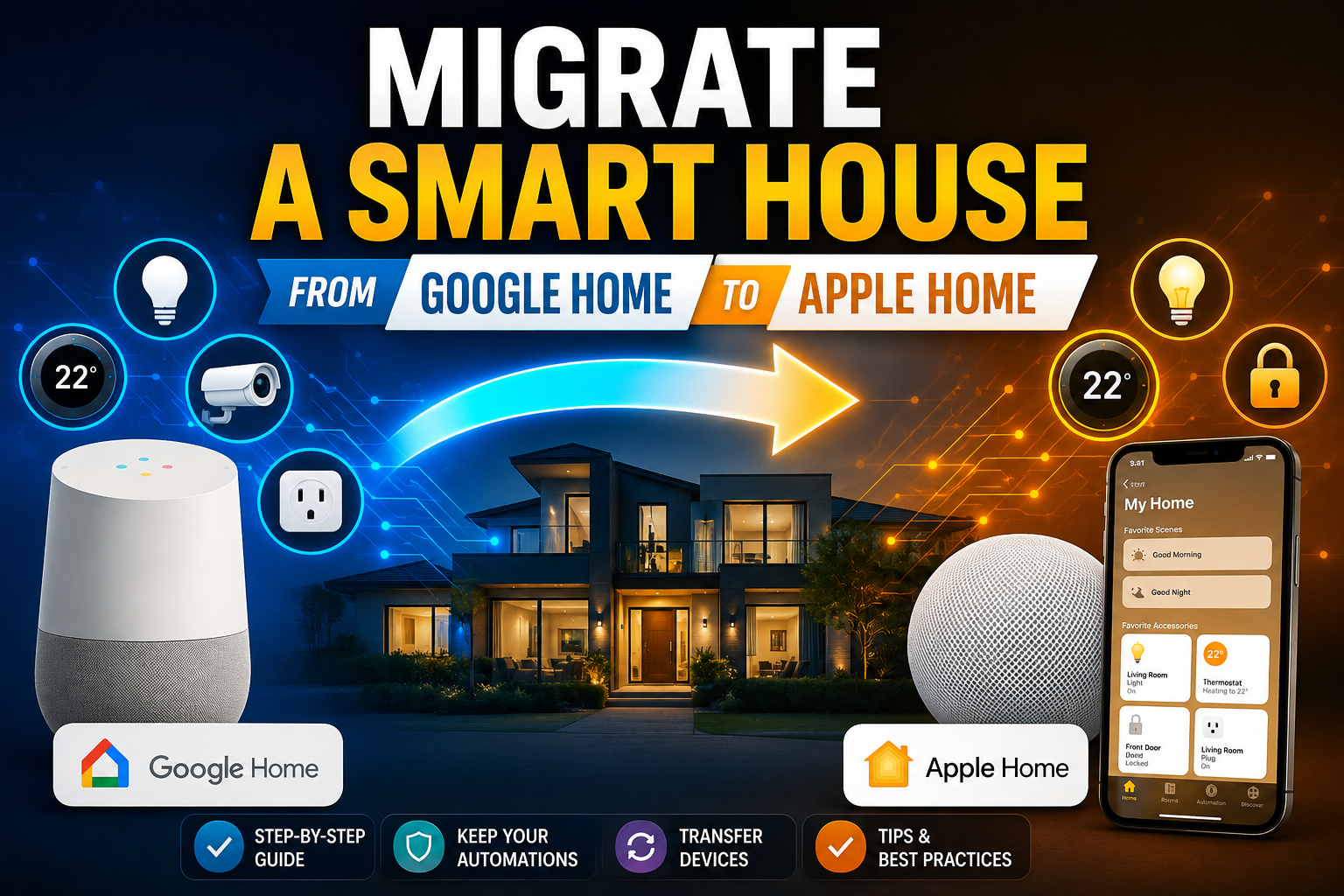

For most of the last decade, a smart home device belonged to exactly one app. Buy a smart plug through Alexa, and it lived in Alexa — full stop. Want to control it from Google Home instead, or add it to Apple Home for a specific automation, and your only real option was un-pairing it, resetting it, and setting it up again from scratch under a different ecosystem, hoping none of your existing automations broke in the process.
- Key Takeaways
- What “Multi-Admin” Actually Means
- How Sharing a Matter Device Actually Works
- What You Gain From Multi-Admin in Practice
- Where Multi-Admin Still Falls Short
- Multi-Admin vs. Full Ecosystem Migration: Which Do You Actually Need?
- A Practical Walkthrough: Sharing a Device Across Three Ecosystems
- Common Problems (and How to Fix Them)
- Where This Fits Into Your Broader Smart Home Plan
- Conclusion
- Frequently Asked Questions
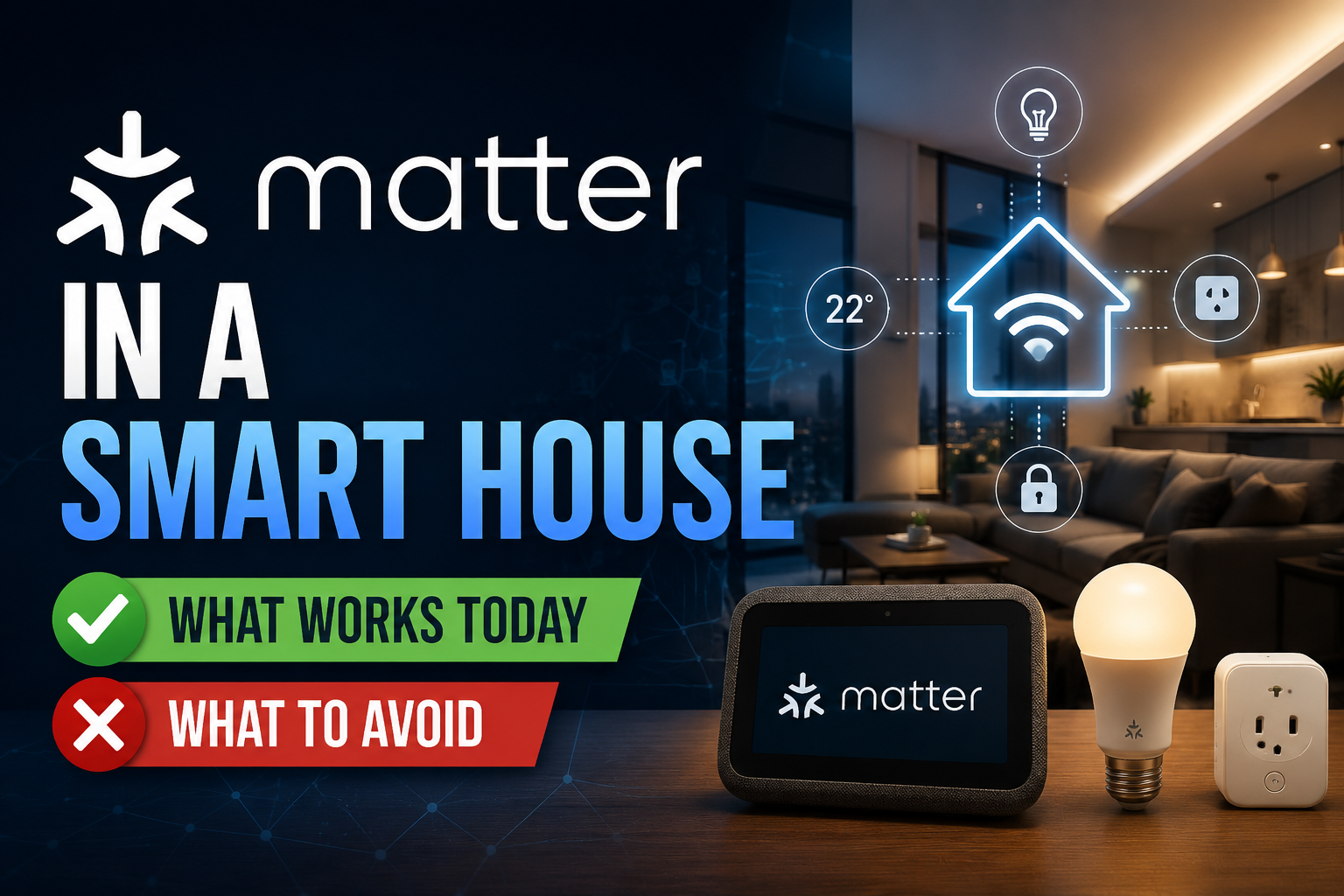
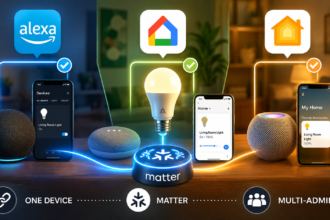
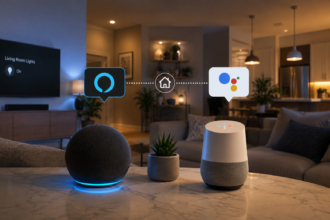
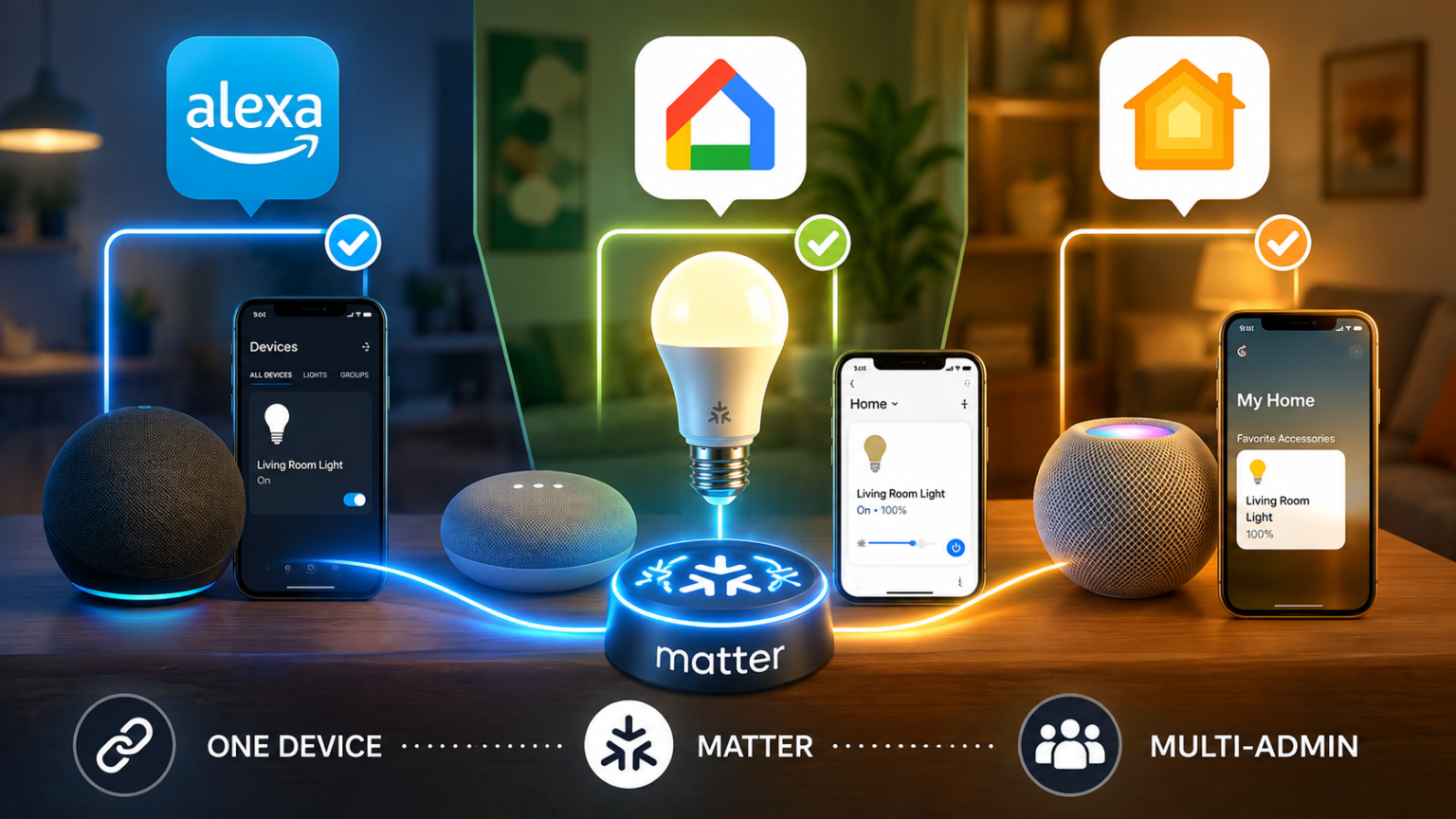
Matter was supposed to end that. And for a specific, genuinely useful slice of the problem, it actually has: a single Matter device can now be shared across Alexa, Google Home, and Apple Home simultaneously, with all three apps able to see it, control it, and include it in their own separate automations, at the same time. This is called multi-admin, and it’s one of the least understood but most practically useful pieces of what Matter actually delivers. This guide walks through what multi-admin really means, how the sharing process works step by step, where it genuinely shines, and where its limits still catch people off guard in 2026.
Key Takeaways
- Multi-admin lets one Matter-certified device be controlled from multiple ecosystem apps — Alexa, Google Home, Apple Home, SmartThings — at the same time, without removing it from any of them.
- Each ecosystem that shares the device gets its own independent connection, called a “fabric,” so a Wi-Fi outage or app crash in one ecosystem doesn’t take the device offline for the others.
- Sharing is usually done by generating a QR code or pairing code from within the ecosystem that originally set up the device, then scanning it in the second app.
- Multi-admin does not merge or sync automations between apps — a routine built in Google Home won’t appear in Apple Home just because the device is shared, and each ecosystem still has to build its own automations independently.
- It’s a genuinely different tool than a full ecosystem migration, and picking the wrong one for your situation is the most common mistake people make.
What “Multi-Admin” Actually Means
The core idea behind multi-admin is borrowed from how a shared document works: several separate accounts can hold their own valid access to the same underlying resource, without any of them “owning” it exclusively or needing the others’ permission to keep using it.
Applied to a smart home, that means a single Matter light bulb, plug, lock, or sensor can maintain simultaneous, independent relationships with more than one controller. Alexa can see the device and control it. Google Home can, at the same moment, also see it and control it. So can Apple Home. None of these connections depends on the others staying active — if you delete the device from Google Home entirely, it keeps working fine in Alexa and Apple Home, because each ecosystem was never actually routing through the others in the first place.
This is a genuinely different model from how most pre-Matter smart home products worked, where a single cloud account was the sole gatekeeper for a device, and every other app had to go through that one account’s permission system (or, more commonly, couldn’t access the device at all). Multi-admin removes that single point of control — and, as covered later in this guide, that comes with real trade-offs alongside the obvious convenience.
How Sharing a Matter Device Actually Works
Underneath the friendly “share this device” button in each app, Matter’s multi-admin system relies on something called a fabric — a term worth understanding even at a basic level, because it explains a lot about how multi-admin actually behaves.
Think of a fabric as a separate, independent security relationship between one controller (say, the Google Home app) and the device. When you share a device to a second ecosystem, you’re not modifying the original connection at all — you’re creating a brand-new, entirely separate fabric between the device and that second controller. The device ends up maintaining several of these independent fabrics simultaneously, one per ecosystem, each with its own security credentials that have nothing to do with the others.
This is why removing a device from one ecosystem doesn’t affect its function in another: you’re only tearing down one fabric, and the device’s other fabrics — and the encrypted credentials tied to them — remain completely untouched. It’s also why a device can keep working locally over your home network even if one ecosystem’s cloud service has an outage, since each fabric maintains its own local connection where the underlying protocol (Thread or Wi-Fi) supports it, a topic covered in more depth in our guide to Wi-Fi, Zigbee, Thread, and Matter explained for beginners.
In practice, sharing a device between ecosystems follows roughly the same pattern across Alexa, Google Home, Apple Home, and SmartThings:
- Open the app for the ecosystem that currently controls the device (the “source” app).
- Find the device’s settings and look for a sharing or “add to another app” option, sometimes labeled specifically as Matter sharing.
- Generate a Matter pairing code or QR code — this is a fresh, single-use credential for the new fabric being created, not a reused version of the original setup code.
- Open the second ecosystem’s app, choose “add device,” and scan or enter that new code.
- The device joins the second ecosystem as its own independent fabric, appearing in that app’s device list going forward.
Because this process generates a genuinely new credential each time rather than reusing the original pairing code, it’s designed to be repeated for a third or fourth ecosystem without weakening any of the existing connections.
What You Gain From Multi-Admin in Practice
The appeal here isn’t abstract — it solves several genuinely common, previously painful situations.
Mixed-household compatibility. If one person in a household has an iPhone and prefers Apple Home while a partner uses Android and Google Home, multi-admin means both people can control the same smart lights or locks from their preferred app, rather than one person being locked out or forced to switch platforms.
Ecosystem-specific automation strengths. Different platforms are genuinely better at different kinds of automations. Someone might want Alexa’s routines handling a morning wake-up sequence while using Apple Home’s superior privacy controls and Home app widgets for the same lights elsewhere in the day. Multi-admin makes that split entirely possible on the same physical devices, without needing to buy the light twice, conceptually speaking.
Reduced ecosystem lock-in risk. Historically, choosing an ecosystem meant a real commitment — switching later meant a full teardown and rebuild, a process our guide on migrating a smart house between ecosystems covers in detail. Multi-admin softens that risk considerably: you can add a second ecosystem to test it out, live in both simultaneously for as long as you want, and only remove the original once you’re confident in the switch, rather than committing blind.
Voice assistant flexibility without device duplication. A household that wants both Alexa and Google Assistant available for voice control — say, an Echo speaker in the kitchen and a Nest speaker in the bedroom — no longer needs entirely separate device ecosystems to make that work. The same underlying smart plugs and lights can respond to either assistant.
Where Multi-Admin Still Falls Short
It’s worth being direct about the limits here, since marketing materials tend to gloss over exactly the details that trip people up in practice.
Automations don’t sync across ecosystems. This is the single most common source of confusion. Sharing a device to a second app doesn’t share, copy, or sync any automations you’ve built around it. A routine that turns your lights on at sunset in Google Home has to be manually recreated in Apple Home if you want the same behavior there — the device connection is shared, but the “brains” behind any automation are entirely separate per ecosystem.
Not every device category supports multi-admin equally well. Simple devices — plugs, individual bulbs, basic sensors — tend to share cleanly. More complex devices, particularly locks and some thermostats, have historically had rougher, less consistent multi-admin support across different manufacturers, occasionally requiring a firmware update before sharing works reliably. It’s worth checking a specific product’s current Matter certification details rather than assuming every device category behaves identically.
Group and room organization doesn’t transfer. If you’ve organized devices into rooms or groups within one ecosystem, that organizational structure is specific to that app. The second ecosystem sees the shared device as a blank slate, needing its own room assignment and grouping from scratch.
Ecosystem-specific features can be lost in translation. A device’s full feature set, as understood by the ecosystem that originally set it up, doesn’t always carry over identically to a second ecosystem. A color-changing bulb’s full range of effects, for instance, might be more fully supported in the app that originally paired it than in a second app accessing it purely through the shared Matter connection — a gap that’s narrowed considerably since Matter’s early days but hasn’t fully closed everywhere.
It still depends on solid underlying network coverage. Multi-admin doesn’t change the physical layer at all — if a device relies on Thread and your Thread mesh has weak coverage in a particular room, sharing it to a third ecosystem doesn’t fix that underlying issue. Our guide to Thread border routers covers how to diagnose and strengthen that layer specifically.
Multi-Admin vs. Full Ecosystem Migration: Which Do You Actually Need?
This is the decision point where people most often choose the wrong tool for their actual situation, so it’s worth spelling out clearly.
Choose multi-admin if: you want to keep your current primary ecosystem but occasionally control devices from a second app, you have a mixed-platform household where different people prefer different apps, or you’re cautiously testing a potential switch to a new ecosystem before fully committing.
Choose a full migration instead if: you’ve decided permanently on a new primary ecosystem and want a clean, fully organized setup without maintaining two parallel systems indefinitely, or if you’re dealing with a large number of non-Matter legacy devices that won’t share cleanly through multi-admin in the first place (older Zigbee or proprietary devices generally still need the older, single-ecosystem migration process our Alexa-to-Google Home migration guide walks through).
A reasonable middle path, and one that increasingly makes sense given how far multi-admin has matured, is to use it as the testing phase before a full migration: share your core Matter devices to the new ecosystem, live with it for a couple of weeks, rebuild your key automations there, and only then remove the devices from the original ecosystem once you’re confident — rather than migrating everything in one high-risk weekend.
A Practical Walkthrough: Sharing a Device Across Three Ecosystems
Here’s roughly what the process looks like end to end, using a smart plug originally set up in Google Home as an example.
Starting point: the plug is already working in Google Home, controllable by voice through Nest speakers, and included in a morning routine.
Adding Apple Home: open the Google Home app, find the plug’s device settings, and look for a “Share device” or “Link to Matter” option. This generates a QR code. Open the Apple Home app on an iPhone, tap “Add Accessory,” and scan that code. The plug now appears in Apple Home as its own entry — but it won’t yet be part of any Apple Home automations, scenes, or room assignments, all of which need to be set up separately within that app.
Adding Alexa: repeat the process — generate a fresh sharing code from Google Home (not the same one used for Apple Home; each ecosystem needs its own), and add it through the Alexa app’s device-pairing flow. The plug is now controllable from all three apps independently.
What still needs manual work: any routine, scene, or automation built around this plug in Google Home has to be recreated separately in both Apple Home and Alexa if you want equivalent behavior there. Voice control through each ecosystem’s own assistant (Google Assistant, Siri, Alexa) works immediately once the device is shared, since voice recognition of the device itself isn’t tied to automation logic.
Common Problems (and How to Fix Them)
The sharing QR code won’t generate. This is most often a software update issue — confirm both the source app and the device’s own firmware are fully up to date before trying again, since multi-admin sharing has been refined through several software updates since Matter’s initial release.
A device shares successfully but shows as unresponsive in the second app. Check that the second ecosystem’s hub or border router has solid coverage in the device’s physical location — a weak Thread or Wi-Fi signal to the new ecosystem’s controller specifically can cause this, even when the device works fine in the original app.
Removing a device from one ecosystem accidentally affects another. This shouldn’t happen under normal multi-admin behavior, since each fabric is independent — if it does, it usually indicates the device was removed at the factory-reset level rather than simply unlinked from one ecosystem’s app, which does tear down every fabric at once. Look for an “unlink” or “remove from this home only” option specifically, rather than a full reset, when you only want to detach one ecosystem.
Locks and security devices show inconsistent multi-admin behavior. This category has historically lagged behind simpler devices in cross-ecosystem reliability. Checking the specific lock model’s current firmware notes and Matter certification status before relying on multi-admin for anything security-critical is a reasonable precaution, and pairing this with the broader guidance in our smart locks buying guide is worth doing before committing a lock to a multi-ecosystem setup.
Where This Fits Into Your Broader Smart Home Plan
Multi-admin is most useful once you already have a baseline understanding of how the underlying protocols connect, which is really the throughline of this entire category. If you haven’t yet settled on Wi-Fi, Zigbee, or Thread as your primary wireless layer, that decision — covered in our protocols explained for beginners guide — matters more upfront than which ecosystem app ends up controlling things. Similarly, if you’re still deciding which ecosystem to build around in the first place, knowing that multi-admin exists can meaningfully lower the stakes of that decision, since it’s no longer a permanent, all-or-nothing commitment the way it was before Matter matured.
Conclusion
Multi-admin quietly solves one of the smart home’s oldest, most frustrating limitations: the assumption that a device could only ever belong to one app, one account, one ecosystem. In 2026, that assumption is genuinely broken for Matter-certified devices, and the practical upside — mixed-household flexibility, lower-risk ecosystem testing, no more forced-choice purchasing — is real and worth using deliberately rather than stumbling into by accident.
The trade-off worth remembering is that sharing a device isn’t the same as syncing your smart home. Automations, groupings, and ecosystem-specific features all still need to be rebuilt separately in each app you connect. Used with that limitation in mind, multi-admin is one of the more genuinely useful, under-explained tools in a modern smart home setup — a bridge between ecosystems rather than a replacement for choosing one.
For more practical, decision-focused breakdowns of the protocols and hubs that decide whether your devices actually work together, browse the rest of our Protocols & Compatibility guides.
Frequently Asked Questions
Do I need special hardware to use Matter multi-admin? No — multi-admin is a software capability built into Matter-certified devices and the major ecosystem apps themselves. You don’t need to buy anything extra, though the device being shared, and at least one border router or hub per ecosystem where relevant, does need to support the current Matter standard.
Will sharing a device to a second ecosystem slow it down or use more of my network bandwidth? Not meaningfully. Each fabric adds a small amount of overhead for its own encrypted session, but this isn’t noticeable in day-to-day performance for typical home setups with a reasonable number of shared devices.
Can I share a device to more than two ecosystems at once? Yes — most Matter devices support several simultaneous fabrics, meaning a single device can, in principle, be shared across Alexa, Google Home, Apple Home, and SmartThings all at the same time, provided each app’s own sharing process is completed individually.
If I share a device, does the original ecosystem lose any control over it? No. The original connection remains fully intact and equally capable — sharing creates an additional, independent connection rather than transferring or diminishing the original one in any way.
Do automations or routines transfer when I share a device? No, and this is the most commonly misunderstood part of multi-admin. Automations are built separately within each ecosystem’s own app and do not sync or copy across, even though the underlying device connection is shared.
Is multi-admin the same thing as a full ecosystem migration? No — they’re different tools for different goals. Multi-admin adds a second (or third) ecosystem alongside your existing one; migration is the more involved process of moving a device fully from one ecosystem to another, typically used when a switch is meant to be permanent rather than parallel.