

You didn’t plan it this way. Maybe you started with an Echo Dot because it was on sale during Prime Day, then a few years later your partner brought home a Nest Hub, or you switched phones from iPhone to Android and suddenly “Hey Google” made more sense in the kitchen than “Alexa” ever did. Now you own devices from both ecosystems, and you’re standing in your living room wondering whether you’re supposed to pick a side.
- Can Alexa and Google Home Actually Coexist?
- Why Households End Up With Both
- What They Can’t Do Together
- How Matter Changes the Equation
- Splitting the Work: A Room-by-Room and Task-by-Task Approach
- Setting Up Devices for Dual Control
- Bridging the Gap: SmartThings, IFTTT, and Third-Party Hubs
- Five Automations Worth Building in a Mixed Household
- Common Mistakes to Avoid
- Troubleshooting: When the Two Systems Start Fighting
- Is It Ever Worth Consolidating to One Assistant?
- Frequently Asked Questions
- Sources
You’re not. Running Alexa and Google Home in the same house is one of the most common — and most misunderstood — setups in smart home tech. It’s not a hack, it’s not a compromise, and for a lot of households it’s actually the more practical choice than forcing everything into a single ecosystem. This guide covers exactly how the two assistants coexist, what they will and won’t do together, how to divide the work between them so nothing feels clunky, and the specific automations worth setting up once you’ve got both running.
Can Alexa and Google Home Actually Coexist?
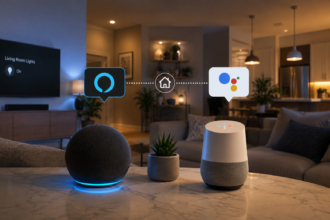
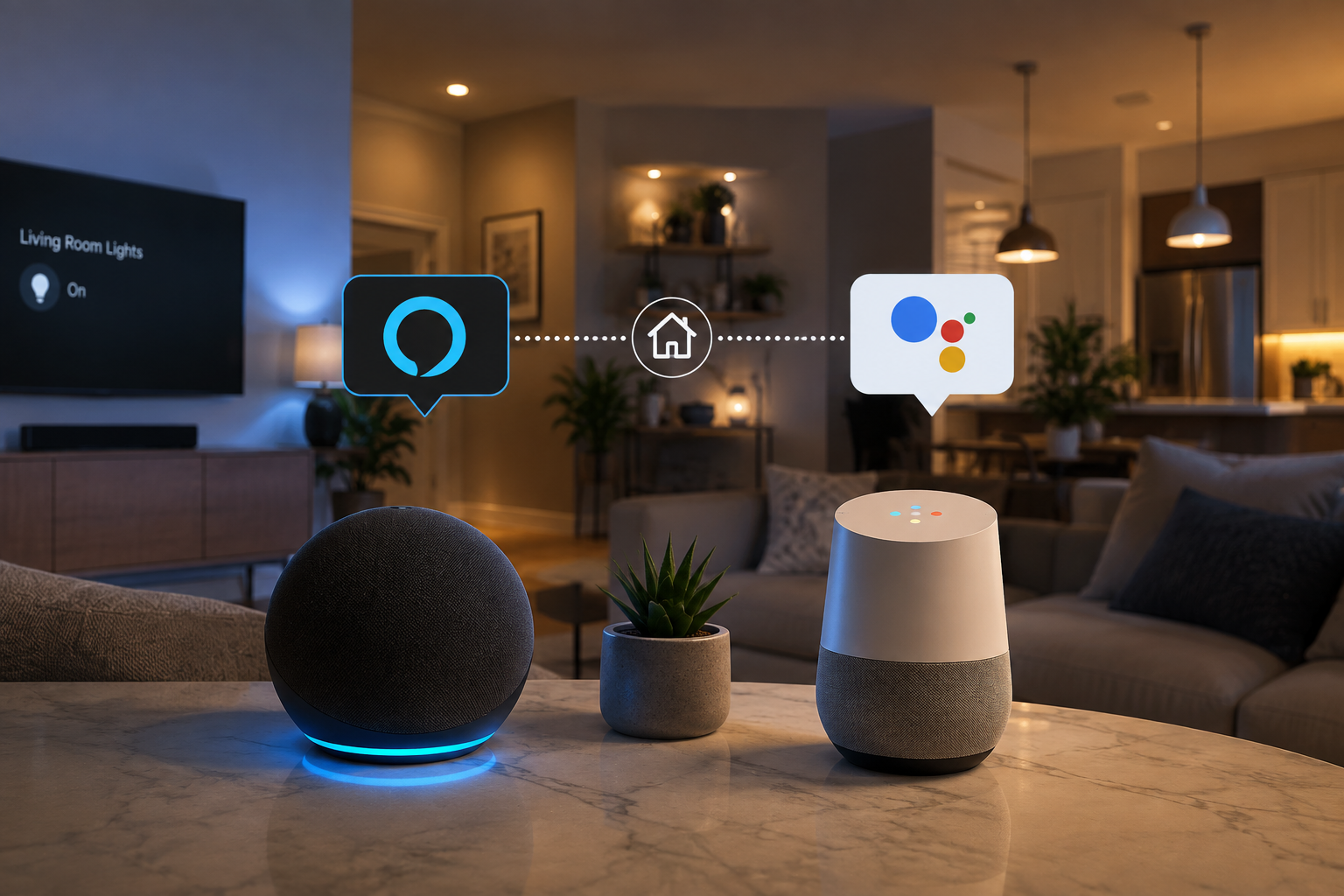
Yes, and more cleanly than most people expect. Alexa and Google Assistant run on separate accounts, separate apps, and separate cloud services, which means there’s no technical conflict in having an Echo speaker in one room and a Nest speaker in another. Each assistant only responds to its own wake word, so an Echo Dot won’t perk up when someone says “Hey Google” three feet away, and vice versa. Plenty of households run both side by side for years without any interference between them.
What doesn’t happen automatically is cross-communication. Alexa can’t trigger a Google Home routine, and Google Assistant can’t fire off an Alexa routine. They’re not rivals fighting over the same devices so much as two separate systems that happen to live under the same roof. Once you accept that framing, the rest of the setup gets a lot easier, because you stop trying to force one unified brain and start treating it like what it actually is: two capable assistants, each better at certain things, working in parallel.
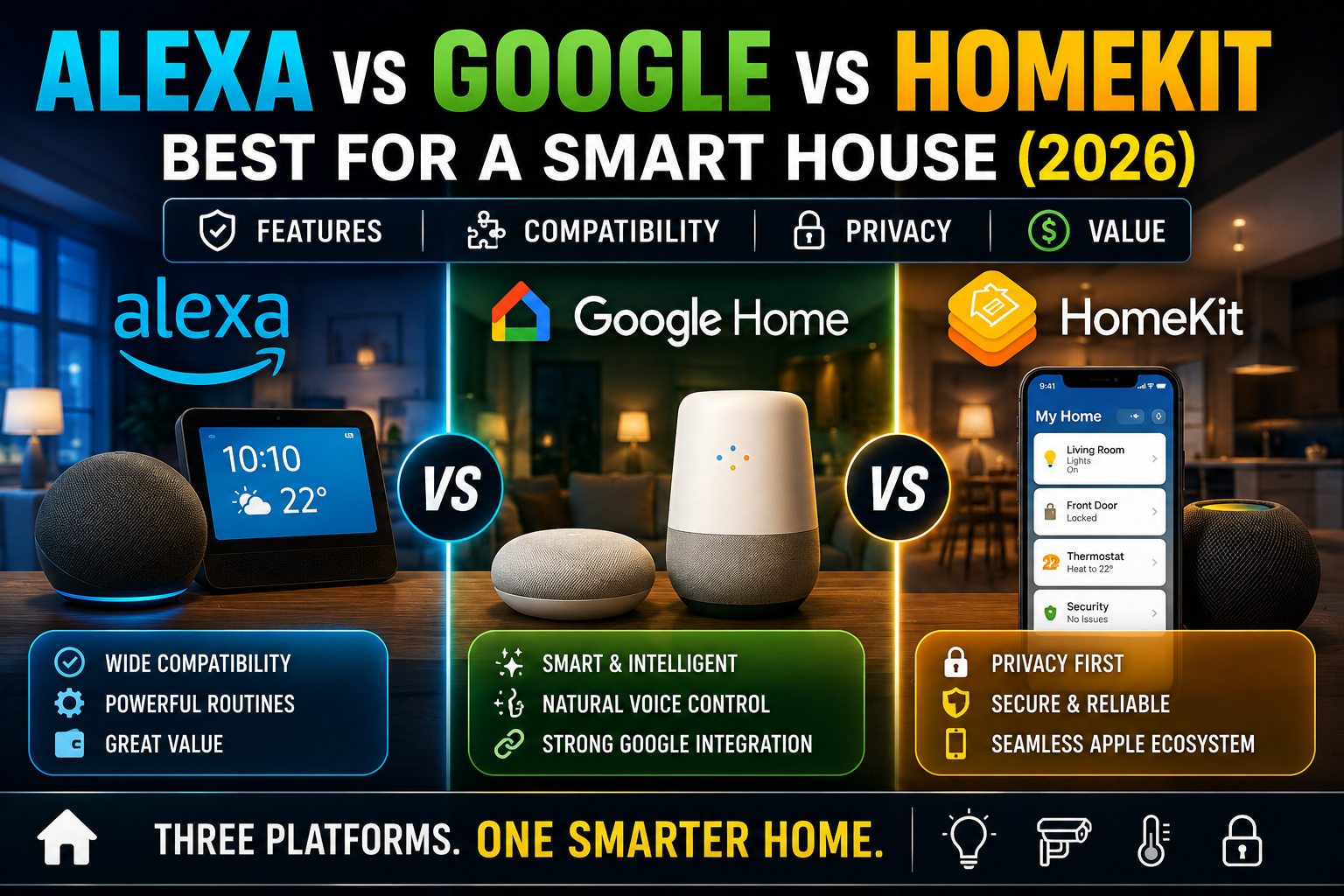
If you’re still deciding whether to go all-in on one ecosystem or lean into a mixed setup, our head-to-head comparison, Alexa vs Google vs HomeKit: Best for a Smart House (2026), breaks down where each platform pulls ahead before you commit either way.
Why Households End Up With Both
Nobody sets out to run a two-assistant household on purpose, but it happens for a handful of very ordinary reasons:
- Gradual accumulation. You buy a device here, get one as a gift there, and a few years later you’ve got an Echo Show in the kitchen and a Nest Mini in the bedroom.
- Splitting phone ecosystems. A household with one iPhone user and one Android user often ends up with Siri, Alexa, and Google Assistant all present in different rooms.
- Device-specific strengths. Some people keep Alexa specifically for its shopping integration and skill library, while relying on Google Assistant for search-heavy questions and its generally stronger natural language handling.
- A partial migration that stalled. Plenty of people start switching from one ecosystem to the other, hit a device that doesn’t have a good equivalent, and end up permanently straddling both. If that sounds familiar, our guide on Migrating a Smart House from Amazon Alexa to Google Home: What to Expect covers exactly where those migrations tend to get stuck.
- Renting or moving in with someone. Combined households often mean combined tech stacks, and untangling two years of accumulated smart home gear isn’t worth the hassle for most couples.
None of these reasons are a mistake. A mixed household just requires a slightly different mental model than the single-ecosystem setups most buying guides assume you’re building toward.
What They Can’t Do Together
Before you build anything, it helps to know the hard limits, because they’ll save you hours of frustration:
- No native cross-platform routines. You cannot build a single routine where an Alexa trigger fires a Google Home action, or the reverse, without a third-party bridge.
- No shared voice trigger. Each assistant only listens for its own wake word. There’s no “universal” command that reaches both at once.
- No shared user profiles. Voice recognition, calendar access, and personalized responses are siloed within each ecosystem. A household member set up on Alexa isn’t automatically recognized by Google Assistant.
- Zigbee hub conflicts. If you’re using an Echo or Nest speaker as a Zigbee hub, only one hub can typically manage a given Zigbee device at a time, so you’ll need to decide which ecosystem “owns” your Zigbee gear specifically.
- App-specific automations don’t transfer. A complex, multi-step Alexa routine you built over months won’t show up if you open the Google Home app, even for the exact same device.
None of these are dealbreakers, but they do mean you should think of your two assistants as parallel systems that share devices, not a single merged brain.
How Matter Changes the Equation
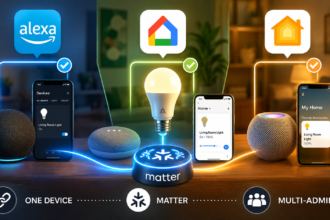
The single biggest shift for mixed households in the last couple of years is the Matter smart home standard, developed by the Connectivity Standards Alliance with backing from Amazon, Google, Apple, Samsung, and most major device makers. Matter lets a single smart device — a bulb, plug, lock, or sensor — connect to multiple ecosystems at once without needing separate integrations for each one.
In practical terms, that means a Matter-certified smart plug set up through the Alexa app can also show up and be controlled inside the Google Home app, using the same underlying device credentials rather than a clunky workaround. You still can’t build one routine spanning both platforms, but you no longer have to choose which assistant “gets” the device. Both can see it, both can control it, and both can include it in their own separate automations.
This is a meaningful change from a few years ago, when mixing ecosystems often meant duplicate hardware or unreliable third-party skills just to get basic control from both sides. If you’re buying new gear for a mixed household in 2026, checking for the Matter logo before purchase is the single easiest way to future-proof the decision, regardless of which assistant ends up as your household’s default. It also pairs well with a Thread border router if your home leans toward low-power sensors and locks — we cover that setup in Thread Border Routers Explained: What They Are and Whether You Actually Need One in 2026.
Splitting the Work: A Room-by-Room and Task-by-Task Approach
The households that run mixed setups most smoothly aren’t the ones trying to make both assistants do everything. They’re the ones who quietly assign each assistant a lane and stop second-guessing it. A few approaches that hold up in real use:
By room. Assign Alexa to rooms where you already have Echo hardware and lean on its routines — say, the kitchen and bedrooms — and Google Assistant to rooms where a Nest speaker sits, like the living room or office. Whoever is in that room uses whichever wake word is native to it. This is the lowest-friction approach because nobody has to remember which assistant handles which device; it’s simply “the one in this room.”
By task. Some households split by function instead of location: Alexa for shopping lists, reminders, and Amazon Music, because of its deeper Prime integration; Google Assistant for anything conversational, like multi-step questions, calendar lookups, or anything involving search. This works well if your speakers are physically close together and room-based splitting doesn’t make sense.
By device type. A common pattern is using Alexa as the primary hub for a wider range of third-party gadgets — Alexa’s skill and device catalog is still considerably larger than Google’s — while using Google Assistant as the daily driver for voice interaction because of its generally stronger natural language handling, particularly with accents, background noise, or kids talking to it. Neither assistant needs to “win” outright; you’re just routing tasks to whichever one handles them better.
Whichever split you choose, write it down somewhere, even just a sticky note on the fridge for the first few weeks. The most common failure mode in mixed households isn’t technical, it’s that people forget which wake word does what and end up frustrated with a system that’s actually working exactly as designed.
Setting Up Devices for Dual Control
Getting a shared device to respond to both assistants is more straightforward than it used to be:
- Set up the device in its native app first. If it’s a Philips Hue bulb, set it up in the Hue app or whichever manufacturer app it ships with, not directly in Alexa or Google Home.
- Link it to Alexa. Open the Alexa app, go to Devices, and add it either directly (if Matter-certified) or through its skill.
- Link it to Google Home. Open the Google Home app and repeat the process — either through Matter pairing or by linking the same third-party account.
- Name it identically in both apps. If the Alexa app calls it “Living Room Lamp” and Google Home calls it “Lamp 1,” you’ll trip over the mismatch constantly. Keep names consistent across both ecosystems.
- Test both voice paths before relying on them. Say the command through each assistant separately and confirm the device responds the same way both times, especially for dimming or color changes, which sometimes behave slightly differently across platforms.
This works cleanly for lights, plugs, and most sensors. Locks and cameras are worth double-checking individually, since some manufacturers restrict simultaneous ecosystem access for security reasons, particularly with locks that support geofencing or auto-lock features tied to one assistant’s location services.
Bridging the Gap: SmartThings, IFTTT, and Third-Party Hubs
If you want something closer to genuine cross-platform automation — an Alexa voice command that actually triggers a Google Home action, for example — you’ll need a bridge in the middle. Two options come up most often:
Samsung SmartThings can act as a neutral hub that both Alexa and Google Assistant connect into. Devices set up through SmartThings become visible to both ecosystems simultaneously, and SmartThings’ own automation engine can run scenes that neither assistant could trigger in the other on its own. It adds a layer of complexity, and a modest learning curve, but for larger mixed households with a lot of third-party gear it’s often worth it.
IFTTT (If This Then That) offers a lighter-weight option for one-off connections rather than a full hub. You can build an applet where an Alexa routine posts to a webhook that then fires a Google Home action, though these tend to have noticeable trigger delays compared to native automations and aren’t ideal for anything time-sensitive.
For most households, neither bridge is strictly necessary. If your split is working — one assistant per room or task — you’ll rarely feel the absence of true cross-platform routines. Reach for a bridge only when you have a specific automation you genuinely can’t live without and no native way to build it.
Five Automations Worth Building in a Mixed Household
Once your devices are linked to both assistants and your room or task split is in place, these are the automations that consistently pay off:
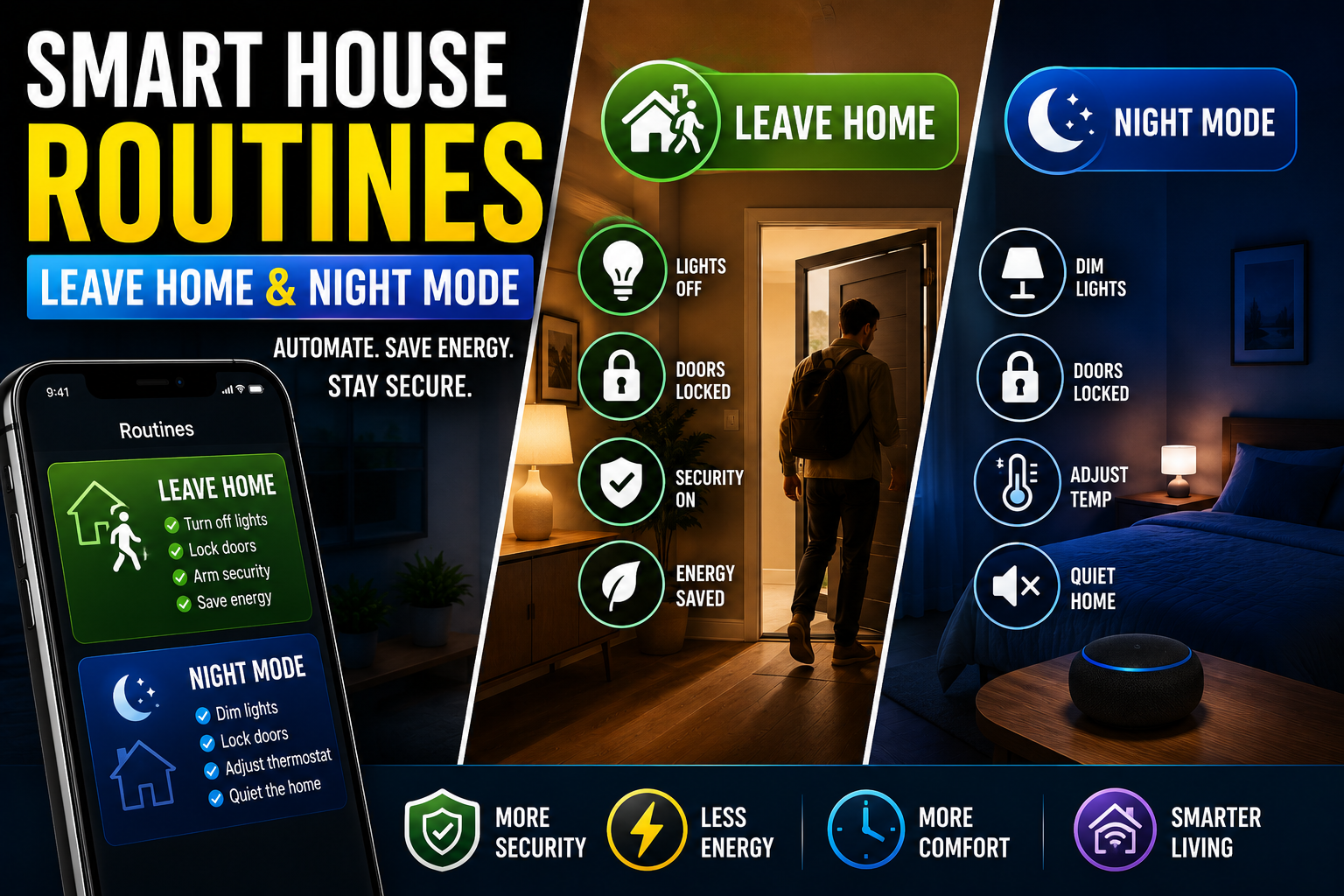
- A “goodnight” routine on each assistant, independently scoped to its own rooms. Rather than one giant bedtime routine, let Alexa handle the bedroom lights and thermostat while Google Home handles the living room and office. Trigger both with their respective wake words, or set matching time-based triggers so they fire within a minute of each other.
- Shared Matter-device lighting scenes. Set up a “movie night” lighting scene on the assistant tied to your living room speaker, since that’s the one you’ll actually be talking to in that room.
- Redundant motion-based security alerts. If your camera or sensor supports both ecosystems, set up notifications through both apps rather than just one, so a phone with only the Google Home app installed still gets alerted even if the household’s primary assistant is Alexa.
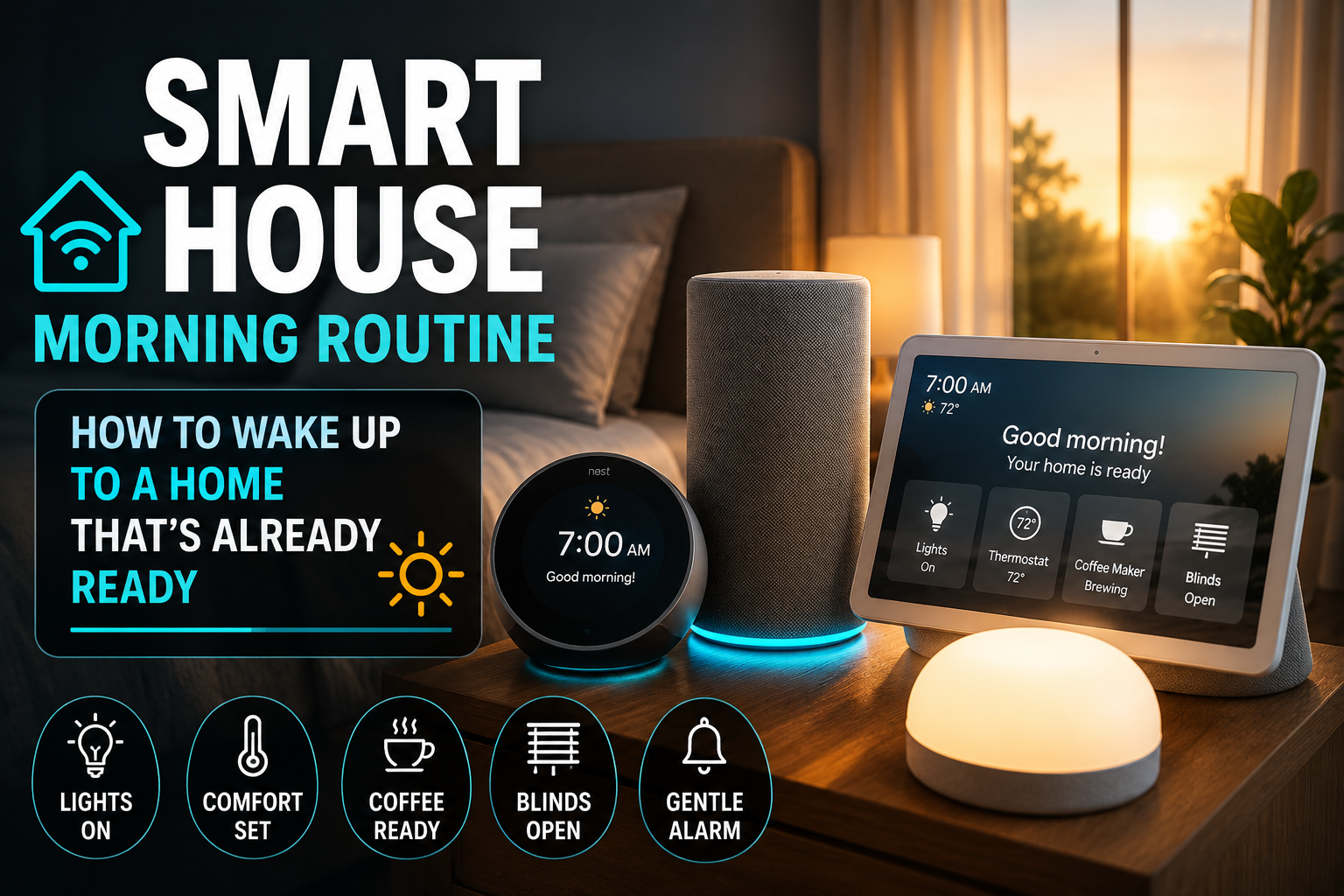
- Assistant-specific morning routines. Let whichever assistant is native to the bedroom or kitchen handle the morning sequence — lights, weather, calendar — rather than trying to synchronize both. Our beginner’s guide to smart home routines walks through building your first five from scratch if you haven’t set one up yet.
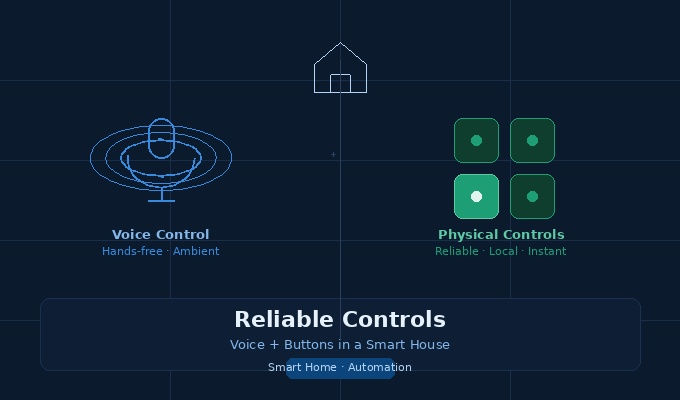
- A backup manual control layer. In any mixed household, voice isn’t always reliable — network hiccups, mismatched device names, or someone simply not wanting to talk to a speaker all get in the way. Physical buttons or a wall panel that doesn’t care which assistant is technically in charge are worth having. We go deeper on this in Reliable Controls: Voice + Buttons in a Smart House.
Common Mistakes to Avoid
- Trying to build one “master” routine spanning both ecosystems from day one. Start with the room or task split instead, and only reach for a bridge like SmartThings once you’ve identified a specific gap.
- Inconsistent device naming across apps. This is the single most common source of daily friction and it’s entirely avoidable with five minutes of naming discipline.
- Ignoring Zigbee hub conflicts. If two speakers both try to claim hub duties for the same Zigbee device, expect dropped connections. Pick one hub per device and stick with it.
- Skipping the network fundamentals. Both assistants get noticeably less reliable on a weak or congested Wi-Fi network, and a mixed household typically has more connected devices competing for bandwidth than a single-ecosystem one. If devices seem to drop out at random, it’s worth ruling out network issues first — see Why Your Smart Home Devices Keep Going Offline (And How to Actually Fix It).
- Assuming every device works the same on both. Test dimming, color, and lock behavior separately on each assistant rather than assuming parity.
Troubleshooting: When the Two Systems Start Fighting
If a shared device stops responding on one assistant but still works on the other, the most common cause is a stale Matter or account link rather than a hardware problem. Removing the device from the app that’s misbehaving and re-adding it usually resolves this faster than a full factory reset. If a Zigbee device becomes unresponsive on both, check which speaker is actually acting as its hub; a firmware update on that speaker can occasionally reset hub assignments.
If voice commands intermittently trigger the wrong assistant, or don’t trigger anything at all, physical speaker placement is worth revisiting. Echo and Nest speakers placed too close together can sometimes both attempt to process the same audio, even with different wake words, particularly in open-plan spaces with hard, sound-reflective surfaces. A few feet of separation, or angling the speakers away from each other, usually clears this up.
And if outages keep interrupting routines on either platform, don’t overlook the value of local, network-independent automations as a fallback layer — our guide to Offline Smart House: Local Automations That Survive Outages is a good next read if reliability during outages is a recurring pain point in your home.
Is It Ever Worth Consolidating to One Assistant?
Sometimes, yes. If you find yourself constantly explaining your setup to guests, if a specific device only fully supports one ecosystem’s advanced features, or if the mental overhead of remembering which wake word does what is genuinely wearing on your household, consolidating can be worth the one-time hassle of migrating. But “worth it” is a household-specific calculation, not a default recommendation. A lot of the friction people associate with mixed setups actually comes from trying to force unified routines across platforms that were never designed to share one, rather than from running two assistants side by side in the first place. Once you split by room or task and lean on Matter for shared devices, most of that friction disappears on its own.
Frequently Asked Questions
Can Alexa and Google Home be in the same house without interfering with each other?
Yes. They run on separate accounts and only respond to their own wake words, so an Echo and a Nest speaker can sit in the same room without cross-triggering each other.
Can I make Alexa trigger a Google Home routine?
Not natively. You’d need a third-party bridge like IFTTT or a shared hub like Samsung SmartThings to connect an action on one platform to a trigger on the other.
Do Matter devices work automatically with both Alexa and Google Home?
A Matter-certified device can be added to both ecosystems and controlled independently by each, but any automation or routine you build around it in one app won’t carry over to the other.
Which assistant should control my Zigbee devices in a mixed household?
Pick one speaker to act as the Zigbee hub for a given device and stick with it. Letting two hubs compete for the same Zigbee device tends to cause dropped connections.
Is it better to just pick one ecosystem instead of running both?
Not necessarily. Many households run both long-term without issues once devices are split by room or task. Consolidating is worth considering only if the day-to-day friction of a mixed setup genuinely outweighs the convenience of keeping both.
Sources
- Connectivity Standards Alliance — Matter specification and multi-ecosystem interoperability documentation
- Amazon — Alexa device compatibility and skills catalog documentation
- Google — Google Home app and Google Assistant developer documentation
- Reviewed, “Alexa and Google: How to each voice assistant works together”
- TechCrunch, coverage of Google Assistant and Alexa multi-platform speaker integration
- Forbes Vetted, “Alexa Versus Google Home 2026”
- Community reporting on mixed-ecosystem households via r/smarthome and the Aqara community forum
Disclaimer
This article is provided for general informational purposes only and reflects publicly available information and product behavior at the time of writing. Smart home platforms, app interfaces, and device compatibility change frequently, so always confirm current features and supported devices directly through Amazon’s and Google’s official documentation before making purchasing decisions. Home Smart Guide is not affiliated with, sponsored by, or endorsed by Amazon, Google, or the Connectivity Standards Alliance. Product and brand names mentioned are trademarks of their respective owners.