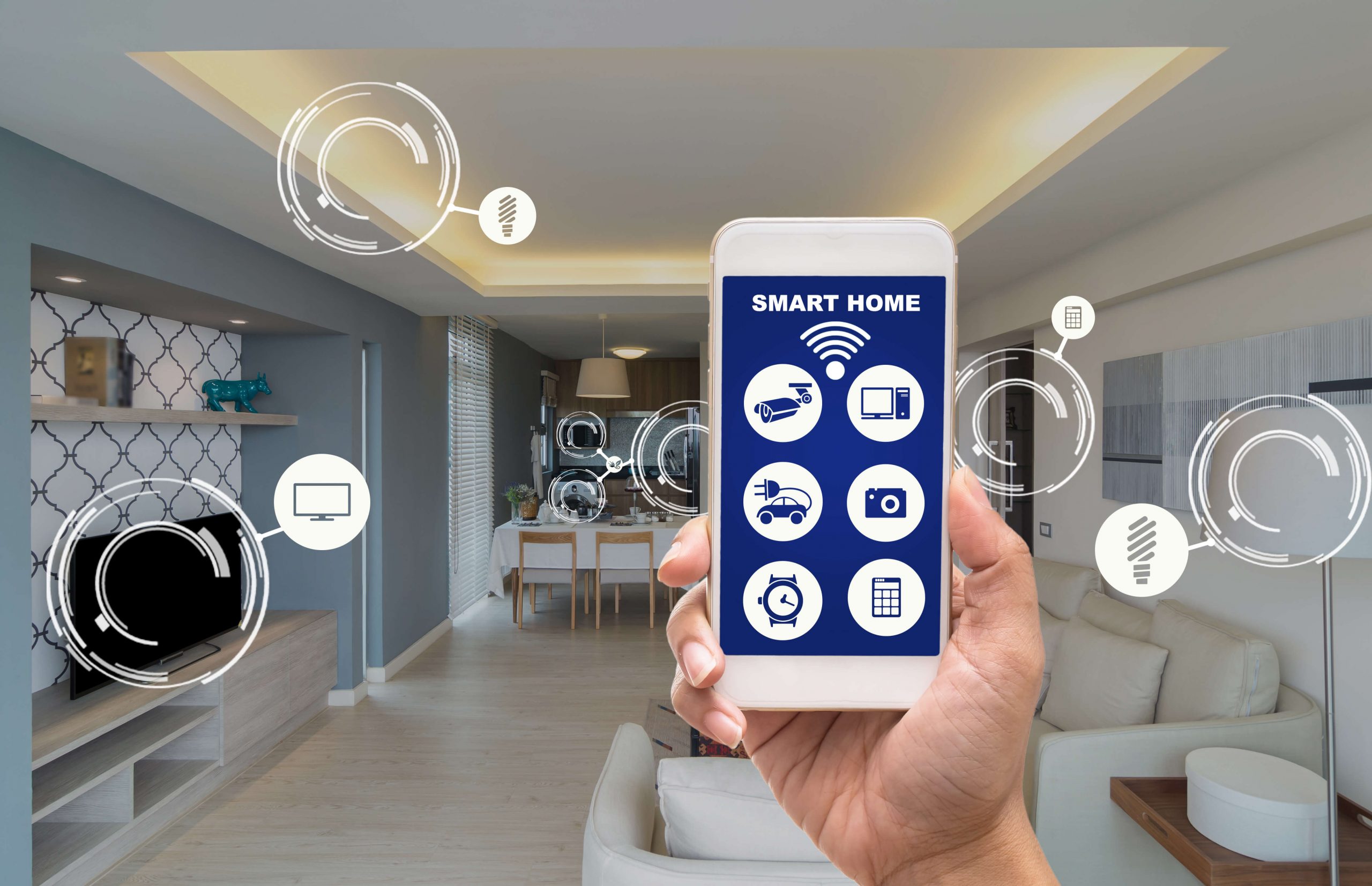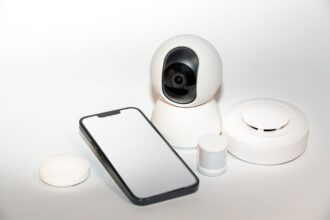


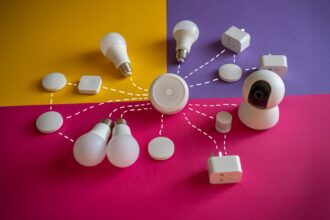


An aging in place smart home uses a few quiet sensors to show that an older adult’s day is going normally, and to alert family when something looks wrong. Motion, door, and leak sensors can do this without a single camera, which keeps dignity and privacy intact.
This guide explains which sensors matter, where to put them, which alerts are worth setting up, and what these devices cannot do. It is written for adult children, partners, and caregivers, and for older adults who want to stay independent.
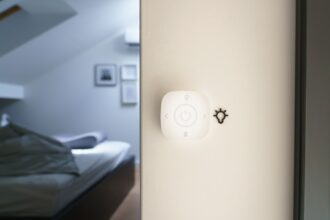
A calm hallway with a soft night light, a small motion sensor on the wall, and a door contact sensor Suggested image: a warmly lit hallway with a night light and a small wall sensor. Alt text: “aging in place smart home with night light and motion sensor”.
What an Aging in Place Smart Home Actually Does
Most people picture cameras everywhere. That is rarely what an older parent wants, and it is rarely the best tool. What most families need is simple awareness: did Mom get up this morning, is the front door closed at night, is the bathroom floor dry?
Awareness, Not Surveillance
A camera shows you everything, including moments that should stay private. A sensor shows you only a pattern. It tells you that someone moved through the kitchen at 7:30 a.m., or that the fridge opened twice today.
Patterns are enough for peace of mind. When the pattern changes, you notice. Nobody needs to watch a video feed to know that something is off.
This approach also avoids a common trap. Constant monitoring can make an older adult feel watched and less independent, which defeats the purpose of staying at home.
Talk With Your Parent Before You Install Anything
This step matters more than any device. Sit down with your parent and explain what you plan to install and why. Ask what they are comfortable with, and listen.
A few points help the conversation go well:
- Explain what the sensors see. Say plainly that there are no cameras and no microphones.
- Offer control. Let them decide which rooms get sensors and who receives alerts.
- Name the benefit for them. Night lights prevent falls, and leak and smoke alerts protect their home.
- Agree on a review date. Check in after a month and adjust what is not working.
If your parent has memory problems or cannot decide for themselves, involve a doctor or another trusted family member, and follow your local rules about consent.
The Core Sensors for an Aging in Place Smart Home
You do not need many devices. Five types cover most of what matters, and most are small, battery-powered, and easy to install.
Motion and Presence Sensors
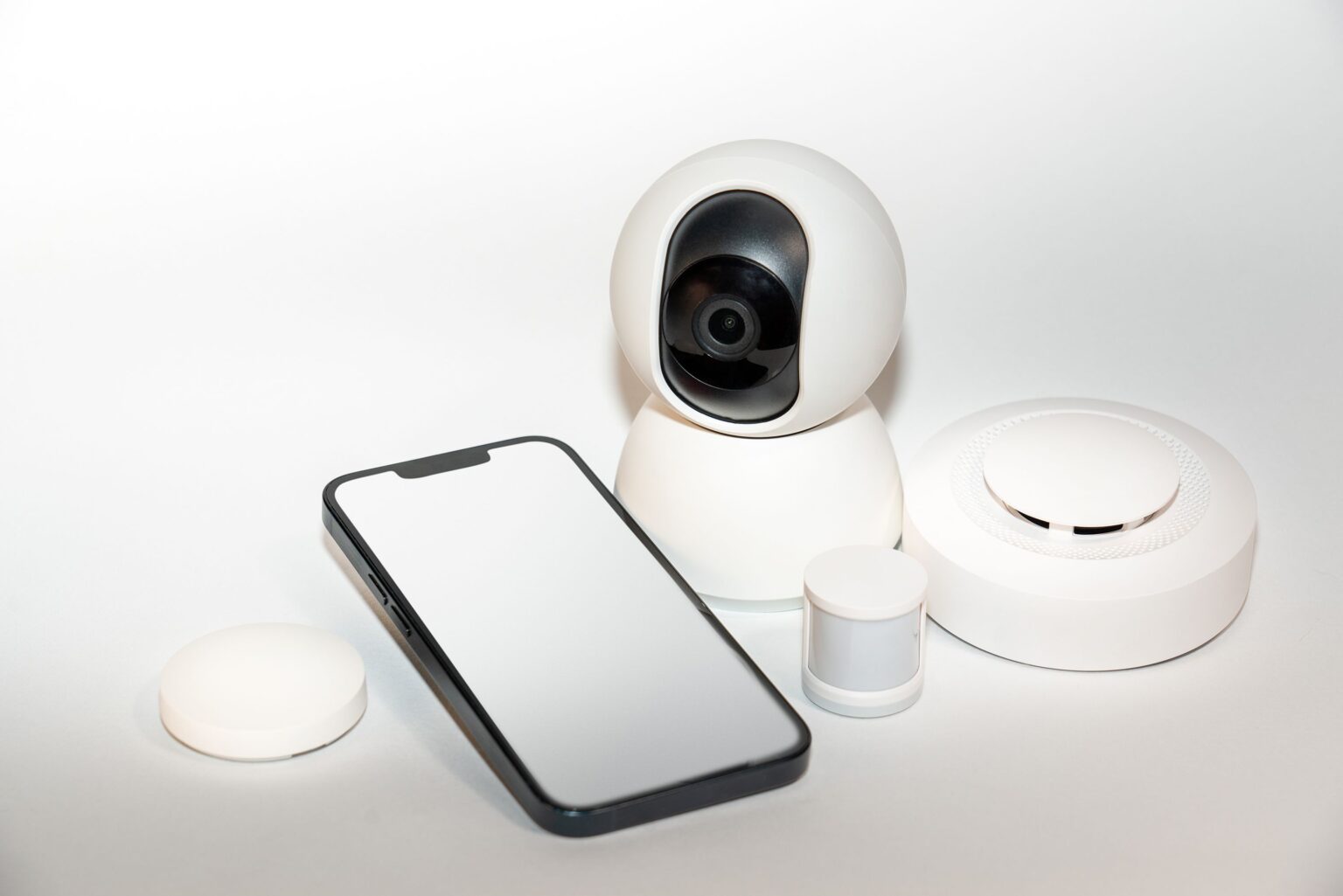
A motion sensor in the main rooms tells you whether the day has started normally. A sensor in the bedroom hallway, the kitchen, and the living room is a good starting set.
The most useful signals are simple ones. Was there movement in the kitchen by mid-morning? Did someone go to the bathroom at night, and did they come back to bed?
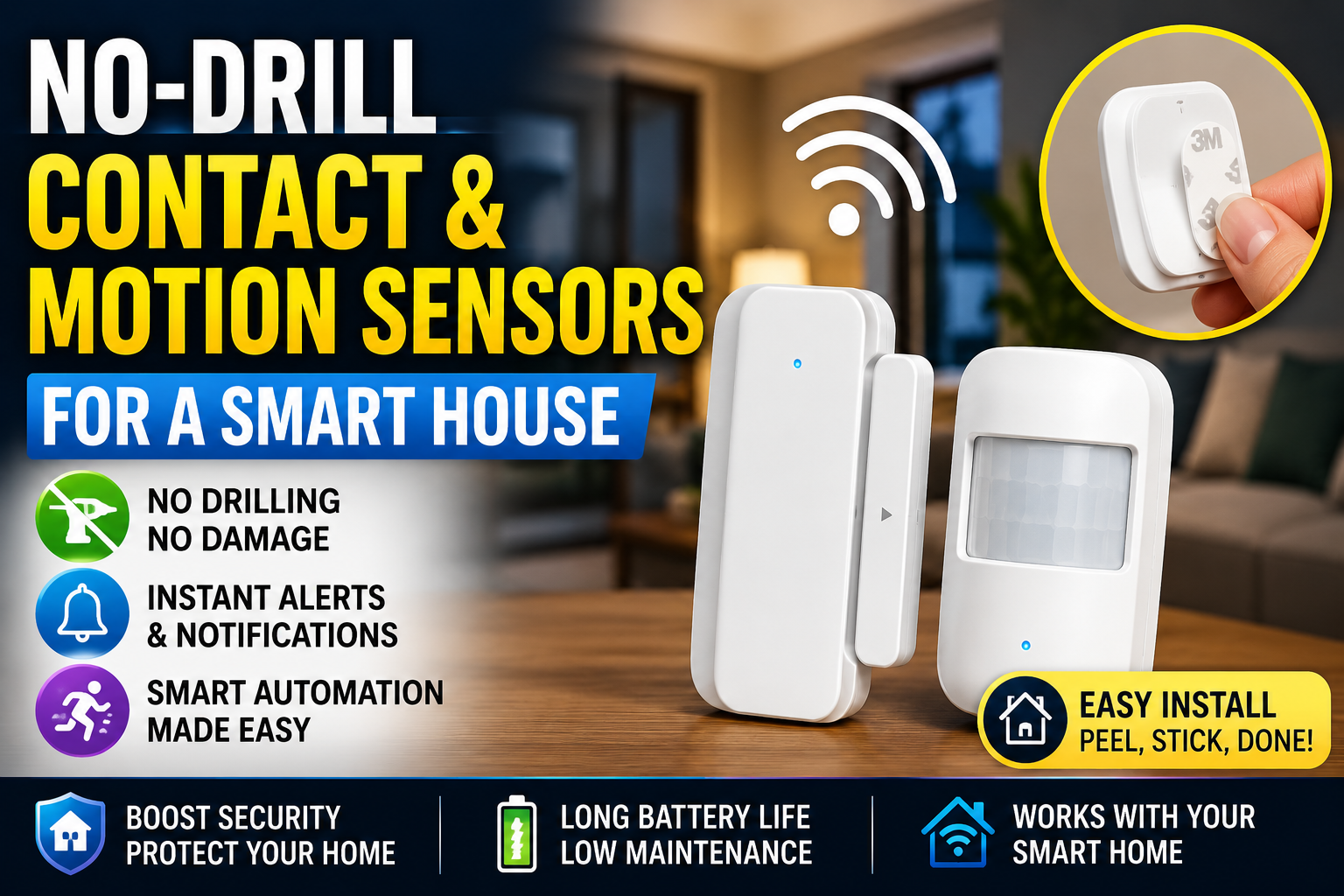
Place sensors where people pass, not where they sit. A sensor aimed at a doorway or hallway catches movement reliably and avoids false alarms from a pet or a curtain. If you want more detail on setting up sensors without drilling, our smart home security beginner guide explains placement basics.
Door and Contact Sensors
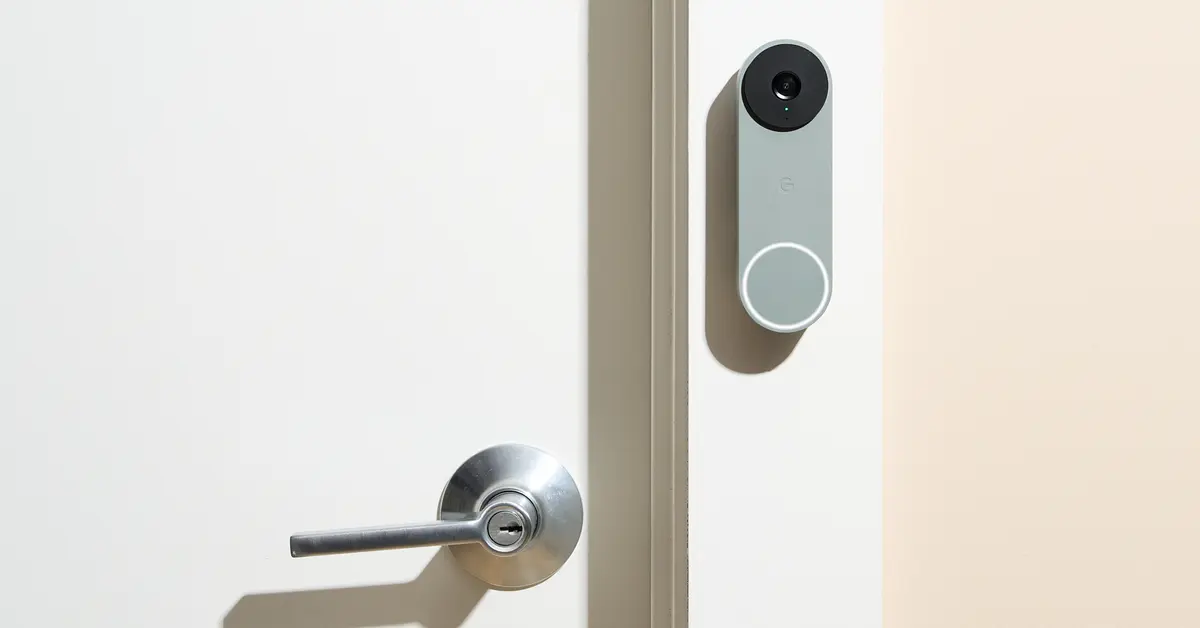
A contact sensor is a small two-part device that reports when a door opens or closes. It is one of the cheapest and most useful tools here.
Good places to use one:
- The front door. Know when it opens late at night, which can signal confusion or wandering.
- The refrigerator door. An unopened fridge by afternoon can mean a skipped meal.
- A medicine cabinet or pill organizer drawer. It shows whether the daily routine happened, without recording anything else.
- A balcony or patio door. Know when it is left open in cold weather.
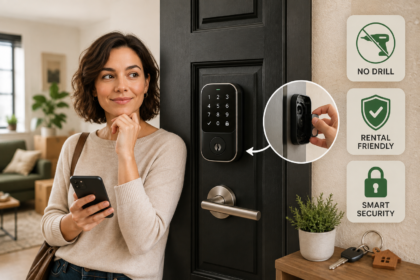
If the front door needs a better lock, our guide to smart locks for a no-drill home shows options that work for renters and homeowners.
Smoke, Carbon Monoxide, and Water Leak Alerts
These sensors protect the home itself, and they matter more as people age because reaction time and mobility can slow.
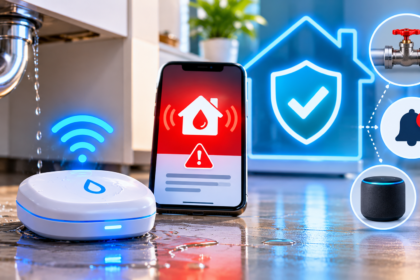
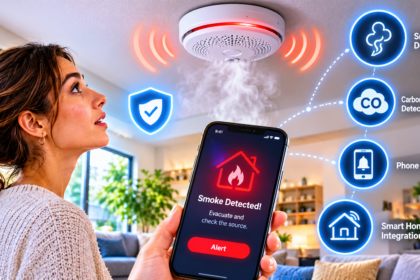
A connected smoke and carbon monoxide detector can alert family even when the parent does not respond. Our guide to smart smoke and carbon monoxide detectors covers placement and connection. A leak sensor near the kitchen sink, washing machine, and water heater catches slow leaks early. See our water leak detector guide for where to put them.
The local alarm must always sound. A phone alert helps family, but the detector itself must still be loud in the room.
Night Lighting to Prevent Falls
Falls are among the biggest risks for older adults, and many happen at night on the way to the bathroom. Soft, automatic light is one of the most effective fixes.
Motion-activated night lights along the path from the bed to the bathroom turn on at low brightness and off again after a few minutes. Choose warm light, not harsh white, so it does not wake someone fully.
Good spots include:
- The bedside and the floor beside the bed.
- The hallway to the bathroom.
- The bathroom itself. Our guide to smart bathroom lighting explains safe, low-glare options.
- Stairs and entry steps. A stick-on LED strip along the edge makes each step visible.
Quick Comparison of the Core Sensors
This table shows what each sensor tells you and where it works best.
| Sensor | What it tells you | Best places | Watch out for |
|---|---|---|---|
| Motion sensor | The home is active | Hallway, kitchen, living room | Pets can trigger it |
| Door contact sensor | A door opened or closed | Front door, fridge, pill drawer | Needs a good alignment |
| Smoke and CO detector | Fire or gas danger | Hall, bedroom, near the kitchen | Test it monthly |
| Leak sensor | Water on the floor | Under sinks, near the washer | Needs fresh batteries |
| Motion night light | Light along the path | Bedroom to bathroom route | Choose warm, low light |
Alerts That Help Without Creating Alarm Fatigue
The best system is the one that stays quiet until it matters. If your phone buzzes all day, you will start to ignore it, and then it fails when it counts.
Six Alerts Worth Setting Up
- No morning activity. If no motion is seen in the kitchen or living room by a set time, such as 10 a.m., send a gentle notification to a family member.
- Front door open at night. If the door opens between midnight and 5 a.m., alert someone and turn on the hall lights.
- Long bathroom visit. If there is no movement after the bathroom for an unusually long time at night, send a check-in alert. Set the time generously to avoid false alarms.
- Fridge not opened. If the refrigerator door has not opened by late afternoon, send a reminder to call.
- Water leak or smoke. Send a high-priority alert to several people at once.
- Door left open. If the balcony or back door stays open for more than 15 minutes, send a reminder.
Decide Who Gets Which Alert
Do not send every alert to everyone. Make a simple plan.
- The parent gets friendly reminders on a speaker or a phone.
- A nearby family member or neighbor gets alerts that may need a quick visit.
- All caregivers get the urgent ones, such as smoke, CO, or a leak.
Write down who calls first and what happens if that person does not answer. A system with no plan is just a source of worry.
Set It Up in Seven Steps
- Talk first. Agree on the plan, the rooms, and who receives alerts.
- Choose one app. Use Apple Home, Google Home, Alexa, or another hub, and keep every device there.
- Start with night lights and a front door sensor. These deliver value immediately.
- Add motion sensors in the kitchen and living room.
- Name devices clearly, such as “Front Door” and “Kitchen Motion,” so alerts make sense at a glance.
- Build one or two alerts, not ten. Add more only if they are useful.
- Test for two weeks. Adjust times and thresholds until nothing feels annoying.
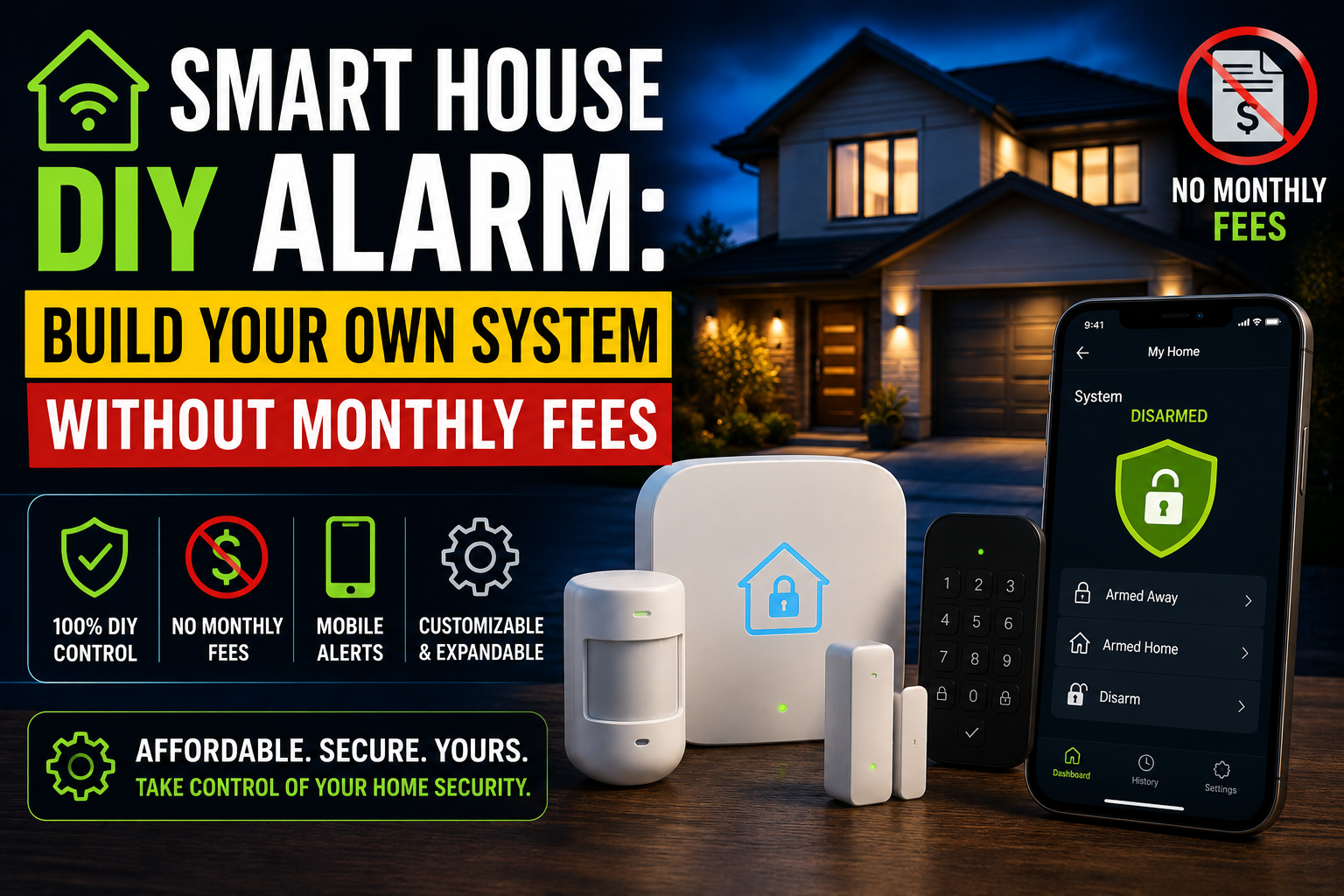
Our DIY alarm guide shows how to build notification rules without monthly fees, and the same logic works for wellbeing alerts. If an alert stops firing, our guide on why smart home routines fail lists the most common causes.
Review the Patterns Once a Week
Alerts catch emergencies, but a quick weekly look catches slow changes. Spend five minutes checking the activity history in your app, ideally during a regular call with your parent.
Look for trends, not single events. Is the first kitchen movement getting later each week? Are night-time bathroom trips increasing? Are fewer rooms being used? A gradual shift is worth a friendly conversation, and sometimes a doctor’s visit. It is rarely a reason to panic.
Share what you see in a kind way. “I noticed you were up a lot last night, is everything okay?” lands much better than reading out a log of their movements.
Add Kitchen Safety With Care
The kitchen is where many home accidents start. A motion sensor can remind you that someone has been in the room for a long time, but it cannot turn off a stove. If cooking safety is a real worry, ask a licensed professional about a stove shutoff device or an auto-off appliance. Never plug a stove or oven into a smart plug, and do not modify appliance wiring yourself.
A Gentle Welcome Routine
A small routine can also make coming home easier. When your parent returns from a walk or an appointment, hallway lights can turn on, and a speaker can say the door is locked. The ideas in our guide to welcome home automations adapt well to this.
Limits, Safety, and Privacy: What Sensors Cannot Do
Sensors are helpful, but they are not a substitute for medical care or emergency services. Be honest about their limits from the start.
What These Devices Cannot Do
- They do not detect falls reliably. A parent can fall and lie still in a room with no new motion. A wearable medical alert device or a dedicated fall-detection product is a better tool for that risk.
- They cannot call emergency services by themselves. Most home sensors only send phone notifications. If a parent needs fast help, they need a way to ask for it, such as a pendant, a phone, or a professional alert service.
- They can produce false alarms. Pets, visitors, and a parent sleeping late can all look like a problem. Treat alerts as a reason to check in, not as proof of an emergency.
- They depend on batteries and Wi-Fi. If a sensor goes offline, you stop seeing anything. Our guide on why smart devices go offline explains how to keep them reliable.
If your parent has a serious health condition, talk to their doctor about proper monitoring. These tools are for daily comfort and awareness, not diagnosis.
Protect Privacy at Every Step
- Keep cameras out of bedrooms and bathrooms. For most families, no cameras at all is the right choice.
- Limit who sees the data. Share access only with the people your parent has approved.
- Use strong passwords and two-step sign-in. A hacked monitoring account is a real risk.
- Tell visitors. If a guest stays over, a sensor that sees movement can seem intrusive, so be open about it.
- Review the setup regularly. Needs change, and so should the system.
Budget Tiers: What to Buy First
Prices vary by brand and region, so treat these as rough guides.
| Tier | What you get | Rough cost | Best for |
|---|---|---|---|
| Essentials | Two motion night lights and a front door sensor | Under $60 | A first, low-cost step |
| Awareness | Essentials plus kitchen and living room motion sensors and a fridge sensor | About $100 to $180 | Daily check-in peace of mind |
| Safe home | Awareness plus connected smoke and CO alarms and leak sensors | About $200 to $350 | Home-protection focus |
| Full support | Safe home plus a hub, a smart lock, and a medical alert device | $350 and up | Parents with higher needs |
A note on starting small. Begin with night lights and one door sensor, then wait. Add more only when you notice a real gap. Starting small keeps the home feeling like theirs, and it keeps the system simple enough for everyone to trust.
Frequently Asked Questions
What is an aging in place smart home?
It is a home set up with simple connected devices, such as sensors, night lights, and alerts, that help an older adult stay independent and help family stay informed. It focuses on safety and routine, not on watching people.
Can I monitor an elderly parent without cameras?
Yes. Motion sensors, door contact sensors, and leak and smoke alerts show daily patterns without recording video. For most families, this is more comfortable and more private than cameras.
What is the best first device for senior safety at home?
A motion-activated night light between the bed and the bathroom. It helps prevent night-time falls and costs very little.
Can sensors detect a fall?
Not reliably. Home sensors can notice unusual inactivity, but they may miss a fall. A wearable medical alert device or a dedicated fall-detection product is a better choice for that specific risk.
How do I avoid too many alerts?
Start with two or three alerts, such as no morning activity and front door open at night. Send urgent ones to several people and the rest to one person. Adjust the times until false alarms stop.
Do I need Wi-Fi for these sensors?
Many sensors use Wi-Fi, and others use Zigbee, Thread, or Bluetooth with a hub. Whichever you choose, make sure the signal reaches every room, and replace batteries on schedule.
Is it okay to install sensors without telling my parent?
Talk first. Hidden monitoring harms trust and can be unlawful in some places. Explain what you plan to use, ask for their input, and let them decide what feels right.
Conclusion
An aging in place smart home is about quiet support, not constant watching. A few well-placed sensors, soft night lights, and one or two thoughtful alerts can help an older parent stay independent while giving the family real peace of mind.
Start with the conversation, then add night lighting and a front door sensor. Build a few useful alerts, protect privacy, and remember the limits: sensors support care, but they do not replace it.
This week, ask your parent what would make their home feel safer and more comfortable. Then install one motion night light on the path to the bathroom, and build from there.