

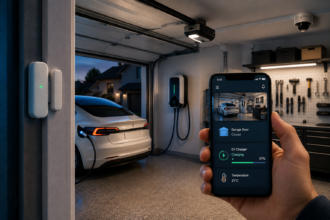
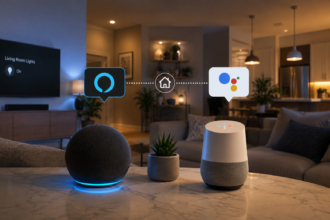
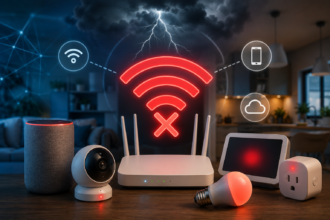
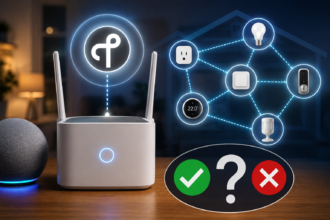

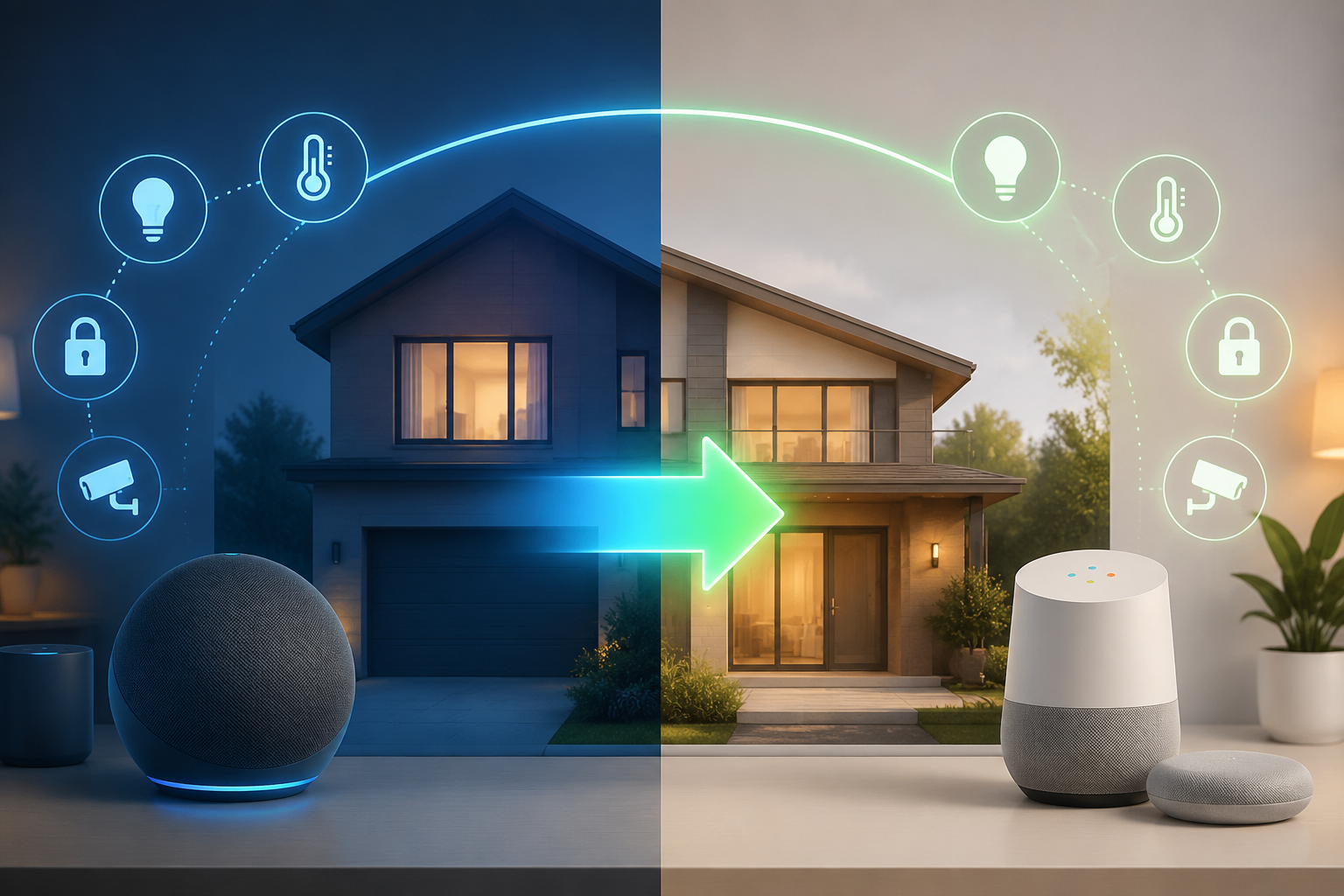
Switching your entire smart home from one ecosystem to another is one of those projects that sounds simple until you’re three routines deep and realize your porch light no longer knows what “goodnight” means. Maybe you switched from an Android phone to… an Android phone from a different brand and finally want to lean into Google’s ecosystem. Maybe your household is standardizing on Google Nest speakers. Whatever the reason, moving from Alexa to Google Home is a real project, not a five-minute app swap, and going in with clear expectations is what separates a smooth weekend migration from two frustrating weeks of half-working lights.
- Why This Migration Comes Up More Than You’d Think
- What Actually Breaks When You Switch Ecosystems
- Step 1: Audit Your Current Alexa Setup
- Step 2: Check Device Compatibility with Google Home
- Step 3: Rebuild Your Automations and Routines
- Step 4: Handle the Devices That Don’t Support Both
- Step 5: Retrain Your Household
- How Matter Makes This Migration Easier Than It Used to Be
- Common Mistakes During an Alexa-to-Google Migration
- How Long the Whole Process Actually Takes
- The Bottom Line
- Frequently Asked Questions
- Sources
This guide walks through exactly what breaks, what carries over, and how to do the move in an order that won’t leave your household without working smart devices for days at a time.
Why This Migration Comes Up More Than You’d Think
Ecosystem switches usually aren’t planned from day one, they’re triggered by something else. A phone upgrade to a Pixel. A partner moving in with an already-built Google-based setup. A new speaker that only plays nicely with one assistant. Or simply years of Alexa routines that quietly stopped feeling worth the hassle compared to Google’s more conversational voice handling.
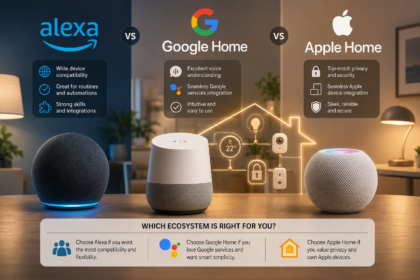
Whatever pulled you here, it’s worth reading this alongside Alexa vs Google Home vs Apple Home: Choosing the Right Ecosystem for Your Smart House first, since it’s worth confirming Google Home is actually the better long-term fit for your household before you spend a weekend rebuilding routines around it. And if this is your first ecosystem migration, know that the process looks almost identical in structure to Migrate a Smart House from Google Home to Apple Home, just with the two ecosystems swapped, so the general shape of “audit, check compatibility, rebuild, retrain” applies no matter which direction you’re moving.
What Actually Breaks When You Switch Ecosystems
Here’s the part nobody enjoys hearing: almost nothing carries over automatically. Your Alexa Routines don’t export into Google Home. Your device nicknames, the ones you spent an evening customizing so “hey Alexa, turn on the lamp” actually worked, have to be re-entered. Any automation that depended on Alexa-specific skills, not just the device itself, but the third-party skill that let Alexa talk to it, may not have a Google Home equivalent at all.
What does carry over more easily is the physical hardware itself, assuming it supports Google Home in the first place, and any device that’s Matter-certified. The device doesn’t need to be replaced in most cases. What needs rebuilding is the layer of software sitting on top of it: the routines, the naming, the room groupings, and any voice-triggered logic you’d built up over time.
Step 1: Audit Your Current Alexa Setup
Before touching the Google Home app, spend twenty minutes documenting what you actually have running in Alexa. Open the Alexa app and list out every device, every Routine, and every skill you’ve enabled. This sounds tedious, but it’s the single step that prevents the most common migration headache: forgetting a routine exists until the exact moment you need it, usually at 11 p.m. when the “goodnight” command silently does nothing.
Pay particular attention to Routines that trigger off of something other than voice, scheduled routines, routines triggered by a sensor, or routines that fire when you arrive home. These are the ones people forget to rebuild because they don’t think about them until they notice their porch light never turned off again.
Step 2: Check Device Compatibility with Google Home
Not every device that worked with Alexa will work with Google Home, and this is where the migration can get expensive if you’re not careful. Go through your device list and check each one against Google Home’s supported device list, most manufacturers state clearly on their product page or app whether Google Home is supported alongside Alexa.
Devices that are Matter-certified are the easiest case, they’ll generally work with both ecosystems with minimal fuss. If you’re unfamiliar with what Matter certification actually guarantees and where it still falls short, Matter in a Smart House: What Works Today, What to Avoid is worth reading before you start reassigning devices, since it’ll save you from assuming compatibility that isn’t quite there yet.
For devices that rely on Zigbee or Z-Wave rather than Wi-Fi or Matter, compatibility depends heavily on your hub, not just the ecosystem. If you’re not sure which protocol your devices are even using, Wi-Fi, Zigbee, Thread, and Matter Explained for Total Beginners breaks down the differences in plain language, and Z-Wave in a Smart House: Is It Still Worth It in 2026? is worth a look if a chunk of your setup runs on that protocol specifically.
Step 3: Rebuild Your Automations and Routines
This is the part that actually takes time. Open the Google Home app and start rebuilding your routines one at a time, using your Alexa audit from Step 1 as the checklist. Google’s routine builder works a bit differently, it leans more heavily on “starters” like time, voice phrase, or device state, but the same automations you had in Alexa are almost always achievable, just built with slightly different building blocks.
Start with the routines your household relies on daily, morning and goodnight routines, arrival and departure automations, anything tied to security. Save the nice-to-have automations for later. Rebuilding everything at once tends to lead to burnout halfway through and a smart home that’s half-migrated for weeks.
Step 4: Handle the Devices That Don’t Support Both
Every migration turns up at least one device that simply doesn’t support Google Home, usually an older or more obscure product that was built specifically around an Alexa skill. You have three realistic options: keep that one device running on a secondary Alexa-connected speaker purely as an island, replace it with a Google-compatible equivalent, or retire it if it’s not pulling its weight anymore.
If you’re weighing whether to replace it with something Matter-certified so this problem doesn’t repeat itself at the next migration, Smart House Hubs: When You Need One and Which to Choose is a useful next read, particularly if the incompatible devices you’re finding are clustering around Zigbee or Z-Wave rather than Wi-Fi.
Step 5: Retrain Your Household
The technical migration is honestly the easier half. The harder part is retraining everyone in your home to say “hey Google” instead of “Alexa,” and to remember that the old voice commands, the specific phrasing you’d all settled into over months or years, may not trigger the same response anymore. Google Assistant tends to be more forgiving with natural, conversational phrasing than Alexa was, so most households find their commands actually get simpler after the switch, but there’s still an adjustment period.
Leave both systems briefly overlapping if you can, rather than pulling the plug on Alexa the same day you set up Google Home. A one or two week overlap where both are technically live gives your household time to adjust without anyone being left in a room with lights that won’t respond to anything.
How Matter Makes This Migration Easier Than It Used to Be
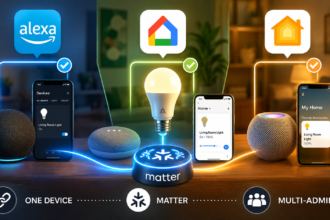
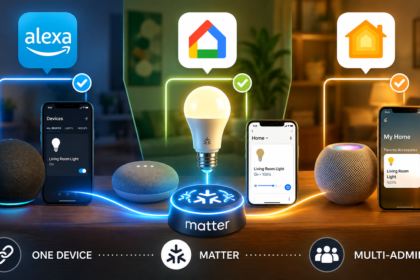
If you’d done this migration a couple of years ago, every single device would have needed to be factory reset and re-paired from scratch. Matter has changed that considerably. Thanks to a feature called multi-admin, a Matter-certified device can be shared across ecosystems without a full reset, meaning in many cases you can add it to Google Home while it’s technically still known to Alexa, rather than removing it entirely first.
This doesn’t apply to every device you own, especially older, non-Matter hardware, but it’s worth checking before you assume a full reset-and-repair is required. The more Matter-certified devices you own, the less painful this particular migration, or any future one, will be.
Common Mistakes During an Alexa-to-Google Migration
Migrating everything in one sitting. Trying to rebuild a dozen routines and re-pair twenty devices in one evening is how people end up with a half-working house and no energy left to finish. Break it into sessions across a few days.
Forgetting shared household access. If other people in your home use the Alexa app, they’ll need to be invited into the Google Home structure too, ideally before the old system goes away, not after someone discovers they’ve lost control of the thermostat.
Assuming a device “works with Google” means full feature parity. Some devices support Google Home in a limited capacity, basic on/off, without the more granular controls they offered on Alexa. Check feature lists, not just the presence of a Google Home badge.
Deleting Alexa routines before confirming the Google equivalent works. Keep your old routines documented (or simply left inactive rather than deleted) until you’ve verified the new ones behave the way you expect, especially anything tied to security or door locks.
How Long the Whole Process Actually Takes
For a modest setup, a dozen or so devices and a handful of routines, expect an evening or two of focused work. For a larger, more automated household with dozens of devices, multiple routines per room, and a mix of protocols, plan on spreading the migration across a week or two of shorter sessions rather than trying to power through it in one go. Rushing tends to produce the exact kind of half-finished, “why doesn’t the hallway light turn off” situations that make a migration feel worse than it needed to be.
The Bottom Line
Migrating a smart house from Alexa to Google Home is entirely doable, but it’s a real project built around software, routines, naming, and retraining habits, not a project built around swapping hardware. Audit what you have before you start, check device compatibility early so you’re not surprised mid-migration, rebuild your most important routines first, and give your household a short overlap period to adjust. Lean on Matter-certified devices wherever you can, since they make this migration, and any future one, considerably less painful.
Frequently Asked Questions
Do I need to buy new devices to switch from Alexa to Google Home?
Not necessarily. Any device that’s Matter-certified or explicitly listed as Google Home compatible should carry over. Only devices built specifically around Alexa-only skills, with no Google Home support at all, would need replacing.
Will my Alexa routines transfer automatically?
No. Routines, automations, and device nicknames need to be rebuilt manually inside the Google Home app. There is no direct import tool between the two ecosystems.
Can I run Alexa and Google Home at the same time during the migration?
Yes, and it’s actually recommended. Keeping both systems briefly active gives your household time to adjust and gives you a safety net while you confirm the new routines work as expected before removing the old ones.
What happens to Zigbee or Z-Wave devices when I switch?
This depends on your hub rather than the ecosystem itself. If your Zigbee or Z-Wave devices are tied to an Alexa-compatible hub, you may need a Google-compatible hub to bring them across, or a hub that supports both.
Is switching worth it if my current Alexa setup mostly works fine?
Only if there’s a real problem you’re solving, better voice recognition, aligning with a new phone platform, or specific devices you want that only support Google Home. Migrating a working system purely out of curiosity is usually more effort than it’s worth.
В зависимости от сложности проекта прогон хрумером цена может варьироваться.
Modern electric crossovers automatically engage brake hold functions when sensors detect a sufficient slope while at a complete stop. Reading about the Nissan Ariya hill start assist system on this platform gave me full clarity on how incline angle thresholds trigger temporary wheel holding. Having access to clear technical guides makes mastering daily driving assist features completely stress-free.