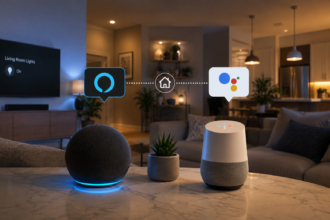

Before you buy a single smart bulb or plug, there’s a decision that matters more than any spec sheet: which ecosystem is going to run your smart home. Alexa, Google Home, and Apple Home all promise to be the “brain” that ties your devices together, and picking one shapes almost everything that comes after, which app you open, which voice assistant you talk to, how easily you can add new gadgets down the road, and even how your household’s data is handled behind the scenes. Get this choice right early, and the rest of your smart home setup stays simple. Get it wrong, and you may find yourself rebuilding routines from scratch a year later.
- Why the Ecosystem Choice Comes Before the Devices
- Amazon Alexa: The Widest Device Support
- Google Home: The Everyday Convenience Pick
- Apple Home: The Privacy-First Option
- Side-by-Side: How the Three Ecosystems Actually Compare
- Voice Assistants: More Alike Than You’d Expect
- Cost and Hardware Considerations
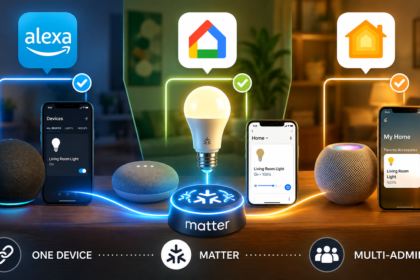
- Can You Mix Ecosystems? A Word on Multi-Admin
- How Protocols and Matter Change the Calculation
- What a Beginner Actually Needs to Do
- The Bottom Line
- Frequently Asked Questions
- Sources
This guide compares the three major smart home ecosystems in plain language, no engineering background required, so you can pick the one that fits how you actually live, not just the one you’ve heard of most. By the end, you’ll know which questions to ask before you buy your first device, and how to avoid painting yourself into a corner.
Why the Ecosystem Choice Comes Before the Devices
An ecosystem is the app, voice assistant, and set of rules that your smart devices report back to. When you turn on a light with your voice or set up an automation like “turn off the lights at 11 PM,” that instruction is being handled by Alexa, Google Home, or Apple Home, not by the bulb itself. The device is just following orders from whichever ecosystem it’s connected to, and that ecosystem also decides how automations are built, how far you can customize a routine, and who technically has access to the data those routines generate.
This matters because switching ecosystems later is genuinely more work than switching a single device. Automations, routines, and sometimes even device compatibility have to be rebuilt from scratch, and any device that only works with one ecosystem may need to be replaced outright. If you’ve ever wondered what that process actually looks like, Migrate a Smart House from Google Home to Apple Home walks through it step by step, and it’s a useful preview of the kind of effort you’re trying to avoid by choosing well the first time.
Amazon Alexa: The Widest Device Support
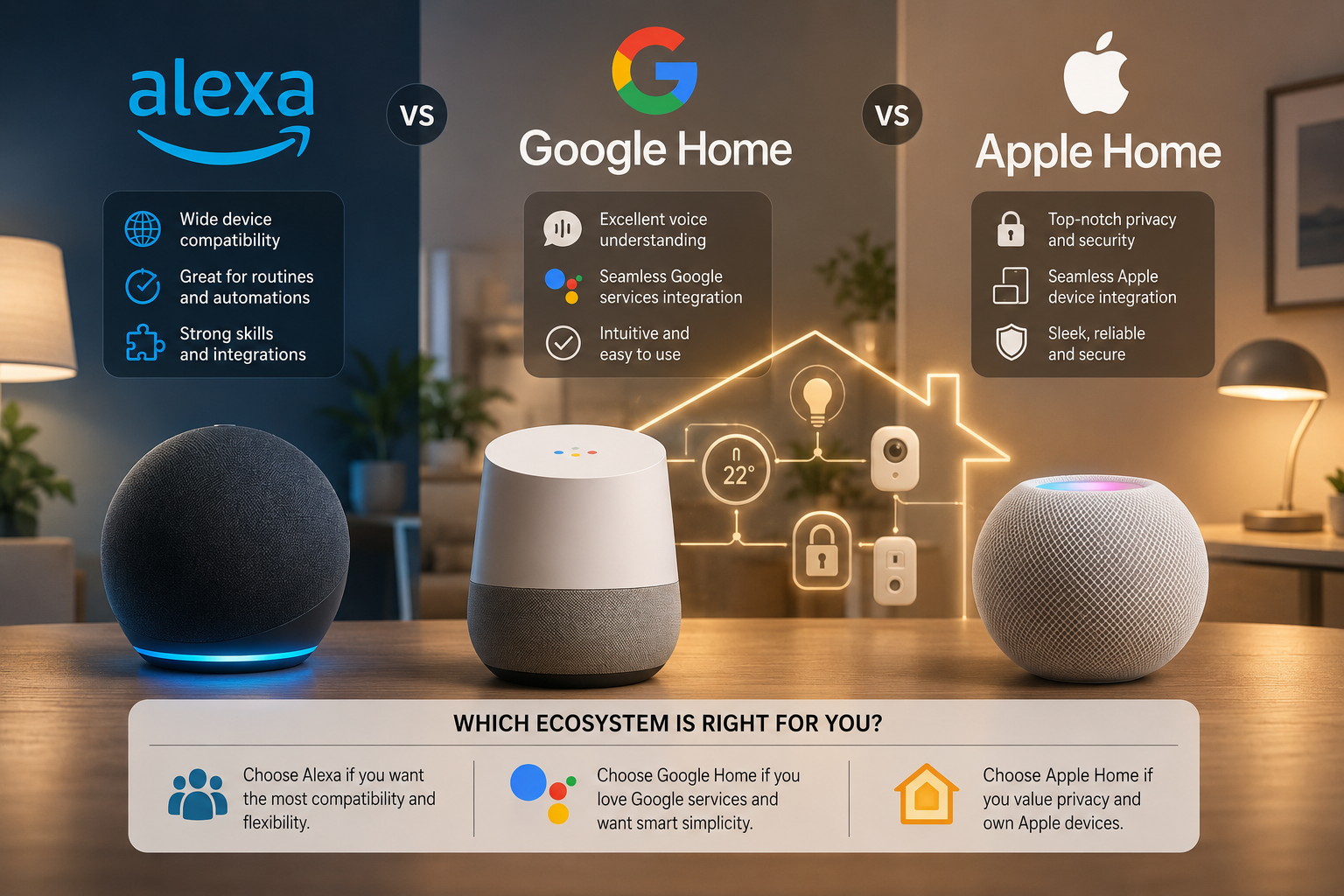
Alexa has been around the longest, and it shows in the sheer number of devices and skills that support it. If you’re buying a random smart plug, bulb, or sensor from a lesser-known brand, there’s a good chance Alexa is supported even when other ecosystems aren’t. Alexa also tends to have the most flexible, if slightly more technical, automation options through Routines, letting you chain together triggers and actions across dozens of different device types.
The trade-off is that Alexa’s strength, breadth, can also mean more inconsistency in quality between different manufacturers’ integrations. Because almost any device maker can build an Alexa “skill,” the experience of one brand’s integration can feel noticeably rougher than another’s, even though both technically “work with Alexa.” For a beginner, Alexa is a strong pick if you want the widest possible shopping options, plan to mix and match budget and premium brands, and don’t mind occasionally troubleshooting a quirky third-party device.
Google Home: The Everyday Convenience Pick
Google Home tends to feel the most polished for everyday, conversational use, asking your speaker or display natural questions, controlling devices by voice, and getting reasonably smart responses that account for context from earlier in the conversation. It integrates tightly with other Google services, calendar, search, and Android notifications, which is a natural fit if your phone, calendar, and smart displays are already Google-based.
Device support is strong, though historically a notch behind Alexa’s sheer catalog size for niche or budget brands. Where Google Home tends to pull ahead is in the quality of its voice recognition and its handling of multi-step spoken requests, which matters more day to day than the raw size of a device catalog for most households. For a beginner whose priority is smooth day-to-day voice control and who is already living in the Google ecosystem on their phone, Google Home is usually the path of least friction.
Apple Home: The Privacy-First Option
Apple Home (formerly HomeKit) has built its reputation on privacy and tighter device certification standards. Apple requires accessory makers to meet specific hardware and software requirements to be certified “Works with Apple Home,” and a meaningful share of the processing, including video analysis from compatible security cameras, happens locally on your own devices rather than in the cloud. Apple has stated that home-related data transmitted through the Home app is encrypted end to end, in a way Apple itself cannot read.
Device support has historically been the smallest of the three catalogs, though the gap has narrowed considerably as Matter has pushed more manufacturers to support all three major ecosystems at once. Apple Home works best if you’re already using an iPhone, iPad, or Mac day to day, since setup and control lean heavily on Apple’s own apps and on Siri. It also generally requires a dedicated home hub, typically a HomePod, HomePod mini, or Apple TV left at home, to enable remote access, automations that run on a schedule, and the privacy-preserving video features. If you’re unsure whether you need a dedicated hub at all regardless of ecosystem, Do You Need a Smart Home Hub? A Beginner’s Guide breaks down when one is actually necessary.
Side-by-Side: How the Three Ecosystems Actually Compare
It helps to see the trade-offs laid out directly rather than scattered across three separate descriptions.
| Amazon Alexa | Google Home | Apple Home | |
|---|---|---|---|
| Device catalog | Largest overall | Large, slightly smaller than Alexa | Smallest, growing fast via Matter |
| Best fit for | Widest brand choice, mix-and-match shoppers | Android users, everyday voice control | iPhone households, privacy-conscious users |
| Hub requirement | Optional for most Wi-Fi devices | Optional for most Wi-Fi devices | Often required (HomePod, Apple TV) for full features |
| Data handling | Cloud-processed | Cloud-processed | Local processing emphasized |
| Automation depth | Very flexible, more technical | Straightforward, less granular | Straightforward, tightly integrated with iOS |
No single row makes the decision for you, this table is meant to be read alongside your own priorities, not as a scoring system with one clear winner.
Voice Assistants: More Alike Than You’d Expect
Alexa, Google Assistant, and Siri all handle the basics the same way: understanding a spoken command, matching it to a device or routine, and executing it. Where they differ is depth and personality. Alexa tends to support the widest range of niche skills and third-party voice integrations. Google Assistant is often praised for handling natural, conversational phrasing and follow-up questions more gracefully. Siri has closed much of the gap it once had but still leans more conservative in what it will attempt compared to the other two.
For most smart home tasks, “turn on the lights,” “set the thermostat to 70,” “lock the front door,” all three handle the core commands reliably. The differences show up more in edge cases and multi-step requests than in everyday use, so this alone shouldn’t be the deciding factor unless you rely heavily on voice for complex routines.
Cost and Hardware Considerations
None of the three ecosystems charge a subscription just to use their basic smart home features, the cost lives in the devices and, in Apple’s case, sometimes the hub hardware. A Google or Amazon smart speaker or display is often the cheapest entry point into either ecosystem, and many budget-friendly bulbs, plugs, and sensors are built with Alexa and Google Home support baked in from the start.
Apple’s ecosystem has historically leaned toward a smaller number of pricier, more thoroughly certified accessories, plus the added cost of a HomePod, HomePod mini, or Apple TV if you don’t already own one, to act as your home hub. That said, Matter certification has started to bring more affordable, cross-compatible devices into the Apple Home fold as well, narrowing what used to be a bigger price gap.
Can You Mix Ecosystems? A Word on Multi-Admin
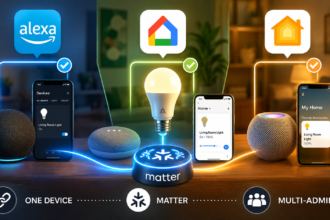
It’s a common misconception that you must pick exactly one ecosystem and stay there forever. Thanks to a Matter feature called multi-admin, a single Matter-certified device can be controlled from more than one ecosystem at the same time, so, for example, a smart plug set up through Google Home could still be turned on with an Alexa voice command or from the Apple Home app, depending on how it was shared. This doesn’t mean the ecosystems merge into one interface, you’ll still have separate apps, but it does mean your choice is less permanent and less all-or-nothing than it used to be, especially if you stick to Matter-certified devices.
How Protocols and Matter Change the Calculation
Underneath all three ecosystems, your devices are still communicating over one of a handful of wireless protocols, and this is where the decision gets easier than it used to be. If you’re not yet familiar with terms like Zigbee, Thread, or Wi-Fi, Wi-Fi, Zigbee, Thread, and Matter Explained for Total Beginners covers exactly what each one does and why it exists.
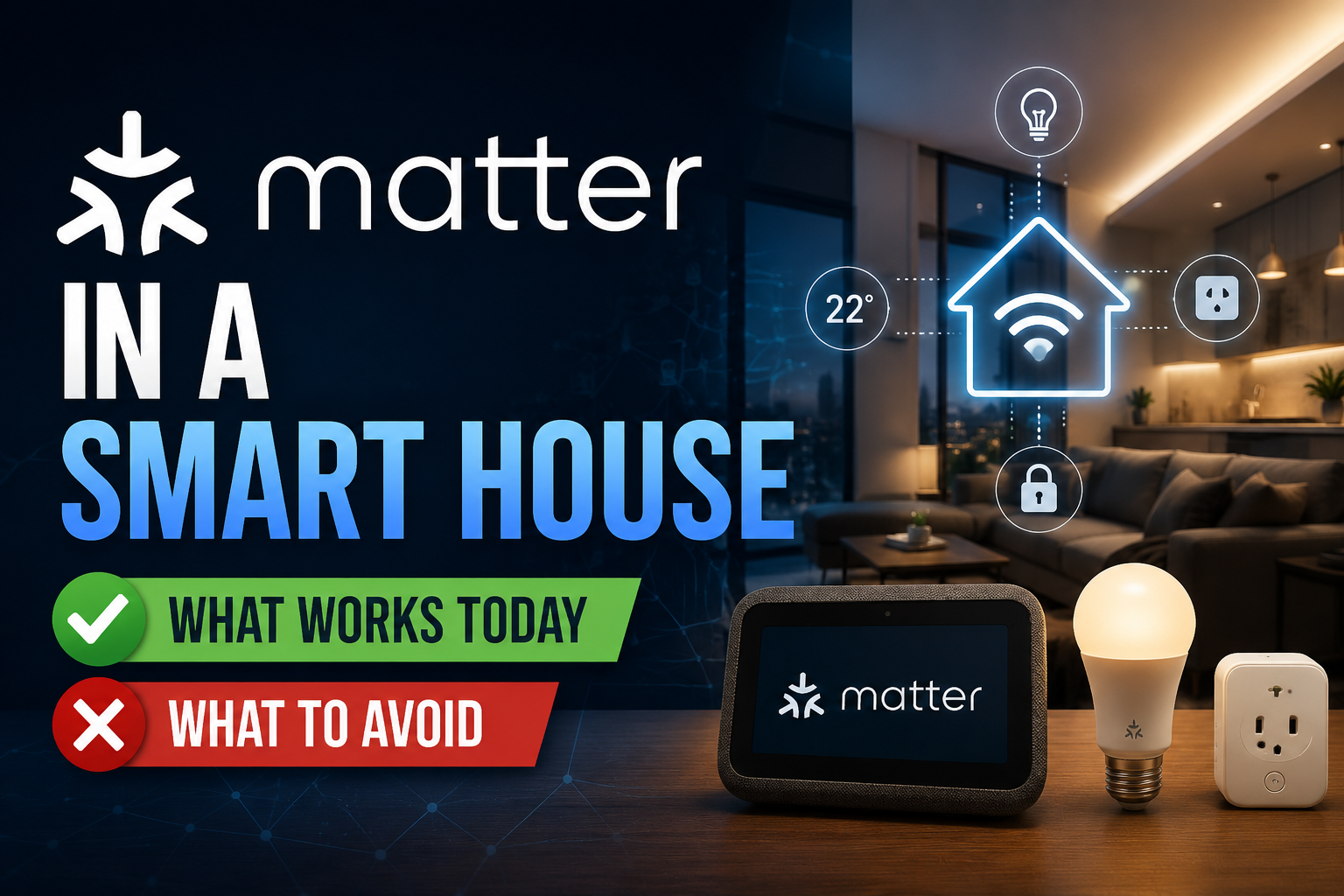
The most important development for this decision is Matter, a universal standard backed by Amazon, Google, Apple, Samsung, and others, that lets a single certified device work across major ecosystems without being locked to just one. Matter in a Smart House: What Works Today, What to Avoid explains where that promise holds up and where it still falls short in practice. Favoring Matter-certified devices is the single best way to reduce how much your ecosystem choice actually locks you in.
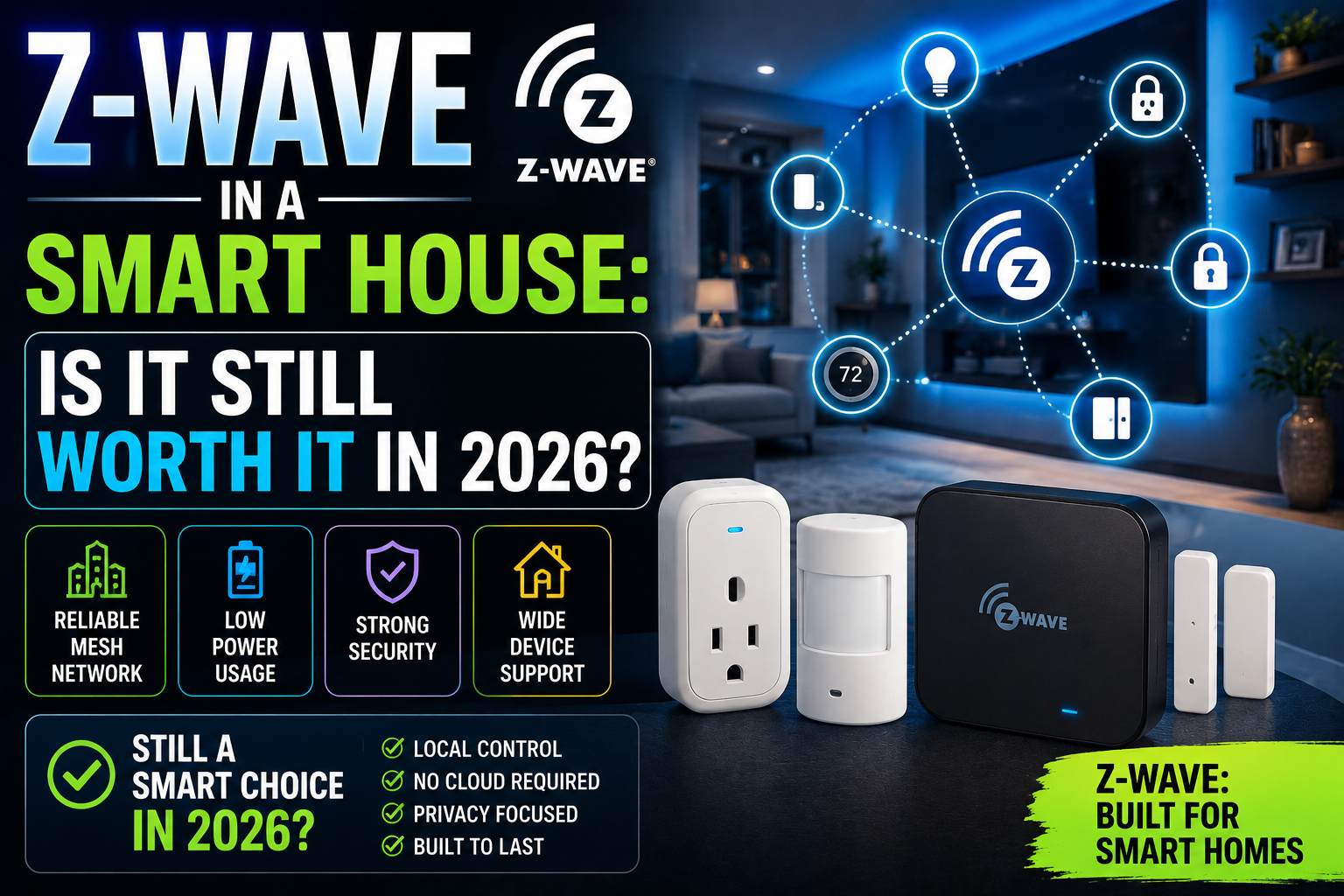
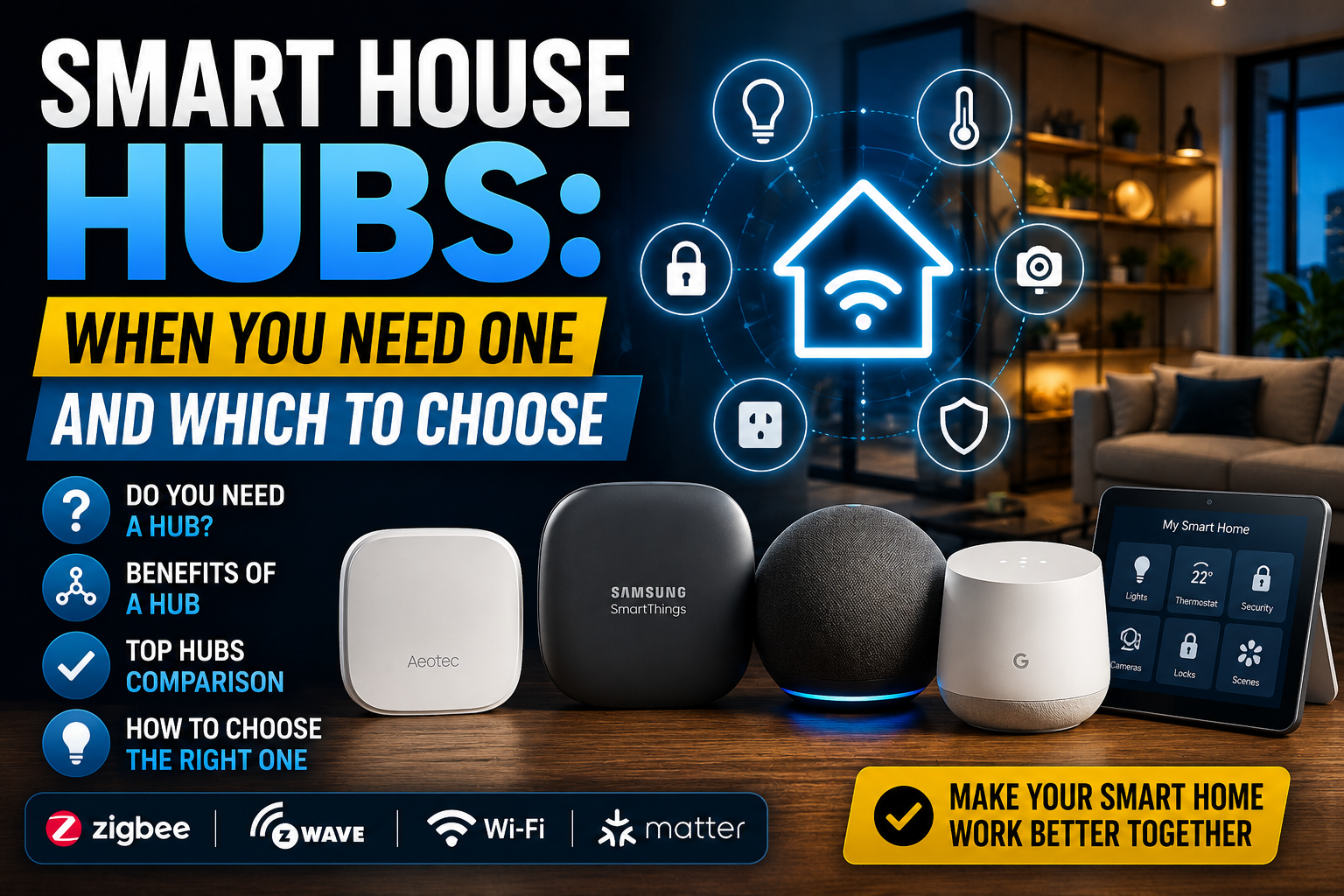
Older protocols still matter too, especially if you’re building a larger system. Z-Wave in a Smart House: Is It Still Worth It? looks at whether that older mesh protocol is worth considering, and if you live in a smaller space like an apartment, Zigbee vs Wi‑Fi vs Thread in Apartments: Practical Guide is a more targeted comparison for that specific setup. And if your system grows large enough that you’re weighing a dedicated hub device rather than relying on your ecosystem’s built-in one, Smart House Hubs: When You Need One and Which to Choose covers that decision directly.
What a Beginner Actually Needs to Do
You don’t need to become an expert in all three ecosystems before buying anything. Start with the phone already in your pocket: if you use an iPhone, Apple Home will feel the most natural; if you use Android with Google services, Google Home is the smoother default; if you want the widest possible device selection regardless of phone, Alexa is a safe, flexible choice.
Beyond that single decision, the second rule is the same no matter which ecosystem you pick: favor devices carrying the Matter logo whenever you have the option. Doing so keeps the door open to switching or mixing ecosystems later without needing to replace hardware you already own.
The Bottom Line
Alexa, Google Home, and Apple Home all do the same basic job, connecting and controlling your smart devices, but they differ in device support, day-to-day polish, hub requirements, and privacy posture. Alexa offers the widest compatibility, Google Home offers the smoothest everyday voice experience, and Apple Home offers the strongest privacy and device vetting. Pick based on the phone and services you already use, favor Matter-certified devices as you shop, and you’ll avoid most of the headaches that come with an ecosystem locked in the wrong direction.
Frequently Asked Questions
Can I use devices from different ecosystems at the same time?
To some extent, yes, especially with Matter-certified devices, which support a feature called multi-admin that lets the same device be controlled from more than one ecosystem. Non-Matter devices are more likely to be locked to a single ecosystem, so checking compatibility before buying is still worth doing.
Which ecosystem is easiest for a complete beginner?
Whichever one matches the phone you already carry. Matching your ecosystem to your existing phone removes an entire layer of setup friction, since the core app and account are already familiar.
Do I need a hub no matter which ecosystem I choose?
Not always. Many Wi-Fi devices work without any extra hub. Apple Home in particular benefits from having an always-on hub device, like a HomePod or Apple TV, for remote access and automations, while some Google and Alexa setups can run with less dedicated hardware, depending on your devices.
Is it worth switching ecosystems if I already have one set up?
Usually only if you’re unhappy with device support or you’ve switched phone platforms entirely. Migrating an established smart house takes real effort to rebuild automations and routines, so it’s worth confirming the new ecosystem actually solves a real problem first.
Does choosing an ecosystem lock me into one wireless protocol?
No. Ecosystems and wireless protocols are separate layers. A single ecosystem can support devices running Wi-Fi, Zigbee, Thread, or Matter simultaneously, so your ecosystem choice and your protocol choice are two different decisions.
Is one ecosystem meaningfully more private than the others?
Apple has publicly emphasized local processing and end-to-end encryption for Home data more than Amazon or Google have for their platforms, and this is a genuine, documented difference rather than just marketing. That said, all three ecosystems let you review and manage what data is collected through their respective privacy settings, so it’s worth checking each platform’s current privacy documentation directly if this is a priority for you.
What happens to my devices if I stop using an ecosystem’s hub?
Devices connected only through that ecosystem generally stop responding to voice commands and automations tied to it, though many Wi-Fi devices can still be controlled through their own manufacturer app as a fallback. This is part of why favoring Matter-certified hardware is worth the small extra effort when you’re shopping.