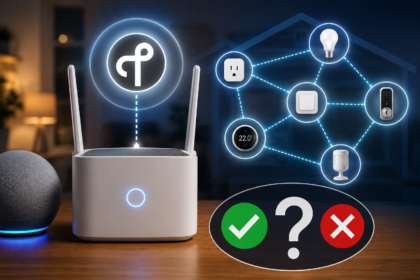
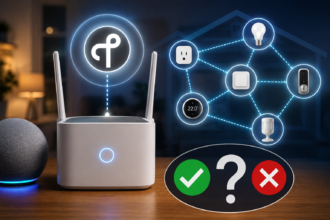

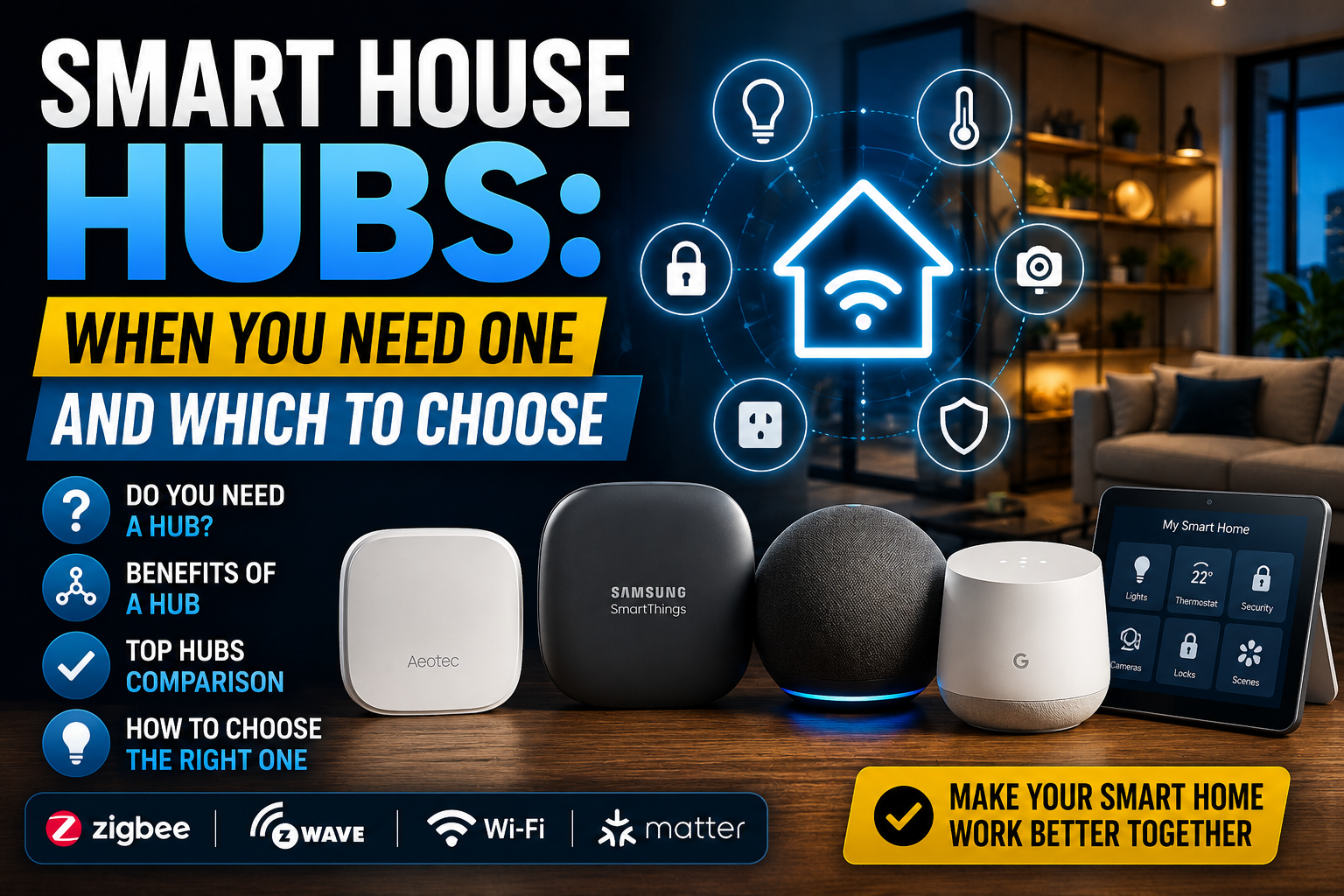
The hub question is one of the first real decisions in building a smart home — and one of the most misunderstood. Here’s how to think about it honestly.
There’s a moment most smart home beginners hit, usually somewhere around their fifth or sixth device, when the cracks start showing. The Kasa plug works great through its app. The Hue bulbs have their own app. The thermostat has another. Each device works perfectly in isolation, but there’s no central place to tie them together, no way to build automations that cross brand boundaries, and the phone’s home screen is filling up with single-purpose apps that each do one small thing.
This is the moment people start searching for a hub. And it’s also the moment they encounter a wall of confusing, often contradictory advice about which hub to choose, whether they even need one, and how the whole thing fits together with newer standards like Matter and Thread.
This article is an attempt to cut through that confusion with a practical, honest assessment of what smart home hubs actually do, when they’re worth the investment and setup complexity, and which options make the most sense for different types of households in 2025.
What a Smart Home Hub Actually Does
Before getting into specific products, it’s worth being precise about what a hub is — because the word gets used loosely to describe several different things.
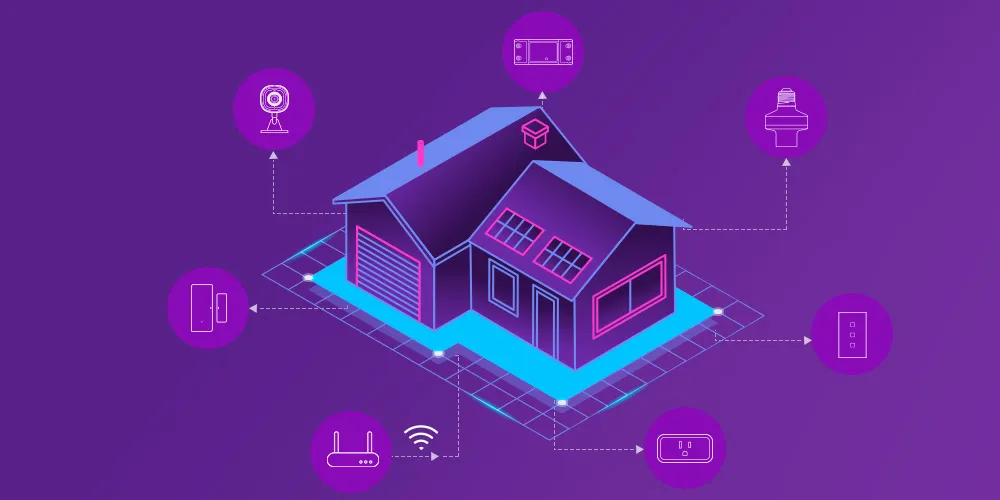
At its core, a smart home hub is a device that serves as the central coordinator for your home automation network. It speaks multiple protocols — Zigbee, Z-Wave, Thread, sometimes Wi-Fi — and translates between them, allowing devices from different brands and different wireless standards to coexist on a single unified system. The hub runs automation logic locally, meaning your lights-on-at-sunset rule doesn’t require a cloud server to execute. And it provides a single interface — an app, a web dashboard, or a voice assistant — for controlling everything.
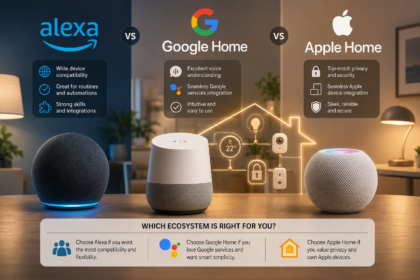
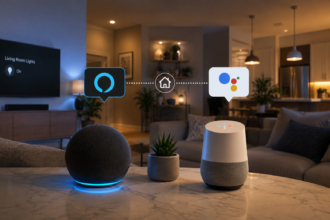
What a hub is not, in the strict sense, is just a smart speaker. Amazon Echo, Google Nest Hub, and Apple HomePod are often called hubs colloquially, and they do provide some hub-like functions — they act as Thread border routers, run local processing for certain automations, and serve as voice control endpoints. But they don’t natively support Zigbee or Z-Wave, which means they can’t directly communicate with the majority of affordable smart home sensors and devices. They’re platforms, not full protocol hubs.
This distinction matters a lot when you’re deciding what to buy.
When You Actually Need a Hub — and When You Don’t
Not everyone needs a dedicated smart home hub, and it’s worth being honest about that rather than assuming more complexity is always better.
The Case for Going Hubless
If your smart home ambitions are modest — a few smart bulbs, a plug or two, maybe a video doorbell — a hubless setup running on Wi-Fi devices and a platform like Google Home or Apple Home is entirely reasonable. These platforms have improved substantially over the past few years. Apple Home with a HomePod mini or Apple TV 4K as a home hub handles local automations reliably, supports Thread devices natively, and has a genuinely good app interface. Google Home has similar capabilities for its ecosystem.
For a household that wants convenience without complexity, and is willing to stay within a single ecosystem (Apple or Google), a dedicated hub adds setup overhead without proportional benefit. The inflection point comes when you start wanting devices that these platforms can’t directly control — specifically Zigbee sensors, Z-Wave locks, and the enormous category of affordable smart home hardware that doesn’t have native Wi-Fi or Thread support.
When a Hub Becomes Necessary
Three scenarios reliably push people toward a dedicated hub. The first is scale: once you’re managing 20+ devices across multiple brands and protocols, a hub’s ability to unify everything in one place stops being a luxury and starts being a practical necessity.
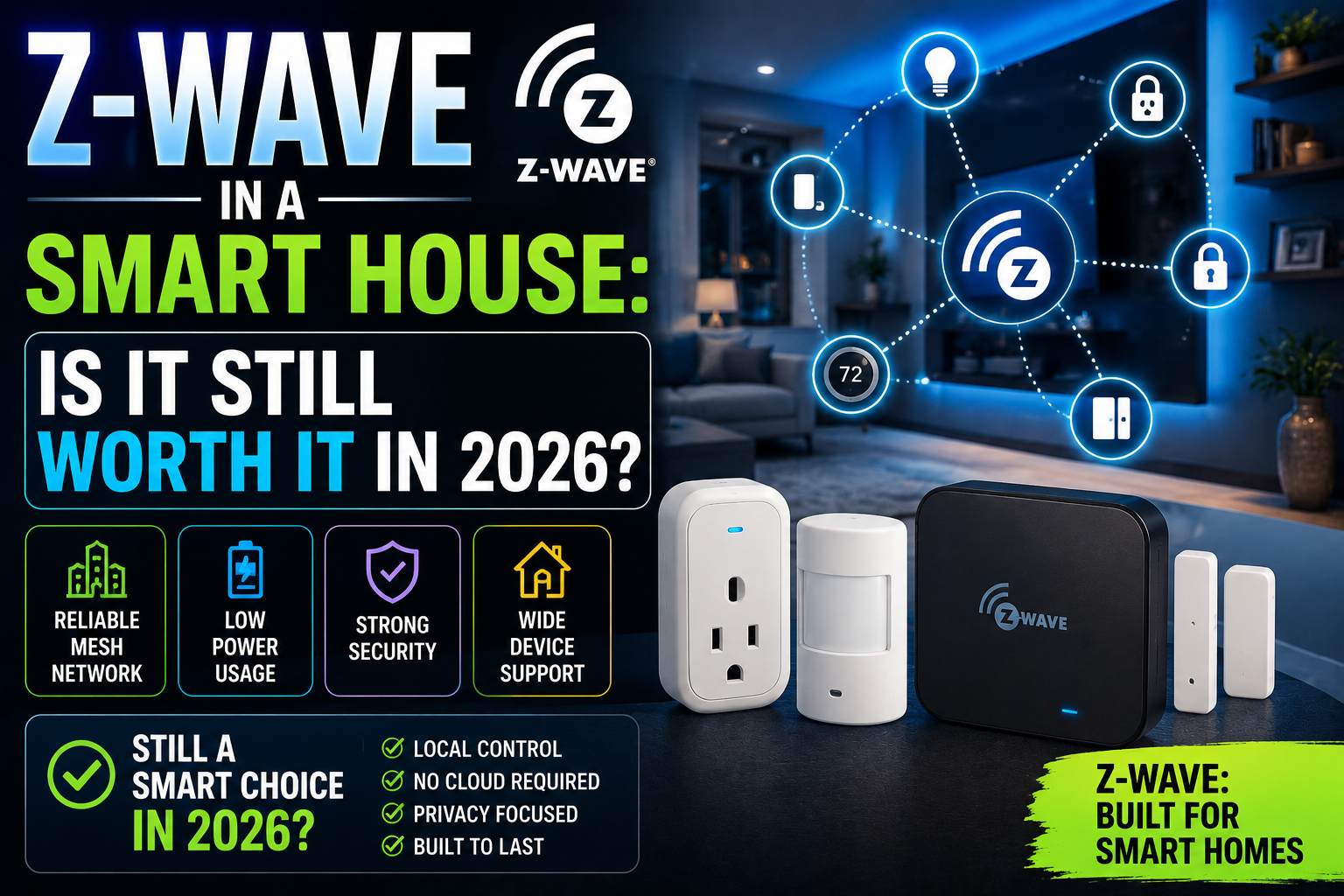
The second is protocol diversity. If you want to use Zigbee sensors — which are cheap, reliable, and available in enormous variety — alongside Z-Wave door locks, Thread-based plugs, and Wi-Fi cameras, you need something that speaks all of those languages. No smart speaker does that. A proper hub does.
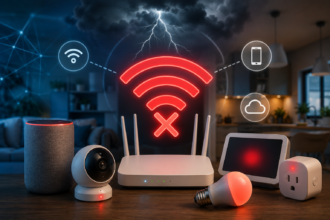
The third is local control. If you’ve been burned by a cloud outage — or if you’ve watched what happened to users of Wink, Insteon, or SmartThings Classic when those platforms changed or shut down — local processing becomes a priority rather than a nice-to-have. A hub running automation logic on-premises means your home keeps working when the internet goes down or a company changes its business model.
The Main Hub Options — An Honest Comparison
Home Assistant: The Most Powerful, Most Demanding Option
Home Assistant is the open-source smart home platform that has quietly become the most capable home automation system available to consumers. It runs on a variety of hardware — a Raspberry Pi 4, an Intel NUC, a dedicated Home Assistant Yellow board, or the purpose-built Home Assistant Green — and supports an extraordinary range of devices and integrations.
The device compatibility list is genuinely remarkable. Home Assistant natively integrates with Zigbee (via the Zigbee Home Automation integration or Zigbee2MQTT), Z-Wave, Thread/Matter, Wi-Fi devices from hundreds of brands, Lutron, Sonos, Philips Hue, Nest, Ring, and thousands more. If a device exists, there’s a reasonable chance Home Assistant supports it.
The automation engine — particularly with the newer visual automation editor and the more powerful YAML-based approach for advanced users — is the most flexible available in any consumer platform. Automations can reference time, location, sensor states, weather conditions, calendar events, and combinations of all of the above. The dashboard builder (Lovelace) can be customized to an almost absurd degree.
The honest caveat is that Home Assistant has a real learning curve. Initial setup is straightforward now compared to five years ago, but getting it running well — with stable Zigbee networks, reliable automations, and a dashboard that makes sense — takes time and patience. It’s not the right choice for someone who wants to set it up in an afternoon and never think about it again. It’s the right choice for someone who enjoys tinkering and wants a system that has essentially no ceiling on what it can do.
Home Assistant also shines in long-term stability. Because it’s open-source and self-hosted, it doesn’t depend on any company staying solvent or keeping servers running. Your automations work as long as your hardware works.
Hubitat Elevation: Local Control Without the Complexity
Hubitat occupies an interesting middle ground. It’s a purpose-built hub that prioritizes local processing — virtually all automation logic runs on-device without cloud dependency — but it’s considerably more accessible than Home Assistant for users who don’t want to manage a server.
Setup is straightforward: plug it in, connect it to your router, and walk through a guided setup process. Zigbee and Z-Wave radios are built in, so you don’t need separate dongles or additional hardware. The device compatibility list is good, though not as exhaustive as Home Assistant’s, and the automation rules engine — while powerful — is less visually polished than what newer platforms offer.
Hubitat’s community is smaller than Home Assistant’s but impressively active, and the hub receives regular firmware updates. For someone who wants local-first reliability, Z-Wave and Zigbee support in one box, and a setup process that doesn’t require reading documentation for three hours, Hubitat is genuinely compelling. It’s particularly popular among users who came from SmartThings and wanted to keep their device ecosystem while gaining local control.
The main limitation is integrations with third-party cloud services. Things like Nest thermostats, Ring cameras, and some Wi-Fi ecosystems require cloud connections that can be less reliable or fully featured than their native apps. Hubitat’s strength is in local protocols; it’s not trying to replace the cloud entirely, just reduce your dependence on it.
SmartThings: Broad Compatibility With Strings Attached
Samsung’s SmartThings platform has one of the broadest device compatibility lists of any commercial hub, and the v3 hub hardware (the current generation) supports Zigbee, Z-Wave, and acts as a Matter controller and Thread border router. For users who are deep in the Samsung ecosystem — SmartThings-compatible appliances, Galaxy phones, SmartThings-integrated TVs — the platform integration can be genuinely useful.
The persistent concern with SmartThings is cloud dependency. Despite Samsung’s promises of improved local processing, a significant portion of SmartThings automations and integrations still run in the cloud. This has caused reliability problems during outages, and it’s also the reason many SmartThings users have migrated to Hubitat or Home Assistant over the years. The platform’s history — SmartThings Classic was sunset in 2020, and the transition was rocky — also gives pause to users who want long-term stability.
That said, for a user who is primarily using mainstream devices (Samsung SmartThings-compatible sensors, SmartThings plugs, a few Zigbee bulbs) and doesn’t need advanced automation logic, SmartThings is easy to set up and works reasonably well day-to-day. Just go in with realistic expectations about cloud dependency.
Apple Home and Google Home as Pseudo-Hubs
It’s worth addressing these specifically because they’re the path most people take before they realize they need something more capable. Apple Home, anchored by a HomePod mini or Apple TV 4K, is a genuinely excellent platform for Matter and Thread devices. Local processing has improved significantly since iOS 16, automations are reliable for straightforward conditions, and the privacy posture is better than any cloud-dependent alternative.
The ceiling is the limitation. Apple Home doesn’t support Zigbee or Z-Wave directly, which means the huge ecosystem of affordable Zigbee sensors and Z-Wave locks is inaccessible without a bridge. And while Aqara, for example, can expose its Zigbee devices to Apple Home via the Aqara hub acting as a Matter bridge, that’s an additional device and additional complexity.
Google Home has similar strengths and limitations, with the added frustration of a history of deprecated products and platforms (Google has killed more smart home initiatives than most companies have launched). For a Google-invested household with modern Matter devices, it works well. As a foundation for a diverse, multi-protocol smart home, it falls short.
Practical Recommendations Based on Your Situation
If you’re starting from scratch with no existing devices and want a simple, reliable setup using Matter and Thread devices within one ecosystem, a HomePod mini (Apple) or Nest Hub 2nd gen (Google) as a platform hub is a perfectly sensible starting point. You don’t need a dedicated hub.
If you already own or plan to buy Zigbee or Z-Wave devices — sensors, locks, switches — and you want local control without a steep learning curve, the Hubitat Elevation is the most direct path. Buy it, plug it in, pair your devices.
If you want the most capable system available, don’t mind investing time in setup, and intend to build a deeply automated home over time, Home Assistant running on a Home Assistant Green (a purpose-built, passively cooled mini-PC sold by the Home Assistant project for around $100) is the best long-term investment. The time you put in upfront pays back in a system that does exactly what you want, forever, without depending on any company’s continued goodwill.
Conclusion: The Hub Is the Foundation, Not an Accessory
Smart home devices get the attention — the flashy bulbs, the clever sensors, the voice-activated everything — but the hub is what determines whether the whole thing actually works as a system or just as a collection of independent gadgets. Choosing the right hub, or understanding when you don’t need one yet, is the decision that makes everything else easier.
The market in 2025 is genuinely better than it’s ever been. Home Assistant has matured into something most technically inclined users can set up successfully. Matter has simplified multi-platform compatibility for newer devices. And the economics of hardware have improved — capable hubs are available at price points that weren’t possible three years ago.
The best hub is the one that matches your technical comfort level, supports the protocols your devices use, and keeps running reliably without depending on someone else’s servers to stay online. Everything else is details.