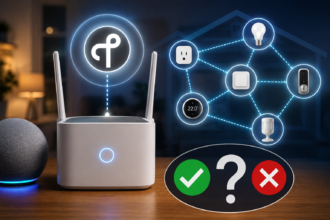

The smart home hub is one of the most confusing topics for newcomers. Some guides insist you need one before you do anything. Others say hubs are obsolete and you should never buy one. Product pages add to the muddle, with some devices requiring a hub, some recommending one, and some working perfectly without. So which is it? Do you actually need a smart home hub, or is it an unnecessary expense?
The honest answer is that it depends entirely on what kind of smart home you are building. For many beginners, the answer is a clear no, at least to start. For others, a hub is genuinely useful. This guide explains exactly what a hub does, when you can confidently skip one, and when buying one is the right move, so you can make the decision based on your situation rather than conflicting advice.
What a Smart Home Hub Actually Does
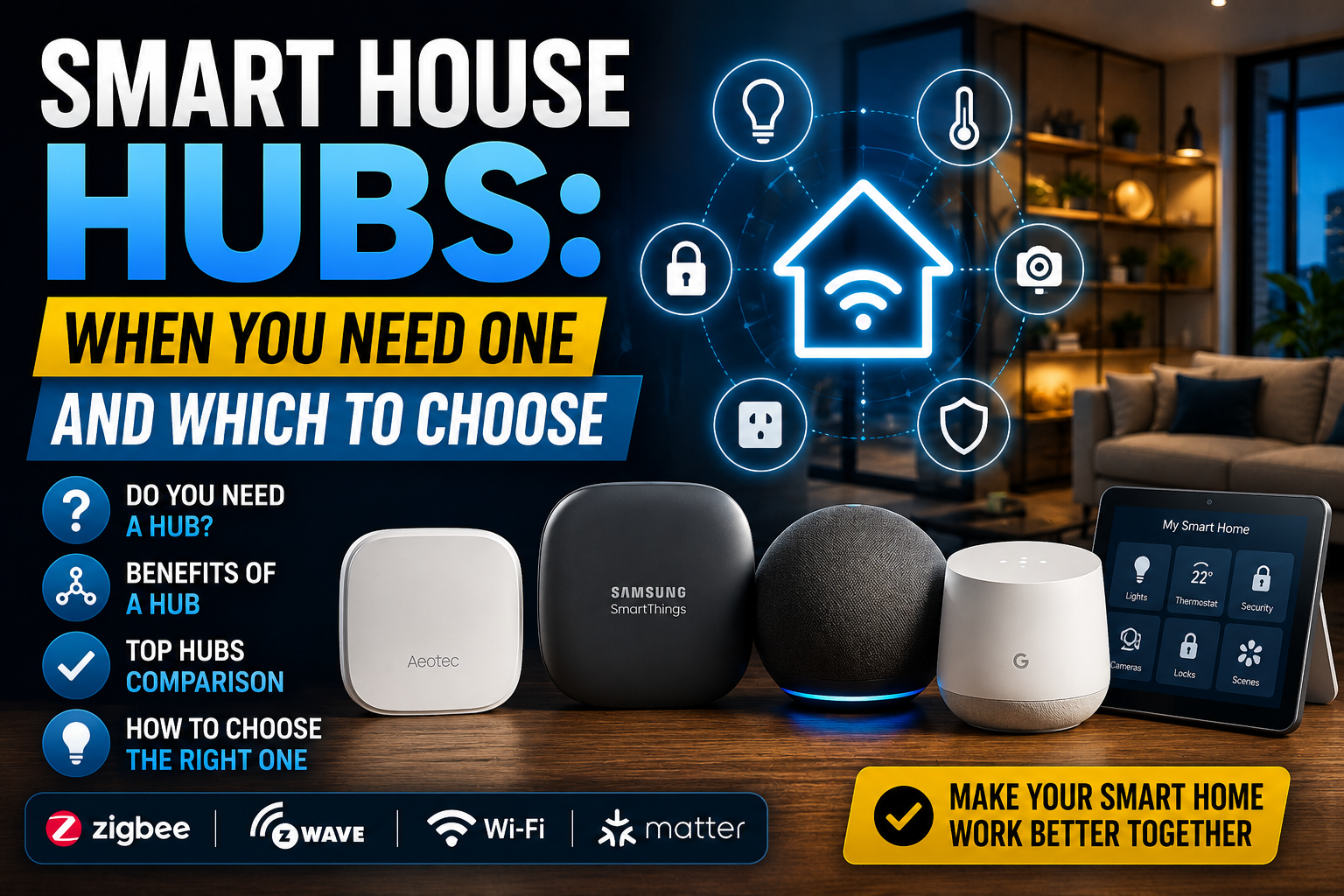
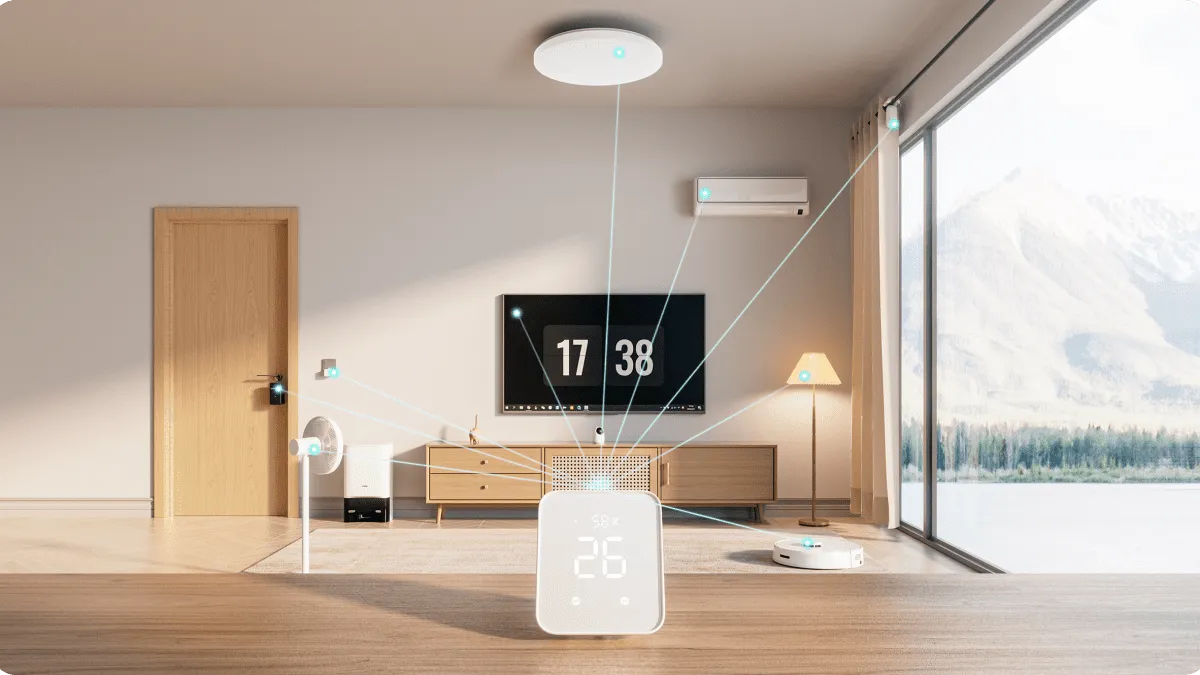
A smart home hub is a small device that connects to your home network and acts as a central translator and coordinator for your smart devices. It serves a few distinct functions, and understanding them clarifies whether you need one.
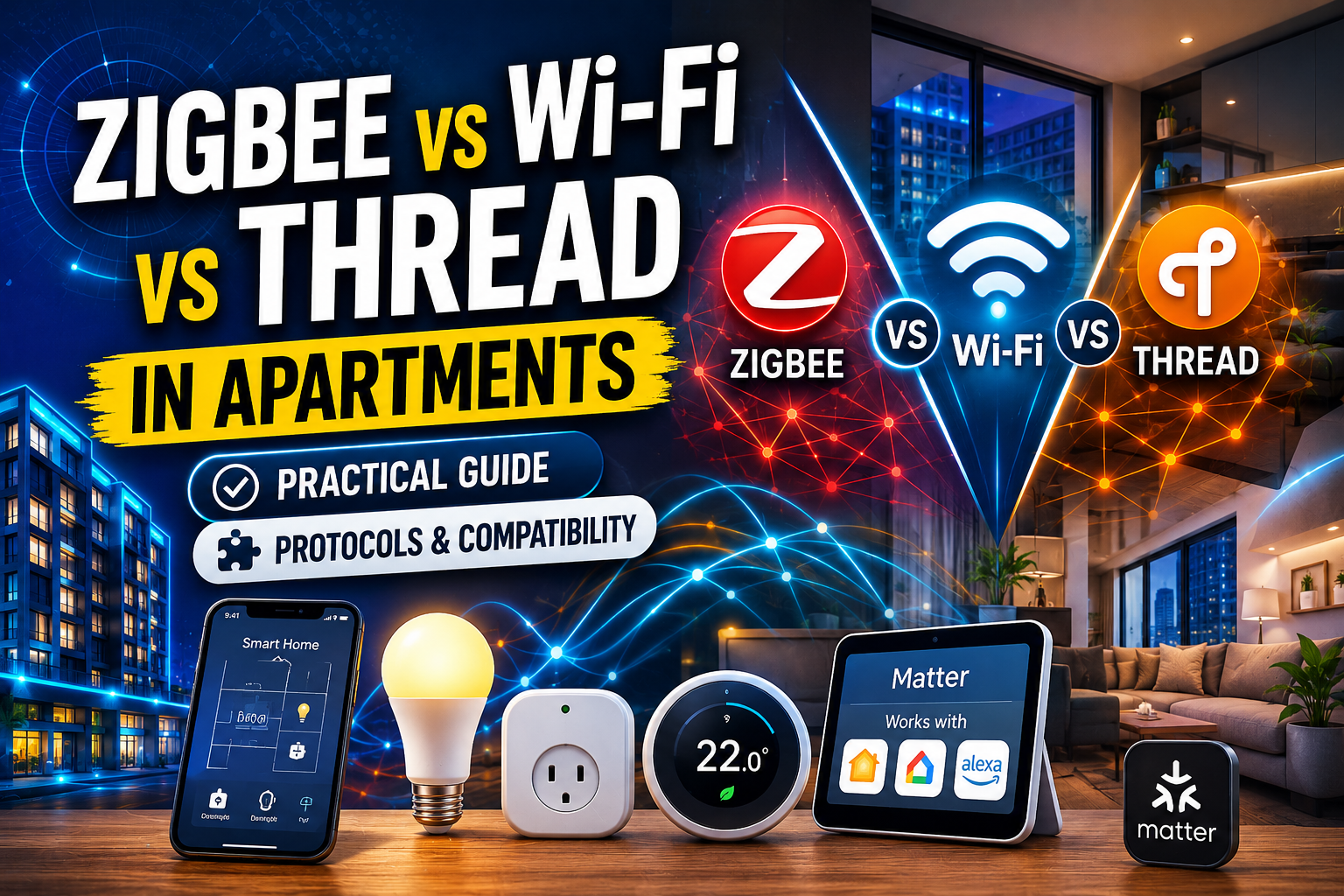
First, translation. Some smart devices use protocols like Zigbee or Z-Wave that do not connect to your Wi-Fi router directly. A hub speaks these languages and bridges those devices to the rest of your system. Without the right hub, those particular devices cannot join your network at all.
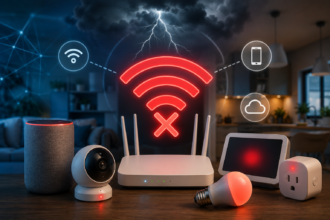
Second, coordination and local control. A hub can manage your devices and run automations locally, on the device itself, rather than relying entirely on the cloud. This can make your smart home faster and more reliable, and it can let some automations keep working even if your internet goes down.
Third, unification. A hub can bring devices from different brands and protocols together under one roof, so you control everything from one place instead of juggling several apps. For a sprawling, mixed system, this is a major convenience.
When You Do NOT Need a Hub
For a large and growing number of beginners, a hub is unnecessary, especially at the start. If you are building a simple setup using Wi-Fi devices, smart bulbs, plugs, a doorbell, that connect directly to your router, you do not need a hub. These devices talk to your network and your assistant on their own.
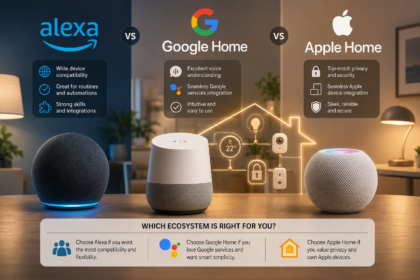
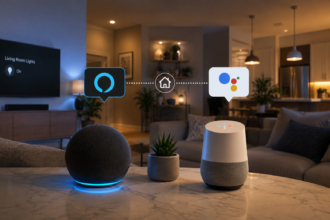
Similarly, if you control your devices through a voice assistant like Alexa or Google, your smart speaker or display often performs some of the coordinating role a dedicated hub once filled. Many people run a satisfying smart home of a dozen Wi-Fi devices with no separate hub at all, controlling everything through their assistant’s app and voice.
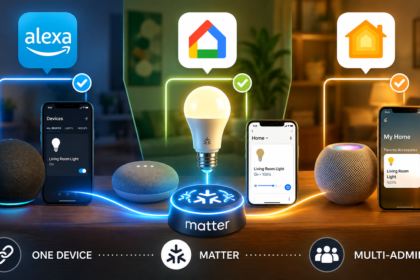
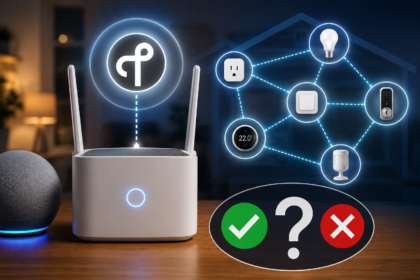
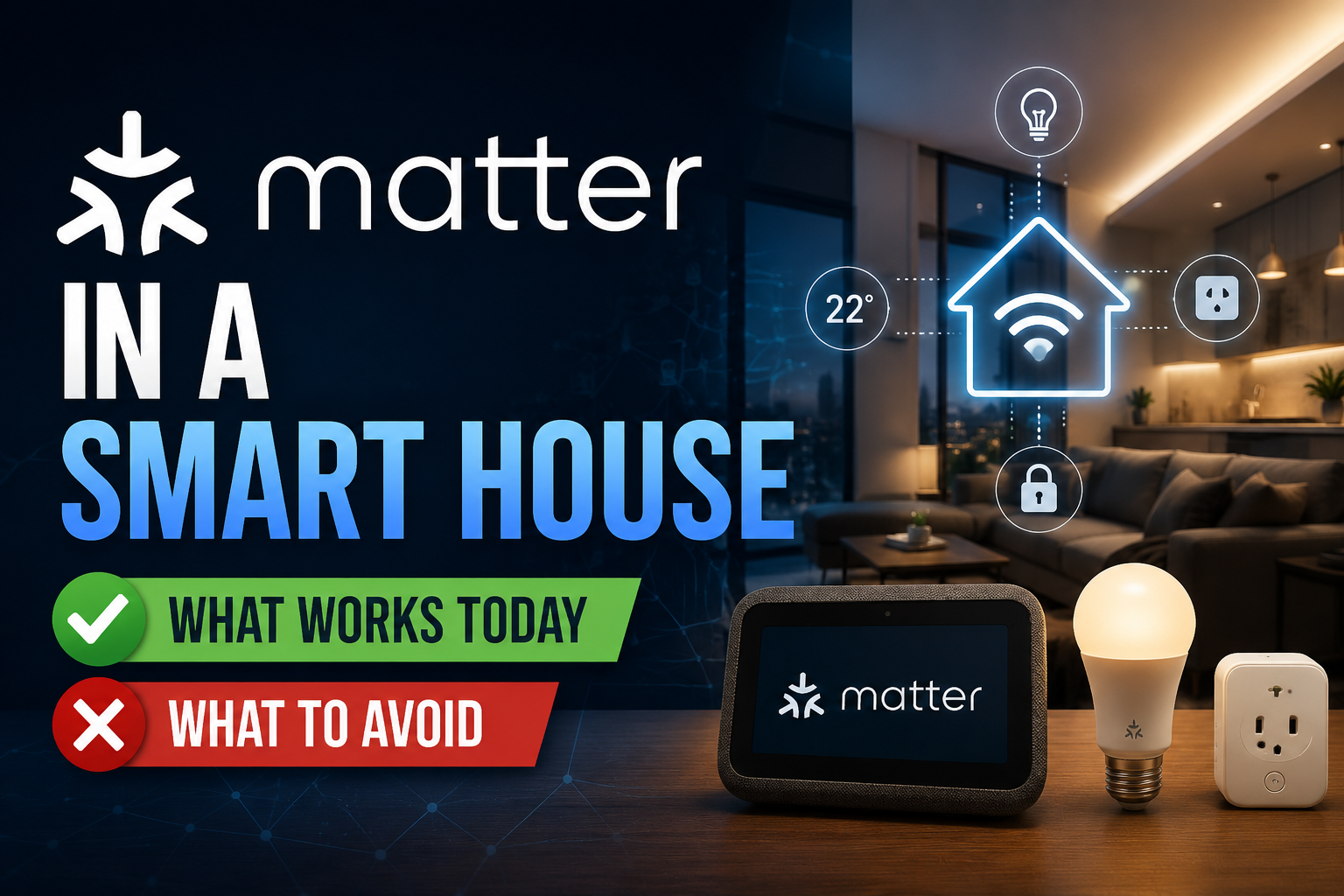
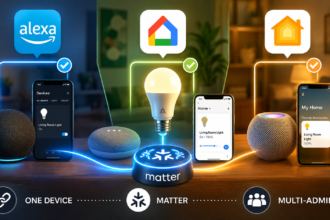
The arrival of Matter and Thread has reduced hub dependence further. Many modern devices connect more directly, and some smart speakers and displays now include the necessary Thread radio built in, quietly playing the hub role without you buying a separate box. For a beginner starting small with Wi-Fi and Matter devices, skipping a dedicated hub is not only acceptable, it is often the simpler, cheaper, and recommended path.
When You DO Need a Hub
There are clear situations where a hub becomes genuinely worthwhile or even required.
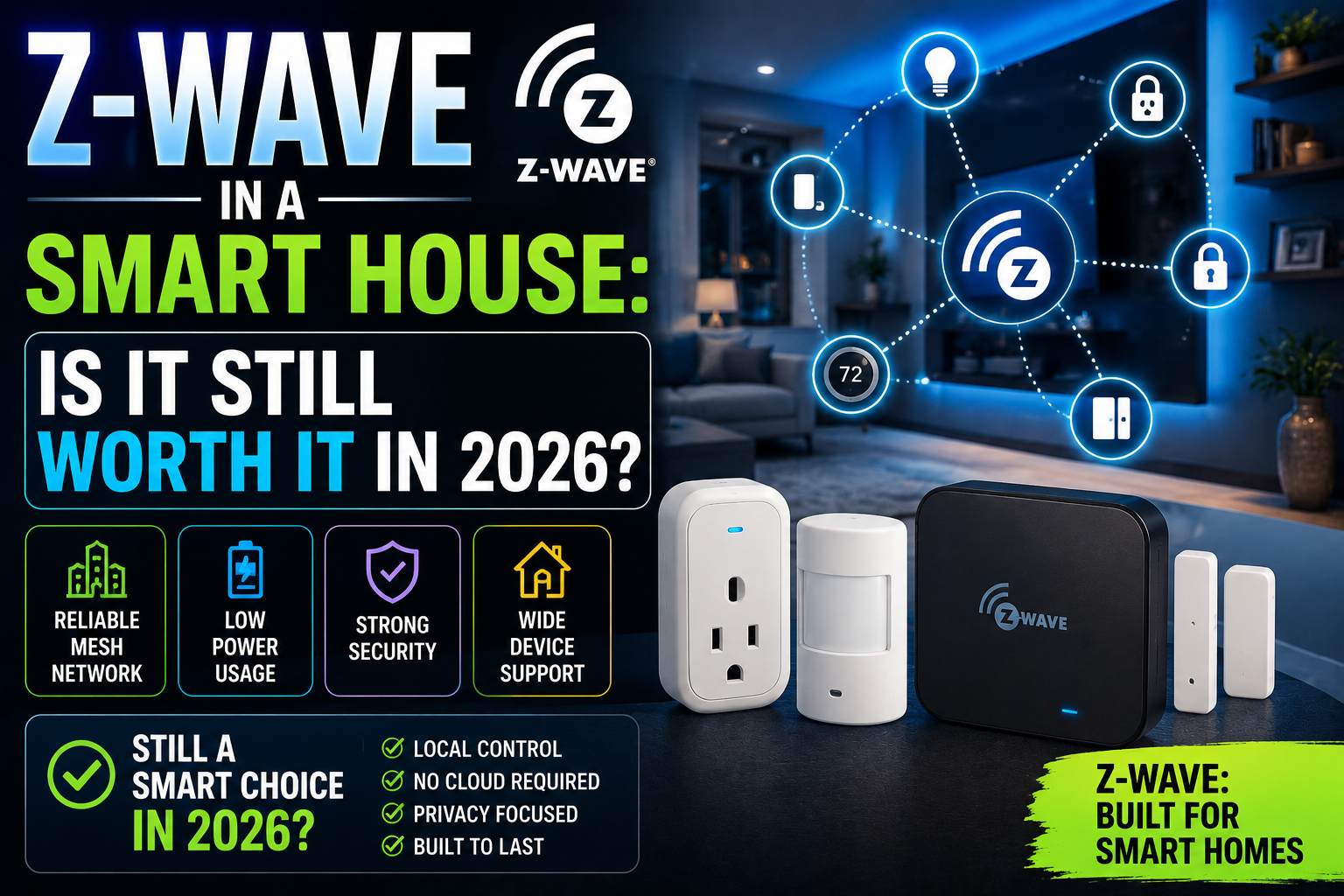
The first is when you want to use Zigbee or Z-Wave devices. These protocols, popular for efficient battery sensors and large reliable systems, generally require a compatible hub to function. If you are drawn to a specific Zigbee or Z-Wave device, a hub is part of the package.
The second is scale. Once you are running many devices, a hub that handles them efficiently and provides a strong mesh network improves reliability and responsiveness. Large Wi-Fi-only setups can strain a router and feel sluggish, whereas a hub-based system scales more gracefully. If you plan to automate your whole house with dozens of devices, a hub is a sound investment.
The third is local control and reliability. If you want automations that run quickly and continue working during an internet outage, a hub that processes things locally delivers that. Enthusiasts who prize speed, privacy, and resilience often choose a hub precisely for local control, rather than depending on the cloud for every action.
The fourth is unification of a mixed system. If you have accumulated devices across several brands and protocols and you are tired of managing multiple apps, a capable hub can bring them together into one interface. For a messy, grown-over-time setup, this consolidation is a real quality-of-life upgrade.
How to Decide for Your Situation
Ask yourself a few practical questions. What devices do you want to use? If they are all Wi-Fi or Matter devices that connect directly, you likely do not need a hub. If any require Zigbee or Z-Wave, you do.
How big will your system get? A handful of devices rarely justifies a hub. A whole-home system with dozens of devices benefits from one. How much do you value local control and offline reliability? If running automations during an internet outage matters to you, lean toward a hub. If you are comfortable with cloud-based control for a simple setup, you can skip it.
And what do you already own? A modern smart speaker or display may already include hub-like capabilities, particularly a Thread radio, meaning you might effectively have a partial hub without realizing it. Check what your existing devices can do before assuming you need to buy more.
A Sensible Approach for Beginners
The pragmatic path for most beginners is to start without a dedicated hub. Begin with Wi-Fi and Matter devices that connect directly, control them through your chosen assistant, and learn what you enjoy. This keeps your initial cost and complexity low and avoids buying equipment you may not need.
Then, let your needs guide you. If you find yourself wanting specific Zigbee or Z-Wave devices, building toward a large system, or craving faster local automations and offline reliability, that is the moment to add a hub. Buying a hub at that point is an informed decision based on real requirements, rather than a guess made before you understood your own setup. Many people never reach that point and run happy smart homes hub-free. Others grow into a hub naturally. Both outcomes are perfectly normal.
The Bottom Line
Whether you need a smart home hub depends entirely on your setup. A hub translates protocols like Zigbee and Z-Wave, coordinates devices locally for speed and reliability, and unifies mixed systems under one roof. If you are starting small with Wi-Fi and Matter devices controlled through a voice assistant, you almost certainly do not need a hub to begin, and skipping one keeps things simple and affordable. You genuinely need a hub when you want Zigbee or Z-Wave devices, are scaling to a whole-home system, value local control and offline reliability, or want to unify many brands. Start hub-free, let real needs guide you, and add a hub only when your smart home actually calls for one.
Frequently Asked Questions
Can I build a smart home without any hub?
Yes. Many beginners run satisfying smart homes using only Wi-Fi and Matter devices that connect directly to their router and are controlled through a voice assistant. A hub is unnecessary for this kind of simple setup, and starting hub-free keeps cost and complexity low.
What kinds of devices require a hub?
Devices using Zigbee or Z-Wave protocols generally require a compatible hub, since they do not connect to your Wi-Fi router directly. These protocols are common for efficient battery sensors and large reliable systems. Wi-Fi and many Matter devices, by contrast, do not need a separate hub.
Does my smart speaker count as a hub?
Partly. Modern smart speakers and displays often include some coordinating ability, and many now have a built-in Thread radio that lets them act as a hub for certain devices. You may have partial hub functionality already, so check what your existing devices support before buying more.
Will a hub make my smart home faster or more reliable?
It can. A hub that runs automations locally responds faster than cloud-based control and can keep some automations working during an internet outage. For large systems, a hub also provides a stronger network than connecting many devices directly to your router.
Should a beginner buy a hub right away?
Usually not. The sensible approach is to start with Wi-Fi and Matter devices and no dedicated hub, learn what you enjoy, and add a hub later only if you want Zigbee or Z-Wave devices, are scaling up, or value local control. Many beginners never need one.