
Three wireless protocols. One apartment. A lot of conflicting advice online. Here’s what actually matters when you’re working with limited space, shared walls, and a landlord who won’t let you run cable.
- Wi-Fi Smart Devices: The Path of Least Resistance
- Zigbee: The Workhorse Protocol for Dense Device Networks
- Thread: The New Mesh Standard Built for the Modern Smart Home
- Comparing the Three Side by Side — What Matters in Apartment Conditions
- Building a Mixed Protocol Strategy That Actually Works
- Conclusion: The Protocol You Choose Is the Infrastructure You Live With
Choosing a smart home protocol sounds like a problem only engineers should care about. In practice, it’s the decision that determines whether your apartment automation runs smoothly for years or turns into an ongoing maintenance headache that consumes your weekends. And unlike a house, where you have the luxury of space, dedicated networking equipment, and freedom to modify things, an apartment introduces constraints that change the calculus entirely.
You’re dealing with dense Wi-Fi environments — every neighbor has a router, and the 2.4GHz band is often a traffic jam. You probably can’t install a hardwired network panel. Your space is compact enough that range isn’t the primary concern, but interference absolutely is. And you may be renting, which means any infrastructure you build needs to be portable when you leave.
Zigbee, Wi-Fi, and Thread each handle these constraints differently. None of them is universally better. The right answer depends on how many devices you’re adding, which platforms you’re invested in, and how much complexity you’re willing to manage. This guide walks through each protocol honestly — what it’s genuinely good at, where it struggles, and how to think about combining them in a real apartment setup.
Wi-Fi Smart Devices: The Path of Least Resistance
Wi-Fi is where most people start, and there are legitimate reasons for that. Wi-Fi smart devices — plugs, bulbs, switches, cameras — require no hub, no extra hardware, and no learning curve beyond the manufacturer’s app. You buy the device, connect it to your existing 2.4GHz network, and you’re done. For someone dipping their toes into home automation, that simplicity is genuinely valuable.
Where Wi-Fi Devices Make Sense in an Apartment
In a small apartment, Wi-Fi devices have a real use case: anything that benefits from direct internet connectivity and doesn’t need to scale into a large network. Video doorbells, smart cameras, Wi-Fi thermostats — these devices need cloud connectivity regardless of which protocol they use, and going Wi-Fi native cuts out the middleman.
A single smart plug on your coffee machine, a Wi-Fi bulb in the living room lamp, a Nest thermostat — at this scale, Wi-Fi’s lack of hub requirement is actually an advantage. You’re not building a smart home; you’re adding a few convenient devices. Wi-Fi handles that fine.
The Real Problems Wi-Fi Creates at Scale
The moment you cross somewhere around eight to twelve Wi-Fi smart devices, things start to get difficult. Not impossible, but noticeably messier.
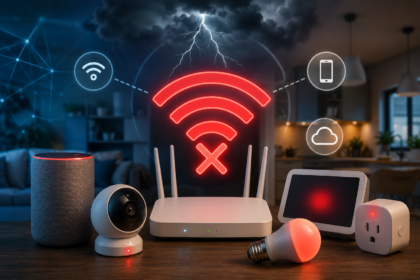
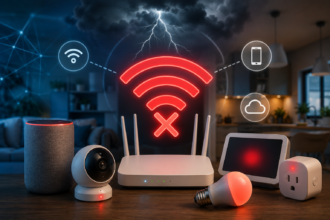
The first issue is network congestion. In a dense apartment building, your 2.4GHz band is competing with every neighbor’s router, microwave, baby monitor, and smart device network. Wi-Fi smart home devices almost universally use 2.4GHz because it has better range than 5GHz — but that’s also where all the interference lives. Kasa, Meross, and TP-Link plugs are popular and work well individually, but add twenty of them to a crowded apartment building network and you’ll start seeing devices drop off and reconnect unpredictably.
The second issue is router load. Your home router wasn’t designed to handle thirty individual IP connections from light bulbs. Each Wi-Fi device maintains its own connection to your router, and routers have soft limits on concurrent connections. Consumer routers commonly start struggling around 30-40 connected devices total, and if half of those are smart home gadgets, you’re burning through that headroom fast.
The third issue is dependency on the cloud. Most Wi-Fi smart home devices route their commands through manufacturer servers, which means a server outage, a terms-of-service change, or a company going under can brick your entire setup. This happened visibly with Wink and with several smaller bulb brands. It’s not a theoretical risk.
Zigbee: The Workhorse Protocol for Dense Device Networks
Zigbee has been around since 2004, which makes it ancient by smart home standards. And yet it remains one of the most practical choices for building out a substantial apartment automation setup, precisely because its age means the ecosystem is massive and well-understood.
How Zigbee Actually Works — and Why Mesh Matters
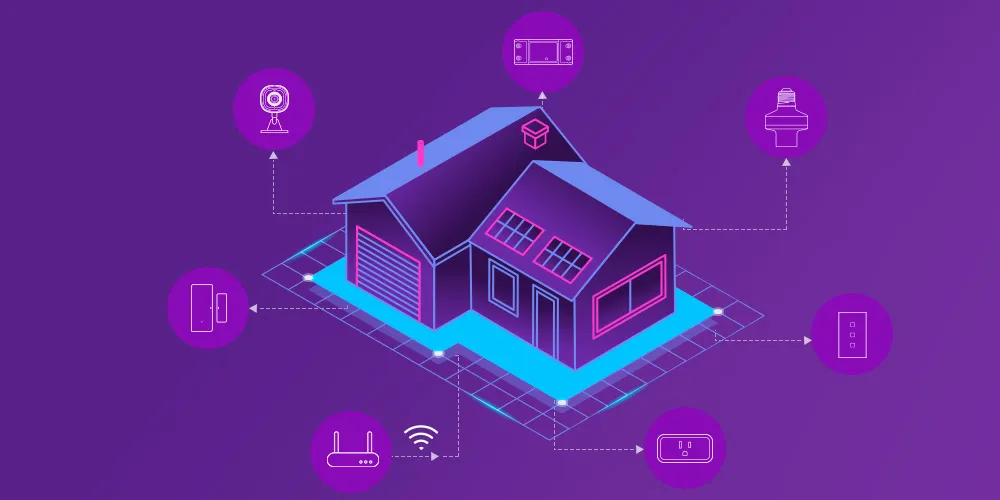
Zigbee operates on the 2.4GHz band like Wi-Fi, but it uses it very differently. Zigbee devices form a mesh network: each powered device (plugs, bulbs, switches) acts as a router, relaying signals from devices further away back to the coordinator hub. In an apartment, where distances are short, this mesh capability means you can have dozens of devices with rock-solid connectivity. Adding more devices actually makes the network more reliable, not less — each new node strengthens the mesh.
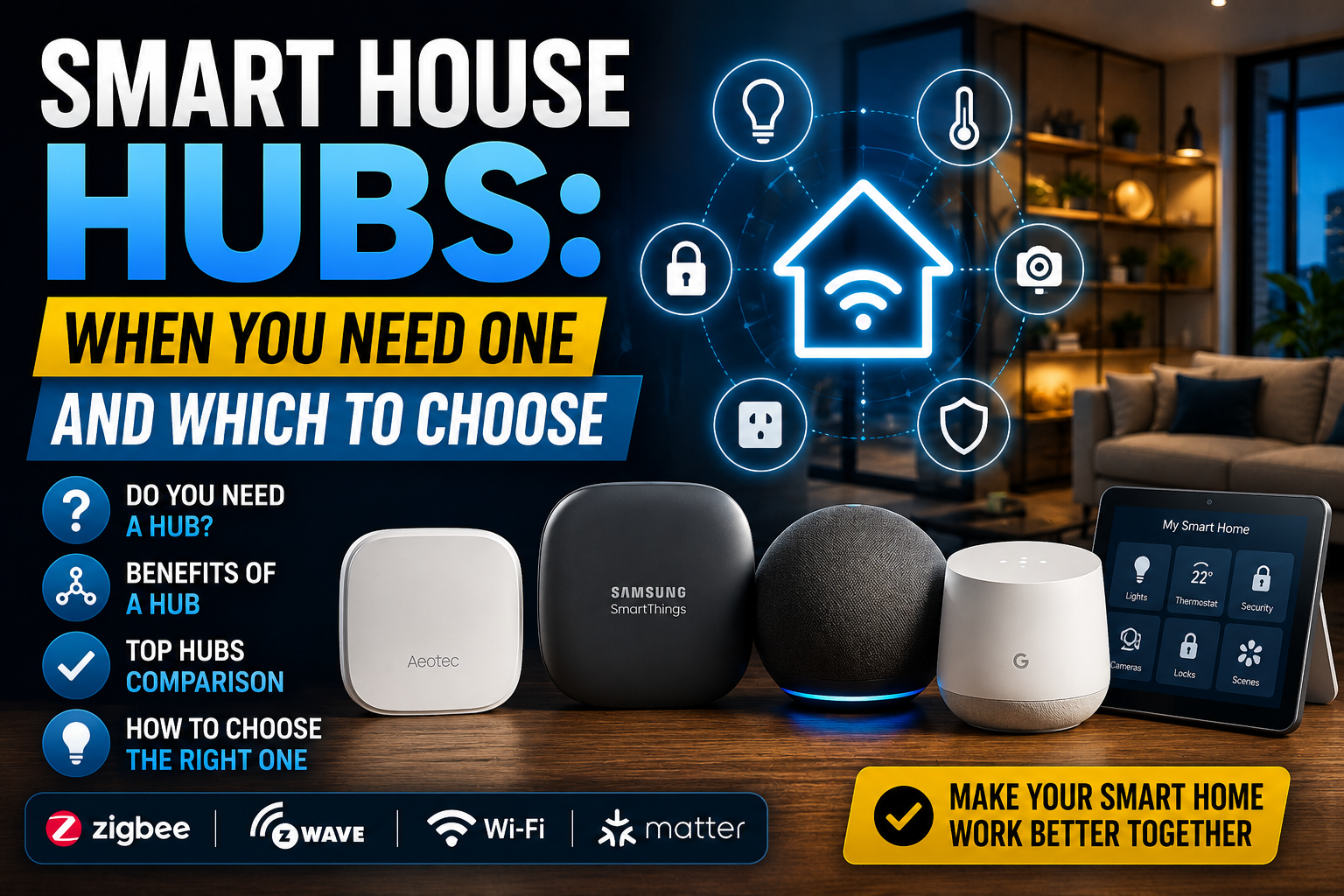
The tradeoff is that Zigbee requires a hub — a coordinator device that manages the network and bridges it to your router. Philips Hue has its own bridge. IKEA Dirigera is another. For a more flexible, multi-brand approach, SmartThings hub, Home Assistant with a Sonoff Zigbee dongle, or Hubitat are popular options.
Zigbee in Practice: A Real Apartment Scenario
Consider a 65-square-meter apartment where the occupant wants smart lighting throughout, motion sensors in the hallway and bathroom, contact sensors on windows, and smart plugs in the living room. That’s potentially 20-25 devices. Running all of those on Wi-Fi would be a network management nightmare. On Zigbee, with a Home Assistant hub running locally on a small server, it’s a routine setup.
The Aqara ecosystem is worth highlighting here specifically. Their Zigbee sensors — motion, door/window, temperature — are small, well-made, and inexpensive. A full apartment sensor deployment using Aqara hardware costs a fraction of what comparable Wi-Fi sensors would, and the Zigbee mesh means battery-powered sensors can sit in corners of the apartment that would have marginal Wi-Fi reception. Battery life on Zigbee sensors is typically measured in one to two years, compared to months for Wi-Fi equivalents.
The Zigbee Compatibility Problem That Never Quite Goes Away
Zigbee is an open standard, but manufacturers implement it with varying degrees of strictness. This means that while most Zigbee devices technically work on the same network, some devices from different brands can behave unpredictably when mixed on a third-party coordinator like Home Assistant. IKEA Tradfri bulbs are notoriously fussy about pairing with non-IKEA coordinators. Tuya-based Zigbee devices vary wildly in quality and behavior.
The practical workaround is to stick to brands with strong third-party support — Aqara, SONOFF, Müller Müller Licht, Innr — and to use Zigbee2MQTT as your integration layer if you’re running Home Assistant. Zigbee2MQTT has a compatibility database of hundreds of tested devices that takes the guesswork out of which devices play well together.
Thread: The New Mesh Standard Built for the Modern Smart Home
Thread is the newest of the three protocols, and it was designed from scratch to address the specific shortcomings of both Zigbee and Wi-Fi for smart home use. It’s a low-power mesh networking protocol, like Zigbee, but built on IP from the ground up — which means Thread devices are inherently internet-addressable without requiring proprietary translation layers.
Why Thread Is Different From Zigbee Even Though They Sound Similar
The key architectural difference is that Thread uses IPv6, which means every Thread device has a native IP address. This makes integration with other IP-based systems — like your home network, or cloud services — fundamentally cleaner than Zigbee, where the hub has to translate between Zigbee’s protocol and IP. It also means that Thread devices can be reached directly from IP networks without going through a proprietary coordinator.
Thread also uses the same 2.4GHz band as Zigbee but with better handling of network topology and self-healing. In apartment conditions where mesh distances are short, this translates to very reliable connectivity with low latency.
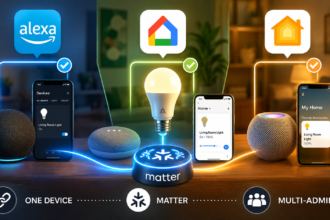
The crucial piece Thread adds over Zigbee, from a modern smart home perspective, is its role as the transport layer for Matter. Matter devices that use Thread are, in practice, the highest-reliability implementation of the Matter standard available today.
Thread in an Apartment: What You Need and What You Get
The entry requirement for Thread is at least one Thread border router — a device that bridges the Thread mesh to your IP network. If you already have an Apple HomePod mini, an Apple TV 4K (3rd gen), a Google Nest Hub 2nd gen, or an Amazon Echo 4th gen, you already have a Thread border router. In many apartments, especially those with mixed platform households, Thread infrastructure exists without the occupant having specifically bought it.
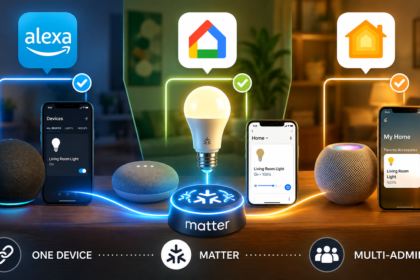
With that infrastructure in place, Thread-based Matter devices are compelling for apartments. Eve’s Thread products — their Energy plug, Motion sensor, and Door sensor — are genuinely excellent: local processing, no cloud dependency, long battery life on the sensors, and compatibility with Apple Home, Google Home, and Amazon Alexa simultaneously.
The limitation right now is ecosystem breadth. Zigbee has thousands of compatible devices across every price point. Thread’s native device catalog is smaller, skewing toward premium products. You’re not finding $8 Thread sensors on AliExpress the way you can with Zigbee. For budget-conscious apartment automation at scale, Zigbee still wins on device variety and price.
Comparing the Three Side by Side — What Matters in Apartment Conditions
Rather than a feature checklist, it’s more useful to think about these protocols in terms of the specific challenges apartments present.
Interference from neighbors: Zigbee and Thread both use the 2.4GHz band, but their lower power output and mesh architecture make them less susceptible to the kind of cumulative interference that degrades Wi-Fi performance. In a dense urban building, Zigbee and Thread devices will generally maintain more consistent connectivity than Wi-Fi devices operating on congested channels.
Portability when you move: Zigbee and Thread devices travel with you. Your mesh network rebuilds wherever you set up your hub or border router. Wi-Fi devices also travel, but they need to be reconfigured to your new network. Neither is a major obstacle, but Zigbee and Thread networks tend to self-organize faster in a new space.
No hub, no problem — or is it?: Wi-Fi’s hubless simplicity is appealing right up until the moment a manufacturer discontinues their app or changes their API. Zigbee and Thread hubs, especially local ones running Home Assistant, give you control that doesn’t depend on any company staying in business or keeping their servers running.
Range in small spaces: In a studio or one-bedroom apartment, range is essentially irrelevant for all three protocols. In a larger apartment — 100 square meters or more, with concrete walls — Zigbee’s mesh topology becomes a meaningful advantage. Each powered Zigbee device strengthens the network, so lighting bulbs in far rooms serve as repeaters for sensors in adjacent rooms.
Building a Mixed Protocol Strategy That Actually Works
The most practical approach for most apartments isn’t choosing one protocol exclusively — it’s using each where it genuinely fits.
Wi-Fi makes sense for devices that are inherently cloud-connected anyway: video doorbells, security cameras, smart TVs, and anything where direct internet access is a core feature. Accepting the cloud dependency is less painful when the device needs internet to function regardless.
Zigbee makes sense for sensors, smart plugs, and lighting at scale — especially if you’re price-sensitive or want access to a wide device ecosystem. A local hub like Home Assistant or Hubitat running on a Raspberry Pi gives you cloud-independent control that outlasts any individual manufacturer.
Thread makes sense if you’re already invested in Apple Home or Google Home and want the best possible Matter-native experience for the devices that support it. Pair Thread devices with Zigbee for the categories where Thread’s device catalog is thin.
The overlap between platforms is less painful than it used to be. Home Assistant can manage Zigbee devices via Zigbee2MQTT and expose them as Matter accessories to Apple Home. This means you’re not necessarily choosing between platforms — you can bridge between them with the right software layer.
Conclusion: The Protocol You Choose Is the Infrastructure You Live With
Smart home protocols aren’t exciting to think about, but getting this decision right is what separates an apartment that feels genuinely automated from one that feels like a collection of devices you’re constantly babysitting.
For most apartment setups in 2025, a Zigbee backbone with local hub control gives you the best combination of device choice, reliability, and long-term independence. Layer Thread on top for Matter-compatible devices where they offer the best value. Use Wi-Fi selectively, for devices where cloud connectivity is part of the value proposition.
None of this requires being a network engineer. It requires making a few intentional decisions early — choosing a hub that supports the protocols you need, picking device brands with strong community support, and resisting the urge to buy a smart device just because it’s on sale. The protocol is invisible when it’s working. The goal is to keep it that way.