
Every smart home guide starts with the living room or the bedroom, and it makes sense — those are the rooms people actually spend time in. But there’s a strip of tile or concrete between your front door and your welcome mat that does more heavy lifting for your daily routine and your home’s security than almost any other square footage in the house, and it’s usually the last place anyone thinks to upgrade. You fumble for keys with your arms full of groceries. You leave a spare under the mat for a dog sitter and forget to retrieve it for six months. You order something online and spend the next three days checking a delivery app, half-expecting the box to be gone by the time you get home.
The entryway is where your smart home meets the outside world, and it’s the one room where “smart” isn’t really optional anymore — it’s the difference between a home that manages entry, deliveries, and arrival on its own, and one that still depends entirely on you remembering a physical key and getting home before the porch pirates do.
This guide covers the three things that actually matter in a smart entryway: getting rid of the physical key without compromising security, protecting what gets left on your doorstep, and tying it all together into an automated “welcome home” experience that takes over the moment you’re back.
Why the Entryway Deserves Its Own Setup
Two problems collide at your front door, and both have gotten measurably worse in the last few years.
The first is package theft. Porch piracy has become a genuinely large-scale problem in the U.S. — over 250,000 deliveries are stolen on an average day, and the average stolen package is worth roughly $144. Recent tracking shows theft rates have actually started declining year over year, but the reason is telling: it’s falling specifically in households that have adopted visible deterrents like security cameras and smart locks, not because the underlying opportunity has gone away. Nearly half of theft victims have had more than one package stolen, and people who own connected security devices report meaningfully less anxiety about deliveries than those who don’t.
The second problem is more mundane but just as persistent: the physical key itself. It gets lost, copied without your knowledge, lent out and never returned, or left under a mat in a hiding spot that stopped being a secret around the time you moved in. Every one of those is a security hole that a smart lock closes by design — no more wondering who still has a key from three tenants ago.
Both problems point to the same solution: an entryway that can identify who’s supposed to be there, let them in without a physical key, and manage anything left at the door — automatically, and without you standing in the hallway waiting.
Keyless Entry: Choosing and Installing a Smart Lock
A smart lock replaces (or retrofits onto) your existing deadbolt and lets you unlock the door with a code, a smartphone, a fingerprint, or a physical key as backup. Adoption is still relatively early — an estimated 5.4% of households worldwide use a smart lock as of 2026 — but the category has matured well past its early “occasionally locks you out” reputation.
Retrofit vs. full replacement. The easiest entry point is a retrofit lock like the August Wi-Fi Smart Lock, which mounts over your existing deadbolt on the inside of the door and turns it automatically — you keep your existing keyed cylinder and exterior hardware entirely, and installation typically takes under fifteen minutes with no wiring or drilling. Full-replacement locks like the Schlage Encode Plus or the Yale Assure Lock 2 replace both the interior and exterior hardware, giving you a keypad on the outside of the door for code-based entry, at the cost of a slightly more involved install (usually 20–30 minutes with a screwdriver, no professional required for a standard door).
Protocol matters more than it seems. Smart locks generally connect via Bluetooth, Wi-Fi, Zigbee, or Z-Wave, and the choice affects both convenience and reliability. Bluetooth-only locks (many August and Level models) work directly with your phone at close range but need a separate bridge accessory for remote access and automation triggers. Wi-Fi locks connect straight to your router, which is simpler to set up but draws more battery and depends entirely on your home network staying up. Zigbee and Z-Wave locks require a hub (SmartThings, Home Assistant, or similar) but tend to be the most reliable long-term choice for anyone already running a broader smart home setup, since they don’t depend on Wi-Fi congestion at the door.
A growing number of newer locks, including the Aqara U100 and recent Yale and Schlage models, now support Matter, the cross-platform standard that lets a single lock work natively across Apple Home, Google Home, Amazon Alexa, and SmartThings without needing separate integrations for each. If you’re buying new in 2026, a Matter-compatible lock is the safer long-term bet — it protects you from being locked into a single ecosystem.
What actually matters for security. Beyond the headline feature of “no key needed,” a handful of settings separate a genuinely secure smart lock setup from a convenient but sloppy one:
- Auto-lock on a delay. Set the door to lock itself automatically 30–60 seconds after closing, rather than relying on anyone to remember. This single setting closes the most common real-world vulnerability in smart lock setups: a door left unlocked because someone assumed it would lock on its own or forgot entirely.
- Unique codes per person, not one shared code. A cleaner, house sitter, or contractor should get their own time-limited code rather than the family code. Most locks let you set a code to expire automatically after a set window, so a one-time dog walker’s access disappears on its own instead of sitting active indefinitely.
- Activity logs. Every reputable smart lock logs who unlocked the door and when. This is worth checking occasionally — it’s the easiest way to notice a code being used at a time nobody expected.
- A physical key backup, kept somewhere other than under the mat. Even the best smart lock should have a mechanical override for battery failure. Where you store that backup key matters as much as having one.
Package Security: Beyond a Video Doorbell
A video doorbell is table stakes at this point, and if you don’t already have one, it’s worth starting there — our full comparison of video doorbells for beginners covers the wired-versus-wireless tradeoff in depth. Ring accounts for roughly 40% of video doorbells installed in U.S. households, with Google’s Nest doorbells making up another 24%, and for good reason: a visible camera at the door is one of the most consistently effective deterrents against opportunistic theft, according to home security professionals who track porch piracy trends.
But a doorbell only records the problem. It doesn’t solve it. The setups that actually stop packages from disappearing add one or both of the following layers on top of the camera.
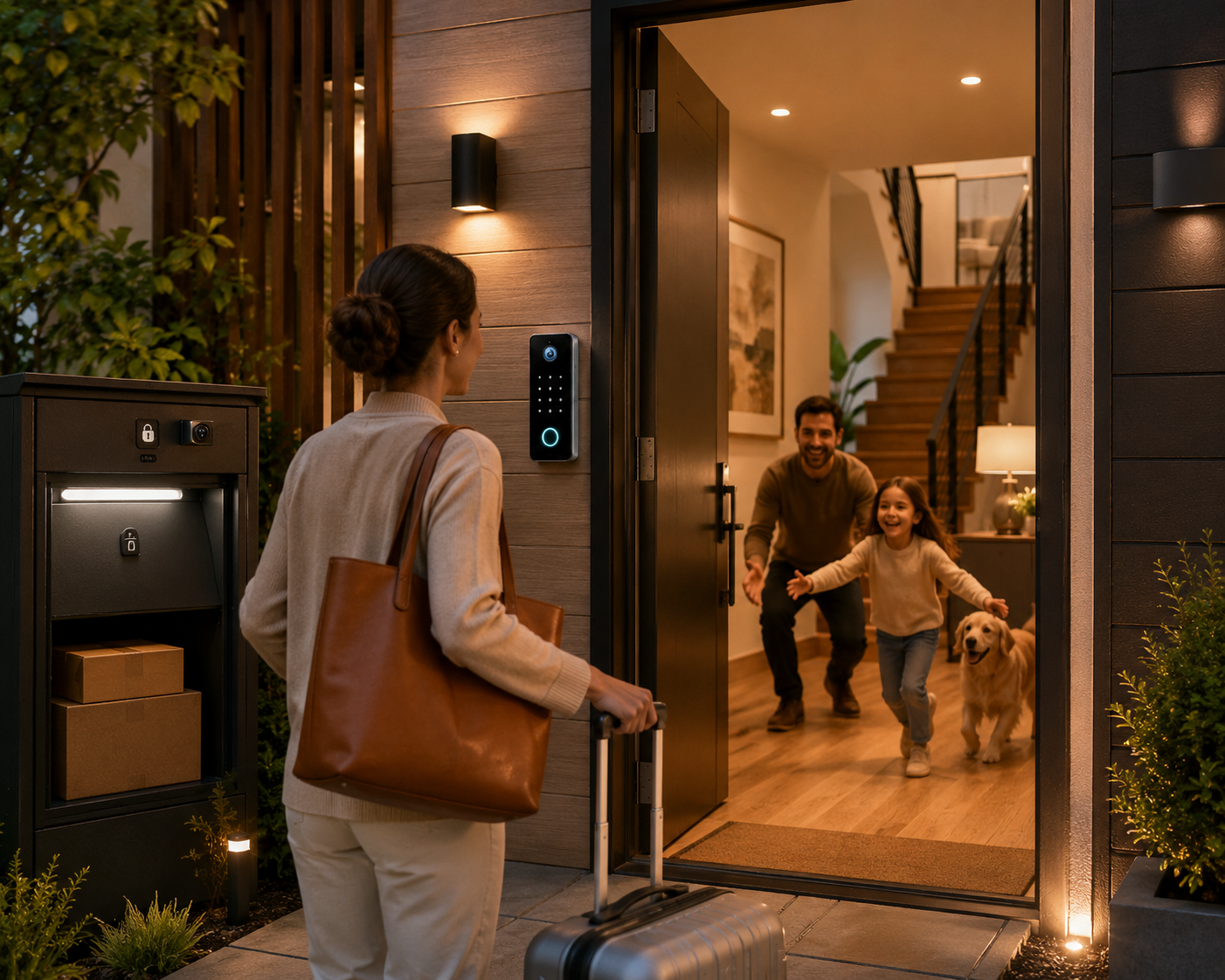
Smart lockboxes and delivery boxes. A locking delivery box — bolted or weighted at the entryway, with a slot or lid a courier can drop a package into but can’t easily remove it from — physically removes the opportunity for theft rather than just documenting it after the fact. Products like Loxx Boxx and BoxLock are built specifically for this, some with their own app-based access so you can grant one-time “drop and lock” access to a specific courier. For most residential setups, this is the single highest-impact addition after the doorbell itself: cameras are good for evidence, but a locked box is good for prevention, and prevention is what actually gets your package back.
Temporary remote unlock for trusted deliveries. For situations where you’d rather have a package brought inside — a garage, an enclosed porch, or through the front door itself — several smart lock and doorbell ecosystems now support generating a single-use access code tied to a specific delivery window, shared through the carrier’s app or your own doorbell platform. This isn’t right for every household or every delivery, but for high-value packages or extended absences, it closes the gap between “leave it exposed on the porch” and “nobody’s home to receive it.”
Motion-triggered deterrent lighting. A smart floodlight or porch light set to trigger on motion, even during daylight hours, works as a low-cost secondary deterrent — most thieves are working quickly and opportunistically, and anything that makes a doorstep feel actively monitored tends to push them toward an easier target instead. Pairing a motion sensor with your existing porch light through a smart switch (rather than buying a dedicated floodlight camera) is often the cheaper route if you already have a fixture in place.
Delivery tracking as the first line of defense. It’s easy to overlook, but knowing exactly when a package is arriving remains one of the most effective and lowest-cost theft prevention strategies available — it lets every other layer above actually do its job at the right moment, instead of a package sitting exposed for six hours before anyone notices it arrived.
Building the “Welcome Home” Scene
This is where a smart entryway stops being a collection of separate gadgets and starts feeling like a genuinely automated experience. The idea is simple: your arrival — detected through your phone’s location, a geofence, or the lock itself — triggers a short sequence of actions across the rest of the house, so the transition from “outside” to “home” requires nothing from you beyond walking through the door.
A representative setup looks like this:
Trigger: geofence or lock event. Most smart home hubs (Apple Home, Google Home, SmartThings, Home Assistant) support geofencing — detecting when your phone crosses a boundary around your house, typically a few hundred meters out. Alternatively, the unlock event from the smart lock itself can serve as the trigger, which is more precise but happens a few seconds later than a geofence.
Action sequence:
- Entryway and hallway lights turn on to a warm, moderate brightness — bright enough to see by, not a jarring full-brightness blast if it’s late evening.
- The thermostat shifts from its “away” setback temperature back to your comfort setting, so the house is at a normal temperature by the time you’ve taken your coat off rather than twenty minutes later.
- The door automatically locks again after a short delay, closing the loop in case it wasn’t manually secured.
- A smart speaker announces a brief status update — “Welcome home. Front door locked. Two packages logged today.” — pulling from the doorbell’s delivery detection if that integration is available.
- If it’s after sunset, exterior lights switch off since the “welcome” trigger implies someone’s now home to notice if something’s wrong, shifting the security logic from deterrent mode to normal mode.
The reverse “leaving home” scene mirrors this: lights off, thermostat back to an energy-saving setback, and the lock double-checked to confirm it’s secured — all triggered by the same geofence crossing outward, or by a single “goodbye” voice command if you prefer not to rely on location tracking at all.
None of this requires programming. Apple Home, Google Home, and SmartThings all support this kind of multi-step automation through their native routine builders, and Home Assistant offers considerably more flexibility for anyone comfortable going deeper — conditional logic based on which family member’s phone triggered the geofence, for instance, so a teenager arriving home from school can trigger a different, more limited routine than a parent arriving in the evening.
Weatherproofing and IP Ratings at the Door
Unlike most rooms in a smart home guide, the entryway straddles indoor and outdoor conditions, and that matters for anything mounted on the exterior side of the door.
Exterior smart lock hardware, video doorbells, and any porch lighting should carry at minimum an IP44 rating — protection against solid objects larger than 1mm and against splashing water from any direction, which is the realistic minimum for a covered or semi-covered entry exposed to wind-driven rain. Fully exposed installations, or anything in a climate with regular direct rain exposure, are better served by IP65 or higher. Most reputable smart lock and doorbell manufacturers publish this rating clearly; if a product doesn’t list one at all, treat that as a red flag rather than an oversight.
Temperature range matters just as much as water resistance, particularly for lock hardware with a battery and a keypad. Cold climates in particular can degrade battery performance and, in cheaper units, cause the touchscreen or capacitive keypad to become unresponsive below freezing. Checking a manufacturer’s stated operating temperature range before buying is a five-minute step that prevents a genuinely frustrating winter surprise.
Installation Considerations and Common Mistakes
Measure your door and deadbolt before ordering. Not every smart lock fits every door thickness or backset (the distance from the edge of the door to the center of the deadbolt hole). This is the single most common return reason for smart locks, and it’s entirely avoidable with two minutes of measuring beforehand.
Don’t skip the auto-lock delay setting. As covered above, this is the difference between a smart lock and an expensive way to forget to lock your door. Set it during initial installation, not as an afterthought.
Test the Wi-Fi or Zigbee signal at the door before committing to a purchase. Entry doors are frequently on an exterior wall furthest from the router, and a lock that drops offline intermittently is worse than no smart lock at all — you lose the remote-access convenience without gaining reliability. A Wi-Fi extender or an additional Zigbee repeater near the entryway solves this cheaply if signal strength is marginal.
Don’t rely on a single layer for package security. A video doorbell without a locking box or delivery tracking still leaves the package sitting exposed; it just documents the theft in high definition afterward. The setups that actually work combine at least two of the layers described above — camera plus lockbox, or camera plus reliable delivery tracking and a fast personal response.
Revisit access codes periodically. A smart lock is only as secure as the list of active codes on it. A quarterly five-minute review — removing codes for anyone who no longer needs access — closes a gap that accumulates silently over time in a way a traditional key never did.
Conclusion
The entryway rarely gets the attention the living room or bedroom does in most smart home conversations, but it’s arguably the room with the clearest, most measurable return on investment: fewer stolen packages, one less physical key to worry about losing or duplicating, and an arrival experience that requires nothing from you beyond walking through the door. None of it requires an electrician, a full renovation, or a five-figure budget — a retrofit smart lock, a video doorbell, one added layer of package security, and a single automated routine tying them together is enough to turn the space between your porch and your hallway from an afterthought into one of the most genuinely useful parts of your connected home.
Start with the lock. Add the doorbell if you don’t already have one. Layer in a locking delivery box if package theft is a real concern in your area. Then spend twenty minutes building the welcome-home routine, and stop thinking about your front door entirely — which, as with most good home automation, is exactly the point.
Sources
- Capital One Shopping Research, Package Theft Statistics 2026
- Red Stag Fulfillment, How Many Packages Are Stolen Annually? 2026 Statistics
- Security.org, 2025 Package Theft Report and Statistics
- Forbes Home, States With The Worst Porch Pirates
- SafeWise, 2025 U.S. Package Theft Report
- Adoorn, Porch Piracy 101: What It Is, How Common, How to Stop It
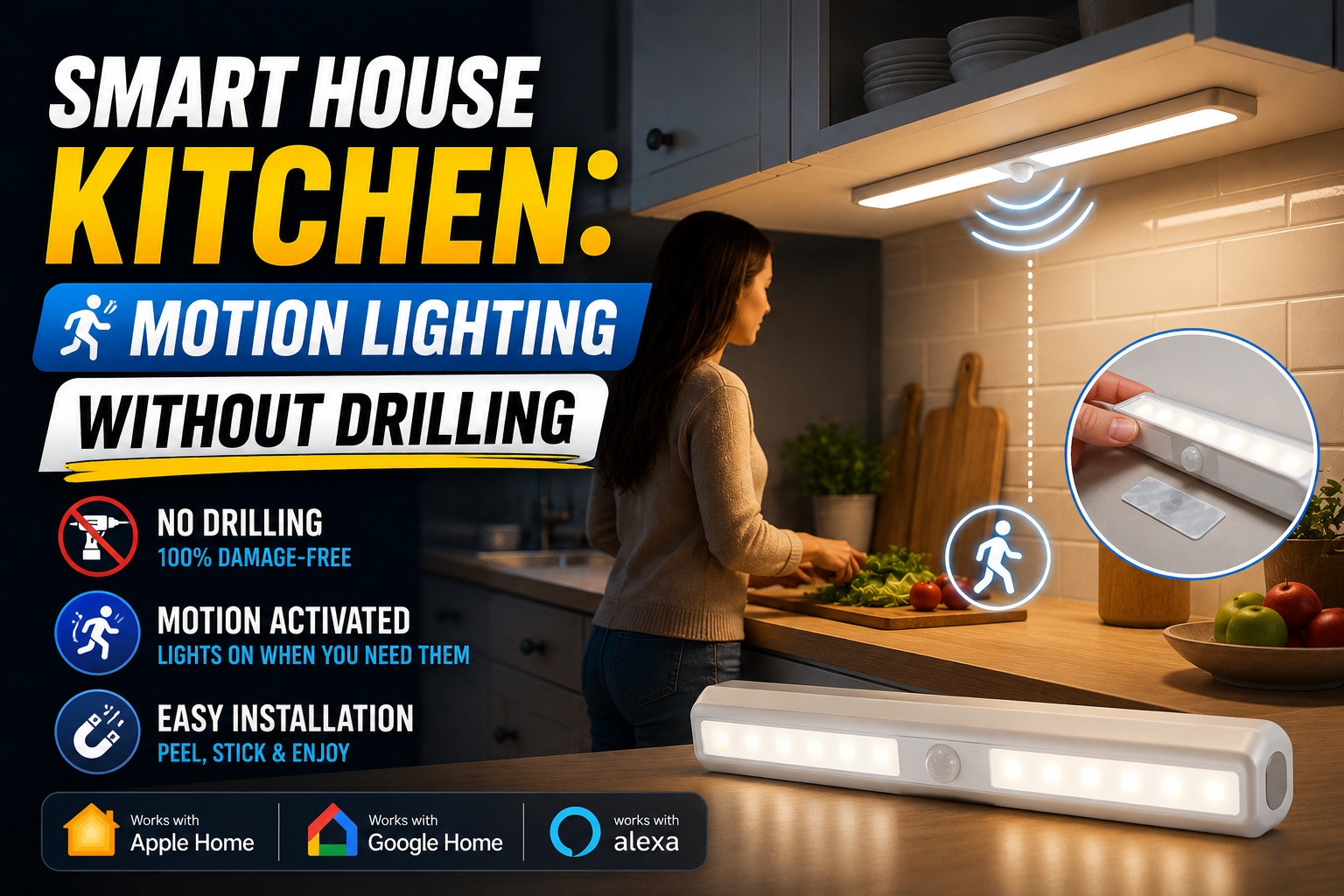
This article is part of Home Smart Guide’s Rooms & Setups coverage, alongside our guides on Smart House Kitchen: Motion Lighting Without Drilling, Best Video Doorbells for Beginners, and Smart Home Security for Beginners.