
Smart home security can feel overwhelming the moment you start looking into it. Cameras, doorbells, sensors, alarms, motion detectors, professional monitoring contracts, subscriptions for this and that, and a hundred brands all claiming to keep you safe. It is easy to either overspend on a sprawling system you do not need or freeze up and buy nothing at all. Neither outcome leaves you safer.
The truth is that effective smart home security for a beginner is simpler and cheaper than the marketing suggests. You do not need to wire your home like a bank vault on day one. You need to understand what each type of device actually does, start with the few that deliver the most protection per dollar, and expand only as your needs and budget grow. This guide gives you that roadmap, so you build real security without wasting money on things you will never use.
Start by Defining What You Actually Want
Before buying anything, get clear on your goal, because “security” means different things to different people. Some want to deter break-ins. Some want to know who is at the door. Some want to keep an eye on the home while traveling, or watch over a pet, or get alerts about a leak or smoke. Each goal points to different devices, and buying without a goal is how people end up with a drawer of gadgets that do not address their real concern.
Write down your top two or three concerns. If your main worry is package theft and seeing visitors, a video doorbell leads your list. If it is knowing whether a door or window is opened, sensors come first. If it is watching over the home remotely, a camera matters most. Letting your actual concerns drive the order of purchase ensures every dollar addresses something you care about.
The Foundation: Start With These
A Video Doorbell
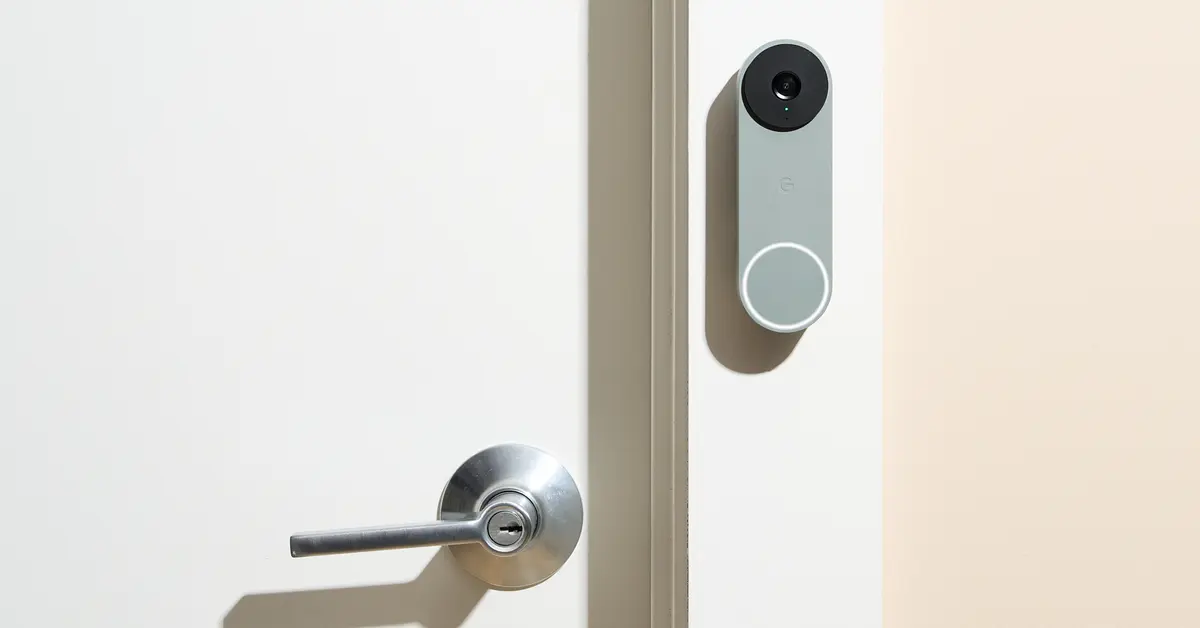
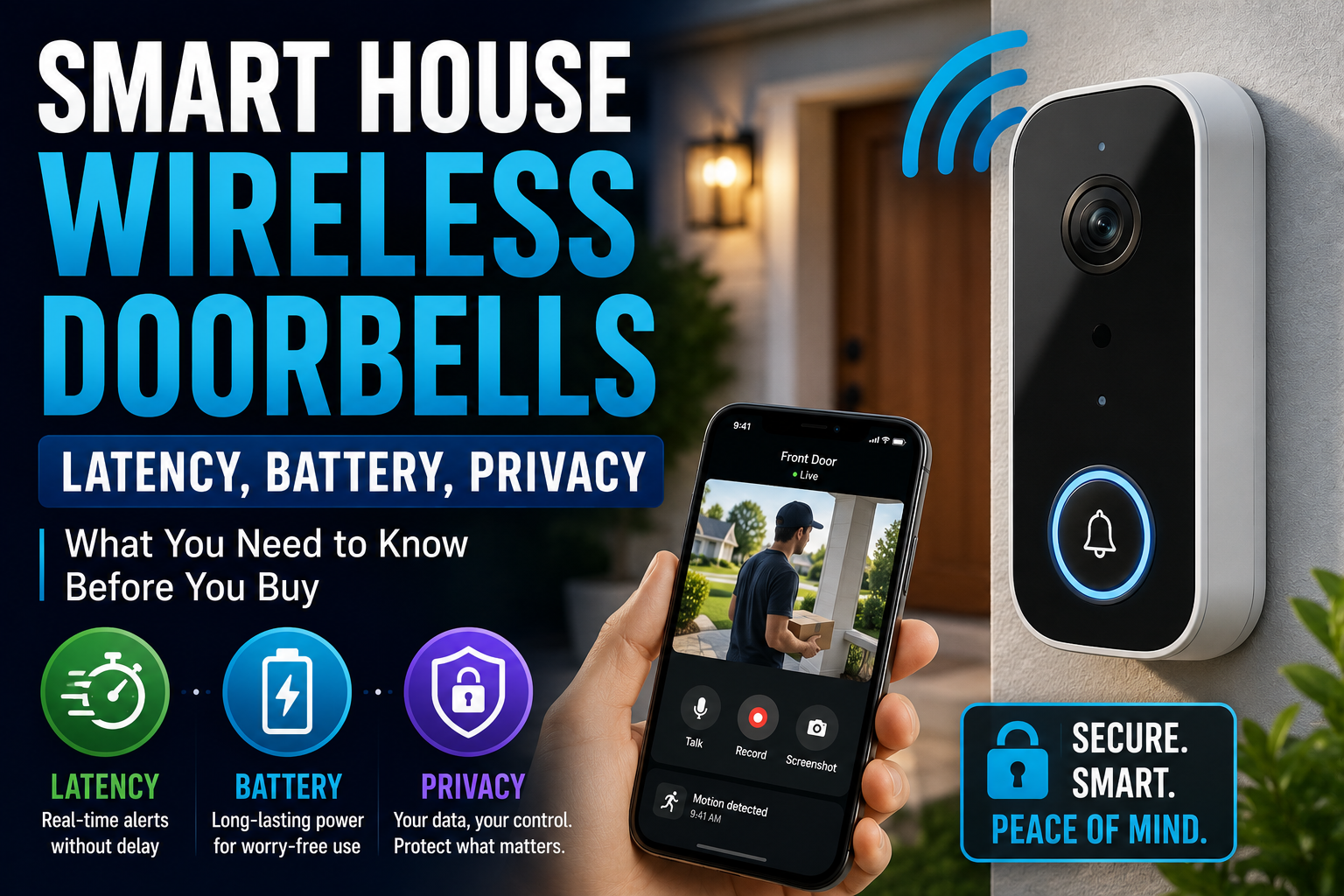
For most beginners, a video doorbell delivers the most security value for the money. It addresses the most common point of interaction with strangers, your front door, and handles several concerns at once: seeing and speaking to visitors, capturing package deliveries and thefts, and getting alerts when someone approaches. It is also one of the most visible deterrents, since would-be intruders tend to avoid homes that clearly see them coming.
A doorbell is often the single best first purchase because it combines deterrence, awareness, and evidence in one device at a reasonable price. It does not require a sprawling system to be useful on its own, which makes it ideal for a beginner testing the waters.
Entry Sensors
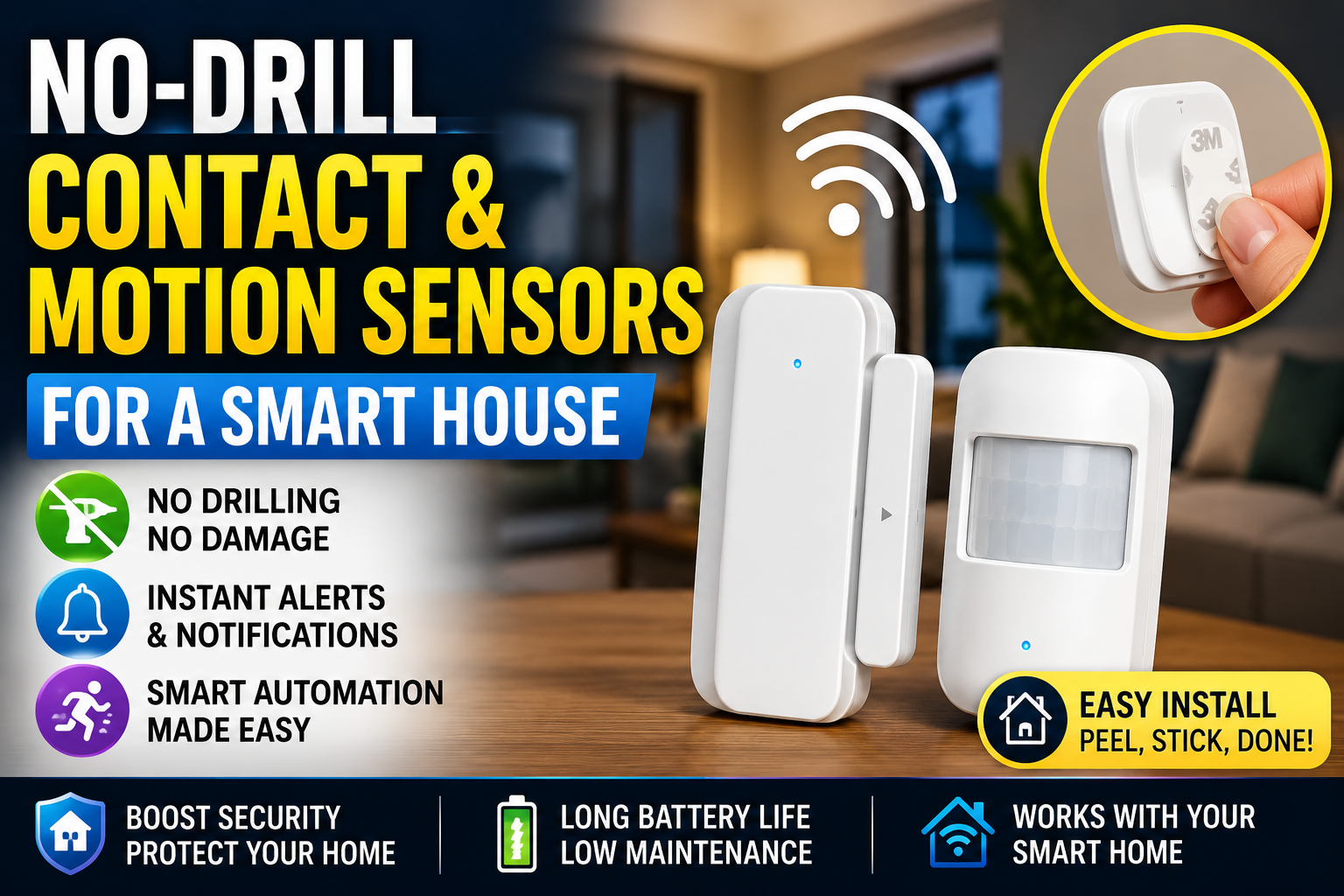
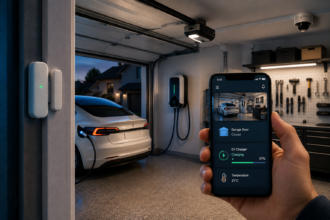
Small, inexpensive contact sensors attach to doors and windows and tell you when one is opened. They are cheap, easy to install with adhesive, and form the backbone of knowing whether your home’s entry points are secure. Place them on your most-used exterior doors first, then expand to vulnerable windows.
Entry sensors punch far above their price. For a small outlay, you gain awareness of every monitored opening and the ability to trigger alerts or other devices when a door opens unexpectedly. They are the quiet workhorses of a beginner security setup.
A Motion Sensor or Two
Motion sensors detect movement in a space and can trigger alerts, lights, or recordings. Placed in a main hallway or living area, a motion sensor adds a layer of awareness for spaces between entry points. They also enable useful automations, like turning on lights when motion is detected, which doubles as a deterrent.
These three devices, a doorbell, entry sensors, and a motion sensor, form a capable, affordable foundation. Together they cover your main door, your entry points, and interior movement, addressing the core of home security without a large investment.
The Next Layer: Add When Ready
Indoor and Outdoor Cameras
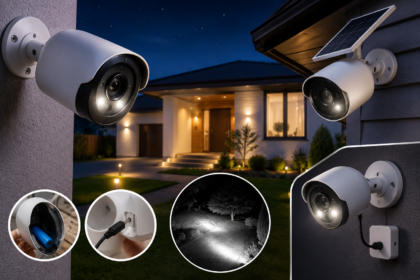
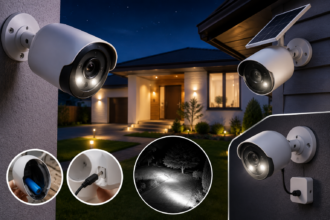
Once your foundation is in place, cameras extend your visibility. An indoor camera lets you check on the home, pets, or specific rooms remotely. Outdoor cameras watch driveways, yards, and approaches. Cameras are valuable, but they are more useful as a second step than a first, because a doorbell already covers your most important sightline and cameras often involve more setup, placement decisions, and sometimes subscription costs for recordings.
When you do add cameras, think carefully about placement and privacy, and check whether full functionality requires a subscription, since ongoing fees significantly affect the true cost.
Leak, Smoke, and Environmental Sensors
Security is not only about intruders. Water leak sensors, smart smoke and carbon monoxide detectors, and temperature sensors protect against the disasters that are statistically more likely to harm your home than a burglar. A small leak sensor near a water heater or under a sink can warn you of a problem before it becomes expensive damage. For many households, these environmental sensors deliver more practical protection than another camera.
A Smart Lock
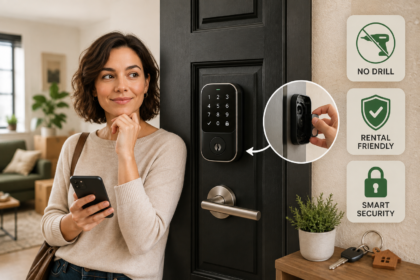
A smart lock adds convenient, keyless control and lets you grant temporary access, check whether the door is locked remotely, and lock up from anywhere. It pairs naturally with a security routine, ensuring doors are locked when you leave or at bedtime. It is a worthwhile addition once your foundation is solid, especially for households that struggle with keys or need to let people in remotely.
The Subscription Question
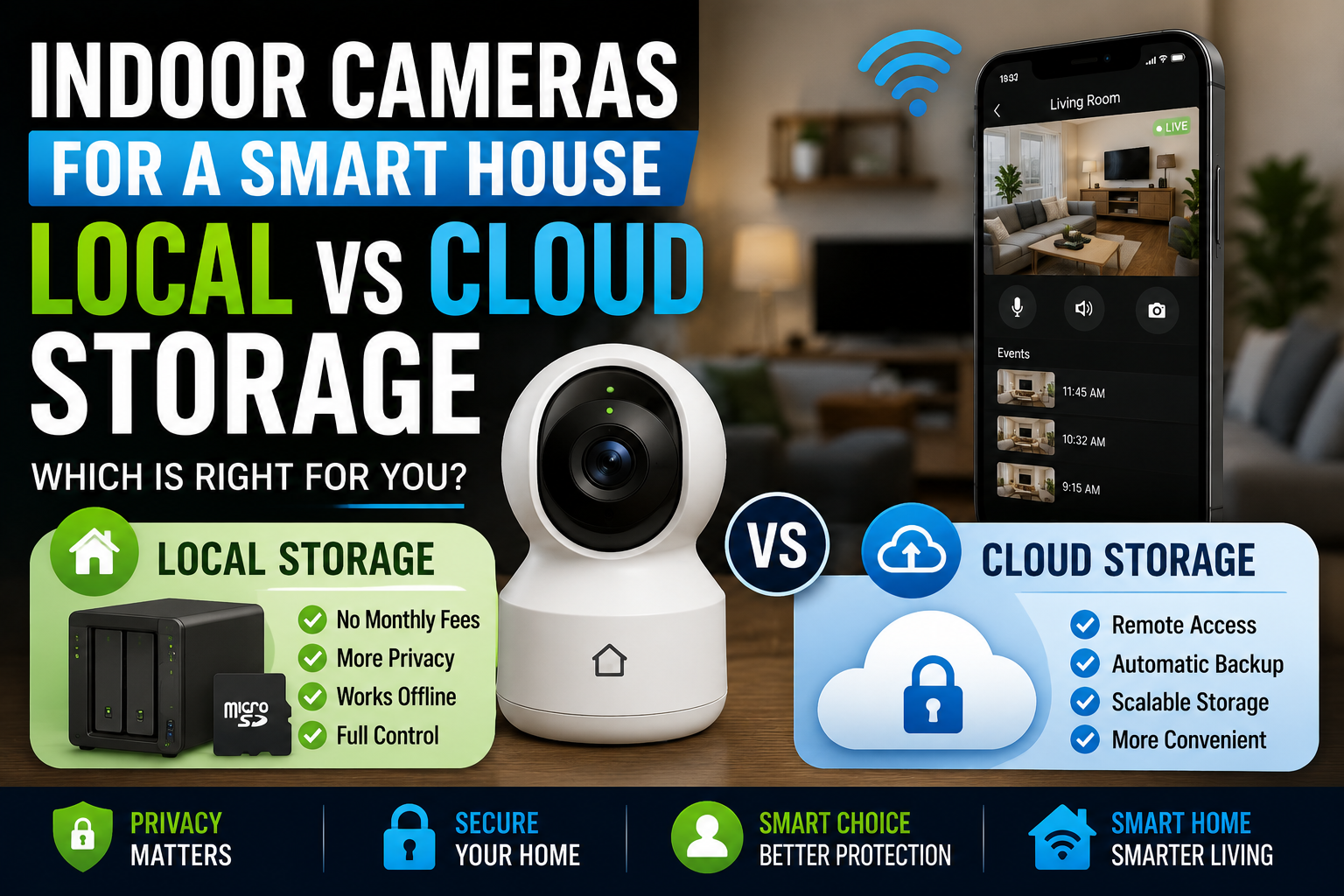
One of the biggest hidden costs in smart home security is the subscription. Many devices offer basic functionality for free but reserve key features, especially video recording and history, behind a monthly fee. A camera that seems cheap can cost far more over a year once you add the subscription needed to actually save and review footage.
Before buying any security device, find out exactly what works without a subscription and what requires one. Decide whether the ongoing cost fits your budget, and factor it into comparisons. Some beginners deliberately choose devices with strong free functionality or local storage to avoid recurring fees. There is no wrong answer, but going in with eyes open prevents an unpleasant surprise on your next statement.
Professional Monitoring: Do You Need It?
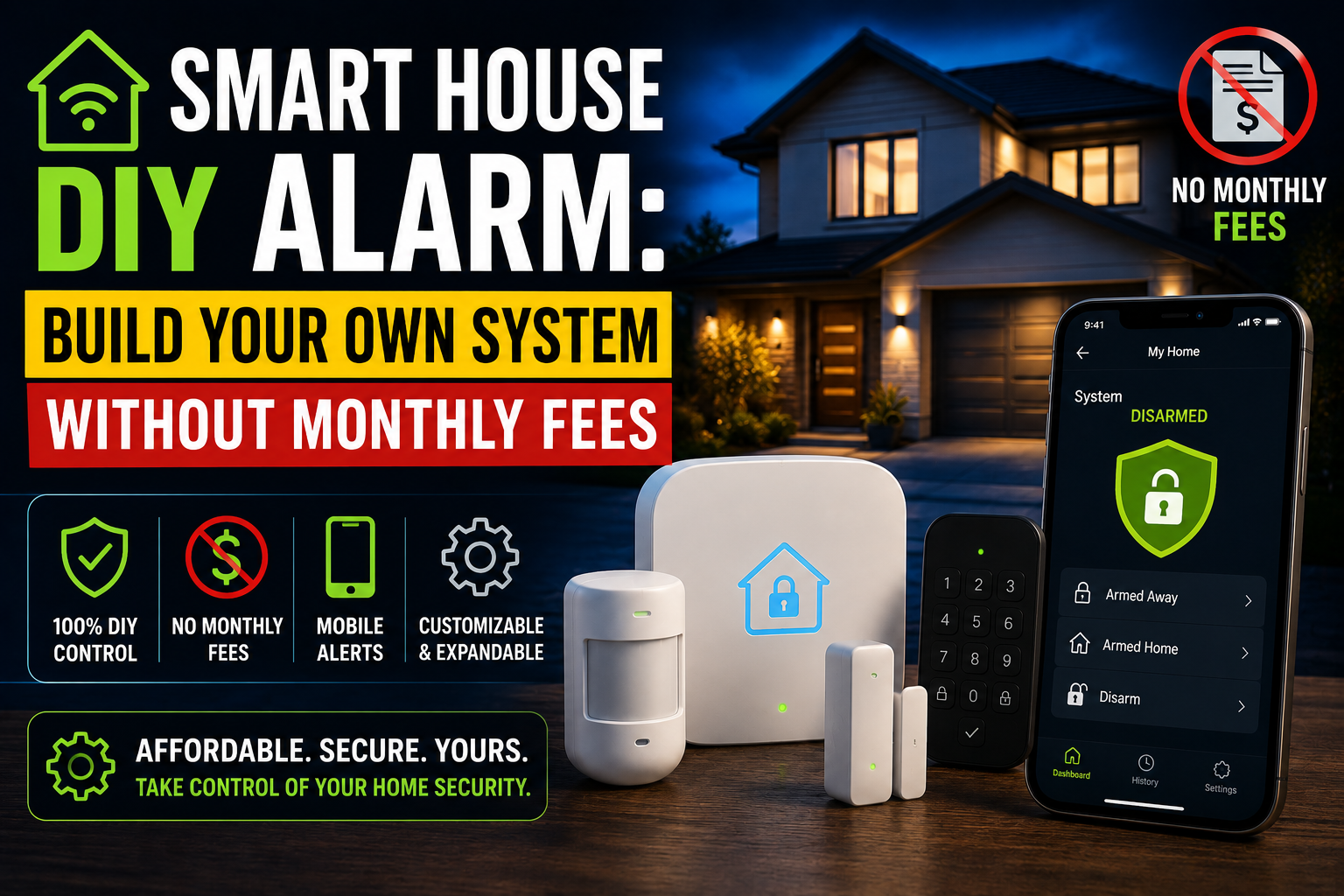
Some systems offer professional monitoring, where a service watches for alarms and can dispatch help. This adds a monthly cost but provides response even when you cannot react yourself. For beginners, self-monitoring, where alerts come straight to your phone, is a perfectly reasonable and free starting point. You can always add professional monitoring later if your needs grow. Start by relying on your own phone alerts and decide whether you want the extra layer once you understand how often you actually respond to events.
A Sensible Beginner Buying Order
Begin with a video doorbell for the most value per dollar. Add a few entry sensors on your main doors and vulnerable windows. Include a motion sensor for interior awareness. Then, as budget allows, layer in environmental sensors for leaks and smoke, a camera or two for extended visibility, and a smart lock for convenient access control. Build in that order and each purchase meaningfully improves your security without redundancy.
Resist the urge to buy a large all-in-one kit before you understand your needs. Starter kits can be good value, but only if they match your actual concerns. A thoughtful, staged build almost always produces better protection per dollar than an impulse bundle.
The Bottom Line
Smart home security does not require overspending. Start by defining your real concerns, then build a foundation of a video doorbell, a few entry sensors, and a motion sensor, which together cover the essentials affordably. Add cameras, environmental sensors, and a smart lock as your needs and budget grow. Watch carefully for subscription costs that change the true price, and rely on free self-monitoring before considering paid services. Build deliberately in this order and you will achieve genuine, effective security without wasting money on devices you do not need.
Frequently Asked Questions
What is the best first smart security device to buy?
For most beginners, a video doorbell. It addresses your front door, the most common point of contact with strangers, and combines deterrence, visitor awareness, package monitoring, and alerts in one reasonably priced device that is useful on its own without a larger system.
Do I need professional monitoring?
Not to start. Self-monitoring, where alerts come directly to your phone, is free and perfectly reasonable for beginners. Professional monitoring adds a monthly cost and provides response when you cannot react yourself. You can add it later if you decide you want that extra layer.
Why are some security cameras so cheap?
Often because key features, especially saving and reviewing video, require a monthly subscription. The low purchase price can mask a significant ongoing cost. Always check what works for free and what needs a subscription before buying, and factor the recurring fee into your comparison.
Are entry sensors worth it?
Yes. Contact sensors on doors and windows are inexpensive, easy to install, and tell you whenever a monitored opening occurs. They form the affordable backbone of knowing whether your home’s entry points are secure and can trigger alerts or other devices.
Should I worry about leaks and smoke, not just intruders?
Absolutely. Water leaks, fire, and carbon monoxide are statistically more likely to damage a home than a burglary. Leak sensors and smart smoke and carbon monoxide detectors often provide more practical protection than an additional camera, so include them in your plan.