

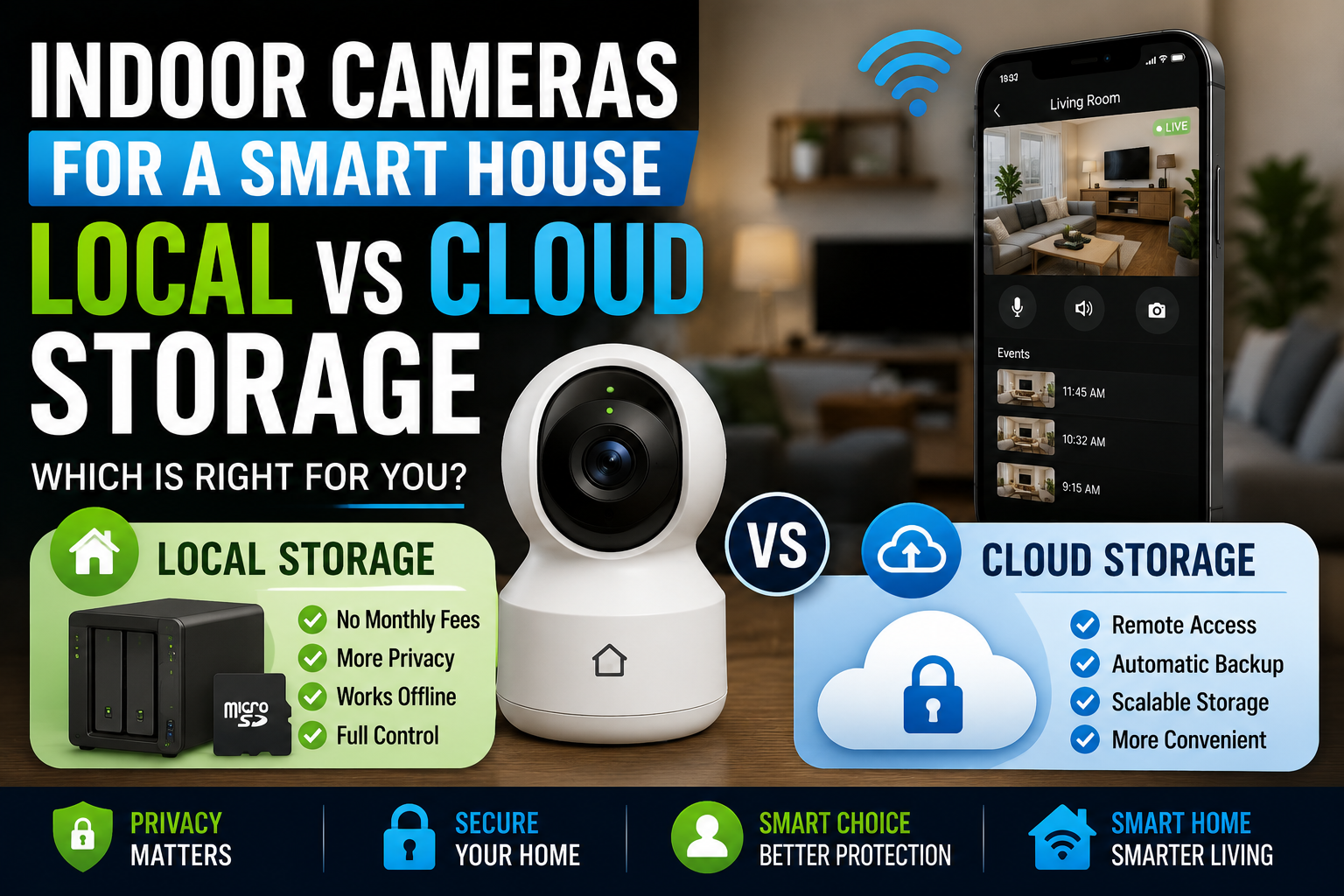
Indoor security cameras have become one of the most popular additions to modern smart homes. What began as a niche technology used primarily by security enthusiasts has evolved into a mainstream solution for homeowners seeking greater peace of mind, convenience, and control over their living spaces.
- Why Storage Matters More Than Most Buyers Realize
- Understanding Local Storage
- The Advantages of Local Storage
- The Challenges of Local Storage
- Understanding Cloud Storage
- The Advantages of Cloud Storage
- The Challenges of Cloud Storage
- Real-World Example: Two Different Households
- Security Considerations Beyond Storage
- Hybrid Storage: The Best of Both Worlds?
- Future Trends in Smart Camera Storage
- Conclusion
Today’s indoor cameras can do far more than simply record video. They can detect motion, distinguish between people and pets, send instant alerts to smartphones, integrate with voice assistants, and even use artificial intelligence to identify unusual activity. Whether you want to check on your children after school, keep an eye on pets while you’re at work, or simply enhance your home’s security, indoor smart cameras offer powerful capabilities.
However, as smart camera technology has advanced, one important question has become increasingly relevant: where should the recorded footage be stored?
For most homeowners, the choice comes down to two options: local storage or cloud storage. Each approach offers distinct advantages and disadvantages related to privacy, security, accessibility, cost, and long-term reliability.
Choosing the right storage solution is just as important as selecting the camera itself. A great camera paired with the wrong storage strategy may fail to meet your expectations when it matters most.
In this guide, we’ll explore the differences between local and cloud storage, examine the strengths and weaknesses of each approach, and help you determine which solution best fits your smart home.
Why Storage Matters More Than Most Buyers Realize
When people shop for indoor cameras, they often focus on features such as:
- Video resolution
- Night vision
- Motion detection
- Two-way audio
- Smart home integration
While these features are important, storage determines what happens after footage is captured.
Imagine receiving an alert that motion was detected in your living room while you’re away from home.
The camera successfully records the event.
But can you easily access the footage?
How long will it remain available?
Is it secure from unauthorized access?
Will you need to pay a subscription fee?
These questions are directly tied to the storage method you choose.
Storage affects the daily experience of using a smart camera far more than many first-time buyers expect.
Understanding Local Storage
Local storage refers to video recordings being stored directly within your home rather than on external servers.
Depending on the camera system, recordings may be saved to:
- MicroSD cards
- Network-attached storage (NAS)
- Local hubs
- Home servers
- Internal camera memory
The footage remains physically under your control.
How Local Storage Works
When motion is detected or recording begins, the camera saves video files directly to a local device.
The data never needs to leave your home network unless you choose to access it remotely.
This approach minimizes dependence on external services and internet connectivity.
For privacy-conscious homeowners, this is often a major advantage.
The Advantages of Local Storage
Greater Privacy Control
Privacy is one of the primary reasons many smart homeowners prefer local storage.
Since footage remains within the home, fewer third parties have access to sensitive recordings.
This can be particularly important for indoor cameras, which often capture highly personal moments and daily household activities.
Many people feel more comfortable knowing that their recordings are not continuously uploaded to external servers.
No Ongoing Subscription Fees
One of the biggest frustrations among smart home users is the growing number of subscription services.
Cloud storage frequently requires monthly or annual payments.
Local storage usually involves a one-time hardware investment.
Over several years, avoiding recurring subscription costs can result in significant savings.
Faster Local Access
When viewing recordings from within the home network, local storage often provides faster access because data does not need to travel through external cloud infrastructure.
This can improve responsiveness when reviewing footage.
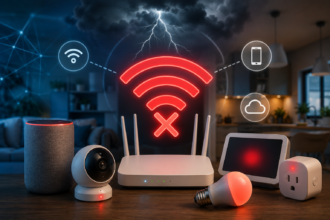
Independence from Internet Outages
Internet connections occasionally fail.
A cloud-only camera may lose certain recording capabilities during an outage.
Local storage systems often continue recording regardless of internet availability.
This can be especially valuable during storms or network disruptions.
The Challenges of Local Storage
Despite its benefits, local storage is not perfect.
Risk of Physical Theft
If a burglar gains access to the storage device itself, recordings could potentially be removed or destroyed.
This risk varies depending on where footage is stored.
For example:
- A microSD card inside a camera may be vulnerable.
- A hidden NAS server may offer greater protection.
The physical location of storage matters.
Limited Capacity
Storage space is finite.
Eventually, older recordings may need to be overwritten to make room for new footage.
Users who require long-term archival storage may need larger systems.
More User Responsibility
Local storage often requires homeowners to manage:
- Backups
- Updates
- Drive maintenance
- Capacity planning
Some users enjoy this level of control, while others prefer a more hands-off experience.
Understanding Cloud Storage
Cloud storage takes a different approach.
Instead of storing recordings within the home, footage is uploaded to remote servers managed by a service provider.
This model has become increasingly common among consumer smart camera systems.
How Cloud Storage Works
When the camera records an event, the footage is transmitted through the internet to a cloud platform.
Users can then access recordings through mobile apps, web portals, or smart home dashboards.
Everything happens automatically in the background.
For many homeowners, this simplicity is appealing.
The Advantages of Cloud Storage
Easy Remote Access
One of the biggest strengths of cloud storage is convenience.
Whether you’re across town or traveling internationally, your recordings remain accessible from virtually anywhere.
This level of accessibility has contributed significantly to the popularity of cloud-based security systems.
Protection Against Physical Loss
Because footage is stored offsite, recordings remain available even if:
- A camera is stolen
- A storage device fails
- Equipment is damaged
This redundancy can provide valuable peace of mind.
Automatic Updates and Maintenance
Cloud services generally handle:
- Software updates
- Security patches
- Storage management
- Backup systems
Users benefit from reduced maintenance responsibilities.
Scalable Storage
Need more storage?
Cloud plans often allow users to increase capacity without purchasing additional hardware.
This flexibility can be attractive for growing smart home installations.
The Challenges of Cloud Storage
Ongoing Subscription Costs
Subscription fees remain one of the most common complaints about cloud-based camera systems.
While individual plans may appear affordable, costs accumulate over time.
Over several years, subscription expenses can exceed the price of the camera itself.
Privacy Concerns
Whenever footage is stored on external servers, privacy considerations arise.
Questions homeowners should ask include:
- Who can access the recordings?
- How long is data retained?
- Is footage encrypted?
- How is user information handled?
Most reputable providers invest heavily in security, but the fundamental reality remains: your recordings are stored outside your home.
Dependence on Internet Connectivity
Cloud systems rely heavily on stable internet access.
Poor connectivity can affect:
- Video uploads
- Alert delivery
- Playback performance
In some situations, recordings may be delayed or unavailable during network interruptions.
Real-World Example: Two Different Households
Consider two homeowners with similar indoor camera setups.
The first homeowner prioritizes privacy and already operates a home NAS server.
They choose local storage because:
- They control their own data.
- No monthly fees are required.
- Internet outages do not affect recording.
The second homeowner travels frequently for work.
They choose cloud storage because:
- Remote access is effortless.
- Footage remains protected if hardware is stolen.
- System maintenance is largely automatic.
Neither choice is objectively better.
Each solution aligns with the homeowner’s priorities and lifestyle.
Security Considerations Beyond Storage
Regardless of the storage method, security remains essential.
Strong Password Practices
Weak passwords remain one of the most common vulnerabilities in smart home systems.
Every camera account should use:
- Unique passwords
- Long passphrases
- Multi-factor authentication when available
Firmware Updates
Manufacturers regularly release updates that improve security and performance.
Ignoring updates can leave devices vulnerable to known threats.
Network Security
A secure home network benefits every connected device.
Modern routers should use strong encryption and regularly updated firmware.
Storage choices are important, but overall cybersecurity practices matter just as much.
Hybrid Storage: The Best of Both Worlds?
Many modern smart camera systems now offer hybrid storage options.
These systems combine local and cloud storage simultaneously.
For example:
- Footage is recorded locally for immediate access.
- Critical events are backed up to the cloud.
This approach provides:
- Local privacy advantages
- Cloud redundancy
- Flexible retention options
Hybrid storage has become increasingly popular among homeowners seeking a balanced solution.
When Hybrid Storage Makes Sense
Hybrid systems are particularly attractive for:
- Large smart homes
- Families with children
- Frequent travelers
- Home office users
- Security-conscious homeowners
The combination often minimizes the weaknesses of each individual approach.
Future Trends in Smart Camera Storage
The smart home industry continues to evolve rapidly.
Several trends are shaping the future of indoor camera storage.
Edge AI Processing
Increasingly powerful cameras can process video locally without relying heavily on cloud servers.
This improves both privacy and responsiveness.
Enhanced Encryption
Manufacturers continue improving encryption standards to protect user data.
Privacy is becoming a stronger competitive differentiator across the industry.
Intelligent Event Filtering
Future systems will increasingly store only meaningful events rather than continuous footage.
This reduces storage requirements while improving usability.
Greater User Control
Consumers are demanding more transparency regarding how their data is collected, stored, and shared.
Manufacturers that provide clear privacy controls are likely to gain trust in the coming years.
Conclusion
Indoor smart cameras have become a valuable component of modern home security and monitoring systems. Yet while video quality and smart features often dominate purchasing decisions, storage remains one of the most important considerations for long-term satisfaction.
Local storage offers greater privacy, lower long-term costs, and independence from internet connectivity. Cloud storage provides convenience, remote accessibility, and protection against physical hardware loss. Neither solution is universally superior because each serves different needs and priorities.
For homeowners who value maximum privacy and control, local storage may be the ideal choice. For those who prioritize convenience and effortless remote access, cloud storage often delivers a better experience. And for many households, hybrid systems offer the most balanced solution of all.
Ultimately, the best indoor camera storage strategy is the one that aligns with your security requirements, privacy expectations, budget, and daily lifestyle. By understanding the strengths and limitations of both local and cloud storage, homeowners can build a smarter, safer, and more reliable smart home ecosystem.