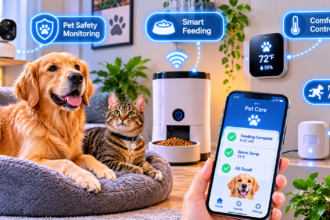

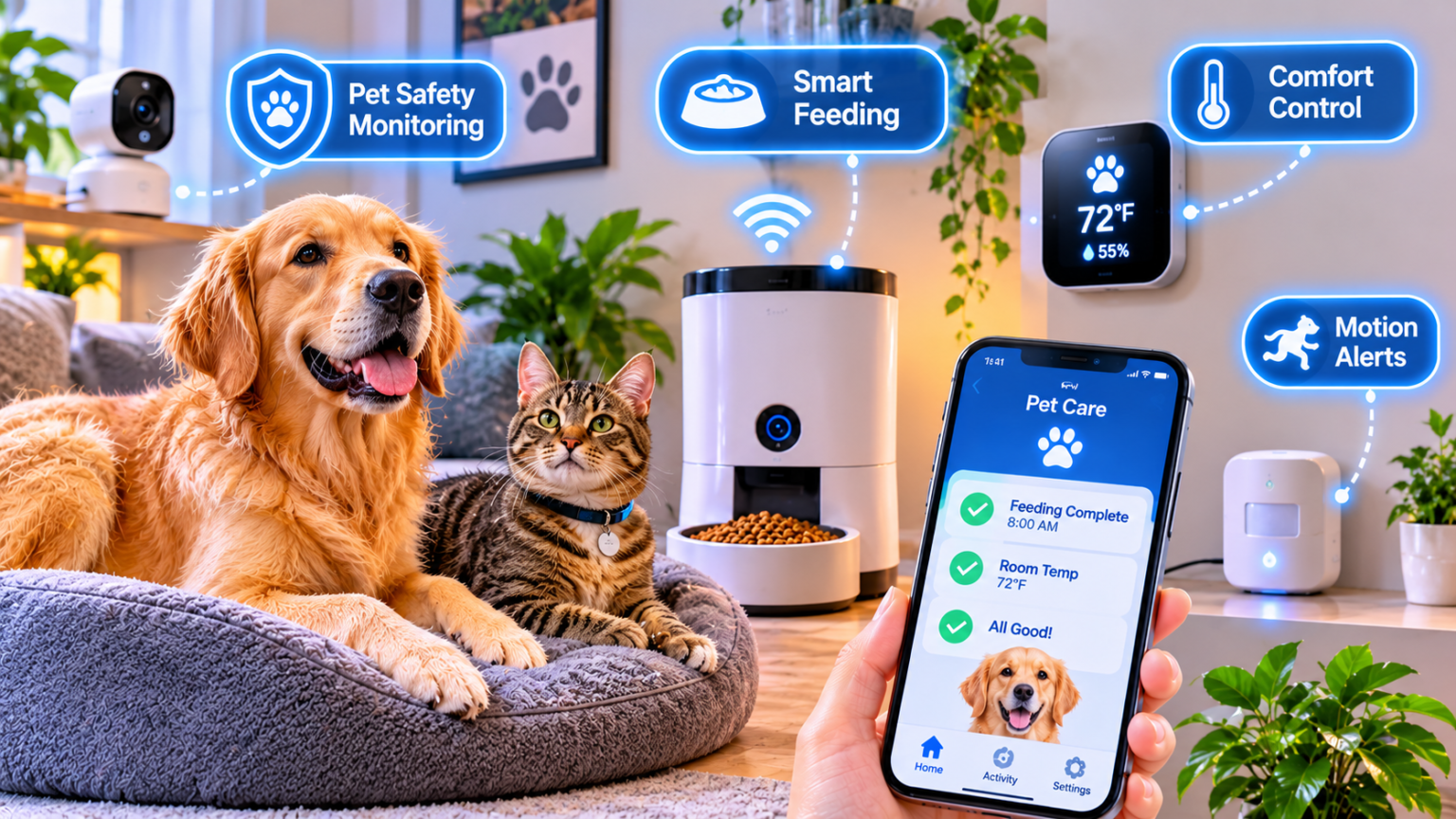
The best smart home kit for pet owners starts with four things: a pet-aware camera, a temperature sensor with alerts, a leak or water-bowl monitor, and an automatic feeder or fountain if your routine needs one. Add pet-friendly motion sensors and cordless blinds, and your home looks after your pet when you cannot.
This guide explains how to plan around your pet, choose safe devices, compare kits, and automate everything. If you are new to smart homes, start with our guide to smart home buys beginners regret so you spend on the right things first.
How to Plan a Smart Home Kit for Your Pets Before You Buy
Pets change how a smart home behaves. A motion sensor that works for people may trigger every time a cat walks by. A cord that is harmless to you can be a chew toy for a puppy. A device that looks cute may not survive a determined dog.
Planning has two parts. First, you look at your pet’s needs, risks, and routines. Second, you choose technology that is safe around animals and solves real problems.
Start With Your Pet: Needs, Risks, and Routines
Before you buy anything, spend a few days watching your pet at home. Notice where they sleep, where they eat, where they get into trouble, and what happens when you leave. This tells you which devices will help and which will gather dust.
Species and size change everything. A large dog can knock over a lamp or open a cabinet. A cat can climb to places you did not expect and bat devices off shelves. A small animal such as a rabbit or a guinea pig chews cables and needs a very different setup. Always buy for the animal you actually have.
Alone time is the most important factor. A pet that is home alone for eight hours needs different support than one that is rarely left. Think about how long you are away, how often, and what could go wrong in that time.
Temperature is a real safety issue. Pets cannot tell you when a room is too hot or too cold, and some are more sensitive than others, especially very young, old, or flat-faced animals. A temperature sensor with an alert tells you when conditions drift. Ask your vet what range is safe for your pet, rather than relying on a general number.
Water and food are daily needs. An empty bowl or a spilled water dish can be a problem when you are out. Feeders and fountains can help, but they should supplement your care, not replace it. Talk to your vet about portions and feeding schedules before you automate meals.
Hazards at home come next. Use this simple checklist:
- Cords and cables can be chewed. Keep them out of reach or covered, especially around puppies, kittens, and small animals.
- Button batteries are dangerous if swallowed. Choose devices with secure battery compartments and store spares safely.
- Small parts such as caps and magnets can be swallowed. Check that devices cannot be pulled apart.
- Window cords on blinds are a risk. Cordless or motorized options are safer. Our guide to smart blinds and shades explains cordless choices.
- Water spills can damage floors and electronics. Our guide to smart water leak detectors covers sensors that help.
Air quality matters if your pet sheds or has allergies. Fur, dander, and litter dust can affect the air in your home. Our guide to smart air purifiers explains how to size a unit for a room with pets.
Routines are the last piece. Pets love predictability. Walks, meals, and bedtime tend to happen at similar times each day. Smart devices work best when they support those routines instead of disrupting them.
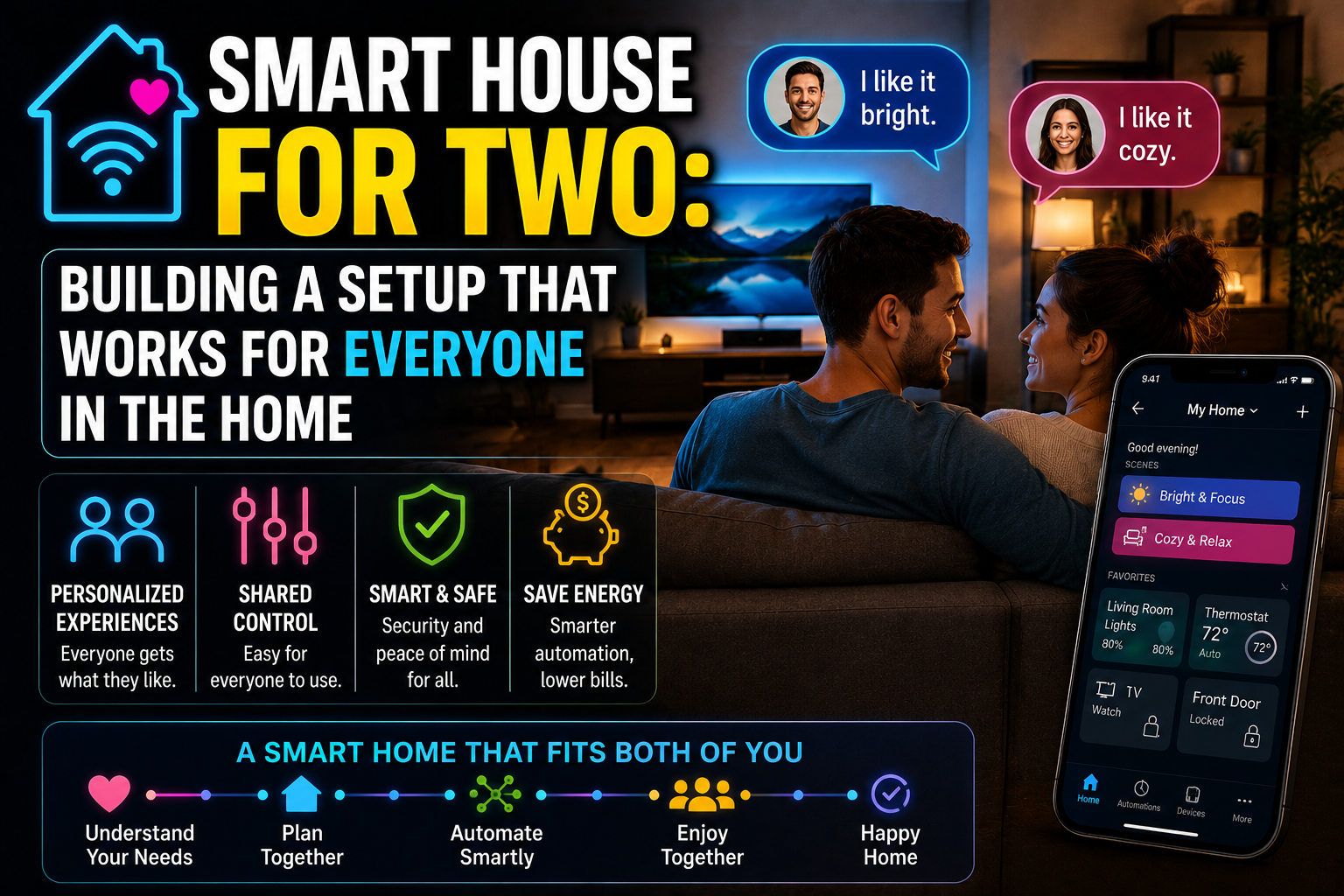
Next, think about who else is involved. Many homes have a partner, family members, a dog walker, or a pet sitter. Each one needs a way to help without causing confusion. Our guide to a smart house for two explains how to build a setup that works for everyone.
If you rent, you may not be allowed to drill or modify doors. Stick-on sensors, plug-in devices, and portable cameras need no tools. Check your lease for pet rules and for limits on changes to doors and walls.
Finally, think about your goals. Do you want peace of mind while at work? Help with feeding? Safer temperatures? A way to let someone in for a midday walk? Write down your top two or three goals, and build your kit around them.
Pick Pet-Safe Tech: Sensors, Cameras, and Power
Not all smart devices behave well around animals. A few categories need extra care, and a few features are worth paying for.
Motion sensors are the first problem. A standard sensor triggers on any warm, moving body, including your pet. Some models offer pet immunity, which ignores animals below a certain weight. The setting helps, but it is not perfect. A cat that jumps onto a shelf near the sensor can still trigger it, and a large dog will not be ignored. Always check the weight limit and the mounting height, and test with your actual pet.
Our guide to no-drill contact and motion sensors explains how to place sensors, and the same ideas help you avoid false triggers.
Cameras are the second category. A pet camera lets you check on your animal from your phone, talk to them, and sometimes toss a treat. Look for a wide field of view, good night vision, and reliable alerts for sound or motion. Think carefully about privacy, since a camera sees your whole home. Our guide to indoor cameras and local vs. cloud storage explains the tradeoffs.
Place the camera out of your pet’s reach. A camera on a low shelf can be knocked over or chewed, and a cord can be a hazard. A high shelf or a secure mount is safer.
Feeders are the third category. An automatic feeder releases food at set times, which helps with consistent schedules. Choose a model with a sturdy lid, since clever pets will try to break in. Look for a backup battery in case of a power cut, and check that you can verify each meal in the app. Always follow your vet’s advice on portions.
Water fountains encourage some pets to drink more, and a sensor can alert you when the water runs low. Keep them clean, since stale water and slime can harm pets. Check that the cord is hidden, and that the base is stable.
Pet doors can be smart too. Some open only for a pet wearing a tag or microchip, which keeps out other animals. They are useful, but they also create a security question, since any opening to the outdoors is a potential entry point. Our guide to smart locks for a no-drill home covers access control that pairs well with pet doors.
Litter boxes with sensors can track visits and alert you to changes. A sudden change in how often a cat uses the box can be a sign worth mentioning to your vet. Treat the data as a clue, not a diagnosis.
Smart plugs need caution. A plug can switch a lamp or a fan on a schedule, but cords near pets are a hazard. Use covers, keep cords tidy, and do not leave heating devices on a plug around animals.
Power and connectivity matter more than you might expect. Pets knock things over, chew cords, and unplug devices. Choose battery backups where possible, and use cord covers or conduit to protect cables. If a device keeps dropping offline, our guide to why smart devices go offline explains how to improve coverage.
Compatibility is the last check. If you already use Apple Home, Google Home, or Alexa, choose devices that work with your platform. Our explainer on Matter multi-admin shows how a device can work in several ecosystems. If you are comparing network types, our guide to Thread border routers explains when you need one.
A final safety note: smart devices do not replace care. A feeder can fail, a camera can go offline, and an alert can be missed. Use technology as a helper, and arrange for a person to check on your pet when you are away for long periods.
Smart Pet Kits Compared, Plus Setup and Automations
Once you know your pet and the tech that suits them, you can assemble a kit. There are four common approaches, and each fits a different household.
Here is a side-by-side comparison.
| Kit | Best for | Core devices | Main strength | Main drawback |
|---|---|---|---|---|
| Starter safety kit | Any pet, small budget | Pet camera, temperature sensor, leak sensor | Peace of mind for little money | No feeding help |
| Dog owner kit | Dogs, longer alone time | Camera, feeder or treat tosser, smart lock access, temperature sensor | Covers walks, meals, and access | Higher cost, more setup |
| Cat owner kit | Cats, indoor homes | Camera, feeder, fountain, litter box sensor, air purifier | Tracks daily habits | Needs regular cleaning |
| Multi-pet or small-animal kit | Several pets, rabbits, birds, reptiles | Temperature and humidity sensors, camera, power-safe plugs | Protects sensitive environments | Needs species-specific advice |
A few notes help you read this table.
The starter safety kit is the best first step for almost every pet owner. A camera, a temperature sensor, and a leak sensor cover the most common worries without much money. If you want to start small, our guide to building a smart home under $100 shows how to prioritize.
The dog owner kit adds help with the daily routine. A smart lock or keypad lets a dog walker in without a spare key. A feeder keeps meals on time, and a camera lets you check in during the day. Our guide to a smart entryway explains how to set up keyless entry and arrival scenes.
The cat owner kit focuses on habits and cleanliness. A fountain, a feeder, and a litter box sensor give you data about eating, drinking, and bathroom visits. An air purifier helps with dander and litter dust.
The multi-pet or small-animal kit depends heavily on species. Reptiles, birds, and small mammals have specific temperature and humidity needs. Always follow species-specific guidance from a vet or a reputable keeper, and use sensors as a monitor rather than a controller.
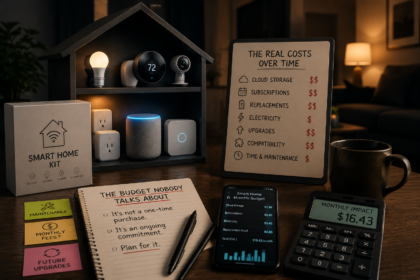
A word on hidden costs. Feeders need food, fountains need filters, cameras may need subscriptions, and batteries need replacing. Our guide on what happens after you buy the kit explains how to plan for running costs, not just the purchase price.
How to set up a smart pet kit, step by step:
- Define your goals. Choose the top two or three worries: alone time, feeding, temperature, or access.
- Pet-proof the room. Hide cords, move devices out of reach, and remove small parts that could be swallowed.
- Place the camera first. Mount it high, with a clear view of your pet’s main area, and test the night view.
- Add the temperature sensor. Place it where your pet spends most of the day, away from direct sun and heaters.
- Place the leak sensor. Put it under the water bowl or fountain, and near any appliance that could leak.
- Connect everything to your app. Name each device clearly, such as “Living Room Pet Camera.”
- Test with your pet at home. Watch how your pet reacts, and adjust placement before you rely on the system.
When the devices are running, automations make them useful every day. Here are five worth setting up.
Five automations for pet owners:
- Temperature alert: If the room goes above or below your chosen range, send a high-priority alert to every household member.
- Meal schedule: Release food at set times, and send a confirmation to your phone after each meal.
- Walker arrival: When the dog walker unlocks the door, send a notification and turn on the lights.
- Welcome home: When you arrive, turn on the lights and pause the camera for privacy. Our guide to welcome home automations explains how presence detection works.
- Water spill alert: If a leak sensor under the bowl or fountain gets wet, send an alert and flash a light.
Some setups work well with quiet hours. If your pet sleeps in the bedroom, avoid sudden lights or loud announcements at night. Gentle schedules help both you and your animal.
Keep automations simple and reliable. A system that sends too many alerts trains you to ignore it, and a complicated routine is more likely to break. Start with temperature and leak alerts, and add the rest only when you need them.
Maintenance matters as much as setup. Clean feeders and fountains regularly, replace filters on schedule, and check cables for chew marks. Replace batteries before they run out, and test alerts every few months.
If an automation fails, the cause is usually a lost connection, a low battery, or two routines that conflict. Our guide on why smart home routines fail walks through the most common fixes.
Frequently Asked Questions
What is the best smart device for a pet owner to buy first?
A pet-friendly camera is the most useful first purchase, since it lets you check on your pet and see problems early. Add a temperature sensor next, because heat and cold are real risks when you are away.
Do pet-immune motion sensors really work?
They help, but they are not perfect. Most ignore animals below a set weight, and placement matters. Test the sensor with your actual pet, mount it at the recommended height, and expect an occasional false alert.
Are automatic feeders safe?
They can be, if you choose a sturdy model and set portions with your vet’s advice. Features such as a backup battery and meal confirmation in the app help. Feeders should supplement care, not replace regular human checks.
Can I leave my pet home alone with smart devices?
Smart devices can help, but they do not replace care. Cameras can go offline and feeders can jam. For long absences, arrange for a person to check on your pet, and follow your vet’s guidance on how long is safe.
How do I keep my pet from chewing cables?
Hide cords behind furniture, use cord covers or conduit, and choose battery-powered devices where possible. Offer chew toys, and talk to your vet or a trainer if the problem continues.
Will a camera upset my pet?
Most pets ignore cameras, but some react to sounds or lights, especially infrared glow at night. Introduce the camera gradually, use two-way talk sparingly, and watch your pet’s behavior.
Conclusion
A smart home kit for pet owners is not about gadgets for their own sake. It is about safety, comfort, and routine when you cannot be there.
Start with a pet camera, a temperature sensor, and a leak sensor. Add a feeder or fountain if your routine needs one, and smart access if someone helps with walks. Keep every cord and small part out of your pet’s reach.
Start small. Place one camera and one temperature sensor this week, and watch how your pet behaves. Once you see what helps, building the rest of the kit takes very little effort.