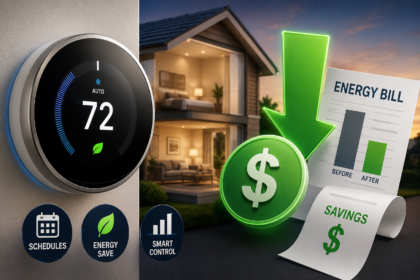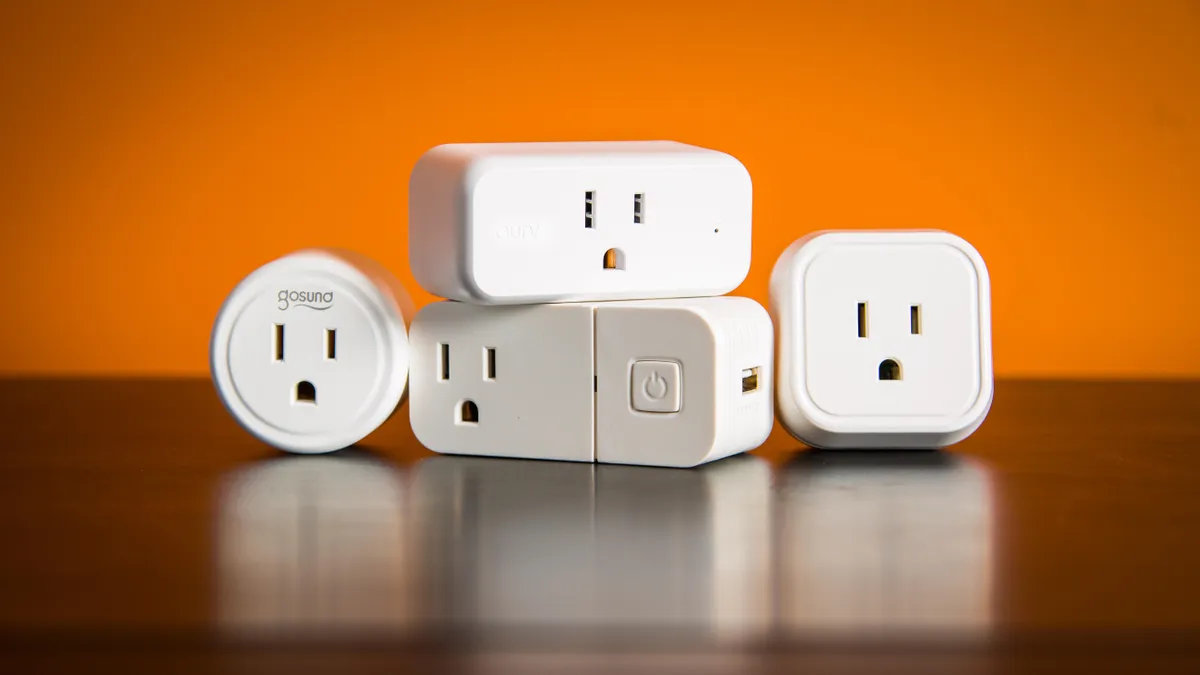




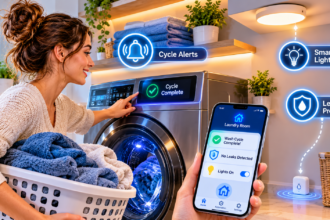


A smart home energy audit shows you exactly where your electricity goes, using low-cost smart plugs and data your thermostat already collects. You don’t need an electrician or expensive equipment to start. By Sunday night, you can have a ranked list of your biggest energy wasters and a clear plan to cut them.
What Is a Smart Home Energy Audit?
A smart home energy audit is a DIY check of how much power your devices use, when they use it, and what it costs you. Instead of guessing, you measure. Real numbers replace assumptions, and the surprises are usually where the savings hide.
What the Audit Measures
Your audit looks at three things: how much power each device draws, how long it runs, and when it runs. Together, they explain your bill.
Wattage tells you how hungry a device is. Runtime tells you how often it eats. Timing matters if your utility charges different prices through the day.
Why Do It Yourself First?
A professional audit is valuable for insulation, air leaks, and wiring. A DIY audit costs very little and covers the daily habits and devices that a one-time visit can’t track hour by hour.
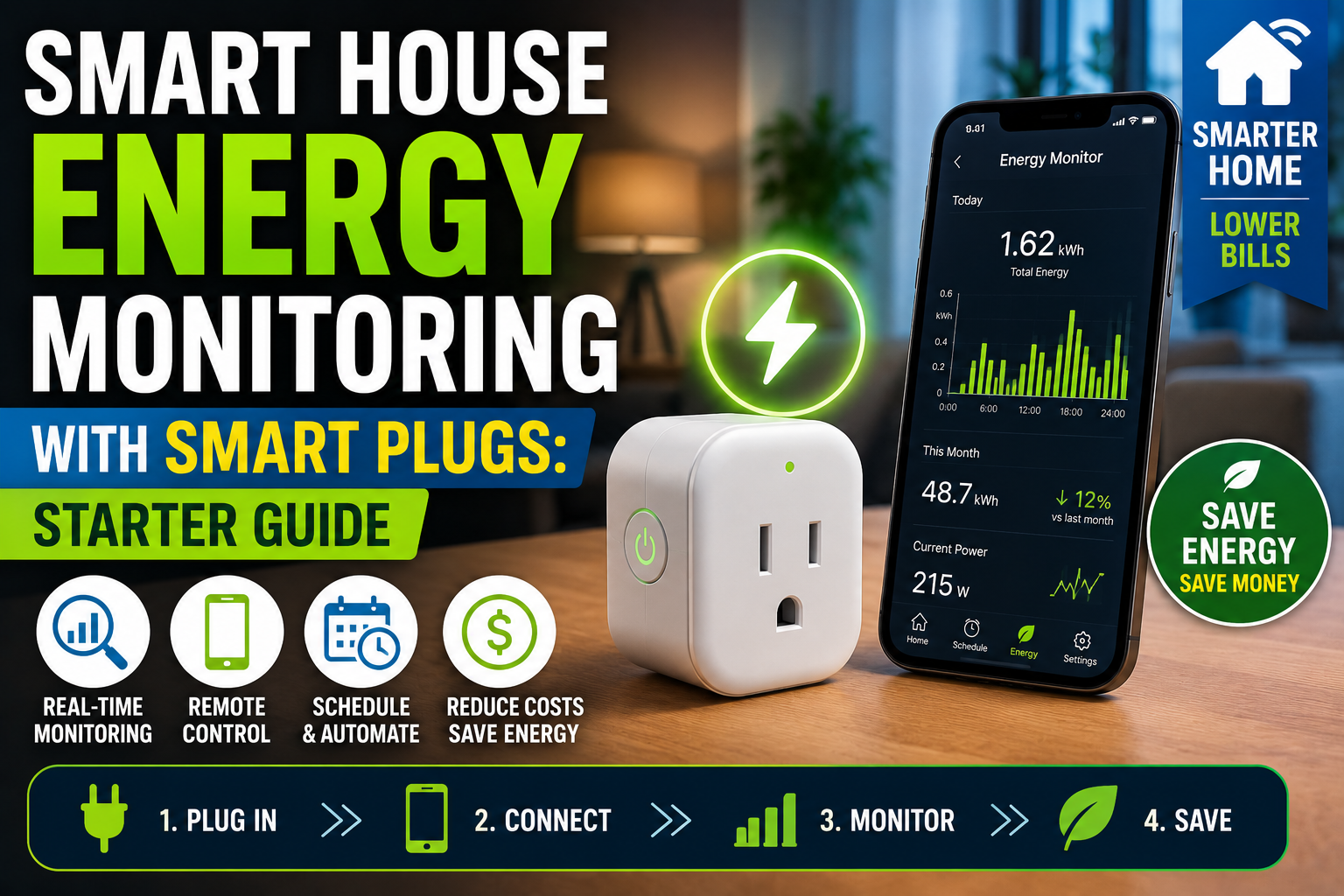
It also gives you a baseline, so you can prove later that your changes worked. If you’ve already read our starter guide to energy monitoring with smart plugs, this is the natural next step: putting those tools to work across the whole house.
What You Need Before You Start
The equipment list is short. Most of the work is paying attention to the numbers.
Your Audit Toolkit
- 2 to 4 smart plugs with energy monitoring: to measure plug-in devices.
- Your latest electricity bill: to find your price per kWh.
- A notebook or spreadsheet: to log every reading.
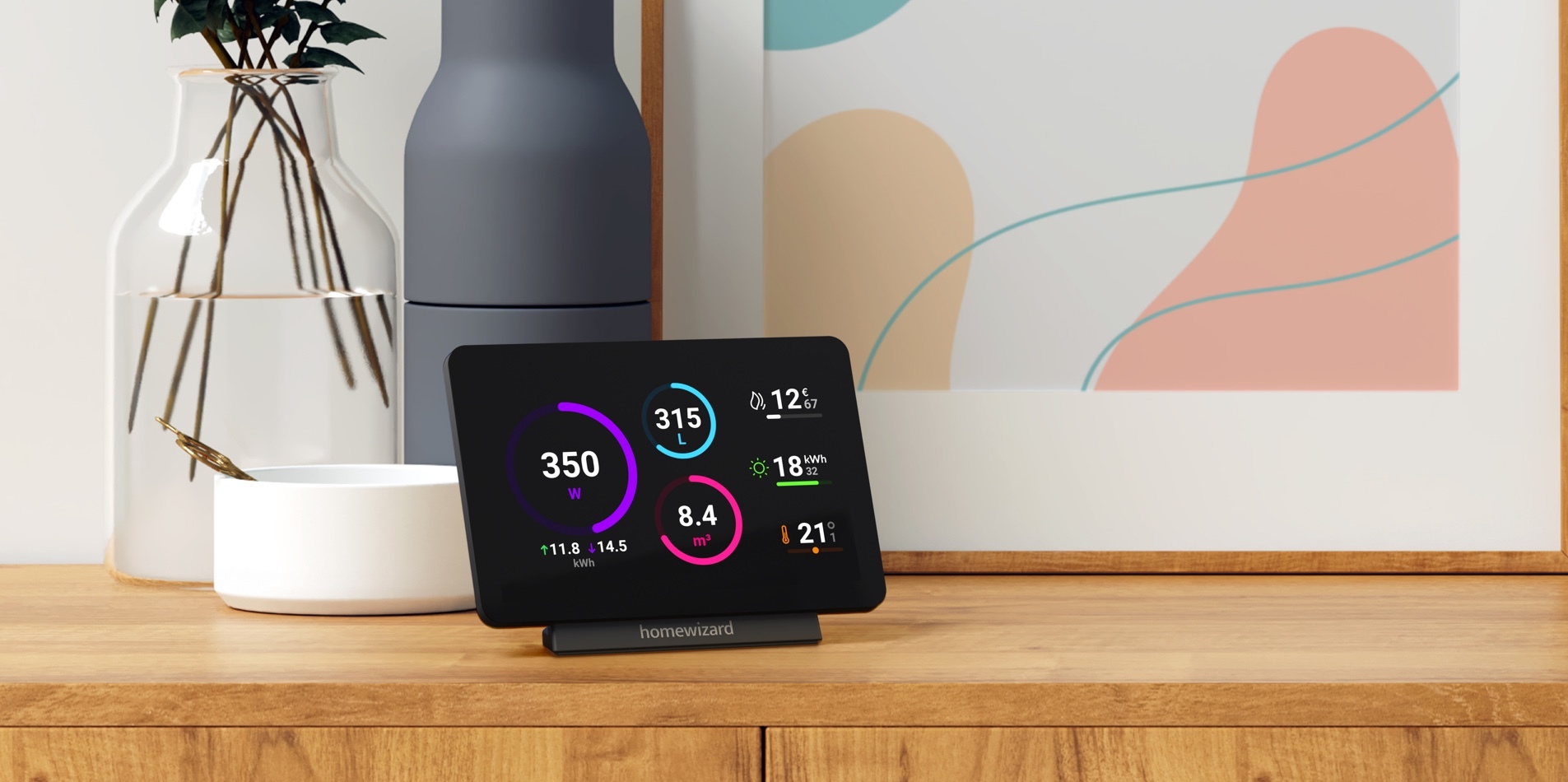
- Your smart thermostat app (if you have one): for heating and cooling runtime.
- Optional, a whole-home monitor: only if you want the full panel view. Installation should be done by a qualified electrician.
Not sure which monitor fits your goal? Our guide to the best energy-monitoring devices for beginners explains the three monitoring levels so you don’t overbuy.
Find Your Electricity Rate
Check your bill for the price per kilowatt-hour (kWh). If your plan has peak and off-peak prices, write down both. Then use this simple formula to turn watts into money:
Watts × hours used ÷ 1,000 × price per kWh = cost
For example, a 1,500-watt space heater running 4 hours a day uses 6 kWh daily. At an example rate of $0.17 per kWh (use your own rate), that is about $30.60 a month.
Your Weekend Energy Audit, Step by Step
Follow this schedule, or spread it over a few evenings. The order matters, because each step narrows down where to look next.
Friday Evening: Walk the House and Make a List
Walk through every room and write down anything that plugs in or runs on its own. Mark each device as always on, used daily, or used occasionally.
Always-on devices are your first suspects. Small draws add up over 8,760 hours a year.
Put smart plugs on your top three or four suspects. Don’t try to monitor everything at once. A few well-chosen plugs tell you more than a dozen scattered ones.
Saturday Morning: Hunt Standby Power
Standby power, also called phantom load, is the electricity used by devices that look “off.” TVs, game consoles, soundbars, printers, and coffee machines are common examples.
To measure it, plug the device into a monitoring plug, turn it off with its own button, and read the watts after a few minutes. Write the number down.
A device that draws 10 watts around the clock uses about 88 kWh a year, roughly $15 at our example rate. That is small on its own, but most homes have dozens of these devices.
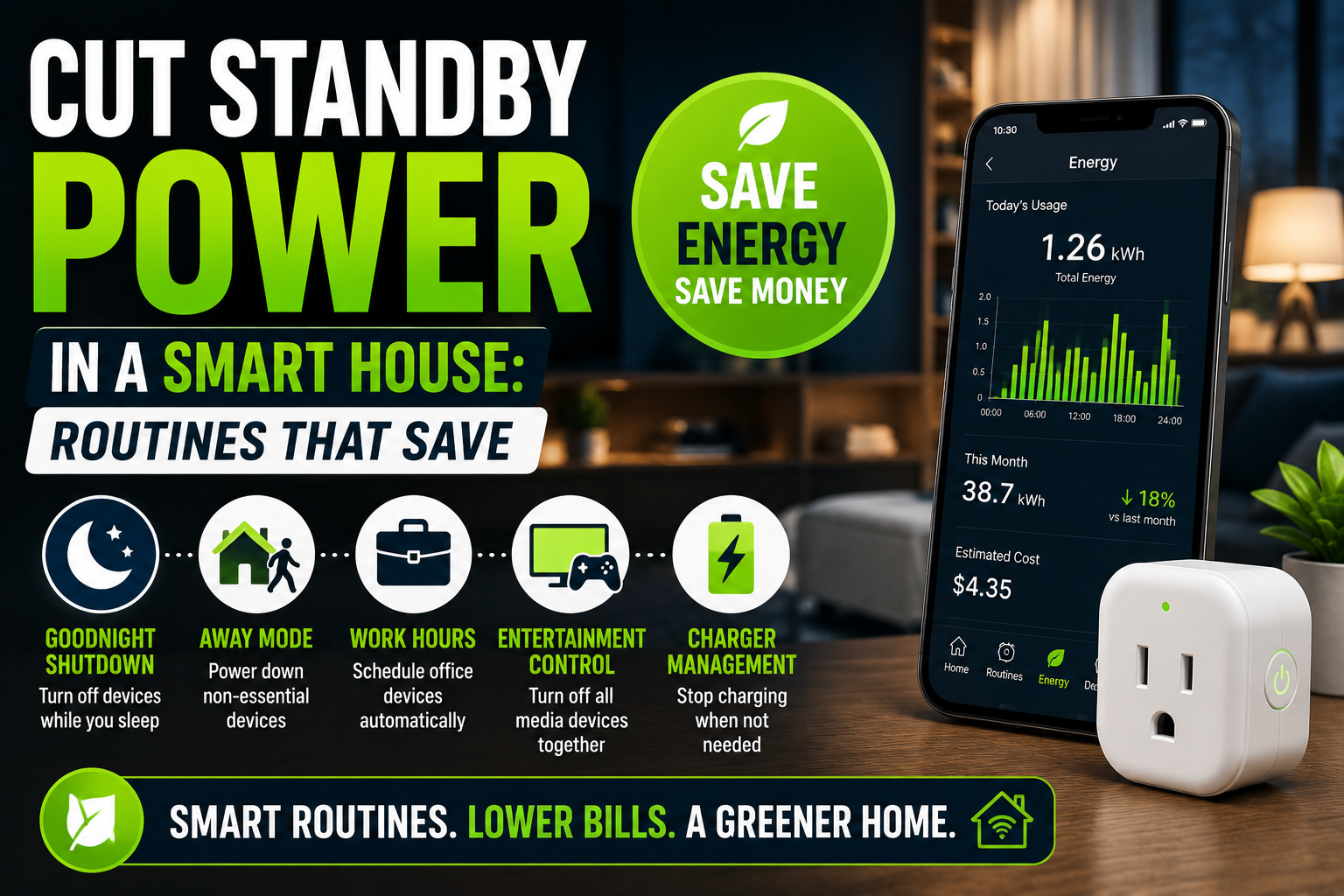
Once you know which ones matter, our guide to cutting standby power in a smart house gives you routines that remove the waste automatically.
Saturday Afternoon: Measure the Big Loads
Now measure the devices that do real work. Run each one normally for a day or two and log its daily kWh.
The table below uses typical wattage figures to show how different these loads can be. Your own readings will vary by model and how you use them.
| Device | Typical draw | Example use | Approx. monthly cost* |
|---|---|---|---|
| LED lamp | 8 W | 6 h/day | $0.24 |
| TV | 120 W | 5 h/day | $3.06 |
| Gaming PC | 450 W | 3 h/day | $6.89 |
| Space heater | 1,500 W | 4 h/day | $30.60 |
| Window AC | 1,000 W | 8 h/day | $40.80 |
*Calculated at an example rate of $0.17 per kWh. Replace it with your own.
Notice that a single space heater or air conditioner can cost more than every small device combined. That is why the big loads come before the small ones.
Sunday: Check Heating and Cooling
Heating and cooling usually make up the largest share of a home’s energy use, so Sunday belongs to your HVAC system.
If you have a smart thermostat, open its app and look at daily runtime. Note how many hours the system ran and what the weather was like outside.
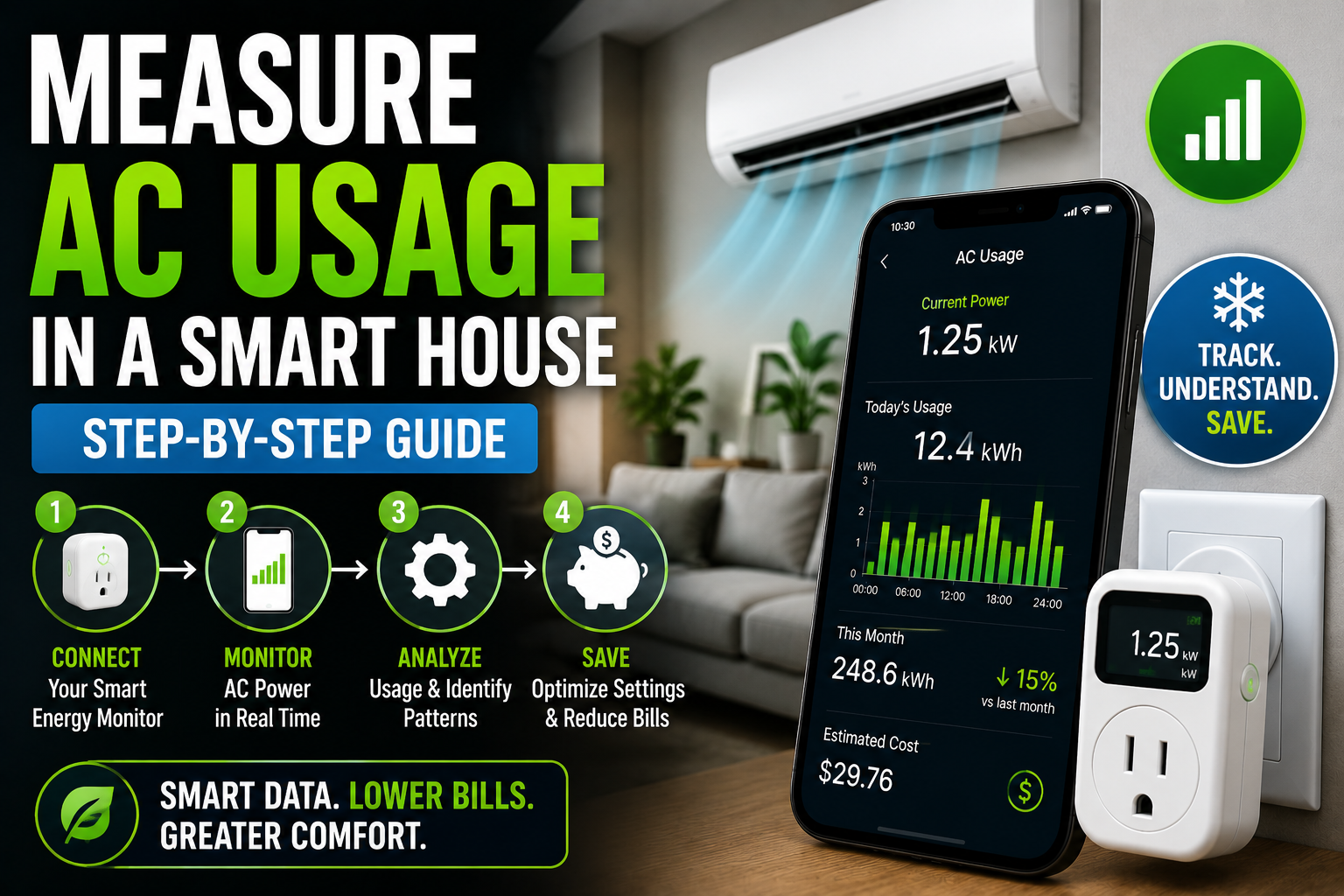
For plug-in units, use a monitoring plug. For central systems, thermostat runtime is your best starting point. Our step-by-step guide to measuring AC usage in a smart house covers each type of system, including startup spikes and how to set a baseline.
If you can, collect a full week of data. One day can mislead you, especially if the weather was unusual.
Reading Your Results: What the Numbers Mean
By Sunday night, you have a pile of readings. These three checks turn them into insight.
Add Up Your Always-On Load
List the standby watts of every device that stays powered all day, then add them together. Multiply by 8,760 hours and divide by 1,000 to get kWh per year.
For example, 60 watts of combined always-on draw equals about 526 kWh a year, or roughly $89 at our example rate. Remember that some of this load, like your router, must stay on. You are looking for the part that doesn’t need to.
Compare Peak and Off-Peak Use
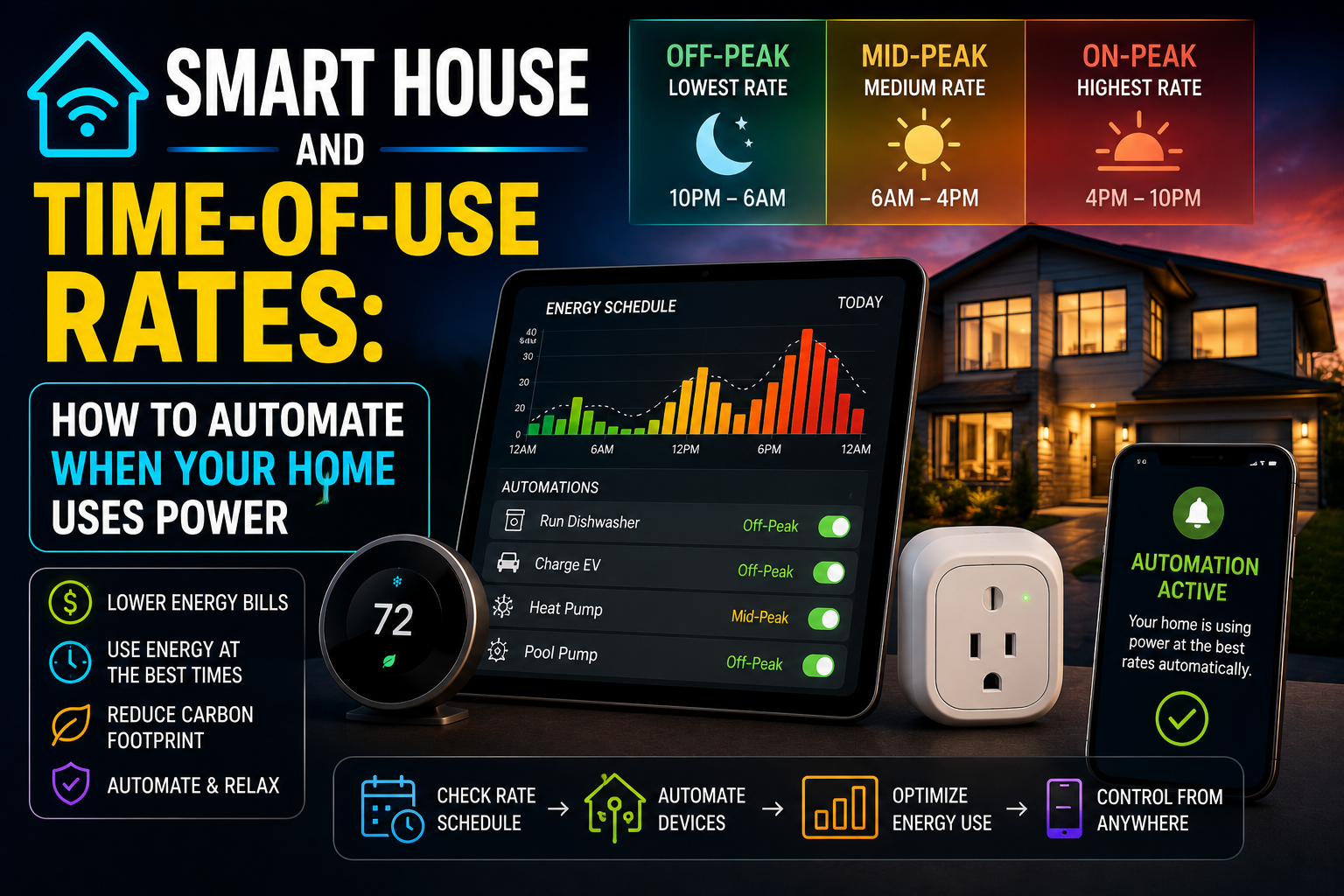
If your plan charges different prices through the day, check when your big loads run. A dishwasher or washing machine running during expensive hours costs more than the same cycle at night.
This is where the audit pays off a second time: it shows you which appliances are big enough to be worth shifting.
Watch for Seasonal Patterns
Your results change with the weather. A space heater looks expensive in winter, and an air conditioner looks expensive in summer.
Note the season next to every reading. That way you compare similar conditions when you re-measure later.
A Sample Weekend Audit
Here is an illustrative example of how the numbers might look. Imagine a household with an entertainment center, a home office, and a space heater in the living room.
The audit finds that the entertainment center draws about 18 watts in standby, which is roughly $27 a year. The office equipment draws about 12 watts when idle, around $18 a year. The space heater costs about $30 a month whenever it runs.
The small devices look minor on their own. The heater is the clear target, especially because it often runs in an empty room. A simple schedule and an away routine fix the heater first, then standby routines handle the rest.
How to Rank Your Findings
Now sort your numbers. Ask two questions about each device: how much does it cost me per month? and how easy is it to fix?
| Priority | What it looks like | Example action |
|---|---|---|
| Quick win | High cost, easy fix | Put the space heater on a schedule |
| Smart upgrade | High cost, more effort | Build a thermostat schedule |
| Habit tweak | Low cost, easy fix | Switch off a power strip at night |
| Ignore for now | Low cost, hard fix | Leave it alone |
Start at the top. Fix the quick wins first, then re-measure. Don’t spend an hour automating a lamp that costs 24 cents a month.
Devices to Leave Alone
Not everything should be switched off. Routers, smoke detectors, security systems, medical equipment, refrigerators, and freezers need constant power. Cutting them saves little and can cause real problems.
Turn Your Findings Into Savings
Measuring only pays off if you act on it. These four moves capture most of the savings in most homes.
Schedule and Automate the Waste
Use schedules for devices that run when nobody needs them. A goodnight routine can switch off the entertainment center, chargers, and office gear. An away routine can do the same when everyone leaves.
Smart plugs only save money when they switch off something that genuinely wastes power. Apply them where your audit found a real draw. If you’re still unsure, read our breakdown of whether smart plugs actually save money.
Shift Flexible Loads to Cheaper Hours
If your utility charges more at peak times, move flexible loads like dishwashers, washing machines, and EV charging to off-peak windows. Your audit tells you which appliances are worth the effort.
Our guide to time-of-use rates and smart home automation shows how to set this up, from simple delay start to dynamic pricing.
Tune Your Thermostat
A smart thermostat saves energy by changing when your system runs, through schedules, away detection, and learning your routine. How much you save depends on your climate, insulation, and habits before the upgrade.
Review the schedule it builds during the first two weeks instead of trusting the defaults. For realistic expectations, see our article on what smart thermostats actually cut from your bill.
Protect What Stays Plugged In
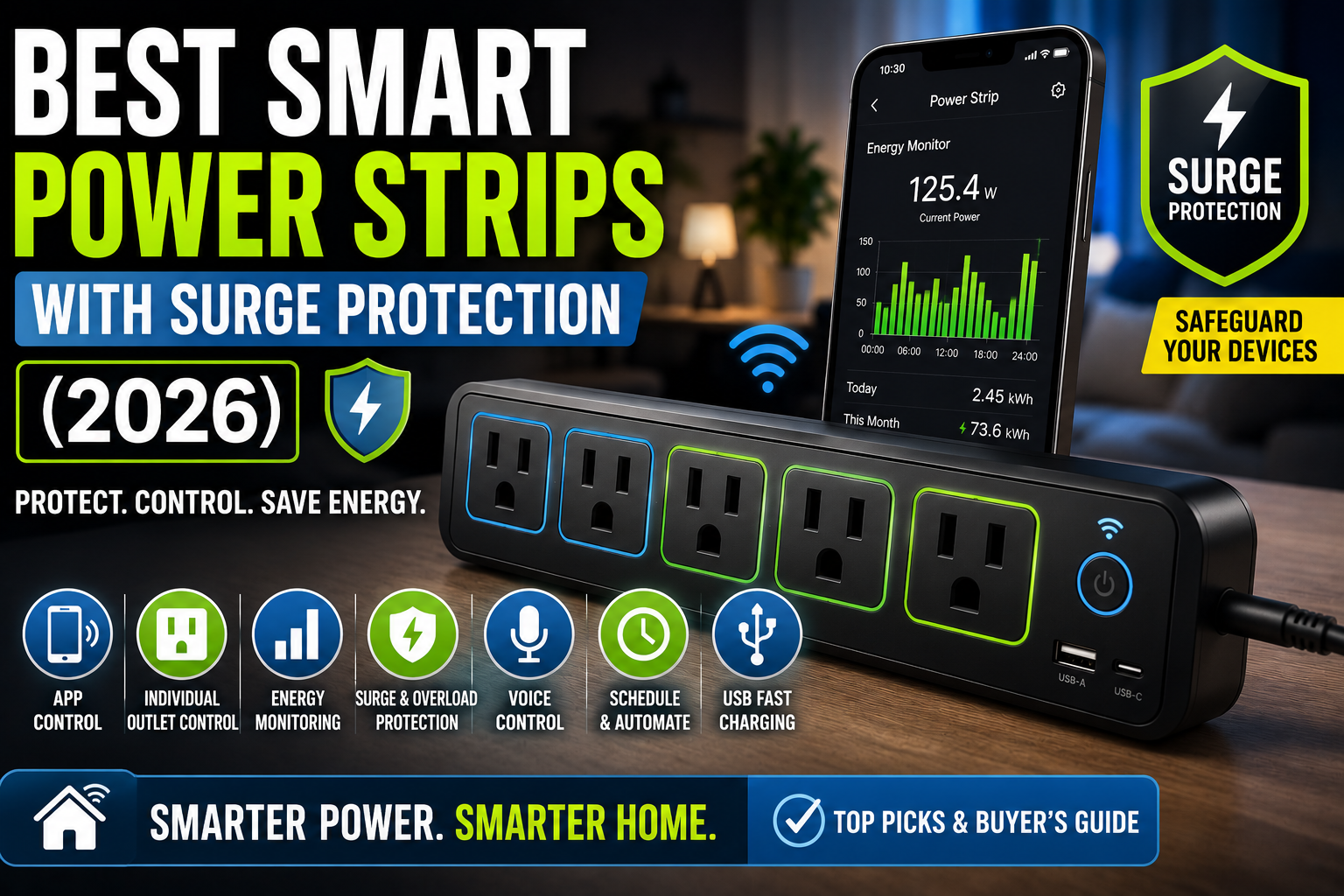
Grouping devices on a smart power strip gives you outlet control and surge protection in one place. It is a practical fix for entertainment centers and home offices. Our guide to smart power strips with surge protection explains what to look for.
Common Energy Audit Mistakes to Avoid
- Measuring for too short a time. One day rarely tells the whole story.
- Ignoring the weather. Compare similar days, especially for heating and cooling.
- Monitoring everything at once. Start with your top suspects.
- Skipping the re-measure. Without an “after” number, you can’t prove your savings.
- Forgetting the plug’s own draw. Monitoring plugs use a tiny amount of power, so keep them on devices where the data is worth it.
Frequently Asked Questions
How long does a smart home energy audit take?
You can finish the basics in a weekend. A week or more of data gives better results, especially for heating and cooling.
Do I need a whole-home energy monitor?
No. Smart plugs cover plug-in devices at a low cost. A whole-home monitor also shows hardwired loads like central heating, but it installs in your electrical panel, so use a qualified electrician.
How much can an energy audit save me?
It depends on what you find. Savings usually come from a few large loads and habits, not from every small device. Households that discover an unmanaged heater, air conditioner, or lots of always-on equipment tend to gain the most. Re-measure to learn your real number.
Which devices should I monitor first?
Start with space heaters, air conditioners, entertainment centers, home office equipment, and kitchen appliances. These combine high power draw with long runtimes or constant standby use.
How often should I repeat the audit?
Repeat it once a year, and again whenever you add a major appliance, change your rate plan, or see an unexpected bill.
Conclusion
A smart home energy audit turns a confusing electricity bill into a clear to-do list. Spend a weekend measuring standby power, your big loads, and your heating and cooling. Then rank what you find, fix the quick wins, and measure again.
You don’t need to optimize every device. A few smart plugs, honest numbers, and a handful of well-placed automations are enough to start lowering your bill. Begin this weekend with the one device you suspect wastes the most, and let the data tell you if you’re right.