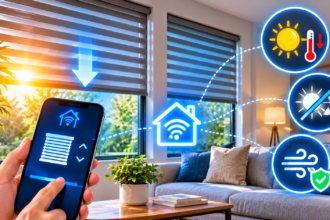

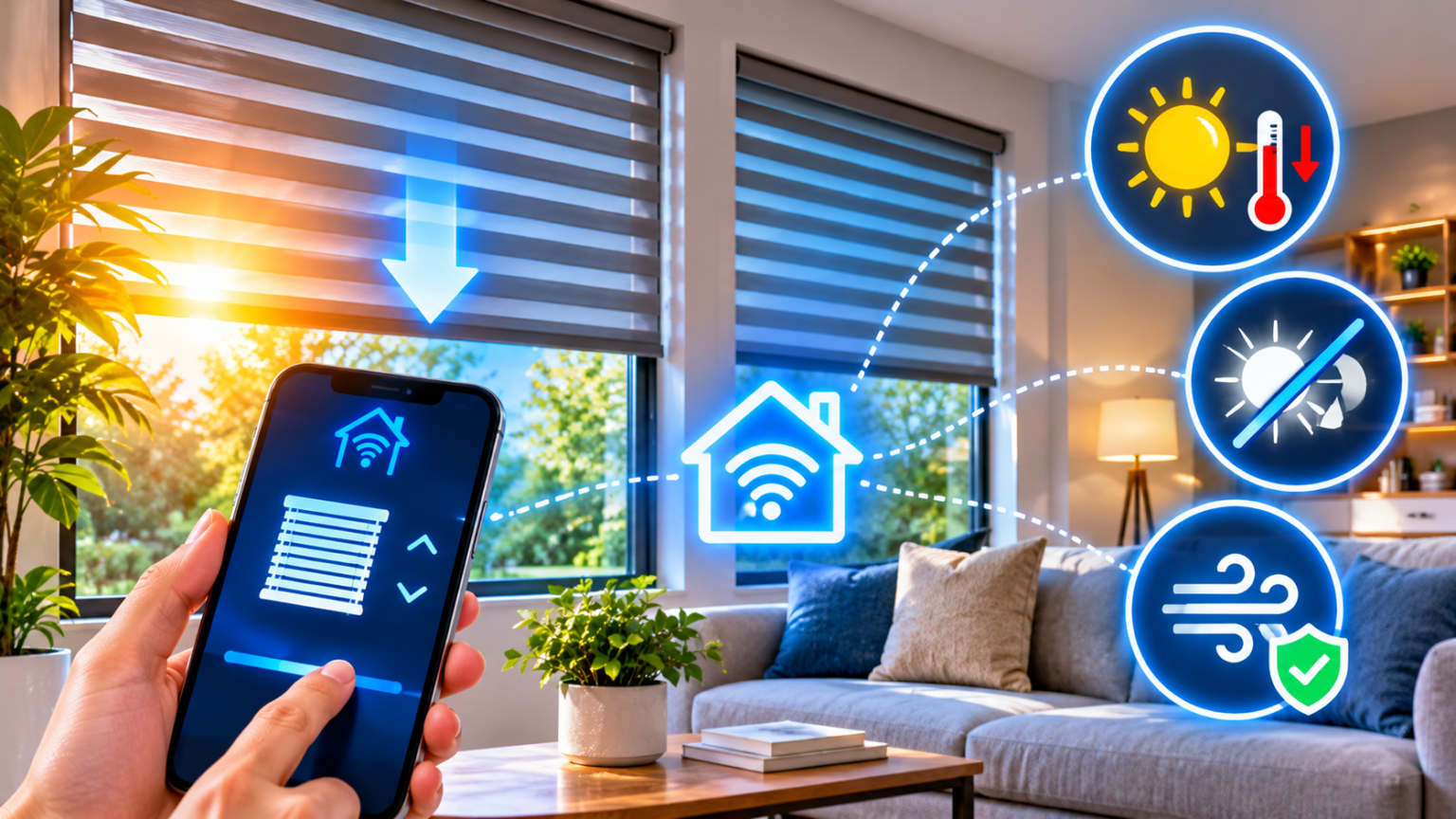
The best smart blinds for climate control are motorized shades, ideally cellular or light-filtering, that close on sun-facing windows when a room heats up and open when you want free warmth. Choose the right fabric, pick a motor that fits your windows, and link the shades to time, temperature, or sunlight.
This guide explains how to read your windows, compare fabrics and motors, and automate everything. If you want the bigger picture on smart cooling and heating first, see our guide to how a smart thermostat works.
How to Plan Smart Blinds for Climate Control
Windows are the weakest part of a home’s climate. In summer, sunlight pours heat into a room. In winter, glass lets warmth escape. A good window covering fights both problems, and a smart one does it without you touching it.
Planning has two parts. First, you study your windows to see where the sun and the heat loss are. Second, you choose the fabric, style, and motor that match those windows.
Understand Your Windows: Sun, Heat Loss, and Measurements
Before you buy anything, spend a day watching your home. Note which rooms heat up in the afternoon, which windows get direct sun, and which ones feel cold or drafty at night. This tells you where smart shades will pay off first.
Orientation matters a lot. In the Northern Hemisphere, south-facing and west-facing windows usually receive the strongest sun. West windows are often the worst in summer, since afternoon sun is low and intense. In the Southern Hemisphere, the pattern is reversed for the north side. East windows get gentle morning light, and windows facing away from the sun get softer, steadier light.
Solar heat gain is the heat that enters through glass from sunlight. It is wonderful in winter, when you want free warmth, and a problem in summer, when your air conditioning has to fight it. Smart blinds let you welcome the sun when it helps and block it when it hurts. If your cooling bills are a concern, our guide to smart air conditioners shows how shades and cooling work together.
Heat loss is the reverse problem. Single-pane or older windows leak warmth at night. A well-fitted insulating shade creates a pocket of still air against the glass, which slows that loss. The effect depends on the window, the shade, and how closely it fits, so results vary from home to home.
Glare is the third issue. Direct sun on a screen or a sofa is uncomfortable even when the room is not hot. If your desk faces a window, glare can make work harder. Our guide to smart lighting for home offices covers backlighting and window problems in detail.
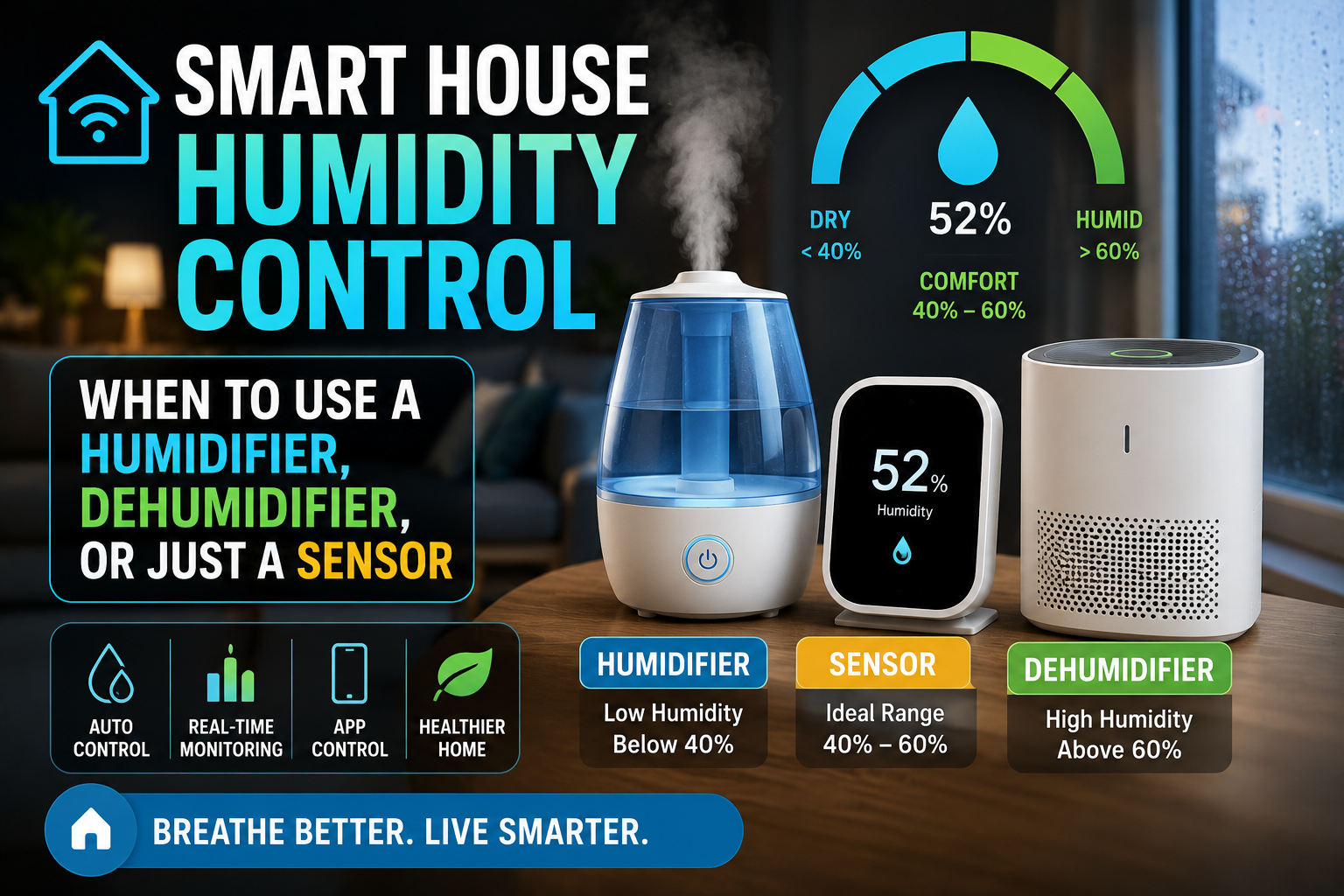
Condensation is a clue worth noticing. If your windows fog up or drip in winter, humidity may be part of the story. Shades alone will not fix it. Our guide to smart humidity control explains when a sensor, a humidifier, or a dehumidifier is the better tool.
Next, measure carefully. Smart blinds are not cheap, and a wrong measurement is an expensive mistake. Follow this checklist:
- Decide inside mount or outside mount. Inside mount sits within the window frame and looks neat. Outside mount sits on the wall or trim and covers more of the surrounding area, which blocks more light and heat.
- Measure width in three places. Check the top, middle, and bottom of the frame, and use the smallest number for an inside mount.
- Measure height in three places. Use the longest number for coverage, or the shortest for an inside mount, as the maker recommends.
- Check the depth. Inside-mounted shades need enough depth for the headrail, and obstructions such as handles or cranks can get in the way.
- Note the nearest power source. This decides whether you need battery, solar, or wired power.
One safety point deserves emphasis. Corded blinds can be dangerous for young children and pets, because loose cords can create a strangulation hazard. Cordless and motorized shades remove that risk, which is a strong reason to choose them for a child’s room or a home with toddlers.
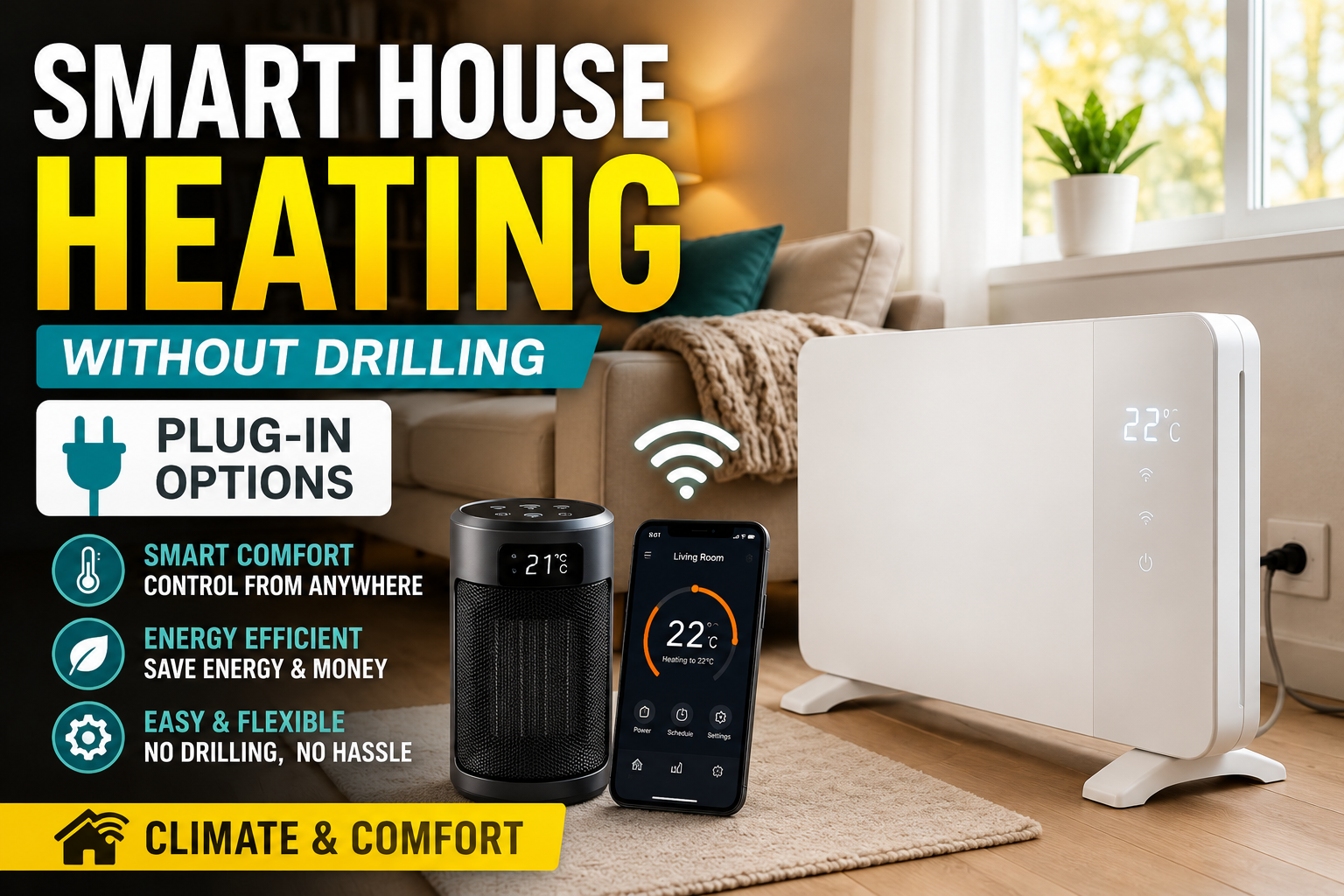
If you rent, you may not be allowed to drill into frames. Many motorized options are designed for renters, including battery-powered shades and small retrofit motors that attach to existing blinds. We cover the same no-drill thinking for other devices in our guide to smart heating without drilling.
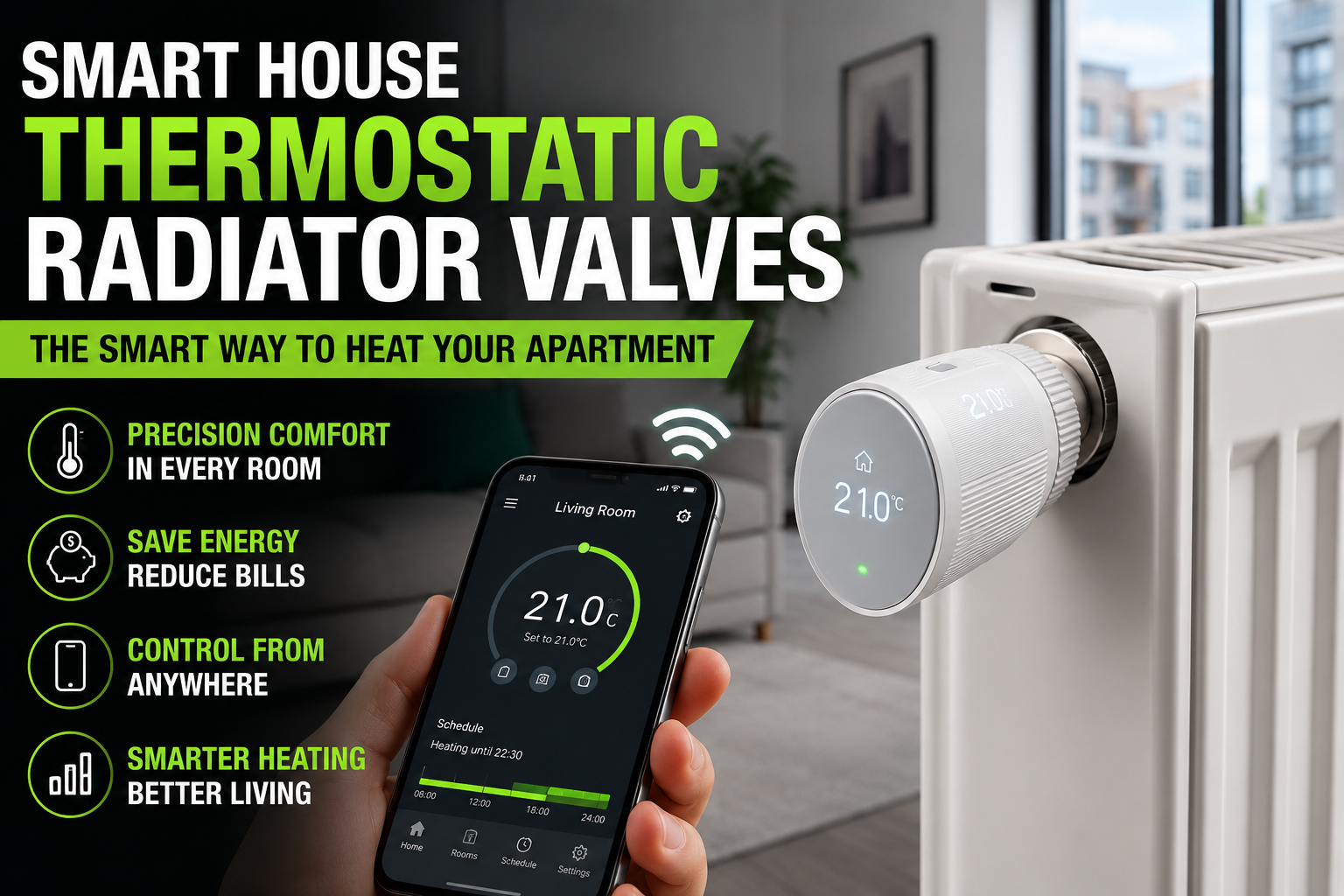
Finally, think about the rest of your system. Shades work best with a thermostat, a temperature sensor, or a heating setup that can respond. If you use radiators, our guide to thermostatic radiator valves for apartments shows how room-level heating control pairs with window management.
Choose Fabric, Style, and Motor Type
The right shade is a combination of three choices: fabric, style, and motor. Each one changes how much heat you block, how much light you keep, and how easily you can automate the result.
Fabric is where climate performance begins. Here are the common types:
- Light-filtering fabric softens daylight and cuts glare while keeping the room bright. It blocks some heat, but not as much as thicker materials.
- Blackout fabric blocks nearly all light and adds some insulation. It suits bedrooms, but it makes a room dark when closed.
- Solar or screen fabric has an open weave that cuts glare and heat while keeping a view outside. It is popular for living rooms and offices.
- Reflective-backed fabric has a pale or metallic layer facing the window that bounces sunlight away. It can help with summer heat on sunny windows.
The openness factor is a useful number on screen fabrics. A lower percentage means a tighter weave, which blocks more light and heat but offers less of a view. A higher percentage lets in more light and view but blocks less heat.
Style matters just as much as fabric. The main options are:
- Cellular (honeycomb) shades trap air in small pockets. They are widely regarded as the best insulating option for windows, which makes them a strong choice for both heat and cold.
- Roller shades are simple, clean, and available in every fabric type. They are easy to motorize and a popular choice for smart homes.
- Roman shades fold into soft pleats. They look elegant and add some insulation, but they can be heavier for motors.
- Venetian or slat blinds tilt to adjust light angle. They give precise glare control, but they insulate less than cellular shades.
If your main goal is energy comfort, cellular shades are usually the top choice. If your goal is simple, affordable control, roller shades are hard to beat. If you care most about angled light, slat blinds are the most flexible.
Motor type decides how the shade is powered and how easy it is to install. There are three common routes:
- Battery-powered motors are the easiest to install. You need no wiring, but you will recharge or replace batteries every few months, depending on use.
- Solar-assisted motors add a small panel that trickles power into the battery. They work well on sunny windows and reduce charging chores.
- Wired motors connect to household power and never need charging. They give the cleanest result, but they usually need an electrician or a planned installation.
There are also retrofit motors, small devices that attach to an existing chain or wand and move it for you. They are the cheapest way to try smart shades, and they suit renters, though they may look bulkier than built-in motors.
Finally, check the protocol. Many smart shades work over Wi-Fi, Bluetooth, Zigbee, Thread, or Matter. Bluetooth is simple but limited in range. Wi-Fi is easy for remote control but may drain batteries faster. Matter and Thread options are growing and can work with several platforms. Our explainer on Matter multi-admin shows how one device can live in Alexa, Google Home, and Apple Home together.
A last tip: ask whether the shade has a manual override. If your Wi-Fi fails or the battery runs out, you should still be able to raise or lower it by hand.
Smart Blinds Options Compared, Plus Setup and Automations
Once you know your windows and the features you want, you can compare real options. There are four common routes, and each fits a different budget and level of commitment.
Here is a side-by-side comparison.
| Option | Best for | Main strength | Main drawback | Install effort |
|---|---|---|---|---|
| Retrofit motor on existing blinds | Renters, trying it out | Cheapest, no new blinds needed | Bulkier look, limited fabrics | Low |
| Battery smart roller shade | Most rooms | Easy install, many fabrics | Battery upkeep | Low to medium |
| Smart cellular shade | Insulation, bedrooms, cold rooms | Best energy performance | Higher cost, fewer styles | Medium |
| Wired motorized shade | New builds, remodels | No charging, cleanest look | Needs planning and wiring | High |
A few notes help you read this table.
Retrofit motors are the best test drive. If you already own blinds with a bead chain or a wand, a motor can make them smart for a fraction of the cost of new shades. If it works well, you can upgrade later.
Battery roller shades hit the sweet spot for most people. They install like normal shades, and the motor is built in. Pair them with a small solar panel if the window gets plenty of sun.
Cellular shades reward you in both seasons. They are the most insulating style, so they help with summer heat and winter cold. Expect to pay more, but the comfort benefit is easy to notice in a bedroom or a drafty room.
Wired shades are best planned during a renovation, when running power to the window is easy. They are worth considering if you want a permanent, invisible solution across the whole house.
A word on ecosystems. If you already use Apple Home, Google Home, or Alexa, choose shades that work with your platform. Check that the app supports schedules, positions, and automations, not just open and close.
A word on control hubs. Some brands need a hub, while others connect directly over Wi-Fi or Bluetooth. A hub adds cost but usually improves reliability across many shades.
How to set up smart blinds, step by step:
- Measure twice. Confirm width, height, and mounting depth for each window before ordering.
- Install the brackets. Mount them level, using the supplied hardware, or follow your landlord’s rules if you rent.
- Attach the shade. Click it into the brackets and check that it moves freely.
- Charge or connect the motor. Charge the battery fully, or connect the power supply.
- Pair with the app. Add the shade to your platform and name it clearly, such as “Living Room West Shade.”
- Set the limits. Teach the motor the fully open and fully closed positions, so it stops in the right place.
- Test manually and by voice. Check that every method works before you build automations.
When the shades are installed, automations make them useful every day. Here are five worth setting up.
Five automations for climate control:
- Summer midday shield: On hot days, close sun-facing shades when the indoor temperature or sun angle passes a threshold.
- Winter sun welcome: Open south-facing shades in the morning to let free warmth in, then close them at sunset to hold it.
- Glare control: Lower shades partway on workdays when sun hits your desk or television.
- Night insulation: Close cellular shades at sunset in cold months to reduce heat loss through the glass.
- Away mode: When everyone leaves, close shades on hot days to keep the house cooler and protect furniture from fading.
Some automations work best with presence detection. If you want shades to react when you leave or arrive, see our guide to welcome home automations using presence detection.
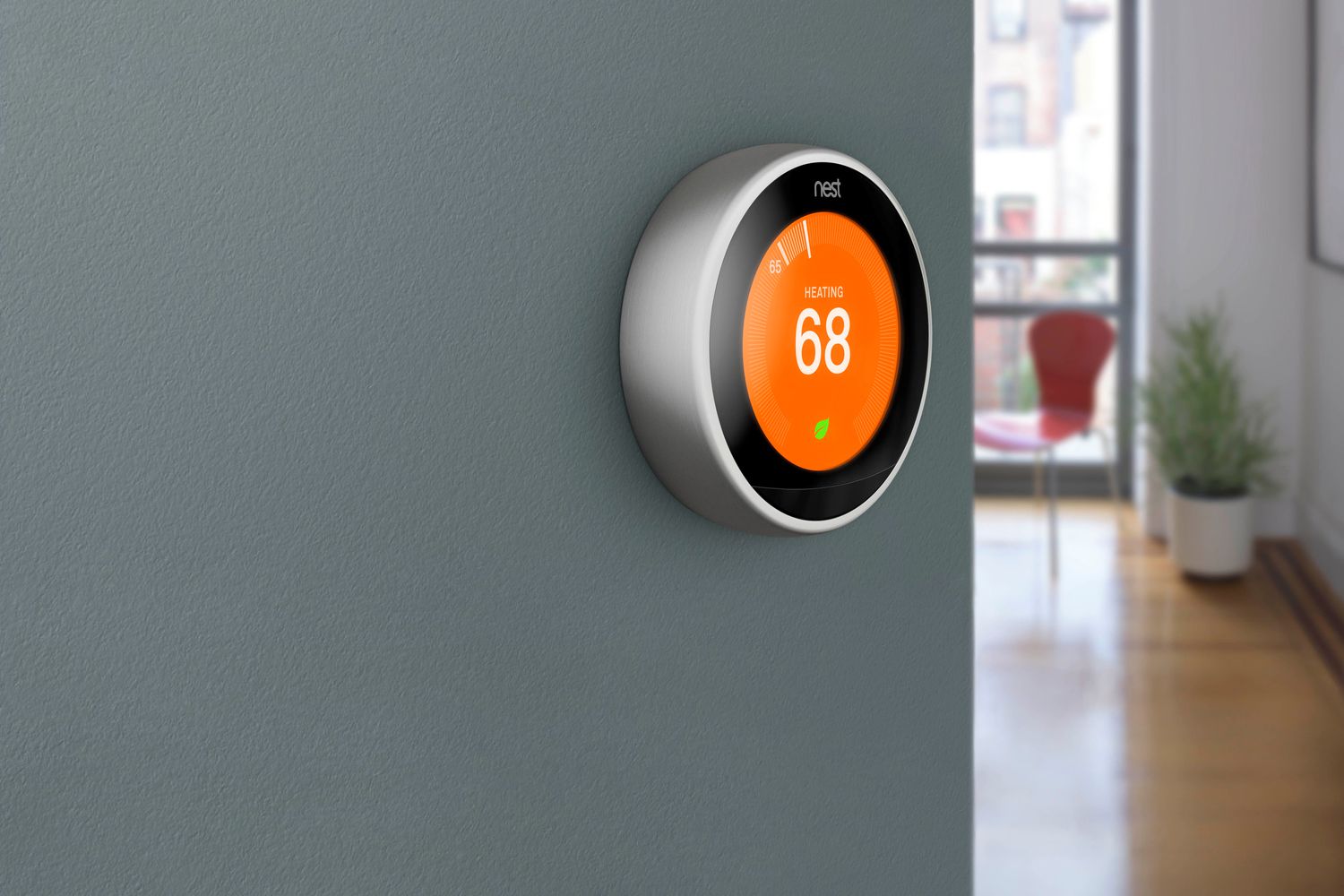
You can also tie shades to your thermostat and cooling. For example, if your system detects a hot afternoon, the shades can close first, so the air conditioner works less. If you are comparing thermostats, our guide to the best smart thermostats for first-time buyers is a good starting point. If some rooms still run hotter than others, smart vents and room-by-room zoning can balance them further.
Shades pair nicely with lighting, too. Lower a shade for glare, then let a smart bulb fill in the light at a comfortable color temperature. Our guide to smart lighting scenes shows how to build that balance.
Keep automations simple. A shade that moves constantly can be noisy and annoying, and it wears the motor faster. Two or three well-timed movements a day are usually plenty.
If an automation fails, the cause is usually a lost connection, a low battery, or two routines that conflict. Our guide on why smart home routines fail walks through the most common fixes, and our guide to why devices go offline covers signal problems.
Frequently Asked Questions
Do smart blinds really save energy?
They can help, especially on windows that get strong sun or lose a lot of heat. The savings depend on your climate, your windows, and the shade type. Cellular shades usually give the best insulation, but results vary from home to home.
What are the best smart blinds for heat?
Cellular shades and reflective-backed roller shades are strong choices for blocking heat. Screen fabrics cut heat and glare while keeping a view. Pair any of them with an automation that closes the shade when the room starts to warm.
Can I make my existing blinds smart?
Often yes. Retrofit motors attach to many bead-chain and wand-style blinds and move them for you. They are a cheap way to test the idea, though they may look less tidy than built-in motors.
How long do batteries last in smart blinds?
It depends on the motor, the shade size, and how often it moves. Many last a few months between charges, and solar panels can extend that. Check the manufacturer’s estimate, and fewer daily movements will help the battery last longer.
Are smart blinds safe for kids and pets?
Motorized, cordless shades remove the loose-cord hazard that comes with traditional corded blinds. That makes them a safer choice for nurseries and homes with young children. Always follow the manufacturer’s safety guidance.
Do smart blinds work without Wi-Fi?
Many do. Bluetooth models work from your phone when you are nearby, and remotes or buttons give local control. Wi-Fi or hub-based models offer remote access and richer automations. Choose the connection type that matches how you want to use them.
Conclusion
Smart blinds are one of the most overlooked climate upgrades. They fight summer heat, reduce glare, and slow winter heat loss, all without you lifting a finger. The key is to match the shade to the window.
Study the sun in your home, choose the right fabric and style, and pick a motor that fits your situation. Use a retrofit motor if you rent, a cellular shade if insulation matters most, and a wired shade if you are renovating.
Start small. Automate one sunny window, watch how the room feels over a week, and adjust. Once you see the difference, adding the rest of the house takes very little effort.