
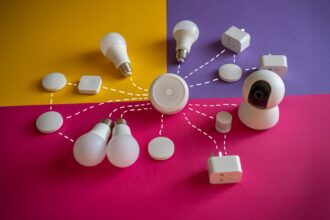



A smart home gym setup is a normal workout space with a few connected devices that handle the boring parts for you: the right light, fresh air, a comfortable temperature, and music that starts when you do. You do not need smart machines. A handful of sensors, bulbs, and plugs does most of the work, often for well under $200 if you already own the equipment.
Most home gyms fail for simple reasons. The room is dark, stuffy, too hot, or a hassle to get ready. This guide shows how to fix those problems with automation, step by step.
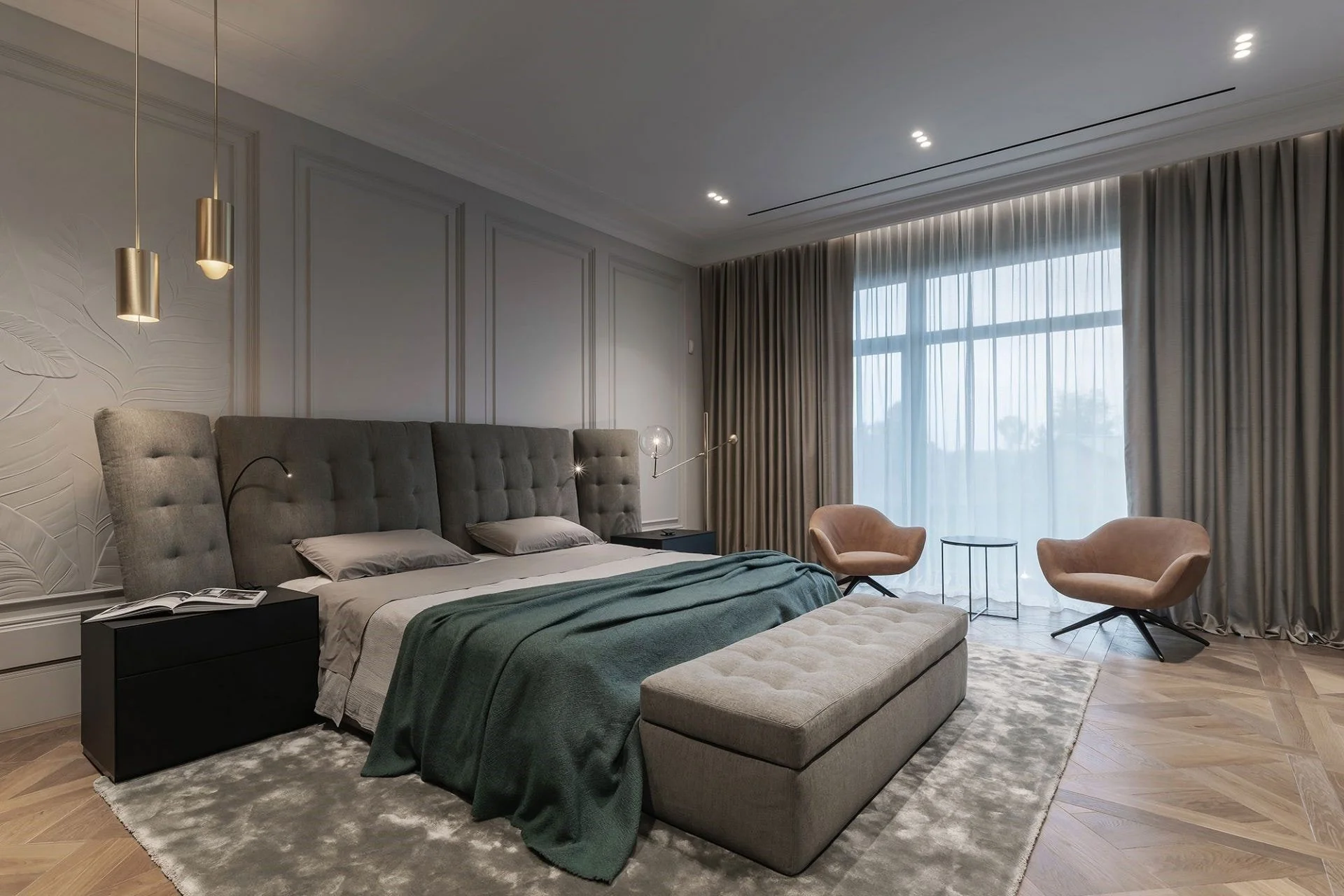
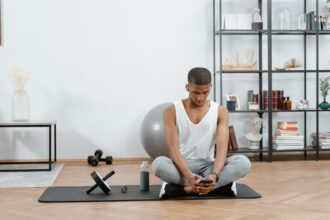
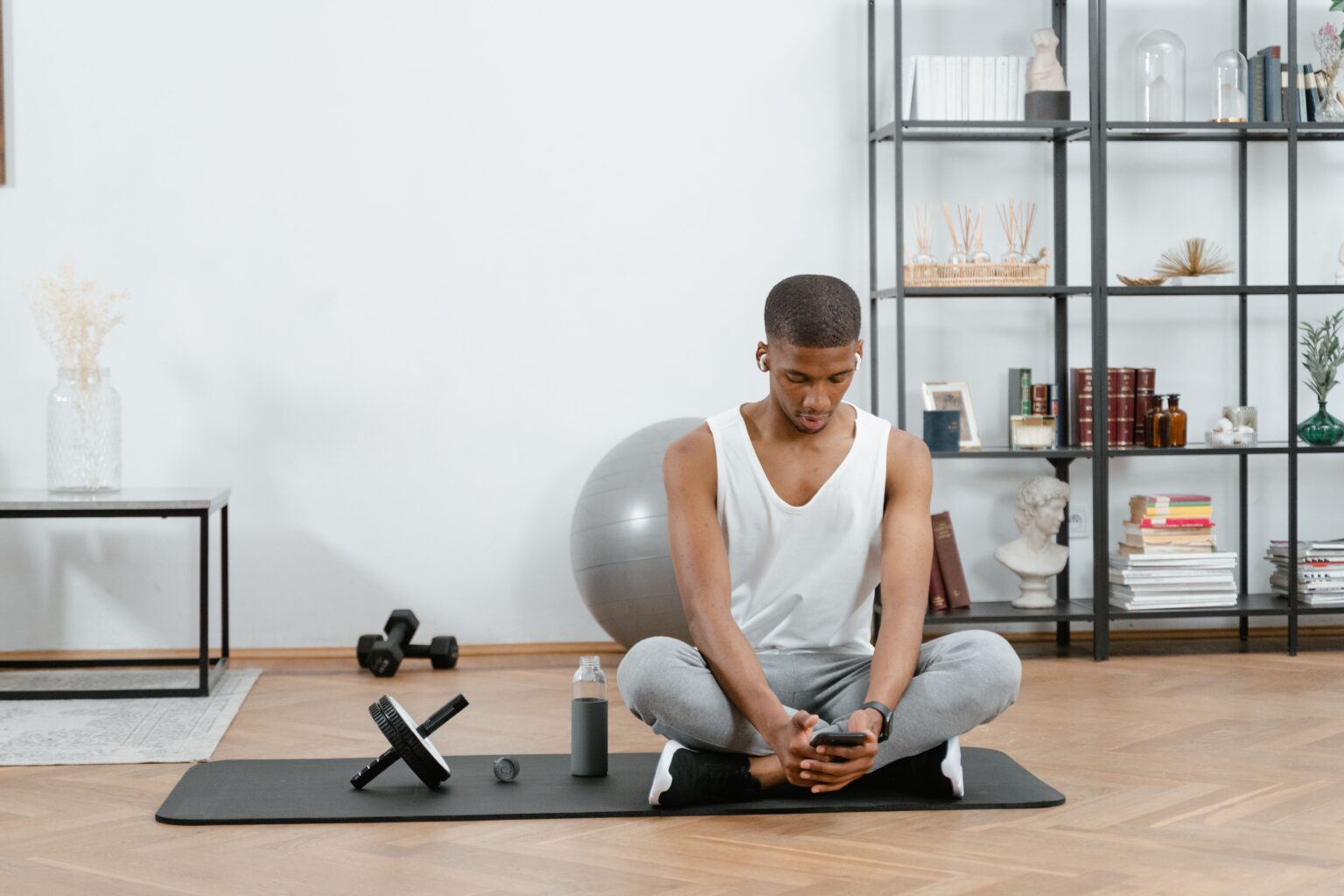
A tidy home gym with warm and bright lighting zones, a fan, and a small speaker Suggested image: a spare-room gym with adjustable lighting. Alt text: “smart home gym setup with automated lighting and fan”.
How to Plan a Smart Home Gym Before You Buy Anything
Most people start by buying gadgets. It works better to start with the room. A garage corner, a spare bedroom, and a basement each have different problems, and those problems decide which devices are worth buying.
Map the Room: Space, Power, Floor, and Signal
Stand in the doorway and look at the room as if you were a stranger. Check these five things before you spend anything.
Space and movement. Note where barbells swing, ropes spin, and arms reach overhead. Mount sensors and lights where nothing will hit them, and prefer small stick-on devices over anything hanging low.
Power. Count the outlets and see what is already plugged in. Cardio machines with motors, such as treadmills, can draw a lot of current. Never run one through a standard smart plug unless the plug is clearly rated for that load. If you are unsure, ask a licensed electrician.
Floor and noise. Rubber mats, dropped weights, and loud music travel through floors and walls. If you share a building, plan a volume limit and quiet hours from the start.
Air. Look for a window, a door you can prop open, or a vent. Hard exercise adds heat, moisture, and carbon dioxide to a small room quickly, so airflow matters more here than in almost any other space.
Wi-Fi signal. Basements, garages, and back rooms often have weak coverage, and metal racks make it worse. Test the signal with your phone while you stand where you will train. If devices keep dropping, our guide on why smart devices go offline explains the usual fixes.
Decide Which Jobs You Want Automated
A smart gym is built from a few small jobs. Pick the ones that annoy you most and start there.
- Light: the room is dim, glary, or you forget to turn it off.
- Air: the room gets hot and stuffy within ten minutes.
- Sound: you waste time choosing music or fiddling with a screen.
- Routine: you skip workouts because setup feels like a chore.
- Security and privacy: you own expensive equipment, or children and pets can wander in.
If you can only solve one problem this month, solve air. It improves comfort more than any other upgrade, and it is cheap.
Lighting, Sound, and Screens That Match Your Workout
Light and sound set your mood faster than anything else in the room. Automating them means the gym is ready before you are.
Build Three Lighting Scenes for Lifting, Cardio, and Cool-Down
You do not need dozens of scenes. Three cover almost every session.
- Lift mode: bright, neutral white (around 4000K to 5000K) at high brightness. Good light helps you see your form and stay alert.
- Cardio mode: bright but slightly warmer, with an accent color if you enjoy it. Keep it comfortable if you watch a screen.
- Cool-down mode: warm, dim light that helps your body wind down during stretching or a walk on the treadmill.
Placement matters more than the bulb. Put light sources to the side or above you, not behind a mirror or directly in front of a screen. Glare on a mirror makes it hard to check your form. If your gym has a dark corner, a stick-on LED strip along a rack or shelf is an easy fix, and our guide to smart LED strip lights shows how to install one without tools.
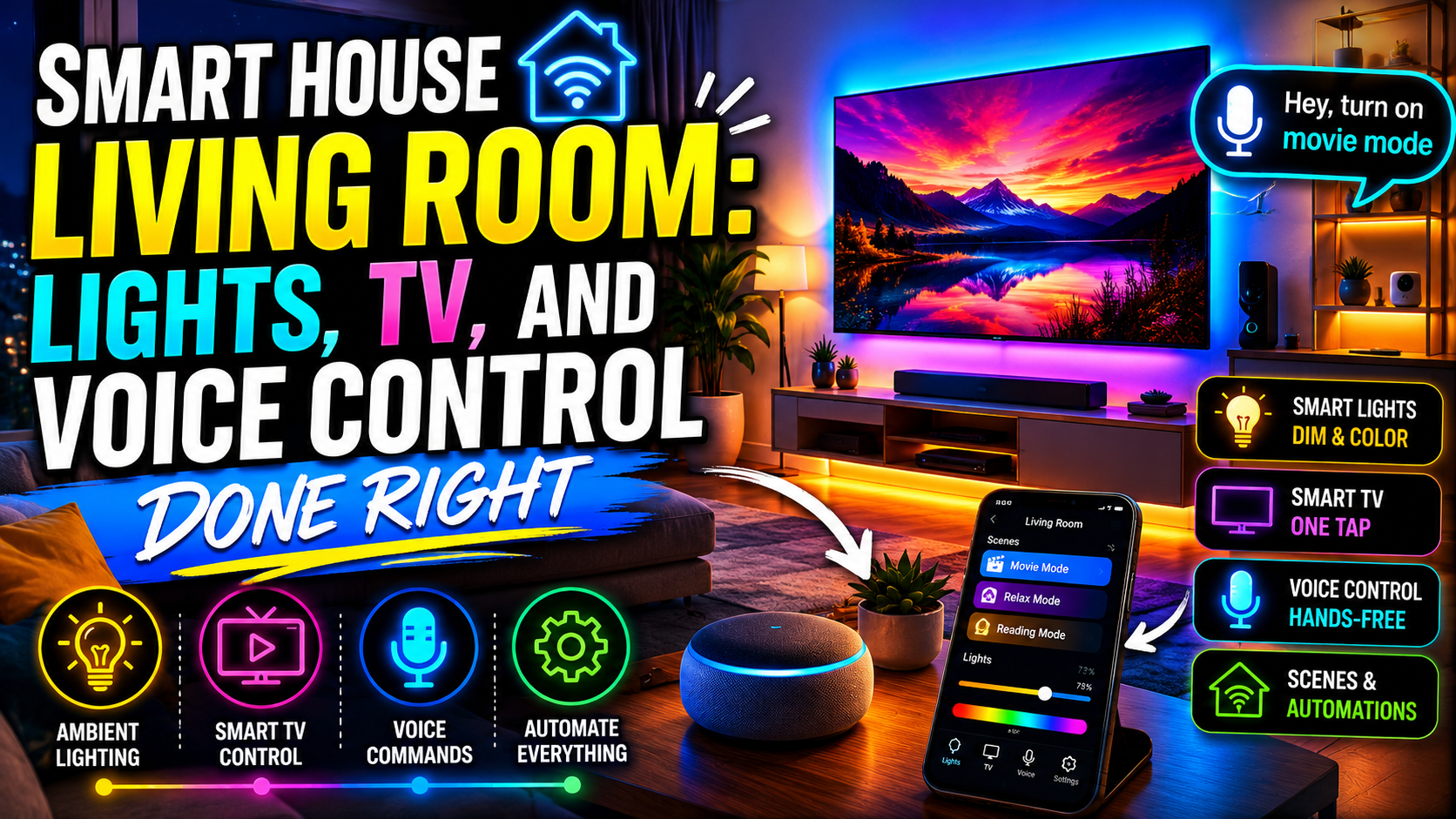
For a deeper look at scenes, the same ideas we cover in our smart living room guide apply here. The difference is that workout scenes should start and stop with your session, not with the time of day.
Add Music, Timers, and Hands-Free Control
When your hands are full of weights or sweat, voice control is useful. A smart speaker can start your playlist, set an interval timer, and read out the time without you touching a phone.
A few tips make it work better:
- Place the speaker away from sweat and impact. A shelf near the door is better than a spot beside the squat rack.
- Use one routine for everything. “Start workout” should set the lights, music, and fan in one command.
- Set a volume cap. A scheduled limit after 9 p.m. protects your neighbors and your sleep.
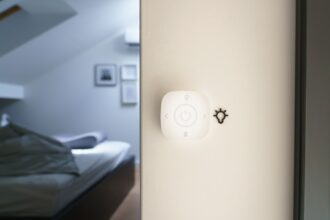
- Think about privacy. If you prefer no microphone in the room, a simple smart button on the wall can trigger the same routine.
If your gym has a TV, set up HDMI-CEC so the TV and soundbar turn on together. It costs nothing and removes one more step.
Air, Temperature, and Humidity: The Part Most Home Gyms Skip
Exercise turns a small room into a warm, humid, stale-air box. A smart home gym that ignores the air feels bad no matter how good the lighting is.
Keep the Room Cool Without Thinking About It
Many people find a cooler room more comfortable for training, often somewhere around 64°F to 70°F (18°C to 21°C), though personal preference varies. The goal is to start cool and stay cool, not to fight heat once you are already sweating.
Here are the easiest ways to automate it:
- A fan on a smart plug. Small fans use little power and work well with schedules. Check the plug’s rating and the fan’s wattage first.
- Pre-cooling. Start the fan or air conditioner 15 minutes before your usual workout time, so the room is ready when you walk in.
- Smart thermostat room sensors. If you have central air, a remote sensor in the gym tells the system what the room really feels like.
- Smart blinds or shades. Closing them during the hottest part of the day cuts heat gain. Our guide to smart blinds and shades covers the options.
- A smart air conditioner. If the room has no ducts, compare window, portable, and mini-split units in our smart air conditioner comparison.
Track CO2 and Humidity So the Room Stays Fresh
You cannot see stale air, but a sensor can. Indoor carbon dioxide rises quickly when someone breathes hard in a closed room. Many people notice stuffiness and lower focus when levels climb past about 1,000 ppm, so that is a common trigger point for opening a window or starting a fan.
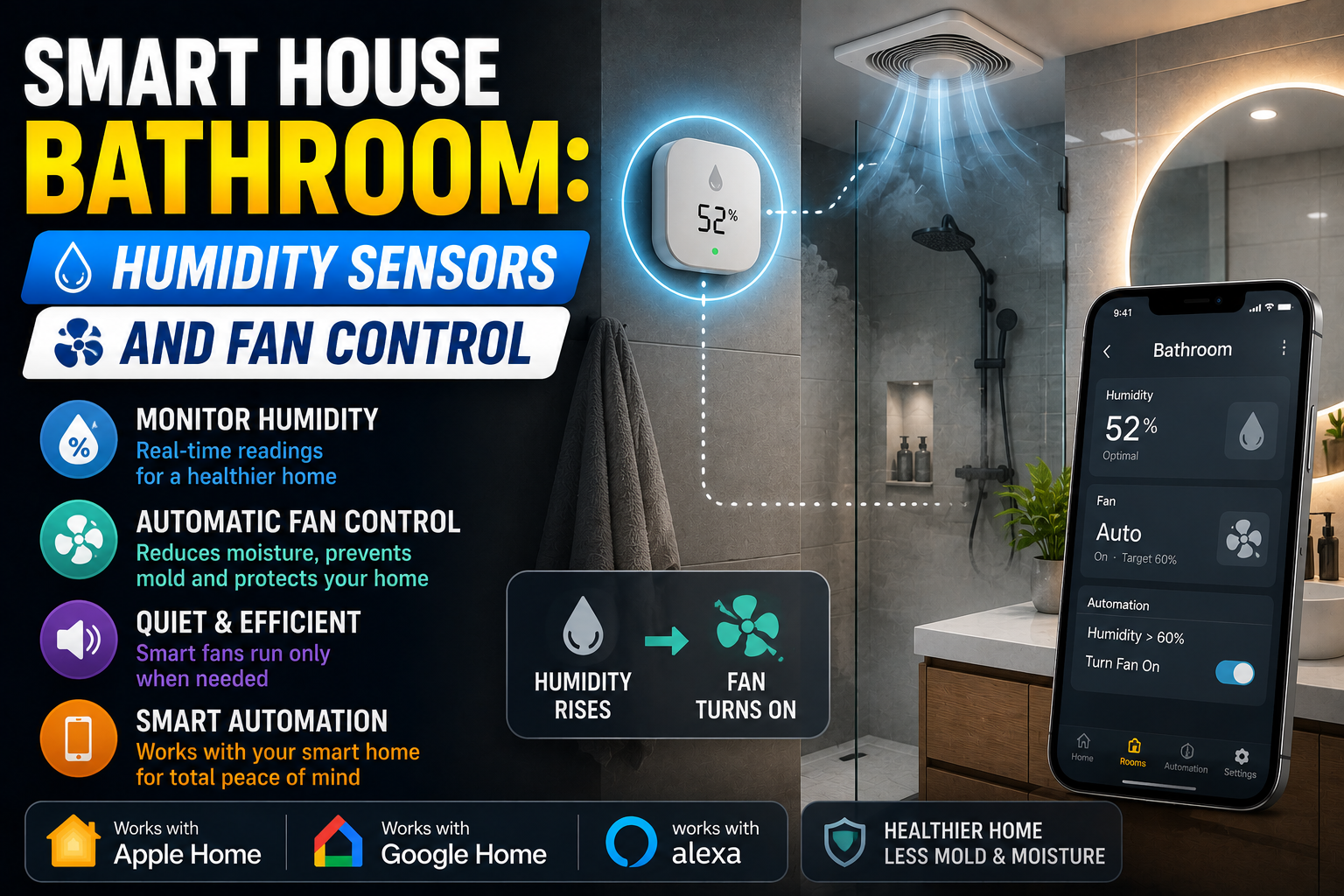
Humidity matters just as much. A damp gym can rust barbells, warp wooden benches, and grow mildew on mats. A comfortable target for most indoor spaces is roughly 40% to 60% relative humidity. If you want to know when a sensor is enough and when you need a dehumidifier, read our guide to smart humidity control.
This table shows how each problem maps to a device and an automation.
| Problem | What to measure | Device | Automation |
|---|---|---|---|
| Stuffy, tiring air | CO2 level | CO2 monitor plus fan on a smart plug | Run the fan when CO2 passes your limit |
| Sweaty, damp room | Humidity | Humidity sensor plus dehumidifier | Start the dehumidifier above 60% |
| Hot room | Temperature | Temperature sensor plus fan or AC | Pre-cool before your workout |
| Rust on equipment | Humidity when empty | Humidity sensor with alerts | Notify you if the room stays damp |
| Poor air quality | Dust or particles | Smart air purifier | Run it after workouts or during dusty seasons |
If dust or odors bother you, a connected purifier can help. We explain placement and schedules in our guide to smart air purifiers.
Workout Automations That Run Themselves
Once the devices are in place, automations make them useful every day. The key is knowing when you are actually in the room.
Use a presence sensor, not just a motion sensor. A basic motion sensor turns lights off when you stop moving, which is annoying during planks, stretching, or a slow cooldown. A presence sensor, such as a millimeter-wave model, can detect someone who is standing or lying still. That keeps the lights on when you need them and shuts everything off when the room is empty.
Set It Up in Seven Steps
- Pick your hub or app. Choose Apple Home, Google Home, Alexa, or Home Assistant, and keep all gym devices in one place.
- Name every device clearly. Use names such as “Gym Fan” and “Gym CO2,” so voice commands and alerts make sense.
- Place the presence sensor. Aim it at the main training area and away from the doorway.
- Connect lights and fan. Test that each one responds quickly from the app.
- Build your three lighting scenes. Save lift, cardio, and cool-down.
- Create a single “Start workout” routine. It should set a scene, start music, and turn on the fan.
- Test for a full week. Adjust thresholds until nothing feels annoying.
Six Automations Worth Building
- Workout start: When you say “start workout,” set lift mode, start your playlist, and turn on the fan.
- Pre-cool: On workout days, run the fan or AC 15 minutes before your usual start time.
- Ventilation boost: If CO2 or humidity passes your limit, run the fan or open a smart vent until it drops.
- Cool-down: At the end of a session, shift to warm, dim lighting and lower the music volume.
- Empty-room shutoff: If the presence sensor sees nobody for ten minutes, turn off the lights, fan, and music.
- Quiet hours: After a set time, cap the speaker volume and switch to headphones mode.
For advanced users, tools like Home Assistant can read some wearable data and run a fan faster when your heart rate rises. It is optional, and it depends on your phone and watch, so start simple.
If an automation stops working, the cause is usually a lost connection, a low battery, or two routines that conflict. Our guide on why smart home routines fail walks through the most common fixes.
Budget Tiers: What to Buy First
You can build a smart home gym in stages. Prices vary by brand and region, so treat these as rough guides.
| Tier | What you get | Rough cost | Best for |
|---|---|---|---|
| Starter | Smart plug, fan, and one smart bulb | Under $50 | Renters and first-timers |
| Comfort | Starter plus CO2 and humidity sensor | About $100 to $200 | Small, stuffy rooms |
| Hands-free | Comfort plus presence sensor and smart speaker | About $200 to $350 | Daily exercisers |
| Full control | Hands-free plus smart thermostat sensor, blinds, or AC control | $350 and up | Dedicated gym rooms |
A note on upgrades. Resist buying the full tier on day one. Live with the starter setup for two weeks and notice what still bothers you. If the room is still stuffy, add a CO2 sensor. If you keep forgetting to turn things off, add a presence sensor. Spending only where you feel a real problem keeps the cost low and the system simple, and it avoids the clutter of devices you never use.
Safety, Security, and Privacy in a Smart Home Gym
A gym mixes heavy equipment, electricity, and expensive gear. A few smart choices keep it safe.
- Respect electrical limits. Use smart plugs only for devices within their rating. Motorized machines and heaters need extra caution, and some should never go through a plug.
- Manage cables. Route cords away from walking paths and weights. A tidy room is safer than any sensor.
- Protect children and pets. A simple door sensor can alert you if someone opens the gym while you are away. This matters most if you keep free weights around.
- Secure valuable equipment. If your gym is in a garage, see our smart garage setup guide for door sensors and remote monitoring.
- Avoid cameras where you change or stretch. A presence sensor gives you automation without recording video. If you do use a camera, point it at the door, not at you.
- Check health-data settings. Fitness apps and wearables store personal data. Review what is shared and with whom before you connect them to your smart home.
Frequently Asked Questions
What is a smart home gym setup?
It is a workout space that uses connected devices, such as smart lights, plugs, sensors, and speakers, to automate light, air, sound, and safety. The equipment itself can be ordinary weights or machines.
Do I need smart gym equipment to have a smart home gym?
No. Smart bikes and rowers are nice, but the biggest comfort gains come from the room: lighting scenes, fresh air, and a cool temperature. You can add those to any gym.
Can I use a smart plug on a treadmill?
Usually not. Treadmills and other motorized machines can draw more power than a typical smart plug is designed for. Use a plug only if it is clearly rated for the load, and ask an electrician if you are unsure.
What is the best sensor to detect that I am working out?
A presence sensor works best because it detects stillness as well as motion. A basic motion sensor can turn the lights off while you stretch or do floor exercises.
How cool should a home gym be?
Many people feel best at roughly 64°F to 70°F (18°C to 21°C), but it depends on the exercise and the person. Pre-cooling the room before you start makes any target easier to reach.
How much does a smart home gym setup cost?
A basic setup with a smart plug, fan, and bulb can cost under $50. A fuller setup with air sensors, a presence sensor, and a speaker usually lands between $200 and $350.
Can I build a smart home gym in an apartment?
Yes. Stick-on sensors, plug-in devices, and smart bulbs need no tools. Add a volume cap and quiet hours to keep neighbors happy.
Conclusion
A great smart home gym setup is not about gadgets. It is about removing the small frictions that make you skip a workout: a dark room, stale air, a hot space, and a slow start.
Start with air and temperature, then add lighting scenes, a single start routine, and a presence sensor that shuts everything off when you leave. Respect electrical limits, protect your privacy, and build in stages.
This week, plug a fan into a smart plug and save one lighting scene. Once the room is ready before you are, the rest of the setup is easy to add.