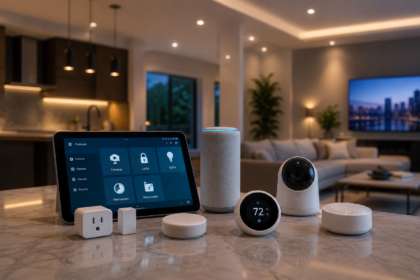

There’s a specific kind of anxiety that shows up once your parents pass a certain age, and it usually starts small — a missed phone call that makes your stomach drop for twenty minutes, a story from a neighbor about a fall that “wasn’t a big deal,” a stove left on that got caught just in time. You start thinking about moving them closer, or moving in, or at minimum installing some kind of camera so you can check on them — and then you fall down a research hole of medical alert pendants, fall-detection wearables, and vague “senior safety” gadgets that all seem designed to sell fear rather than actually solve the problem.
- The Mindset Shift: This Isn’t Your Smart Home Project
- Start With the Conversation, Not the Cart
- Fall Detection and Medical Alerts: The Highest-Priority Category
- Passive Monitoring: Knowing They’re Okay Without Watching Them
- Voice Control: The Single Highest-Impact Device Category for This Use Case
- Medication Management: An Underrated High-Value Category
- Video Calling: The Device Category That Fights Isolation, Not Just Risk
- What to Deliberately Skip
- Three Budget Tiers, Built for This Specific Scenario
- What Happens After the Kit Is Installed
- A Practical Checklist Before You Buy Anything
- The Bottom Line
- Sources
This guide takes a different approach. Instead of listing every gadget marketed at seniors, it’s built around what actually keeps an aging parent safer and more independent day to day, what respects their autonomy instead of turning their home into a surveillance project, and what a real budget for this looks like at different levels of urgency and investment. If you’ve already looked at how to build a smart home under $100 or the $150 / $300 / $600 smart house budget breakdown, the underlying principles are the same — but the priorities shift substantially once the person living in the home isn’t you, isn’t tech-savvy by default, and has genuinely different needs than a typical smart home buyer.
The Mindset Shift: This Isn’t Your Smart Home Project
Before getting into devices, it’s worth being direct about the single most common mistake adult children make with this project: designing it like they’re building their own smart home, just installed in a different house. A voice assistant hub, a phone app dashboard, a dozen automations triggered by geofencing — all genuinely great for a 30-something who wants convenience. For an 80-year-old parent, especially one with any hesitancy around new technology, that same setup can feel confusing, invasive, or actively stressful, and stress and confusion are the two fastest ways a well-intentioned smart home project ends up unused in a drawer within a month.
The devices that actually get used long-term by an aging parent share three characteristics: they require little to no daily interaction from the parent themselves, they fail gracefully (meaning if Wi-Fi drops or a button doesn’t get pressed, nothing catastrophic happens), and they give the adult child or caregiver useful information without constant, anxiety-inducing notifications. Keep those three filters in mind as you go through every device below, because they matter more here than in almost any other smart home category.
Start With the Conversation, Not the Cart
This part isn’t a device recommendation, but it’s the single most important step, and skipping it is why a lot of well-meaning setups get quietly disabled the week after the adult child leaves. Aging in place technology sits at an uncomfortable intersection of genuine safety and a parent’s sense of independence and privacy, and installing cameras or sensors without a real conversation — even with good intentions — can feel like being monitored rather than supported.
The conversation that works best is specific and collaborative rather than vague and top-down: not “I’m worried about you, so I’m putting in cameras,” but “I want to know if you fall and can’t get up, without me having to call you every few hours to check — here’s what I’m thinking, what feels okay and what doesn’t?” Involving your parent in choosing which rooms get sensors, whether a camera is acceptable anywhere (many people are comfortable with entryway or kitchen sensors but firmly against a camera in a living room or bedroom), and how alerts get handled dramatically increases the odds the system actually stays in use.
Fall Detection and Medical Alerts: The Highest-Priority Category
Falls are the leading cause of injury-related death among adults 65 and older, and the fear of “what if they fall and no one knows for hours” is usually the single biggest driver behind starting this whole project. This is the category worth prioritizing first, even ahead of general smart home convenience gadgets.
Wearable medical alert devices with fall detection are the most proven, most reliable option in this category — a pendant or wristband, often with a cellular connection independent of home Wi-Fi, that can detect a fall automatically and connect to a 24/7 monitoring center, or be triggered manually with a button press. The advantage over app-based phone solutions is significant: your parent doesn’t need to be carrying or unlocking a phone, doesn’t need Wi-Fi range, and the device typically works both inside and outside the home, including in the yard or on a walk — a meaningful number of falls actually happen outdoors or in a garage, not just inside.
Smart home fall-detection sensors are a complementary, not competing, layer — using motion sensor patterns or, in more advanced systems, radar-based sensing (which doesn’t require wearing anything or use a camera) to detect unusual inactivity or a fall-like motion pattern in specific rooms, particularly the bathroom, which statistically has some of the highest fall risk due to wet, hard surfaces. These work well as a backup for the moments a wearable pendant gets left on a nightstand — which happens more often than anyone likes to admit.
Voice-activated emergency calling through a smart speaker (most major assistants support some version of emergency or contact-calling by voice command alone) adds another layer specifically useful for someone who may be able to speak but not reach a phone or pendant after a fall — worth setting up as a supplement, never a replacement, for a dedicated medical alert device.
Passive Monitoring: Knowing They’re Okay Without Watching Them
This is the category where the balance between safety and dignity matters most, and where getting the approach wrong causes the most pushback from parents who feel surveilled rather than supported.
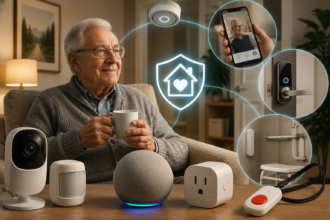
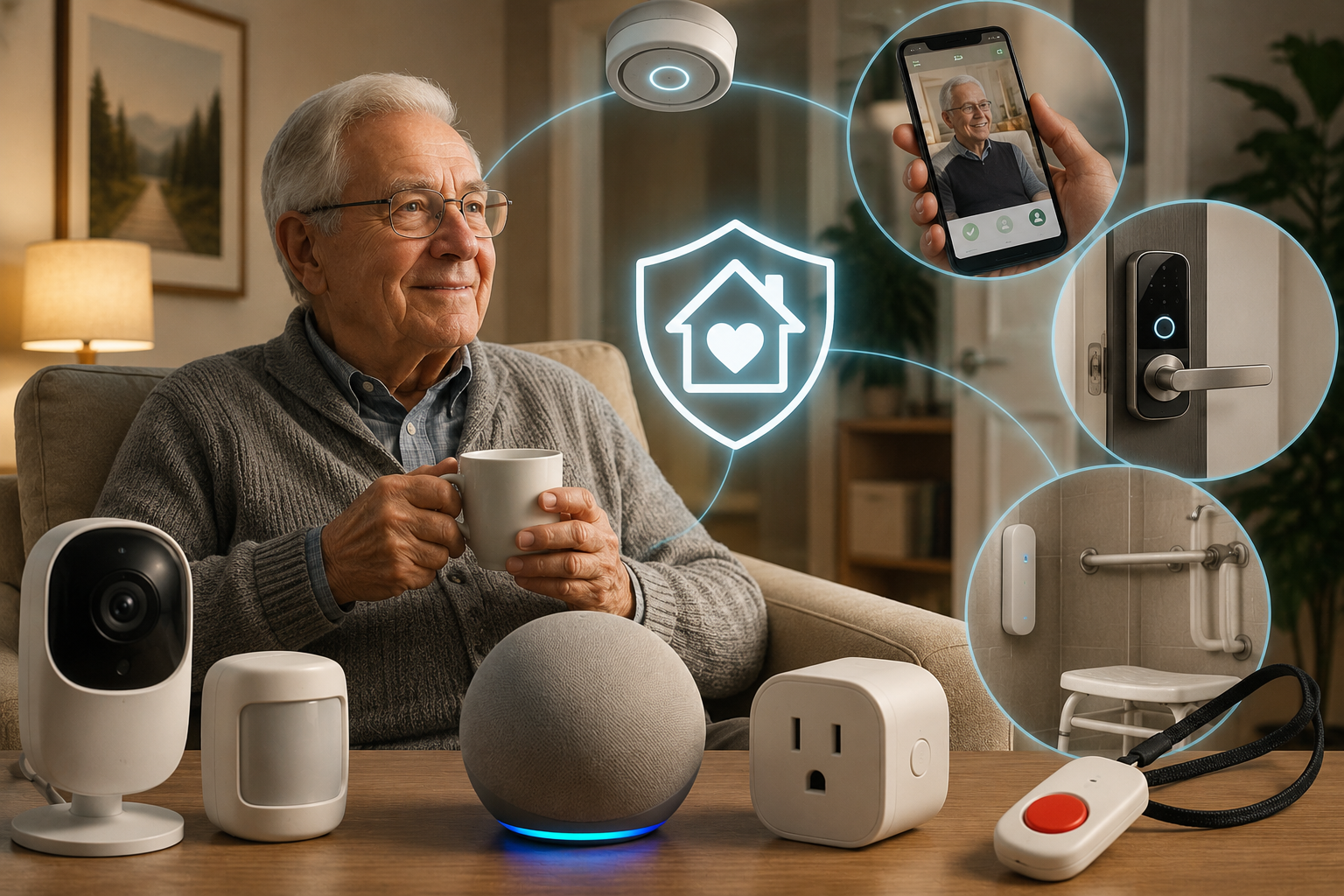
Activity and routine sensors — small, battery-powered motion sensors placed on key routes through the home (the path from bedroom to bathroom, the kitchen, the front door) — build a picture of normal daily patterns over time and can alert a designated family member if something looks unusual, like no movement detected by mid-morning when your parent is normally up by 8 AM. Critically, these sensors don’t record video or audio and don’t require your parent to do anything at all, which is exactly why they tend to have far higher long-term acceptance than cameras.
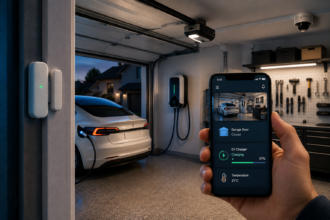
Smart door and entry sensors answer one of the most common specific worries directly: did Mom leave the house in the middle of the night, or did Dad, who has some memory concerns, wander outside without anyone realizing? A sensor on the front and back doors that sends a notification for unusual-hours activity — say, any door opening between midnight and 5 AM — is simple, inexpensive, and addresses a genuinely serious safety concern for parents with any cognitive decline, without needing a camera at all.
Smart plugs on high-risk appliances — the stove, a space heater, an iron — solve a specific, common fear directly: leaving something on and forgetten. Rather than a general smart plug for convenience, the useful version here is one paired with a simple routine or a family member’s phone alert if the device has been running unusually long, giving you visibility into a real risk without needing a camera pointed at the kitchen at all.
Cameras, when used, work best limited to shared or transitional spaces your parent has explicitly agreed to — an entryway, a hallway, a garage — rather than private living spaces, and the goal should be framed and actually used as “did someone come to the door” or “did they make it downstairs today,” not round-the-clock viewing, which crosses from safety tool into something that damages trust fast.
Voice Control: The Single Highest-Impact Device Category for This Use Case
If there’s one device category that consistently gets the most genuine daily use and the most positive feedback from aging parents themselves — not just the adult children buying it — it’s a simple voice-activated smart speaker.
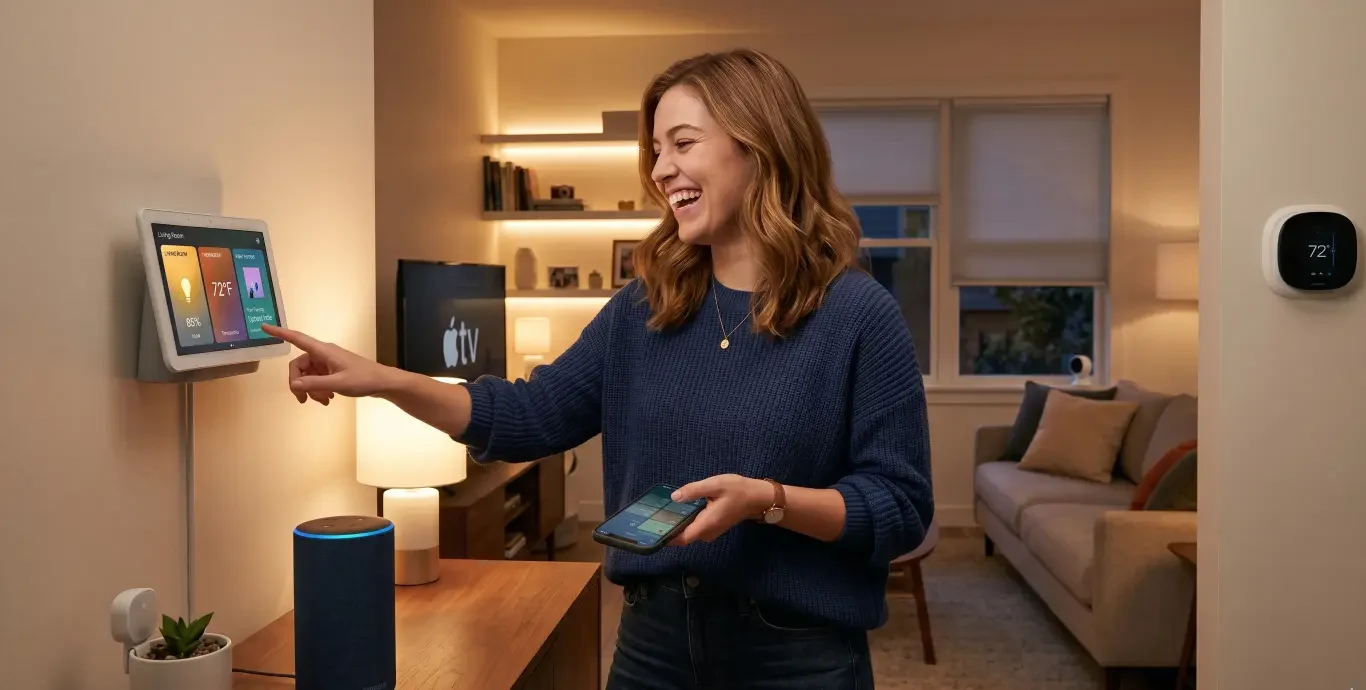
The reason is straightforward: it removes the barrier that trips up almost every other smart home device for an older user — no app to learn, no small buttons or touchscreens that are hard to see or press accurately, no remembering multiple steps. A parent can simply say “turn on the kitchen light,” “what time is it,” “remind me to take my medication at 6,” or “call my daughter,” and it works the same way every single time. For anyone with limited mobility, some vision impairment, or mild memory concerns, this single device category frequently becomes the most-used piece of technology in the entire home, well above anything with a screen or app.
Pair the speaker with voice-controlled smart plugs and a smart lamp or two in the rooms your parent spends the most time in, so lights can be turned on and off without getting up and navigating in the dark — a meaningfully underrated fall-risk reduction, since a significant share of nighttime falls happen specifically while fumbling for a light switch.
Medication Management: An Underrated High-Value Category
Missed or duplicated medication doses are one of the most common, most preventable safety issues for older adults living independently, and it’s a category that gets far less attention in typical smart home coverage than security or fall detection, despite arguably affecting daily wellbeing just as much.
Automatic pill dispensers — locked, timed devices that release only the correct dose at the scheduled time, often paired with an audible or light alert, and in more advanced models a notification to a family member’s phone if a dose isn’t taken — solve two problems simultaneously: they reduce the real risk of confusion-driven double-dosing or missed doses, and they give an adult child living far away a genuinely useful, non-invasive way to know medication is being managed correctly, without needing to call and ask every day, which frankly tends to create friction and a feeling of being checked up on for both people.
Simple voice or app-based medication reminders, through the same smart speaker already in the home, work as a lighter-touch complement or starting point for parents who are managing medication reasonably well already but benefit from an extra prompt.
Video Calling: The Device Category That Fights Isolation, Not Just Risk
It’s worth including this category even though it’s not strictly a “safety” device, because isolation and loneliness carry serious, well-documented health risks for older adults, and the technology that helps most with staying connected tends to get genuinely, happily used rather than just tolerated.
Smart displays with simplified, one-tap video calling — many designed specifically with large buttons and minimal setup for exactly this use case — remove the friction that keeps a lot of older adults from using standard video calling apps on a phone or laptop. Being able to simply say “call my daughter” or tap a single large photo icon to start a video call, rather than navigating an app, dramatically increases how often that connection actually gets used, particularly valuable for grandchildren staying in touch or for a parent who lives alone and benefits from regular, low-effort face time.
What to Deliberately Skip
Just as important as what to include is being honest about what tends to create more frustration than value in this specific context, even though it might make sense in a typical smart home setup.
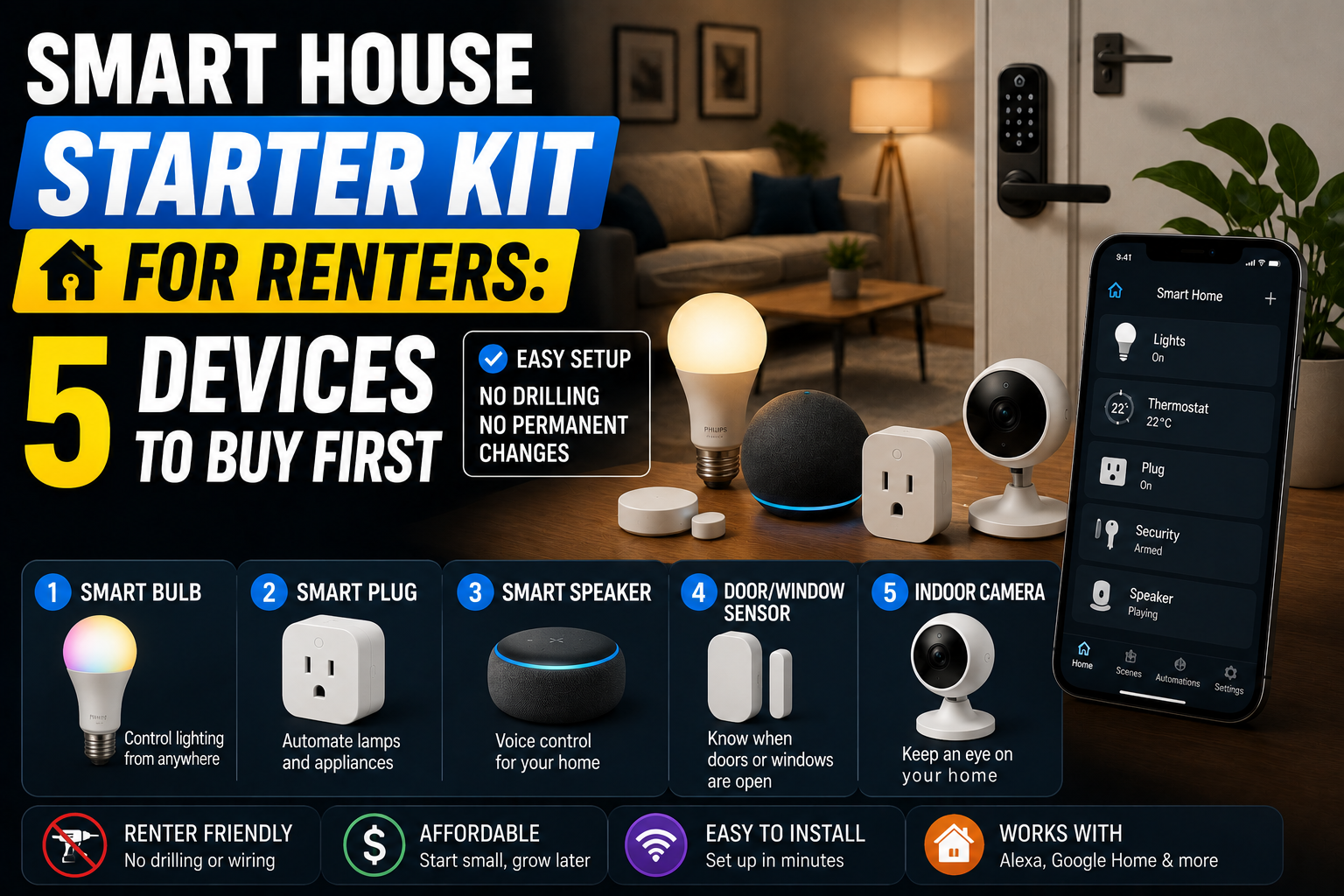
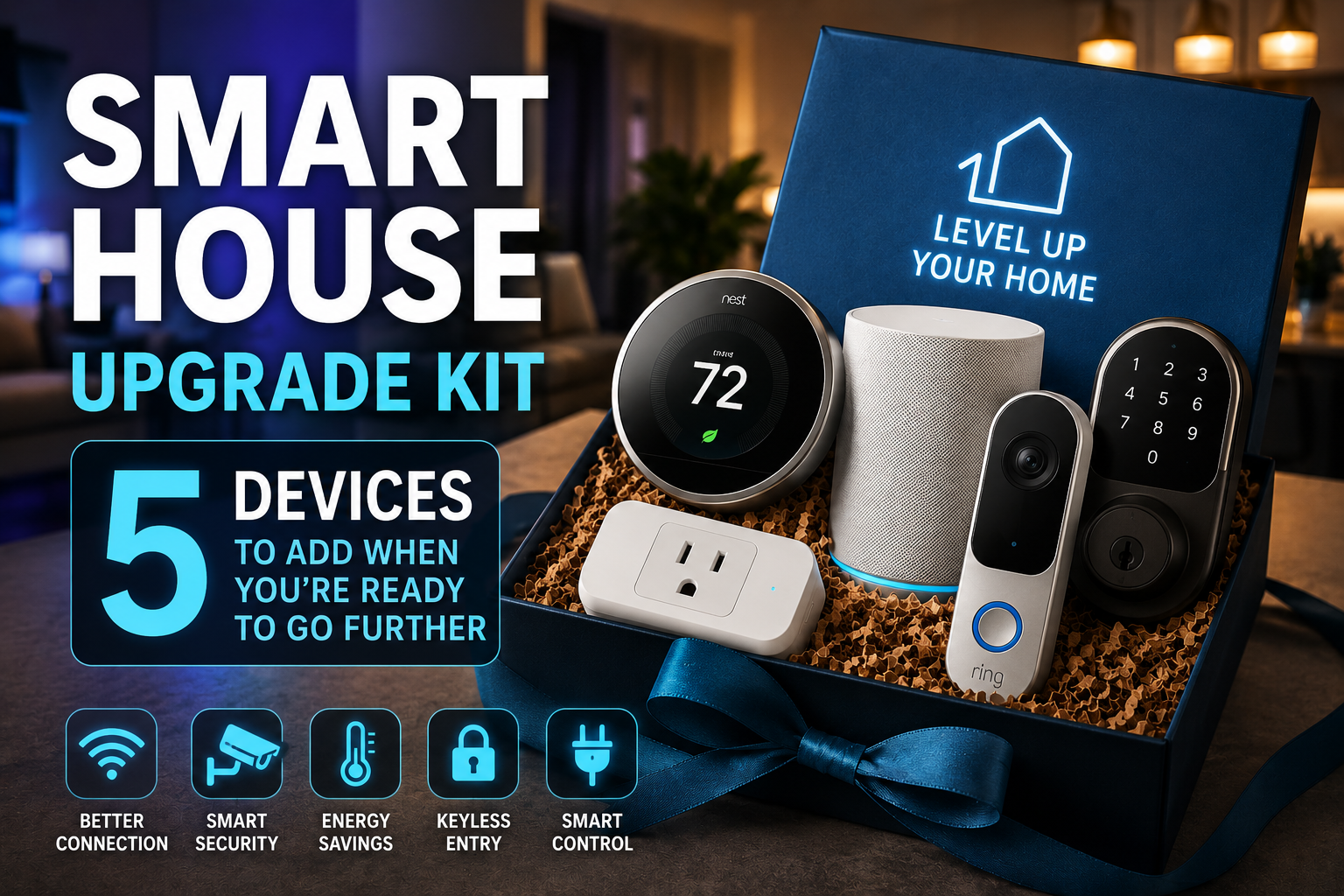
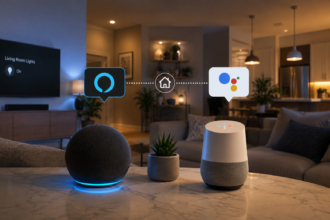
Complex multi-app ecosystems requiring your parent to juggle several different apps for lights, locks, and sensors tend to get abandoned quickly — consolidate as much as possible through a single voice assistant hub instead. Touchscreen-heavy smart displays for control (as opposed to video calling, which works well) can be genuinely difficult for users with any vision impairment or reduced fine motor control — voice control consistently outperforms touch interfaces for this specific audience. Aggressive, frequent notification systems that ping you every single time a door opens or a room registers motion will burn out your own attention within a week and, worse, can make your parent feel like every movement is being logged and reported — reserve alerts for genuinely unusual patterns, not routine daily activity. Smart locks with complex app-based access, unless your parent is already comfortable with a smartphone, can create a genuinely dangerous lockout scenario if the app glitches or the phone battery dies — a simple keypad lock with a memorable code is often the more reliable choice for this specific use case, even though a full smart lock might make more sense elsewhere in a rental starter kit built for a younger, more tech-comfortable resident.
Three Budget Tiers, Built for This Specific Scenario
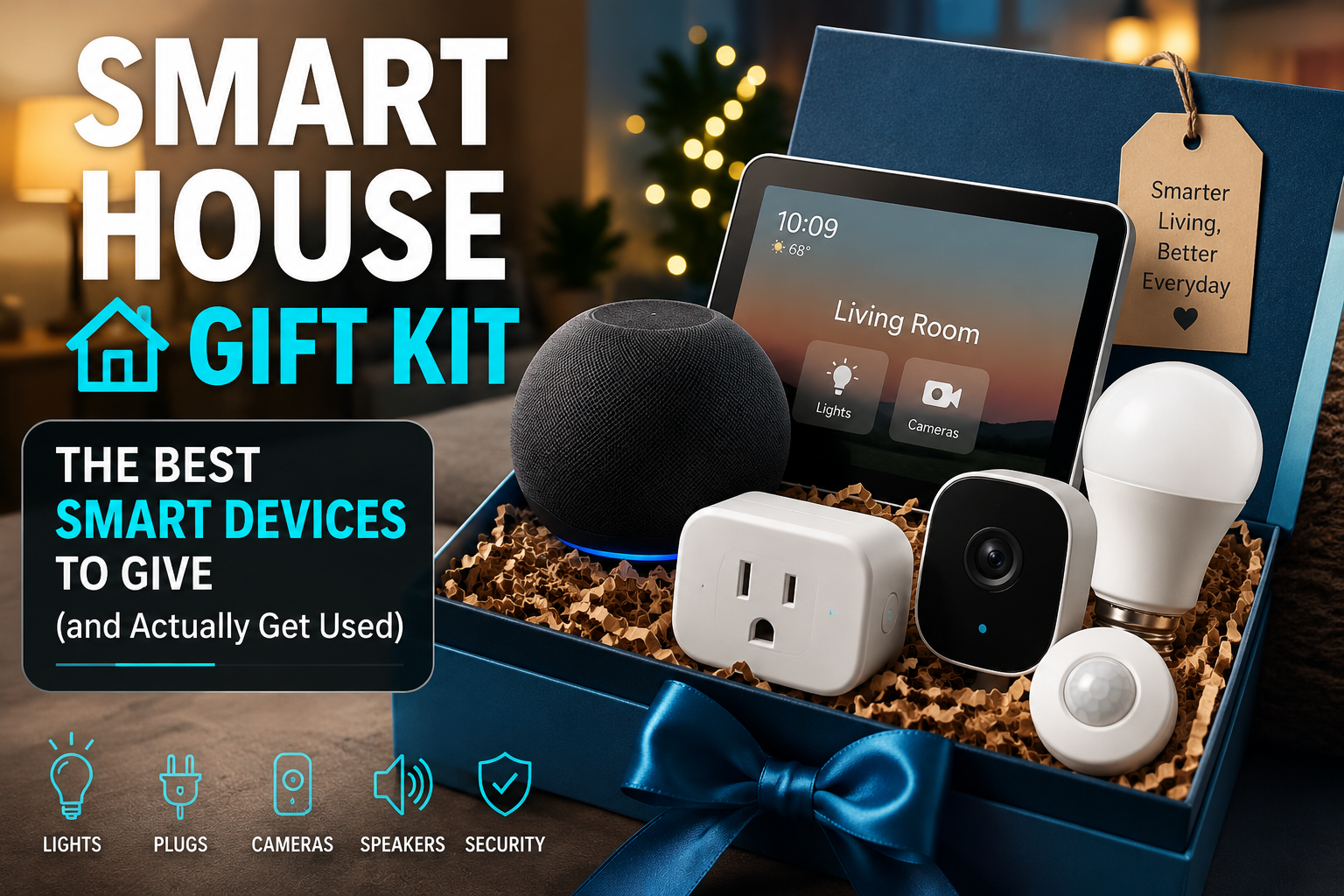
Under $150 — the essentials-only starter setup. A basic smart speaker for voice control and emergency calling, one or two door/entry sensors for the main entrance, and a smart plug or two for high-risk appliances like the stove or a space heater. This tier addresses the most urgent, highest-consequence risks — help calling and appliance safety — without asking your parent to adapt to much at all.
Around $300 to $400 — the balanced safety-and-connection setup. Add a dedicated medical alert wearable with fall detection and cellular connectivity independent of home Wi-Fi, a smart display for simplified video calling with family, and motion sensors along the bedroom-to-bathroom path specifically, since that route carries a disproportionate share of nighttime fall risk. This tier is the realistic sweet spot for most families genuinely trying to balance safety, cost, and actually getting the devices used.
$600 and up — the comprehensive setup, appropriate once there’s an existing fall history, a cognitive decline diagnosis, or a parent living alone with limited nearby family support. Add an automatic medication dispenser, radar-based fall-detection sensors in the bathroom specifically, entry sensors on every exterior door with overnight-hours alerting, and — only with your parent’s explicit agreement on placement — a camera covering a shared entryway or hallway. At this tier, it’s also worth strongly considering a professional installation and walkthrough rather than a fully DIY setup, since reliability genuinely matters more in this context than in a typical convenience-focused smart home, and a poorly connected sensor here isn’t just an inconvenience — it’s a real safety gap.
What Happens After the Kit Is Installed
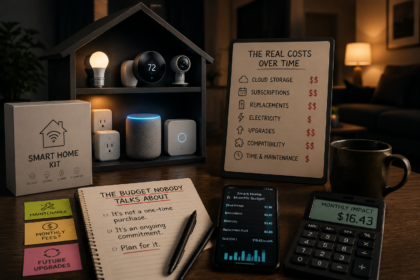
This is a category where the ongoing side of the equation deserves just as much attention as the initial purchase, echoing the broader point made in the smart home budget conversation nobody has about what happens after you buy the kit — subscription costs for professional monitoring on medical alert devices, battery replacement schedules for sensors, and periodic check-ins to confirm everything is still actually connected and working, since a sensor that silently dropped off Wi-Fi three months ago provides zero real protection while still giving a false sense of security to everyone involved.
Set a recurring reminder — genuinely on your own calendar, not your parent’s — to test the system every few months: press the medical alert button to confirm it connects, check that sensor batteries are reporting healthy levels, and confirm notifications are still reaching the right phone. This single habit is what separates a system that’s actually protective from one that looks protective on paper but has quietly stopped working.
A Practical Checklist Before You Buy Anything
- Have the conversation with your parent first, and let them weigh in on which rooms and which types of devices feel acceptable.
- Prioritize fall detection and emergency calling above general convenience features — this is the highest-consequence risk category.
- Choose a single voice assistant as the central control point rather than multiple separate apps.
- Favor sensors and wearables over cameras wherever they can accomplish the same safety goal, to preserve privacy and reduce pushback.
- Address medication management specifically — it’s a high-value, commonly overlooked category.
- Set clear, narrow alert thresholds (unusual hours, extended inactivity) rather than notifications for every routine movement.
- Choose reliable, simple locks over complex smart locks unless your parent is already smartphone-comfortable.
- Budget for ongoing costs — monitoring subscriptions, battery replacement — not just the upfront device price.
- Put a recurring reminder on your own calendar to test the entire system periodically.
- Revisit the setup every six to twelve months, since needs — and comfort with the technology — often shift as circumstances change.
The Bottom Line
A smart home setup for an aging parent succeeds or fails on a different set of criteria than a typical smart home project. The best version of this isn’t the most feature-packed or the most technically impressive — it’s the one your parent barely notices day to day because it requires nothing extra from them, while quietly giving you the specific, actionable information you actually need: did they get up this morning, did they take their medication, can they call for help instantly if something goes wrong. Start with the conversation, prioritize fall detection and connection over convenience, and build outward from there at whichever budget tier matches your family’s actual level of concern and circumstances right now.
Sources
- Centers for Disease Control and Prevention (CDC), Older Adult Falls: Facts and Statistics — cdc.gov
- National Institute on Aging (NIA), Aging in Place: Growing Older at Home — nia.nih.gov
- Administration for Community Living (ACL), Technology and Aging in Place Resources — acl.gov
- AARP, Home Fit Guide and Aging-in-Place Technology Research — aarp.org
- National Council on Aging (NCOA), Falls Prevention and Older Adult Safety — ncoa.org
This article is for general informational purposes only and does not constitute medical, safety, or professional caregiving advice. Every individual’s health, mobility, and cognitive needs are different, and decisions about home safety technology for an aging family member should be made in consultation with the individual themselves, their family, and, where appropriate, a healthcare provider or professional aging-in-place specialist. See our Disclaimer for details.