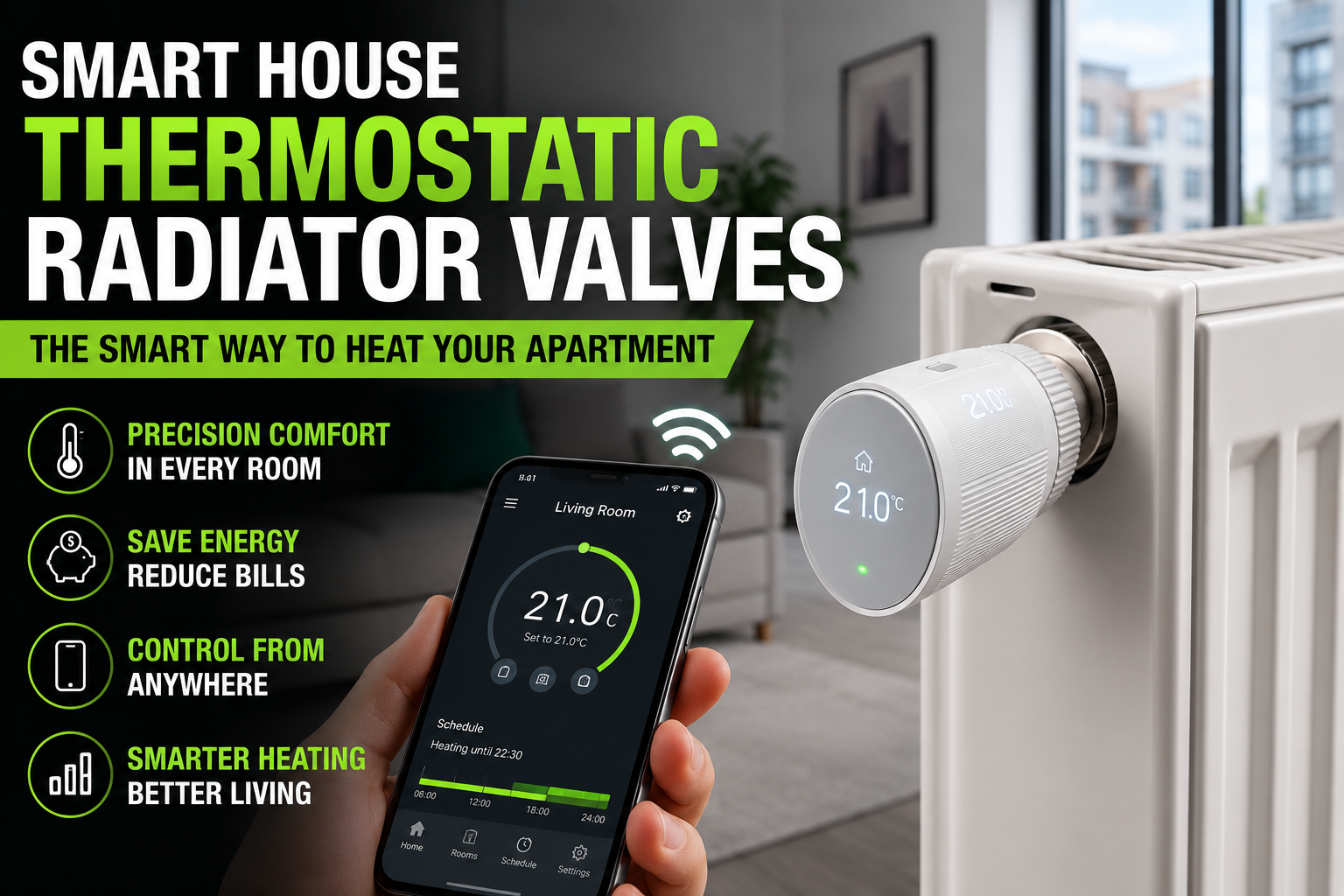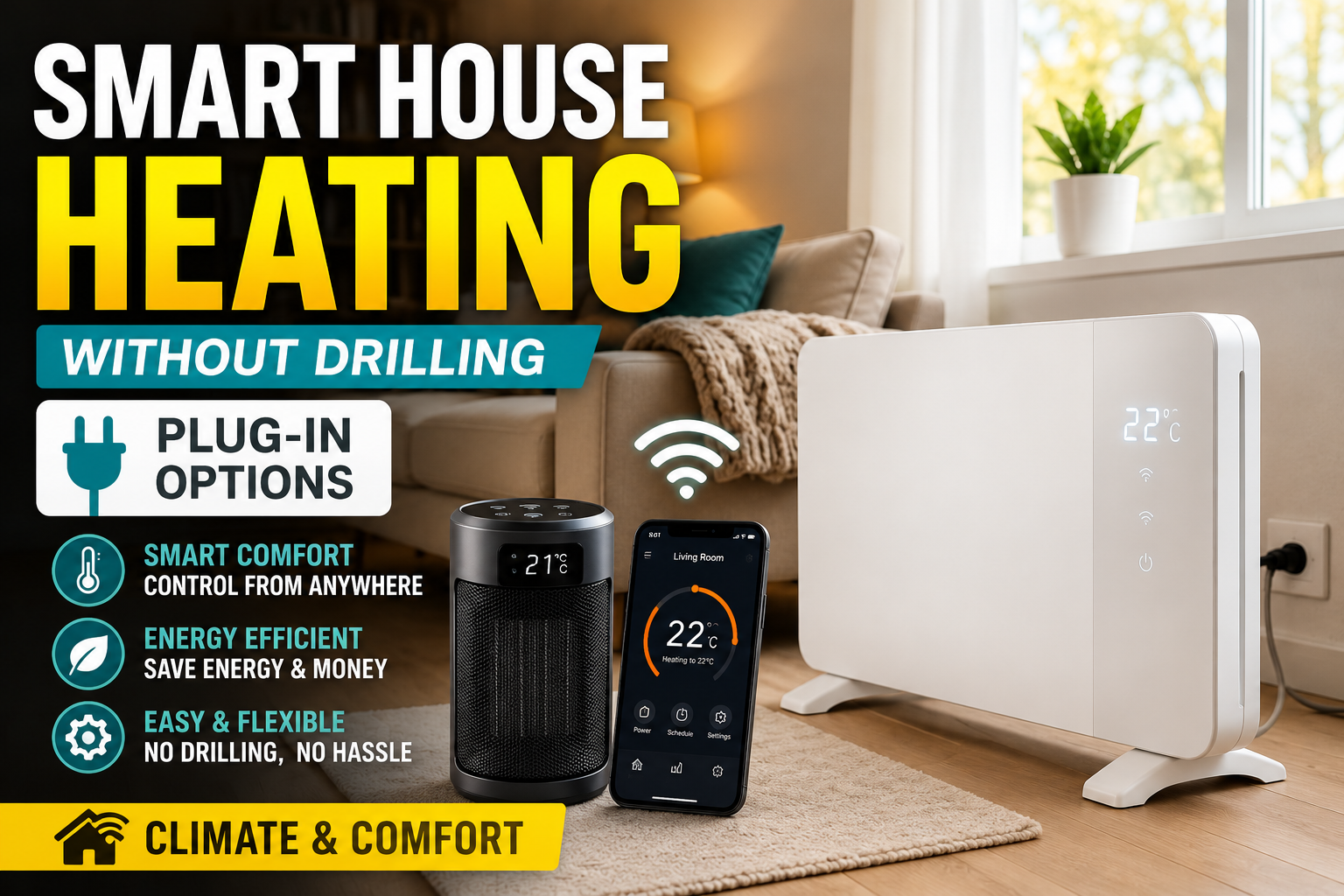






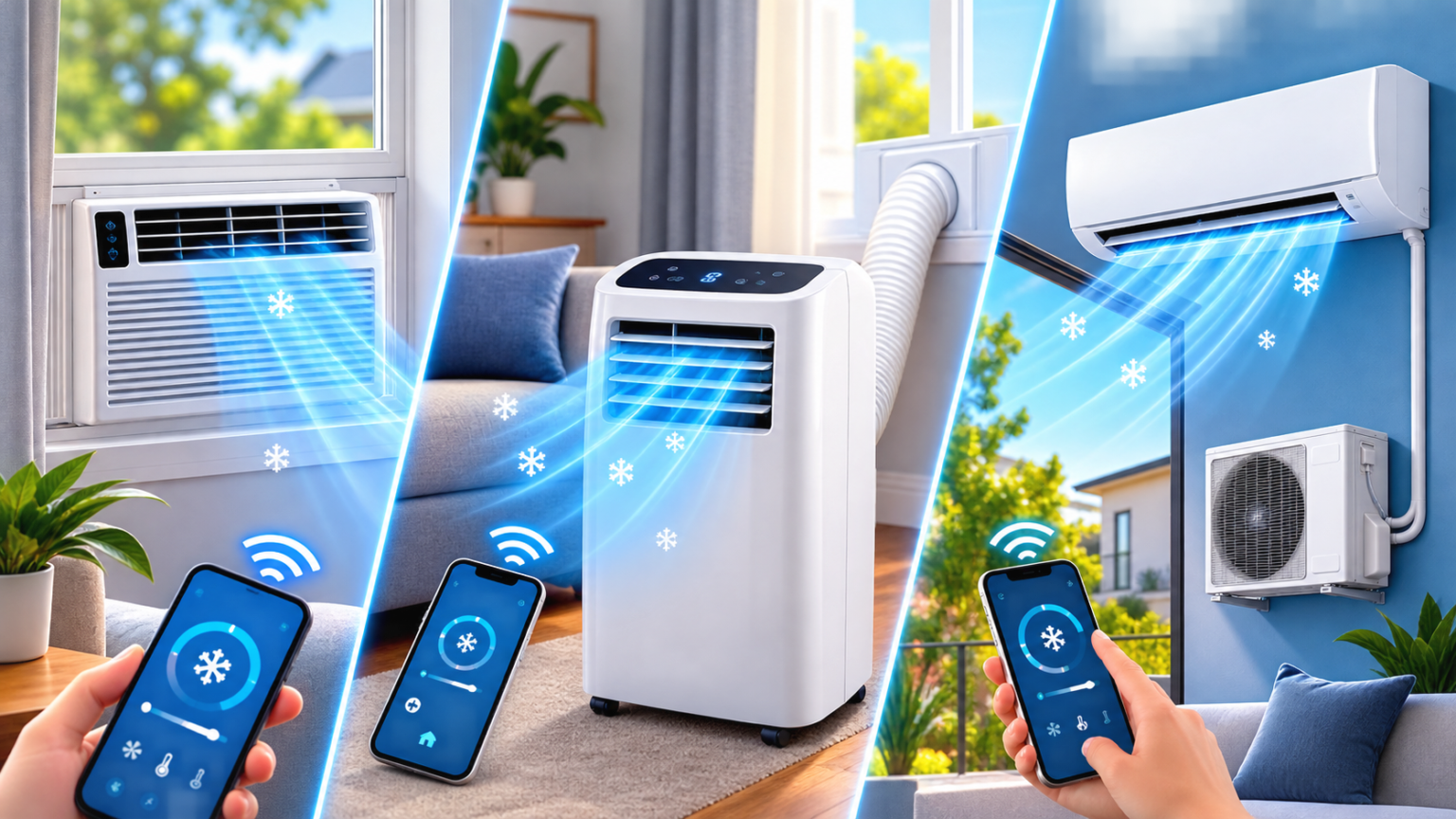
Cooling is the one climate expense most homes can’t avoid once summer temperatures climb, and it’s usually the single biggest jump on a July or August utility bill. Unlike heating — where plug-in electric heaters and thermostatic radiator valves give renters plenty of no-drill options, cooling has historically meant one of two things: a central AC system tied to your smart thermostat, or a window unit wedged into a frame every spring and dragged back to the closet every fall.
- Why This Decision Matters More Than It Seems
- Smart Window Air Conditioners
- Smart Portable Air Conditioners
- Smart Mini-Split (Ductless) Systems
- Efficiency Ratings, Decoded
- Sizing: The Step Almost Everyone Skips
- Smart Features That Actually Matter
- Noise: What the Spec Sheet Doesn’t Tell You
- Pairing a Smart AC With the Rest of Your Climate Setup
- Matching the Unit to Your Situation
- Installation: What to Expect
- Running Costs: The Honest Math
- Conclusion
- Frequently Asked Questions
That’s changed. The smart cooling market now spans three genuinely different categories — window units, portable ACs, and ductless mini-splits — each with its own installation requirements, efficiency profile, and smart home integration. Picking the wrong one for your situation is an expensive mistake that’s hard to reverse mid-summer, which is exactly why this guide exists: to walk through how each type actually works, what “smart” adds beyond a basic model, and how to match a category to your home before you buy anything.
Why This Decision Matters More Than It Seems
Air conditioning is deceptively simple to shop for and deceptively easy to get wrong. A window unit sized for a studio apartment does almost nothing in a two-room open-plan living space. A portable AC bought because “it doesn’t need installation” often ends up needing a permanent hose running to a window anyway, plus routine tank-emptying that catches people off guard. A mini-split solves both of those problems but comes with a price tag and installation commitment that only makes sense if you’re staying in the space for years, not months.
None of these are bad products. They’re built for different situations, and the smart features layered on top — app control, scheduling, geofencing, energy reporting — only pay off if the underlying unit was the right choice for the room in the first place. Getting the category right is 80% of the decision; picking a specific model is the easy part that comes after.
Smart Window Air Conditioners
Window units remain the default choice for a single room in a home without central air, and for good reason: they’re the cheapest category per BTU of cooling, they vent hot air directly outside rather than recirculating it, and installation — while not trivial — is a one-time seasonal task rather than a permanent structural change.
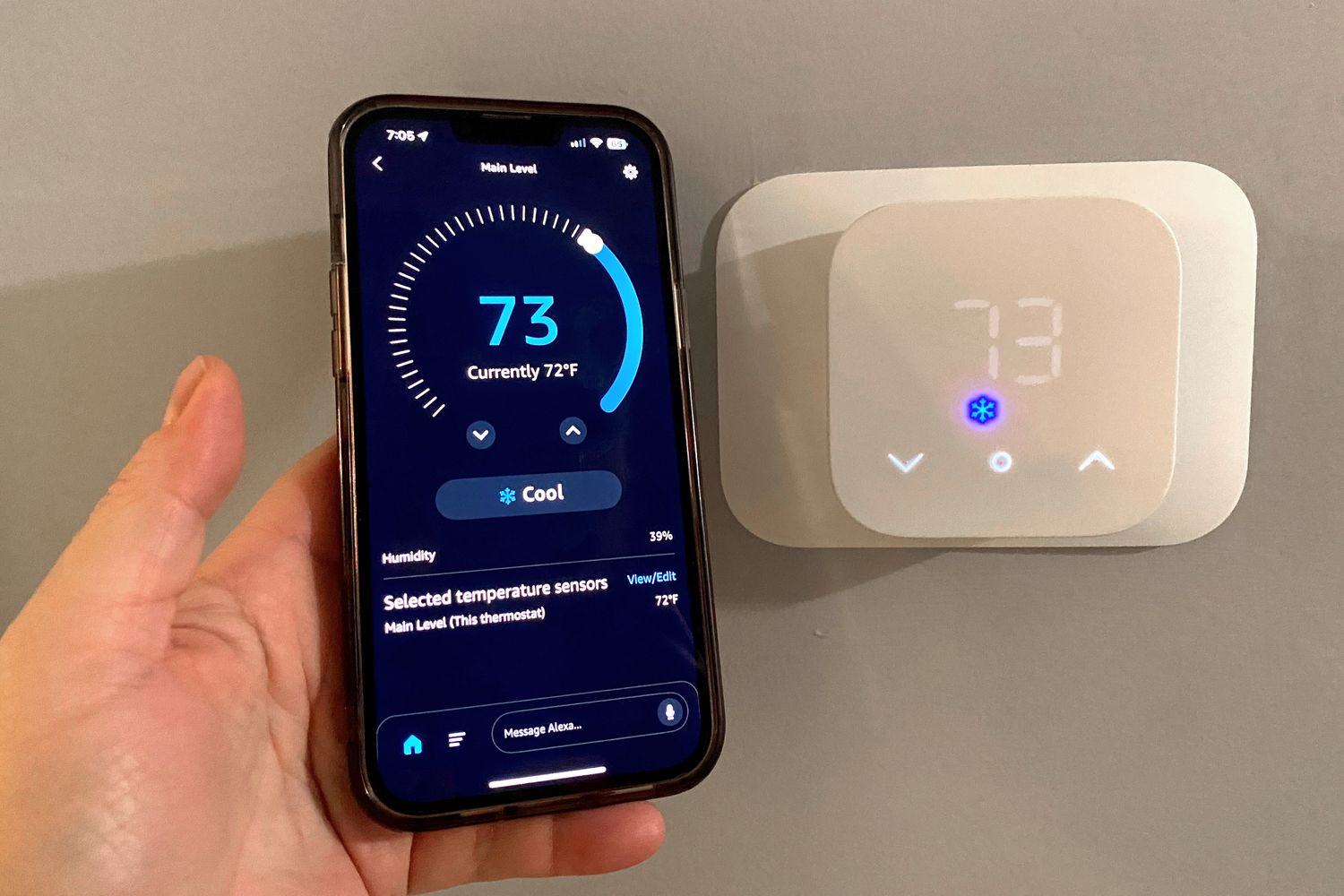
How the “smart” layer works. A smart window AC adds Wi-Fi connectivity, app-based temperature and mode control, scheduling, and usually voice assistant compatibility. Some higher-end models add occupancy or motion sensing to ease off when the room is empty, functioning similarly to the presence-detection feature covered in our smart thermostat guide — except scoped to a single room instead of the whole home.
What to look for:
- BTU rating matched to room size, not the room the box photo implies. A unit rated for 350–400 square feet in an 800-square-foot open room will run constantly and still underperform.
- U-shaped or through-the-wall-style designs, which move the noisy compressor outside the window frame rather than inside near your head — a meaningful noise reduction for bedrooms.
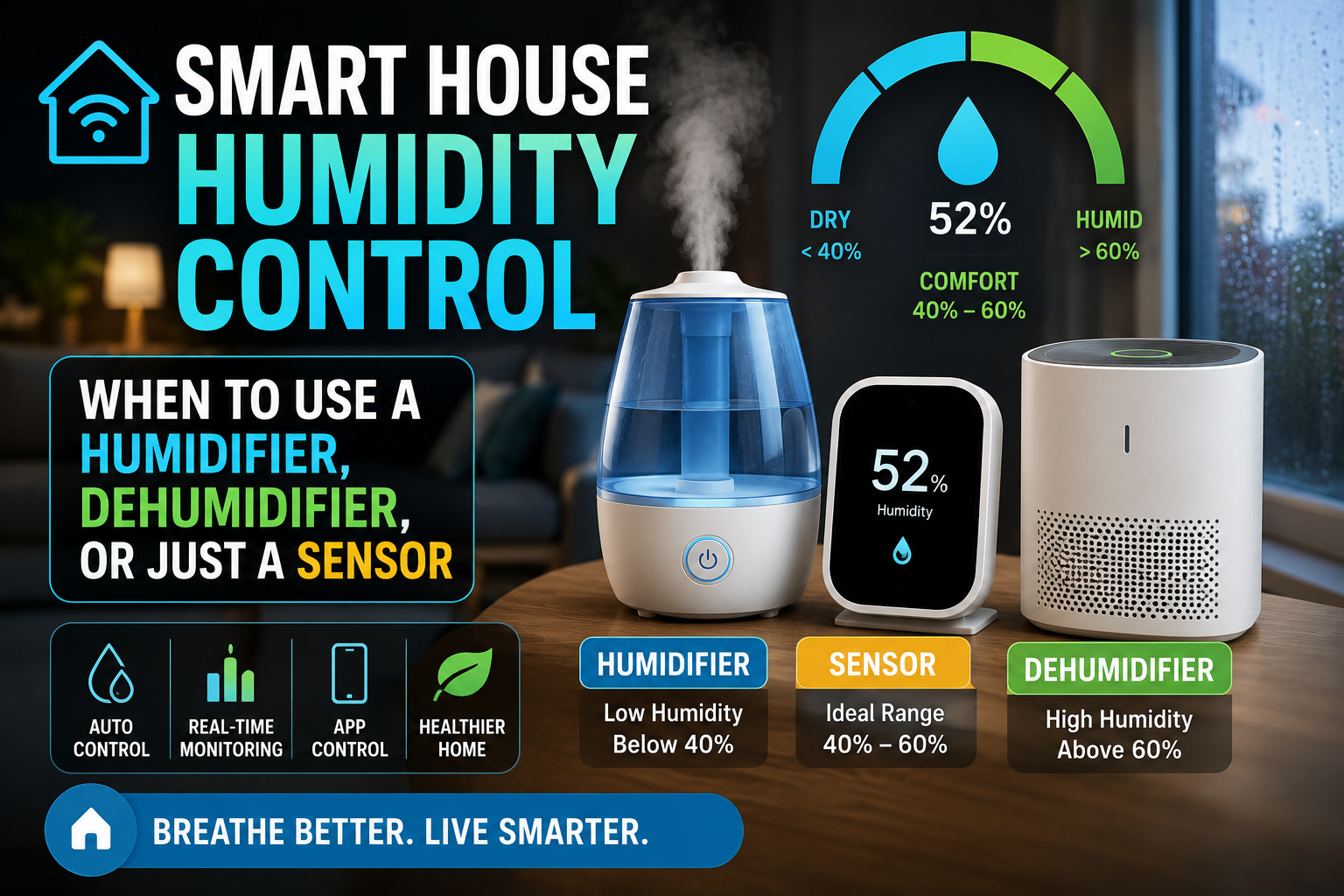
- Dehumidification mode, which most units include but few people use. If your problem room already runs humid — something worth confirming with a cheap humidity sensor before buying anything — a window AC’s dry mode can reduce the need for a separate dehumidifier entirely.
- Installation kit quality. Foam seals, accordion side panels, and a support bracket are the difference between a unit that lasts one season before air leaks around the frame and one that seals properly for years.
Window units are the right call for a single problem room in an otherwise comfortable home, a rental where permanent changes aren’t allowed, or a budget that doesn’t stretch to a mini-split.
Smart Portable Air Conditioners
Portable ACs are marketed as the installation-free option, and in the sense that you don’t need a window frame that opens outward or a bracket, that’s true. But the marketing undersells one detail that trips up a lot of first-time buyers: single-hose portable units still need an exhaust hose running to a window or wall vent kit, and because they pull air from inside the room to cool the compressor, they create slight negative pressure that draws warm, humid air in through every other gap in the room — door frames, other windows, electrical outlets. This is the main reason portable ACs generally underperform their BTU rating compared to a window unit of the same spec.
Single-hose vs. dual-hose. Dual-hose portable units pull outside air for compressor cooling instead of room air, avoiding the negative-pressure problem and cooling noticeably more efficiently — at a higher price and with two hoses to route rather than one. If efficiency matters more than upfront cost, dual-hose is worth the difference.
Smart features that matter here specifically:
- Remote humidity target setting, since portable units double as dehumidifiers more often than window units do, and many smart models let you set a target RH the same way a smart dehumidifier does.
- Tank-full and drainage alerts. Portable units that don’t drain continuously collect condensate in an internal tank that needs manual emptying — a smart alert before the unit shuts itself off avoids the classic “why did my AC stop cooling at 2am” problem.
- App-based scheduling with a real away mode, so the unit isn’t running full blast in an empty apartment.
Portable ACs make the most sense for renters who move frequently, rooms with a window that can’t accept a bracket-mounted unit (casement or slider windows, in some cases), or as a supplemental unit for occasional use rather than all-summer cooling.
Smart Mini-Split (Ductless) Systems
Mini-splits are the significant step up: an outdoor compressor unit connected by a small conduit to one or more indoor air-handling units, each capable of independent temperature control. They cool (and often heat) more efficiently than either window or portable units, run far quieter indoors since the compressor noise stays outside, and — critically for smart-home purposes — behave much more like the room-by-room zoning that smart vent systems try to achieve on forced-air ducts, except mini-splits deliver that zoning natively rather than retrofitting it.
Single-zone vs. multi-zone. A single-zone mini-split serves one room from one outdoor unit — a common choice for an addition, converted garage, or the one room in a house that a central system can’t reach effectively. A multi-zone system connects one outdoor compressor to two, three, or more indoor heads, each independently controlled, which is essentially whole-home zoning built in from the start rather than bolted on afterward.
Smart integration. Most modern mini-splits ship with their own app and increasingly support Wi-Fi natively rather than requiring an add-on smart control kit, though older or budget models sometimes still need one. Once connected, per-zone scheduling, geofencing, and energy reporting work the same way they do on a smart thermostat — the meaningful difference is that each indoor head is its own zone rather than a single sensor representing the whole home.
The catch: installation. Mini-splits require a small hole drilled through an exterior wall for the refrigerant line set, professional vacuum-and-charge work on the refrigerant lines, and — in most jurisdictions — a licensed HVAC technician for anything beyond the simplest DIY-marketed kits. This isn’t a weekend project the way a window unit install is, and it’s the reason mini-splits suit homeowners and long-term renters with landlord approval rather than short-term tenants.
Mini-splits are the right fit for additions and converted spaces without ductwork, homes where a handful of rooms consistently run hot or cold relative to the rest of the house, and anyone replacing an aging central system who wants zoned control without a full ductwork retrofit.
Efficiency Ratings, Decoded
Every AC category uses its own efficiency metric, and comparing them directly is a common source of confusion:
- EER (Energy Efficiency Ratio) applies to window and portable units and measures cooling output relative to power draw at a specific outdoor temperature. Higher is better; a window unit in the 12–15 EER range is solidly efficient for its category.
- SEER2 (Seasonal Energy Efficiency Ratio) applies to mini-splits and central systems and averages efficiency across a full cooling season rather than one test condition. Current baseline code minimums sit in the 13–14 SEER2 range depending on region, with high-efficiency mini-splits reaching well into the low-to-mid 20s.
- CEER (Combined Energy Efficiency Ratio), the metric that replaced EER on most window unit ENERGY STAR labels, factors in standby power draw as well as active cooling — a more honest number than EER alone, since a unit’s Wi-Fi radio and standby electronics draw power even when not actively cooling.
The practical takeaway: don’t compare a window unit’s EER directly to a mini-split’s SEER2 rating — they’re measuring different things under different conditions. Compare within category, and treat the ENERGY STAR label as a reliable shortcut when comparing across brands within the same category.
Sizing: The Step Almost Everyone Skips
Undersizing is the single most common AC buying mistake, and oversizing is nearly as common and just as costly. An undersized unit runs constantly and never quite reaches target temperature. An oversized unit cools the room quickly, shuts off before it has run long enough to also remove humidity effectively, and cycles on and off repeatedly — a pattern that feels cold and clammy rather than genuinely comfortable, and one that also shortens compressor lifespan through constant cycling.
Rough BTU guidance for window and portable units:
- 150–250 sq ft: 6,000–8,000 BTU
- 250–350 sq ft: 8,000–10,000 BTU
- 350–450 sq ft: 10,000–12,000 BTU
- 450–600 sq ft: 12,000–14,000 BTU
These figures assume standard 8-foot ceilings and moderate sun exposure; add roughly 10% capacity for a room with significant west-facing window area, and subtract slightly for a well-shaded or heavily insulated room. Mini-split sizing is more involved and typically benefits from a proper load calculation rather than a square-footage rule of thumb, since factors like insulation quality, window count, and climate zone matter more at that scale — this is one case where a quick consultation with an installer before buying saves money rather than costing it.
Smart Features That Actually Matter
Not every “smart” feature is worth paying extra for. Sorted by real-world value:
Worth prioritizing:
- App control with a stable, responsive connection — the single feature you’ll actually use daily
- Real scheduling, not just a basic on/off timer
- Away/geofencing mode that meaningfully reduces runtime when nobody’s home
- Filter-change reminders based on actual runtime hours rather than a fixed calendar date
Nice but secondary:
- Voice assistant integration, genuinely convenient but redundant if you’re already commanding the unit through an automation
- Energy usage reports — useful for the awareness effect the same way they are on a smart thermostat, but not a feature you’ll check daily
- Multi-room grouping for households running several smart AC units simultaneously
Skip unless you specifically need it:
- Built-in air purification claims on window/portable units — the filtration on most consumer ACs is basic and shouldn’t be relied on as your primary air quality solution; a dedicated monitor is a better first step, as covered in our air quality guide
- Novelty display features (mood lighting, decorative panels) that add cost without improving cooling performance
Noise: What the Spec Sheet Doesn’t Tell You
Manufacturer decibel ratings are typically measured on the lowest fan setting from several feet away — a number that bears little resemblance to how the unit sounds on a hot afternoon running at full cooling capacity a few feet from where you’re sitting. Window units generally run loudest since the compressor sits indoors; portable units run at a similar or slightly higher noise level for the same reason, often with an added low hum from the internal condensate pump on models that use one. Mini-splits are the clear winner for indoor noise, since the compressor — the loudest component in any AC system — stays outdoors, leaving only a quiet fan noise from the indoor head.
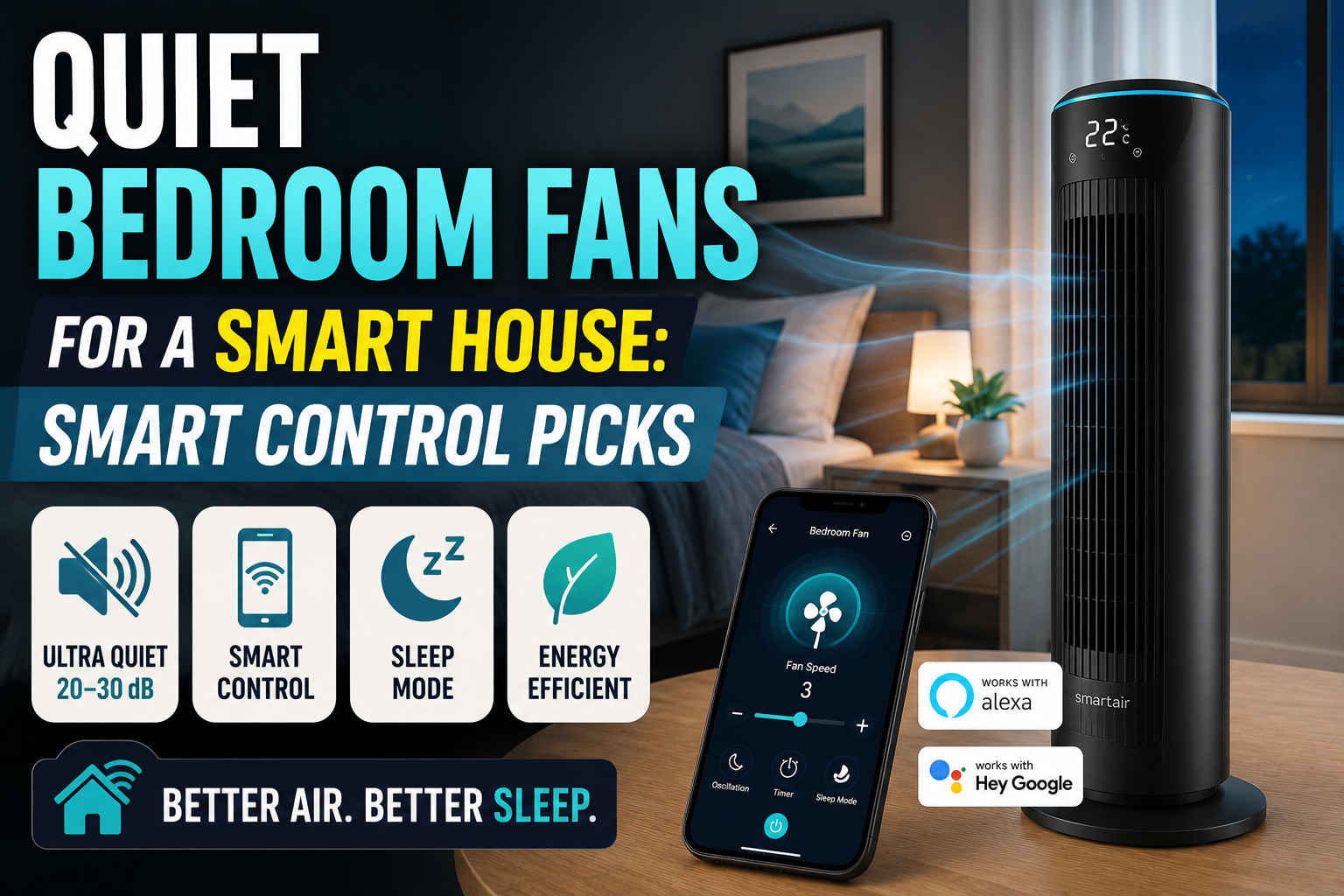
For a bedroom specifically, the same 30-decibel benchmark referenced in our guide to quiet bedroom fans is a reasonable target for an AC’s lowest sleep-friendly setting — a threshold that most window and portable units struggle to hit on anything but their lowest fan speed, and one that most mini-split indoor heads meet comfortably even at moderate settings.
Pairing a Smart AC With the Rest of Your Climate Setup
A smart AC rarely operates in isolation in a well-planned setup:
- With a humidity sensor: placing a temperature and humidity sensor in the same room lets you build an automation where the AC’s dry mode activates automatically above a target RH, rather than running the compressor’s dehumidification function on a fixed schedule that doesn’t track actual conditions.
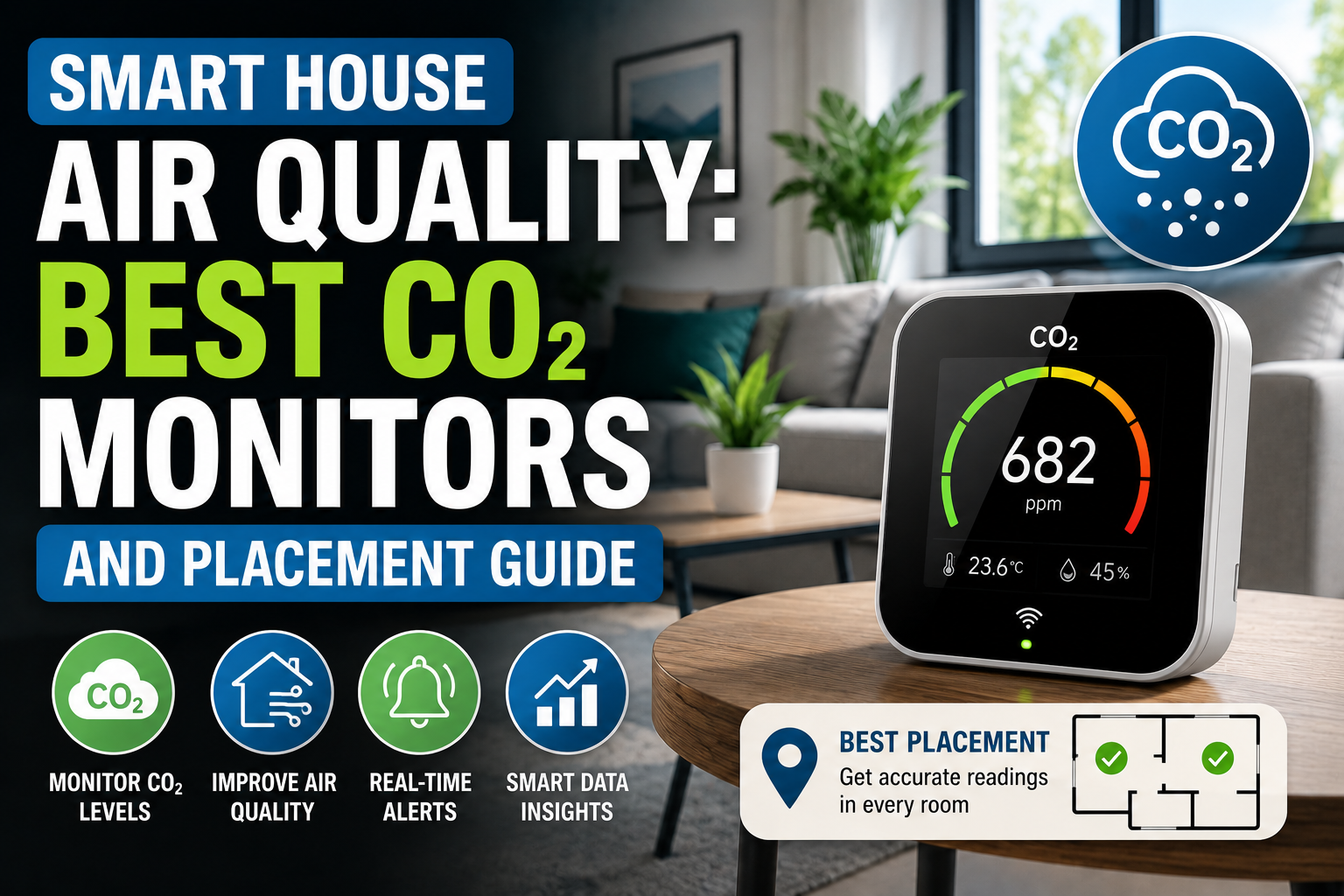
- With a CO₂ or air quality monitor: since AC units recirculate indoor air rather than bringing in fresh air, a CO₂ monitor in a heavily used room can flag when it’s worth cracking a window or running a ventilation fan despite the cooling cost, rather than sealing the room shut all season.
- With a bedroom fan: running a quiet ceiling or tower fan alongside the AC, as covered in our bedroom fan guide, allows a slightly higher thermostat setpoint without sacrificing comfort, since moving air feels cooler than still air at the same temperature.
- With whole-home zoning: in homes that already have central air and are dealing with the classic hot-room, cold-room imbalance, it’s worth comparing a supplemental mini-split against the smart vent zoning approach — vents are cheaper and less invasive, but a mini-split solves the problem more completely for a room that’s chronically difficult to condition through ductwork alone.
Matching the Unit to Your Situation
Renter, single problem room, standard double-hung window: a smart window AC, sized correctly, is the simplest and cheapest solution and the one most likely to actually get installed correctly.
Renter, unusual window type or no bracket-friendly window: a dual-hose portable unit is the practical fallback, with the understanding that it will run somewhat less efficiently than a window unit of the same BTU rating.
Homeowner, converted space or addition without ductwork: a single-zone mini-split is close to the ideal solution, offering better efficiency and far lower noise than either alternative, justified by the fact that it’s a permanent installation in a home you’re not leaving.
Homeowner, whole-home comfort imbalance with existing central air: start with the cheaper diagnostic step — a sensor in the problem room for a week, the same approach recommended in the smart vents guide — before committing to a mini-split as a more expensive but more complete fix.
Anyone cooling only occasionally, or for short stretches: a portable unit’s flexibility to be moved room to room, or stored entirely during shoulder seasons, often outweighs its efficiency disadvantage for genuinely occasional use.
Installation: What to Expect
Window units typically take 30–60 minutes for a first install, including bracket setup, foam sealing, and app pairing — faster on subsequent seasonal reinstalls once you know the routine. Portable units are the fastest initial setup at 15–20 minutes, mostly spent routing and sealing the window exhaust kit, though users often underestimate how much that kit’s fit-and-finish affects both efficiency and appearance.
Mini-splits are a different scale of project entirely. Expect a professional installer to handle mounting the indoor head, running the line set through the exterior wall, positioning and connecting the outdoor compressor unit, and performing the vacuum-and-charge process that removes air and moisture from the refrigerant lines before the system can run — typically a half-day to full-day job per zone, and not one to attempt without HVAC certification given the refrigerant handling involved.
Running Costs: The Honest Math
As with smart thermostats, the “smart” label doesn’t cool a room more efficiently on its own — the compressor and refrigeration cycle do the same physical work regardless of whether an app is attached. Smart features save money the same way they do on heating: by running the equipment less, at smarter times, and by making the true cost of use visible enough that habits change.
Where the categories differ meaningfully is efficiency per BTU. A mini-split at high SEER2 ratings can cost noticeably less to run over a full cooling season than a window unit providing equivalent comfort, even accounting for the mini-split’s higher upfront and installation cost — the breakeven point depends heavily on local electricity rates and how many months per year the unit runs, which is worth calculating with actual utility rates before assuming either category is automatically the better financial choice for a specific home.
Conclusion
The category decision — window, portable, or mini-split — matters more than any individual smart feature, because it determines efficiency, noise, and how well the unit actually fits your living situation before a single automation gets configured. Match the category to your housing situation and budget first, size it correctly using actual room dimensions rather than the number on the box, and only then start comparing app quality, scheduling depth, and integration with the rest of your climate setup.
Done right, a smart AC becomes one more component in a home that manages its own comfort quietly in the background — coordinating with a humidity sensor, easing off when a CO₂ monitor suggests fresh air instead, and working alongside a smart thermostat rather than fighting against it — instead of one more device you have to remember to manage yourself.
Frequently Asked Questions
Is a smart window AC worth the price premium over a basic model?
If you’ll actually use scheduling and away-mode regularly, yes — the energy savings from not running full-blast in an empty room typically outweigh the price difference within a season or two. If you’d mainly use it for voice control novelty, a basic unit with a simple smart plug for on/off scheduling delivers most of the practical benefit for less money.
Do portable ACs really use more electricity than window units for the same cooling?
Single-hose portable units generally do, because pulling replacement air from inside the room creates negative pressure that draws warm outside air back in through gaps elsewhere in the room, forcing the unit to work harder. Dual-hose portable units largely close that gap, though they still typically run somewhat less efficiently than a window unit of equivalent BTU rating.
Can a mini-split replace central air entirely?
For smaller homes or homes without existing ductwork, yes — a multi-zone mini-split system can serve an entire house. For larger homes with existing functional ductwork, mini-splits are more commonly used to supplement problem areas central air struggles to reach rather than replacing the whole system outright.
How often should AC filters be cleaned or replaced?
Window and portable unit filters generally benefit from a rinse every two to four weeks during heavy use, since airflow restriction from a dirty filter is one of the most common causes of reduced cooling performance. Mini-split indoor head filters follow a similar cadence; smart models with runtime-based filter reminders take the guesswork out of the schedule.
Does running a fan alongside an AC actually save money?
Yes, within limits. Moving air feels several degrees cooler than still air at the same temperature, which allows raising the thermostat setpoint slightly without a comfort loss — a real energy saving as long as the fan only runs in occupied rooms, since a fan cools people, not the room itself, and provides no benefit running in an empty space.