
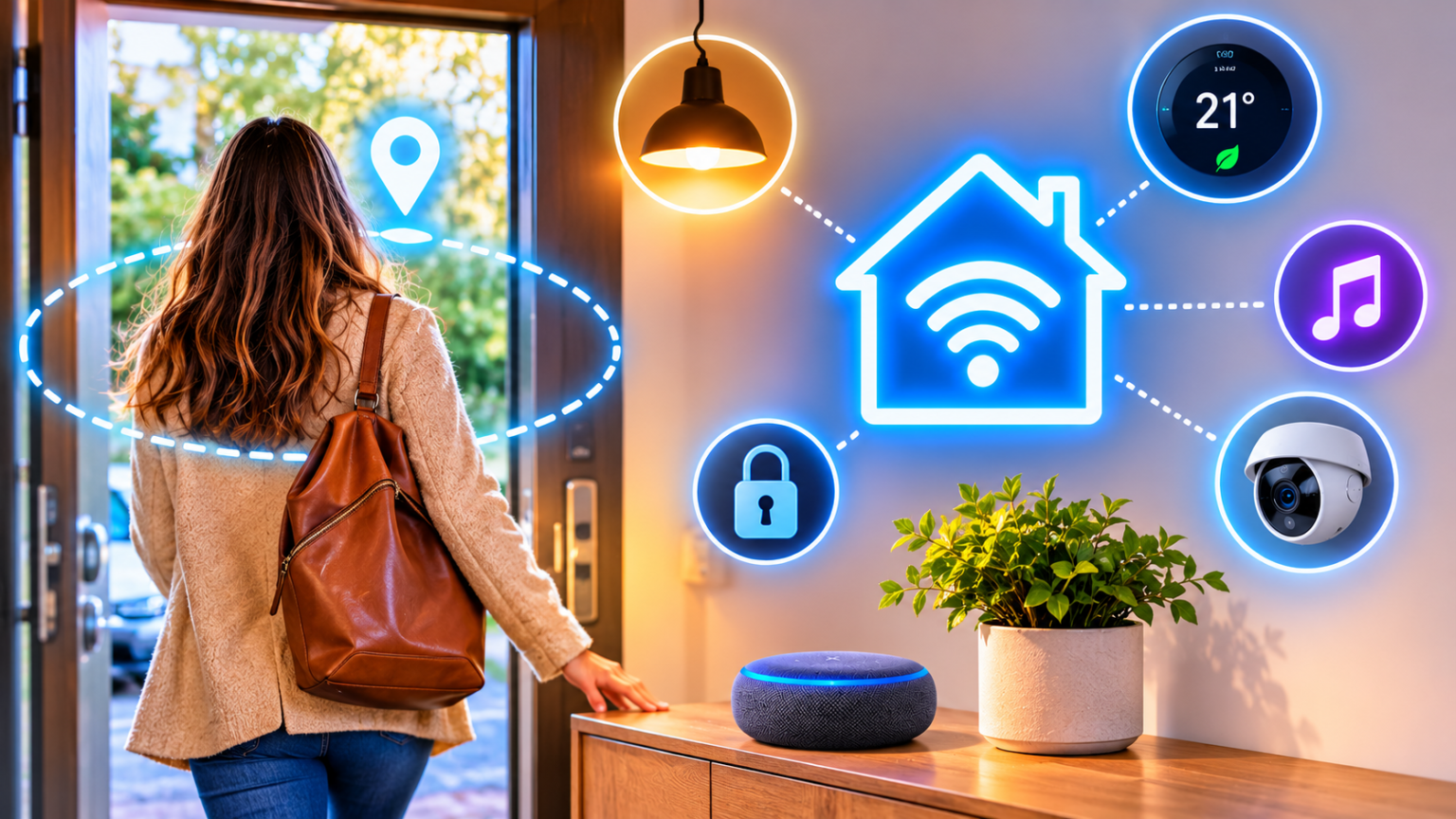
A welcome home automation uses your phone’s location or a sensor to detect that you’ve arrived, then turns on lights, adjusts the temperature, and gets the house ready without a single tap. The most reliable setups combine geofencing for early notice with a local sensor for confirmation. This guide explains how smart home presence detection works, how to set it up on Alexa, Google Home, and Apple Home, and which seven arrival routines are actually worth building.
- How Welcome Home Automations and Presence Detection Work
- 7 Welcome Home Automations Worth Building (and Mistakes to Avoid)
- Frequently Asked Questions
- What is a welcome home automation?
- How accurate is geofencing for smart homes?
- Why does my arrival automation trigger late or not at all?
- Is it safe to auto-unlock my door when I arrive?
- Can I use presence detection without a phone?
- What is the difference between geofencing and Wi-Fi presence?
- Do welcome home routines work for multiple people?
- Do I need a hub for presence automations?
- Does geofencing drain my phone battery?
- Conclusion
How Welcome Home Automations and Presence Detection Work
Presence detection simply means your smart home knows who is home. Once it knows, it can act: lights, climate, music, locks, and alarms. Without it, routines depend on clock times, and real life rarely runs on a clock.
A welcome home automation is different from a morning or bedtime routine because its trigger is you, not the time. That makes it far more flexible, but also more sensitive to bad data. Choosing the right detection method matters more here than choosing the right bulbs.
The Four Presence Detection Methods Compared
Most arrival automations rely on one or more of these four methods:
- Phone geofencing (GPS): your phone crosses an invisible circle around your home. It works from anywhere and gives you advance notice before you arrive. The downsides are dependence on location permissions and battery settings, reduced accuracy in dense apartment blocks, and the fact that your location is shared with a platform. Best for: pre-arrival climate and early lighting.
- Wi-Fi or router detection: your phone joins the home network. It is fast and accurate at the front door, but phones can put Wi-Fi to sleep, and private or randomized network addresses can confuse tracking. Best for: confirming that you’re actually home.
- Bluetooth and proximity: a phone or wearable comes near a speaker, hub, or lock. The range is short, which makes it good for room-level decisions, but the phone has to stay connected. Best for: close-range confirmation at the door.
- Sensor-based presence: door contact sensors, motion sensors, smart lock events, and mmWave presence sensors. They need no phone and work for guests, kids, and anyone without a smartphone. The trade-off is that most can’t tell you who arrived. Best for: triggering actions the moment someone walks in.
The best results come from combining two methods. For example, a geofence can warm the house as you approach, while the front door sensor turns on the lights only once someone actually opens the door. The geofence gives you lead time, and the sensor prevents false alarms.
If you’re still building your first automations, our beginner’s guide to your first five smart home automations covers the basics of triggers and actions.
Setting Up Geofencing on Alexa, Google Home, and Apple Home
All three platforms support arrival triggers, though the wording and options differ. These six steps apply to any of them:
- Grant location access. Give the app location permission set to always, or the closest option available, and enable precise location if your phone offers it.
- Set your home address precisely. The geofence is centered on your saved address, so a wrong address means a wrong arrival point.
- Choose a sensible radius. Where the app lets you adjust it, a larger circle gives more lead time but risks false triggers near home, while a small one can feel late. Start with the default and adjust after testing.
- Decide who counts. Many apps let you pick anyone, a specific person, or everyone. Use first person arrives for lights and climate, and last person leaves for away mode.
- Allow background activity. Disable aggressive battery optimization for the app so your phone can report its location reliably.
- Test it for real. Leave the house, go some distance away, and come back. Testing from the couch tells you nothing about how the geofence behaves in the real world.
A few platform notes can save you troubleshooting time:
- Apple Home: offers automations for when people arrive or leave, based on the location of family members’ iPhones. Automations need a home hub, such as a HomePod or Apple TV, to run reliably while you’re away.
- Google Home: uses Home and Away presence along with arrival starters in automations. The exact options depend on your devices and which members of your household are signed in.
- Alexa: supports location-based triggers inside routines, so you can start a routine when you arrive or leave. Check the Routines section of the Alexa app for the options available in your region.
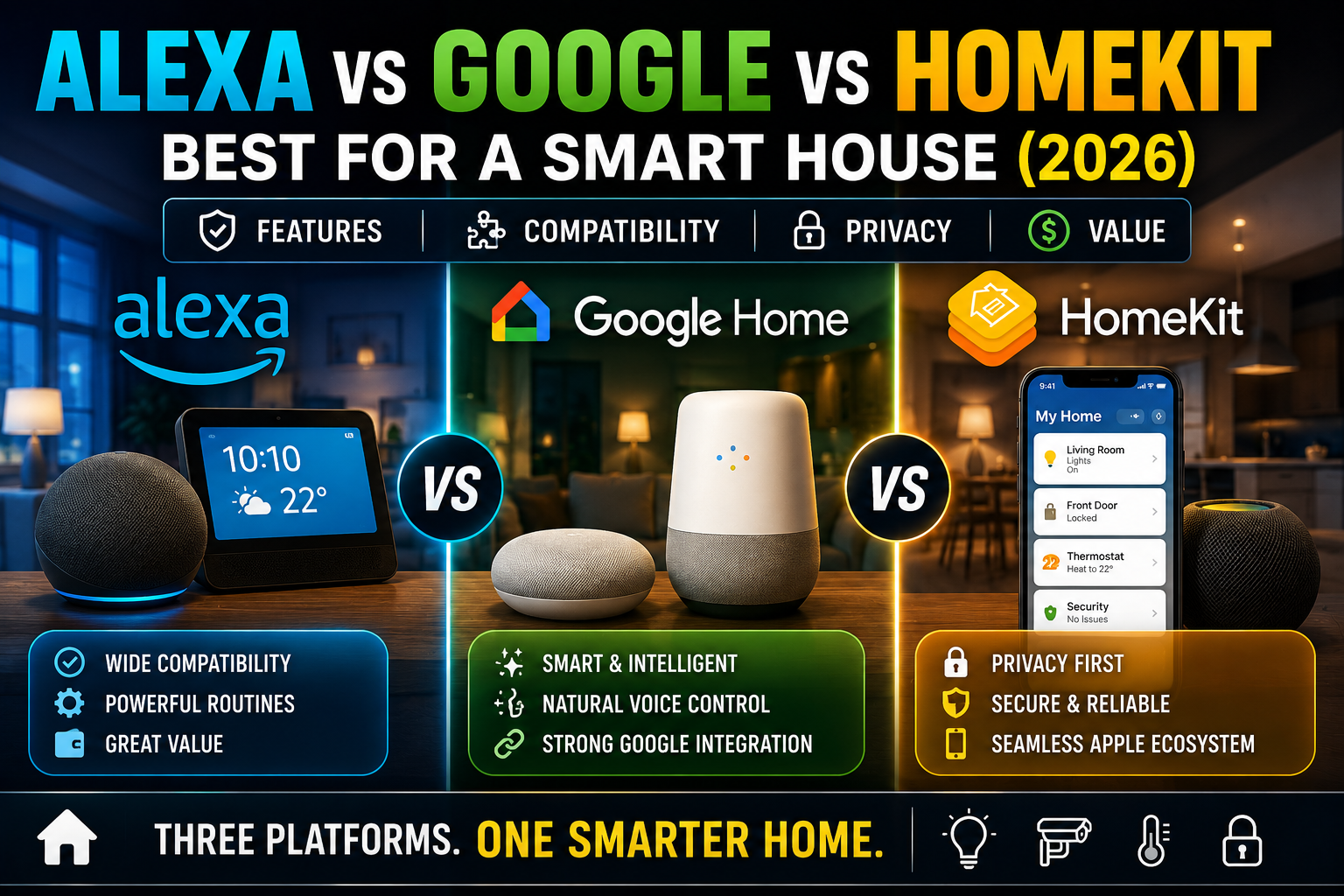
Not sure which platform to build on? Our comparison of Alexa vs Google Assistant vs Apple Home can help. If you use more than one, read about Matter multi-admin so one device can live in several apps without conflicts.
One last point: arrival triggers that depend on the cloud stop working when the internet drops. Where possible, pair them with local sensors, as we explain in our guide to offline smart house automations.
7 Welcome Home Automations Worth Building (and Mistakes to Avoid)
These seven routines cover the most useful arrival scenarios. They are ordered from simplest and safest to more advanced, so build the first three before the rest.
- Arrival lights. When the first person arrives and the front door opens, turn on the entry and hallway lights to a warm, moderate brightness. Add a condition so it only runs after sunset or when the room is dark. Using the door sensor as a second trigger prevents the lights from flashing on while you’re still driving up the street. For the porch and driveway, see our guide to smart motion-sensor and outdoor lighting.
- Pre-arrival climate. When your phone crosses a larger geofence, set the thermostat or air conditioner to your comfort temperature. Add a condition so it only runs if the home has been empty for a couple of hours, which avoids pointless adjustments when you pop out for a short errand. Our comparison of smart air conditioners can help if you’re choosing equipment.
- Away-mode shutdown for reliable arrivals. Arrival triggers only work well if the house knows it was empty. Set a routine so that when the last person leaves, lights go off and away mode turns on. Build it on top of your Leave Home and Night Mode routines, and your arrival routines will fire consistently.
- Garage and driveway welcome. When you arrive by car, turn on the driveway light and send a prompt to open the garage. Opening it automatically is convenient, but a confirmation tap is safer, because a door that opens by itself on a geofence alone can be triggered by a glitch. Our guide to a smart garage setup covers sensors and safety features.
- Unlock-ready, not auto-unlock. Instead of unlocking the door the moment you enter the geofence, send yourself a notification, turn on the porch light, or wake the keypad. If you do choose auto-unlock, require a second signal such as a nearby Bluetooth connection, and never rely on GPS alone. Read our guide to smart locks for a no-drill home before you decide.
- Disarm and pause indoor cameras. When a verified person arrives, disarm your security mode and pause indoor camera recording if your system supports it. Make sure the trigger is confirmed by a door sensor or lock event, so a stray location update can’t quietly disable your security.
- Welcome music or news. When you arrive and the door opens, start a playlist or a news briefing at low volume on the kitchen speaker. Add a condition for time of day, such as before 10 p.m., so you never wake a sleeping household.
Quick-reference table: arrival routines at a glance
| Routine | Trigger | Condition | Action |
|---|---|---|---|
| Arrival lights | First person arrives and door opens | After sunset or dark | Entry and hallway lights on |
| Pre-arrival climate | Geofence entered | Home empty for 2 hours or more | Set comfort temperature |
| Away-mode shutdown | Last person leaves | None | Lights off, away mode on |
| Garage welcome | Car arrives | After sunset for light | Driveway light on, garage prompt |
| Unlock-ready | Person arrives | Door sensor or Bluetooth confirmation | Notify, porch light on, keypad awake |
| Disarm cameras | Verified arrival | Lock or door event confirms | Disarm and pause indoor cameras |
| Welcome music | Arrival and door opens | Before 10 p.m. | Start playlist at low volume |
Mistakes that make arrival automations fail or feel creepy
- Auto-unlocking on GPS alone. Location data can drift or glitch. Always add a second confirmation, or settle for a notification.
- Relying on a single detection method. One signal means one point of failure. Combine a geofence with a sensor.
- Forgetting multi-person logic. Decide whether the routine should run for the first person to arrive, for everyone, or for one specific person. Otherwise your partner’s arrival may trigger an empty-house routine at the wrong time.
- Making the radius too large. A huge geofence can trigger while you’re still stuck in traffic nearby. Test and tighten it.
- Ignoring guests, kids, and people without phones. Sensor-based triggers cover them, but location-based triggers don’t. Add a sensor backup for anyone who doesn’t carry a phone.
- Stacking too many actions at once. Fifteen devices switching on together can overwhelm a hub. Stagger actions with short delays, and fade lights gently so it feels natural.
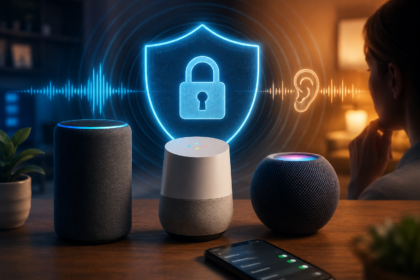
- Overlooking privacy. Geofencing shares your location with a platform. Review who can see it, and read our guide to voice assistant privacy to tighten your settings.
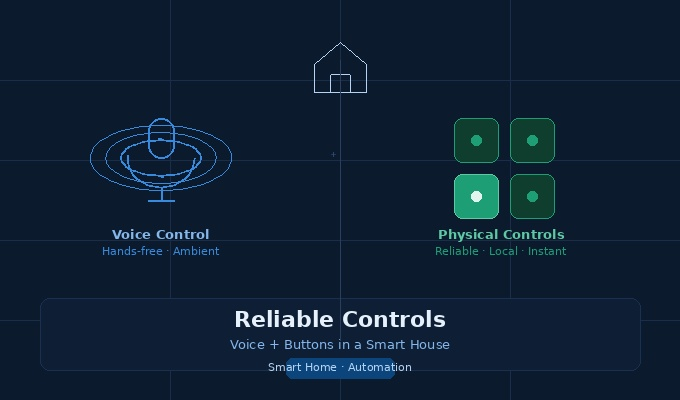
- Skipping a physical backup. If location services fail, you shouldn’t be stuck in the dark. Keep a wall switch or smart button as a fallback, as described in our guide to voice and button controls.
Finally, treat your arrival routine as a living setup. Review it after every phone upgrade, router change, or new household member, because any of those can change how presence is detected.
Frequently Asked Questions
What is a welcome home automation?
A welcome home automation is a routine that starts when you arrive at home, detected by your phone’s location, your home network, or a sensor. It then runs actions such as turning on lights, setting the temperature, or disarming security.
How accurate is geofencing for smart homes?
Accuracy depends on your phone, its settings, and your surroundings. It is usually good enough for pre-arrival climate and early lighting, but it can be less precise in dense buildings. For anything sensitive, confirm arrival with a door sensor or lock event.
Why does my arrival automation trigger late or not at all?
The most common causes are location permission set to while using, battery optimization shutting down the app, a wrong home address, or the house never registering that it was empty. Check these first, then test by actually leaving and returning.
Is it safe to auto-unlock my door when I arrive?
It carries more risk than most automations, because a location glitch could unlock the door at the wrong moment. A safer approach is to send a notification or wake the keypad, and to require a second confirmation if you want auto-unlock.
Can I use presence detection without a phone?
Yes. Door contact sensors, motion sensors, smart lock events, and mmWave presence sensors can all trigger welcome home routines without a phone. They are also better for guests, kids, and anyone without a smartphone.
What is the difference between geofencing and Wi-Fi presence?
Geofencing uses your phone’s location and works before you reach the house, so it gives you lead time. Wi-Fi presence only detects you once your phone joins the home network, which is later but often more accurate at the door.
Do welcome home routines work for multiple people?
Yes, but you need to choose the logic. Most platforms let you run a routine when the first person arrives, when a specific person arrives, or when everyone has arrived. Pick the option that matches what the routine does.
Do I need a hub for presence automations?
It depends on the platform. Apple Home needs a home hub, such as a HomePod or Apple TV, to run automations while you’re away. On other platforms, a hub or speaker can improve reliability, and local sensors work best when connected to a hub that runs routines locally.
Does geofencing drain my phone battery?
Modern phones handle location monitoring efficiently, so the impact is usually modest, but it varies by phone and settings. If battery life is a concern, use a larger geofence with a sensor confirmation instead of constant precise tracking.
Conclusion
A good welcome home automation feels like the house simply knew you were coming. It makes arrivals smoother, saves energy, and removes small daily frictions, as long as it is built on reliable detection rather than a single guess.
Start small: set up phone geofencing, add a door sensor as confirmation, and build your first three routines this week. Then test them in real life, refine the radius and conditions, and add extras like music or garage prompts. Keep safety first, especially with locks and cameras, and your home will welcome you back without any extra effort.