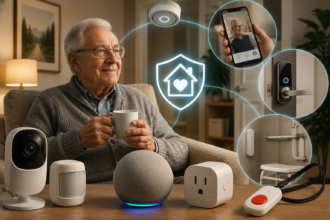

The first time motion-sensor lighting actually impressed me wasn’t some elaborate porch setup. It was walking into my kitchen at 2am with my hands full of a crying toddler, and the under-cabinet lights coming up to 10% warm white on their own instead of me fumbling for a switch and blasting both of us awake with 5000K daylight. That’s the whole pitch for motion lighting in one moment: it removes a decision you shouldn’t have to make in the first place.
- Motion Sensors vs. Motion-Triggered Bulbs: What You’re Actually Buying
- Indoor Motion Lighting: Where It Earns Its Keep
- Outdoor Motion Lighting: Security, Convenience, and Weatherproofing
- Sensor Types and What They’re Actually Good At
- Getting the Automation Right
- Best Motion and Outdoor Lighting by Ecosystem
- What You Actually Need to Get Started
- The Mistakes That Make People Give Up on Motion Lighting
- Conclusion
Most people’s first motion sensor experience is worse than that, though — a garage light that trips every time a moth flies past, or a hallway fixture that shuts off mid-task because you sat still for too long. That gap between “this is genuinely useful” and “this is mildly infuriating” almost always comes down to setup, not hardware. This guide covers both sides: how to pick sensors and outdoor fixtures that actually hold up, and how to configure them so they behave the way you’d expect a thoughtful housemate to, not a jumpy alarm system.
Motion Sensors vs. Motion-Triggered Bulbs: What You’re Actually Buying
Before comparing products, it’s worth untangling a distinction that trips up a lot of first-time buyers: a “motion sensor” and a “motion-activated light” are not always the same purchase.
A standalone motion sensor is a small battery or hardwired device that detects movement and reports it to your smart home hub or app. It doesn’t produce light itself — it triggers whatever you’ve told it to trigger, which could be one bulb, a whole room’s worth of bulbs, or something unrelated entirely, like a security camera or a chime. This is the more flexible option, because the same sensor can run different logic at different times of day, and because you’re not locked into replacing a whole fixture if the sensor eventually fails.
A motion-activated bulb or fixture has the sensor built directly into the light itself, usually a small dome or lens on the housing. These are simpler to install — there’s no separate hub pairing or automation to write, since the logic is baked in — but they’re also far less flexible. You generally can’t adjust sensitivity or timing beyond a couple of onboard presets, and if you want that fixture to behave differently depending on the time of day (bright and instant during the day, dim and gradual at night), most built-in sensors simply can’t do that.
For most rooms inside the house, a standalone sensor paired with your existing smart bulbs gives you meaningfully more control for a similar price. For simple outdoor security spots — over a garage door, above a shed, along a side path you rarely customize — a self-contained motion floodlight is often the less fussy choice, since there’s nothing to pair and nothing that can lose connection to a hub.
Indoor Motion Lighting: Where It Earns Its Keep
Not every room benefits equally from motion-triggered lighting, and installing it everywhere is a fast way to create the exact kind of flaky, over-triggered system that makes people give up on the whole idea. A few spots consistently pay off:
Hallways and staircases are the clearest win. Nobody wants to fumble for a switch at night, and the safety case for stairs specifically is strong — a dim, warm-white trigger at 10–20% brightness is enough to see the steps without fully waking you up. This is one of the few places where motion lighting is genuinely about safety, not just convenience.
Closets and pantries are an easy, low-stakes place to start if you’re new to motion sensors. Hands are usually full in both, and the payoff (light comes on, light goes off, you never touch a switch) is immediate and obvious.
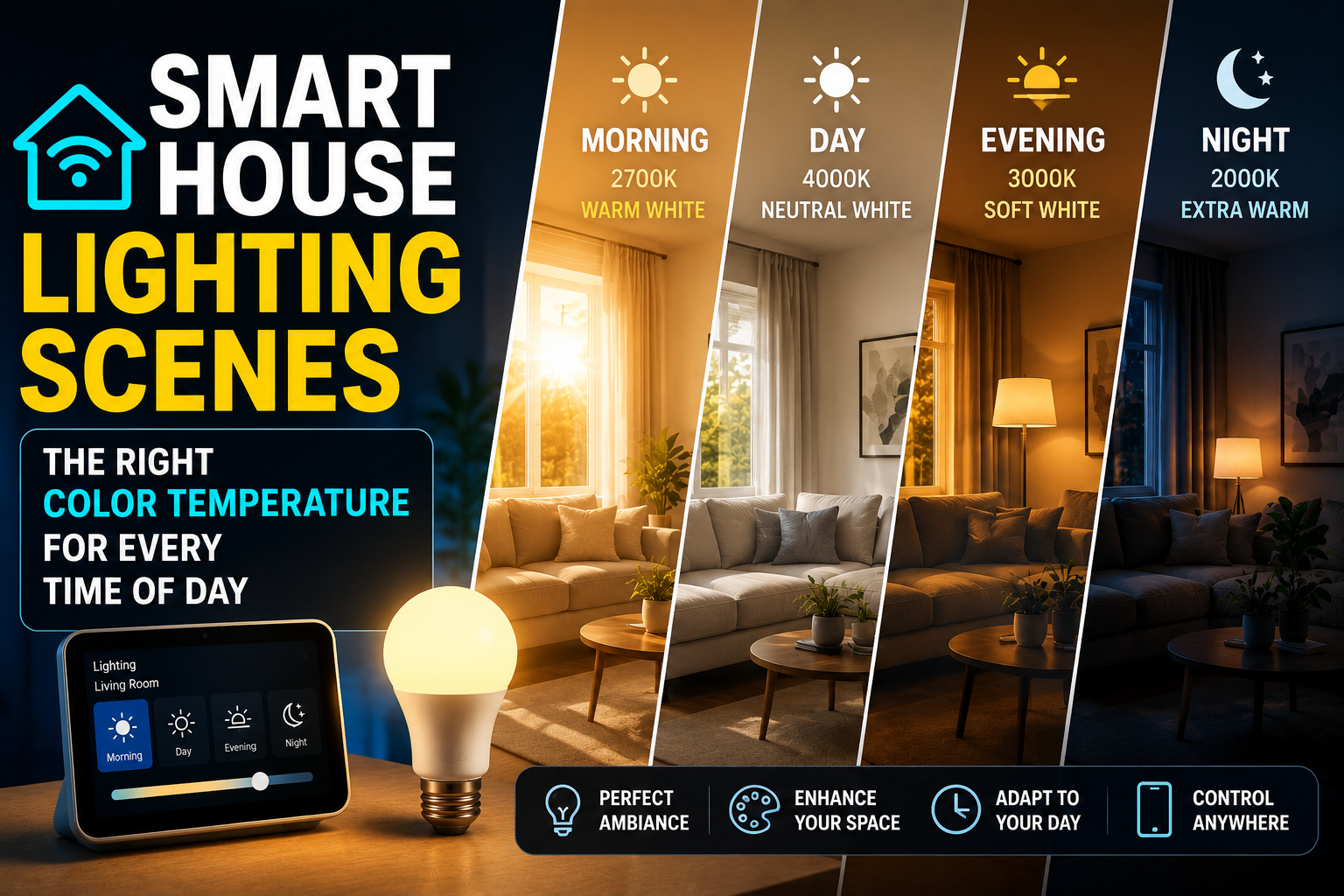
Bathrooms, especially for households with kids or overnight guests, benefit from a dim night mode specifically — the same principle covered in our guide to circadian-friendly lighting scenes: a 2200K trigger at low brightness between roughly 10pm and 6am avoids the full-alertness jolt of a bright white bathroom light in the middle of the night.
Under-cabinet and toe-kick lighting in kitchens is one of the more underrated uses. A low-level motion strip that activates when you walk in for a midnight glass of water is a small luxury that, once you have it, is hard to go back to switch-flipping without.
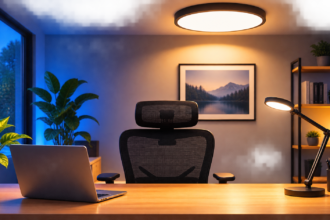
Rooms where motion lighting tends to disappoint: living rooms and home offices, where people sit still for long stretches and get plunged into darkness mid-task, or bedrooms with a shared bed, where one partner’s movement can trigger lights the other doesn’t want on. These spaces are usually better served by manual or scheduled lighting — the kind of setup covered in our comparison of smart switches vs. smart bulbs for beginners — with motion reserved only for entry and exit points like a doorway sensor that just turns things on, without controlling the off cycle.
Outdoor Motion Lighting: Security, Convenience, and Weatherproofing
Outdoor motion lighting sits at the intersection of two different goals — everyday convenience (not fumbling with keys in the dark) and a genuine security deterrent — and it’s worth being clear-eyed about which one you’re actually solving for, since it changes what you should buy.
For convenience — porch lights, front walkways, driveway approach lighting — brightness and reliability matter more than raw lumens. You want a fixture that trips reliably as you approach, stays on long enough to get your key in the door or your groceries inside, and doesn’t blind your neighbors in the process. A moderate 800–1200 lumen output is usually plenty.
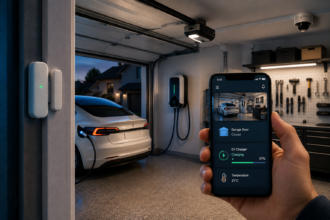
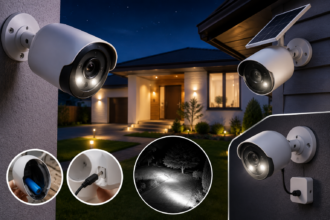
For security-oriented spots — the sides of the house, backyard access points, anywhere without natural foot traffic at night — brighter is generally better, and instant-on floodlights (2000+ lumens) paired with a wide detection angle do more actual deterrent work than a dim, decorative fixture. Combining motion-triggered brightness with a security camera, which many outdoor smart light systems now support natively, adds a recorded-evidence layer that light alone doesn’t provide.
Weatherproofing is non-negotiable outdoors, and it’s the spec most beginners skip past. Look for an IP65 rating at minimum for anywhere exposed to direct rain, and IP44 is the bare floor for anywhere under an overhang with only indirect weather exposure. A fixture without a clear IP rating listed is a fixture to avoid for outdoor use, regardless of how good the reviews look, since indoor-rated electronics degrade fast once moisture gets into the housing.
Cold-weather performance is worth checking too if you’re in a climate with real winters — some budget PIR (passive infrared) sensors become noticeably less sensitive below freezing, which is exactly when you want a driveway or front step light working reliably.
Sensor Types and What They’re Actually Good At
Not all motion detection technology behaves the same way, and knowing the difference explains a lot of the “why does this keep false-triggering” frustration people run into.
PIR (Passive Infrared) is the most common and affordable type, found in the vast majority of consumer motion lights. It detects changes in infrared heat signatures — essentially, a warm body moving across its field of view. PIR is reliable for people and large pets but is the type most prone to false triggers from things like a car’s headlights sweeping past a window, direct sunlight hitting the sensor at a low afternoon angle, or a tree branch moving in strong wind near an outdoor fixture.
Microwave sensors detect motion by emitting a low-power radar signal and measuring the reflection, which lets them see through thin materials like glass or thin walls and detect motion at a greater range than PIR. They’re more sensitive and often used in commercial security lighting, but that same sensitivity makes them more prone to false triggers from moving branches, passing cars on a nearby street, or even large moving shadows.
Dual-tech sensors combine PIR and microwave detection and only trigger when both technologies agree motion occurred. These are the most reliable option for outdoor security applications specifically because they dramatically cut down on nuisance triggers, though they cost meaningfully more and are usually overkill for indoor convenience lighting.
Camera-based motion detection (built into smart doorbells and outdoor cameras) uses computer vision to distinguish people, vehicles, and animals rather than reacting to any heat or movement at all. This is increasingly the most accurate option and can trigger lighting only for the categories you actually care about — a person approaching, not a cat crossing the yard — but it depends on decent lighting or night vision to work well after dark, which creates a bit of a chicken-and-egg problem worth testing before you commit to it as your only trigger source.
For most households, a mid-range PIR sensor indoors and either a quality PIR or dual-tech sensor outdoors covers the vast majority of use cases without overspending on commercial-grade hardware.
Getting the Automation Right
This is the section that actually separates a motion lighting setup people love from one they disable within a month. The hardware rarely fails outright — the automation logic is almost always where things go wrong.
Set a sensible timeout, not the default. Most motion sensors ship with a default hold time of somewhere around one to five minutes, which is either too short (lights cutting off mid-task in a bathroom) or too long (a hallway light staying on for five minutes after a two-second walkthrough, wasting energy and annoying anyone trying to sleep nearby). Match the timeout to the room: 30–60 seconds for a hallway or closet, 2–5 minutes for a bathroom, and consider re-triggering logic (the timer resets if motion is detected again) for anywhere people might sit still briefly, like a laundry room.
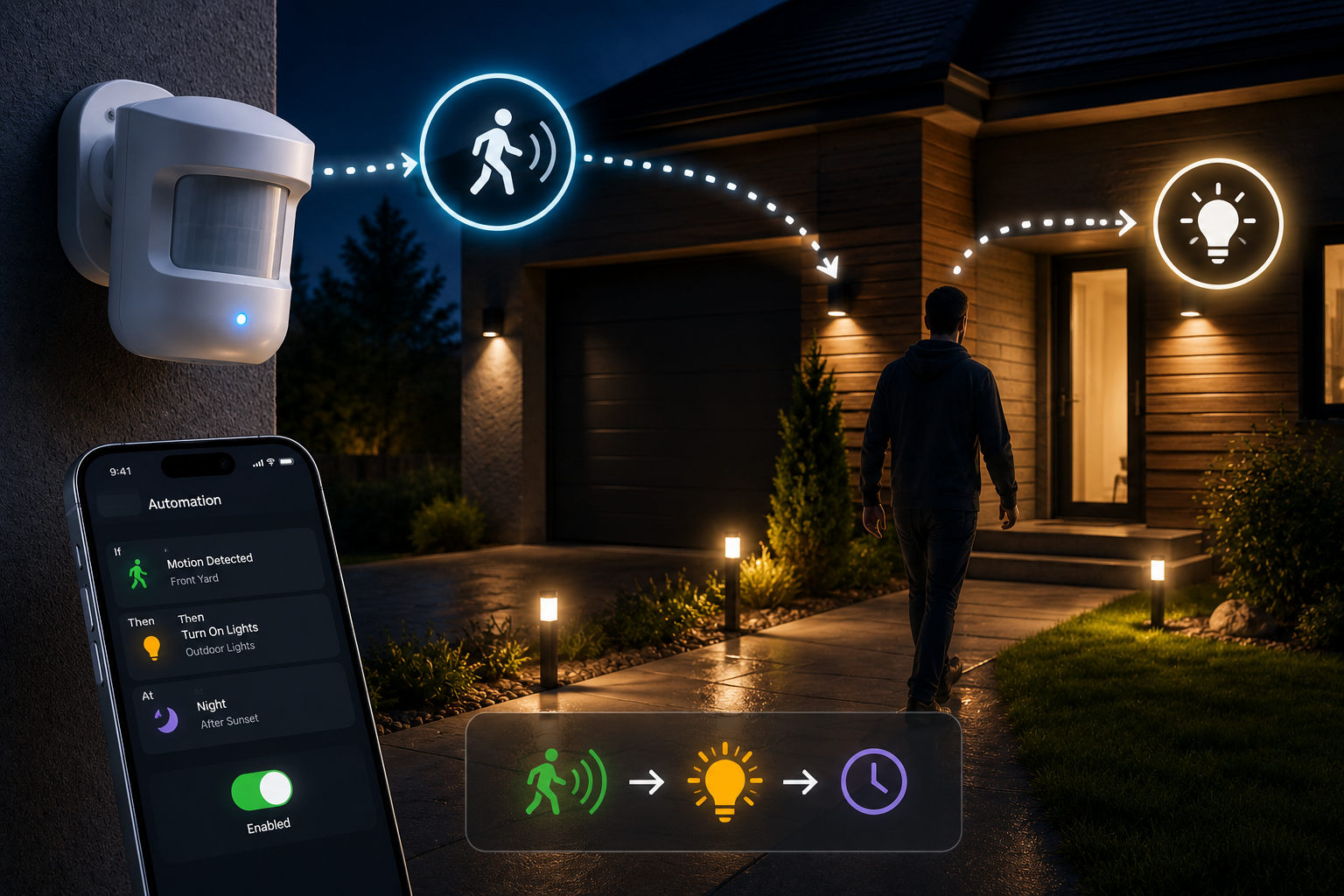
Use time-of-day conditions, not just on/off. The single biggest upgrade you can make to any motion automation is telling it to behave differently depending on the hour. A hallway light that comes on at 100% brightness with 4000K cool white at 2pm and drops to 15% brightness with 2200K warm white at 2am isn’t two separate automations — it’s one automation with a time condition, and it’s supported natively in Home Assistant, SmartThings, and most modern hub-based ecosystems.
Add a sun-based condition outdoors. Rather than scheduling outdoor lights by fixed clock time, trigger them relative to sunset and sunrise (available in nearly every major smart home platform) so they adjust automatically as the seasons change instead of leaving you in the dark at 5:30pm in December or wastefully lighting a bright summer evening at 7pm.
Give false-trigger-prone spots a cooldown. If an outdoor sensor faces a street or a tree line, set a minimum re-trigger interval so a single passing car or gust of wind doesn’t set off a light show every ninety seconds. Most dedicated motion sensors and hub-based automations support this as a built-in cooldown or debounce setting.
Don’t chain too much logic to one sensor. A single motion event triggering lights, a camera recording, a doorbell chime, and a phone notification all at once sounds efficient but becomes exhausting fast, especially indoors. Reserve multi-action triggers for genuine security zones and keep convenience lighting simple: motion in, light on, timeout, light off.
Best Motion and Outdoor Lighting by Ecosystem
| Product | Best for | Approx. Price | Notes |
|---|---|---|---|
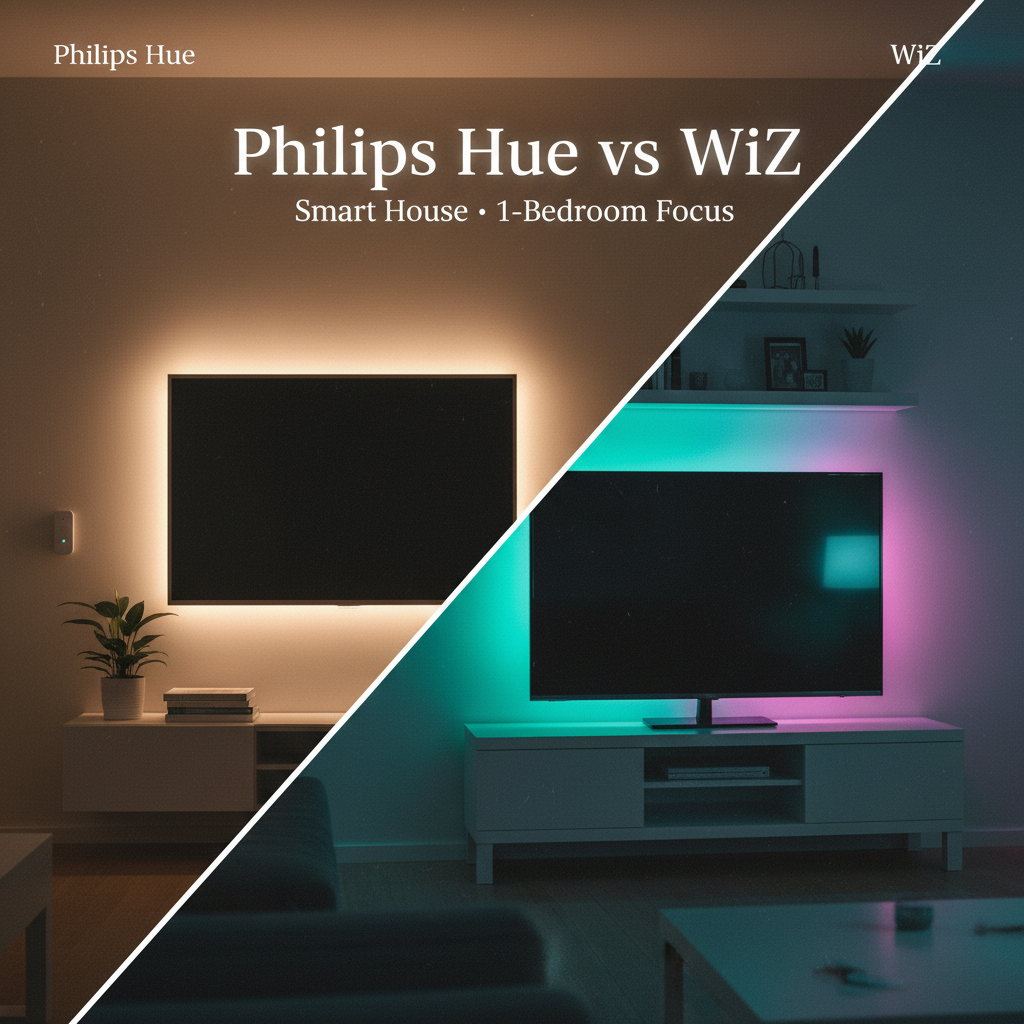
| Philips Hue Motion Sensor (indoor) | Hue ecosystem households | $35–40 | Time-of-day light recipes built into the Hue app, no separate hub logic needed |
| Philips Hue Outdoor Motion Sensor | Hue households wanting outdoor coverage | $45–50 | IP54 rated, integrates with existing Hue scenes |
| Aqara Motion Sensor P1 (Zigbee) | Home Assistant / SmartThings users wanting granular control | $15–20 | Adjustable sensitivity and detection distance in-app, very reliable indoors |
| Ring Smart Lighting Motion Sensor | Existing Ring/Alexa households | $30–35 | Works with Ring floodlights and pathlights on the same mesh network |
| Govee Outdoor Motion Sensor Light | Budget-conscious, no-hub outdoor convenience lighting | $25–35 | Solar or plug-in options, no hub required, simpler on/off logic only |
| Eufy Security Floodlight Cam | Security-focused driveway or backyard coverage | $100–130 | Camera-based detection with person/vehicle recognition, local storage option |
What You Actually Need to Get Started
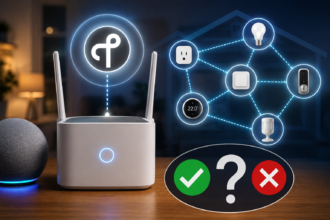
You don’t need a full smart home overhaul to add motion lighting to one or two rooms. At minimum: one motion sensor (or one motion-activated fixture if you’re keeping it simple), a smart bulb or plug for it to control if you’re going the standalone-sensor route, and a hub or app that supports basic automation — which, at this point, includes nearly every major smart bulb brand’s own app, without needing a separate hub purchase for a single-sensor setup.
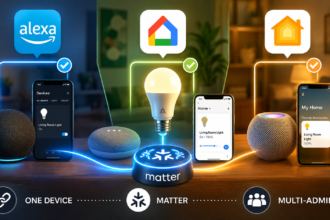
If you’re building this as your first smart lighting purchase entirely rather than adding to an existing setup, it’s worth reading our broader guide on choosing your first no-hub smart bulbs first, since the bulb ecosystem you land on will determine which motion sensors are the simplest, cheapest add-on later versus which require an extra hub purchase to bridge compatibility.
For outdoor setups specifically, check your existing exterior fixture’s wiring before buying anything battery-powered — many homes already have a switched outdoor outlet or fixture box that a hardwired smart floodlight can use directly, which is both more reliable and cheaper over time than a battery unit you’ll be recharging or replacing every few months.
The Mistakes That Make People Give Up on Motion Lighting
Installing it everywhere at once. Motion lighting is one of the few smart home categories where more automation isn’t automatically better. Start with one or two genuinely high-value spots — a hallway, an entryway — and expand only once you’ve dialed in the timing.
Ignoring the timeout setting. The single most common complaint about motion lighting (“it keeps turning off while I’m still in the room”) is almost always a timeout set too short, not a hardware failure. Adjust it before assuming the sensor is broken.
Mounting outdoor sensors facing a street or sidewalk. Every passing car and pedestrian becomes a false trigger. Angle outdoor sensors toward your own property — a driveway approach, a front path — rather than a public right-of-way.
Skipping the IP rating check. A beautiful, well-reviewed fixture that isn’t actually weatherproof will fail within a season if it’s mounted somewhere exposed to real rain, not just morning dew.
Treating security and convenience as the same use case. A dim, cozy porch light and a bright deterrent floodlight solve different problems. Buying one fixture and expecting it to do both jobs well usually means it does neither particularly well.
Conclusion
Motion-sensor and outdoor lighting is one of the few smart home upgrades that pays off in genuinely daily, almost invisible ways — the kind of convenience you stop noticing specifically because it’s working. The technology itself is mature and inexpensive at this point; the real work is matching sensor type to location, setting timeouts that fit how you actually use each room, and layering in time-of-day logic so the same sensor behaves differently at 2pm and 2am.
Start small: one hallway, one entryway, one outdoor spot that’s genuinely dark and inconvenient right now. Get the timing right there before expanding, and you’ll end up with a system that feels like the house is quietly looking out for you, instead of one you’re constantly fighting with a phone app to fix.