
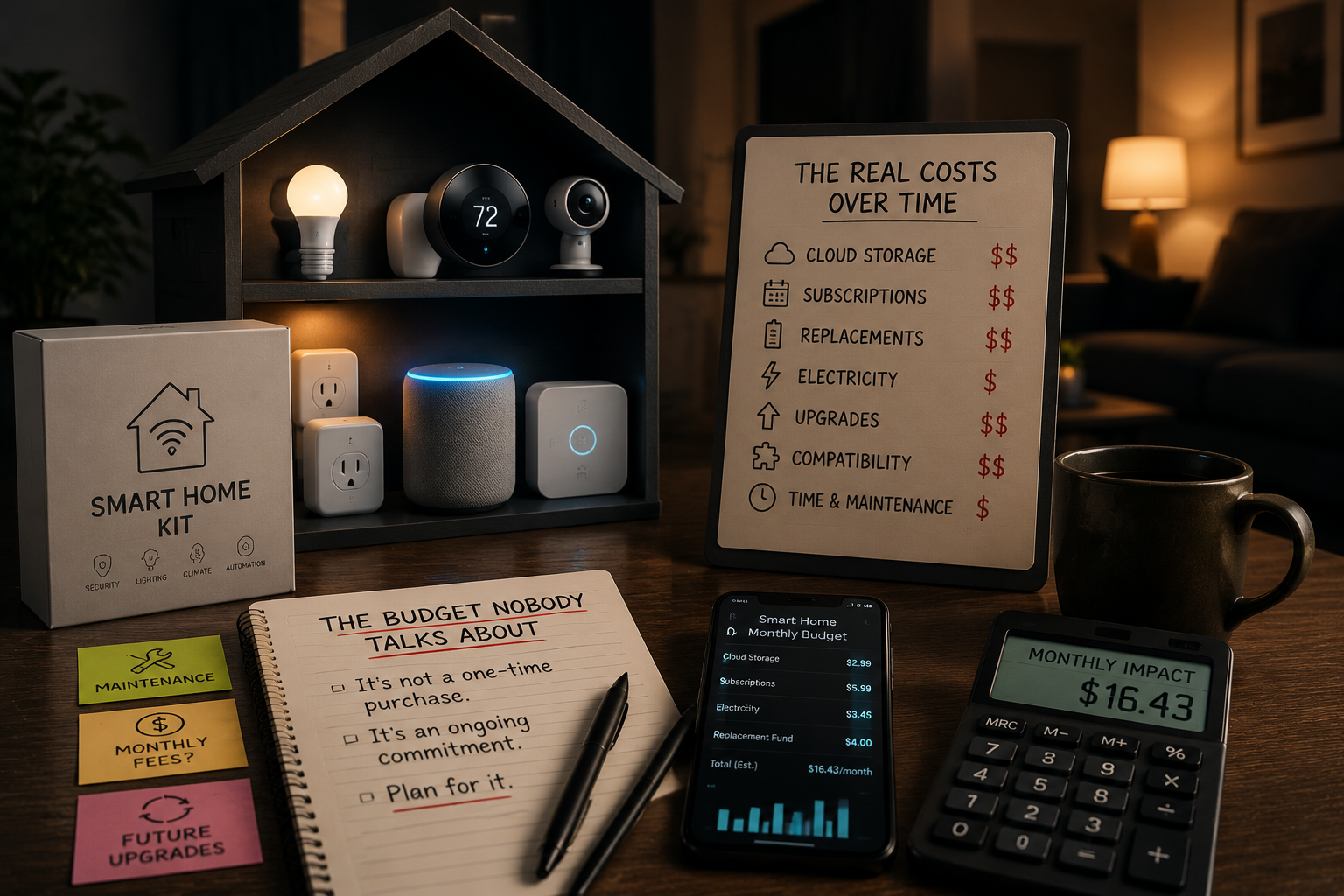
Every budget breakdown for a smart home stops at the same finish line: the checkout page. Add up a speaker, a couple of bulbs, a plug, maybe a sensor, and you get a tidy number — $150, $300, $600 — that feels like the whole story. It isn’t. The purchase price is just the entry ticket. What actually determines whether a smart home setup feels worth it a year later is a second, quieter budget: the one made of monthly subscriptions, battery replacements, firmware that eventually stops updating, and the cost of switching brands when one company changes its pricing overnight.
- The number that never makes it onto the price tag
- Subscriptions: the quiet monthly withdrawal
- Batteries and consumables: the cost you pay in inconvenience
- The replacement clock: how long a smart device actually lasts
- The ecosystem-switch tax
- A more honest first-year budget
- Keeping the real cost under control
- The bottom line
This isn’t a list of devices to buy. It’s the piece that usually gets skipped between “here’s what to buy” and “here’s what you’ll actually spend by month twelve.”
The number that never makes it onto the price tag
Manufacturers price hardware to look affordable because the hardware isn’t always where the money is made. A $60 camera and a $200 camera can use nearly identical sensors; the real difference often shows up later, in what it costs to actually use the footage. The same logic applies, in smaller ways, across almost every smart home category: the device is the hook, and a recurring fee, a proprietary battery, or a forced replacement cycle is where the ongoing revenue comes from.
None of this makes smart home devices a bad purchase. It just means a budget that only accounts for the sticker price is, by design, incomplete. A more honest way to plan is to separate every device into two numbers: what it costs to buy, and what it costs to keep running for the next three years.
Subscriptions: the quiet monthly withdrawal
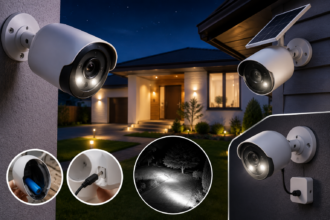
Not every smart device carries a subscription, but the ones that do tend to be the ones people buy first: cameras, video doorbells, and anything marketed around security. Cloud video storage is the most common recurring fee in a smart home, and it varies more than most people expect. Basic single-camera plans that cover a rolling window of motion-triggered clips typically run in the $3 to $5 a month range per camera, while unlimited-camera household plans land closer to $10 to $20 a month. Add professional monitoring with police or fire dispatch — a separate service from cloud storage — and the monthly cost climbs again, commonly into the $20 to $60 range for a residential setup.
Multiply that across a full year and across more than one camera, and the number stops looking small. Industry cost trackers estimate that a household running several subscription-based devices together — a couple of cameras, a video doorbell, an app-based assistant tier — can end up paying somewhere between $300 and $600 a year in combined fees, and that some of the best-known camera brands have raised subscription prices by 25% to 50% within a single year. None of that shows up when you’re comparing $40 cameras in a store aisle.
This is exactly the trap covered from a different angle in 7 Smart Home Buys Beginners Regret (and What to Get Instead): the device that looked like the cheapest option in the store is often the most expensive one twelve months later, once the subscription is factored in.
The categories most likely to carry an ongoing fee:
- Cameras and video doorbells — cloud storage for motion clips is the single biggest recurring smart home expense for most households.
- Whole-home monitored security — a managed service (installation, 24/7 monitoring, dispatch) is priced differently from a standalone camera subscription, and the two shouldn’t be compared as if they’re the same product.
- Robot vacuums and mowers with advanced mapping — some brands lock multi-floor mapping, no-go zones, or AI obstacle recognition behind an app subscription rather than including it with the hardware.
- Voice assistants with “premium” AI tiers — increasingly, the free version of a smart speaker’s assistant is the stripped-down one, with more capable routines and smarter responses reserved for a paid tier.
The good news is that this category is the most avoidable. Cameras with local storage — a microSD card in the camera itself, or a small local hub on your own network — eliminate the monthly fee entirely, in exchange for a bit more setup effort and no remote backup if the device is stolen or damaged. For a lot of households, especially ones with two to four cameras kept for several years, the math clearly favors paying more upfront for local storage over paying a smaller amount every single month indefinitely.
Batteries and consumables: the cost you pay in inconvenience
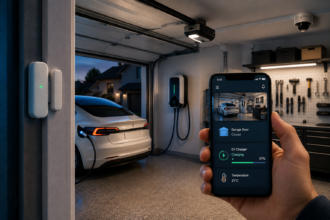
The second hidden cost is less about money and more about friction, though it’s still money in the long run. Battery-powered sensors, locks, and door/window contacts are popular precisely because they skip the wiring — but “no wiring” doesn’t mean “no maintenance.” A door sensor might run a coin cell battery for a year or two; a battery-powered smart lock, used several times a day, often needs new batteries every four to six months; a battery camera used outdoors in cold weather can drain noticeably faster than the manufacturer’s stated estimate.
None of these individually cost much — a few dollars at a time — but they add a second kind of tax that a spreadsheet doesn’t capture well: the moment a lock stops responding because nobody noticed the low-battery notification, trust in the whole system takes a hit. That’s a real cost, even if it never appears on a receipt. Wired options exist for most of these categories precisely to avoid it, and they’re worth the small amount of extra installation effort for anything guarding an entry point.
A practical rule that saves both money and frustration: for anything mission-critical — a front door lock, a smoke or CO sensor, a water leak sensor near a washing machine — buy a device that clearly displays battery percentage in the app and sends an early warning, not just a “critically low” alert after it’s already too late to plan a replacement.
The replacement clock: how long a smart device actually lasts
A traditional light switch lasts decades. A smart bulb, smart plug, or hub does not, and for reasons that have nothing to do with the hardware wearing out. Three separate clocks are running on every connected device from the day it’s installed:
The hardware clock. Cheap Wi-Fi chips, low-grade capacitors, and connected LEDs that are run near-constantly do eventually fail — usually somewhere in the two-to-five-year range for budget devices, longer for well-reviewed mid-range and premium brands.
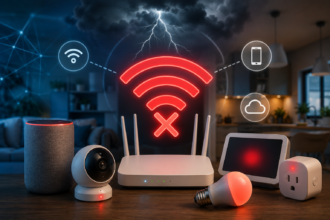
The software support clock. This one ends the life of far more devices than hardware failure does. A manufacturer stops pushing firmware updates, the companion app stops being maintained for newer phone operating systems, or — in the more dramatic cases — the company shuts down the cloud servers the device depends on to function at all. A device that’s perfectly intact physically can become an inert brick the day its cloud backend goes offline, which is exactly why cloud-dependent devices carry more long-term risk than ones that work locally, without needing to phone home to a company server for basic functions.
The compatibility clock. Even a device that still works can quietly become the reason an ecosystem migration turns painful. A bulb or sensor that only speaks a manufacturer’s proprietary protocol, rather than a shared standard, is a device you may end up leaving behind — not because it broke, but because it doesn’t talk to whatever you switch to next.
The practical takeaway isn’t “buy the most expensive option every time.” It’s to weight the buying decision toward devices from companies with a track record of multi-year support, and to treat the presence of local/offline functionality as a real feature worth paying a little more for, not a nice-to-have.
The ecosystem-switch tax
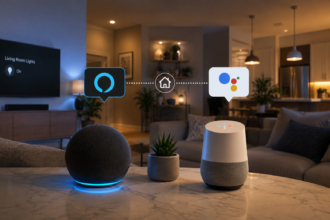
Every smart home eventually reaches a decision point: stick with the original voice assistant and hub, or move to a different one because it’s cheaper, more private, more capable, or simply because a device you love only works well in a different app. Whichever direction that decision goes, it has a cost that rarely gets planned for in advance.
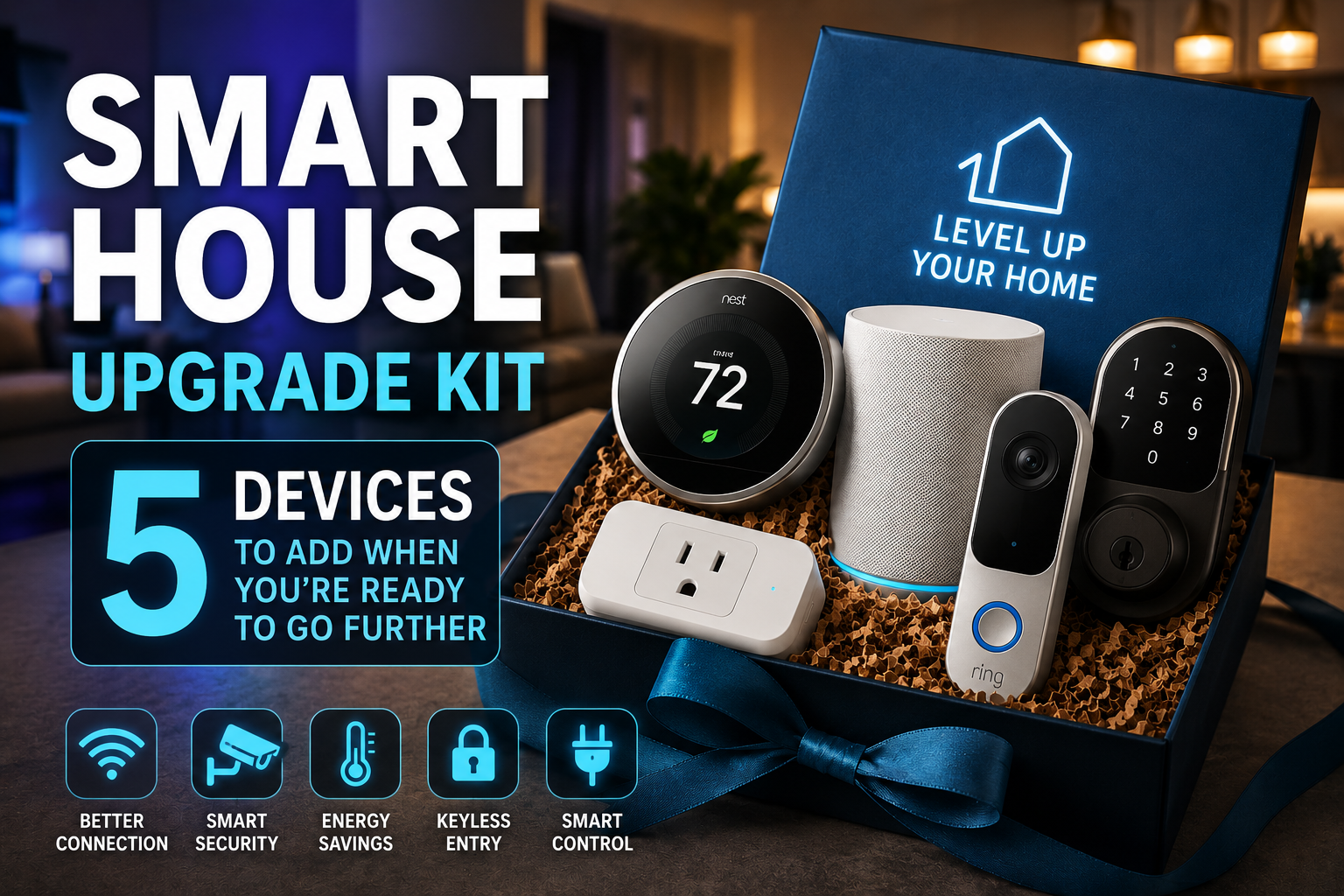
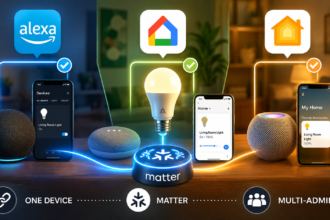
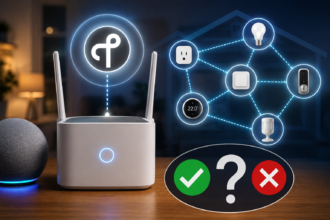
Some of that cost is financial — a lock, a video doorbell, or a thermostat tied to a single ecosystem may need to be replaced rather than reused. Some of it is time — re-pairing a dozen devices, rebuilding routines from scratch, re-training household members on a new app. This is a big part of why the buying guidance across this site consistently points toward devices carrying the Matter interoperability logo where possible: it doesn’t make an ecosystem switch free, but it dramatically narrows how much hardware actually needs replacing when it happens. A household that expanded gradually and thoughtfully — the kind of approach outlined in Smart House Upgrade Kit: 5 Devices to Add When You’re Ready to Go Further — tends to pay a much smaller switch tax than a household that bought everything from one brand in a single order two years earlier.
A more honest first-year budget
Take the standard tiered approach to smart home budgeting — the kind that lays out a $150, $300, and $600 starting point — and add the realistic first-year cost of ownership on top of it. The purchase price alone tells only part of the story:
| Tier | Typical purchase price | Devices with a plausible subscription | Realistic added cost, year one |
|---|---|---|---|
| Entry ($150) | Speaker, 2 bulbs, 1–2 plugs | Usually none | $0–$20 (batteries, minor accessories) |
| Mid ($300) | Adds a motion sensor, energy-monitoring plug, thermostat | Rare, unless a camera is added | $10–$40 |
| Expanded ($600) | Adds a local hub, second sensor, lock, possibly a camera | Camera or lock subscription, if chosen | $60–$250, depending on subscription choices |
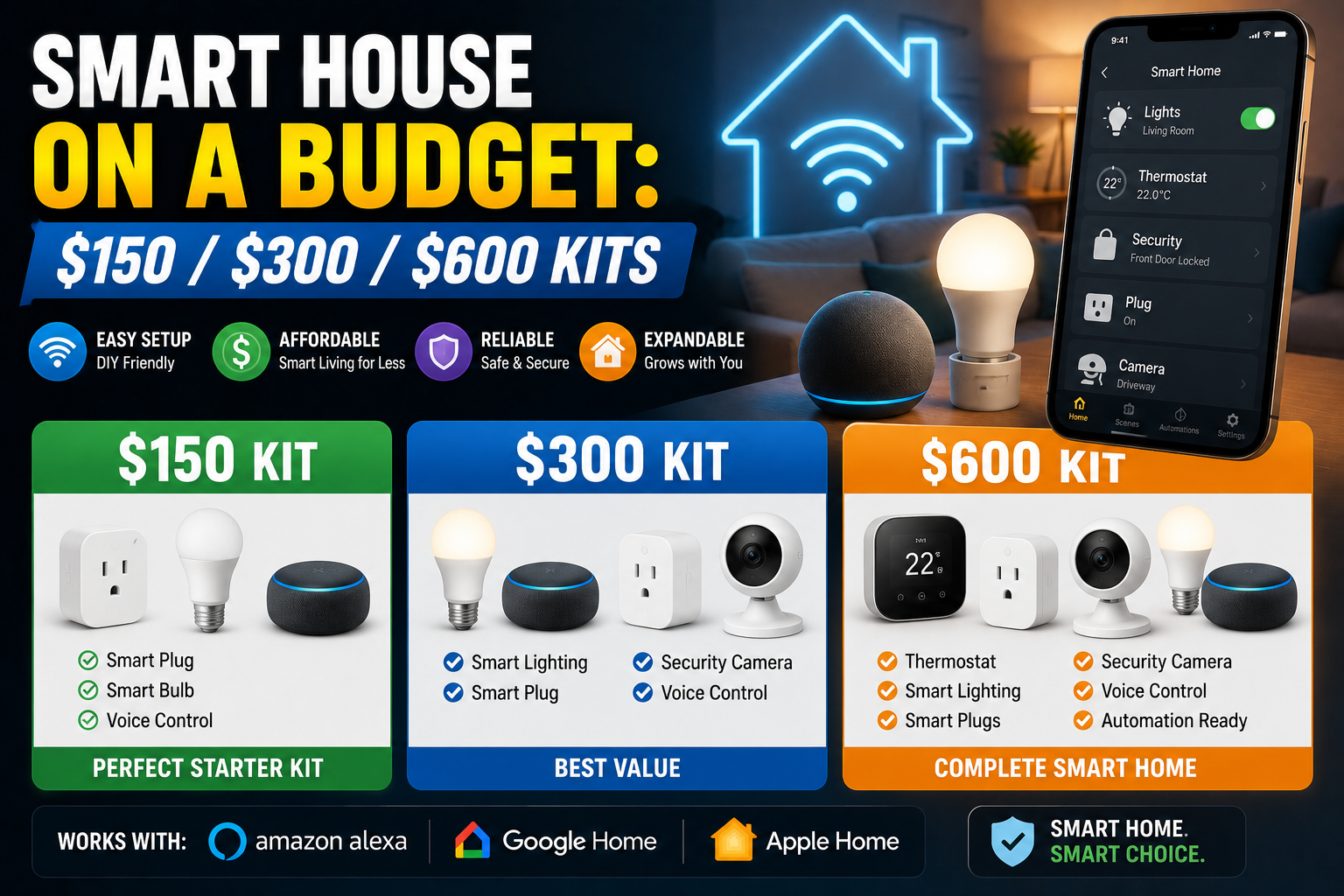
The point of this table isn’t the exact dollar figures — those shift with the market and with which specific devices someone chooses. The point is the pattern: the gap between the sticker price and the real first-year cost stays small right up until a camera, a doorbell, or a monitored security device enters the picture. That single category decision is what determines whether year one costs roughly what the box said, or noticeably more. For a full breakdown of what belongs in each of those starting tiers, the Smart House on a Budget: $150 / $300 / $600 Kits guide covers the device-by-device reasoning behind each level.
Keeping the real cost under control
A few habits make the biggest difference between a smart home that stays affordable and one that quietly becomes a monthly bill:
- Price the subscription before the device, not after. Look up the ongoing plan cost on the manufacturer’s own pricing page before adding anything to the cart, especially for cameras and doorbells.
- Default to local storage wherever it’s offered. It costs a little more upfront and saves considerably more over two or three years for anyone keeping cameras long-term.
- Check the battery percentage indicator before buying, not after installing. A device that only warns when it’s nearly dead isn’t giving enough lead time to plan a replacement.
- Favor brands with a public multi-year support record. A company’s track record on firmware updates for older products is a better predictor of long-term reliability than any single spec sheet.
- Treat the Matter logo as a hedge against the switch tax, not a guarantee that switching will be effortless — just that fewer devices will need to be thrown out when it happens.
The bottom line
A smart home’s real budget isn’t the number on the box; it’s that number plus everything the box doesn’t mention. Subscriptions, batteries, the software clock, and the eventual cost of switching brands are all part of the same decision as the purchase itself — they’re just spread out over time instead of charged at checkout. Planning for them upfront doesn’t mean spending more. In most cases it means spending the same amount more intentionally: paying slightly more for local storage instead of a monthly fee, choosing a battery-monitored lock over a silent one, and picking brands built to still be supported three years from now. That’s the difference between a system that keeps paying you back and one that quietly turns into a subscription you forgot you signed up for.
Sources
- Security.org — How Much Do Security Cameras Cost, on camera pricing and cloud storage subscription ranges: security.org/security-cameras/cost
- SecurityCompassHQ — Camera Subscription Burden Analysis, on per-brand subscription pricing and multi-year break-even comparisons between cloud and local storage: securitycompasshq.com
- No-Subscription Smart Home Guide, on average annual household subscription spend and recent subscription price increases across major camera and assistant brands.
- Connectivity Standards Alliance (CSA-IoT) — on the Matter interoperability standard referenced for cross-ecosystem compatibility.
Note: subscription and hardware prices mentioned are approximate ranges based on current market research and change frequently; confirm current pricing directly with each manufacturer before buying.