
- Understanding Standby Power
- Why Smart Homes Are Perfect for Energy Automation
- Start by Identifying Hidden Energy Consumers
- Smart Plugs: The Foundation of Standby Power Reduction
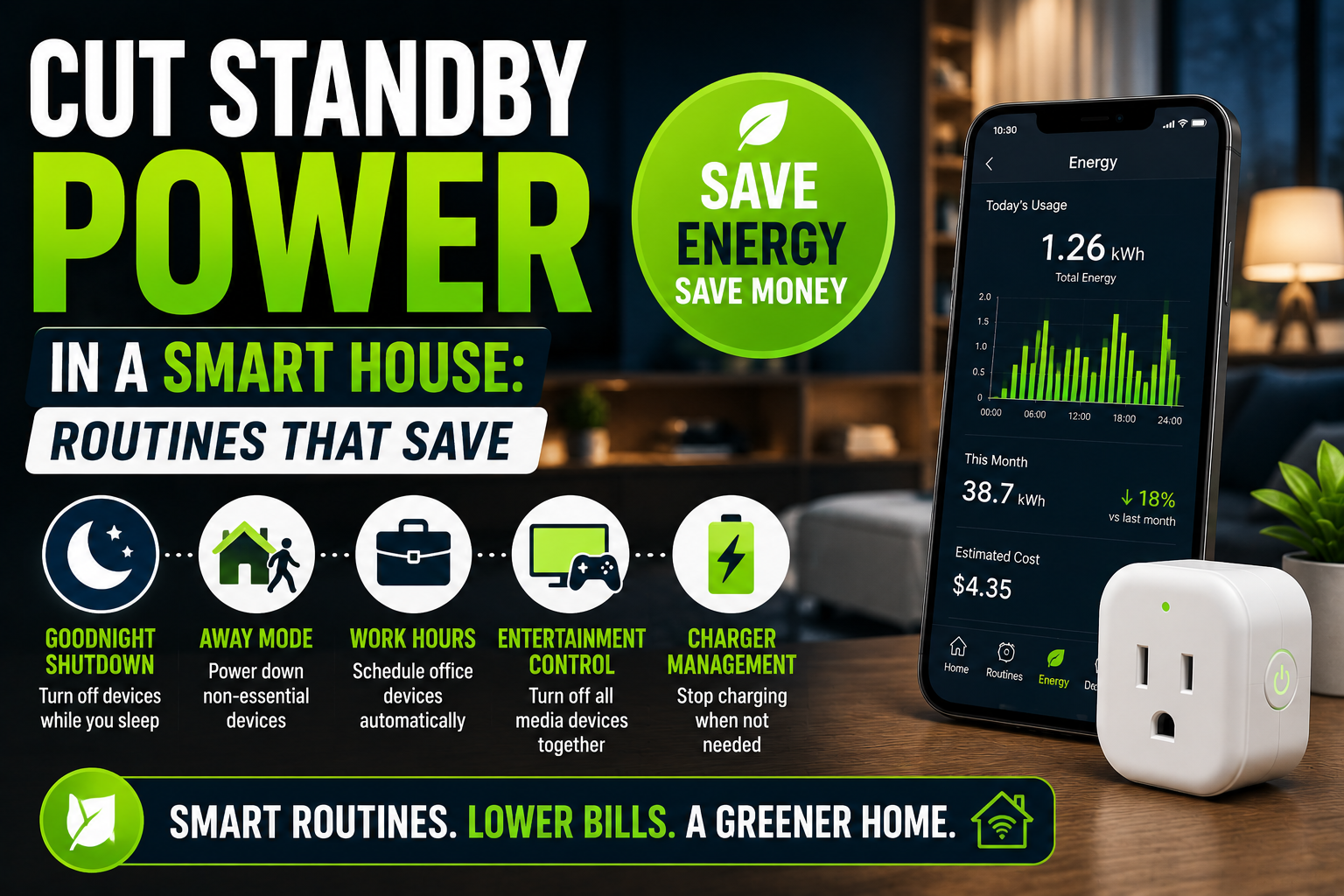
- Routine #1: The Goodnight Shutdown Routine
- Routine #2: Away Mode Automation
- Routine #3: Home Office Energy Scheduling
- Routine #4: Smart Entertainment Management
- Routine #5: Charger Management
- Occupancy-Based Energy Saving
- Using Energy Monitoring to Improve Results
- Devices That Should Usually Remain Powered
- Building an Energy-Conscious Smart Home
- The Future of Standby Power Reduction
- Conclusion
Most homeowners think about energy consumption in terms of heating, air conditioning, lighting, or large appliances. Yet one of the most persistent sources of wasted electricity often goes unnoticed. It’s the power consumed by devices that appear to be off but are actually waiting in standby mode.
In a modern smart home, standby power consumption can quietly accumulate day after day. Smart TVs, gaming consoles, routers, chargers, speakers, printers, coffee machines, and dozens of connected devices continue drawing electricity even when they are not actively being used. Individually, the cost may seem insignificant. Collectively, however, these devices can account for a surprisingly large portion of a household’s annual electricity consumption.
The good news is that smart home technology itself offers an effective solution. By creating intelligent routines and automation rules, homeowners can dramatically reduce standby power consumption without constantly unplugging devices or changing their daily habits.
This guide explores practical smart home routines that help eliminate energy waste, lower electricity bills, and create a more efficient connected home without compromising convenience.
Understanding Standby Power
Before discussing automation strategies, it’s important to understand what standby power actually is.
Standby power, sometimes called phantom load, vampire power, or idle consumption, refers to electricity used by devices when they are not actively performing their primary function.
Many electronic products remain partially active because they are designed to:
- Respond to remote controls
- Maintain internet connectivity
- Download updates
- Preserve settings
- Display clocks or indicators
- Remain ready for instant startup
While each device may only consume a small amount of power, the cumulative effect across an entire smart home can be significant.
Why Standby Power Matters
A single device drawing only a few watts may not seem important.
However, when dozens of devices operate continuously throughout the year, the numbers become more noticeable.
A typical smart home may include:
- Smart televisions
- Streaming devices
- Voice assistants
- Network equipment
- Security systems
- Smart lighting hubs
- Smart speakers
- Chargers
- Gaming consoles
Many of these devices consume electricity twenty-four hours a day.
The result is energy usage that provides little or no practical benefit most of the time.
Why Smart Homes Are Perfect for Energy Automation
Ironically, the same technology that increases the number of connected devices in a home can also be used to reduce their energy consumption.
Traditional households often require manual effort to cut standby power.
People must remember to unplug devices, switch off power strips, or physically disconnect equipment.
Smart homes eliminate much of this friction.
With automation, devices can respond automatically to schedules, occupancy, location, and household routines.
Instead of relying on memory and discipline, the system handles energy management in the background.
Start by Identifying Hidden Energy Consumers
The first step is understanding which devices consume standby power.
Many homeowners are surprised when they begin monitoring actual energy usage.
Entertainment Centers
Living room electronics are often among the largest contributors.
Common examples include:
- Smart TVs
- Streaming boxes
- Sound systems
- Game consoles
- Media servers
Although these devices may appear inactive, they frequently remain connected to the internet and continue drawing power.
Home Office Equipment
Remote work has increased energy consumption in many households.
Office devices commonly left in standby include:
- Desktop computers
- Monitors
- Printers
- Docking stations
- Speakers
These devices may sit unused overnight and throughout weekends.
Chargers and Accessories
Phone chargers, tablet chargers, and laptop power adapters often remain plugged in continuously.
While modern chargers are generally efficient, their combined energy usage can still contribute to unnecessary consumption.
Kitchen Appliances
Many modern kitchen devices include displays, clocks, and wireless connectivity.
Examples include:
- Coffee machines
- Microwaves
- Smart kitchen appliances
- Beverage coolers
These devices frequently consume power even when idle.
Smart Plugs: The Foundation of Standby Power Reduction
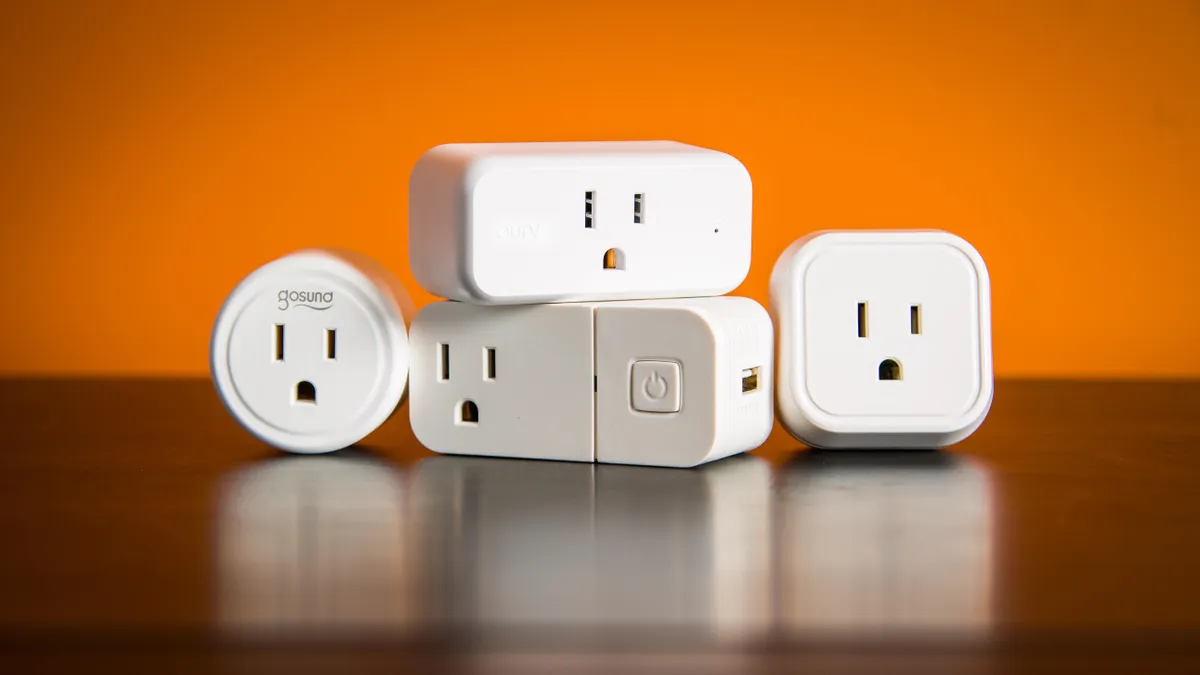
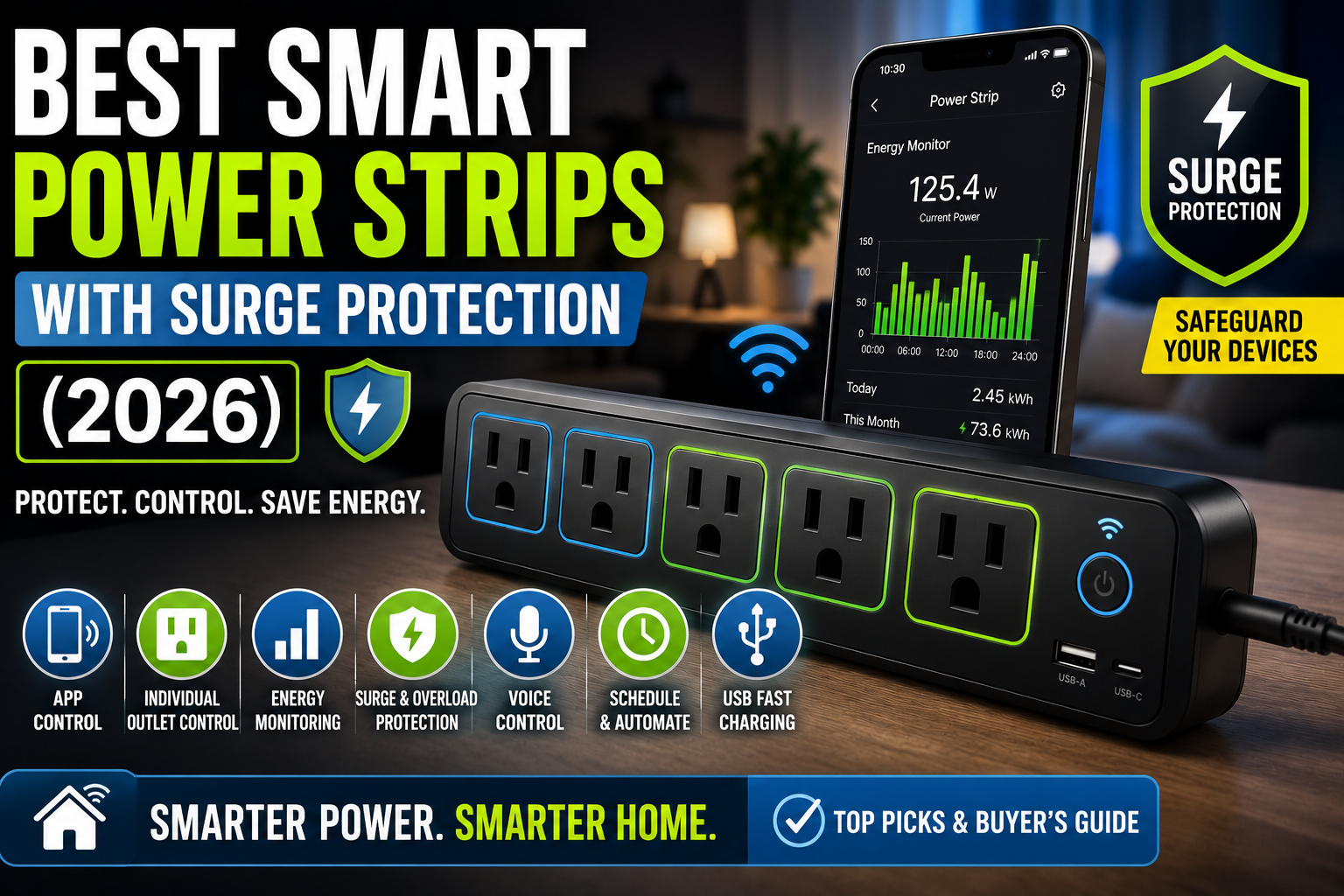
One of the simplest tools for eliminating phantom loads is the smart plug.
Smart plugs allow users to control power remotely and automate when devices receive electricity.
Rather than unplugging equipment manually, homeowners can create schedules and routines that disconnect power automatically.
Why Smart Plugs Work So Well
Unlike software-based power-saving modes, smart plugs physically cut electricity to connected devices.
This eliminates standby consumption entirely.
They also provide flexibility because users can restore power instantly through:
- Mobile apps
- Voice commands
- Automated routines
For many households, smart plugs offer the fastest path toward measurable energy savings.
Routine #1: The Goodnight Shutdown Routine
One of the most effective automations is a nightly shutdown routine.
Many devices remain powered long after everyone has gone to sleep.
A goodnight routine can automatically switch off:
- Entertainment systems
- Decorative lighting
- Chargers
- Office equipment
- Non-essential smart devices
Real-World Example
A family creates a routine that activates at 11:30 PM.
The automation powers down:
- Television
- Soundbar
- Gaming console
- Desk monitors
- Guest room chargers
Only critical devices such as routers and security systems remain active.
The family enjoys the same convenience while reducing overnight electricity consumption every day.
Routine #2: Away Mode Automation
Homes often contain devices that continue operating even when nobody is present.
Geofencing technology allows smart homes to detect when occupants leave.
Once everyone departs, an automated routine can:
- Turn off smart plugs
- Disable entertainment systems
- Shut down office equipment
- Reduce lighting consumption
Why It Works
Many standby devices consume energy regardless of occupancy.
Away Mode ensures power is only available when needed.
This approach is particularly effective for people who spend most of the day outside the home.
Routine #3: Home Office Energy Scheduling
Home offices represent a growing source of residential energy consumption.
Many work-related devices remain powered overnight despite being used only during business hours.
A simple schedule can automatically:
- Power monitors at 8 AM
- Activate desk lamps
- Enable charging stations
Then reverse the process after working hours.
Practical Benefits
The routine not only saves energy but also creates a more organized workspace.
Employees arrive to a ready-to-use office without manually switching devices on and off.
Routine #4: Smart Entertainment Management
Entertainment systems are notorious for phantom energy use.
A smart home can automate them intelligently.
For example:
When the television turns off, automation can:
- Shut down the soundbar
- Turn off gaming consoles
- Disable streaming devices
- Power down decorative lighting
This creates a chain reaction that prevents multiple devices from remaining active unnecessarily.
A More Natural User Experience
Instead of controlling every device separately, homeowners simply turn off the TV and let automation handle the rest.
The process feels seamless while reducing energy waste.
Routine #5: Charger Management
Charging devices are often forgotten once batteries reach full capacity.
Although modern chargers are safer and more efficient than older models, they can still consume electricity when left connected continuously.
Smart plugs allow charging schedules such as:
- Overnight phone charging
- Morning tablet charging
- Limited laptop charging windows
Additional Benefits
Besides reducing energy use, controlled charging schedules may help reduce unnecessary battery stress on certain devices.
Occupancy-Based Energy Saving
Smart sensors can make energy management even more intelligent.
Motion sensors and occupancy detectors allow devices to respond dynamically to actual room usage.
Living Room Example
If no movement is detected for thirty minutes:
- Lamps switch off.
- Entertainment devices enter low-power mode.
- Smart plugs disable non-essential equipment.
When someone returns, selected devices can automatically reactivate.
This balance of comfort and efficiency is one of the biggest advantages of smart home automation.
Using Energy Monitoring to Improve Results
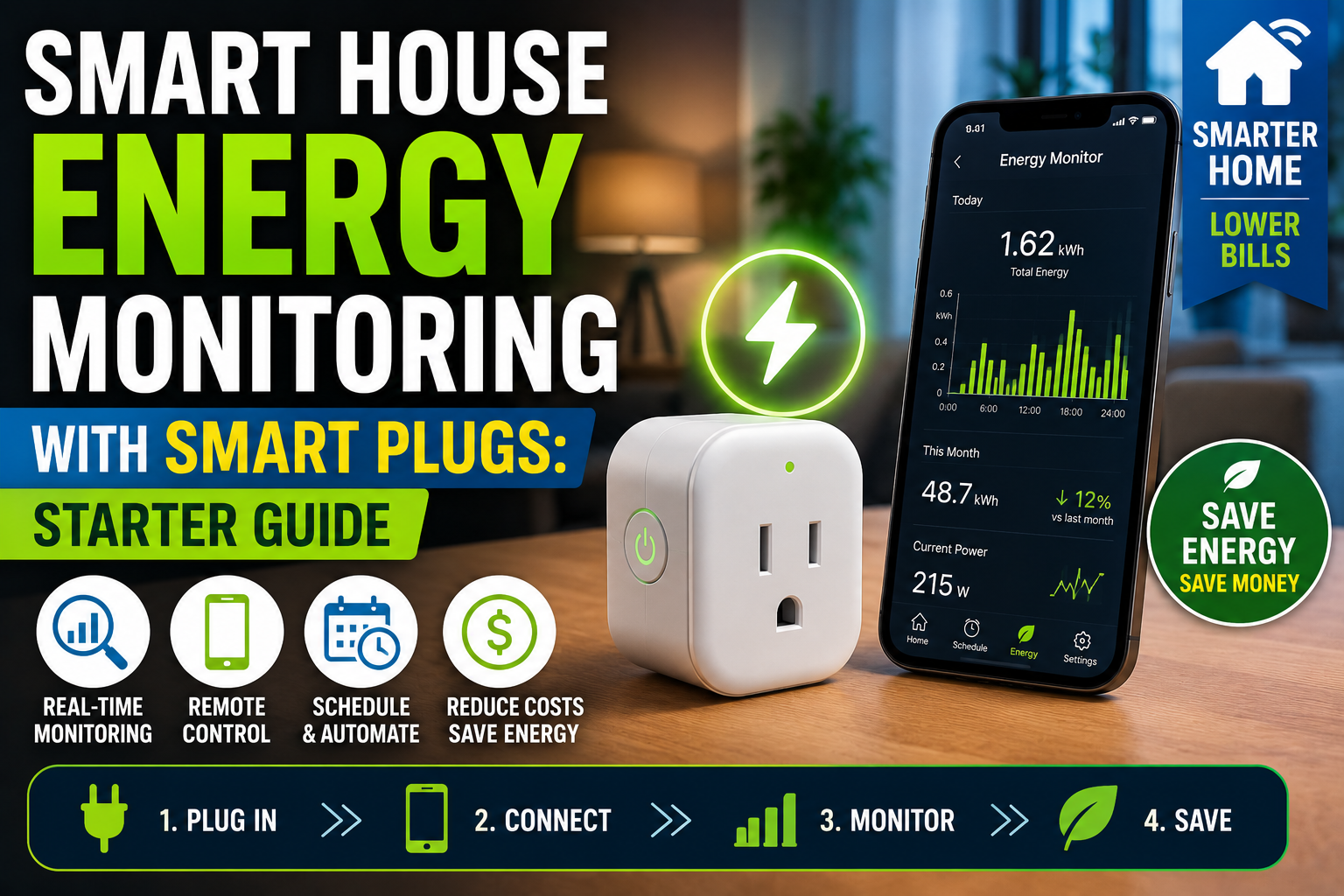
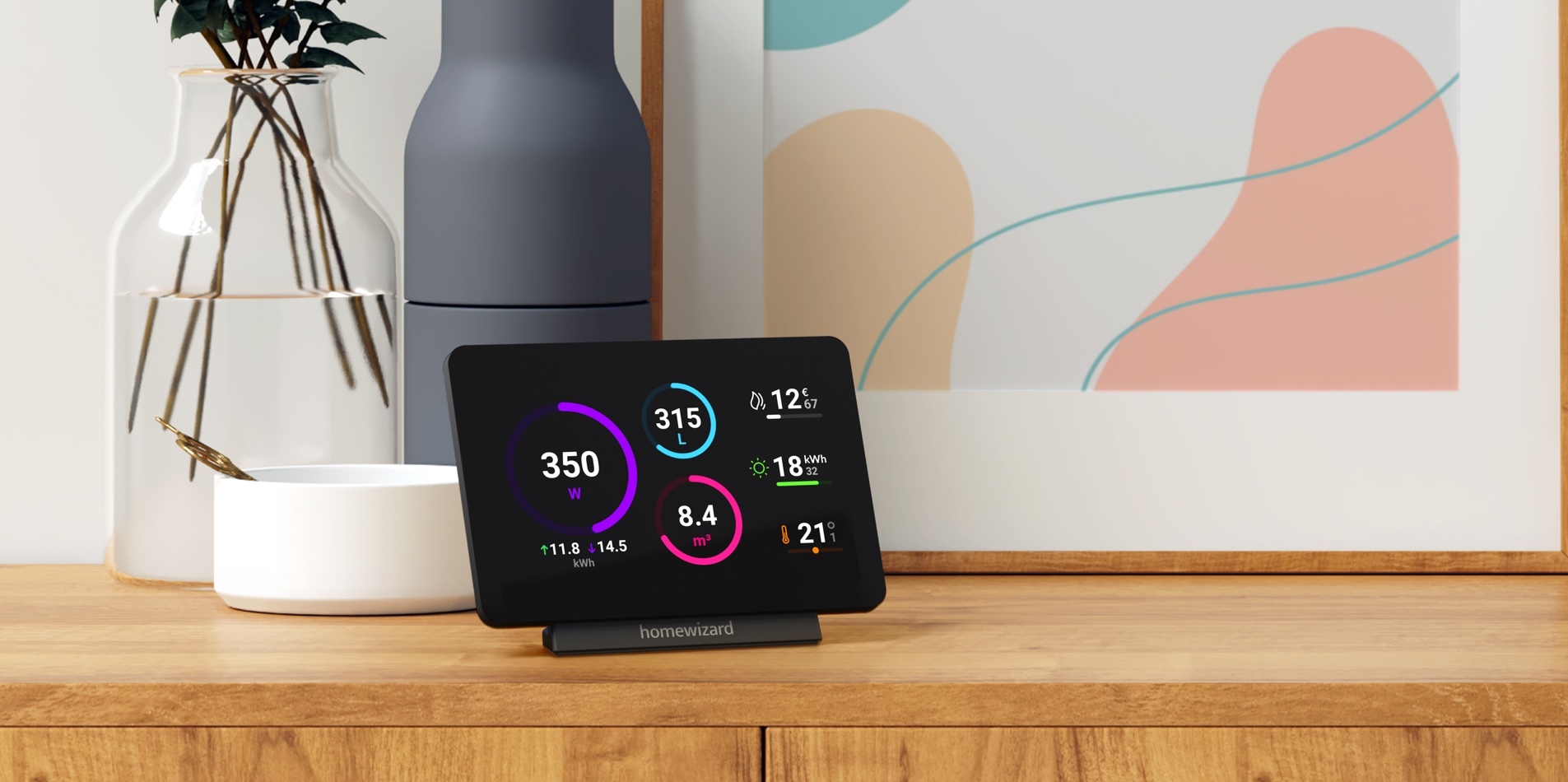
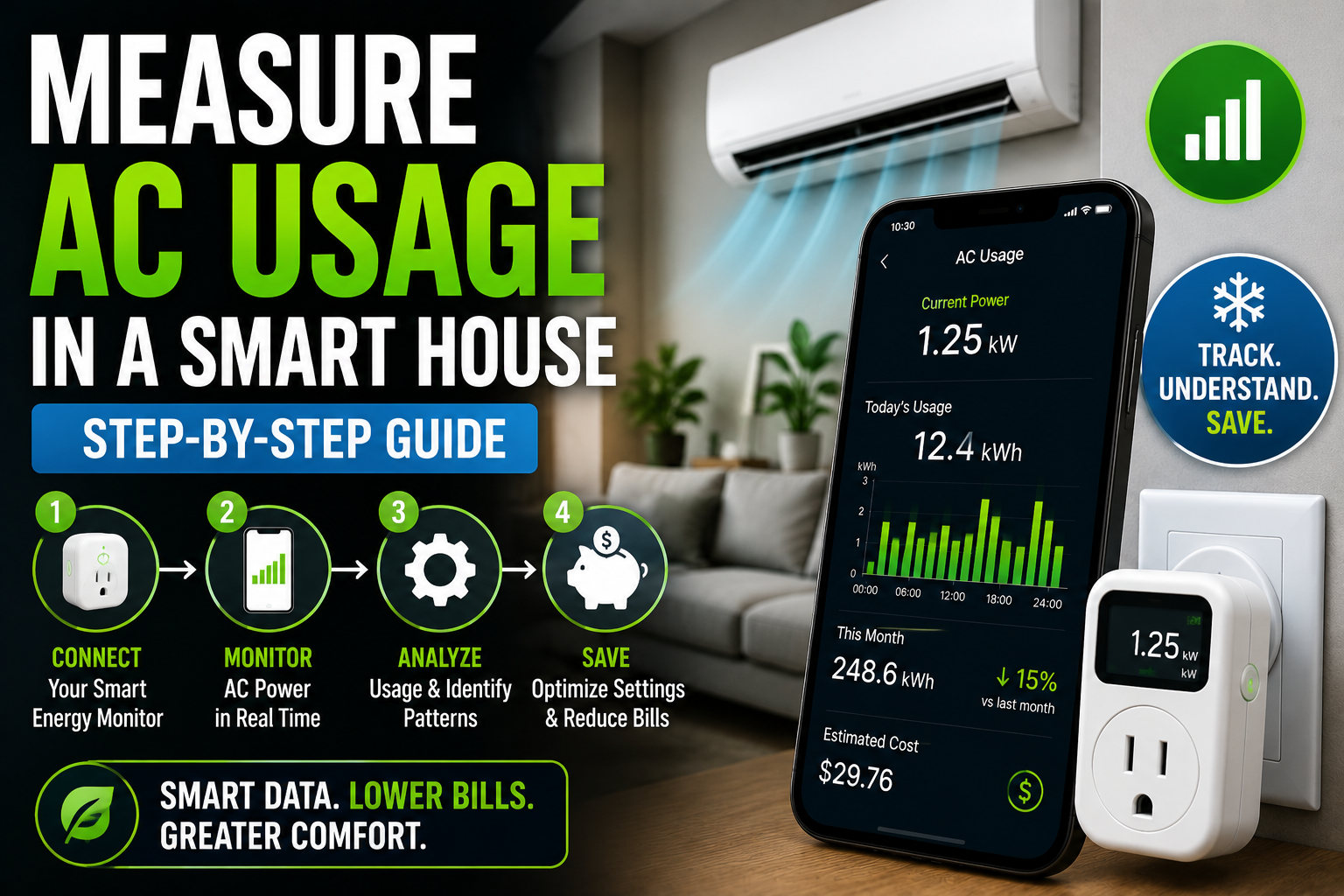
Many smart plugs now include energy monitoring features.
These tools reveal how much electricity individual devices consume.
The data often leads to surprising discoveries.
Finding Hidden Energy Drains
Homeowners frequently discover unexpected consumers such as:
- Old printers
- Gaming systems
- Cable boxes
- Secondary refrigerators
- Network hardware
Energy reports help prioritize which devices should be automated first.
Making Data-Driven Decisions
Instead of guessing where energy is being wasted, homeowners can focus on measurable improvements.
This makes automation efforts more effective and rewarding.
Devices That Should Usually Remain Powered
Not every device should be disconnected regularly.
Some smart home equipment performs important functions continuously.
Examples include:
- Routers
- Modems
- Security systems
- Smart home hubs
- Smoke detectors
- Medical equipment
These devices often require constant operation to maintain functionality and reliability.
The goal is not to shut everything down, but rather to eliminate unnecessary consumption.
Building an Energy-Conscious Smart Home
The most successful smart homes combine convenience with efficiency.
Energy-saving routines work best when they become invisible.
Homeowners should avoid creating automations that feel inconvenient or disruptive.
A practical approach is to focus on gradual improvements.
Start Small
Begin with:
- One entertainment center
- One home office
- A few chargers
Once the benefits become apparent, expand automation throughout the home.
Review and Refine
Smart home routines should evolve over time.
Monitoring energy usage helps identify new opportunities for optimization.
Small adjustments often produce meaningful long-term results.
The Future of Standby Power Reduction
As smart homes become more advanced, energy-saving capabilities are becoming increasingly intelligent.
Emerging technologies include:
- AI-powered energy optimization
- Predictive occupancy detection
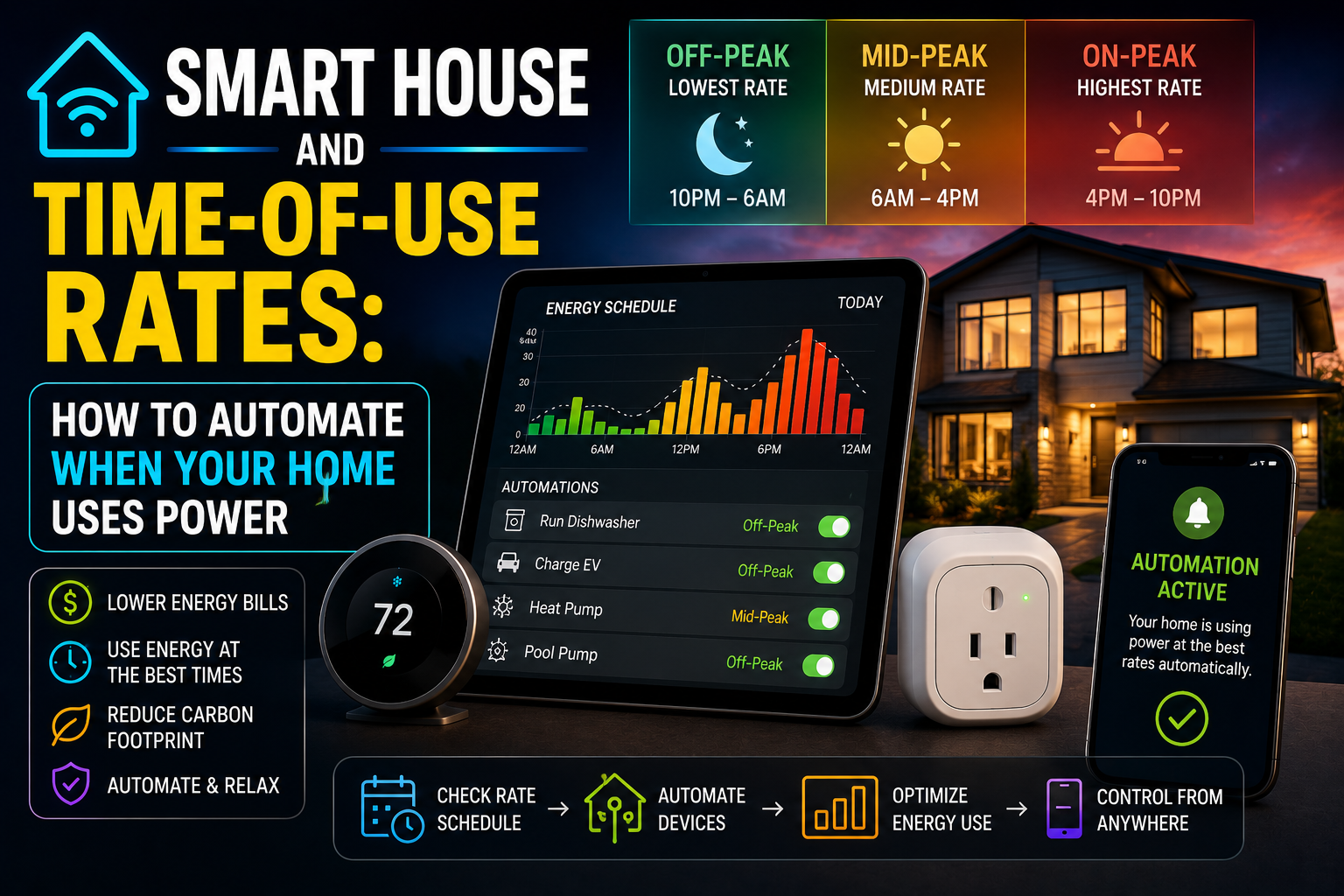
- Dynamic electricity pricing integration
- Device-level consumption forecasting
- Automated load balancing
Future smart homes will likely manage standby power automatically with minimal user involvement.
Rather than requiring homeowners to configure every rule manually, systems will learn behavior patterns and optimize energy consumption in real time.
Conclusion
Standby power may seem insignificant on a device-by-device basis, but across an entire smart home, it can become a meaningful source of wasted electricity. Fortunately, modern smart home technology offers powerful tools to address the problem without sacrificing comfort or convenience.
Through smart plugs, scheduling, occupancy detection, geofencing, energy monitoring, and intelligent automation routines, homeowners can dramatically reduce phantom energy consumption while maintaining the seamless experience that makes smart homes so appealing.
The most effective strategy is not to turn every device off manually, but to create smart routines that work quietly in the background. By making a few thoughtful adjustments today, homeowners can enjoy lower energy bills, improved efficiency, and a smarter approach to household energy management for years to come.