
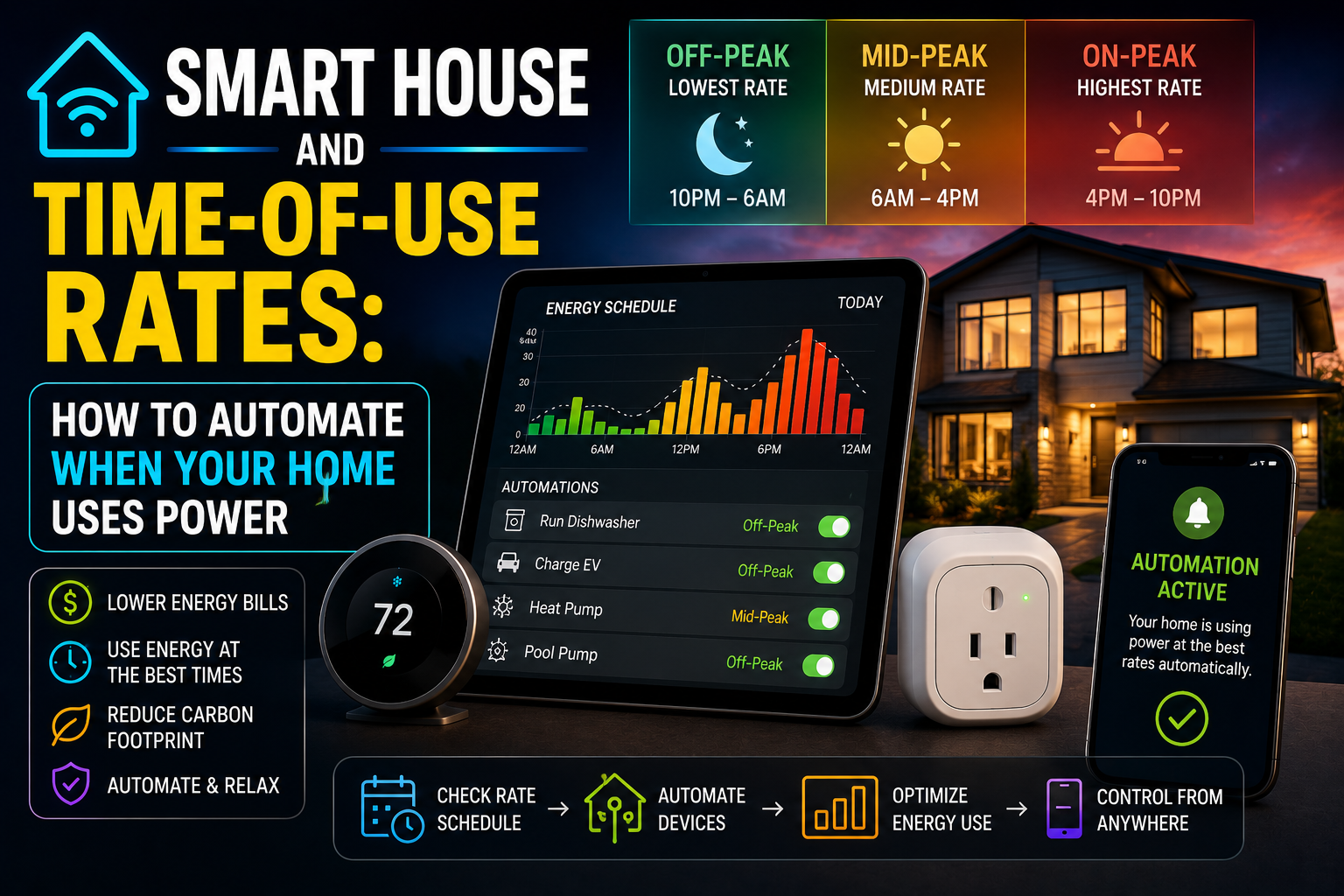
Most conversations about smart home energy savings focus on how much power individual devices consume. Monitor the smart plug, see the wattage, feel vaguely guilty about the gaming setup, maybe turn off the TV at the wall. It’s a useful starting point, but it misses something more fundamental: in most electricity markets, when you use power matters as much as how much you use. Sometimes it matters more.
Time-of-use electricity rates — pricing structures where the cost per kilowatt-hour changes depending on the time of day, day of week, or season — have moved from a niche billing option to something approaching the default in many European countries and a growing number of US utility territories. In Spain, the PVPC tariff has had mandatory hourly pricing since 2021. In the UK, Economy 7 and more recently Octopus Agile offer off-peak rates that can be a third of peak prices. In California, PG&E’s time-of-use plans are now the standard offering for most residential customers.
The opportunity here is significant. A household that shifts 30–40% of its flexible electricity consumption to off-peak hours — without changing its total consumption at all — can meaningfully reduce its electricity bill. A smart home is the infrastructure that makes this shift happen automatically, without requiring anyone to remember to run the dishwasher at 11pm or set the washing machine before going to bed. This article is about exactly that: identifying which loads are flexible, understanding how to schedule them intelligently, and building automations that do the work invisibly.
Understanding Time-of-Use Pricing Before You Automate Anything
The specific structure of time-of-use rates varies by utility and country, but the underlying logic is consistent. Electricity demand peaks at predictable times — typically weekday mornings as people wake up, and early evenings as people return home and cook dinner. During these peaks, the grid is under the most strain, generation is most expensive, and utilities pass some of that cost to consumers through higher per-unit prices. During off-peak hours — overnight, midday on weekdays, most of the weekend in many plans — prices drop, sometimes dramatically.
In Spain’s hourly market, the difference between the most expensive and least expensive hours on a given day can be a factor of five or more. On a day when peak hours cost €0.25 per kWh, the cheapest overnight hours might clear at €0.05. Running a washing machine (typically 1–2 kWh per cycle) during the expensive window rather than the cheap one costs the equivalent of several cycles at off-peak rates.
Before setting up any automations, it’s worth spending fifteen minutes understanding the specific structure of your plan. The key questions: What are your defined peak and off-peak windows? Does the structure change on weekends? Is there a mid-peak tier? Does the plan have dynamic hourly pricing (where rates change every hour based on market conditions) or fixed time blocks? The answers determine which automations make sense and how granular your scheduling needs to be.
For dynamic hourly pricing — common in Spain, increasingly available through providers like Octopus Energy in the UK and Ireland — the ideal approach is integrating real-time price data into your home automation rather than relying on fixed schedules. Home Assistant has mature integrations for this: the HACS (Home Assistant Community Store) includes add-ons like Nordpool and ENTSO-E that pull live electricity prices and make them available as sensors, which can then be used as conditions in automations.
The Flexible Loads: What Can Actually Be Shifted
Not all electricity consumption is equally shiftable. Some loads need to run when you need them — the lights when you’re awake, the refrigerator continuously, the phone charger when you get home. Others have natural flexibility: they need to complete a cycle sometime within a window, but the exact timing doesn’t matter to the person using them.
The washing machine is the canonical example. You need clean clothes by tomorrow morning. Whether the machine runs at 7pm or at 1am is irrelevant to you personally, but the price difference between those two options can be significant. The same logic applies to the dishwasher, the tumble dryer, the robot vacuum, EV charging, and — with a bit more nuance — heating and cooling systems.
The dishwasher is probably the easiest load to shift because modern dishwashers almost universally include a delay start feature. You load it in the evening, set the delay for two or three hours, and it runs after you’ve gone to bed during whatever off-peak window your plan offers. No smart home integration required, though integrating it with a smart plug adds monitoring capability and the option to trigger it via automation rather than the built-in timer.
Washing machines are similar, though not all models include delay start. For those that don’t, a smart plug with scheduling can serve as a workaround — though this only works safely with machines that resume automatically when power is restored, which most modern front-loaders do. Worth verifying before relying on it.
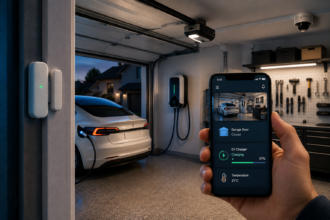
EV charging is where time-of-use optimization delivers its most dramatic returns, simply because the loads involved are so large. A typical EV charging session might draw 7–11kW for three to five hours. Running that session during peak hours versus overnight off-peak hours can represent a price difference of several euros or dollars per session — which compounds to meaningful annual savings for anyone who charges regularly at home. Most modern EV chargers (Wallbox, Easee, Zappi) include scheduling features in their companion apps, and the Zappi in particular has sophisticated integration with solar generation data if that’s relevant to your setup.
Heating and cooling systems are a more nuanced case. You can’t simply run the heat pump or air conditioner at 2am and expect the benefit to last through the morning — thermal mass in buildings isn’t infinite. But you can pre-heat or pre-cool. A home with a smart thermostat can be instructed to reach its target temperature by 7am using off-peak electricity, and then maintain that temperature through the morning peak period using the stored thermal energy in the building. The home’s thermal inertia — how well insulated it is, how quickly heat dissipates — determines how effective this strategy is in practice, but in well-insulated homes it can reduce peak-period HVAC consumption substantially.
Setting Up the Automations: Platform by Platform
The specific implementation depends on what smart home platform you’re using and how sophisticated your time-of-use plan is.
For fixed time-block plans — where off-peak hours are the same every day, or follow a predictable weekday/weekend pattern — scheduling in almost any platform is straightforward. Alexa Routines, Google Home automations, and Apple HomeKit all support time-based scheduling with day-of-week conditions. You can set a smart plug connected to the washing machine to activate at 11pm on weekdays and 10pm on weekends, and that schedule will run indefinitely without further attention. This is the simplest implementation and covers the majority of time-of-use plans in the US and the UK.
For dynamic hourly pricing — where the cheapest hours vary each day based on market conditions — a simple fixed schedule isn’t sufficient. You need automations that respond to actual price data. Home Assistant is the platform where this is most effectively implemented, because it supports external data sources as automation triggers. The workflow looks like this: a price integration (Nordpool for Nordic countries, PVPC for Spain, Agile for Octopus UK customers) pulls tomorrow’s hourly prices and makes them available as sensors. An automation then evaluates which hours fall below a configurable price threshold and schedules flexible loads to run during those windows.
This sounds more complex than it is to set up in practice. The Home Assistant community has developed Blueprint automations — shareable, pre-built automation templates — that handle this logic for common scenarios like EV charging and appliance scheduling. Installing a Blueprint and configuring it for your specific devices and price threshold takes roughly thirty minutes for someone reasonably comfortable with Home Assistant. The result is a system that recalculates the optimal schedule every evening based on the following day’s prices and adjusts device scheduling accordingly.
For users not on Home Assistant, some EV charger manufacturers have started building this capability directly into their apps. Ohme and Indra in the UK offer smart charging that integrates with Octopus Agile pricing directly, requiring no third-party platform. This narrower integration covers EV charging specifically but doesn’t extend to other household loads.
Monitoring the Results: Closing the Loop
Setting up time-of-use automations and then never checking whether they’re working is a common gap. The automations might be running correctly, or a firmware update might have broken a device integration, or your utility might have changed the peak windows without prominent notification.
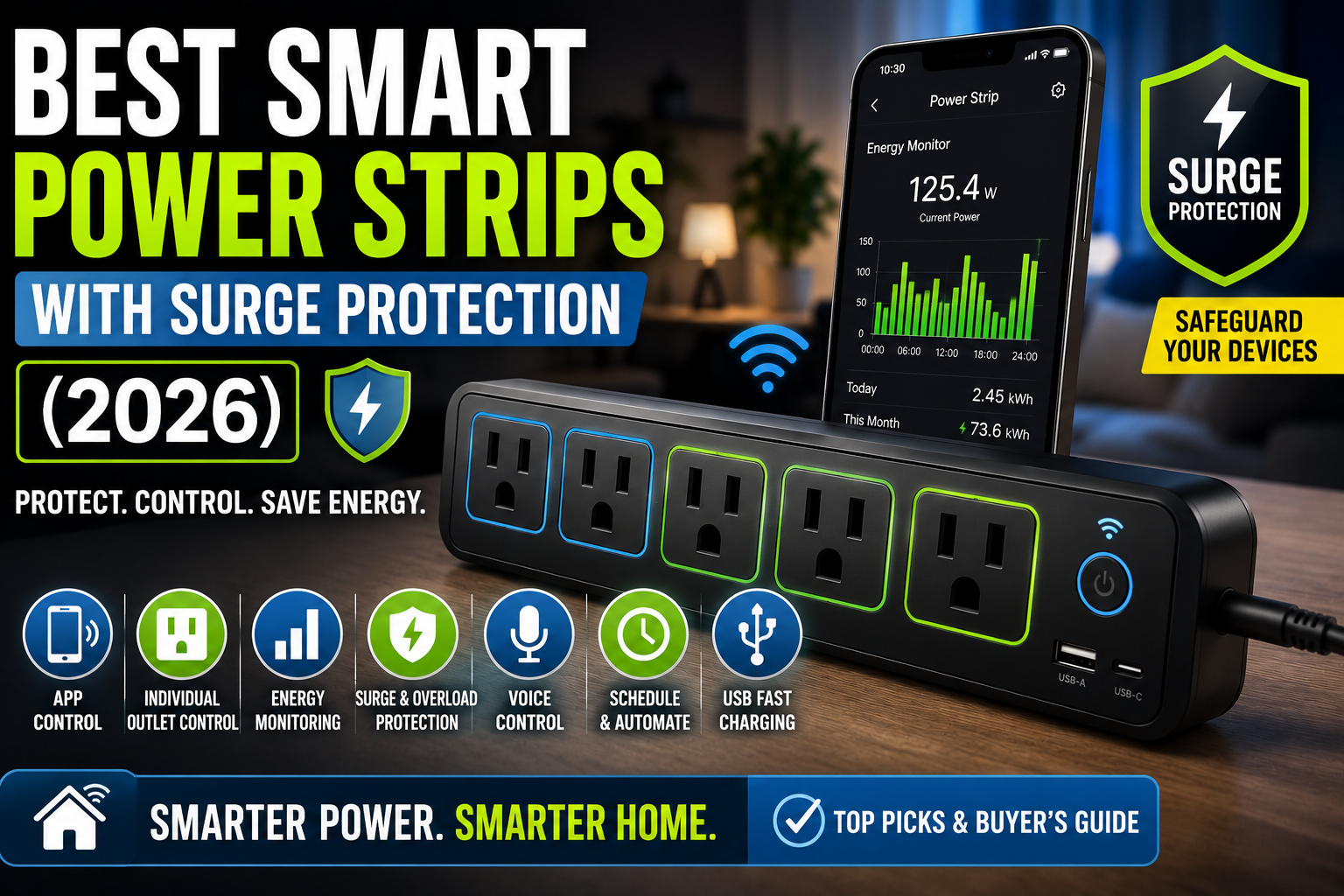
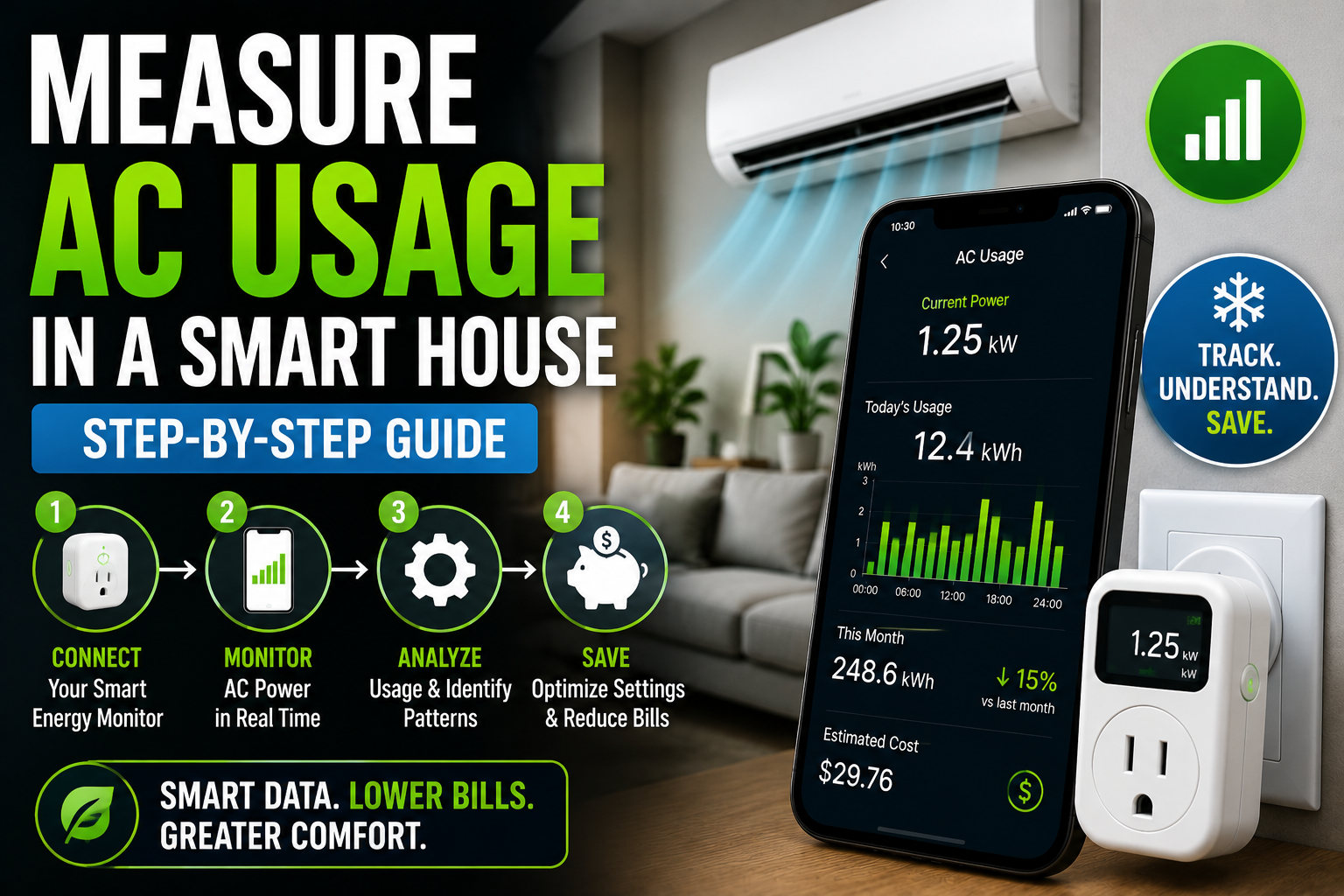
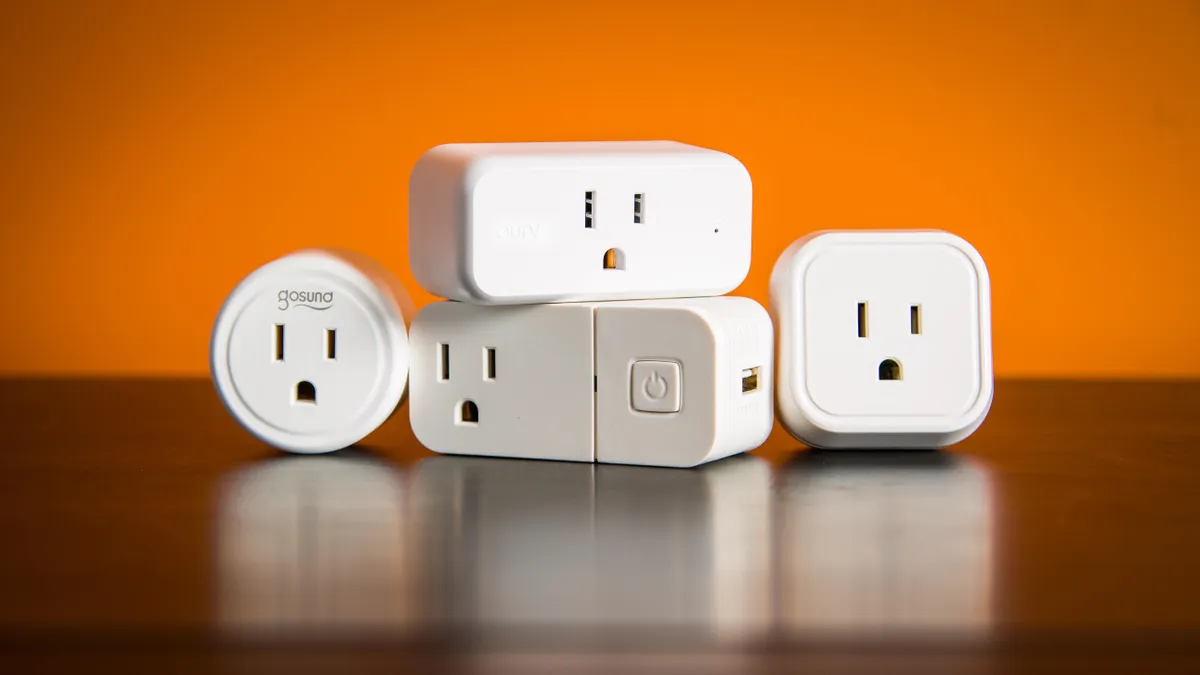
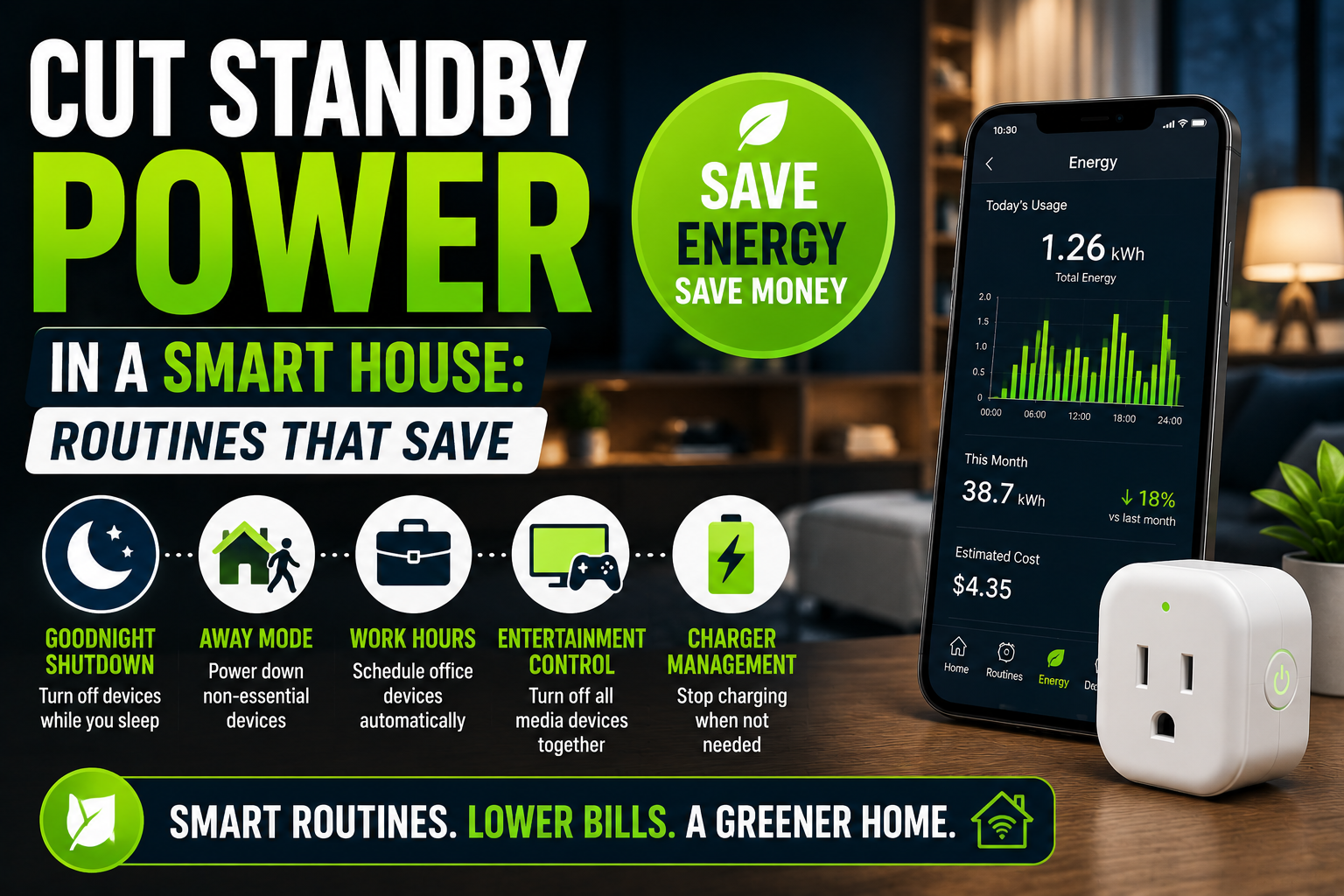
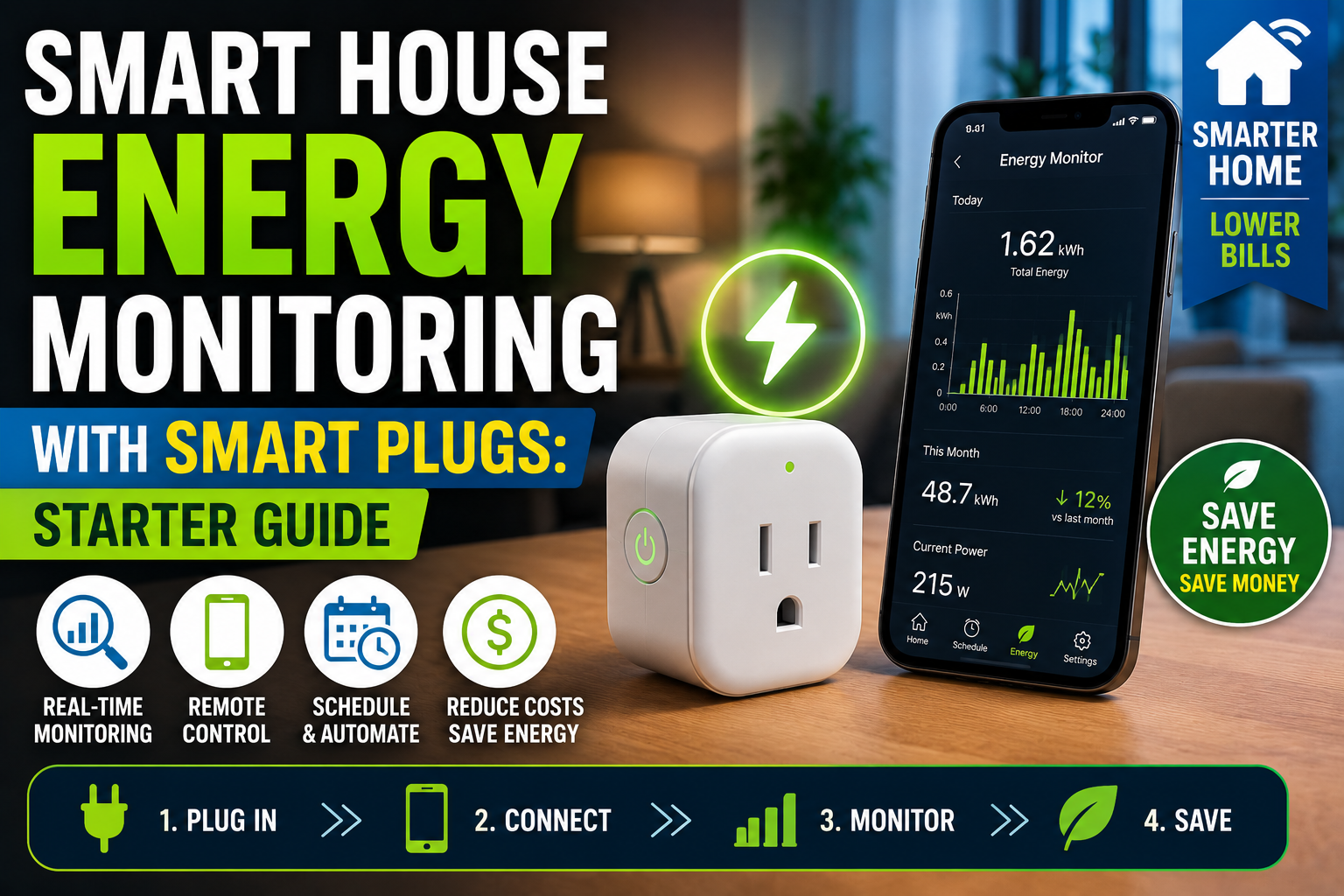
Smart plugs with energy monitoring — the TP-Link Kasa EP25, the Shelly Plus Plug S, or the Nous A1T for European sockets — serve two purposes here. They enable the scheduling and remote control of connected appliances, and they log consumption data that lets you verify that loads are actually shifting to the intended windows. A week of data showing that the washing machine’s kWh consumption is concentrated between midnight and 6am is confirmation that the automation is working. The same data showing consumption clustered around 7pm suggests something isn’t firing correctly.
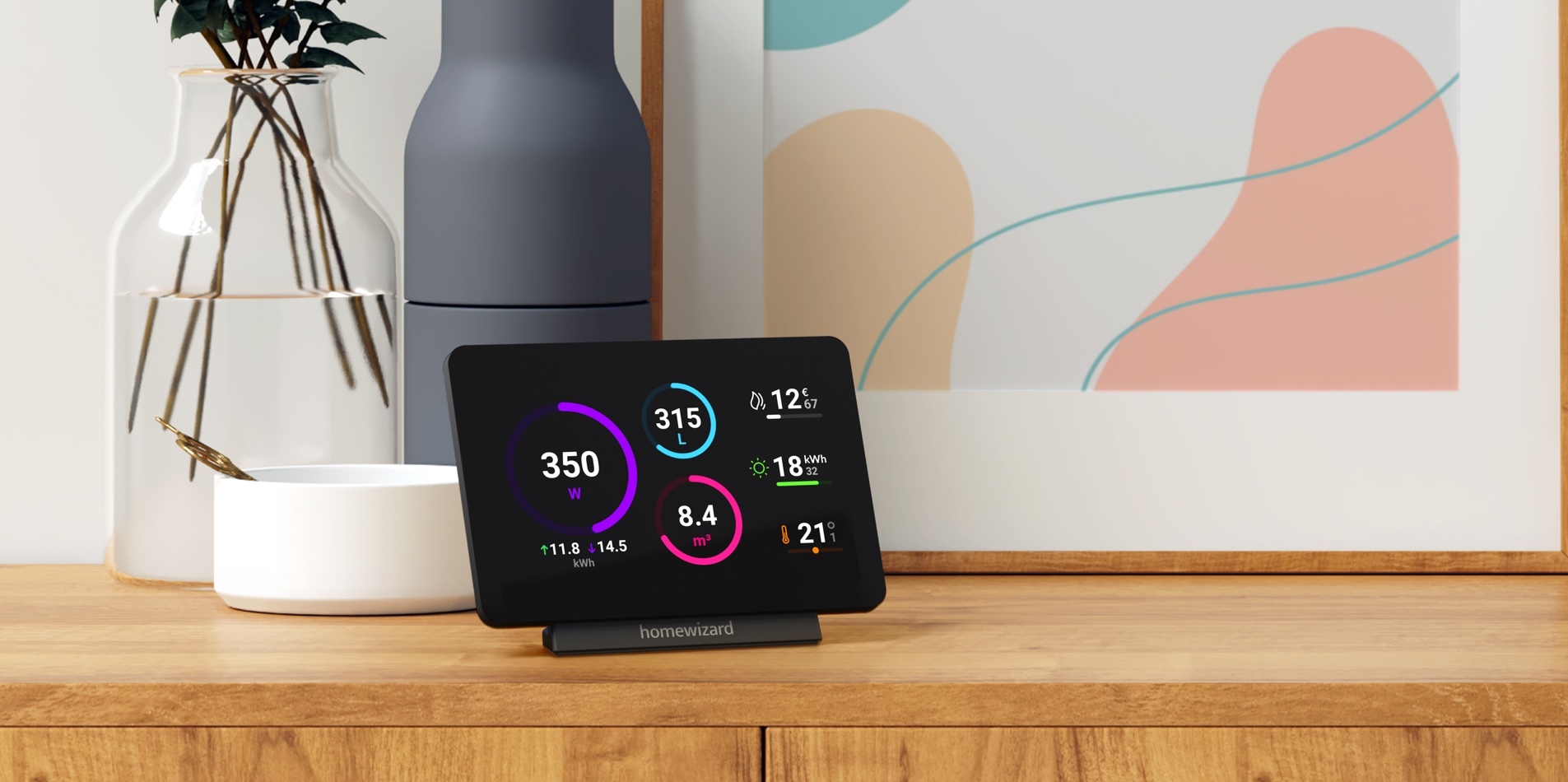
Home Assistant’s Energy Dashboard provides the most comprehensive view of this across the whole home, especially if you have a whole-home energy monitor (Emporia Vue, Shelly EM, or a P1 reader if your smart meter supports it) feeding real consumption data into the system. The dashboard can break down consumption by hour of day, making it straightforward to see whether your consumption profile has shifted toward cheaper periods over time.
The honest expectation for most households implementing basic time-of-use scheduling is a reduction in electricity spend of 10–20% without any change in comfort or behavior. For households with EVs or high heating and cooling loads, the potential is higher. These aren’t dramatic numbers in terms of percentage, but they compound over twelve months and represent savings that require no ongoing effort once the initial setup is done.
A Practical Starting Point
If you’re new to time-of-use optimization and want to start without committing to a full automation build, the shortest path to meaningful savings is this: identify the two or three highest-consumption flexible appliances in your home (almost certainly the washing machine, dishwasher, and either a dryer or EV charger), check what off-peak hours your plan offers, and configure delay start on those appliances for overnight operation. No smart home integration required, no new hardware, no platform setup.
Once that habit is established and you’ve had a billing cycle to see the effect, the next step is adding smart plugs with energy monitoring to those appliances and integrating them with your existing smart home ecosystem for scheduling, monitoring, and eventual automation. The progression from manual off-peak habit to fully automated time-of-use optimization can happen incrementally, and each stage delivers value independent of the next.
Conclusion
Time-of-use electricity rates are the economic context that makes smart home energy management genuinely worth the investment — not just in terms of environmental impact, but in terms of household finances. The automation infrastructure that smart homes provide is unusually well suited to this problem: flexible loads that need to complete within a window rather than at a specific moment are exactly what scheduled automations handle best.
The gap between paying full peak rates for every load and running your flexible consumption predominantly off-peak is mostly a matter of awareness and initial setup. Once the scheduling is in place — whether through appliance delay start, smart plug scheduling, or dynamic price-based automations in Home Assistant — the savings happen automatically, month after month, without anyone in the household having to think about it. That’s the promise of smart home energy management done right: not monitoring consumption obsessively, but shifting it intelligently, and then forgetting about it.