
A video doorbell tells you who’s at the door. Entry sensors tell you when a door opens. A smart lock is the device that actually decides who gets through it — and it’s the one purchase in this category people put off the longest, usually because it touches the one thing in the house they’re most nervous about getting wrong.
- What a Smart Lock Actually Does
- Retrofit vs Full Replacement: The Real Difference
- Access Methods, Ranked by Reliability
- The Renter’s Checklist Before Buying
- Auto-Lock and Battery Reliability: What Actually Breaks
- How a Smart Lock Fits Your Wider Security Setup
- Common Smart Lock Mistakes
- A Sensible Buying Order
- The Bottom Line
- Frequently Asked Questions
That hesitation is fair. A lock failure isn’t a minor inconvenience like a laggy camera feed; it’s either you locked out on your own porch or, worse, a door that didn’t lock when it should have. But the category has matured a lot, and a good chunk of the anxiety around smart locks is left over from early, clunky versions rather than how the current generation actually performs.
This guide breaks down what a smart lock actually replaces, the difference between retrofit and full-replacement options, what renters specifically need to check before buying, and where a lock fits into the rest of your security setup.
What a Smart Lock Actually Does
Strip away the app and the notifications, and a smart lock solves three specific problems that a regular deadbolt can’t: it lets you unlock the door without a physical key, it lets you grant temporary access to someone without handing over a copy of your key, and it tells you whether the door is actually locked when you’re already halfway to work wondering.
That third one matters more than people expect. The single most common reason people buy a smart lock isn’t convenience, it’s the ability to check lock status remotely and lock up from an app when they’re not sure they remembered to. It solves a genuinely common source of low-grade anxiety, not just a party trick.
What it doesn’t do is replace good judgment about who gets access, or make a fundamentally weak door frame secure. A smart lock is only as strong as the door and frame it’s mounted to, which is worth remembering before you assume the lock itself is your main security upgrade.
Retrofit vs Full Replacement: The Real Difference
This is the split that matters most for anyone renting, and it’s the one most buying guides gloss over.
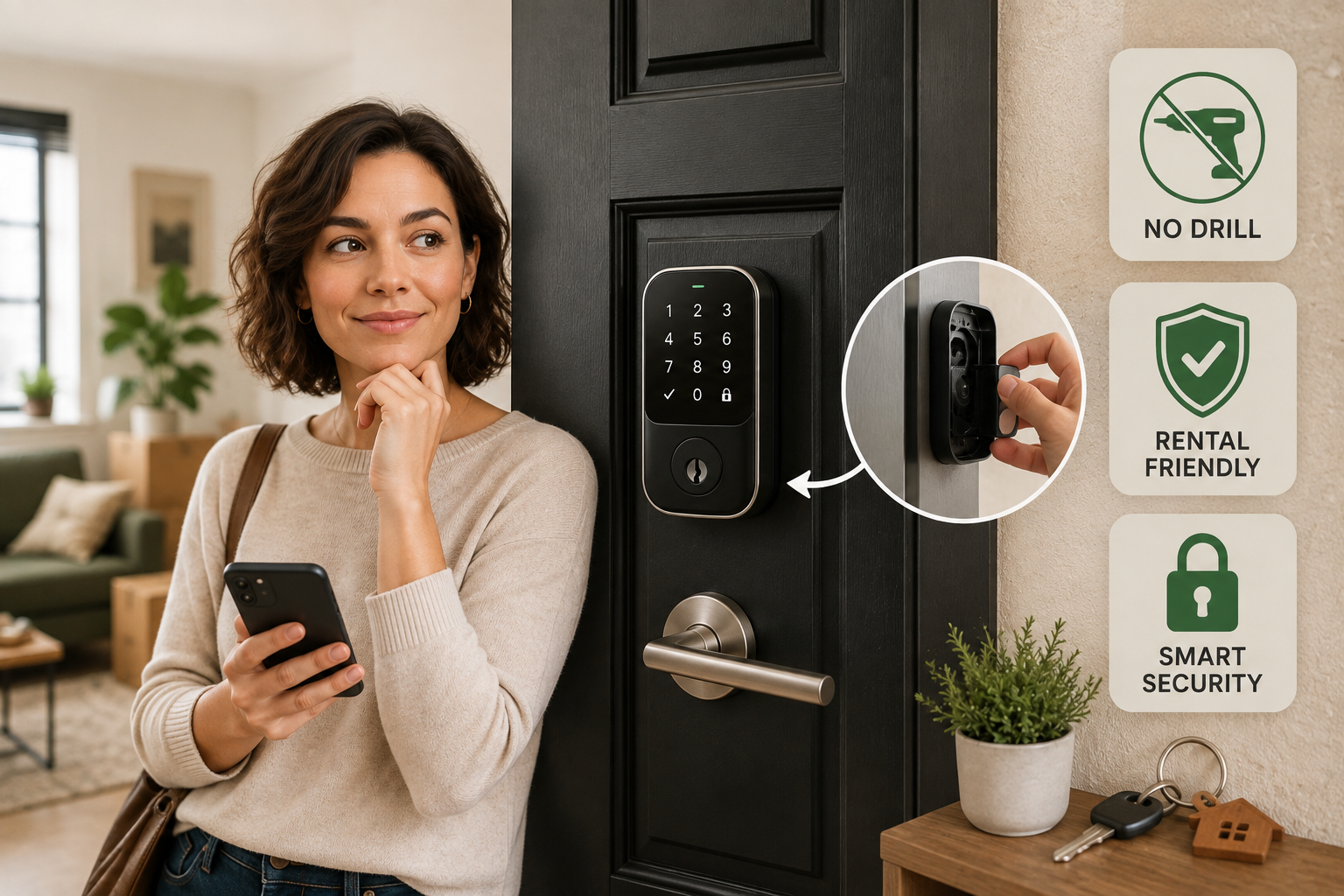
Retrofit locks mount over your existing deadbolt on the inside of the door and turn it automatically, using a small motor, when you unlock through the app, a code pad, or a fob. Your original exterior keyhole and hardware stay completely untouched. This is the category built specifically for renters and anyone who can’t modify the outside of a door: nothing about the lock is visible from outside, nothing requires drilling, and removing it at move-out leaves no trace beyond a small adhesive mark you can clean off.
Full-replacement smart deadbolts swap out your entire lock, inside and out, usually with a keypad or touchscreen on the exterior. These tend to offer more access methods (PIN codes, fingerprint, fobs) and often feel more solid day-to-day, but they require actual installation — removing your existing deadbolt, sometimes drilling new holes if the bolt spacing doesn’t match, and reinstalling a physical key override on the new hardware. For a renter, this category is usually off the table unless a landlord explicitly approves it, and even then you’ll need to keep the original hardware to reinstall before you move out.
If you’re renting or just don’t want to touch your door’s exterior hardware, start with a retrofit lock. If you own your home and want the most robust, feature-rich option, a full-replacement deadbolt is worth the extra installation effort.
Access Methods, Ranked by Reliability
Every smart lock offers some combination of these, and it’s worth knowing the trade-offs before you assume more options is automatically better.
- Physical key backup. Almost every reputable smart lock, retrofit or replacement, keeps a physical key override or a manual thumb-turn as a fallback. Never buy one that doesn’t — batteries die, apps crash, and you need a way in that doesn’t depend on electronics.
- PIN codes. The most dependable digital method. No phone, no Bluetooth handshake, no app required in the moment — just a keypad and a number. Best for guests, cleaners, or family members you don’t want to add to an app.
- App/Bluetooth unlock. Convenient when it works, but dependent on your phone’s Bluetooth connecting reliably, which is the single most common source of smart lock frustration. Treat this as a nice-to-have, not your primary method.
- Auto-unlock via geofencing. The lock detects your phone approaching and unlocks automatically. Genuinely convenient, but it’s the least predictable method — phone GPS drift can trigger it early, late, or not at all. Fine as a bonus, risky as your only method.
- Fingerprint. Fast and doesn’t require carrying anything, but exterior fingerprint sensors can struggle in cold weather, when hands are wet, or after years of wear. Best treated as a secondary method on full-replacement locks that also offer a keypad.
The pattern here is consistent: the simplest, most “boring” methods — a physical key and a PIN code — are the ones that fail you least often. Layer the flashier methods on top, but don’t build your only access plan around them.
The Renter’s Checklist Before Buying
Before adding a smart lock to your cart, confirm these four things, since getting any of them wrong is expensive to fix after the fact:
- Confirm it’s a retrofit model, not a replacement, unless your landlord has approved otherwise in writing. Ask directly if you’re unsure which category a product falls into — some marketing blurs the line.
- Measure your existing deadbolt. Most retrofit locks fit standard single-cylinder deadbolts, but oversized, antique, or unusually shaped deadbolts sometimes don’t fit properly. Check the product’s compatibility list against your exact hardware before buying.
- Check what happens during a power or Wi-Fi outage. A good retrofit lock runs on battery and doesn’t depend on your home Wi-Fi to physically lock or unlock — it should keep working locally even if your internet goes down. Confirm this explicitly; it’s not universal.
- Keep your original deadbolt. Don’t discard it. You’ll need to reinstall it before moving out, and replacing a lost original deadbolt at move-out is a needless expense.
Auto-Lock and Battery Reliability: What Actually Breaks
Two features cause the vast majority of smart lock complaints, and both are worth understanding before installation rather than after a bad week.
Auto-lock automatically locks the door after it’s been closed for a set number of seconds. It’s genuinely useful for anyone who’s ever walked away from an unlocked door, but it has one real failure mode: if the door doesn’t fully latch (a slightly warped frame, a gust of wind catching it, weatherstripping that’s slightly too thick), the lock can bolt into an open door, which either damages the mechanism or simply fails to lock without you noticing. Test your door’s latch behavior for a week with auto-lock on a longer delay before trusting a short one.
Battery life on most retrofit locks runs three to twelve months depending on usage, temperature, and how often auto-lock cycles. The real issue isn’t battery life itself, it’s the warning window: a lock that gives you two weeks of low-battery notifications before dying is far less stressful than one that gives you two days. Check a model’s low-battery notice window before buying, and if the lock supports it, enable a physical low-battery chime at the door itself as backup in case you miss the app notification.
How a Smart Lock Fits Your Wider Security Setup
A lock works best as one layer in a broader system rather than a standalone purchase. If you’re building out security in stages, here’s how it typically connects to the rest of your setup:
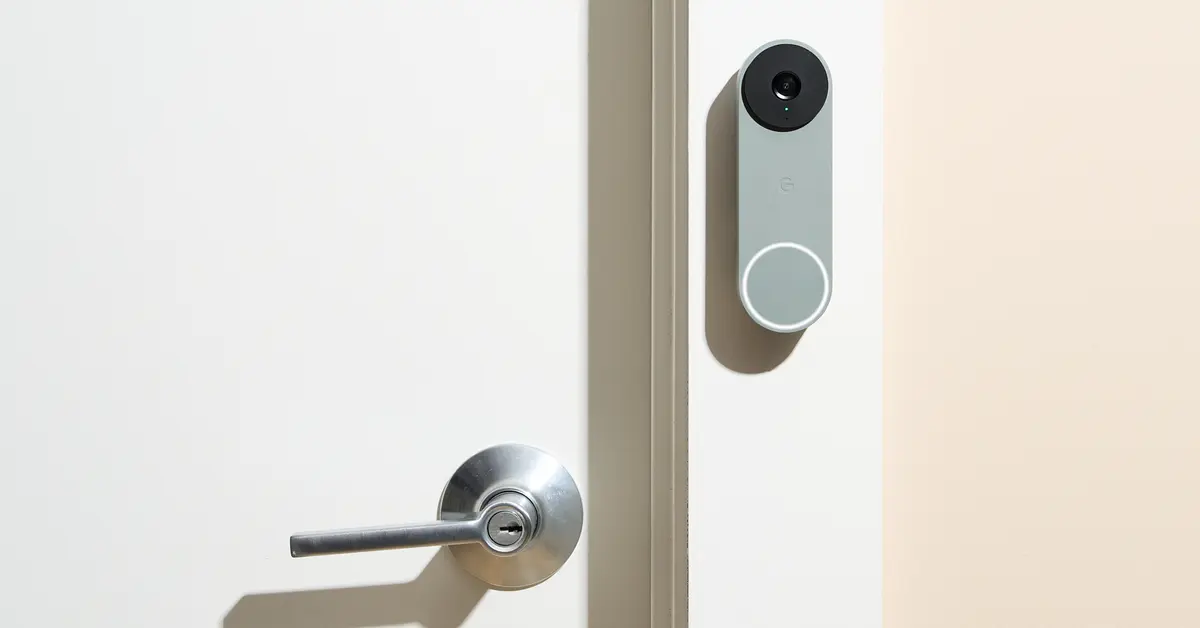
- Paired with a video doorbell, you get the full picture at your front door: who’s there, and whether the door actually locked behind them after they left. If you haven’t picked a doorbell yet, Best Video Doorbells for Beginners in 2026 breaks down the wired-vs-wireless decision that affects install difficulty the same way retrofit-vs-replacement affects a lock.
- Paired with entry sensors on the same door, you can confirm not just that the lock engaged, but that the door itself is fully closed — useful for catching the auto-lock failure mode described above. No-Drill Contact and Motion Sensors for a Smart House covers renter-friendly options that install the same way a retrofit lock does.
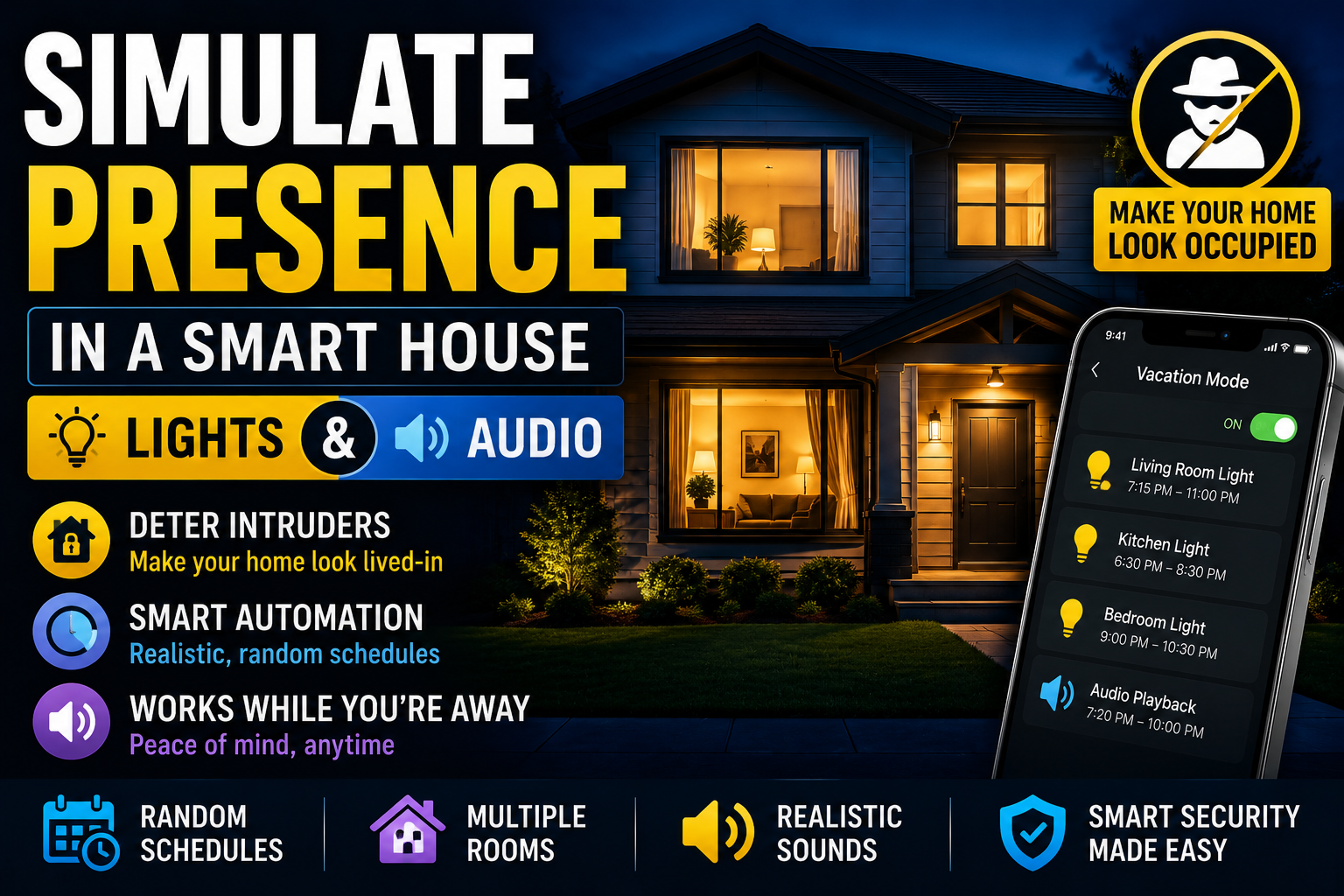
- If you travel or want the house to look occupied while you’re away, a lock’s activity log (who unlocked, and when) pairs naturally with a presence-simulation routine. Simulate Presence in a Smart House: Lights and Audio covers how to set that up without any of it depending on the lock itself.
- If you’re weighing a full DIY alarm system rather than piecing devices together individually, Smart House DIY Alarm: Build Your Own System Without Monthly Fees is the better starting point — a lock complements that kind of system rather than replacing it.
- And if you’re still deciding where a lock even ranks on your priority list, Smart Home Security for Beginners: Where to Start Without Overspending lays out the buying order this whole category follows, with a lock positioned as a later-stage addition once your foundation is in place.
Common Smart Lock Mistakes
- Buying a full-replacement lock while renting, without confirming approval first. This is the single most expensive mistake in this category — either you can’t install it at all, or you install it and then have to explain a modified deadbolt at move-out inspection.
- Relying only on phone-based unlock. Bluetooth connection issues are the most common smart lock complaint by a wide margin. Always set up a PIN code as your backup, even if you plan to use your phone day to day.
- Skipping the door-latch test before enabling auto-lock on a short delay. A door that doesn’t fully close is the root cause of most “my smart lock stopped working” situations, and it’s rarely the lock’s fault.
- Ignoring the low-battery warning window. Check it before buying, not after you’re standing outside a dead lock at 11 p.m.
- Assuming the lock alone makes the door secure. A smart lock on a hollow-core door or a weak frame is still a weak point. The lock upgrades access control, not the physical strength of the door itself.
A Sensible Buying Order
If you’re building security in stages, a lock isn’t usually where you start. Get a video doorbell and a couple of entry sensors in place first, since those give you the broadest coverage per dollar. Add a lock once you’ve confirmed your door’s compatibility, decided between retrofit and replacement based on your living situation, and are ready to spend a week testing auto-lock behavior before trusting it fully. Treat the first week after installation as a testing period, not a “set it and forget it” moment — check the app logs daily to confirm the lock is behaving the way you expect before you rely on it.
The Bottom Line
A smart lock is a genuinely useful upgrade, but it’s also the device in this category with the least room for error, so it rewards a slower, more deliberate approach than a doorbell or sensor does. Renters should default to retrofit models that leave the original hardware untouched, everyone should keep a physical key or PIN backup regardless of how advanced the digital options look, and auto-lock deserves a real testing period before you trust it on a short delay. Get those basics right and a smart lock becomes one of the most convenient devices in the house instead of the one you’re quietly worried about.
Frequently Asked Questions
Can renters install a smart lock without violating a lease?
Usually yes, if you choose a retrofit model that mounts over your existing deadbolt on the inside of the door without modifying anything visible from outside. Confirm with your landlord if your lease has specific language about door hardware, and always keep the original deadbolt to reinstall before moving out.
What happens if the battery dies while I’m out?
Reputable smart locks give low-battery warnings well before the battery is fully dead, and almost all retrofit and replacement models include a physical key override or manual thumb-turn as a backup that works with zero battery at all. Never buy a lock without this fallback.
Do smart locks work during a Wi-Fi or power outage?
Most run on their own battery and use Bluetooth locally, so they keep locking and unlocking normally even without home Wi-Fi or during a power outage. Remote app access and notifications may pause until connectivity returns, but the physical lock mechanism itself typically isn’t affected. Confirm this specifically before buying, since it varies by model.
Is a fingerprint or a PIN code more reliable?
PIN codes are generally more reliable day to day. Fingerprint sensors can struggle with cold weather, moisture, or wear over time, while a keypad works consistently in nearly any condition. Many people use a PIN as the primary method and treat fingerprint or app unlock as a convenience layer on top.
Do I need a smart lock, or are entry sensors enough?
They solve different problems. Entry sensors tell you when a door opens; a lock controls who can open it and lets you manage access remotely. Most beginner setups add sensors first because they’re cheaper and cover more ground per dollar, then add a lock once the rest of the foundation, covered in Smart Home Security for Beginners, is already in place.