

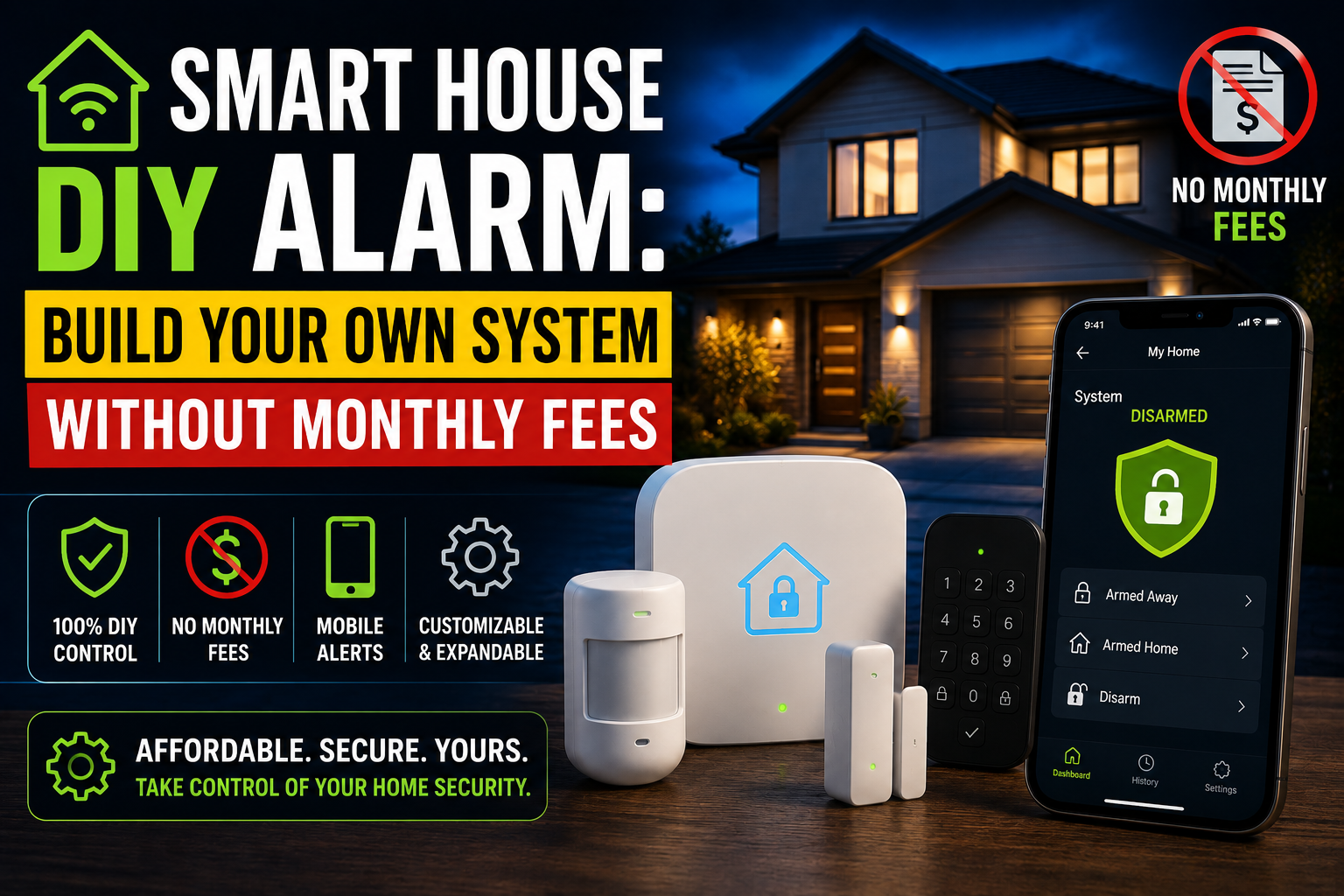
Professional home security systems have a business model problem that most people only discover after they’ve signed the contract. The hardware isn’t expensive — a hub, a few sensors, maybe a siren — but the monitoring subscription that makes the whole thing useful runs anywhere from $10 to $50 a month, indefinitely. Cancel it and you’re left with devices that still detect intrusions but don’t do much about them. Keep it and you’re paying several hundred dollars a year for a service that, in most cases, consists of a call center operator asking if everything is okay.
- What a DIY Smart Home Alarm Actually Consists Of
- The Hardware Foundation: What You Need
- Configuring the Alarm Logic in Home Assistant
- Notifications: Getting the Right Alert at the Right Time
- Integrating the Alarm With the Rest of the Smart Home
- What Happens When the Internet Goes Down
- Honest Limitations to Acknowledge
- Conclusion
The alternative that most people don’t know is fully available to them is building a DIY smart home alarm system using hardware they may already own, integrated through a platform they’re probably already using, with notifications delivered directly to their phone in real time — no subscription, no third party, no monthly commitment of any kind. The result isn’t a compromise version of a professional system. Done correctly, it’s more configurable, more integrated with the rest of the smart home, and genuinely more useful on a day-to-day basis than most commercial offerings.
This guide walks through exactly how to build one: what hardware you need, how to configure the alarm logic, how notifications work, and what the realistic limitations are compared to professionally monitored systems.
What a DIY Smart Home Alarm Actually Consists Of
Before getting into specific hardware and configuration, it’s worth being clear about what a DIY alarm system is and isn’t. A commercial alarm system typically includes professional 24/7 monitoring — meaning a human operator is notified when an alarm triggers and can dispatch emergency services if you don’t respond to their call. A DIY system, in most configurations, doesn’t include that. The alarm triggers, you get a notification, and you decide what to do next.
For most households, this is a perfectly adequate model. The vast majority of residential break-ins are opportunistic — someone trying a door or window to see if it’s unlocked, not a coordinated effort to defeat a monitored system. The presence of any alarm response — a siren, lights, a notification — is usually sufficient deterrent. The cases where professional monitoring adds meaningful value are narrower than the industry marketing suggests: primarily vacation properties left unoccupied for extended periods, or situations where the owner has reason to believe they’re specifically targeted.
What a DIY alarm system definitely provides: immediate notification when sensors trigger, automated responses (lights, sirens, locks), a logged history of events, and the ability to arm and disarm remotely. For most people, that’s most of what they actually need from a security system.
The Hardware Foundation: What You Need
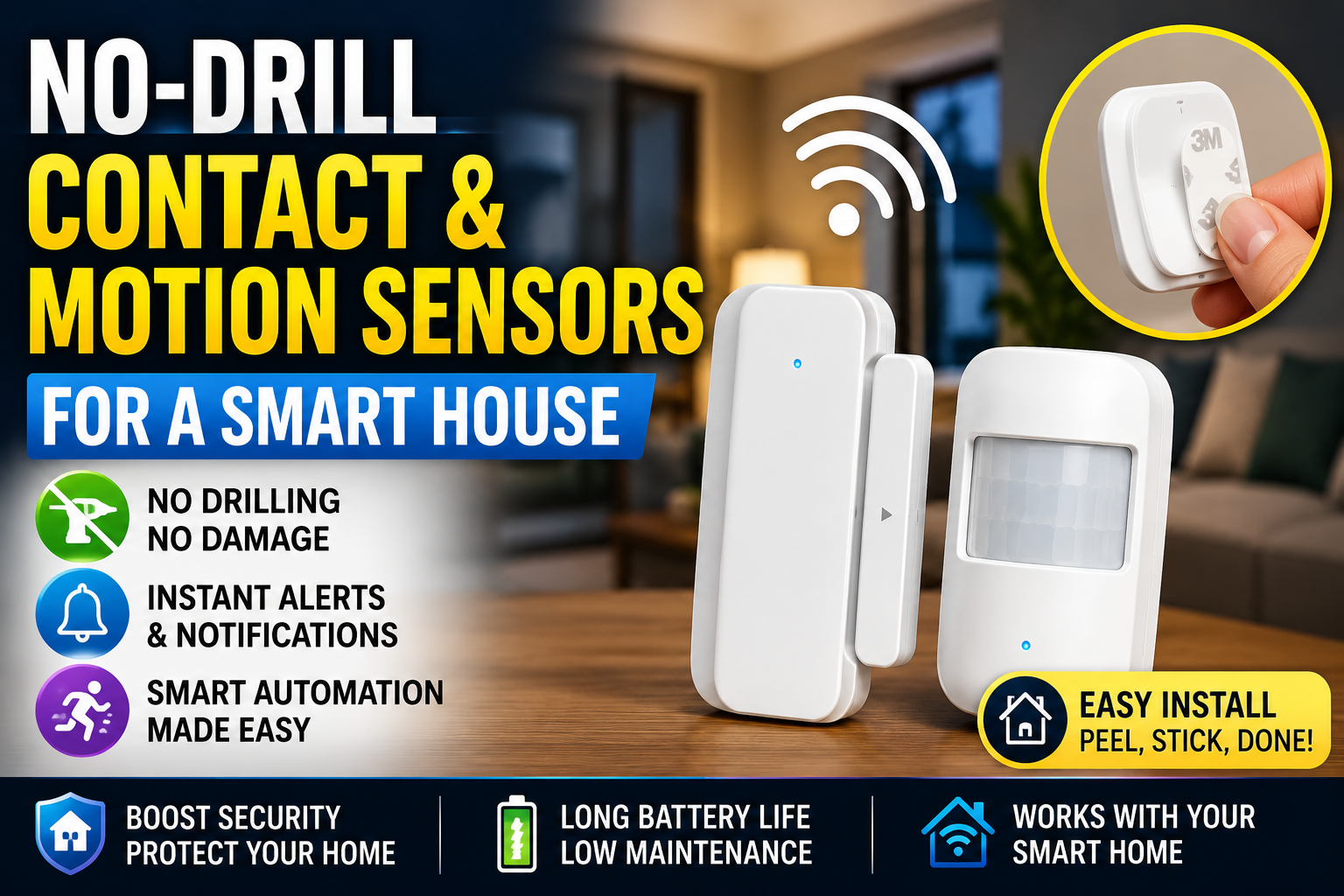
If you’ve read the contact sensor and motion sensor article on this site, you already know the basic sensing hardware. The same no-drill contact sensors on doors and windows, and the same motion sensors in key interior locations, form the detection layer of a DIY alarm system. Nothing about the hardware changes — what changes is what happens when those sensors trigger.
Beyond the sensors, a functional DIY alarm typically requires three additional elements: a platform to coordinate the alarm logic, a notification channel to alert you, and a siren or alert output to create a physical deterrent response.
The platform question is the most important decision in this setup. Home Assistant is the most capable option and supports the widest range of hardware, but it requires a dedicated device (a Raspberry Pi, a Home Assistant Green at $99, or a used mini PC) and an afternoon of configuration. For users already running Home Assistant, adding alarm functionality is relatively straightforward. For users on Alexa or Google Home who aren’t ready to invest in a separate hub, a partial implementation — notifications via the voice assistant app, automated light responses — is achievable within those ecosystems, though with significantly less flexibility.
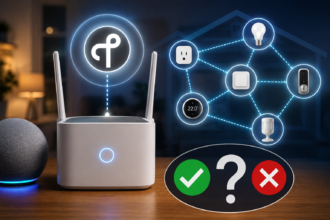
The Aqara Hub M2 or M3 is worth mentioning as a middle path. Aqara’s ecosystem includes a native alarm panel mode that coordinates their contact sensors, motion sensors, and siren into a basic but functional alarm system without requiring Home Assistant. It works with Apple HomeKit, Alexa, and Google Home, costs around $50–70 for the hub, and supports arming modes (home, away, sleep) natively in the app. For users who want a functional alarm without the complexity of Home Assistant, this is probably the most accessible complete solution.
For the siren, the Aqara Cube T1 Pro or a dedicated Zigbee siren like the Heiman HS2WD-E provides a loud audible alert (typically 85–95dB) that integrates into most Zigbee-based ecosystems. If you’re running Home Assistant, any Zigbee or Z-Wave siren can be triggered by alarm automations regardless of brand. For a simpler approach, a smart plug connected to a conventional plug-in siren achieves the same result at lower cost, though with slightly less reliability because it depends on power continuity rather than a direct wireless protocol.
Configuring the Alarm Logic in Home Assistant
Home Assistant includes a built-in Alarm Control Panel integration that provides exactly the functionality you’d expect from a commercial system: armed away, armed home, armed night, disarmed, and triggered states, each with configurable sensor groups and entry/exit delays.
The setup process is more approachable than it sounds. In the Home Assistant UI, navigate to Settings, then Devices & Services, then add the Manual Alarm Control Panel integration. From there you define entry delay (the time between a sensor triggering and the alarm actually firing — useful for the front door where you need time to disarm before the alarm sounds), exit delay (the time after arming before the alarm becomes active, giving you time to leave), and which sensors belong to which mode.
A practical configuration for a typical apartment or small house: all door and window contact sensors active in armed-away mode, motion sensors in the main living areas also active in armed-away, and only door contact sensors active in armed-home (since you’ll be moving around inside). The bedroom door sensor, if you have one, can be included in armed-night mode to alert you to any door movement while you sleep.
The disarm process is where most DIY systems require some thought. A commercial system uses a keypad at the entrance. In a DIY system, the options are: disarming via the Home Assistant app on your phone before you enter (requiring a phone unlock and a few taps), a Zigbee keypad placed near the entrance (the Aqara D1 Smart Keypad or the Centralite 3400-D are both well-supported in Home Assistant), or NFC tags placed near the door that trigger a shortcut to disarm when tapped with a phone (elegant, zero hardware cost beyond a few NFC stickers). Each approach has trade-offs between convenience and security; the NFC approach is the most seamless for most people and requires no dedicated hardware.
Notifications: Getting the Right Alert at the Right Time
The notification layer is what turns a collection of sensors and automations into a system that actually tells you something useful. Home Assistant’s companion app for iOS and Android supports rich push notifications with actionable buttons — meaning an alarm trigger notification can include “Disarm” and “Call Police” buttons that execute directly from the lock screen without opening the app.
The automation that sends this notification is straightforward: when the alarm control panel enters the triggered state, send a notification to all household members’ phones with the name of the sensor that triggered and the time. Attaching a snapshot from a nearby camera to the notification — Home Assistant supports this natively for cameras connected to the system — means you can see what triggered the alarm before deciding whether to act.
Notification fatigue is a real risk with any sensor-based system, and it’s worth thinking about from the start. A motion sensor in the garden that sends a push notification every time a cat walks past, or a door sensor that alerts every time someone opens the front door regardless of armed state, trains you to ignore notifications — which defeats the purpose. The solution is tight scoping: notifications should only fire when the alarm is in an armed state and a relevant sensor triggers, not from every sensor event regardless of context. Home Assistant’s condition system makes this precise control straightforward, but it requires deliberate configuration rather than a default setting.
For situations where you’re unavailable or want a backup notification channel, Home Assistant supports notification via Telegram, Signal, email, and several other platforms in addition to the companion app. Setting up a Telegram bot as a secondary notification channel takes about twenty minutes and provides a reliable fallback that works even if your phone’s push notification service has any issues.
Integrating the Alarm With the Rest of the Smart Home
The most significant advantage a DIY system has over a standalone commercial alarm is its integration with every other device in the home. A commercial alarm triggers a siren and calls a monitoring center. A DIY alarm triggers a siren, turns on all the lights at full brightness, unlocks specific doors (useful if you have a smart lock and need emergency services to enter), sends notifications with camera snapshots, starts recording on all cameras, and runs any other automation you’ve configured — simultaneously, in under a second, because everything is processed locally.
Some specific integrations that add meaningful value:
When the alarm triggers in away mode, all smart lights in the home can activate at full brightness simultaneously. This serves two purposes: it’s disorienting for an intruder, and it makes the camera footage significantly more useful. A camera recording a well-lit space captures actionable detail; footage of a dark room usually doesn’t.
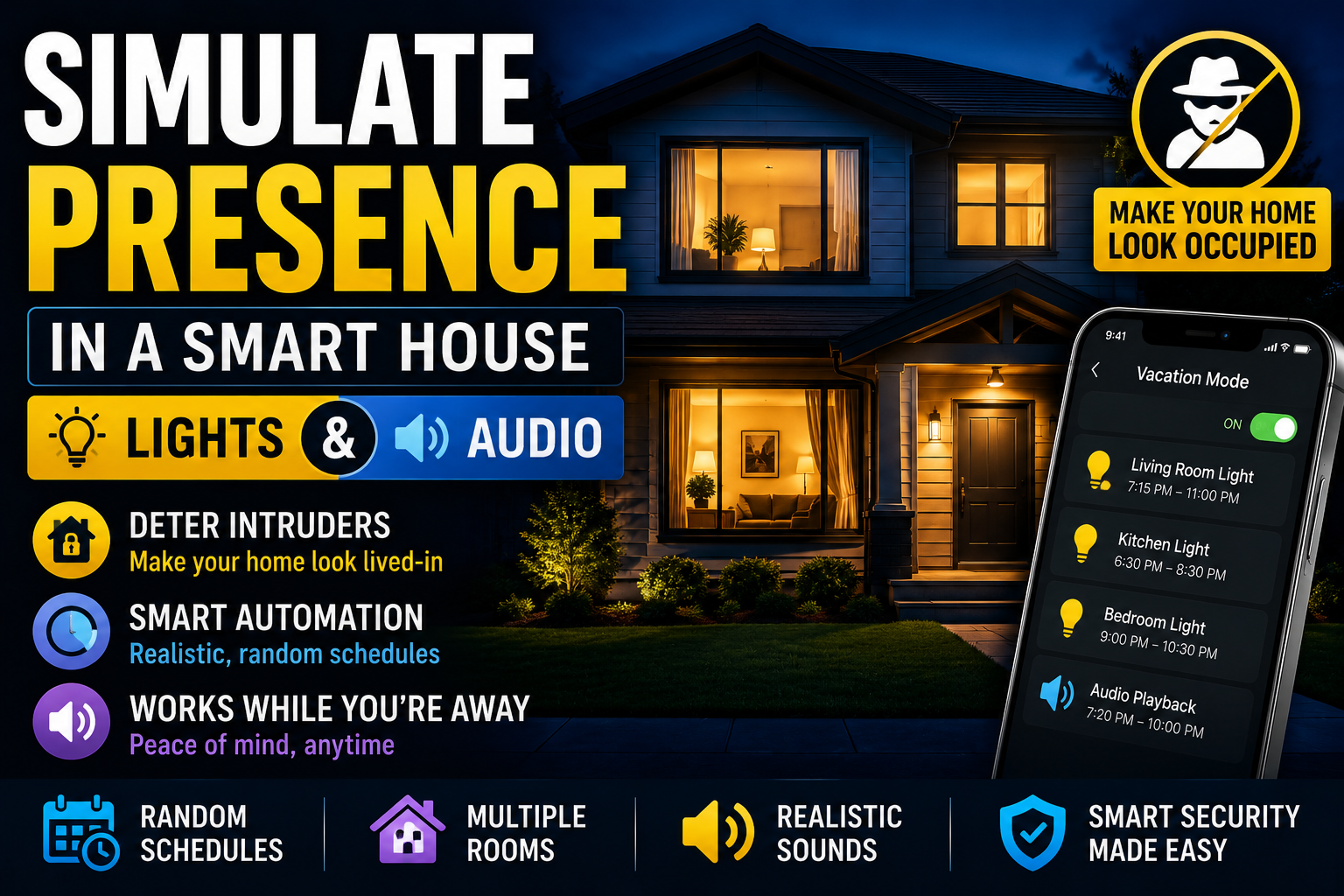
The simulate-presence article on this site covers randomized lighting as a deterrent when you’re away. The alarm system can be configured to disable the presence simulation and switch to the full-bright triggered response the moment a sensor fires — giving you the deterrence value of randomized lighting before any intrusion and the response value of full illumination the moment one occurs.
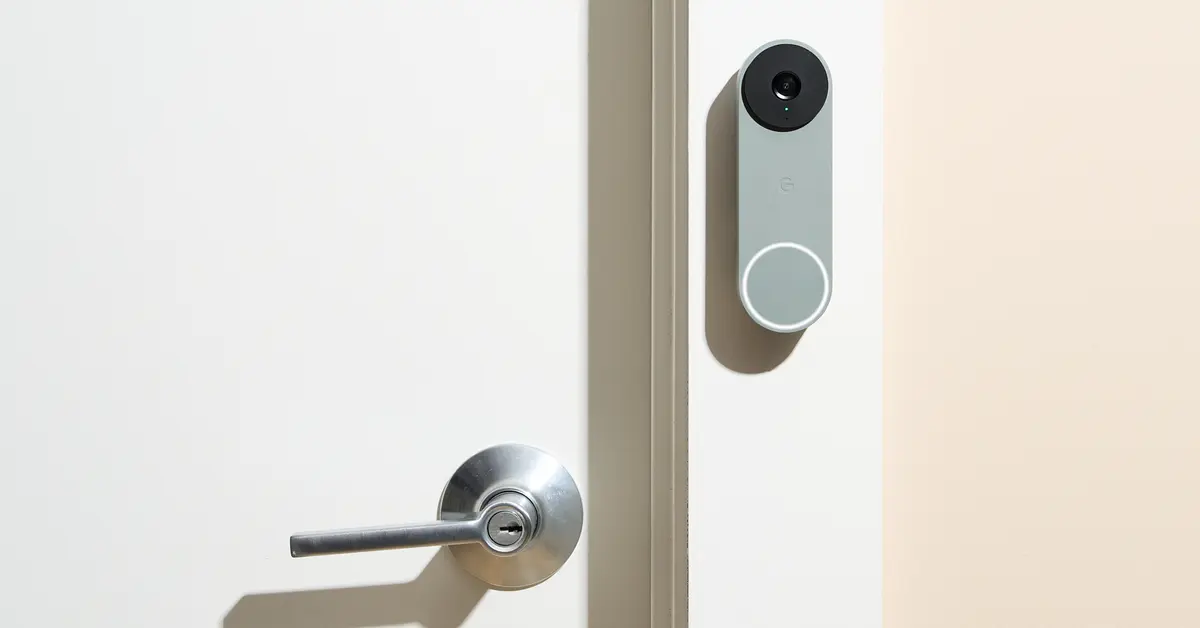
If you have a smart lock, the alarm trigger can be configured to lock all doors (preventing easy exit) while simultaneously notifying you with the option to unlock remotely for emergency access. This is a capability that simply doesn’t exist in commercial systems because they don’t integrate with smart locks.
What Happens When the Internet Goes Down
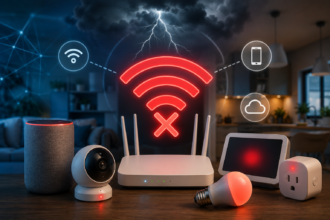
One of the genuine advantages of a locally processed DIY system — particularly one running on Home Assistant — is that alarm automations continue to function during internet outages. The sensors communicate via Zigbee or Z-Wave directly to the hub, the hub processes the alarm logic locally, the siren triggers locally, and the alarm panel state updates locally. The only thing that stops working during an internet outage is remote notifications to your phone. Since most break-ins involve some probability of a cut internet connection (less common than films suggest, but not zero), local processing is a meaningful security property.
This is a direct contrast to many Wi-Fi-based security devices, where the entire processing chain goes through a cloud server. A Wi-Fi contact sensor that reports to a cloud-based alarm service provides no protection if the internet is down, because the sensor’s trigger event never reaches the alarm system. Zigbee and Z-Wave sensors communicating to a local hub don’t have this vulnerability.
Honest Limitations to Acknowledge
A DIY alarm without professional monitoring has a real gap: if you’re unreachable — phone off, traveling internationally, asleep with notifications silenced — nobody acts on an alarm event. The siren runs until it times out or the battery dies, and no one dispatches assistance. For households that are regularly unoccupied for extended periods, this limitation matters and is worth accounting for.
The practical mitigations: adding a trusted neighbor or family member as a secondary notification recipient in Home Assistant (so two people get the alert, not just one), using a secondary notification channel like Telegram that doesn’t depend on your primary phone’s push notification settings, or — if you want professional monitoring without abandoning the DIY hardware — services like Noonlight integrate with Home Assistant and provide emergency dispatch for a modest monthly fee without requiring you to purchase their hardware.
The other limitation worth acknowledging honestly is setup complexity. Home Assistant with a Zigbee coordinator, a collection of sensors, an alarm panel configuration, and notification automations is not a Saturday afternoon project for someone who’s never worked with home automation platforms. It’s probably a full weekend for someone new to Home Assistant, or a few hours for someone already running it. The Aqara ecosystem approach is considerably faster to configure at the cost of flexibility.
Conclusion
The case for building your own smart home alarm system rather than subscribing to a commercial one comes down to three things: cost, integration, and control. The ongoing subscription fees that commercial systems require add up to significant money over the years a system is in place. The integration with the rest of your smart home — lights, locks, cameras, notifications — is something no commercial system matches because they’re designed as standalone products rather than components of a broader ecosystem. And the control over what the system does, when, and how it notifies you is granular in a way that consumer alarm products never allow.
The hardware investment is modest. The configuration investment is real but finite — you do it once, and then it runs. And the result is a security layer that’s woven into how your home already works rather than sitting alongside it as a separate, siloed system. For anyone already running smart home sensors and looking for the next step, turning that hardware into a coordinated alarm system is one of the highest-value configurations you can build.