
Almost everyone who starts researching smart homes runs into the same obstacle: the feeling that it takes a budget of several thousand dollars and an entire weekend of installation to get something useful. That’s not the case. With the right combination of devices — and, above all, the right buying order — it’s entirely possible to build a system that changes your daily life for under $100, and to scale it intelligently as your real needs (not the ones you imagined in the store) reveal themselves.
- Why the budget matters less than you think (and the order matters more than you think)
- The mistakes almost every beginner makes (and how to avoid them)
- The under-$100 kit: the foundation that actually gets used
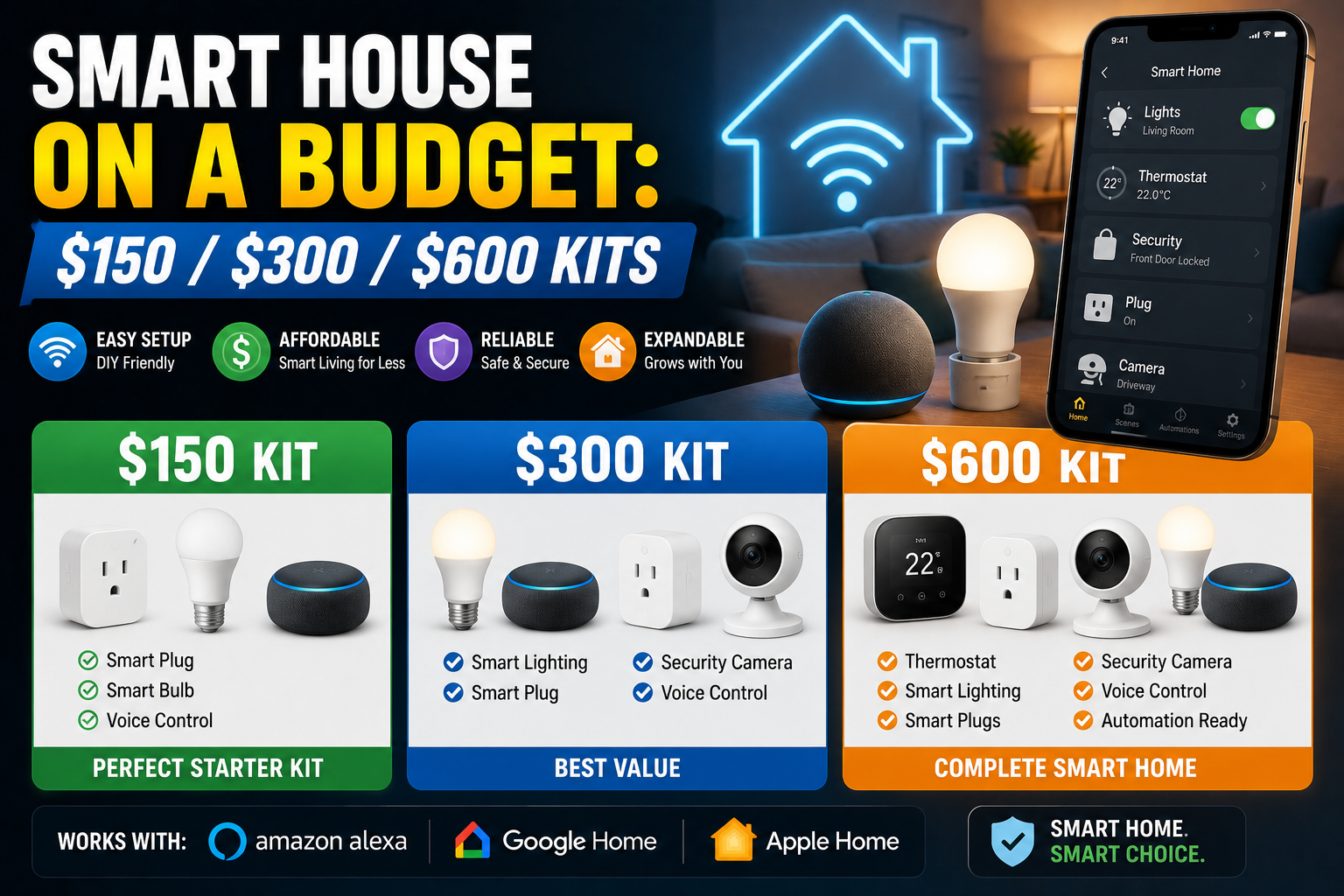
- The next three tiers: $150, $300, and $600
- Kits for your situation
- When and how to expand a system that already works
- Principles that repeat across any budget
- Conclusion
This guide brings together, in one place, everything we’ve learned covering the Kits & Budgets category: what to buy first, how much to spend at each stage, the mistakes almost every beginner makes, and how to adapt the kit to your situation — whether you live alone, with a partner, in a rental, or you’re buying a gift for someone else.
Why the budget matters less than you think (and the order matters more than you think)
The difference between a $150 system that gets used every day and a $1,500 system that gets abandoned after two months is almost never the quality of the components. It’s the sequence of decisions. Kits that work in the long run share three traits: they solve a real, everyday friction point, they install without tools or an electrician, and they grow in stages instead of arriving all at once on day one.
Put another way: a single smart bulb in the lamp you turn on every night is worth more, in terms of real use, than five devices bought in a burst of enthusiasm and forgotten in a drawer a week later.
The mistakes almost every beginner makes (and how to avoid them)
Before talking about what to buy, it’s worth talking about what not to buy, because the patterns of regret are surprisingly consistent:
- Generic, no-name devices to save a few dollars. The problem isn’t the low price itself, but that these products tend to have unstable apps, connections that drop, and updates that stop arriving as soon as the manufacturer loses interest. It’s worth paying a bit more for brands with a track record of support.
- Buying a big bundle before knowing what you need. Starter packs look like a bargain, but they often include devices that don’t fit your actual home. It’s better to start with one or two devices, live with them for a week, and expand based on what you actually use.
- Color bulbs you’ll only ever use in white. Most people try the colors for a couple of days and then settle on warm white forever. Tunable white bulbs are cheaper and cover 90% of real use; save color for the one or two spots where ambiance genuinely matters.
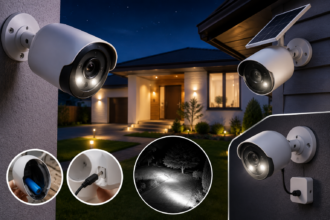
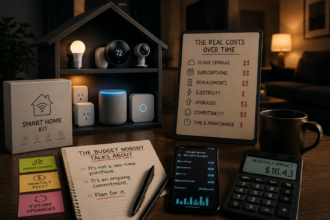
- Cameras with surprise subscriptions. The purchase price of a cheap camera is often only half the story; storing and reviewing footage frequently requires a monthly fee that, added up over a year, can exceed the cost of the device itself. Calculate the full annual cost before buying.
- Smart bulbs behind a wall switch that people keep using out of habit. If someone flips the physical switch off, the bulb loses power and disappears from the app. In those spots, a smart switch is usually a better solution than a smart bulb.
- Automating too much, too soon. Ten interconnected routines in the first week tend to fail in unpredictable ways. One solid automation at a time, confirmed over several days before adding the next, builds trust; ten fragile automations build frustration.
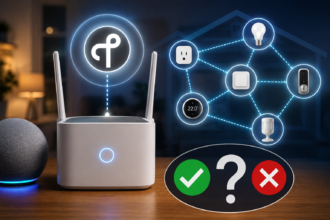
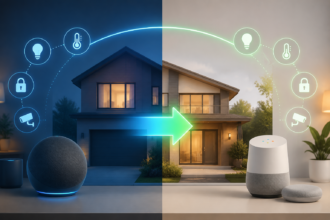
- Buying devices locked to a single ecosystem. Looking for the Matter logo — the interoperability standard backed by Amazon, Apple, Google, and other companies through the Connectivity Standards Alliance (CSA) — reduces buying friction and broadens compatibility across brands and platforms, protecting your investment if you switch voice assistants later on.
The under-$100 kit: the foundation that actually gets used
You don’t need to spend much to notice the difference. A well-thought-out starter kit rests on three categories, in this order of priority:
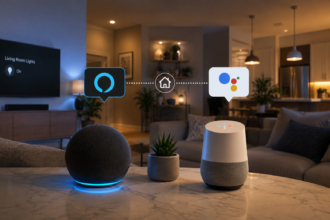
1. An entry-level smart speaker or display (the brain). This is the single most cost-effective purchase because it multiplies the value of everything else: it lets you control things by voice, create simple routines, set timers, and coordinate the rest of your devices.
2. One or two smart bulbs (the everyday magic). Put them where you actually spend time at night — a living room lamp, a nightstand light — so you feel the benefit of dimming, scheduling, and voice control from day one.
3. A smart plug (instant versatility). This turns any appliance you already own — a lamp, a fan, the coffee maker — into something schedulable and remotely controllable, without buying anything new beyond the plug itself.
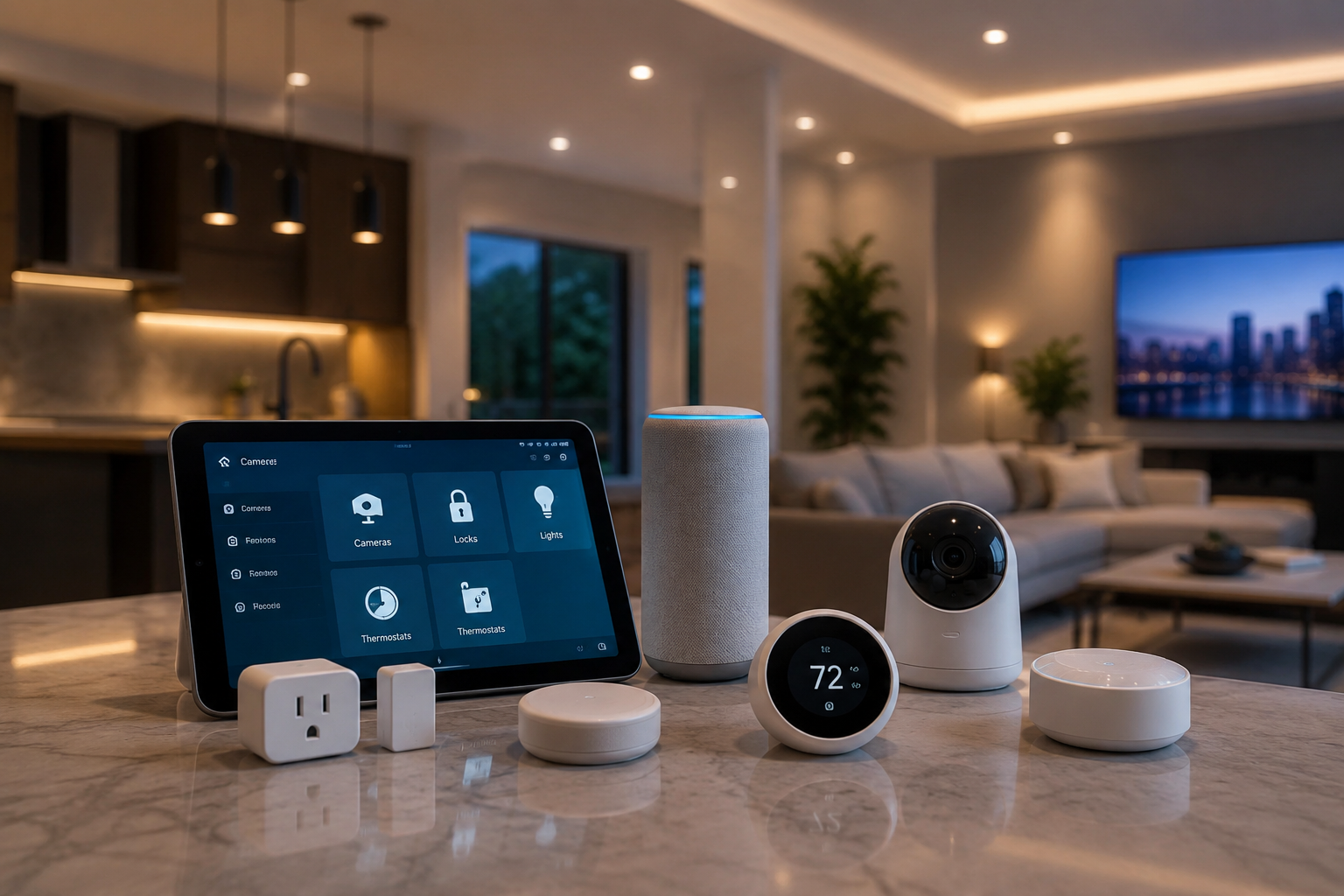
With this combination — speaker, one or two bulbs, and a plug — you already have voice control, programmable lighting, and remote control of an existing appliance: the essential smart home experience, with no installation of any kind. What’s worth saving for later in this budget: video cameras and doorbells (they eat up the entire budget and usually involve a subscription), dedicated hubs (the speaker already coordinates the essentials), and large bundles that include things you don’t yet know you want.
The next three tiers: $150, $300, and $600
Once you’ve covered the entry-level foundation, it makes sense to think about growth in budget tiers, where each tier is a complete starting point on its own, not just a stepping stone to the next.
$150 tier: the essentials, done right
A voice speaker ($30–40), two smart bulbs in the most-used rooms, and a couple of smart plugs cover lighting, voice control, and management of existing appliances. At this level, automation lives inside the voice assistant’s own app — “good morning” or “good night” routines that turn on lights, adjust brightness, and activate a plug in sequence.
$300 tier: the system starts making decisions
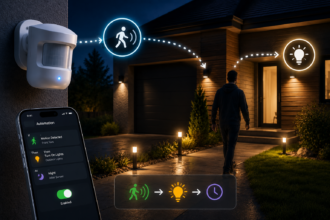
Doubling the budget doesn’t mean doubling the amount of the same thing; it means introducing devices that react to their environment instead of just following orders. A motion sensor ($20–30) turns a hallway or bathroom into a space that lights up only when needed. A plug with energy monitoring reveals how much it really costs to leave a space heater running in an empty room. And a smart thermostat starts to become a reasonable purchase: according to the U.S. Environmental Protection Agency’s ENERGY STAR program, a certified smart thermostat saves an average of 8% on heating and cooling bills, about $50 a year — although independent field studies cited by energy-efficiency associations put the real savings, with thermostats that learn schedules and detect absences, considerably above that certified minimum in many homes.
$600 tier: local control and real automation
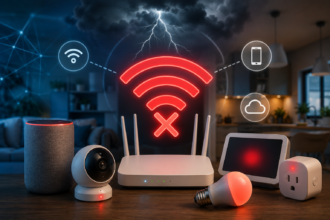
At this level, a local hub or controller comes into play — for example, a device running Home Assistant — which makes automations run in milliseconds instead of depending on a round trip to a cloud server, and keeps the system working even if the internet goes down. With the hub sorted, the rest of the budget goes toward more bulbs, more monitoring-enabled plugs, a second motion sensor, a door or window sensor, and optionally a smart smoke or CO detector that can, for example, cut power to a space heater if it detects smoke.
One principle holds across all three tiers: buy one thing, live with it, then decide on the next. The app you’ll use every day matters as much as the device’s technical specs, so try it out for fifteen minutes before committing to an ecosystem.
Kits for your situation
Not every home is the same, and the Kits & Budgets category also covers setups designed for specific circumstances.
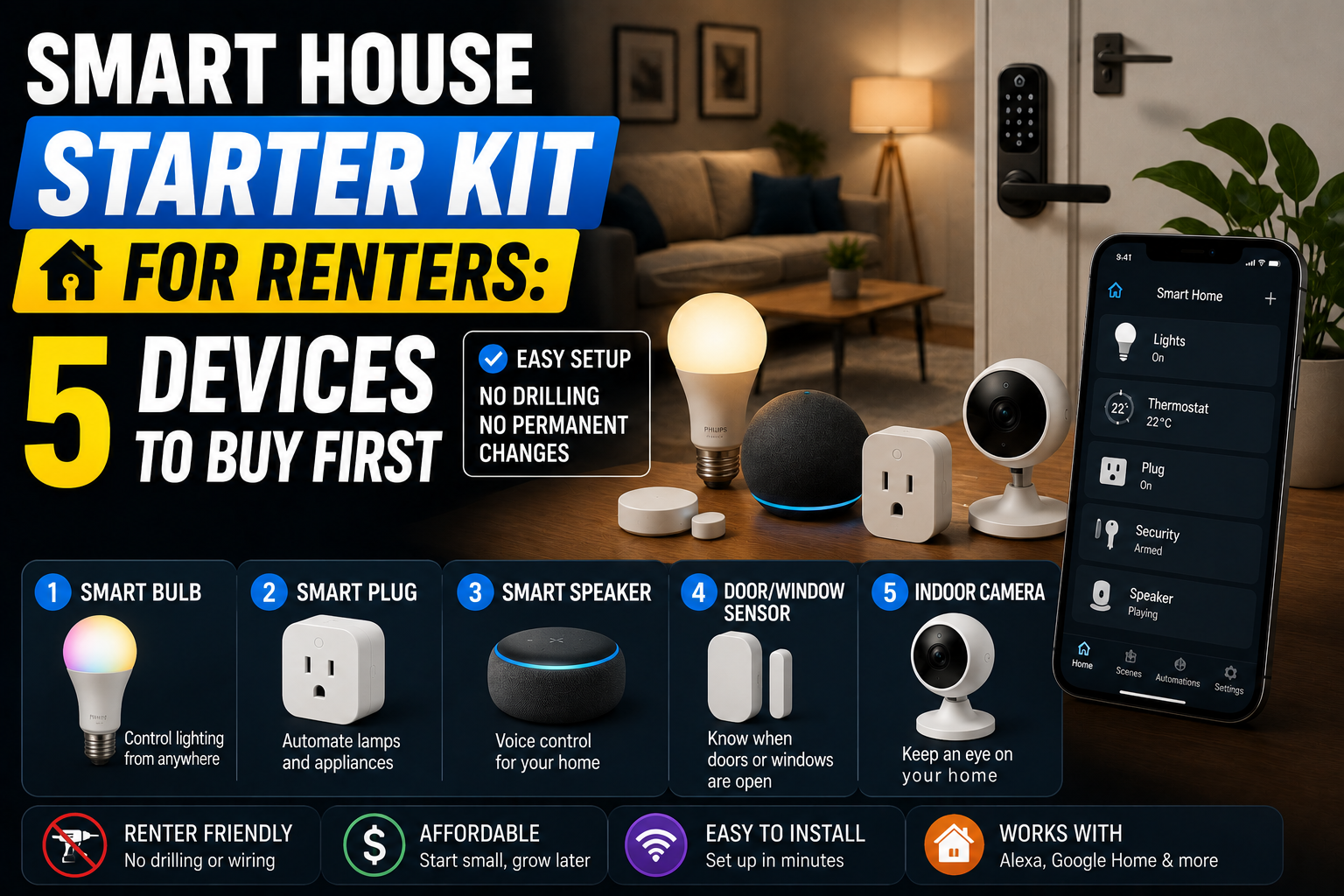
If you rent
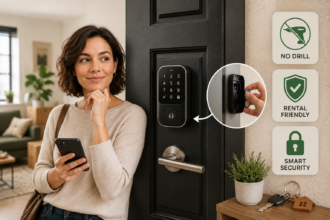
The priority is full reversibility: everything you install must be removable without a trace. That means favoring bulbs that screw into the existing socket, smart plugs instead of built-in switches, locks that fit over the current mechanism without changing its outward appearance, and cameras with adhesive or tabletop mounts instead of fixed installation. No drilling, no wiring, nothing the landlord has to approve.
If you share a home with a partner or roommates
The most common mistake is building a system around one person’s preferences alone. The solution is to give every adult in the household full account access from day one (Amazon Household, Google’s shared home, and HomeKit sharing all support this natively), keep physical control — a switch or remote — at every spot that had one before anything smart was installed, name devices as obviously as possible (“Living Room, Main Light” instead of cryptic names), and be conservative with sensor-based automations in shared spaces, saving the sensor-driven stuff for passageways and keeping the bedroom mostly manual.
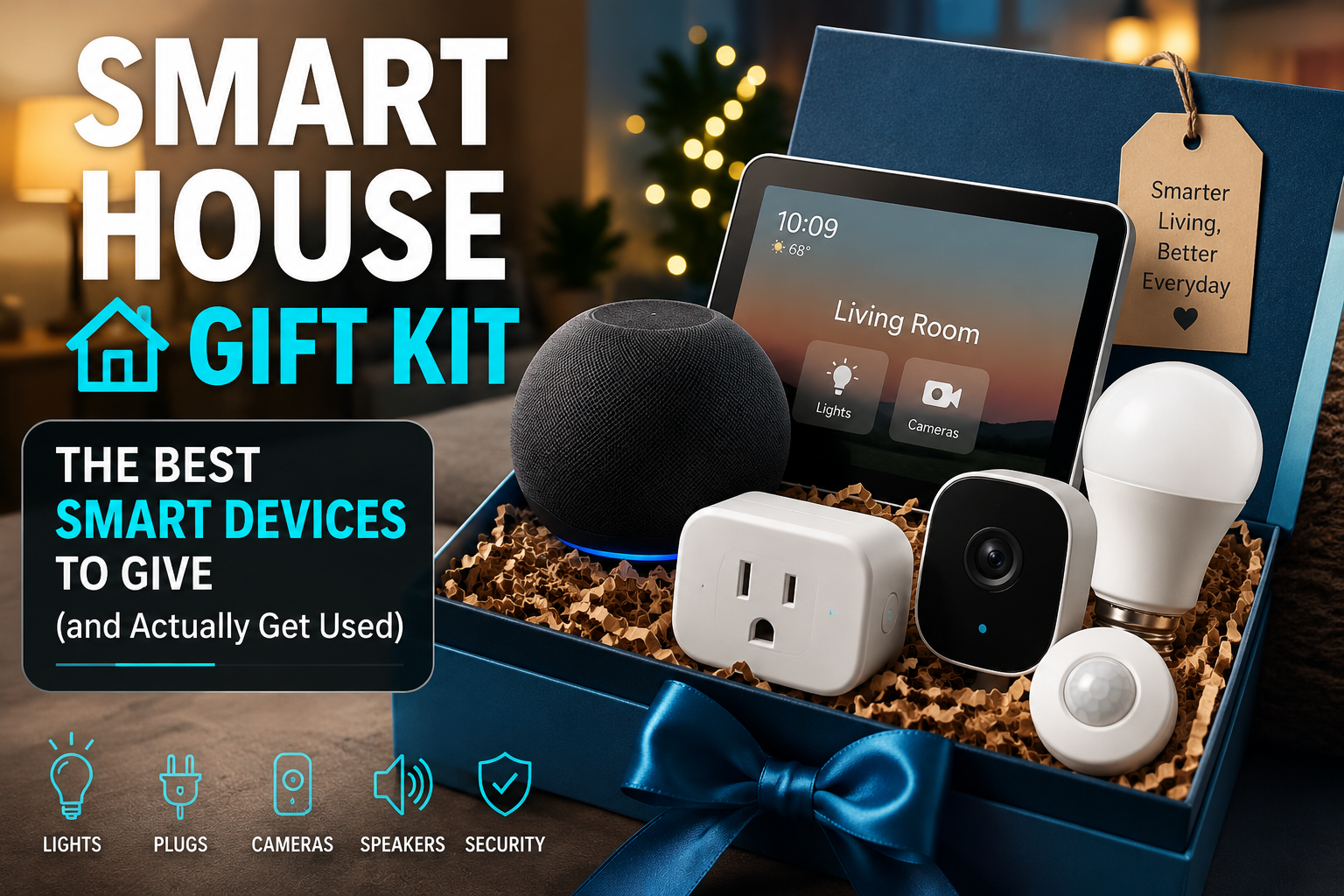
If you’re thinking about a gift
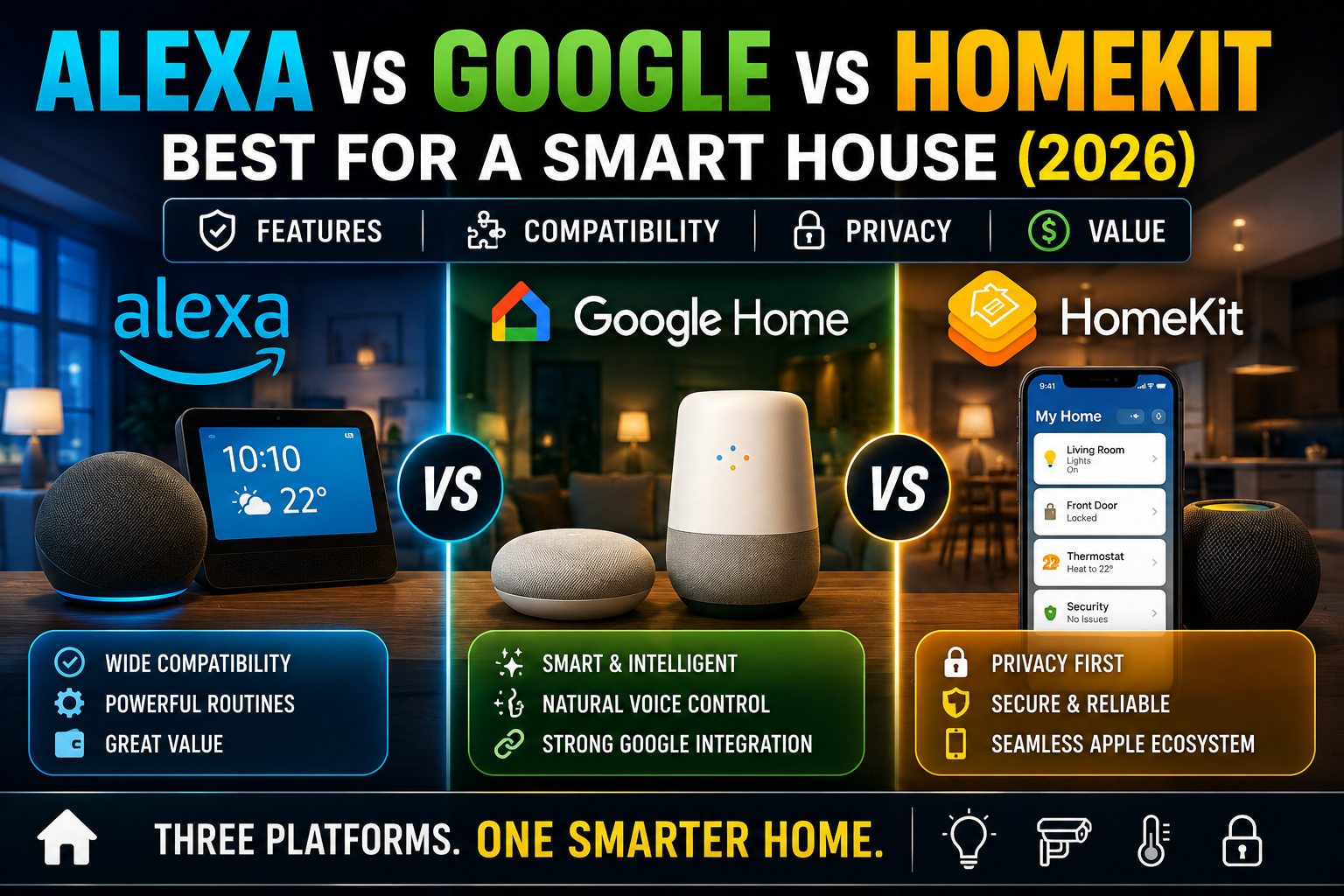
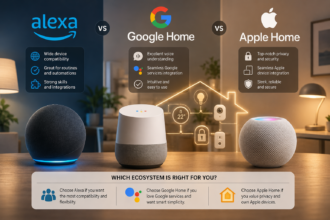
Home tech gifts fail for three reasons: excessive complexity, lack of relevance to the recipient’s life, and friction during initial setup. Smart plugs are almost always a safe bet because they work with any appliance that already plugs into the wall. Bulbs are the next safest option, as long as you confirm the recipient doesn’t use traditional dimmer switches, which tend to cause flickering with smart bulbs. An entry-level smart speaker or display is an excellent anchor if you’re not sure about the rest of the recipient’s ecosystem — but it’s worth finding out beforehand whether they already have a preference for Amazon, Google, or Apple, because mixing ecosystems creates constant friction.
When and how to expand a system that already works
There comes a point when the initial foundation — speaker, a couple of bulbs, a plug — feels complete but limited. Expanding well doesn’t mean buying more of the same; it means adding new types of awareness to the home: knowing whether a room is occupied, whether a door has opened, what the air quality is, or how much each appliance really consumes.
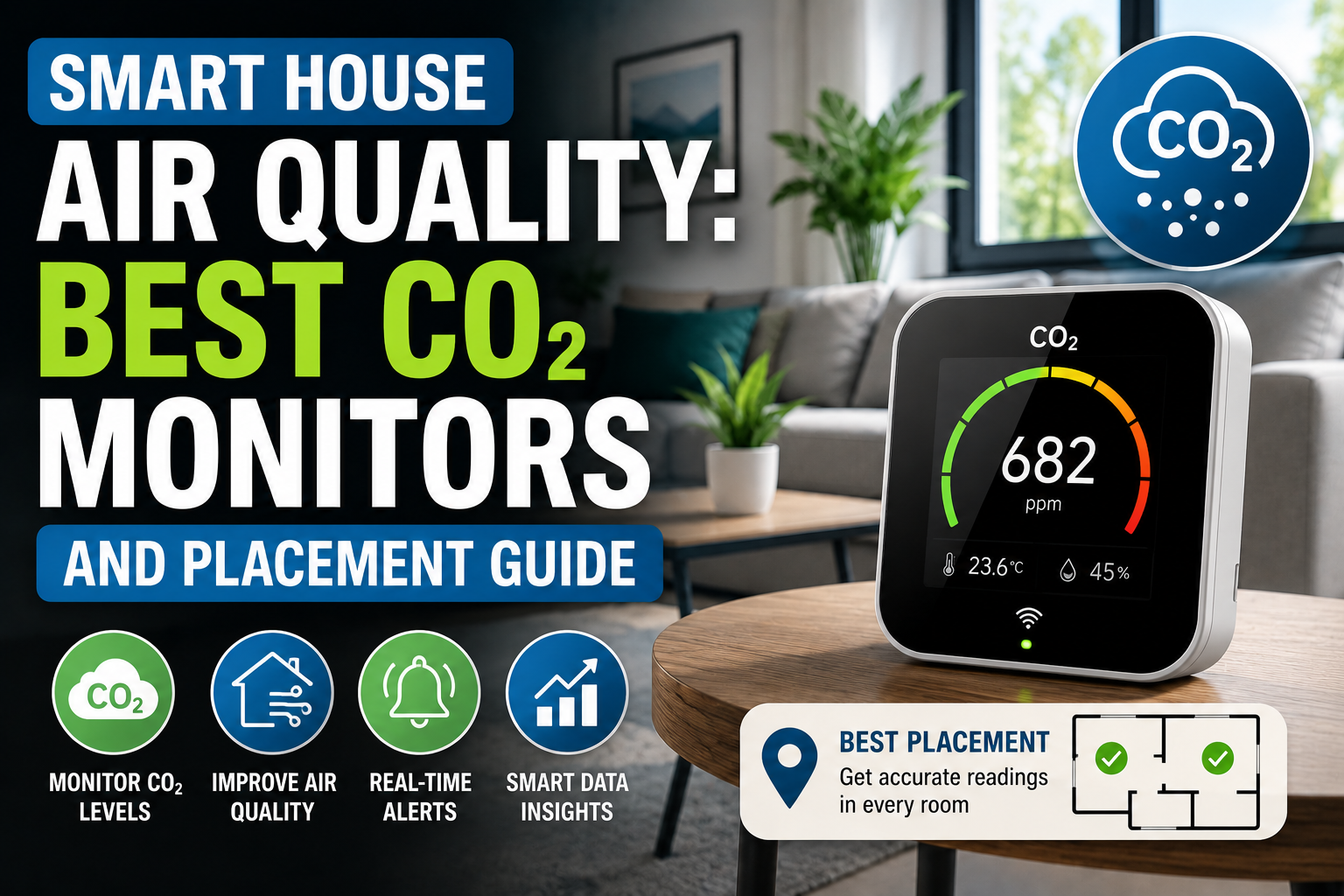
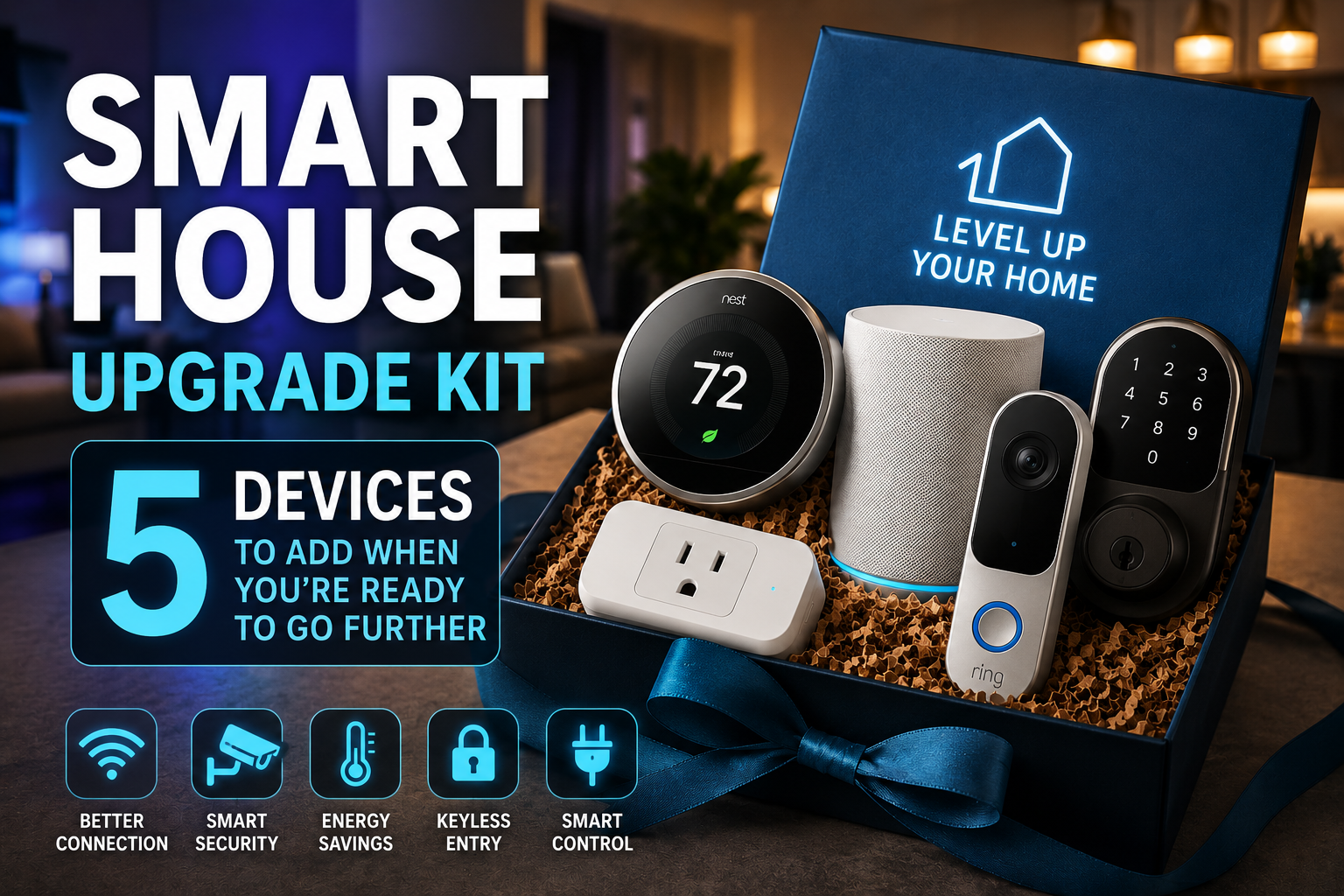
The five categories that tend to produce the biggest jump in quality are: a multi-sensor (motion, temperature, humidity) that replaces several standalone devices; a smart lock, which turns arriving and leaving home into the most powerful automation trigger in the house; a local hub, if you don’t already have one, to reduce latency and dependence on the internet; an indoor air-quality monitor, which reveals invisible CO2 and volatile organic compound levels with a real effect on sleep and concentration; and, depending on the case, a smart irrigation controller or a whole-home energy monitor.
Principles that repeat across any budget
Looking at the category as a whole, the same principles come up again and again, whether the budget is $100 or $1,000:
- Buy one thing, live with it, then decide on the next. Real-world experience teaches more than any product comparison.
- Prioritize reliability over the lowest price. A cheap device that fails costs more, in time and frustration, than one that’s slightly pricier but simply works.
- Calculate the total cost, not just the purchase price. Camera subscriptions and some cloud services can exceed the price of the device itself in the first year.
- Look for cross-platform compatibility. The Matter standard, developed by the Connectivity Standards Alliance with backing from Amazon, Apple, Google, and Samsung SmartThings among others, aims to improve interoperability between devices from different manufacturers operating over the internet protocol itself — which in practice means a device with the Matter logo is far more likely to survive a future ecosystem switch.
- Automate a little and well, rather than a lot and poorly. One routine that always works builds trust; ten fragile routines build distrust in the whole technology.
Conclusion
The affordable smart home isn’t a scaled-down version of the expensive smart home: in many ways, it’s the right way to start at any budget. A speaker, a couple of bulbs, and a well-chosen plug cost under $100 and already deliver the essential experience. From there, every expansion — sensors, thermostat, local hub, lock, air monitor — should be justified by a real need, not the excitement of the moment. Buy with intention, live with what you buy before adding more, and prioritize compatibility and reliability over flashy features. That, in essence, is the thread running through everything we’ve covered in this category.
Sources
- U.S. Environmental Protection Agency, ENERGY STAR — Smart Thermostats FAQs, on the certified energy savings of smart thermostats: energystar.gov/products/heating_cooling/smart_thermostats/smart_thermostat_faq
- U.S. Environmental Protection Agency, ENERGY STAR — Smart Thermostats Key Product Criteria: energystar.gov/products/smart_thermostats/key_product_criteria
- Connectivity Standards Alliance (CSA-IoT) — Build With Matter, on the Matter interoperability standard: csa-iot.org/all-solutions/matter
- Wikipedia — Matter (standard), an overview of the standard’s origin, governance, and technical operation: en.wikipedia.org/wiki/Matter_(standard)
- Home Smart Guide’s own Kits & Budgets category archive, whose seven existing articles — on tiered budgets, under-$100 kits, beginner mistakes, gift kits, expansion kits, shared households, and renter kits — served as the editorial basis for this synthesis guide.
Note: device prices mentioned are approximate and fluctuate with the market; confirm them before buying.