

There’s a version of the smart home that only one person in the household ever uses. The partner or roommate who didn’t set it up defaults to the old light switches, never quite learned the app, and has quietly developed a workaround for every automation that fires at the wrong moment. The person who built the system finds themselves fielding complaints about lights that turn off while someone is reading, voice commands that don’t work because the speaker is named something nobody else remembers, and routines that make perfect sense to the person who designed them and feel arbitrary to everyone else.
- The First Principle: Every Critical Function Needs a Physical Control
- Accounts and Access: Making Sure Everyone Can Actually Control Things
- Designing Automations That Work for Multiple People
- The Smart Display as a Shared Control Center
- Naming Everything Consistently and Obviously
- Handling the Moments When Preferences Genuinely Conflict
- A Starting Kit for a Shared Household
- Conclusion
This isn’t a failure of technology — it’s a failure of design. A smart home built around one person’s preferences and mental model will always feel foreign to everyone else who lives there. Building one that genuinely works for a household of two or more requires thinking about usability, control, and automation from multiple perspectives simultaneously, and making deliberate choices about which devices and configurations create shared convenience rather than individual convenience that inconveniences everyone else.
This guide is about building that shared setup: the hardware choices, the configuration principles, and the specific decisions that determine whether a smart home is something everyone in the household benefits from or something only one person cares about.
The First Principle: Every Critical Function Needs a Physical Control
The single most important decision in a smart home designed for a shared household is ensuring that every function anyone needs to perform can be done without an app, without a voice command, and without asking the person who set everything up. This sounds obvious, but it cuts against the way most smart home setups evolve — starting with app control, adding voice commands, and treating physical controls as a legacy fallback rather than a first-class interface.
The practical implementation is smart buttons and switches placed exactly where conventional controls would be. If there was a light switch next to the bedroom door before the smart home was installed, there needs to be something at exactly that location that controls the bedroom lights — not an app on a phone, not a voice command to a speaker that’s across the room, not a tap on a smart display in the kitchen. The muscle memory of where controls live in a home is deeply ingrained, and fighting it creates ongoing friction for anyone who didn’t build the system.
The Ikea STYRBAR and TRÅDFRI remotes are excellent here: four-button battery-powered remotes that can be mounted on any surface with the included adhesive bracket, pair directly with Zigbee lights or hubs, and work without internet connectivity. The Philips Hue Dimmer Switch serves the same function within the Hue ecosystem. For households using Lutron Caseta switches, the Pico remote is the gold standard — it feels identical to a conventional light switch, mounts in a standard electrical box or on a surface with an adhesive bracket, and has the best battery life of anything in this category (typically five or more years on a single CR2032).
The key insight is that physical controls aren’t a fallback for when the app doesn’t work — they’re the primary interface for anyone who doesn’t want to think about the smart home. A household member who can control every light and every routine they care about through physical buttons placed where they expect them will have a genuinely good experience regardless of whether they ever open the app.
Accounts and Access: Making Sure Everyone Can Actually Control Things
The second most common failure mode in a shared smart home is that only one person has account access to the devices. The partner or roommate who didn’t set things up has the app installed but limited permissions, can’t change automations, and gets locked out of devices when the primary account has a session issue. This creates a dependency dynamic that breeds resentment toward the technology even when the underlying setup is solid.
Every major smart home platform supports multiple accounts and household sharing. Amazon Household allows two adults to share Echo devices, smart home device access, and routine management — both accounts have equal access to everything. Google Home’s household feature works similarly, with any member of the home able to control devices and create routines. Apple HomeKit’s home sharing allows up to five people to be added as members of the same home with full or limited access.
The setup step that most people skip: sit down with every person who lives in the home and add them as a full member of the smart home account before you consider the setup complete. Not a guest, not a limited-access viewer — a full member who can control, automate, and modify devices. Then go through the voice assistant recognition setup for each person’s voice (Alexa’s voice profile feature and Google’s voice match both allow personalized responses for each household member) so that voice commands work correctly regardless of who’s speaking.
For households with children old enough to use devices but not old enough to have unconstrained access, most platforms support child profiles with limited permissions. This is separate from the adult household sharing question — the goal here is ensuring that every adult in the home has equal access and equal agency over the shared system.
Designing Automations That Work for Multiple People
The most common source of smart home friction in shared households is automations that were designed around one person’s schedule and behavior pattern and that behave unexpectedly — or outright badly — for everyone else. A motion sensor that turns the bedroom light on when movement is detected works perfectly for the person who set it up and is infuriating for a partner who goes to the bathroom at 3am and suddenly has full bedroom lighting.
The design principle for shared automations is to be conservative about what you automate and liberal about what you make easy to control manually. An automation that turns lights on when motion is detected in a shared space is usually more disruptive than useful. An automation that turns lights off when a room has been empty for twenty minutes is almost always welcome. The asymmetry matters: unauthorized activation of something feels like an intrusion, while unauthorized deactivation just means someone has to turn something on.
Time-based automations are typically less contentious than sensor-based ones in shared spaces, because they’re predictable and can be communicated simply. “The living room lights shift to warm mode at 7pm” is easy to explain and easy for anyone to override manually. “The hallway light turns on when the motion sensor detects movement unless the system is in night mode and it’s between 11pm and 6am but only on weekdays” is an automation that works correctly in testing and causes unexpected behavior in the hands of anyone who didn’t write it.
For the bedroom specifically, the most common source of automation conflict is different sleep schedules. One person goes to bed at 10pm, the other stays up until midnight. A “good night” routine that turns off all lights, arms the alarm, and locks the doors at 10pm works for one person and is a significant problem for the other. The solution is either per-person routines triggered by individual voice profiles or phones, or moving the bedroom automations to be purely manual rather than scheduled. Most couples who think carefully about this end up with a hybrid: house-wide automations for shared spaces and schedule-neutral automations for personal spaces, with the bedroom being the one room that runs almost entirely on manual or physical-button control.
The Smart Display as a Shared Control Center
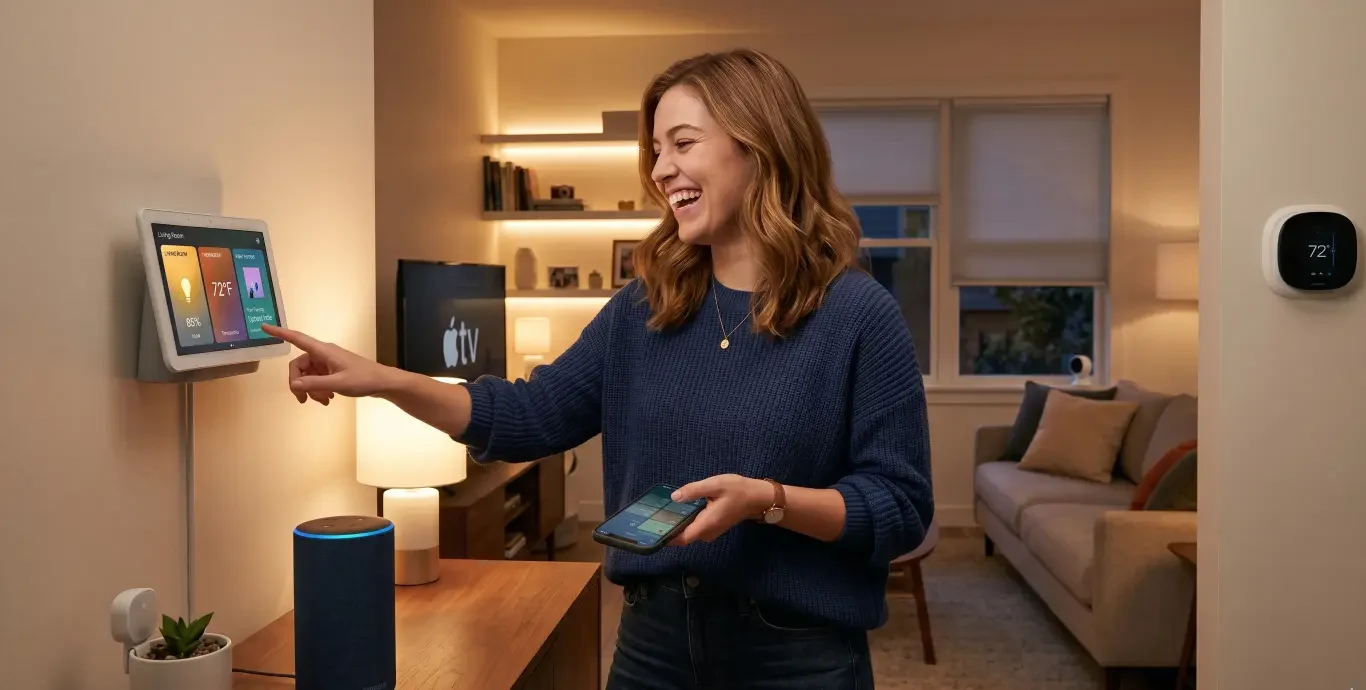
One device category that consistently earns its place in shared households is the smart display — an Echo Show, a Google Nest Hub, or an iPad running a Home Assistant dashboard mounted in a common area. Unlike a phone-based app that requires unlocking, opening, and navigating, a display in the kitchen or living room provides always-on visibility of the home’s state and one-tap control of the most common functions.
The Google Nest Hub (second generation, around $100) is particularly well-suited for shared household use because it supports multiple voice profiles and can display personalized information for whoever is speaking. The ambient mode, which displays photos or artwork when not actively in use, makes it feel at home in a living space rather than looking like a tech gadget on the counter. The Echo Show 8 is similarly capable and often available at lower prices during sales.
For households running Home Assistant, a wall-mounted tablet with a Lovelace dashboard customized for the household’s specific devices and routines is the most powerful version of this idea — but it requires considerably more setup investment. The payoff is a control panel that shows exactly what you want to show, in exactly the layout that makes sense for how your household actually uses the space.
The practical benefit of a shared display in a household where one person is more technically invested in the smart home than the other is that it removes the “I had to ask you to do it” dynamic for common tasks. Turning off all the lights before bed, checking whether the front door is locked, starting the dishwasher cycle — these are things either person can do from the kitchen display without opening any app or knowing any voice command syntax.
Naming Everything Consistently and Obviously
This sounds like a minor detail and is in practice one of the most consequential decisions in a smart home’s usability for multiple people. Device names, room names, and scene names that make sense to the person who created them and need explanation for everyone else are a constant source of friction.
The standard that works best in shared households is the most obvious possible name. Not “Chill vibes” for the dim warm evening scene — “Living room dim.” Not “Hue go 1” for a portable lamp — “Side table lamp.” Not “Evening” for a time-based routine — “Evening lights on.” Boring, literal, and immediately comprehensible to someone who has never seen the smart home app and is trying to control something by voice for the first time.
The voice assistant test is useful here: before finalizing any device or scene name, ask yourself whether a household member who has never interacted with the smart home could correctly guess that name and have it work. If the answer is “probably not,” rename it.
Room assignment in the smart home app also matters for group commands. If the bedroom lamps aren’t assigned to the bedroom room in Alexa or Google Home, the command “turn off the bedroom lights” won’t work — which means the person who didn’t set up the system will try the obvious command, have it fail, and conclude that voice control doesn’t work reliably. Getting the room assignments correct for every device is a ten-minute task at setup time that prevents ongoing confusion indefinitely.
Handling the Moments When Preferences Genuinely Conflict
Even a well-designed shared smart home will encounter situations where two people want different things simultaneously. One wants the living room at 3000K warm white for evening relaxation; the other is doing detail work and wants brighter cooler light. One wants the thermostat at 20°C, the other at 22°C. These aren’t smart home problems — they’re the same negotiation that happens in any shared space — but the smart home can either help or get in the way.
The most useful design approach is giving each person easy access to manual overrides for the devices in shared spaces, without those overrides triggering or disrupting automations for the other person. A physical dimmer button next to the main seating position lets either person adjust the living room light without going into an app. A thermostat with a physical dial that can be adjusted without unlocking a phone works for both people regardless of who set up the schedule.
What to avoid: automations that restore a “correct” state after a manual override. A thermostat that resets to its schedule fifteen minutes after a manual adjustment is genuinely useful when you’re the only one who adjusted it and you’re protecting against forgetting to restore the schedule. It’s infuriating when your partner adjusted it deliberately and the system keeps undoing their preference. In a shared household, scheduled overrides should stay in effect until the next natural schedule transition, not revert automatically.
A Starting Kit for a Shared Household
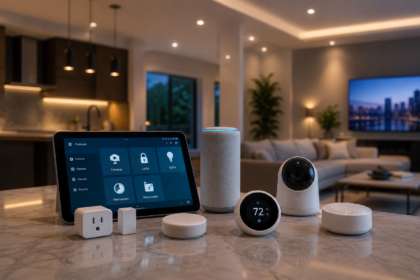
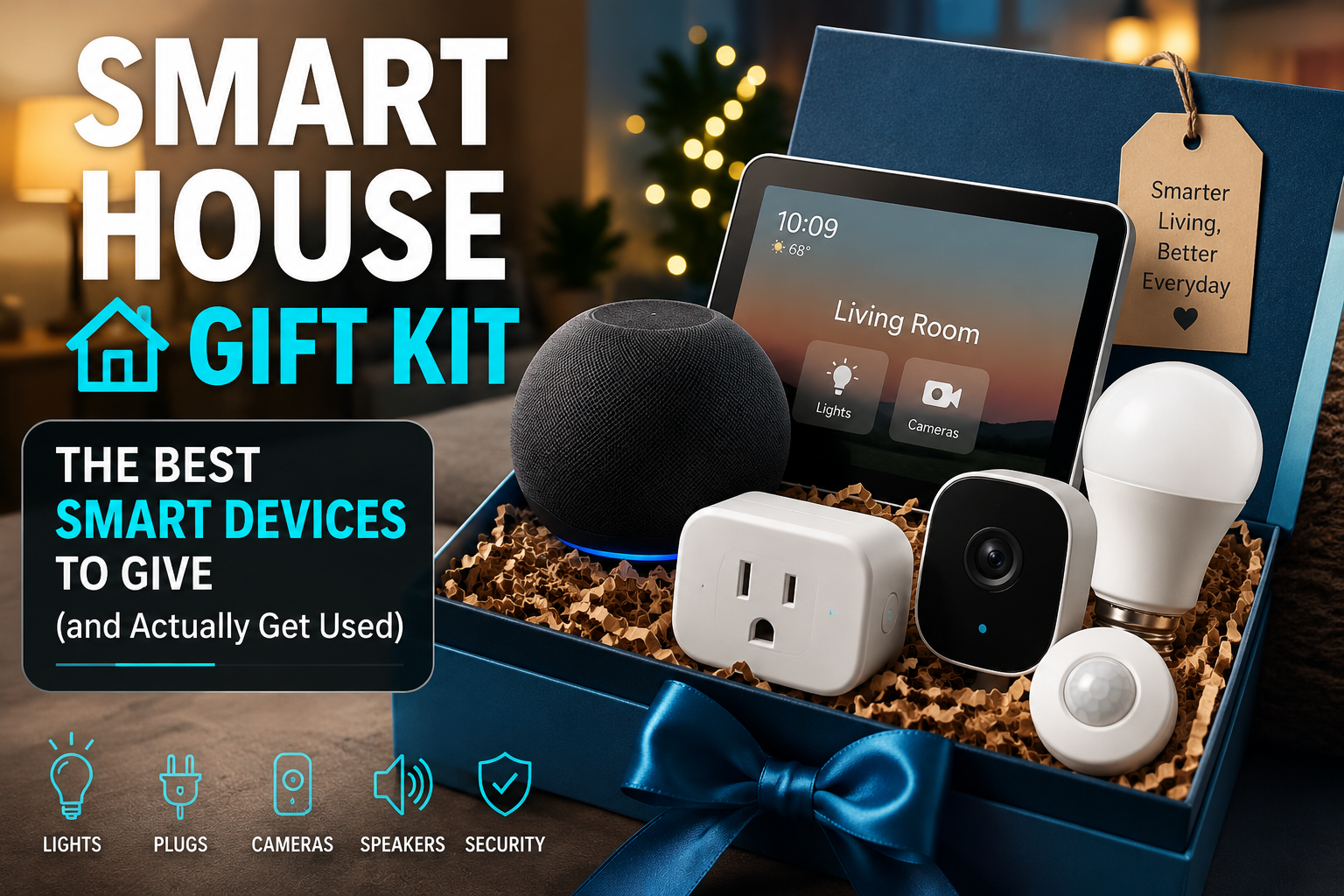
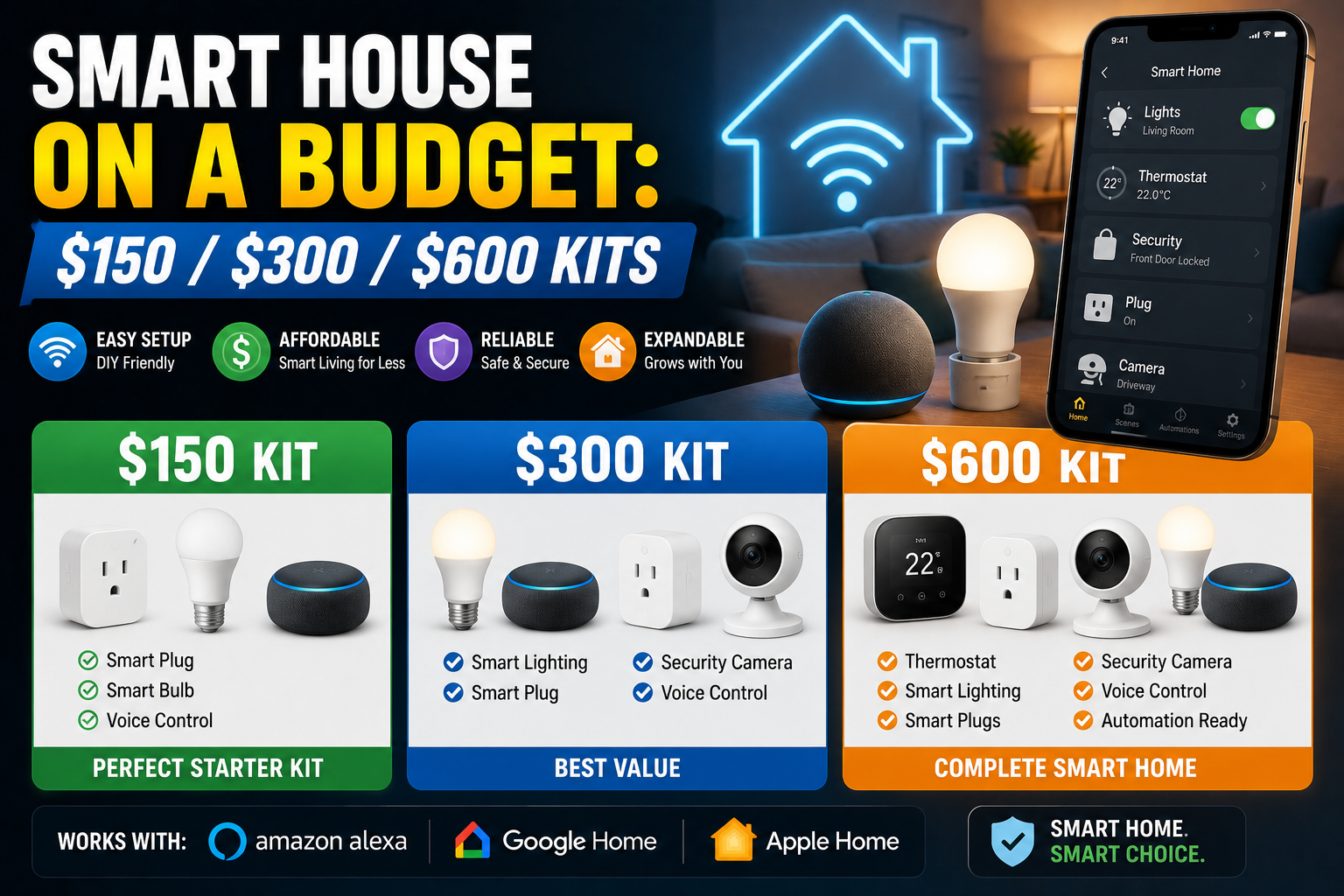
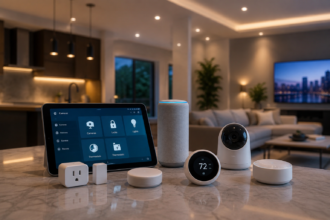
For a couple or small household starting from zero, a setup that prioritizes shared usability over technical sophistication looks like this: a smart speaker or display in the kitchen as the central control point, smart bulbs in the main living areas paired with physical button controls at each existing switch location, a smart plug or two for the devices that would benefit most from scheduling, and one shared smart home account that both people are added to with full access before anything else is configured.
Total hardware cost for this foundation is $100–150 depending on device choices. The configuration investment is an afternoon — and critically, an afternoon that involves both people in the household, not just the one who’s more interested in the technology. The automations, if any, should be discussed and agreed on rather than implemented unilaterally.
This starting point will serve the household well because it’s built around usability for everyone rather than capability for the most technical person. From there, adding devices and automations incrementally — with each addition tested for whether it creates convenience for the whole household or just for one person — produces a smart home that genuinely deserves that name.
Conclusion
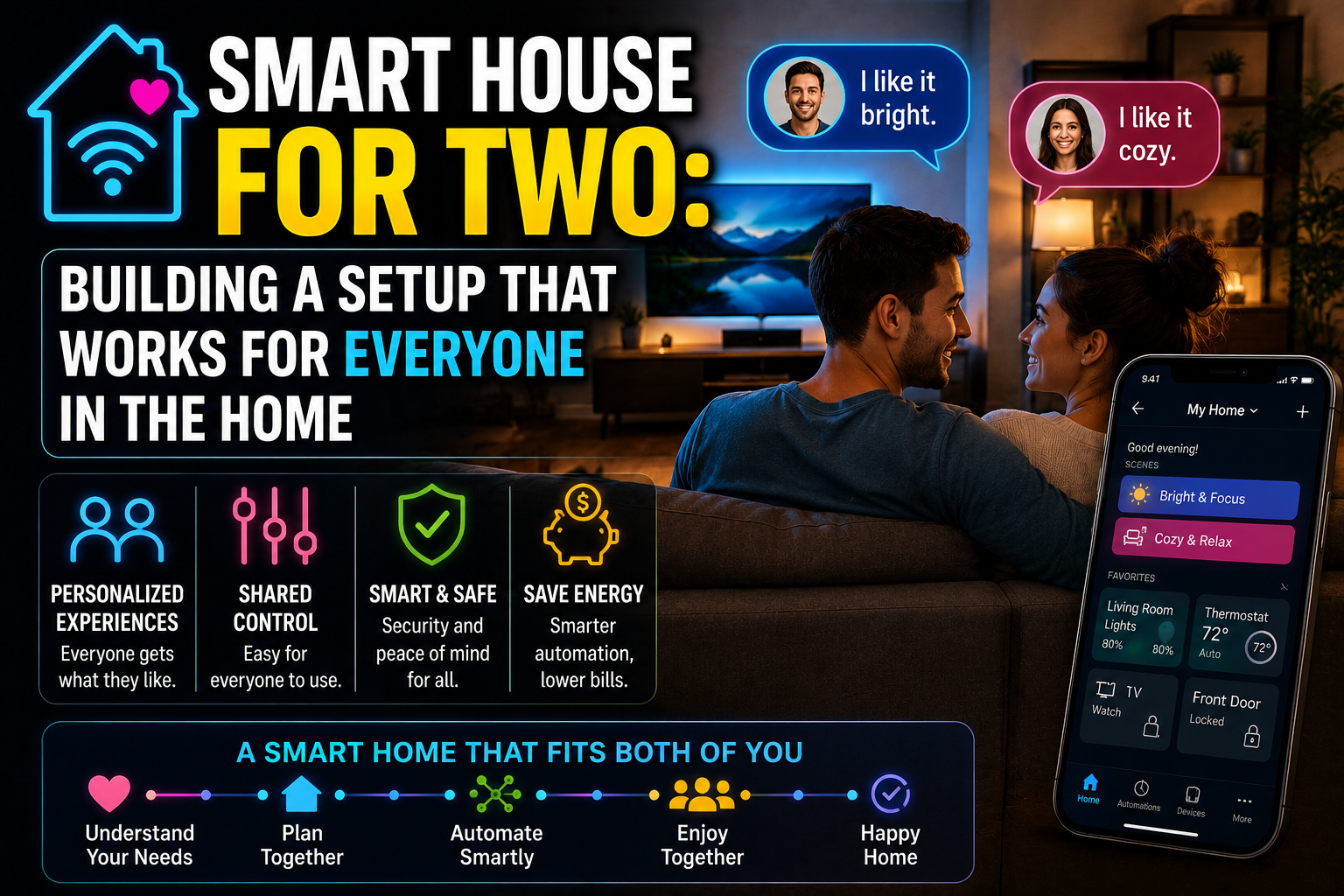
A smart home that works for two people requires more deliberate design than one built for a single user, but the result is considerably more valuable because it’s actually used by everyone who lives there. Physical controls placed where people expect them, shared account access from day one, automations designed with multiple schedules and preferences in mind, consistent device naming, and a shared display as a common control point — these are the building blocks of a setup that doesn’t require anyone to adapt to the technology because the technology has adapted to the household.
The smart home that works best for a couple or a shared household isn’t the most sophisticated one. It’s the one where either person can walk into any room, do what they want to do, and never feel like they’re fighting a system someone else built.