

A smart home vacation mode is a set of automations that keeps your house safe, quiet, and efficient while you travel. It combines lighting schedules, thermostat settings, lock checks, and alerts under a single trigger. This guide explains how to build it, plus the nine automations worth setting up before your next trip.
What Is Smart Home Vacation Mode?
Vacation mode is a saved routine you switch on before a long absence. Unlike a daily routine, it assumes nobody will be home for days, so it changes how the whole house behaves.
A good vacation mode does three jobs:
- Security: the house looks lived-in, and you hear about problems quickly.
- Safety: leaks, smoke, and freezing temperatures get a fast response.
- Efficiency: the house stops spending energy on empty rooms.
Vacation Mode vs. the Leave Home Routine
Our guide to Leave Home and Night Mode routines covers daily departures. Vacation mode builds on that foundation for longer trips. The table shows how they differ.
| Feature | Leave Home routine | Vacation mode |
|---|---|---|
| Duration | A few hours | Days or weeks |
| Trigger | Last person leaves | Manual: voice, button, or app |
| Lighting | All off | Randomized, to look occupied |
| Thermostat | Eco mode | Protective setpoints |
| Alerts | Standard | Stronger, sent to more than one person |
| Return | Welcome Home routine | Welcome Home routine plus a quick check |
What Vacation Mode Should Never Switch Off
Not every device should power down. Keep these running:
- Routers, modems, and your smart home hub, because every alert depends on them.
- Smoke, carbon monoxide, and leak sensors, which protect the house when nobody is there.
- Security cameras and door sensors, which are the whole point of the exercise.
- Refrigerators and freezers, unless you have emptied them on purpose.
For a wider look at devices that should stay powered, see our guide to cutting standby power in a smart house.
Before You Leave: Prepare Your Smart Home
Automations that worked last month can fail quietly. Spend a few minutes on preparation, ideally a week before you travel.
Run a Pre-Trip Test
Run your vacation routine manually while you are home and watch what happens. Check each light, lock, and alert. If something fails, use our guide to smart home routines not working to find out whether the trigger, condition, action, or platform is the cause.
Replace weak sensor batteries now. A dead battery in a door sensor is a gap you won’t notice until you return.
Check Your Connectivity
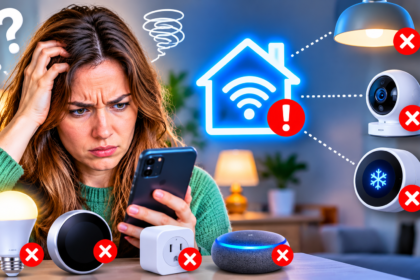
Most alerts travel through your internet connection. If devices keep dropping off, fix that first with our guide to why smart home devices keep going offline.
If you can, put your router and hub on a small battery backup (UPS). A short power cut then won’t silence your whole system.
Prefer Local Automations for Critical Tasks
Cloud-based routines stop when the internet does. Where your platform allows it, run lighting and security rules locally. Our guide to offline smart house automations explains how.
9 Smart Home Vacation Automations Worth Building
The first five protect the house from outside problems. The rest handle internal risks and save energy.
1. Randomized Lighting to Look Lived-In
Turn a few lamps on at dusk and off at different times each evening. Use two or three smart plugs or bulbs with schedules offset by several minutes. If your platform offers random timing, use it.
A light that switches on at exactly 7:00 every night looks like a timer, not a person.
2. Protective Thermostat Settings
Set the thermostat to an energy-saving temperature, but not so far that pipes freeze or humidity builds. Many guides suggest keeping a house above roughly 55°F (13°C) in cold weather. In summer, raise the cooling setpoint instead of switching the system off.
For realistic expectations on savings, read what smart thermostats actually cut from your bill.
3. Lock Check and Auto-Lock
Make the routine confirm that every smart lock is locked, and send a message if one is not. Turn on auto-lock where available.
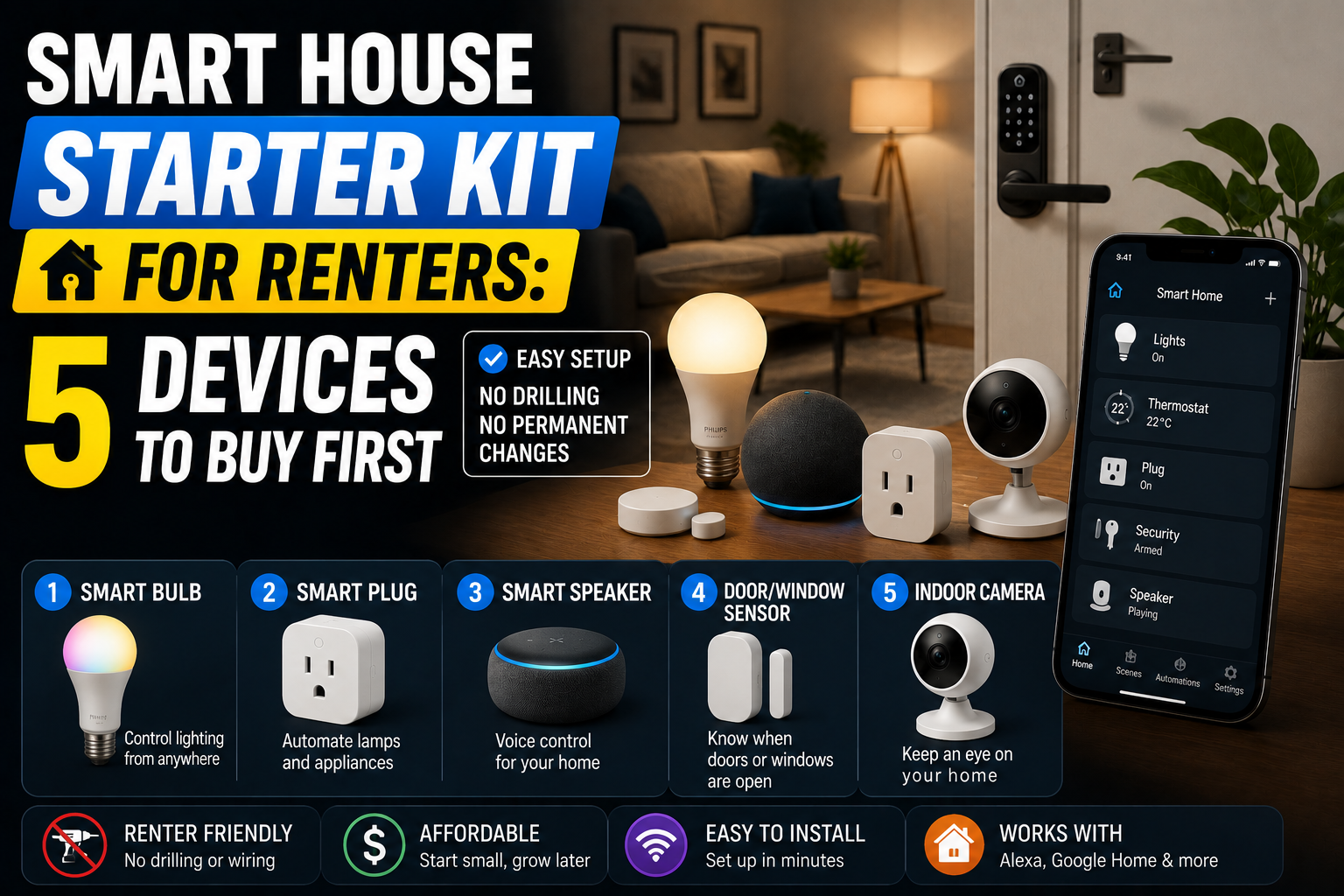
If a house sitter needs access, give them a temporary code instead of sharing yours. Our guide to smart locks for a no-drill home covers options for renters and owners.
4. Door and Window Alerts
Create a rule that sends an alert whenever a contact sensor opens while vacation mode is on. Send it to two people, such as you and a trusted neighbor, so one missed notification doesn’t matter.
When the house is empty, a single opened door is meaningful.
5. Cameras and Motion Alerts
Arm your cameras when vacation mode starts. Use motion alerts for entry points, not every passing car.
Placement matters, so see our guide to outdoor security cameras. Pair them with motion-sensor outdoor lighting so the exterior reacts when someone approaches.
6. Leak Detection and Water Shutoff
A leak in an empty house can run for days. Keep leak sensors under sinks, near the water heater, and by the washing machine. If you have a smart shutoff valve, let the routine close it when a sensor triggers.
Our guide to smart water leak detectors explains where to place them.
7. Smoke and Carbon Monoxide Alerts
Make sure alerts from your detectors reach your phone and a second contact. Never disable them to save energy.
See our guide to smart smoke and carbon monoxide detectors for connecting them correctly.
8. Power Down Unnecessary Devices
Use smart plugs to cut power to entertainment centers, chargers, and coffee machines. Standby draw is small per device, but across a two-week trip it adds up.
To find your biggest drains first, follow our smart home energy audit.
9. A Daily “All-Clear” Check-In
Schedule one notification each day that confirms vacation mode is active, doors are locked, and no alerts are pending. If the message stops arriving, the system itself may be offline.
This is the cheapest way to catch a silent failure.
Example: A Ten-Day Trip
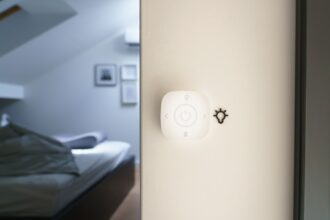
Here is an illustrative scenario. A family leaves on a Friday for ten days. On Thursday night, they press one “Vacation” button by the door.
The routine locks every door, sets a protective thermostat temperature, cuts power to the entertainment center, arms the cameras, and starts the evening lamp schedule. Their neighbor receives the same door and leak alerts.
On day six, the morning check-in does not arrive. They call the neighbor, who finds the router has lost power. A reset restores everything within minutes. Without the check-in, the house would have been unmonitored for days.
Build Your Vacation Mode Step by Step
Every platform uses the same trigger, condition, and action structure. If you are new to it, our guide to your first five smart home automations explains the basics.
- Choose a manual trigger. Use a voice phrase, a smart button, or an app shortcut. Avoid geofencing alone, because it can fire at the wrong time.
- Add conditions. Limit lighting to evening hours, and keep thermostat changes inside safe temperature ranges.
- List your actions. Combine the nine automations above into one scene or routine.
- Create an “I’m back” routine. Pair it with a welcome home automation that restores normal settings.
- Test it twice. Run it while you are home, then leave for an hour and confirm the alerts arrive.
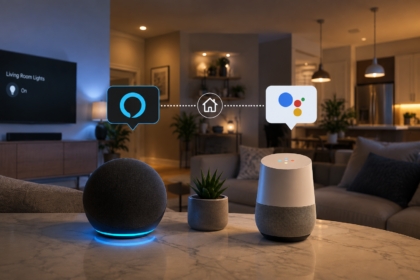
- Give each device one owner. If you run more than one assistant, avoid conflicts by following our guide to running Alexa and Google Home together.
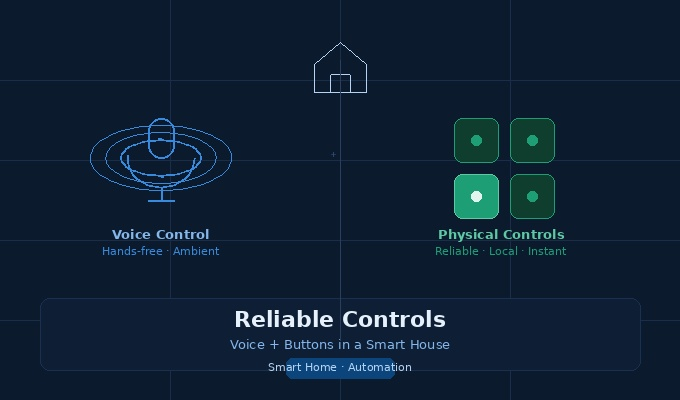
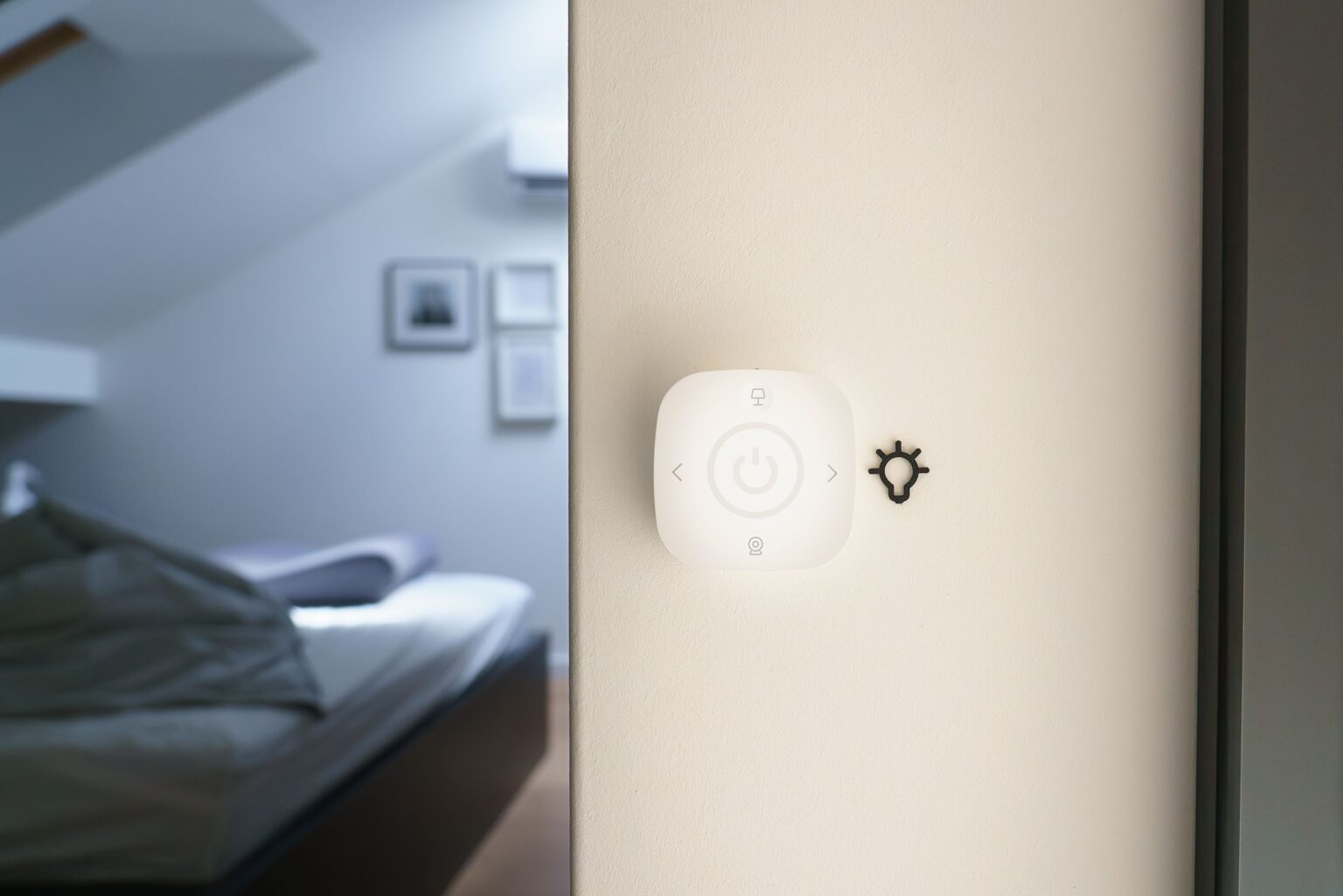
Keep a physical backup too. A wall switch or smart button helps a house sitter who doesn’t use your app. Our guide to voice and button controls explains why.
Privacy and Shared Access
If a house sitter or relative uses your system, review who can see your cameras and location. Our guide to voice assistant privacy shows how to check permissions and clear voice history.
Common Vacation Mode Mistakes
- Posting your trip online. No automation can fix a public announcement that the house is empty.
- Using identical schedules. Predictable lights look fake.
- Turning off too much. Cutting power to a hub or router silences your alerts.
- Skipping the test. An untested routine is only a guess.
- Alerting only yourself. If you are on a plane or asleep in another time zone, nobody sees the warning.
- Forgetting the return. Vacation settings left on after you come home leave you in a cold, dark house.
Frequently Asked Questions
Does smart home vacation mode work without internet?
Partly. Local rules, such as sensor-triggered lights, can keep running without internet, but remote alerts need a connection. Use local automations for critical tasks and a battery backup for your router.
Should I turn off my thermostat while I’m away?
Usually not. Set a protective temperature instead. In winter, avoid letting the house get cold enough to risk frozen pipes. In summer, raise the cooling temperature rather than switching the system off.
Is it safe to leave smart locks on auto-lock while I travel?
For most households, yes, as long as any house sitter has a temporary code and you have tested the lock. Confirm that a low-battery warning will reach your phone.
Can I use random lighting without smart bulbs?
Yes. Smart plugs on ordinary lamps work well, and you can offset several schedules by a few minutes. Features vary by platform, so check your app for a random-timing option.
Who should receive my alerts?
Send them to you and one trusted person nearby, such as a neighbor or family member. A second recipient keeps one missed notification from becoming a bigger problem.
Conclusion
Smart home vacation mode turns a collection of devices into a house that looks after itself while you are gone. The key is simple: protect against leaks, smoke, and break-ins, keep your alerts reliable, and cut energy waste.
Start with one trigger, three or four automations, and a daily check-in. Test it before you travel, add a second alert recipient, and build the return routine so normal life resumes the moment you walk in.