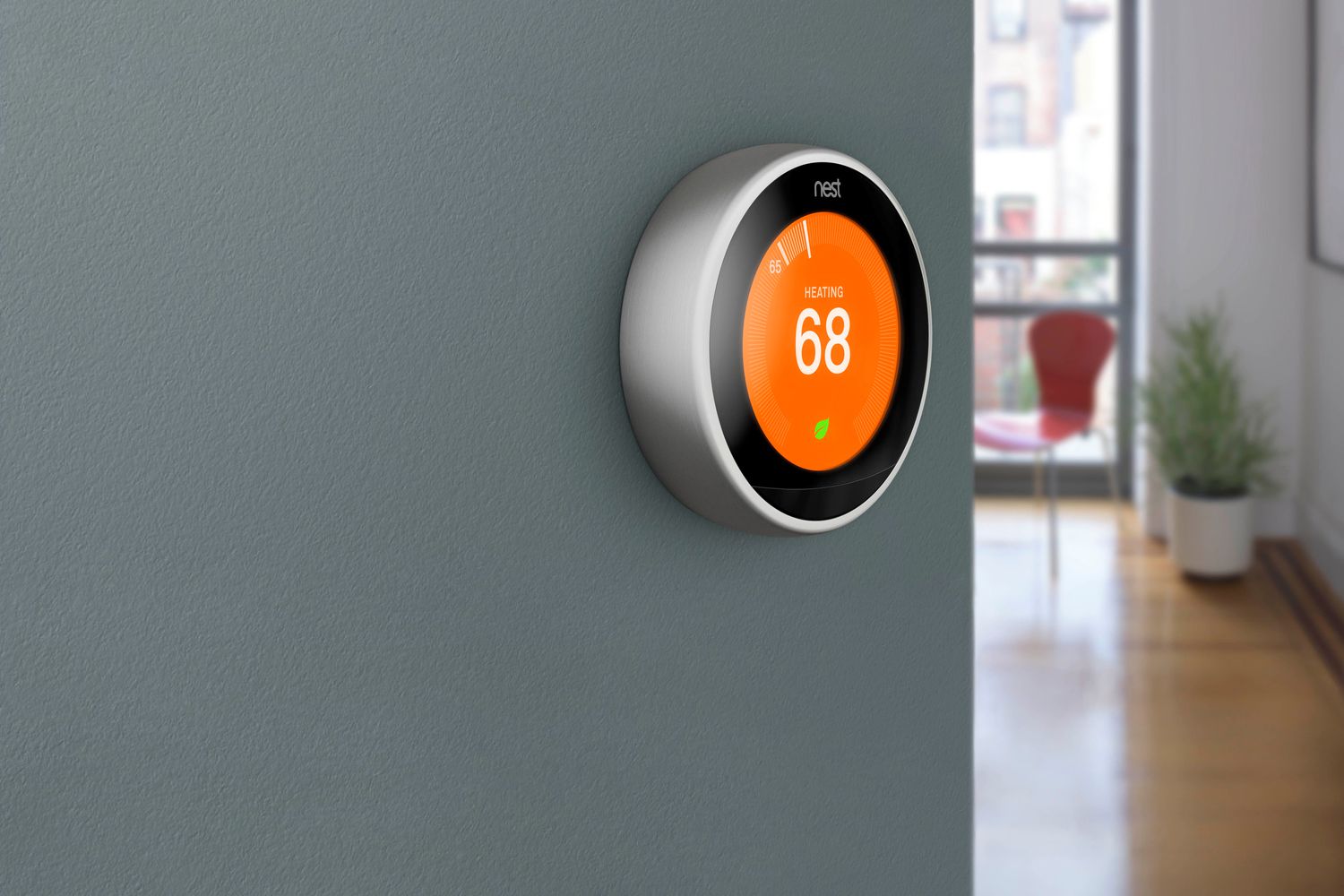





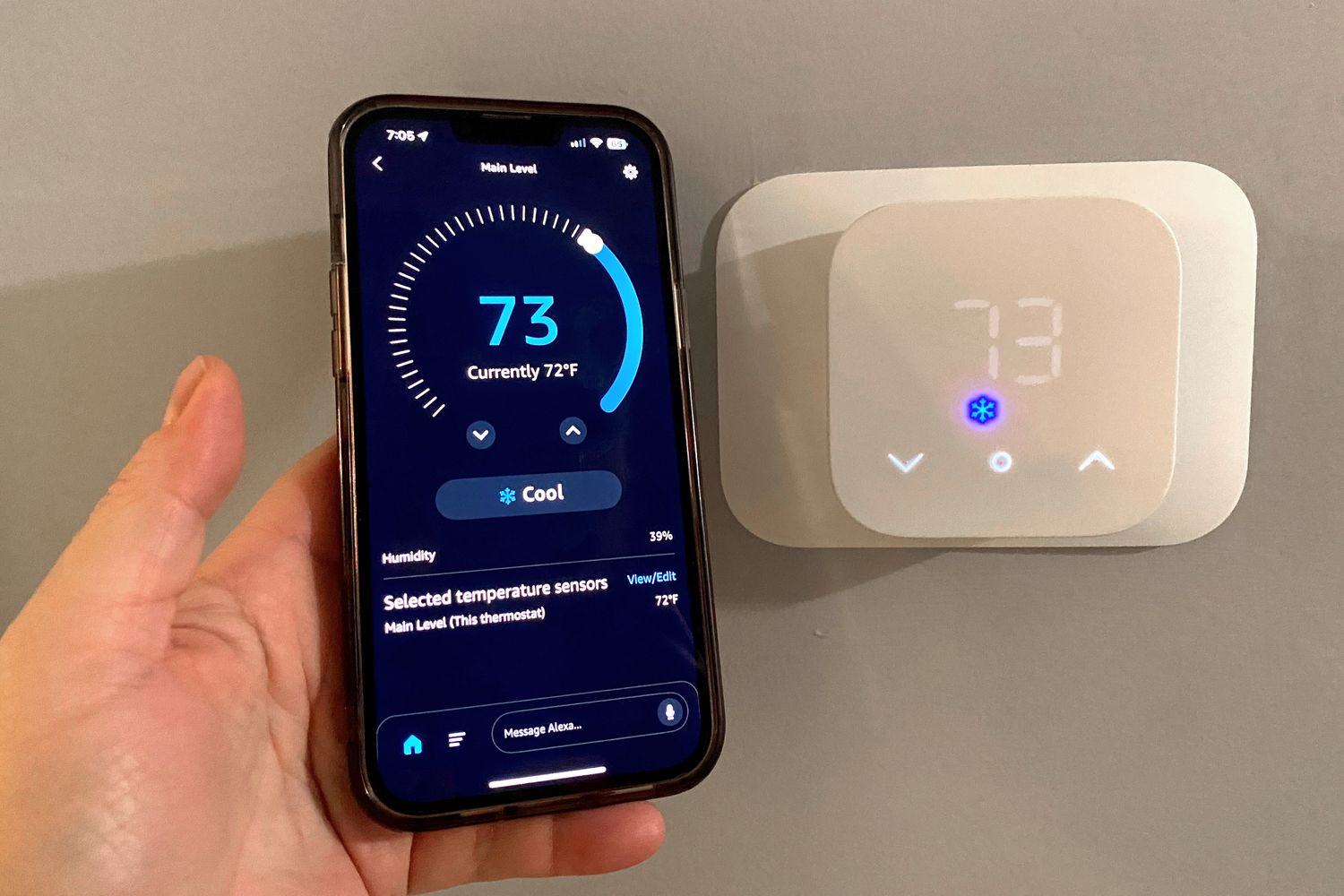
Buying your first smart thermostat is a bigger decision than buying a smart bulb. It connects to your home’s heating and cooling system, it usually involves wiring, and a wrong choice can mean a device that does not work with your setup at all. The stakes are higher, but so is the payoff, since the thermostat governs the most expensive energy use in most homes.
Rather than naming specific models that change every season, this guide teaches you to evaluate any smart thermostat the way an experienced installer would. Understand these criteria and you can walk into the decision with clarity, avoid the costly compatibility mistakes that catch most first-timers, and choose a thermostat that genuinely fits your home.
Start With Compatibility, Not Features
This is the rule that overrides everything else: a thermostat’s features are irrelevant if it does not work with your system. The single most common first-time mistake is falling in love with a feature list and discovering, too late, that the device cannot connect to your particular heating and cooling setup.
Before you compare any features, identify what kind of system you have and what wiring is behind your current thermostat. Most smart thermostats are designed for common low-voltage central heating and cooling. Systems that fall outside that, such as certain electric baseboard heating, high-voltage lines, or complex multi-stage and heat-pump configurations, require specific compatible models or accessories.
Every reputable manufacturer offers an online compatibility checker that asks you to identify the wires behind your existing thermostat. Use it before you do anything else. Photograph your current wiring, note the labeled terminals, and run them through the checker. This five-minute step prevents the most expensive mistake a first-time buyer can make.
The C-Wire Question
One wire deserves its own discussion because it confuses so many first-timers: the C-wire, or common wire. Many smart thermostats need a steady supply of power, which the C-wire provides. Older homes frequently lack one.
If your system has a C-wire, most thermostats will work. If it does not, you have options: choose a thermostat designed to work without a C-wire, use an included or add-on power adapter, or have an electrician add one. None of these is a dealbreaker, but you must know your C-wire situation before buying, because it determines which models are even candidates. When you run the compatibility checker, it will usually flag whether a C-wire is present or needed.
Features That Genuinely Matter
Remote Control and App Quality
The ability to control your thermostat from your phone is the baseline benefit, so the quality of the app matters enormously. A clean, responsive app makes daily adjustments effortless; a clunky one makes you dread using the device. Read recent reviews focused specifically on app reliability and ease of use, since this is where you will spend your time.
Scheduling and Learning
Decide whether you want to build schedules yourself or have the thermostat learn your patterns automatically. Learning thermostats observe your adjustments and create a schedule for you, which suits people who do not want to fiddle. Schedule-based models give you direct control, which suits people who prefer to set their own rules. Neither is better; it is a matter of preference and how hands-on you want to be.
Presence and Away Detection
Since most energy savings come from easing back when the home is empty, presence detection is a high-value feature. Some thermostats use built-in motion sensing; others track your phone’s location. Confirm the model offers a reliable away mode, because this is the feature that actually saves you money.
Remote Sensors
A common complaint with any thermostat is that it measures temperature only where it is mounted, often a hallway, which may not reflect the rooms you actually use. Some smart thermostats support additional remote sensors placed in bedrooms or living areas, letting the system balance comfort across the home. If you have rooms that run noticeably hotter or colder, sensor support is worth prioritizing.
Energy Reports
Good smart thermostats show you how much your system runs and offer insights to reduce it. For a first-time buyer, this visibility is genuinely useful, since understanding your usage is often what drives the behavior changes that save money.
Features You Can Treat as Optional
Some capabilities sound impressive but matter less for a typical first-time buyer. Voice assistants built directly into the thermostat are convenient but redundant if you already have a smart speaker. Premium display designs and metal finishes are pleasant but do not affect performance. Integration with utility savings programs can be valuable in some regions but is not essential.
Spend your decision-making energy on compatibility, app quality, presence detection, and sensor support. Treat the rest as tie-breakers between otherwise-equal options rather than primary reasons to buy.
Matching the Thermostat to Your Situation
If you have a straightforward central heating and cooling system with a C-wire, you have the widest choice and can prioritize app quality and learning features. If your home lacks a C-wire, narrow your search to models explicitly designed to work without one. If you have rooms with very different temperatures, prioritize remote sensor support. If your system is a heat pump or multi-stage setup, confirm the thermostat explicitly supports it, since not all do.
For first-time buyers who simply want reliable comfort and remote control without much fuss, a well-reviewed mainstream model with strong app stability is the safe choice. For those who want maximum automation, a learning thermostat with sensors and presence detection delivers more, at a higher price. Match the device to your priorities rather than buying the most expensive option assuming it is best.
A Smart Buying Strategy
Run the compatibility checker first and write down your wiring and C-wire situation. Set a realistic budget that includes possible professional installation if your wiring is tricky. Read recent reviews emphasizing reliability and app experience over flashy features. And buy from a retailer with a reasonable return policy, since the occasional compatibility surprise only reveals itself during installation.
If you are even slightly unsure about the wiring, factor in the modest cost of professional installation from the start. It is far cheaper than damaging your heating system or buying a thermostat that turns out to be incompatible, and it removes the only genuinely intimidating part of the process for most first-timers.
The Bottom Line
The best smart thermostat for a first-time buyer is the one that is compatible with your system, suits your hands-on preferences, and comes with a reliable app. Compatibility and the C-wire question come before every feature, because the most beautiful thermostat is useless if it cannot connect to your home. Once compatibility is confirmed, prioritize app quality, presence detection, and remote sensors based on your needs. Run the manufacturer’s checker, be honest about your wiring comfort, and you will choose a thermostat that fits your home and pays you back in comfort and control.
Frequently Asked Questions
What is the most important thing to check before buying a smart thermostat?
Compatibility with your heating and cooling system. Before comparing features, run the manufacturer’s online compatibility checker using the wiring behind your current thermostat. A thermostat’s features mean nothing if it cannot connect to your specific system, and incompatibility is the most common first-time mistake.
What is a C-wire and do I need one?
A C-wire, or common wire, supplies steady power that many smart thermostats require. Older homes often lack one. If yours does not have a C-wire, you can choose a model designed to work without one, use a power adapter, or have an electrician add one. Check your C-wire situation before buying.
Should I get a learning thermostat or a schedule-based one?
It depends on how hands-on you want to be. Learning thermostats build a schedule by observing your habits, which suits people who prefer automation. Schedule-based models give you direct control, which suits people who like setting their own rules. Neither is inherently better.
Do I need remote sensors?
Only if your home has rooms that run noticeably hotter or colder than where the thermostat is mounted. Remote sensors let the system balance comfort across multiple rooms. If your home heats and cools evenly, you can skip them.
Should I install it myself or hire a professional?
Many first-timers install successfully using app-guided steps, especially with simple wiring. If your wiring is unusual, you lack a needed wire, or you feel uncomfortable, professional installation is inexpensive and eliminates risk. When in doubt, hiring a pro is a reasonable choice.