

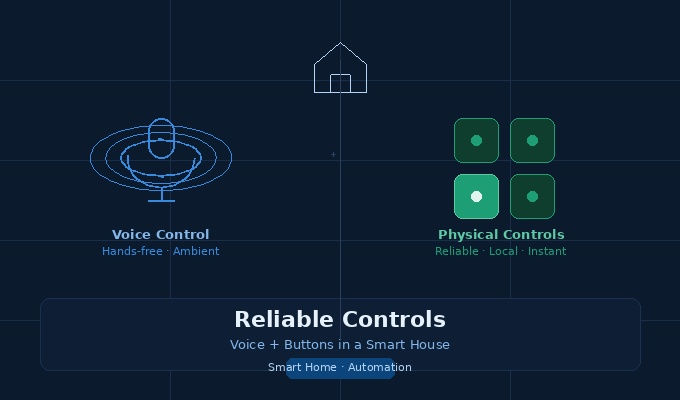
How the balance between voice assistants and physical controls is redefining comfort, safety, and usability in modern homes
There’s a particular kind of frustration that only smart home owners truly understand. You’re standing in the hallway with your hands full of grocery bags, the lights are off, and you say — clearly, confidently — “Hey [assistant], turn on the hallway light.” Nothing happens. You repeat yourself. The assistant responds with something vague about not finding the device. You end up fumbling for the wall switch in the dark, wondering why you spent three hundred dollars on a hub that can’t perform the one task you needed at that exact moment.
This isn’t a rare edge case. It’s a scenario that plays out in millions of homes, and it points to something the smart home industry has been slow to acknowledge: voice control alone is not enough. Neither, frankly, are apps. What reliable smart home control actually looks like in practice is a layered system where voice commands, physical buttons, and tactile interfaces work together seamlessly — each one covering the gaps the others leave behind.
This article digs into that layered approach: why it matters, how it works, and what homeowners and integrators should be thinking about when designing or upgrading a smart home control system.
Why Voice Control Gets Too Much Credit
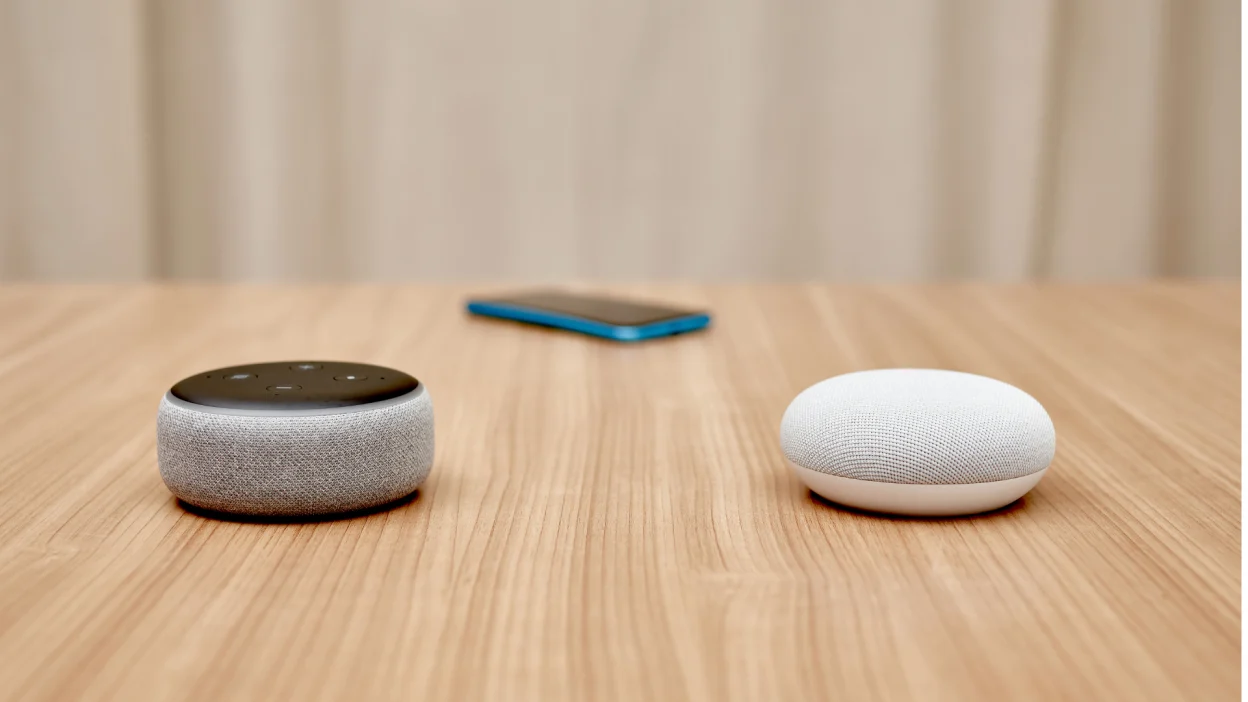
Voice assistants have been marketed as the definitive future of home automation since Amazon launched the first Echo in 2014. The idea was seductive: a hands-free, invisible interface that responds to natural language. And in many situations, it genuinely works well. Asking your assistant to play music while you cook, or to set a timer, or to check the weather — these are tasks where voice shines.
But home control is more nuanced than these examples suggest.
The Reliability Problem Is Real
Network dependency is one of the biggest issues. Most cloud-based voice platforms require a stable internet connection to process commands. When your router drops for thirty seconds — or your ISP has a regional outage — your lights become inaccessible via voice. For something as fundamental as lighting and climate control, this is a serious failure mode.
Then there’s accuracy. Speech recognition has improved dramatically over the past decade, but it still fails in noisy environments, with certain accents, with unusual device names, or when multiple people talk simultaneously. A household with young children and background TV noise is not a controlled acoustic environment. Commands get misheard, misrouted, or simply ignored.
There’s also the privacy angle, which matters more every year. Microphones that are always listening raise legitimate concerns, and some homeowners — particularly those who’ve read about voice data collection practices — deliberately limit their use of voice assistants in bedrooms or private spaces. You can’t build a home control system around a technology that a portion of the household refuses to use.
Latency and Feedback Matter More Than We Admit
When you press a physical button, there’s a tactile confirmation that you’ve done something. The switch clicks, the light changes, the feedback loop closes in under a second. With voice, you wait for the assistant to wake, process, query a cloud server (often), and execute — a chain that can take anywhere from one to three seconds on a good day. That’s not a huge delay in isolation, but over the course of a day, it adds up, and it creates a subtle uncertainty: did it hear me? is it working? should I say it again?
Physical controls don’t have this problem. They’re immediate, unambiguous, and satisfying in a way that voice interaction rarely is.
The Case for Physical Buttons in a Smart Home
There’s been a quiet renaissance in smart physical controls over the past few years, driven partly by frustrated early adopters and partly by companies that understood the limitations of pure voice interfaces from the start.
Companies like Lutron, Brilliant, and especially Reliable Controls have built their reputations on the premise that tactile interfaces are not a legacy technology — they’re a foundational layer of any serious smart home installation.
What “Reliable” Actually Means in Practice
The name Reliable Controls is almost a thesis statement. Their MACH-System and RC-Studio platforms are used primarily in commercial buildings, but the principles they embody — local processing, deterministic response, failsafe operation — translate directly to high-end residential installations.
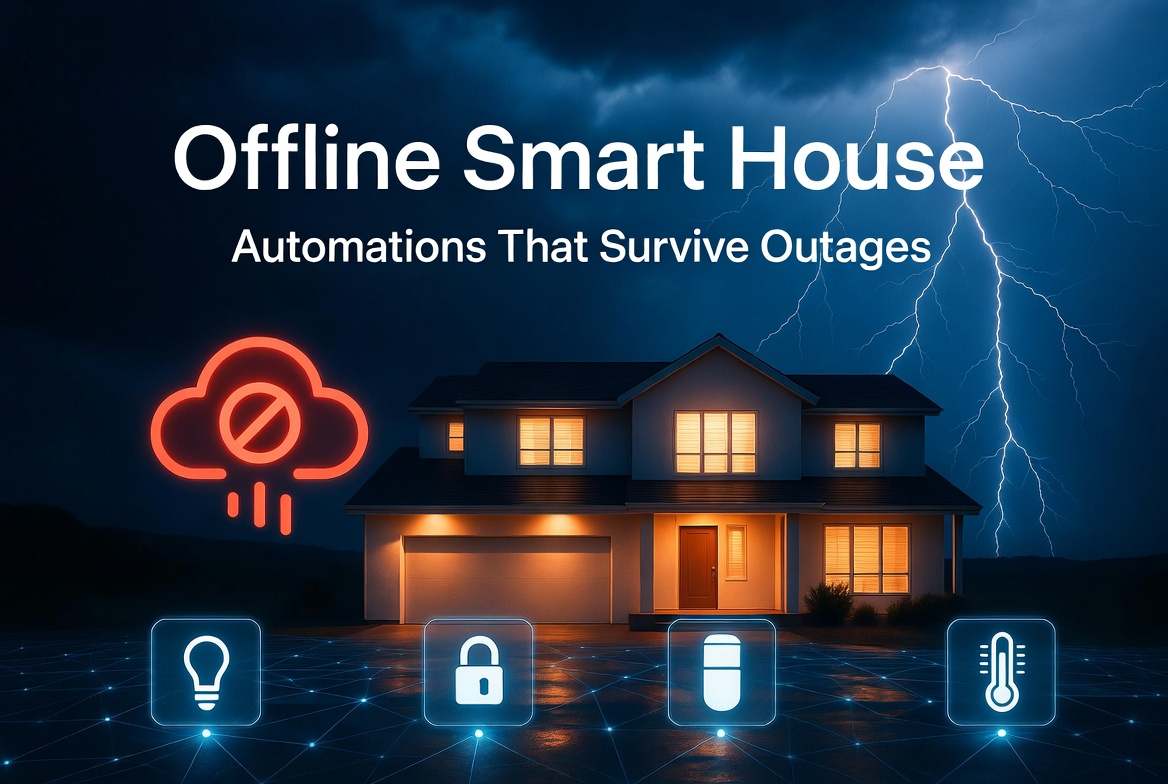
What does local processing mean for the average homeowner? It means that when the internet goes down, the lights still work. When the cloud service has an outage, the thermostat still responds. The logic lives in the building itself, not in a data center somewhere. This is an architectural choice that has profound implications for reliability.
A physical button wired to a smart panel running local logic will respond in milliseconds, every time, regardless of network conditions. That’s a promise that no cloud-dependent voice assistant can make.
Dedicated Scene Controllers and Keypads
One of the most practical applications of physical controls in smart homes is the scene keypad — a wall-mounted device with labeled buttons that trigger preset lighting, temperature, and shading scenes. “Movie Night,” “Morning,” “Away,” “Dinner Party.” A single button press changes twenty or thirty parameters simultaneously.
This kind of control is actually faster and more reliable than voice for complex scene activation. You don’t need to remember a command string, you don’t need the assistant to parse your intent, and you don’t need to wait for cloud confirmation. The keypad knows exactly what to do because the logic is local.
Lutron’s Grafik Eye and Pico remotes are popular examples at the residential level. For whole-home automation, Control4 and Crestron offer keypads that can be customized with engraved labels and backlit buttons that adapt to time of day. These aren’t cheap solutions, but they solve a real problem with hardware-grade reliability.
Building a Hybrid Control Architecture
The smartest approach — and the one that professional integrators increasingly recommend — is a hybrid architecture that gives each control modality its appropriate role.
Think of it in three tiers.
Tier One: Physical Controls for Critical Functions
Lights, HVAC, door locks, security arming — anything that must work reliably under all conditions — should have a physical control path that doesn’t depend on internet connectivity or voice recognition. This is the baseline. It’s what you fall back on when everything else fails, and it should be so well-designed that you actually prefer it for daily use.
Wall switches, keypads, and touchscreens at key locations (entry, hallway, bedroom, kitchen) handle the most frequent interactions. They don’t require explanation to guests, they work for children and elderly family members without any learning curve, and they are essentially immune to the failure modes that plague networked systems.
Tier Two: Voice for Ambient and Hands-Free Scenarios
Voice assistants earn their keep in scenarios where hands-free operation is genuinely valuable. Cooking, exercising, carrying things, lying in bed — these are moments where asking your assistant to adjust the thermostat or dim the lights is meaningfully better than walking to a panel.
The key is to treat voice as a convenient layer on top of a reliable foundation, not as the foundation itself. When it works, it’s delightful. When it doesn’t, you have a fallback that doesn’t involve standing in the dark.
Integration platforms like Home Assistant, Josh.ai, and Savant allow voice commands to route through local servers rather than cloud platforms, which solves much of the reliability and privacy problem for homeowners who are willing to invest in the setup.
Tier Three: Apps and Automation for Configuration and Scheduling
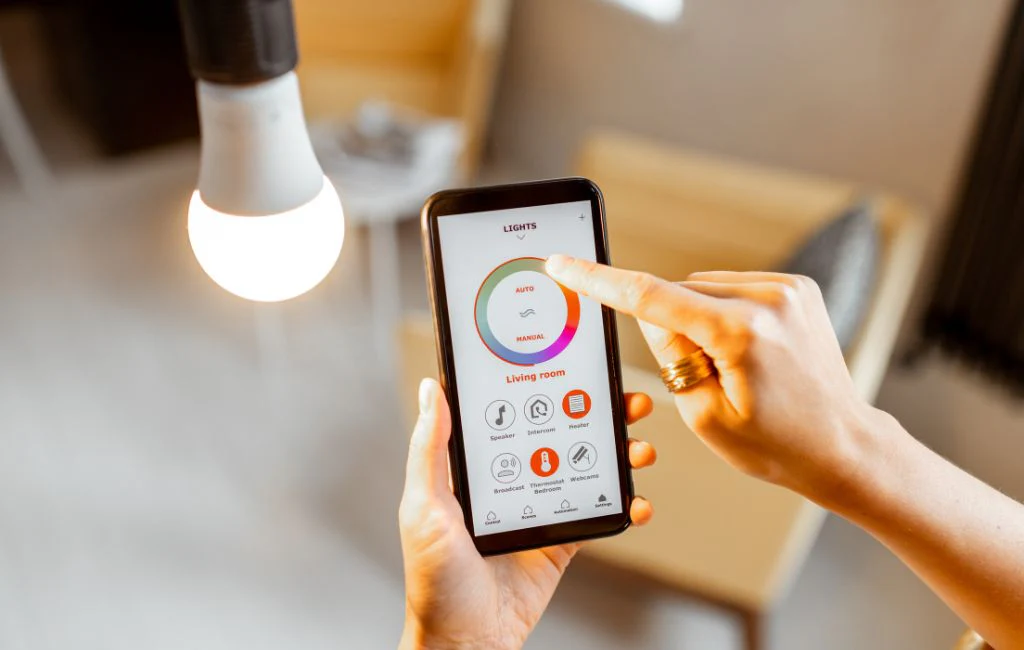
Mobile apps and automation rules live at the top of the stack. They’re great for setting schedules, checking status remotely, and configuring complex logic — but they’re the worst interface for moment-to-moment control. No one wants to unlock their phone, open an app, navigate to a room, and tap a slider just to turn off the kitchen light.
Apps belong in the configuration layer, not the daily-use layer. This is a mistake that early smart home products made repeatedly, and it’s why so many first-generation systems ended up abandoned.
Real-World Example: A Well-Integrated Family Home
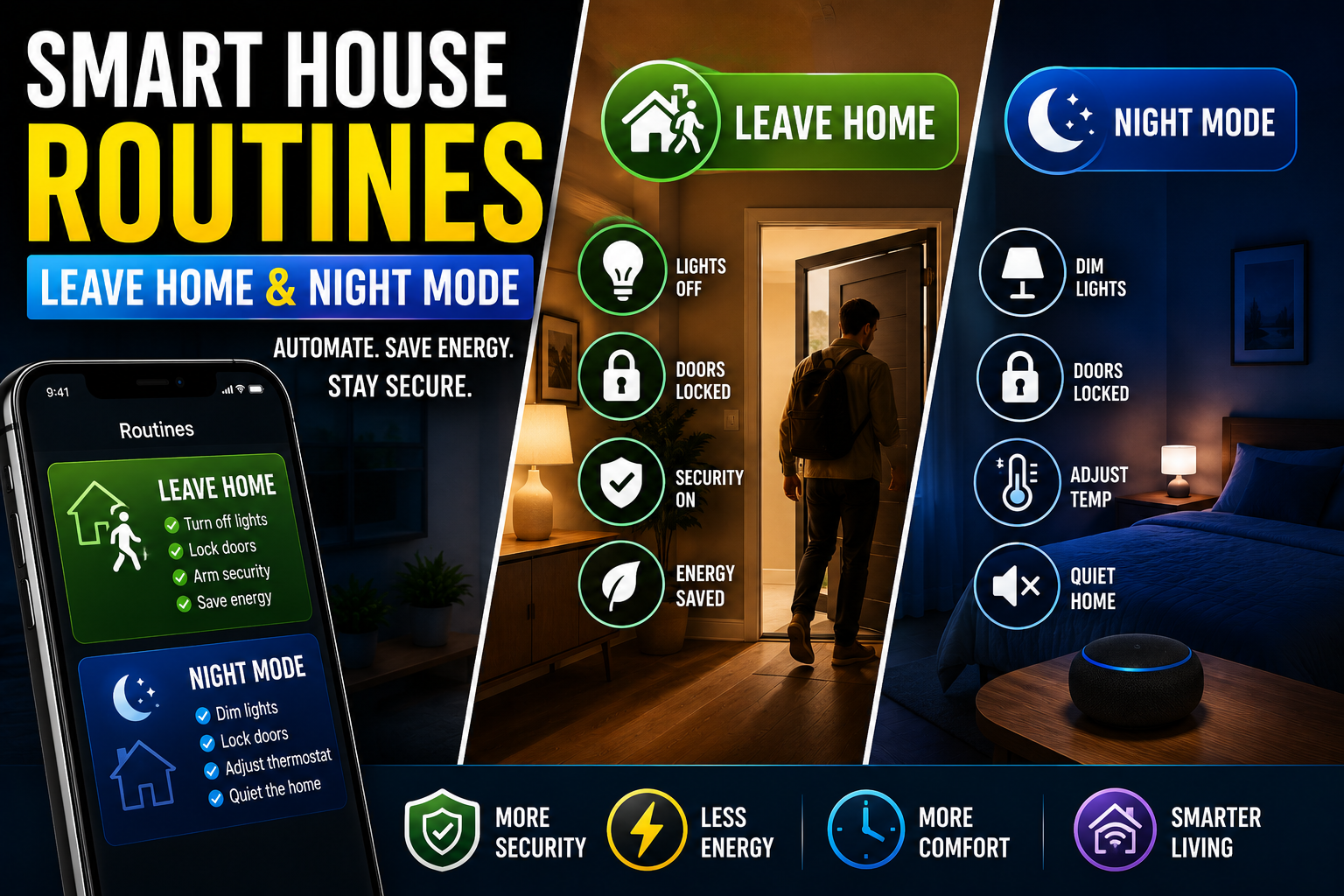
Consider a three-bedroom home in a suburban area where the owners have invested thoughtfully in layered control. At each entrance, there’s a Lutron keypad with four buttons: Arrive, Leave, Evening, and All Off. These trigger scenes that the family configured once and rarely need to change. The keypad works locally; the internet could be down for a week and it would function perfectly.
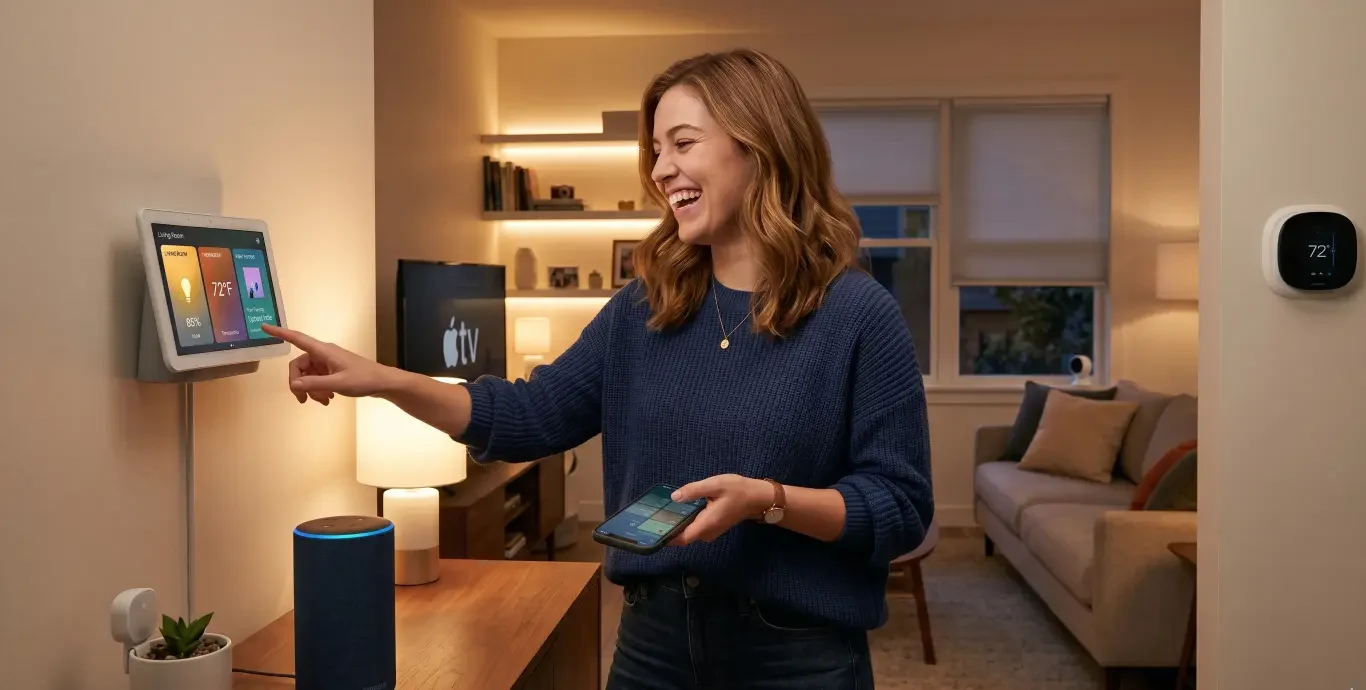
In the kitchen and living room, voice assistants handle ambient requests — music, timers, quick temperature adjustments. The family has a local voice processing node (running on a small server in the utility room) so commands don’t leave the house.
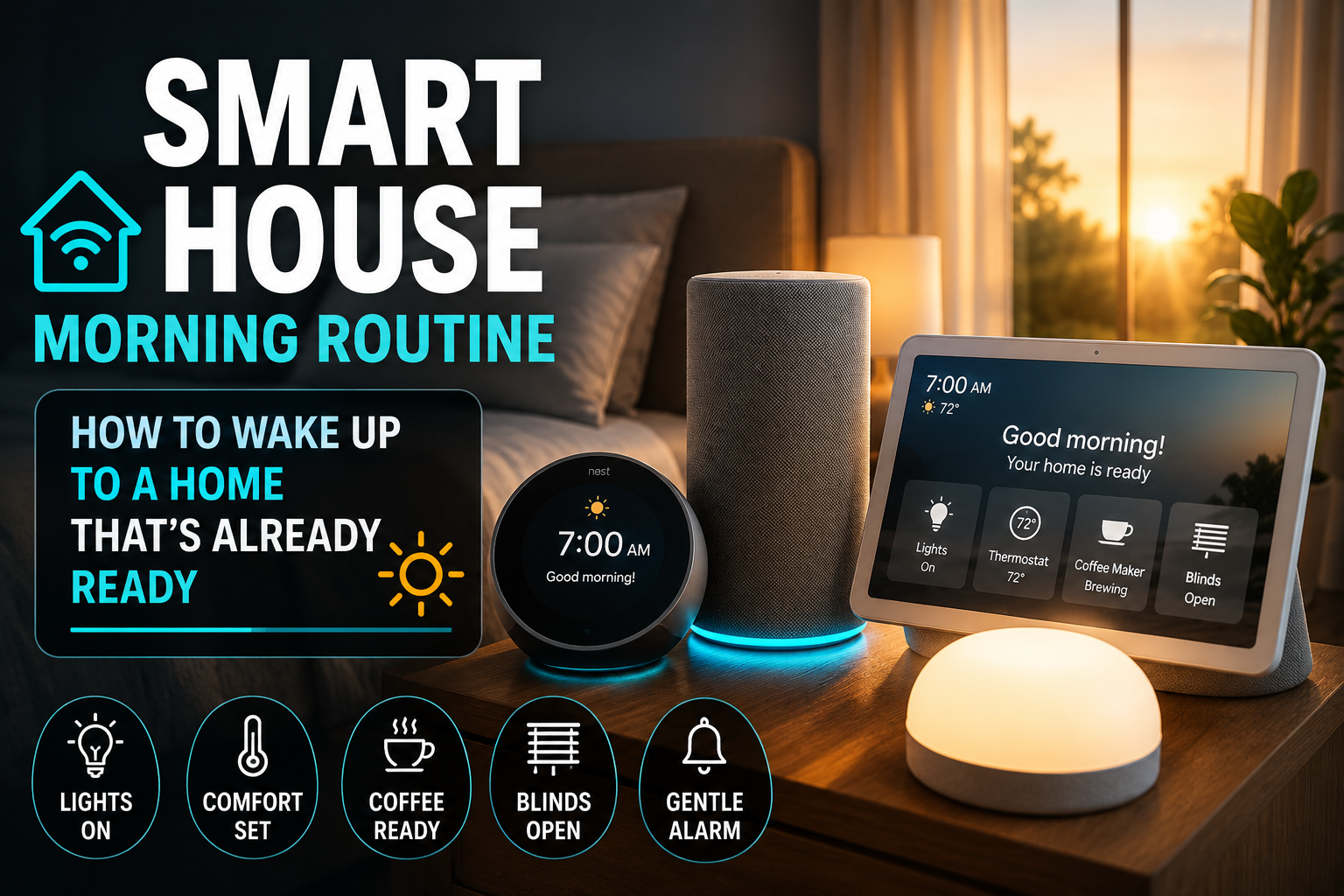
The master bedroom has a dedicated bedside scene controller that dims the lights to a warm low level, drops the thermostat two degrees, and locks the front door — all with a single button labeled “Goodnight.” This button works even during a power outage because the system has battery backup and the scene logic is stored locally.
The result is a home that feels genuinely automated without feeling fragile. Guests can figure out the light switches. Children can use the keypads. The voice assistant works most of the time and is missed but not catastrophic when it doesn’t.
What to Look for When Choosing Smart Home Controls
If you’re building or upgrading a smart home and want to prioritize reliability alongside convenience, a few principles are worth keeping front of mind.
Local processing is non-negotiable for critical systems. Any device that controls security, entry, or essential lighting should operate locally. Look for systems that explicitly advertise local control — and test it by disconnecting your router.
Physical controls should be designed for everyday use, not just backup. The best smart home installations make physical controls pleasant to use. Good haptics, clear labels, logical placement. If your physical backup is a confusing app or a generic switch hidden behind a panel, it’s not a real backup.
Voice should be layered, not foundational. Choose a voice platform that integrates with your local control system rather than replacing it. Products like Josh.ai and Homey Pro offer local-first voice processing that maintains functionality without cloud dependency.
Redundancy is a feature, not a cost. In traditional tech, redundancy is often seen as expensive overhead. In home automation, having multiple ways to accomplish the same task is the entire point. A light you can control by voice, by button, and by app is more reliable than a light you can only control by app.
Conclusion: Reliability Is the Real Smart Home Featur
The smart home industry spent its first decade promising convenience and delivering complexity. The second decade has been a slow correction toward something more honest: that technology in the home has to work every time, for every member of the household, under every condition.
Voice control is a genuinely useful interface that makes life easier in specific situations. But it’s not a replacement for well-designed physical controls. The homes that feel most satisfying to live in — where automation enhances rather than frustrates — are the ones where voice, buttons, and smart logic work together as complementary layers.
The “reliable” in reliable controls isn’t just a brand name. It’s the standard that the whole industry should be held to. When you flip a switch in a smart home, the light should come on. Every time.