
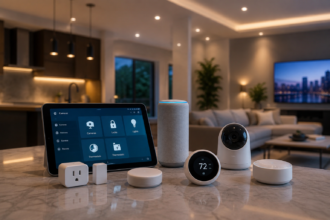

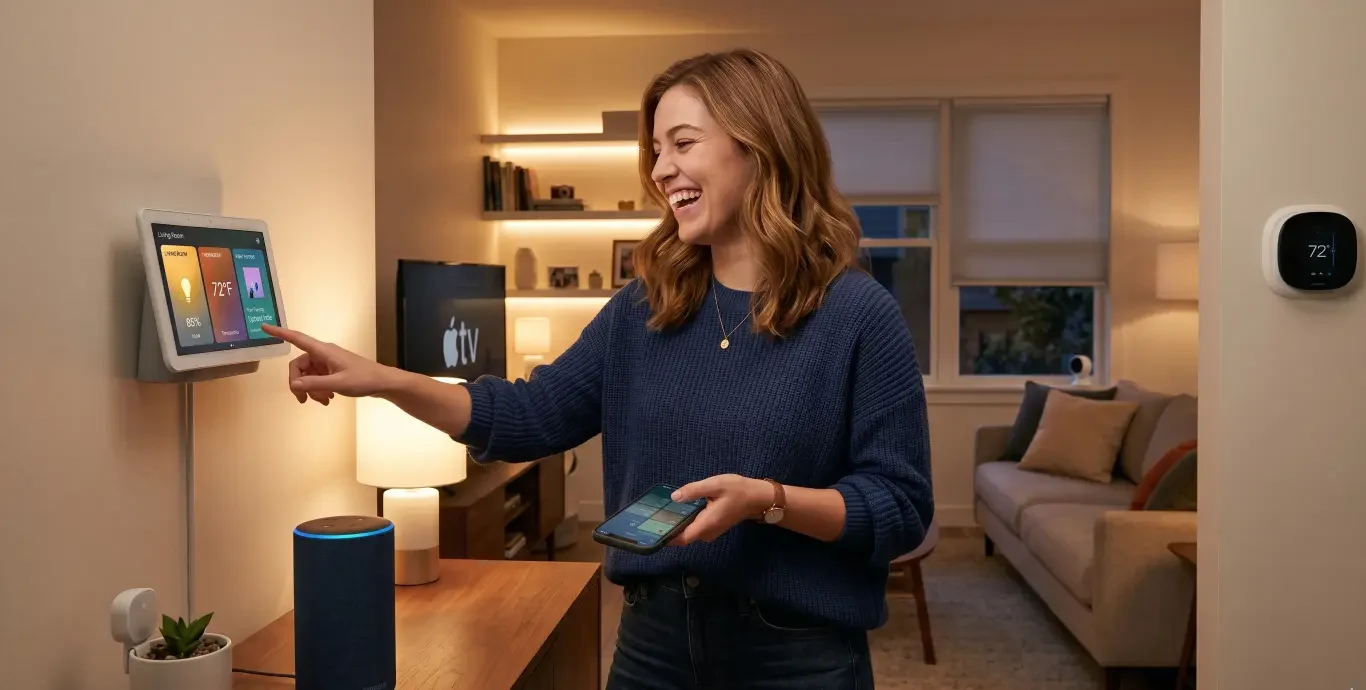


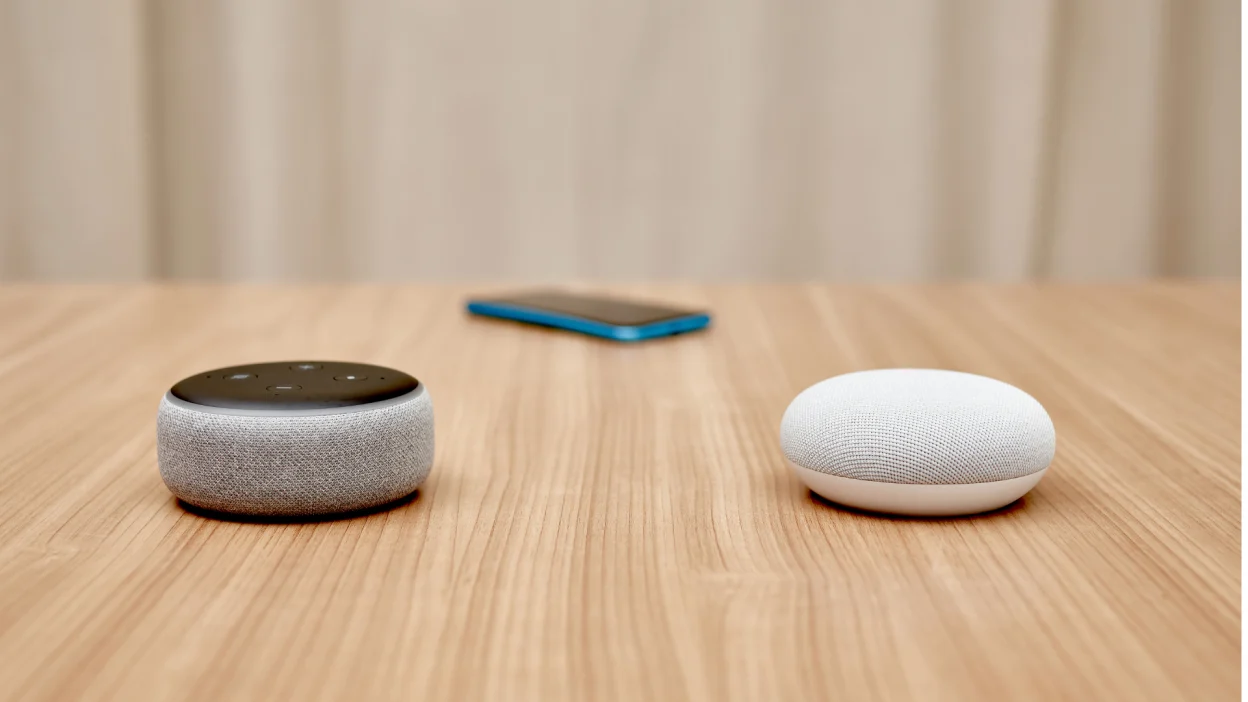
Before you buy a single smart bulb, plug, or speaker, there is one decision that quietly shapes everything that follows: which assistant platform your home will run on. This choice determines which devices play nicely together, how you control them, what your voice commands sound like, and even how your data is handled. Get it right and your smart home grows smoothly. Get it wrong and you spend the next year working around incompatibilities.
- Why the Platform Choice Matters More Than the Devices
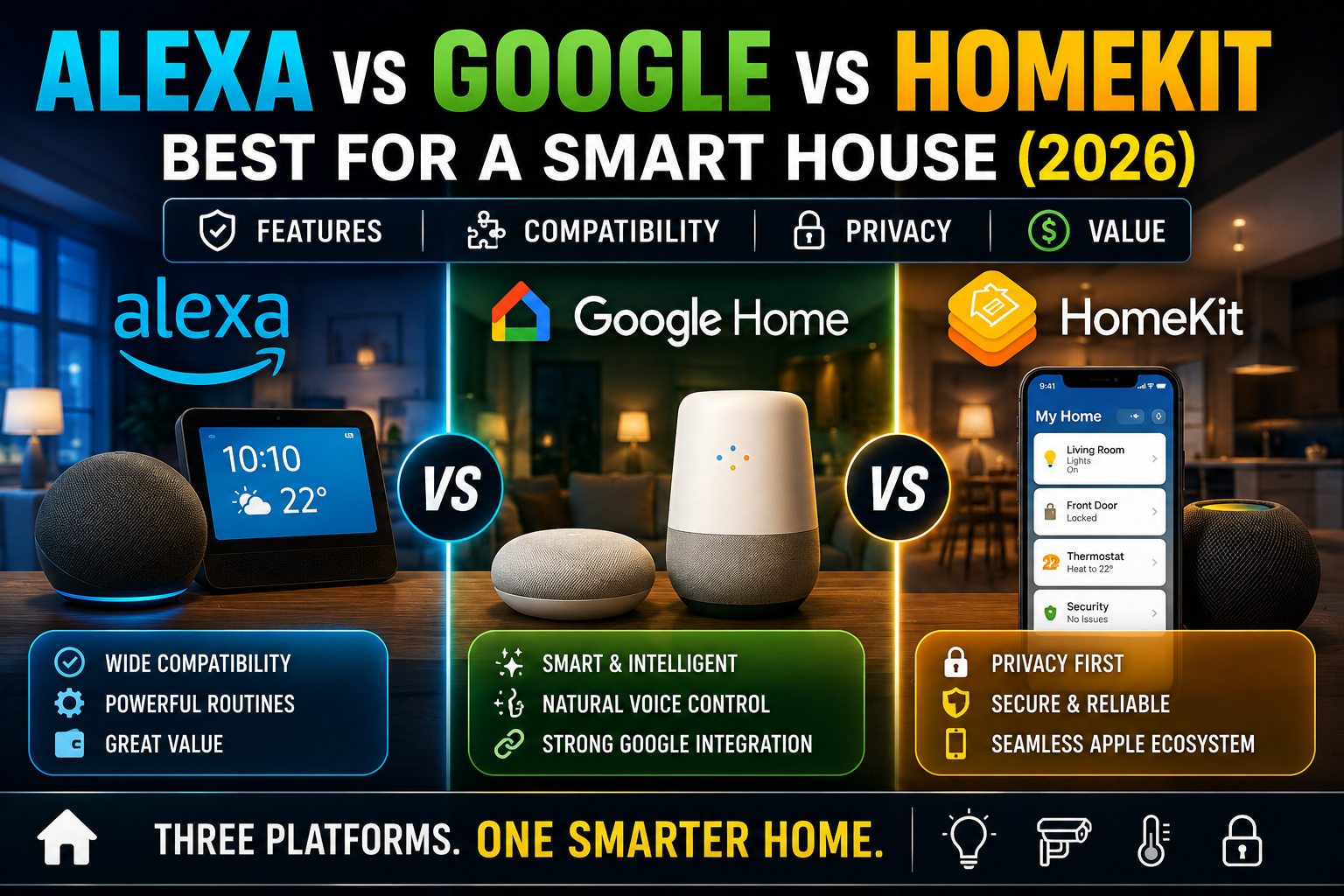
- Amazon Alexa: The Easy, Affordable All-Rounder
- Google Assistant: The Smart, Conversational Choice
- Apple Home: The Private, Polished Walled Garden
- How Matter Changes the Decision
- A Simple Decision Framework
- What to Buy First, Whichever You Choose
- The Bottom Line
- Frequently Asked Questions
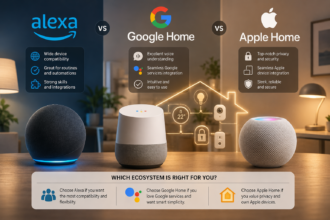
The good news is that there is no objectively “best” platform, which means you cannot really make a catastrophic mistake. The three major ecosystems, Amazon Alexa, Google Assistant, and Apple Home, are all mature and capable. The right one for you depends on what you already own, how much you value privacy, how much you are willing to spend, and how much fiddling you enjoy. This guide breaks down each one in plain language so a complete beginner can choose with confidence.
Why the Platform Choice Matters More Than the Devices
New smart home owners often obsess over which bulb or which plug to buy first, when the more consequential question is which assistant will tie everything together. The platform is the brain. The devices are the limbs.
Here is the practical reality. When you buy a smart device, the box lists which platforms it supports. Most budget devices support Alexa and Google. Fewer support Apple Home, and historically those that did cost a little more. The arrival of the universal Matter standard has softened these walls, but it has not erased them. Choosing your platform first means you will shop for compatible devices with a clear filter, rather than buying something and discovering it does not work with the system you eventually settle on.
Think of it like choosing between operating systems for a computer. Each can do the job, but apps, accessories, and habits build up around your choice. Switching later is possible but rarely painless.
Amazon Alexa: The Easy, Affordable All-Rounder
Alexa is the platform most beginners end up with, and for understandable reasons. It works with the widest range of devices, including the largest selection of budget-friendly gadgets, which makes building an inexpensive starter setup straightforward. If you find a smart bulb or plug at a low price, the odds are very high that it supports Alexa.
Setup is forgiving and the voice recognition is reliable for everyday commands. The routine builder is approachable, and there is an enormous community of tutorials for almost any task you can imagine. For someone who wants to spend the least money to get the most working devices, Alexa is the path of least resistance.
The trade-offs are worth knowing. Alexa is built around Amazon’s commercial ecosystem, so you will encounter occasional shopping suggestions and the platform’s value to Amazon is partly about engagement. Privacy-conscious users sometimes feel the platform collects more than they would like, though controls exist to review and delete voice history. For most beginners focused on convenience and cost, these are acceptable compromises.
Alexa suits you if: you want the widest device support, the lowest entry cost, and the gentlest learning curve, and you are comfortable within Amazon’s ecosystem.
Google Assistant: The Smart, Conversational Choice
Google Assistant’s headline strength is the quality of its understanding. It tends to handle natural, conversational questions well, follows context across a short back-and-forth, and integrates tightly with Google services such as Calendar, Maps, and search. If you already live inside Gmail, Google Photos, and an Android phone, the Assistant feels like a natural extension of tools you use all day.
Device compatibility is broad, second only to Alexa, and the setup experience through the Google Home app is clean and beginner-friendly. For households that ask their assistant a lot of general knowledge questions, manage busy calendars, or want strong integration with Android phones and Chromecast-style streaming, Google is a comfortable fit.
The considerations mirror Alexa’s. Google is an advertising company, and some users are cautious about how their queries and routines feed into a broader data picture. As with Alexa, you can review and limit much of this, but it requires going into settings deliberately. The device catalog, while large, is slightly narrower than Alexa’s at the very cheapest end.
Google Assistant suits you if: you use Android and Google services heavily, value conversational accuracy, and want strong integration with calendars, search, and streaming.
Apple Home: The Private, Polished Walled Garden
Apple Home takes a different philosophy. Its priorities are privacy, security, and a tightly controlled, consistent experience. Much of Apple’s smart home processing can happen locally on a home hub device rather than in the cloud, and Apple’s business model does not depend on harvesting your data, which is the single biggest reason privacy-focused users choose it.
If you already own an iPhone, iPad, and perhaps an Apple TV or HomePod, Apple Home slots into your life with very little friction. The Home app is elegant, automations are reliable, and the overall experience feels more locked-down and dependable. Apple’s certification requirements also mean supported devices tend to meet a higher security bar.
The trade-off is choice and cost. Historically, fewer devices supported Apple Home, and those that did often carried a premium. Matter has improved this considerably, widening the pool of compatible gadgets. But you will still occasionally find an appealing budget device that supports Alexa and Google but not Apple. You also need at least one Apple device acting as a home hub to run automations when you are away.
Apple Home suits you if: you are already in the Apple ecosystem, you prioritize privacy and local control, and you are willing to spend a little more for a polished, secure experience.
How Matter Changes the Decision
You cannot have this conversation in 2026 without mentioning Matter, the cross-platform standard designed to let devices work across Alexa, Google, and Apple regardless of brand. Matter and its companion networking layer Thread are slowly dissolving the old walls between ecosystems.
In practice, this means a Matter-certified device can often be added to any of the three platforms, reducing the risk of buying something locked to a system you later abandon. For a beginner, the safest hedge is to favor devices that carry the Matter logo. It future-proofs your purchases and keeps your options open if you ever want to switch or run more than one platform.
That said, Matter does not make the platform choice irrelevant. Your day-to-day experience, the app you use, the voice assistant you talk to, and the way routines are built still differ between the three. Matter widens compatibility; it does not merge the experiences.
A Simple Decision Framework
If you are still unsure, answer these questions honestly. What phone does your household use most? If it is iPhone, Apple Home deserves a serious look. If it is Android, Google has a natural advantage. If you are mixed or device-agnostic, Alexa is the flexible default.
How much do you care about privacy versus cost? If privacy is your top concern, Apple leads. If cost and device selection matter most, Alexa wins. Google sits comfortably in the middle.
How much do you enjoy tinkering? All three are beginner-friendly, but Apple’s polish suits people who want things to simply work, while Alexa and Google reward a bit of exploration with deeper customization.
Finally, what do you already own? The smartest move is rarely to start fresh. Build on the ecosystem you already live in, because that integration is where smart homes feel effortless rather than bolted on.
What to Buy First, Whichever You Choose
Once you have picked a platform, resist buying a pile of devices at once. Start with one smart speaker or display for that platform, plus one or two smart bulbs or a smart plug. Get comfortable with voice control and basic routines before expanding. This keeps your early spending low and your learning curve gentle, and it lets you confirm you are happy with the platform before you are deeply invested in it.
Look for the Matter logo on whatever devices you buy. Favor well-reviewed products over the absolute cheapest option, since reliability matters more than saving a few dollars on a device you will use daily. And keep your first setup in a single room so any troubleshooting stays contained.
The Bottom Line
There is no wrong answer among Alexa, Google Assistant, and Apple Home, only a right answer for your specific situation. Alexa offers the widest, cheapest device support and the easiest start. Google rewards Android and Google-service users with conversational intelligence. Apple delivers privacy, local control, and polish for those already in its ecosystem. Decide based on the phone you carry, the value you place on privacy versus cost, and the devices you already own, then build slowly. Pick the platform that fits the life you already live, and the rest of your smart home journey gets dramatically easier.
Frequently Asked Questions
Can I use more than one assistant platform at home?
Yes, but it adds complexity. Many people run a primary platform and use a second one in a limited way, especially now that Matter lets some devices join multiple systems. For a beginner, it is far simpler to commit to one platform first and only branch out later if you have a specific reason.
Will switching platforms later mean rebuying all my devices?
Not necessarily. Devices that support multiple platforms or carry the Matter logo can usually move with you. Devices locked to a single ecosystem may not transfer, which is exactly why favoring Matter-certified products protects your investment.
Which platform is best for privacy?
Apple Home is generally considered the strongest on privacy because much of its processing happens locally and its business model does not rely on advertising. Alexa and Google both offer privacy controls you can adjust, but they require more deliberate management.
Do I need to own an iPhone to use Apple Home?
Yes. Apple Home is designed for the Apple ecosystem and requires an iPhone or iPad to set up and manage, plus an Apple home hub device to run automations remotely. If your household uses Android, Apple Home is not a practical choice.
Is one platform noticeably better at voice recognition?
All three are reliable for everyday commands. Google Assistant has a slight edge with conversational and general-knowledge questions, while Alexa and Apple handle device control commands very well. For basic smart home use, the differences are small for most beginners.