
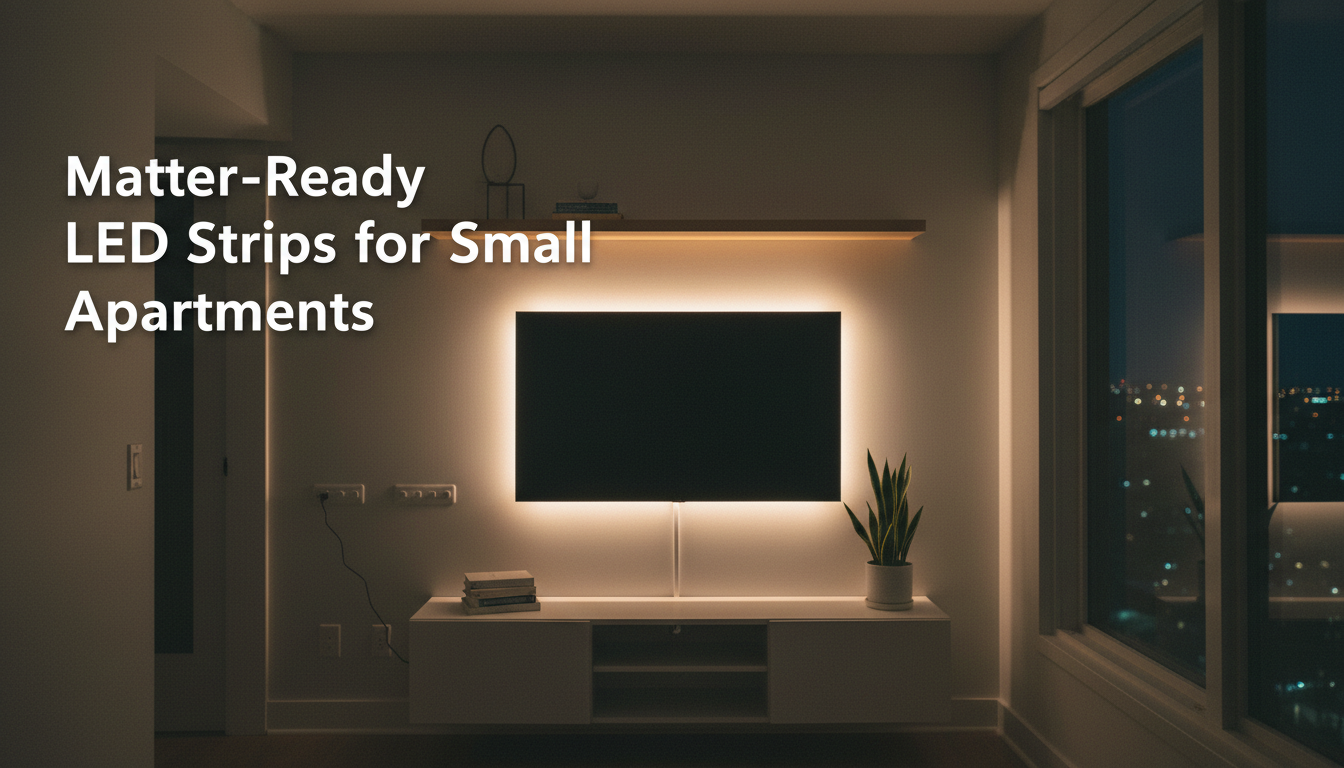
Small apartments live or die by their lighting. A single ceiling fixture can make a room feel flat, while smart LED strips add depth, warmth, and personality—without drilling a single hole. For renters, that’s the winning combo: adhesive‑mounted, energy‑efficient, and easy to remove when you move out. In 2026 the upgrade is even cleaner thanks to Matter. Pair once with a QR code and control the same strip from Alexa, Google Home, or Apple Home. This guide explains what to buy (brightness, color quality, protocol), how to place and mount strips for a professional look in tight spaces, and how to set up Matter smoothly. You’ll also find real apartment layouts, troubleshooting tips, and a simple buying checklist.
What makes a great smart LED strip for renters
- No‑drill, reversible install: strong removable adhesive or clip mounts that won’t damage paint or furniture.
- Matter support out of the box: “Matter over Wi‑Fi” or “Matter over Thread” live today (not “coming soon”).
- Fast, smooth performance: low latency, flicker‑free dimming, consistent color across the entire length.
- Useful automations: room groups, sunrise/sunset schedules, vacation mode, and one‑tap scenes.
- Efficient and safe: proper lumens per meter for the job, rated power supply, and UL/CE certifications.
Understanding protocols (and why they matter in small spaces)
- Wi‑Fi: simplest setup, perfect for 1–3 strips. Keep them on 2.4 GHz; too many Wi‑Fi devices can congest entry‑level routers.
- Zigbee: requires a hub/bridge but forms a reliable mesh. Great if you already use a Zigbee ecosystem.
- Thread: modern low‑power mesh. With Matter, it gives snappy, local control—ideal in dense buildings with crowded Wi‑Fi.
- Matter: the compatibility layer that unifies ecosystems. A single QR code joins a device to your platform and reduces brand lock‑in.
Key specs that actually matter in small apartments Brightness (lumens per meter)
- Ambient backlighting (behind TV, under bed): 400–700 lm/m.
- Task zones (kitchen counters, desk): 800–1,200 lm/m.
- Accent shelving (bookcases, art): 300–500 lm/m.
Color engine and white quality
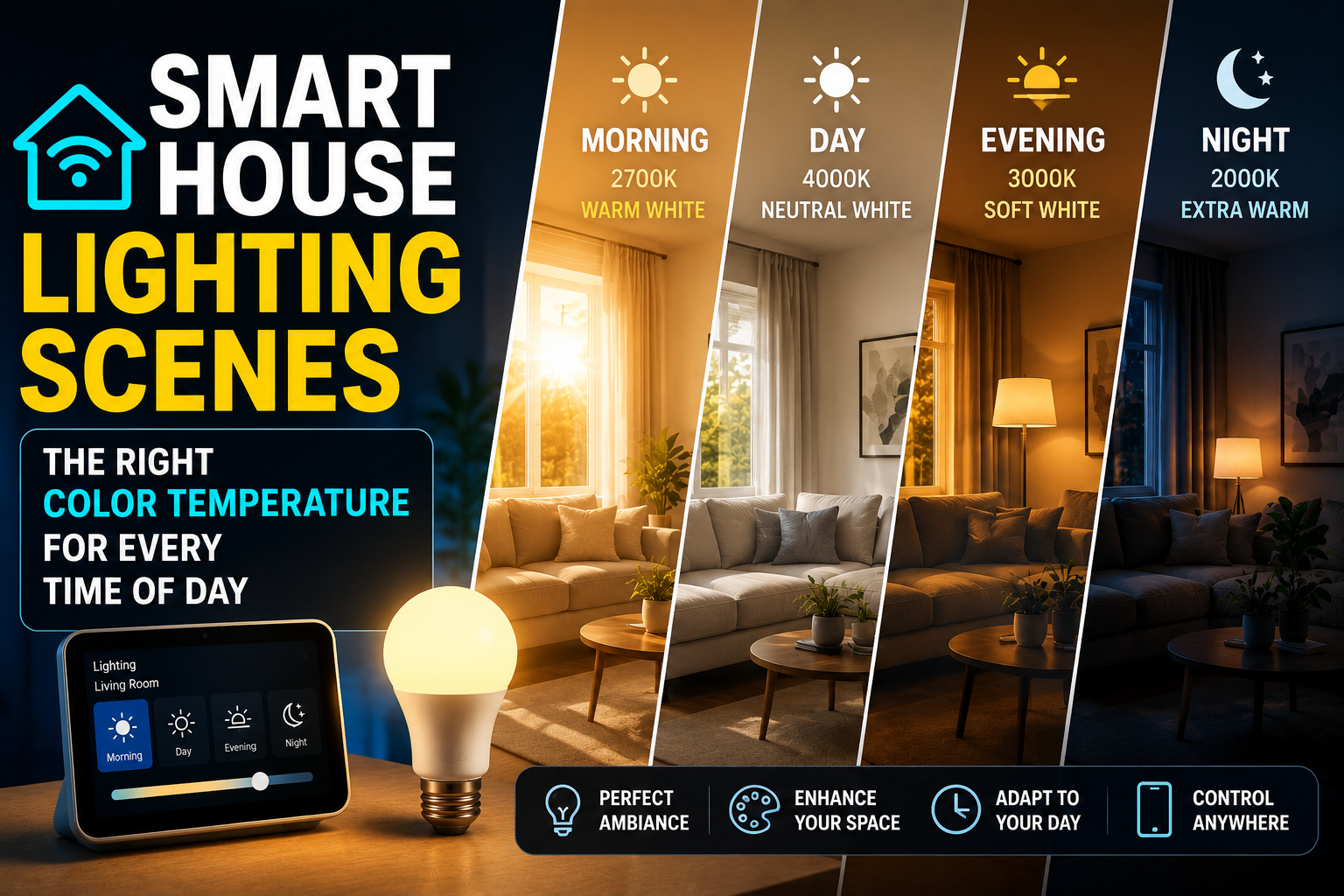
- Tunable white range: 2,200–6,500 K covers warm evening to crisp daytime.
- CRI: 80+ is standard; CRI 90+ reveals truer colors—noticeable on wood, food, and textiles.
- RGB vs RGBW vs RGBCCT:
- RGB: vivid colors but weaker whites.
- RGBW: adds a dedicated white LED for clean whites.
- RGBCCT: adds both warm and cool whites for excellent tunable white—best all‑rounder for everyday living.
Length, cut points, and power
- Measure twice: confirm cut intervals (often every 5–10 cm) and plan corners. Prefer official corner/extension connectors over sharp bends.
- Power headroom: a 5 m RGBW strip at full brightness can draw 20–30 W—use the included power brick and don’t exceed rated length per controller.
- Controller placement: near an outlet, hidden but ventilated (back of TV console, underside of cabinet, side of a media unit).
Diffusion and mounting finesse
- Bare LEDs can show “hotspots” on glossy surfaces. Aluminum channels with diffusers create a uniform glow and stick with removable tape.
- For wall‑wash effects, place the strip 2–4 cm from the back edge of furniture for an even spill of light.
Where LED strips shine in small apartments
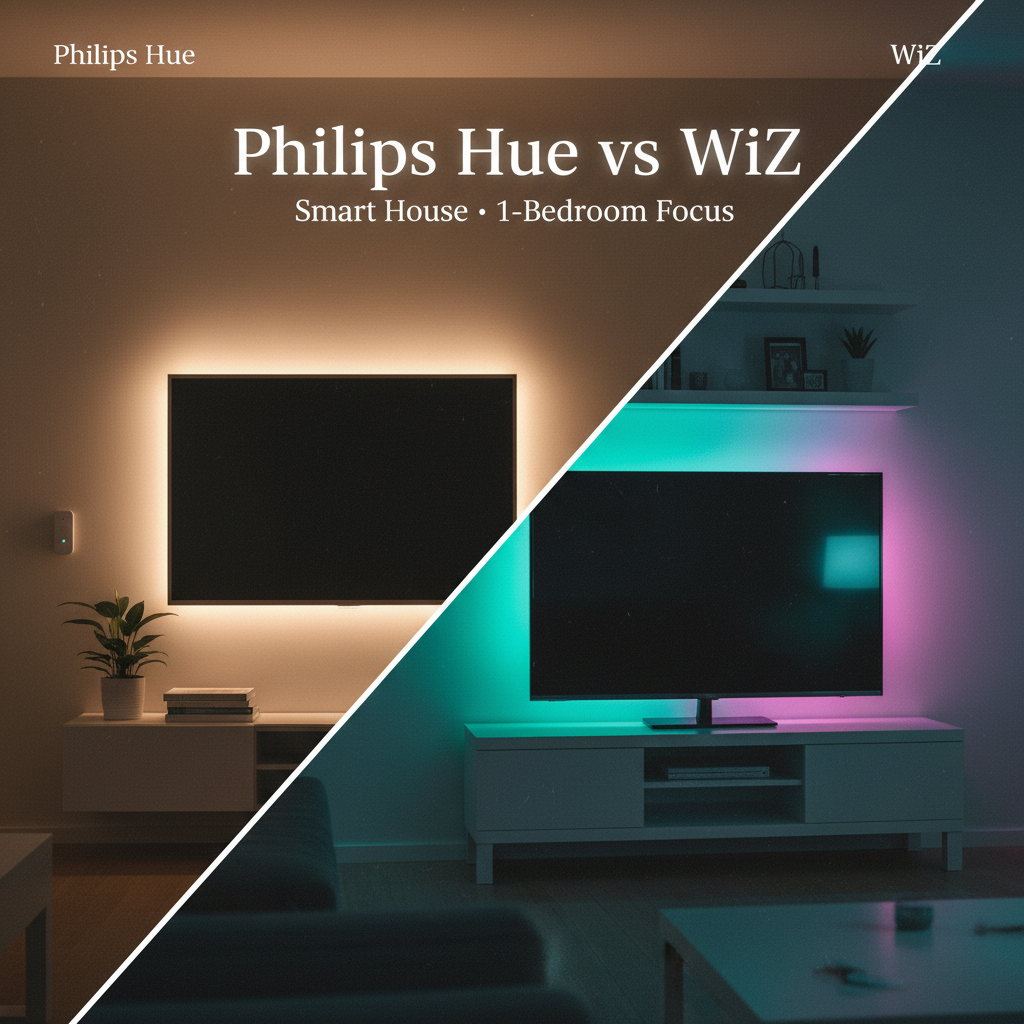
Behind the TV (bias lighting)
- Why it works: reduces eye strain, adds contrast, and looks premium at night.
- Setup: mount 2–3 cm from the TV edge, facing the wall. Use 400–700 lm/m RGBCCT for clean whites and warm ambience.
- Scene idea: “Movie Night”—2700 K at 30% brightness; map to a wireless button on the TV stand.
Under‑cabinet lighting (kitchen)
- Why it works: powerful task lighting without drilling into cabinets; safer food prep.
- Setup: high‑CRI tunable white (800–1,200 lm/m). Hide the controller on top of a cabinet and run the cable down a corner seam.
- Automation: motion‑activated low‑level night mode after sunset; auto‑off after 5 minutes.
Bed frame and headboard
- Why it works: creates a floating bed effect and a perfect night light.
- Setup: mount under the bed perimeter, ~2–3 cm from the edge, or behind the headboard for a halo. 300–500 lm/m is plenty.
- Routine: “Wind Down”—2300 K at 20% brightness starts 45 minutes before bed.
Bookshelves and media units
- Why it works: zones a studio layout and highlights objects.
- Setup: low‑to‑medium brightness through diffuser channels to avoid dotted reflections on shelves.
- Routine: “Focus”—neutral white (4000 K) around 70% for reading or work.
Hallway console or entryway
- Why it works: safe, soft path lighting at night without waking the whole apartment.
- Setup: short strip under a console; pair with a motion sensor for hands‑free activation.
Balcony or covered patio (if allowed)
- Why it works: cozy outdoor evenings without permanent fixtures.
- Setup: use outdoor‑rated strips or protect with silicone sleeves and channels; tie to a smart plug for quick shutoff in bad weather.
Matter‑ready picks by scenario (feature criteria, brand‑agnostic)
- Ambience‑first, easy setup (Wi‑Fi + Matter)
- RGBCCT, 500–800 lm/m, strong 3M adhesive, compact controller, vacation mode.
- Best for behind TVs, shelves, and bed underglow with no hub.
- Task lighting with premium whites (Thread + high CRI)
- Matter over Thread, CRI 90+, tight CCT control, aluminum channels included or compatible.
- Best for kitchens and desks; fast, local control and clean whites.
- Expandable room perimeter (modular kits)
- Corner connectors, rated extensions to ~7–10 m, power injection options.
- Best for outlining a living room or bedroom without soldering.
- Budget renter bundle (starter kit)
- 5 m RGBCCT, Matter over Wi‑Fi, extra adhesive clips, small power brick.
- Enough for TV + shelf + bed in most studios; no hub required.
Step‑by‑step: setting up a Matter LED strip (renter‑friendly)
- Plan your route
- Measure surfaces, mark corners, and clean with isopropyl alcohol. Confirm outlet access and a hidden, ventilated spot for the controller.
- Dry‑fit and test
- Power the strip on the floor, check brightness, whites, and colors. Preview a neutral white against the wall to gauge spread.
- Mount with patience
- Peel a little adhesive at a time; press firmly every 15–20 cm. Use removable cable clips along the path to the outlet. For corners, use official corner connectors.
- Pair with Matter
- Ensure you’ve got a Matter controller (recent Echo/Nest/Apple TV; Thread border router for Thread devices).
- In Alexa/Google Home/Apple Home, add device → scan the Matter QR code → finish setup. Name by zone: “TV Backlight,” “Kitchen Undercabinet,” “Bed Underglow.”
- Build scenes and automations
- Scenes: Movie, Focus, Wind Down, Nightlight.
- Schedules: Sunset on; off at 23:30. Morning ramp from warm to cool.
- Presence: Vacation/away mode for randomized on/off.
- Guest‑proof the controls
- Add an adhesive wireless button for On/Off + favorite scene near the TV stand or entryway. Voice is great; a button avoids confusion for guests.
Troubleshooting quick wins
- Won’t pair via Matter
- Confirm phone and controller share the same network; Bluetooth is on; strip in pairing mode (often power‑cycle 3–5×). If Thread, ensure your border router is online.
- Colors look uneven
- Avoid mixing segments from different batches; keep run lengths within spec or add approved power injection.
- Adhesive fails on textured paint
- Reclean, warm the adhesive slightly with a hair dryer while pressing, use removable mounting tape rated for texture, or switch to diffuser channels.
- Flicker at low brightness
- Update firmware, enable PWM smoothing if offered, and shorten overly long runs per controller.
Apartment‑tested layouts (real‑world examples)
- 30 m² studio, cozy evenings
- 2 m behind TV + 1 m under a floating shelf + 2 m under the bed (≈5 m total).
- Matter‑over‑Wi‑Fi RGBCCT kit at 500–700 lm/m.
- Scenes: Movie (2700 K, 25%), Reading (4000 K, 65%), Night (2100 K, 10%).
- 45 m² one‑bedroom, functional kitchen
- 3 m under cabinets (Thread, CRI 90+) + 2 m behind TV (Wi‑Fi).
- Motion‑based kitchen task light after sunset; 20% night path from 01:00–06:00.
- Shared apartment, guest‑friendly control
- Short strip per room (TV, desk, hallway console), each with a wireless button mapped to On/Off/Scene.
- Standardized names: “Room + Function” for reliable voice commands.
Safety and landlord‑friendly practices
- Use the rated power supply; don’t exceed max length per controller.
- Keep power bricks ventilated; never hide them in sealed fabric bins.
- Route cables with removable clips; don’t pinch under doors or windows.
- Moving out: peel tape slowly at a 45° angle; remove residue with citrus cleaner or isopropyl alcohol.
Performance and efficiency tips
- Cap peak brightness indoors: 60–80% often looks identical to 100% and reduces heat/wear.
- Prefer tunable white in daily areas; save saturated RGB for accent moments.
- Group devices logically (Living, Kitchen, Bed) for simpler scenes and voice control.
- If Wi‑Fi lags, migrate heavy‑use strips to Thread or place smart lights on a dedicated 2.4 GHz SSID.
Buying checklist (copy/paste)
- Matter live (Wi‑Fi or Thread), QR code included.
- Length and cut intervals match your plan; corner/extension connectors available.
- Brightness: 400–700 lm/m ambience; 800–1,200 lm/m task lighting.
- Color engine: RGBCCT preferred; CRI 90+ for kitchen/desk.
- Strong adhesive; optional aluminum channels with diffusers.
- Power supply rated for total length; spare clips included.
- App features you’ll actually use: scenes, schedules, vacation mode, optional music sync.
- Reasonable warranty; regular firmware updates.
Cost‑smart starter bundles for renters (2026)
- Ambience on a budget
- 5 m RGBCCT Matter‑over‑Wi‑Fi kit + extra clips + one wireless button.
- Covers TV, shelf, and bed underglow in most studios.
- Task + ambience combo
- 2× 2 m high‑CRI tunable white (Thread) for kitchen/desk + 3 m RGBCCT (Wi‑Fi) for living room ambience.
- Local control where precision matters; colorful ambience where it doesn’t.
- Low‑latency, cohesive mesh
- 2× Thread/Matter strips + a Thread border router (Apple TV/Nest) + a motion sensor for night path and kitchen.
- Stable mesh, excellent dimming, minimal cloud dependence.
Mini glossary (quick SEO lift)
- Matter‑ready LED strip: an LED strip controllable across Alexa, Google Home, and Apple Home via the Matter standard.
- Thread mesh: a low‑power networking protocol that improves speed and reliability for smart lights and sensors.
- RGBCCT: LED configuration with red, green, blue, and dedicated warm/cool white chips for superior tunable white.
Conclusion Matter‑ready LED strips are the renter’s lighting superpower: zero drilling, big visual payoff, and control that follows you across platforms—and apartments. In small spaces, choose the right brightness per zone, favor RGBCCT or high‑CRI tunable white where you cook and work, and lean on Thread or well‑managed 2.4 GHz Wi‑Fi for smooth, low‑latency control. Plan your routes, mount with care, add a simple wireless button, and build a handful of dependable scenes. Do that, and your compact apartment will feel larger, calmer, and unmistakably yours.