




Smart bulbs are the easiest possible entry point into a smart home. There is no wiring, no hub to configure if you choose wisely, and no electrician to call. You screw one in, connect it to an app, and within minutes you are dimming your living room with your voice. But walk into the lighting aisle or scroll an online store and you will find dozens of options with confusing specs, and it is genuinely hard for a beginner to know which features matter and which are marketing noise.
This guide does not push you toward a specific brand or model, because the best choice shifts constantly and depends on your platform and budget. Instead, it teaches you how to evaluate any smart bulb like an expert, so you can walk into any store or webpage and confidently pick the right one. Master these criteria once and you will never overpay or buy the wrong bulb again.
First, What “No Hub Required” Actually Means
Some smart bulbs connect directly to your home Wi-Fi network. Others require a separate small box called a hub or bridge that plugs into your router, and the bulbs talk to that hub instead. For a beginner, “no hub required” usually means a Wi-Fi or Bluetooth bulb you can set up with nothing but your phone and your existing router.
No-hub bulbs are the simplest starting point. There is one less device to buy, set up, and keep powered. For one or two bulbs, this is ideal. The trade-off comes later. Wi-Fi bulbs each connect individually to your router, so if you eventually want fifteen or twenty bulbs around the house, a hub-based system handles large numbers more gracefully and often responds faster. But that is a problem for future you. As a beginner buying one to three bulbs, no-hub is the right call.
The Specs That Actually Matter
Brightness, Measured in Lumens
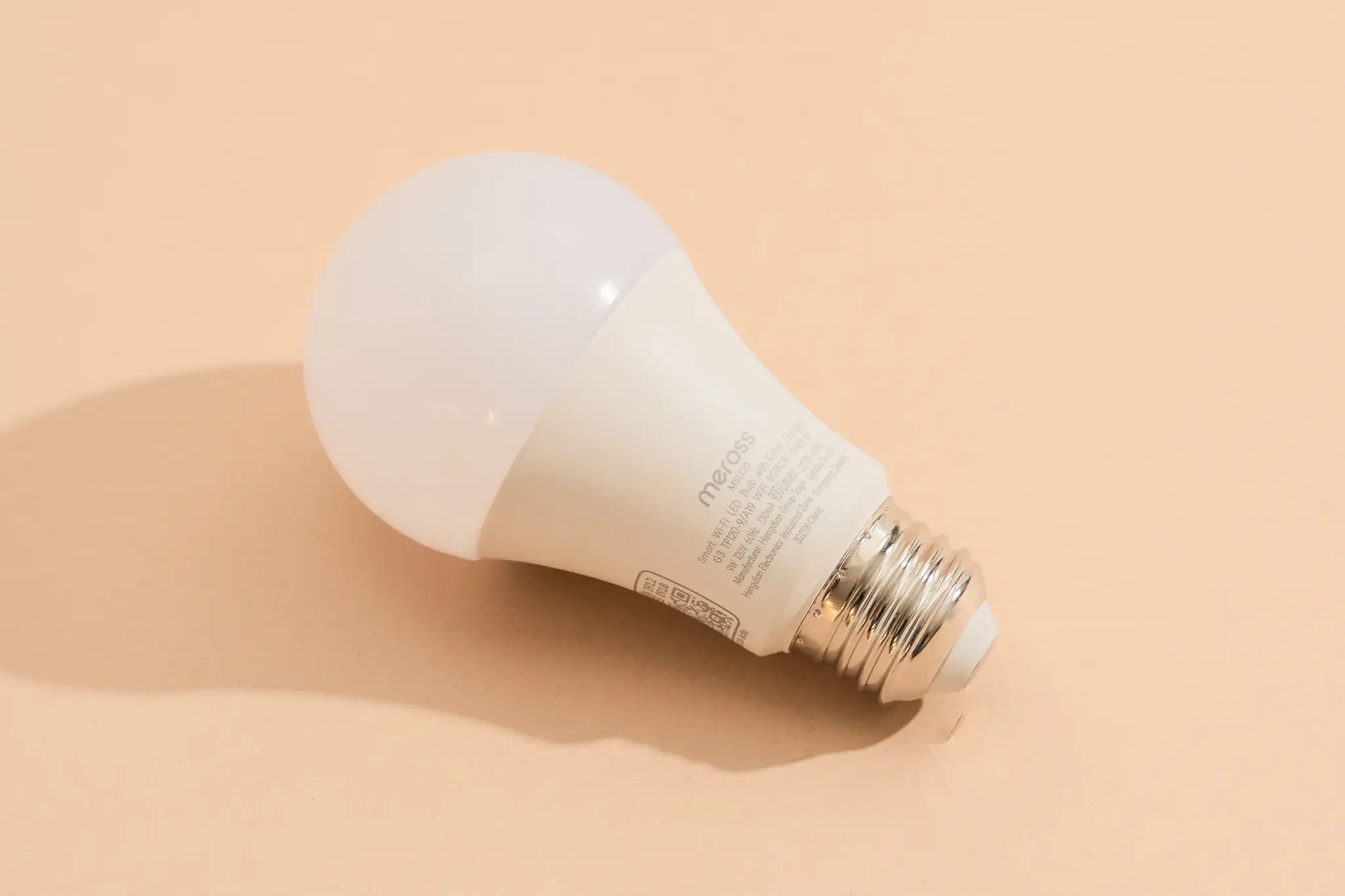
Brightness is measured in lumens, not watts. Watts measure energy use; lumens measure how much light you actually get. This trips up everyone who grew up buying bulbs by wattage. A typical general-purpose bulb sits somewhere in the 800 lumen range, comparable to an old 60-watt incandescent. For a bright main light you want more; for a cozy lamp you can go lower.
When comparing bulbs, look at the lumen figure, not the “equivalent watts” marketing line, which can be inconsistent between brands. If a bulb hides its lumen rating, treat that as a small red flag.
Color Temperature and Color Options
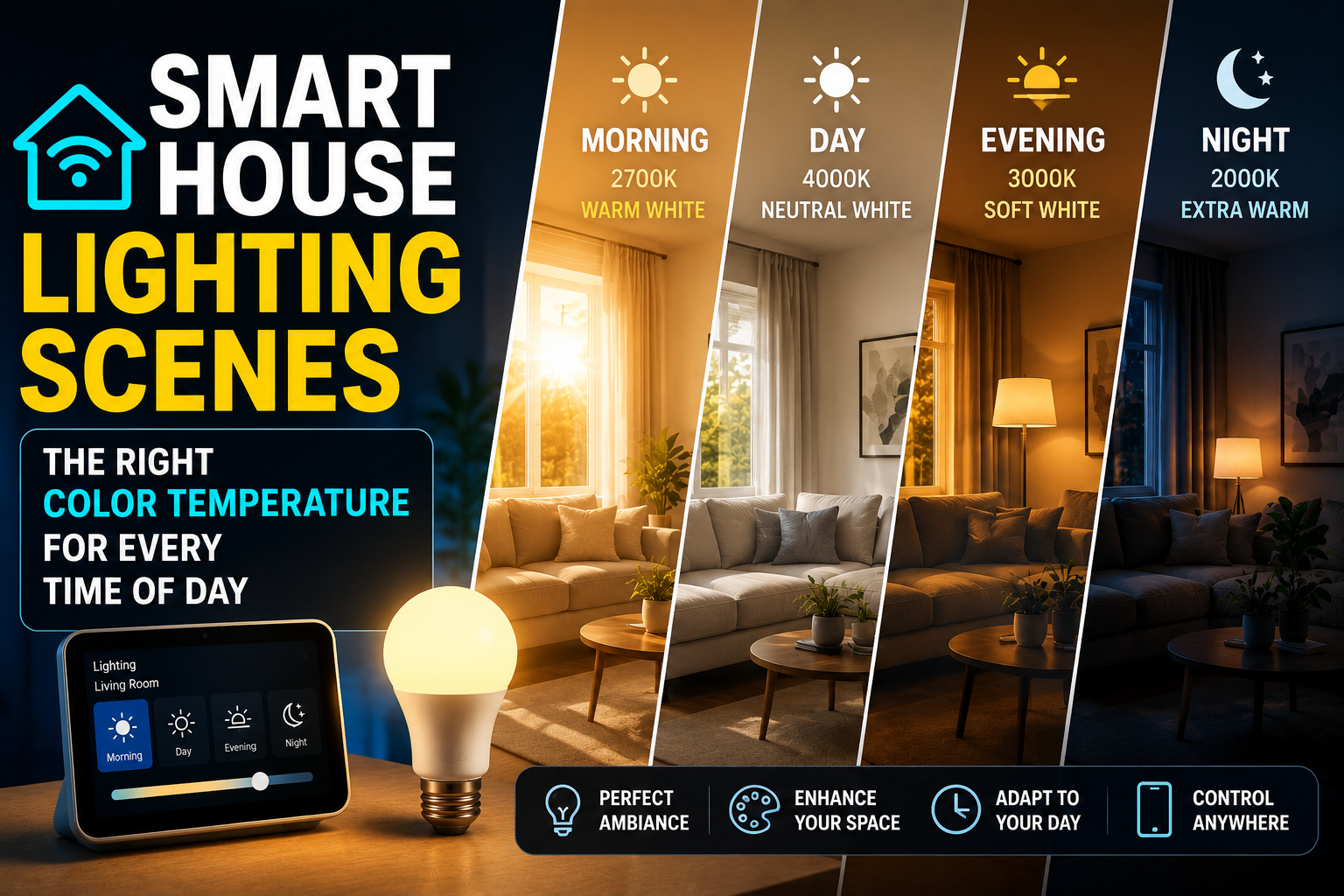
There are two broad categories. Tunable white bulbs let you shift between warm, yellowish light and cool, bluish-white light, but they cannot produce colors. Full color bulbs add the ability to display reds, greens, blues, and millions of other shades.
For a beginner, decide honestly whether you will actually use color. Many people buy color bulbs, play with purple and pink for a week, then settle on white tones forever. If you mainly want comfortable, adjustable white light, a tunable white bulb costs less and does the job beautifully. If you want mood lighting, accent walls, or playful scenes, pay for full color. Do not pay for color you will never use, but do not buy white-only and regret it if you know you want ambiance.
Dimming Quality
A good smart bulb dims smoothly across its full range without flickering or buzzing, and reaches a genuinely low minimum brightness for evening use. Cheaper bulbs sometimes cannot dim very low, or they flicker at low levels, which is annoying in a bedroom. Reviews are your friend here, since dimming quality rarely appears on the box. Look specifically for comments about low-light flicker and how dim the bulb can actually go.
Platform Compatibility
This is non-negotiable. Before buying, confirm the bulb supports your chosen platform, whether that is Alexa, Google, or Apple Home. The box or product page lists supported systems. If you have not chosen a platform yet, favor bulbs that carry the Matter logo, which keeps your options open across all three and protects you if you switch later.
Fit and Shape
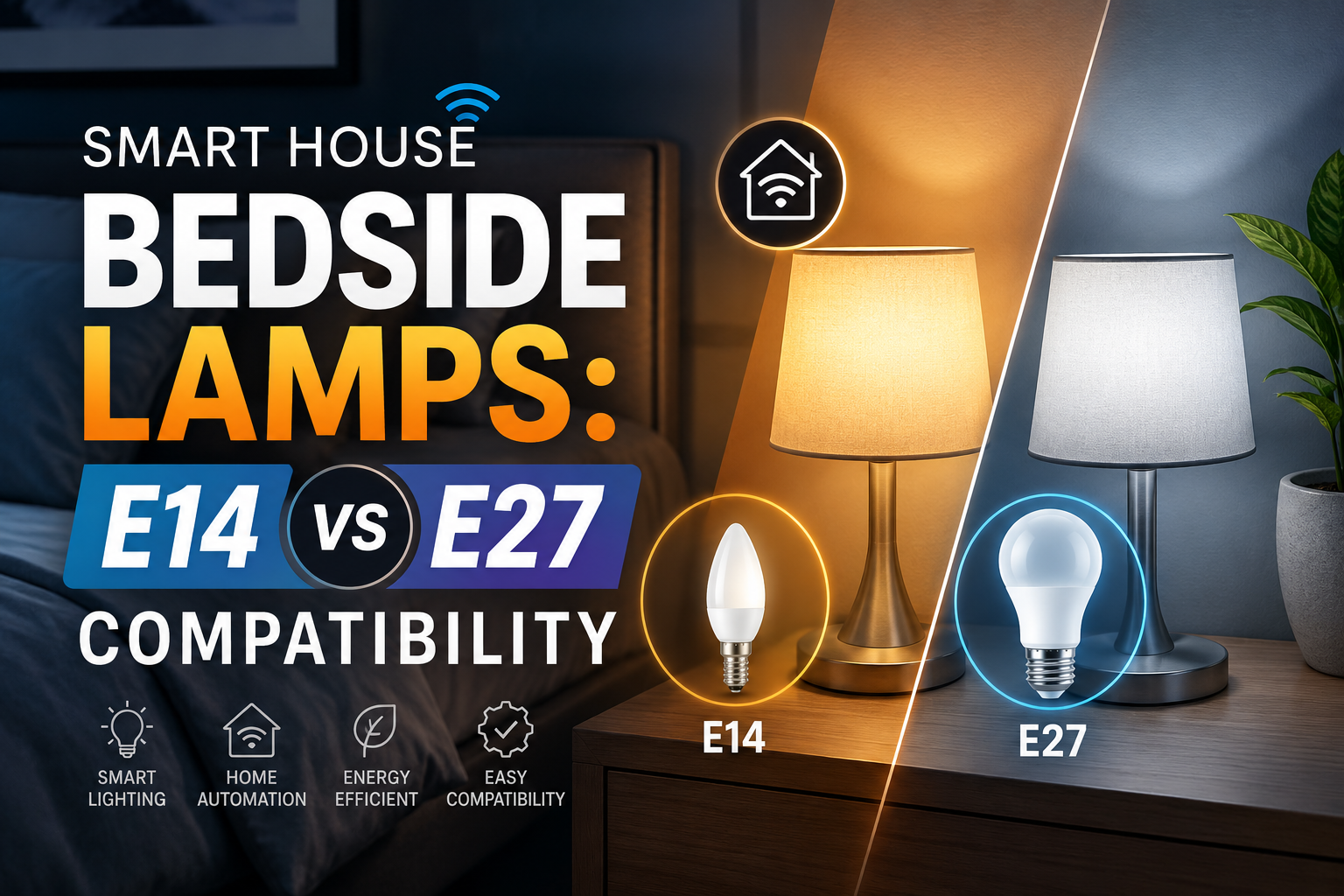
Bulbs come in different bases and shapes. Make sure the base type matches your fixtures and that the bulb physically fits, especially in enclosed fixtures or small lamps where a bulky smart bulb may not seat properly or may overheat. Check the shape and size against the fixture you have in mind before ordering.
Features Worth Paying For
A few extras genuinely improve daily life. Scheduling and routine support let the bulb turn on and off automatically, which is the whole point of going smart. Make sure the app supports schedules and integrates with your platform’s routines.
Music or scene syncing is fun but optional, and mainly relevant for color bulbs in entertainment spaces. Power-loss memory is a quietly important feature: a good bulb remembers its last state or returns to a sensible default after a power cut, rather than blasting to full brightness at 3 a.m. when power is restored. And group control, the ability to control several bulbs as one, makes life much easier once you have more than one bulb in a room.
Features You Can Safely Ignore as a Beginner
Marketing loves to pile on features that sound impressive but rarely get used. Extremely high color counts beyond what your eye can distinguish are a non-feature; “16 million colors” is standard and not a differentiator. Built-in speakers in bulbs are usually a gimmick with poor sound. Overly elaborate effect libraries look great in ads but gather dust in real homes.
Focus your money on brightness, dimming quality, reliable app performance, and platform compatibility. Those four determine whether you enjoy the bulb every day. The rest is mostly noise.
A Realistic Buying Strategy for Beginners
Start with one or two bulbs, not a pack of eight. Put them where you will feel the benefit most, typically a living room lamp and a bedside lamp, where dimming and scheduling genuinely improve your evenings. Live with them for a couple of weeks. You will quickly learn whether you want color elsewhere, whether you prefer warmer or cooler white, and how you actually use automation.
Buy from a brand with a well-reviewed app, because the app is where you will spend your time and a buggy app ruins an otherwise good bulb. Read recent reviews focused on reliability and connection stability rather than first-impression unboxings. And keep your receipts, since the occasional bulb is faulty out of the box and a good return policy saves frustration.
Avoiding the Most Common Beginner Mistakes
The biggest mistake is buying a large multi-pack before you know what you want. You end up with eight identical bulbs in a color you do not love or a brightness that does not suit the room. Start small and scale once you know your preferences.
The second mistake is ignoring platform compatibility and discovering the bulb will not pair with your assistant. Always check this first. The third is putting a smart bulb behind a switch that gets flipped off, which kills its power and connection. Plan to keep that switch on, or pair the bulb with a setup that preserves power.
Finally, do not chase the absolute cheapest bulb. The savings are small and the reliability gap can be large. A slightly more expensive bulb from a reputable brand with a stable app is almost always the better long-term value for a beginner.
The Bottom Line
The best smart bulb for a beginner is not a specific model but the one that matches your platform, fits your fixture, delivers the brightness and dimming you need, and comes from a brand with a dependable app. Start with one or two no-hub Wi-Fi bulbs in the spots where dimming and scheduling matter most, judge by lumens rather than watts, and only pay for color if you will truly use it. Get those fundamentals right and your first smart bulbs will feel less like a gadget and more like an upgrade you would never give back.
Frequently Asked Questions
Do I really not need a hub for smart bulbs?
For one to three bulbs, no. Wi-Fi and Bluetooth smart bulbs connect directly to your phone or router with no separate hub. A hub becomes worthwhile only when you scale up to many bulbs across the house, where it improves speed and reliability, but a beginner can comfortably start hub-free.
How many lumens should a smart bulb have?
For a general-purpose main light, aim for around 800 lumens, similar to an old 60-watt bulb. For accent or bedside lighting, less is fine. Always compare the lumen rating rather than the marketing wattage equivalent, since lumens measure the actual light output.
Should I buy color bulbs or white-only bulbs?
Choose based on real use. If you want comfortable, adjustable white light, tunable white bulbs cost less and do the job. If you want mood lighting and scenes, pay for full color. Avoid buying color you will not use, but do not buy white-only if you know you want ambiance.
Will any smart bulb work with Alexa, Google, and Apple?
Not automatically. Each bulb lists supported platforms on its packaging. To stay compatible with all three or to future-proof against switching, look for bulbs carrying the Matter logo, which work across the major ecosystems.
Why do some smart bulbs flicker when dimmed low?
Cheaper bulbs sometimes cannot dim smoothly to very low levels and may flicker or buzz. Dimming quality rarely appears on the box, so check recent reviews for mentions of low-light flicker before buying, especially for bedroom use.