

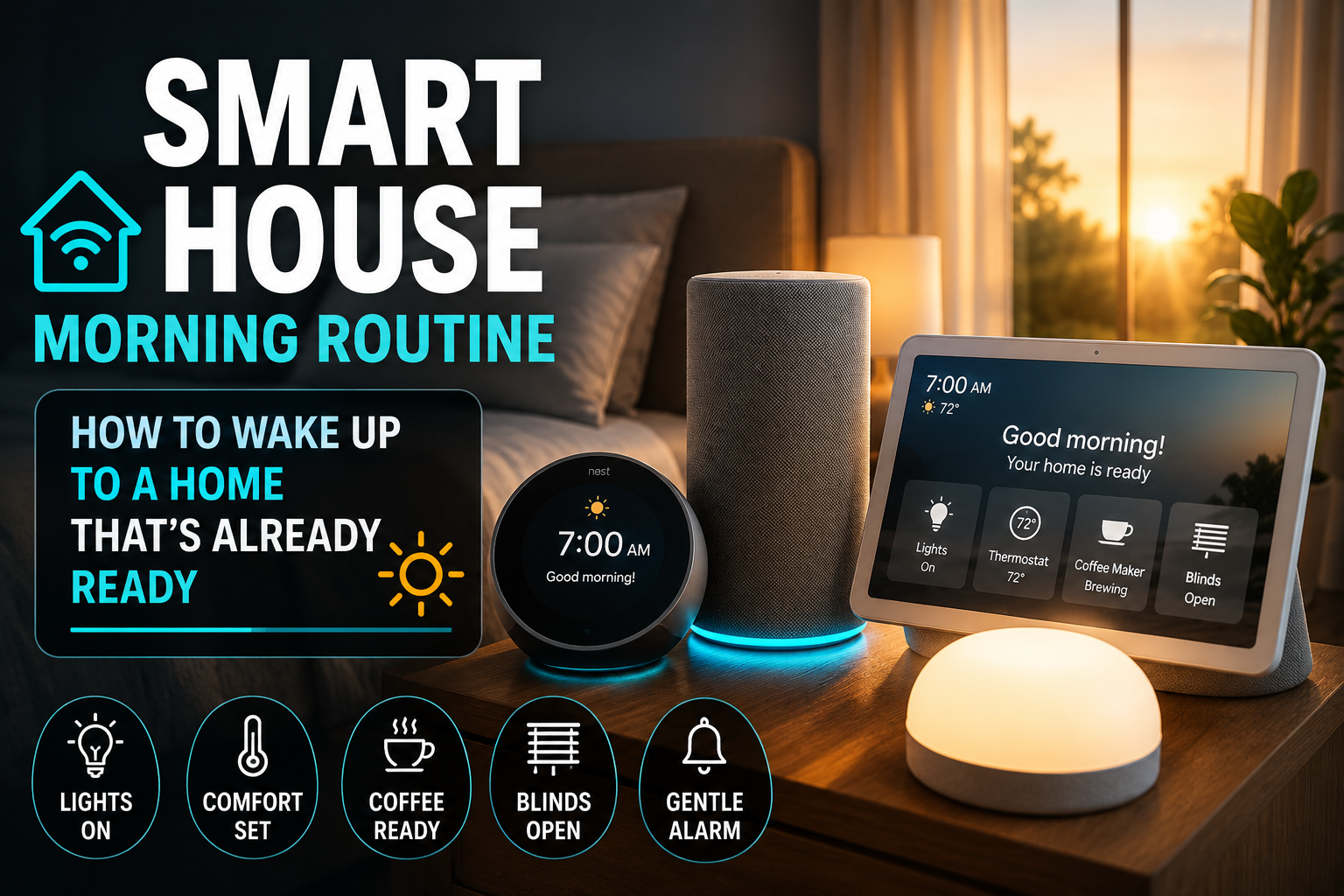
Most people don’t think of mornings as a design problem. But spend a week paying attention to the first forty-five minutes of your day and a pattern emerges: you’re doing the same things in the same order, making the same micro-decisions, and fighting the same friction every single time. The light is wrong. The coffee isn’t ready. The thermostat is still set to whatever you wanted at midnight. You leave the house unsure whether you turned off the bedroom lamp.
- Why Morning Is the Best Time to Invest in Smart Home Automation
- Choosing the Right Trigger: Time, Sensor, or Alarm
- Building the Morning Routine: Room by Room
- Weekend vs. Weekday: Building Routines That Know the Difference
- The Departure Handoff: Connecting Morning to Leave Home
- Realistic Setup Time and What to Expect
- Conclusion
A well-designed smart home morning routine doesn’t just automate these moments — it removes the cognitive weight of them entirely. When the first thing that happens when you wake up isn’t a jarring alarm but a room that gradually warms its light and a coffee maker that’s already running, the morning changes character. Not dramatically. But noticeably, every day.
This guide walks through how to build a smart house morning routine that actually works — one that feels personal rather than robotic, that adapts to your real schedule rather than forcing you to adapt to it, and that delivers practical value from the first day you turn it on.
Why Morning Is the Best Time to Invest in Smart Home Automation
There’s a reason the “good morning” routine has become the default showcase feature for every voice assistant and smart home platform. It’s not marketing — it’s that mornings are structurally the highest-friction part of most people’s days.
You’re moving from unconsciousness to full cognitive function in a compressed window, usually with time pressure. The decisions you make in that window — lights, temperature, information, food preparation — are repetitive enough to automate but varied enough that poor automation makes things worse rather than better. A smart home morning routine that fires at 7am regardless of whether it’s Monday or Sunday, or that blasts full-brightness lights in a room where someone is still sleeping, creates more problems than it solves.
The opportunity is real, but it requires more thought than most automation guides suggest. The goal isn’t to automate everything — it’s to automate the right things, triggered the right way, in the right sequence.
Choosing the Right Trigger: Time, Sensor, or Alarm
The first decision in building any morning routine is what starts it. And this choice has more downstream consequences than most people expect.
Time-Based Triggers: Simple But Rigid
The most common approach is a fixed schedule — set the routine to activate at 6:30am and everything starts at 6:30am. For people with genuinely consistent wake times this works fine, but it breaks down quickly for anyone whose schedule varies by day, who has a partner with a different wake time, or who occasionally wants to sleep in without overriding an automation.
Time-based triggers also have a subtle problem: they assume your desired wake time and your actual wake time are the same. If the routine fires and you’re not awake yet, the lights and sounds that were meant to ease you into the morning become an intrusion instead.
Alarm-Linked Triggers: Smarter Default
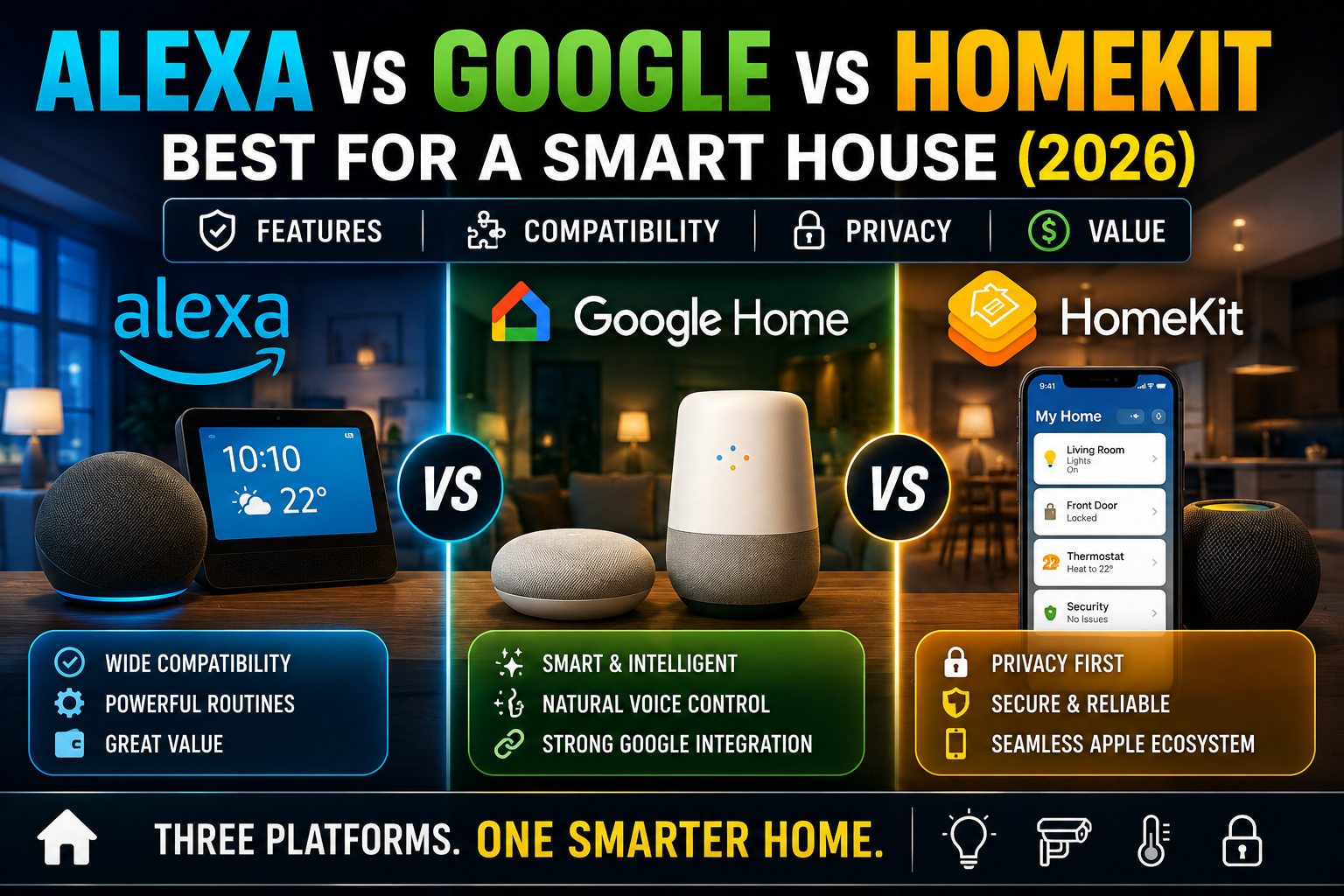
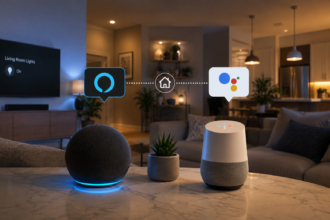
A considerably better approach for most households is linking the morning routine to the alarm rather than a fixed time. Both Amazon Alexa and Google Home support this natively — you can set a routine to trigger when a specific alarm goes off, meaning if you change tomorrow’s alarm to 7:15, the routine automatically adjusts with it. No reprogramming, no manual override.
Apple HomeKit doesn’t support alarm-linked routines directly, but users in that ecosystem can achieve the same result through Shortcuts — creating an automation that fires when an iPhone alarm is dismissed or snoozed.
Motion Sensor Triggers: The Most Natural Approach
For people whose mornings are genuinely variable — night shift workers, parents of young children, freelancers without fixed schedules — a motion sensor trigger is often the most practical option. When the sensor detects movement in the bedroom after a set time (say, after 5:30am to avoid false triggers), it activates a gentle version of the morning routine. This approach has the advantage of firing when you’re actually awake and moving rather than at an arbitrary time.
The Aqara motion sensor and Philips Hue Motion Sensor both handle this well. If you pair either with Home Assistant, you can add a condition: only fire the routine if motion is detected AND it’s within a certain time window AND it’s a weekday. That level of contextual logic is what separates a smart home from a time-controlled one.
Building the Morning Routine: Room by Room
The Bedroom: Waking Up the Right Way
The bedroom sequence is where morning routines live or die. Get this wrong and the whole thing feels like an alarm clock with extra steps. Get it right and waking up genuinely feels different.
The single most impactful upgrade in a bedroom smart home setup is a wake-up light simulation. Rather than activating lights at full brightness when the alarm fires, a well-configured smart bulb — Philips Hue, LIFX, or any color-capable Zigbee bulb with a tunable white range — can begin a gradual sunrise sequence fifteen to thirty minutes before the alarm time. Starting at 1% warm amber and rising over twenty minutes to something closer to daylight, this mimics the physiological effect of natural sunrise. Light entering through closed eyelids suppresses melatonin production and starts cortisol rising, which means you arrive at the alarm already partially awake rather than being yanked from deep sleep.
The research behind this is genuinely solid — multiple studies, including work published in the journal Chronobiology International, have found measurable improvements in morning alertness and mood with simulated dawn light. It’s one of the few smart home features where the marketing claim actually tracks with the evidence.
After the alarm, the bedroom light should come up to something comfortable but not harsh — 70-80% of full brightness at a neutral white (around 4000K) works for most people. Blackout curtains paired with a smart blind controller (Ikea FYRTUR or Somfy) can be programmed to open incrementally as part of the same sequence, adding actual daylight when you’re ready for it.
The Bathroom: Temperature and Light That Don’t Fight You
Bathrooms are often overlooked in smart home setups because there’s less to automate there. But the two things that matter most in the morning — temperature and lighting — apply intensely to bathrooms.
If you have underfloor heating controlled by a smart thermostat, scheduling it to start warming thirty minutes before wake time is a quality-of-life upgrade that’s hard to overstate. Nobody moves efficiently when the first thing they feel is cold tiles. Smart thermostat controllers for underfloor heating (like Heatmiser NeoStat or Warmup 4iE) integrate with both Alexa and Google Home and handle this scheduling natively.
For lighting, a bathroom during morning grooming benefits from different light than a bedroom waking up. A brighter, cooler white (5000-6500K) in the mirror area improves visibility for grooming tasks. If your smart bulbs support color temperature adjustment, adding the bathroom to the morning sequence with different settings than the bedroom takes under a minute to configure and makes a real difference.
The Kitchen: Handling the Coffee Problem
The coffee maker is the classic first smart home upgrade for a reason. A smart plug under a drip coffee maker, programmed to activate as part of the morning routine, means coffee is ready when you reach the kitchen. This isn’t revolutionary in concept, but the consistency of it — every morning, without remembering to set it up the night before — is what makes it stick.
A TP-Link Kasa smart plug or an Ikea TRÅDFRI outlet handle this without issues. The only requirement is that the coffee maker needs to be left in the “on” position when you set it up the previous evening — most automatic drip machines hold this state, but single-serve machines like Keurig often power off after inactivity, which breaks the automation. For those machines, look for the model’s “auto on” feature, which pairs well with a smart plug timer.
Kitchen lighting during morning routine should follow a similar logic to the bedroom — warmer and dimmer while you’re still half-awake, gradually transitioning to practical task lighting. If your kitchen uses recessed smart bulbs or a smart light strip under the cabinets, these can stage themselves over the first twenty minutes after the routine fires without any manual adjustment.
The Living Room: Information Without the Noise
For people who check news, weather, or calendars in the morning, integrating a smart display into the routine makes the information retrieval step passive rather than active. An Echo Show or Google Nest Hub placed in the kitchen or living room can surface weather, commute time, and the day’s calendar automatically when the morning routine activates.
This is where the choice of voice assistant ecosystem becomes relevant in a practical way. Google Home’s morning briefing surfaces Google Calendar events natively and pulls real-time commute data through Google Maps — particularly useful if you have a variable commute. Alexa’s equivalent (the Flash Briefing plus Alexa Routines) is more configurable but requires more initial setup to pull in the right data sources.
The risk to avoid here is information overload. A morning display that surfaces news, weather, traffic, three calendar events, and a to-do list simultaneously creates cognitive load rather than reducing it. Pick one or two things — weather and calendar, or traffic and first task — and leave the rest for when you’re actually ready to process it.
Weekend vs. Weekday: Building Routines That Know the Difference
One of the most common complaints about smart home morning routines is that they don’t differentiate between days. An automation that’s perfect for a 6:30am work day becomes genuinely annoying when it fires on a Saturday.
The solution is conditional scheduling, which is available in slightly different forms across platforms. In Alexa Routines, you can set a routine to run only on weekdays. In Google Home, the same option appears under schedule settings. In Home Assistant, conditions can be added that check day of week before any action fires.
For households where one person is an early riser and another sleeps in on weekends, a motion sensor trigger with a weekday condition is often the cleanest solution. The routine fires when movement is detected on a weekday morning, and stays dormant on weekends until the sensor sees activity within a different, later time window. Both people get a working automation without interfering with each other’s schedule.
The Departure Handoff: Connecting Morning to Leave Home
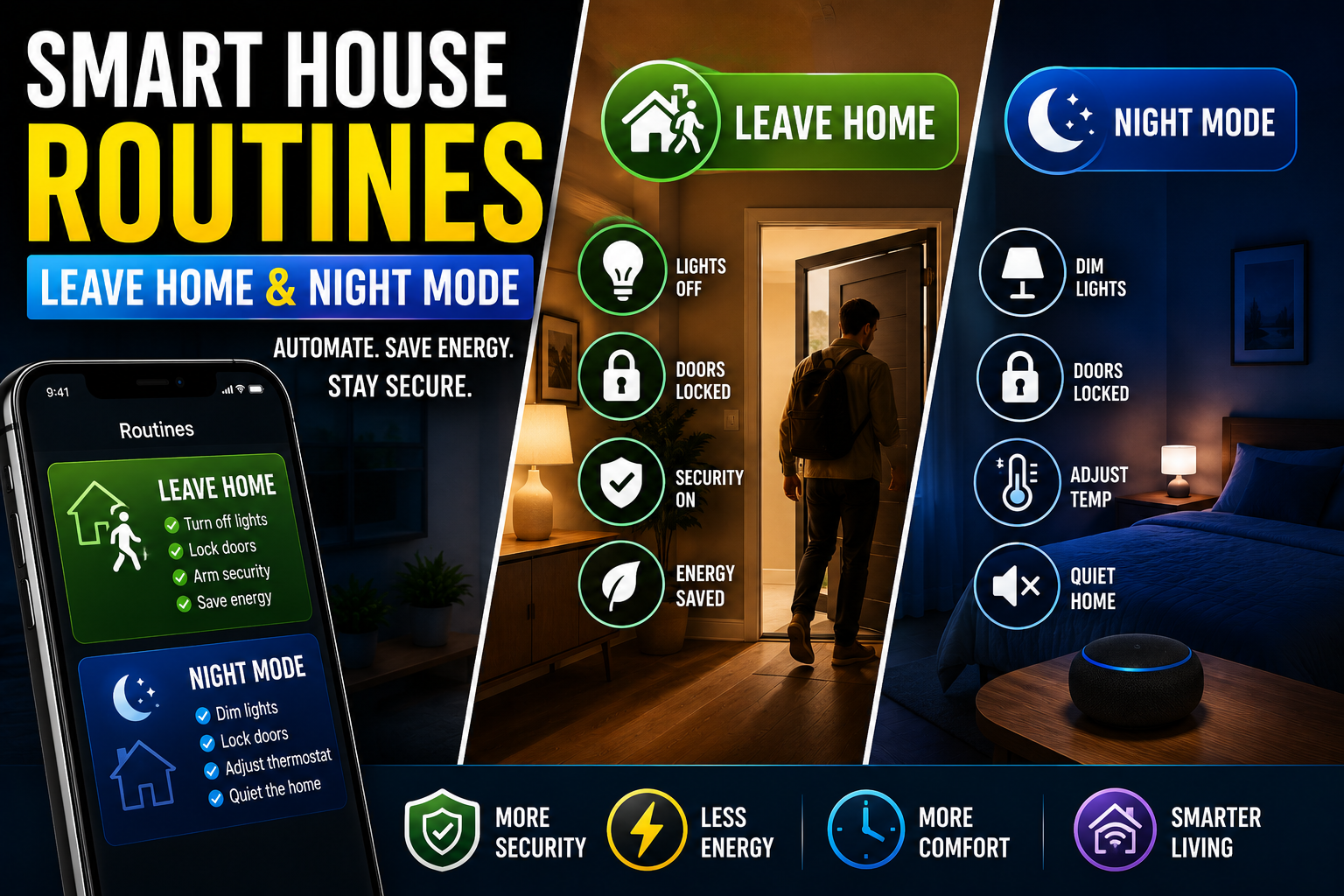
A morning routine that works well sets up the Leave Home routine naturally. The last step of a well-designed morning sequence is a brief transition check — typically a voice prompt or a notification — that confirms departure is happening and asks (or automatically triggers) the Leave Home sequence.
In practice this might look like: lights off throughout the house fifteen minutes after the kitchen motion sensor stops detecting activity, thermostat shifting to eco mode, and a phone notification confirming the front door has been locked. None of these require manual input if the motion detection logic is right — the home interprets the absence of activity as departure and acts accordingly.
The continuity between morning routine and departure routine is something that makes the whole system feel coherent rather than like a collection of separate automations. The home wakes up with you, supports you through the morning, and closes down behind you. That sequence is, honestly, one of the better arguments for smart home investment that doesn’t sound like a product brochure.
Realistic Setup Time and What to Expect
Building a functional morning routine from scratch takes an afternoon if you already have compatible devices and roughly two weekends if you’re starting from zero. The first version of the routine will almost certainly need adjustment — you’ll discover the bedroom light comes on too bright, or the coffee maker plug activates before the machine has had time to heat, or the briefing fires before you’re in a position to actually listen to it.
This iteration is normal and expected. The best smart home routines aren’t the first version — they’re the fifth or sixth, refined over weeks of living with them. The practical advice is to start minimal: get one room’s sequence working reliably before expanding to the next. A bedroom light that gradually wakes you up and a coffee maker that’s ready when you arrive in the kitchen is already a meaningfully better morning than what most people have, and it’s achievable in under an hour with two smart bulbs and one smart plug.
Conclusion
A smart house morning routine done well isn’t noticeable as technology — it’s noticeable as a morning that feels easier than it used to. The friction that used to pile up in the first forty-five minutes of the day quietly disappears: the light is right, the temperature is right, the coffee is ready, and the house is handling the small logistics so you don’t have to.
The investment to get there is smaller than most people assume — a few smart bulbs, a smart plug, the right trigger configuration, and some willingness to iterate. What you get in return isn’t a demo to show guests. It’s a daily experience that compounds quietly over time, morning after morning, until you can barely remember what the alternative felt like.