



Most people who buy smart bulbs spend the first week playing with colors. Pink bedroom, blue living room, purple everything. It’s fun for about ten days, and then the novelty fades and the bulbs settle into whatever white setting they shipped with. This is the part of the smart lighting journey where most people stop — not because the technology isn’t capable of more, but because nobody told them what “more” actually looks like in practice.
- What Color Temperature Actually Is (And Why It Matters More Than Brightness)
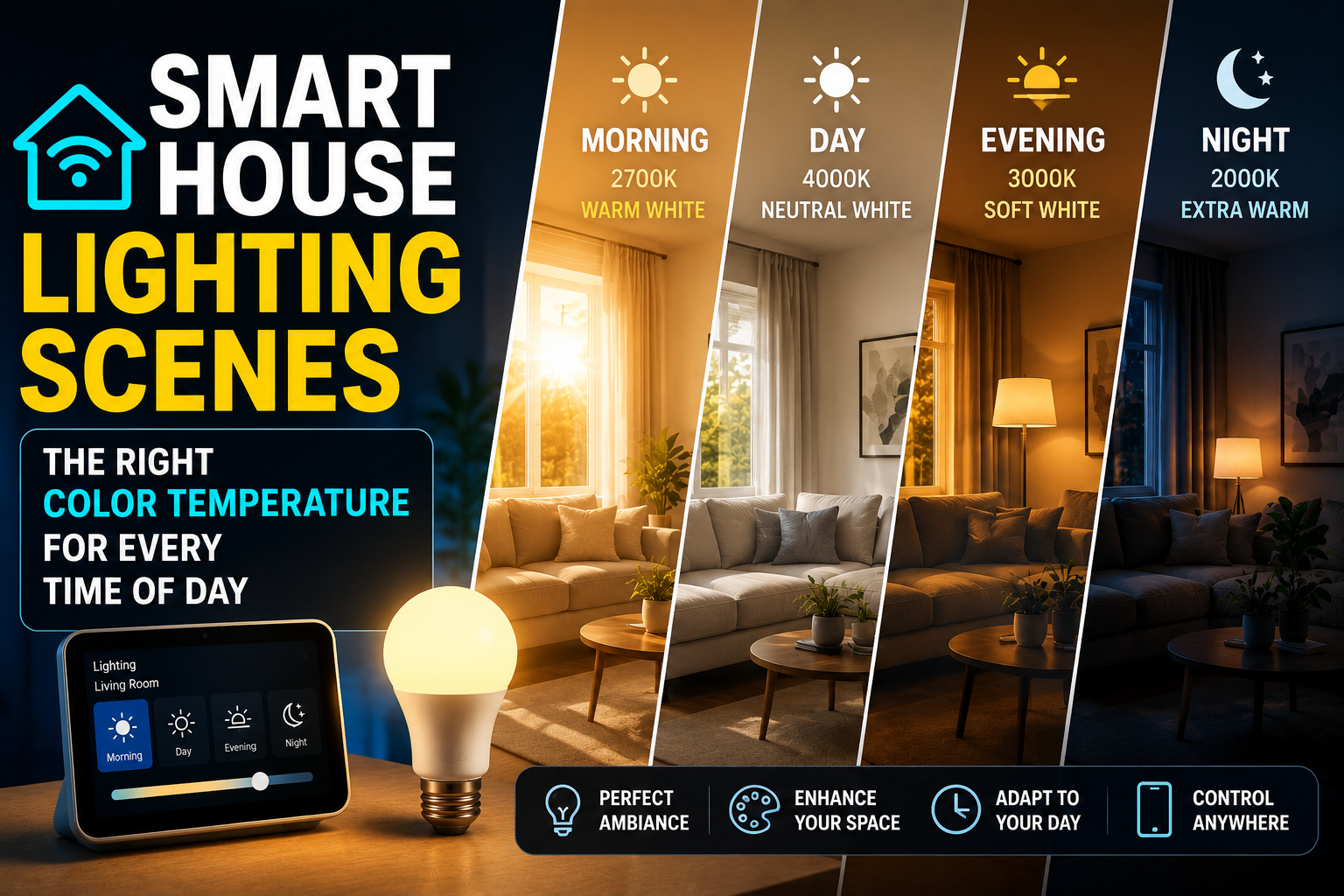
- The Color Temperature Map: What Your Home Should Look Like Hour by Hour
- Early Morning (5:30am – 7:30am): Warm, Then Rising
- Morning to Midday (7:30am – 12:00pm): Neutral to Cool White for Focus
- Early Afternoon (12:00pm – 3:00pm): Hold or Slight Shift
- Late Afternoon (3:00pm – 6:00pm): Beginning the Wind-Down
- Evening (6:00pm – 9:00pm): Warm and Intentional
- Pre-Sleep (9:00pm – Bedtime): The 2200K Zone
- Setting This Up: What You Actually Need
- The One Mistake That Undermines Everything
- Conclusion
The most underused feature in smart lighting isn’t color. It’s color temperature. Specifically, the ability to shift the warmth or coolness of white light throughout the day in a way that aligns with your body’s natural rhythms. Done well, this single capability — available in almost any modern tunable white or RGBW smart bulb — changes how your home feels to live in more than any other lighting feature. Done poorly, or not done at all, you’re leaving most of the value of smart lighting on the table.
This guide is about doing it well.
What Color Temperature Actually Is (And Why It Matters More Than Brightness)
Color temperature is measured in Kelvin and describes the visual warmth or coolness of white light. Lower Kelvin values (2700K–3000K) produce the warm, amber-tinted light associated with incandescent bulbs, candlelight, and sunset. Higher values (5000K–6500K) produce the crisp, bluish-white light of overcast daylight or a hospital corridor. The middle range (3500K–4500K) is a neutral white that most people find comfortable for task work.
These aren’t just aesthetic distinctions. Light in different color temperature ranges has measurably different effects on human physiology because of how the eye’s intrinsically photosensitive retinal ganglion cells (ipRGCs) respond to blue wavelengths. Blue-enriched light — the high-Kelvin end of the spectrum — suppresses melatonin production and elevates alertness. Warm light at the low-Kelvin end does the opposite: it signals the brain that the day is ending, allowing melatonin to rise and the body to begin its sleep preparation process.
This is why staring at a phone screen before bed genuinely disrupts sleep. It’s also why a home lit with high-Kelvin cool white light at 10pm makes it harder to fall asleep an hour later. And it’s why smart bulbs with tunable white capability — the ability to shift across the Kelvin spectrum — represent a genuinely useful upgrade over fixed-temperature lighting, not just a novelty.
The concept that formalizes all of this is circadian lighting: structuring your home’s light environment to support the body’s 24-hour biological clock rather than working against it. Smart homes make this achievable without thinking about it, once the scenes and schedules are set up.
The Color Temperature Map: What Your Home Should Look Like Hour by Hour
There’s no single correct answer for every household — preferences, schedules, and living situations vary. But there’s a solid evidence-backed framework that works as a starting point and is easily adjusted from there.
Early Morning (5:30am – 7:30am): Warm, Then Rising
The worst thing you can do to someone trying to wake up gently is flip on a 6500K cool white light. That works if you need to shock yourself awake, but it creates a stress response rather than a natural one.
The better approach — which aligns with what the morning routine article covers in terms of wake-up light simulation — is a gradual rise from very warm and dim to moderately warm and bright. Starting around 2200K at 5–10% brightness and rising over twenty to thirty minutes to 3000K at 70% brightness mimics dawn closely enough that the body responds to it similarly. The transition doesn’t need to be dramatic to be effective; even a slow fade from warm dim to warm bright makes a noticeable difference in how alert you feel by the time you reach the kitchen.
If your bulbs support it, the Philips Hue “Energize” scene (set to activate gradually) or a custom Home Assistant sunrise automation handles this transition automatically. LIFX bulbs are particularly capable here because they can execute gradual transitions natively without a hub, using the LIFX app’s scheduling and scene features.
Morning to Midday (7:30am – 12:00pm): Neutral to Cool White for Focus
Once you’re awake and moving through your morning, the lighting goal shifts from gentle arousal to productive alertness. This is the window where cooler, brighter light earns its place — particularly in a home office or kitchen.
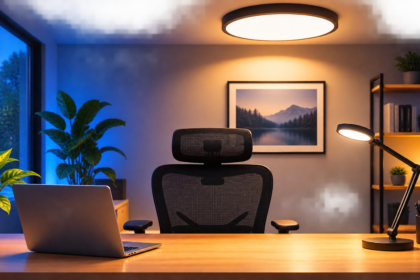
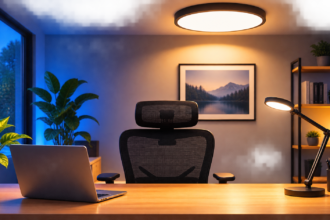
A setting around 4000K–4500K at 80–100% brightness is appropriate for this window. It’s not harsh, but it’s crisp enough to support concentration, detailed tasks, or the mental overhead of responding to emails and planning a workday. If you work from home, this is the setting you want in your workspace from roughly 8am until early afternoon.
The neutral white range also has a practical advantage in kitchens: it renders food colors accurately. Warm lighting in a kitchen can make it harder to judge whether something is cooked properly, whether produce looks fresh, or whether the color of a sauce is where you want it. Cooler task lighting in a kitchen isn’t just about alertness — it’s functionally useful.
This is a good time to note the difference between ambient and task lighting in a smart home context. Your overhead lights during this window can reasonably be cooler and brighter. A desk lamp used specifically for detail work might go even higher (5000K). But if you’re just moving around the house, not doing focused work, the same scene applied everywhere can feel clinical. Layering light sources — a cooler overhead combined with a slightly warmer floor lamp at lower intensity — keeps the space functional without feeling sterile.
Early Afternoon (12:00pm – 3:00pm): Hold or Slight Shift
The post-lunch window is where human alertness naturally dips, regardless of how much coffee you’ve had. There’s a biological basis for this — the circadian trough in early afternoon is real and well-documented. Light alone can’t fully counteract it, but maintaining higher Kelvin values (4000K–5000K) during this window does provide genuine support for sustained focus compared to dropping into warm light too early.
If you work from home and find the 2pm wall particularly brutal, keeping your workspace at full cool-white brightness during this window and reserving the warm shift for later is one of the simplest and most effective productivity adjustments you can make without changing anything about your diet, sleep, or schedule.
For people who aren’t working during this window — parents home with kids, retirees, anyone with a more fluid daytime schedule — a neutral 3500K–4000K setting is comfortable for most activities: reading, cooking, casual conversation.
Late Afternoon (3:00pm – 6:00pm): Beginning the Wind-Down
This is where the first shift toward warmer light becomes appropriate, and where a lot of people’s current static lighting setup starts working against them. If your home is lit at 5000K cool white until the moment you turn the lights off for bed, you’re keeping your nervous system in high-alert mode well into the evening.
The transition between 3pm and 6pm doesn’t need to be dramatic. Moving from 4000K to 3500K to 3000K over this three-hour window is a subtle enough change that most people don’t consciously notice it — but the cumulative effect on evening alertness and eventual sleep quality is measurable. This gradual shift is sometimes called the “sunset protocol” in circadian lighting literature, and it’s increasingly built into premium smart lighting systems as a default feature.
Philips Hue’s “Golden Hour” scene (around 2800K, warm amber) works well as a late afternoon transition. For users in the IKEA TRÅDFRI ecosystem, the “warm glow” preset serves the same function at a fraction of the cost. In Home Assistant, a time-triggered automation that gradually lowers color temperature from 4000K to 3000K between 3pm and 6pm can be set up in under ten minutes and runs indefinitely without adjustment.
Evening (6:00pm – 9:00pm): Warm and Intentional
By early evening, your lighting environment should be meaningfully warm — somewhere in the 2700K–3000K range — and noticeably dimmer than daytime settings. This is the window where the visual character of your home shifts from functional to atmospheric, and where smart lighting’s ability to create genuine ambiance pays off.
This is also the window where scene-setting by room starts to matter more than a single house-wide setting. The kitchen during dinner preparation benefits from slightly more brightness than the living room during a meal or a conversation. A reading lamp for the person on the couch can be set to 2700K at 50% without affecting the rest of the room. Smart bulbs in individual lamps, controlled separately from overhead fixtures, allow this kind of granular tuning that was genuinely impossible before smart lighting existed.
If you have RGBW bulbs (which include a dedicated white channel alongside the color LEDs), evening is when a hint of amber-shifted color mixing can produce genuinely beautiful light that reads as warm without being yellow. This is distinct from setting the bulb to an orange color — it’s about biasing the white toward the warmer end while keeping the light recognizably white. Nanoleaf’s Essentials line and LIFX’s A60 bulbs handle this particularly well.
Pre-Sleep (9:00pm – Bedtime): The 2200K Zone
The final transition, in the hour or two before sleep, is where color temperature has its most direct physiological impact. At this point, the goal is to support melatonin production as actively as possible, which means getting the Kelvin value as low as your bulbs allow — ideally 2200K or below — and dimming to 20–30% or less.
At 2200K, light takes on a distinctly amber quality that reads visually as “late evening.” It’s comfortable for conversation and light reading but not really suited for screens or detailed tasks — which is fine, because both of those activities interfere with sleep onset for reasons beyond just light exposure.
Bedrooms in this window benefit from the warmest, dimmest settings in the house. A bedside lamp at 2200K and 15% brightness is enough to navigate by and read by without stimulating alertness. If you use smart bulbs in both a floor lamp and a bedside lamp, setting only the bedside lamp to this setting while the floor lamp switches off entirely creates a visual cue that sleep is approaching — a useful habit signal that costs nothing once it’s configured.
Several smart lighting platforms now include a “night mode” or “sleep mode” preset that locks the bulb at its warmest setting and prevents any accidental brightness spikes from voice commands or app control. Philips Hue’s “Night Light” scene and the Alexa “Good Night” routine both do this effectively. For Apple HomeKit users, a Shortcut that sets all bedroom lights to 2200K/10% when triggered from the Lock Screen takes about three minutes to configure and becomes second nature within a week.
Setting This Up: What You Actually Need
The good news is that you don’t need a complete smart home ecosystem or a significant hardware investment to implement circadian lighting. You need two things: tunable white bulbs (RGBW or CCT-adjustable) and a platform that supports scheduled scene transitions.
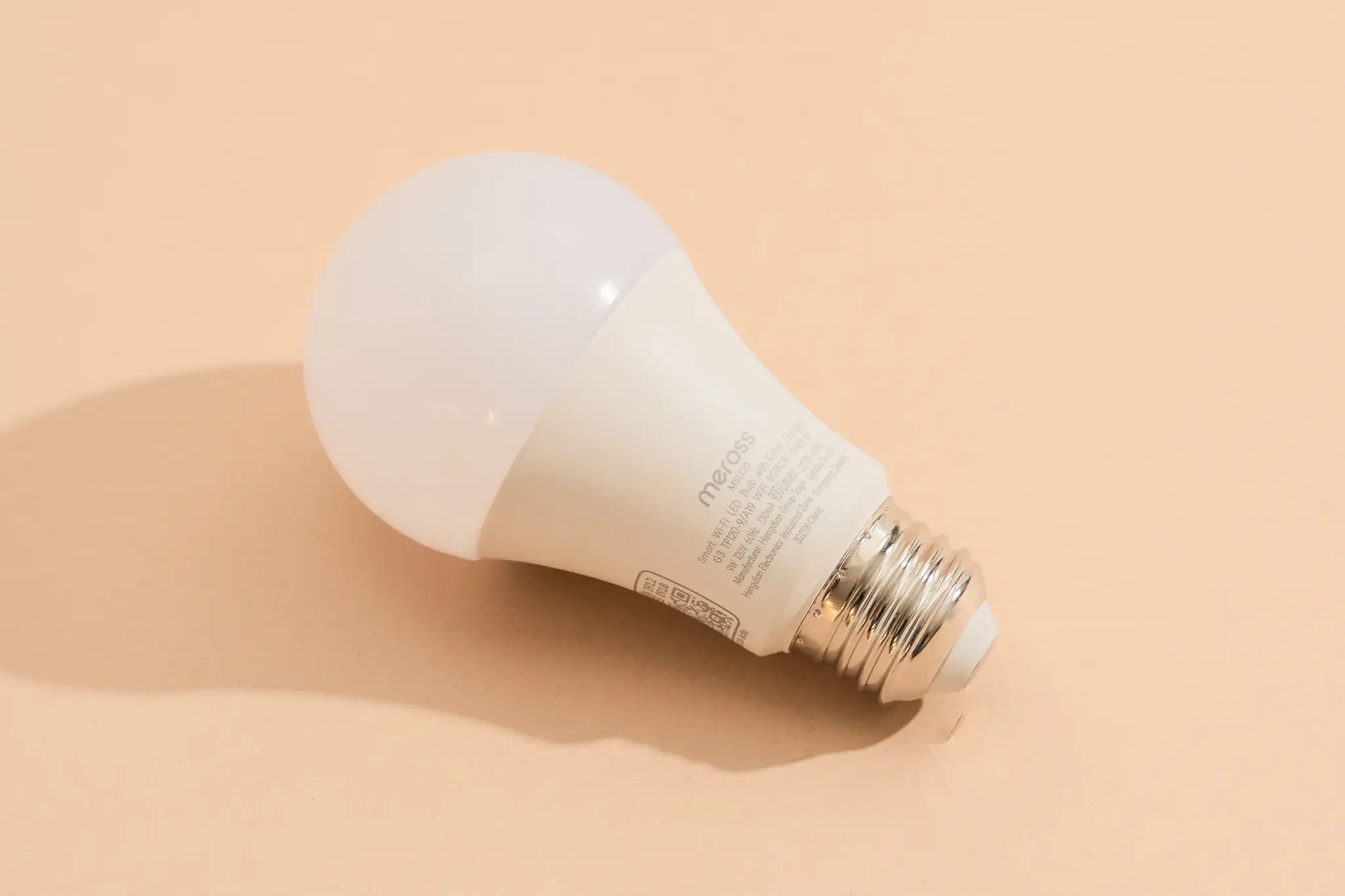
On the bulb side, the minimum requirement is a bulb with adjustable color temperature — not just dimming. Look for bulbs described as “tunable white,” “CCT adjustable,” or “warm to cool white.” Pure dimmer-only smart bulbs (often the cheapest category) can’t shift color temperature, only brightness, which limits their usefulness for circadian lighting significantly.
Good options at different price points: IKEA TRÅDFRI white spectrum bulbs (around $10–12 each, Zigbee, require the DIRIGERA hub or a Zigbee coordinator) cover the basics reliably. Philips Hue White Ambiance bulbs ($20–25 each, require the Hue Bridge) offer the best app experience and the most polished scene transitions. LIFX A60 white to warm bulbs ($25–35, Wi-Fi, no hub required) are excellent for anyone who wants capable tunable white without any hub investment.
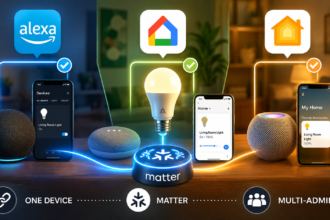
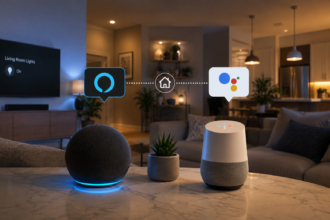
On the platform side, every major ecosystem — Alexa, Google Home, Apple HomeKit, and Home Assistant — supports scheduled lighting scenes. The specific implementation varies, but the core functionality of “set these bulbs to this color temperature at this time” is available in all of them. Home Assistant offers the most granular control (gradual transitions, conditional logic, multi-zone coordination) but requires the most setup investment. Alexa and Google Home are simpler and faster to configure but less flexible once you want to go beyond basic schedules.
The One Mistake That Undermines Everything
The most common failure mode in smart lighting setups is inconsistency — specifically, having one or two rooms on a circadian schedule while the rest of the house runs on static cool white. If your bedroom and living room shift to 2700K at 9pm but the bathroom stays at 5000K, a five-minute trip to brush your teeth essentially resets your melatonin suppression and undermines the whole evening wind-down.
The fix is extending the evening scene to every occupied space, even if the brightness and exact timing differ by room. The bathroom during the evening wind-down period doesn’t need to be at 50% 2700K — 30% and as warm as the bulbs allow is fine. What matters is that no room in the house is working against the circadian lighting you’ve built everywhere else.
Conclusion
Smart lighting’s color temperature control is the feature that most people configure once by accident and never revisit deliberately. That’s a shame, because it’s the capability that most directly connects the technology in your ceiling to the quality of your sleep, your focus during the day, and the atmosphere of your home in the evenings.
The framework is straightforward: cool and bright in the morning to support alertness, neutral white through the working hours, a gradual warm shift from late afternoon onward, and the warmest possible setting in the hour before sleep. Tunable white bulbs and fifteen minutes of scene configuration in whichever app your ecosystem uses are all it takes to get started.
The home doesn’t need to know your schedule to support it. It just needs the right light at the right time — and that’s exactly what smart lighting is built to provide.