
Most people buy their first smart device expecting a little bit of magic. They picture lights that know when they walk in, a thermostat that quietly adjusts itself, a home that simply does the right thing at the right time. Then the box arrives, they screw in a bulb, connect it to an app, and discover that nothing happens on its own at all. The bulb turns on when they tell it to. That’s it.
The missing ingredient is the routine. A smart home routine is the layer that turns a collection of disconnected gadgets into something that actually feels intelligent. Without routines, you own a remote control. With them, you own a home that anticipates. This guide explains exactly what a routine is, how it works behind the scenes, and gives you five practical automations you can build in an afternoon, even if you have never set one up before.
What a Smart Home Routine Actually Is
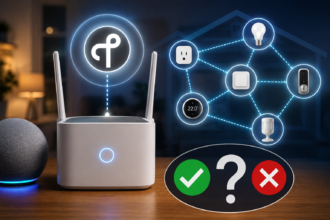
A routine is a saved instruction that tells your devices to do something automatically when a specific condition is met. Every routine, no matter how simple or complex, follows the same basic shape: a trigger, an optional condition, and an action.
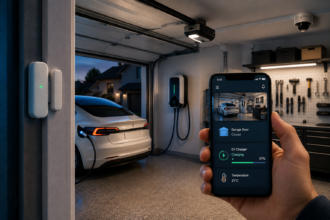
The trigger is what starts the routine. It might be a time of day, the press of a button, your phone arriving home, a motion sensor detecting movement, or a voice command. The condition is an optional filter that decides whether the routine should actually run, for example, “only if it’s after sunset” or “only on weekdays.” The action is what your devices do in response: turn on the lights, lower the thermostat, lock the door, play music, or all of those at once.
If you have ever set an alarm on your phone, you already understand the logic. The alarm has a trigger (a time) and an action (a sound). A smart home routine is the same idea, except the action can involve your lights, locks, speakers, plugs, and thermostat working together in a single tap or a single spoken phrase.
The reason this matters for beginners is simple: the value of a smart home does not come from any single device. It comes from devices cooperating. One smart bulb is a novelty. One smart bulb that turns warm and dim every evening at sunset, without you thinking about it, is a genuine quality-of-life upgrade.
Routines Versus Automations: Are They the Same Thing?
You will see two words used almost interchangeably, and the difference trips up a lot of newcomers. In most ecosystems, a routine is something you trigger deliberately, often by voice or a button, while an automation runs entirely on its own based on a condition.
For example, saying “Good morning” to your voice assistant to start your day is a routine, because you initiated it. Having your hallway light switch on automatically when motion is detected at night is an automation, because no human asked for it.
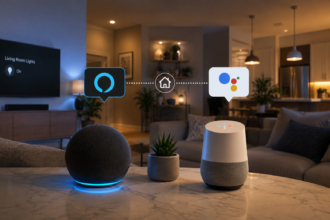
In practice, the platforms blur this line. Amazon calls almost everything a Routine. Google calls them Routines too. Apple Home calls them Automations and Scenes. The takeaway for a beginner is not to get hung up on the vocabulary. Both are just saved sets of instructions. What matters is the trigger-condition-action structure underneath, which is identical everywhere.
Why Beginners Should Start Small
The most common mistake new smart home owners make is trying to automate everything at once. They watch a video of someone’s elaborate setup, get inspired, and attempt to build fifteen interlocking automations in one weekend. Two weeks later, lights are turning on at strange times, the family is frustrated, and the whole system gets switched off.
A reliable smart home is built one small, trustworthy routine at a time. The goal at the start is not impressiveness. It is reliability. You want each routine to work so dependably that you stop noticing it, the way you stopped noticing that your fridge keeps your food cold. Once a routine has earned that level of trust, you add the next one.
With that philosophy in mind, here are five routines that deliver real value, are hard to get wrong, and form a solid foundation you can build on later.
The 5 Routines Every Beginner Should Build First
1. The Sunset Lighting Routine
This is the single most satisfying automation for a first-timer, and it requires nothing more than one or two smart bulbs. The trigger is sunset, which every major platform calculates automatically based on your location, so the timing shifts naturally through the year. The action is turning your main living lights on at a warm, comfortable brightness.
Why start here? Because it solves a real problem you experience every single day. Instead of walking into a dark room each evening and fumbling for a switch, the space is already gently lit when the sun goes down. It is the routine people miss most when they travel and stay somewhere “dumb.”
To make it even better, add a second action that dims those same lights an hour or two before your usual bedtime. Warmer, dimmer light in the evening is easier on the eyes and signals to your body that the day is winding down.
2. The Good Morning Routine
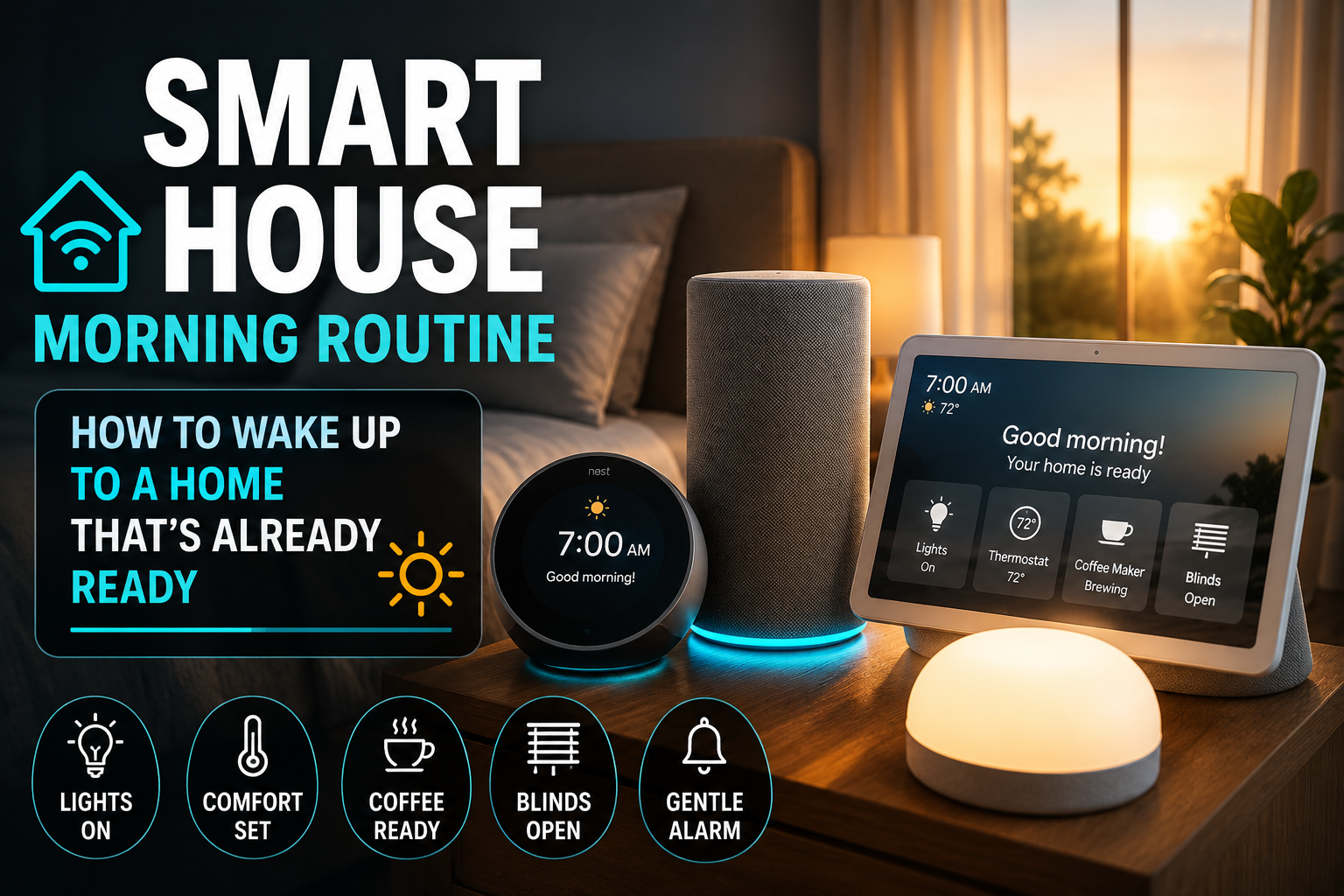
This routine is triggered by voice or by an alarm, and it bundles all your morning steps into one command. A typical version turns on the bedroom and kitchen lights at a moderate brightness, nudges the thermostat up to a comfortable temperature, reads out the weather and your first calendar event, and optionally starts your coffee maker if it is plugged into a smart plug.
The beauty of this routine is that it replaces five or six separate actions with a single phrase. You say “Good morning” and your home shifts from sleep mode to day mode in one move. For a beginner, it is also a gentle introduction to chaining multiple devices together, since every step is something you control and can adjust.
3. The Goodbye Routine
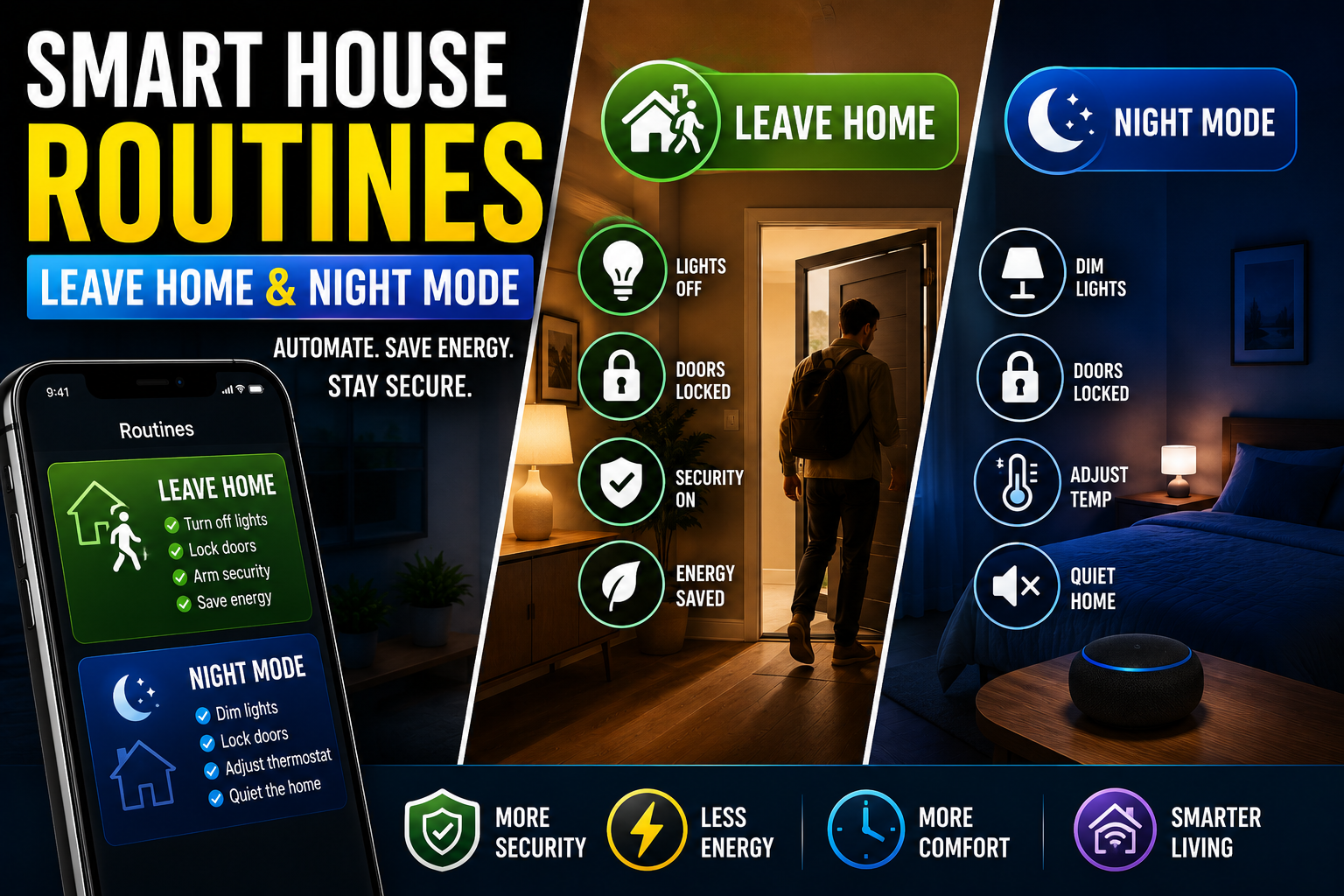
The goodbye routine is your peace-of-mind automation. When you leave the house, you want to know that lights are off, the thermostat has eased back to save energy, and any devices you do not need are powered down. Instead of checking each one, you trigger a single routine on your way out.
You can start this manually, triggered by voice or a button near the door, which is the most reliable approach for a beginner. Later, once you trust your system, you can upgrade it to run automatically when your phone leaves a defined area around your home, a feature called geofencing. Begin with the manual version so you understand exactly what it does before handing over control.
4. The Bedtime Routine
The bedtime routine mirrors your goodbye routine but for the end of the day. With one command, usually “Good night,” your home turns off the main lights, leaves a soft path light on if you have one, sets the thermostat to your preferred sleeping temperature, and confirms that any smart locks are engaged.
This routine quietly handles the things you used to do on autopilot, the small nightly checklist that is easy to forget when you are tired. The first time you say good night and watch your home settle itself, the appeal of smart automation finally clicks.
5. The Motion-Activated Night Light
This is your first true automation, the kind that runs with no human input at all. Using a motion sensor and a smart bulb in a hallway, bathroom, or stairwell, you create a routine that turns the light on at low brightness only when motion is detected and only between certain hours, such as 11 p.m. to 6 a.m.
The condition here is important. You do not want this light blazing on every time someone walks past during the day. By limiting it to nighttime hours and a low brightness, you get a gentle, automatic guide light for those midnight trips, without the harsh shock of a full-brightness overhead light. It is a small thing that families with children or anyone who values not stubbing a toe at 2 a.m. come to appreciate enormously.
How to Build Your First Routine, Step by Step
Regardless of which platform you use, the process for creating a routine follows the same path. Open your smart home app and find the section labeled Routines or Automations. Choose to create a new one. Select your trigger first, whether that is a time, a voice phrase, a sensor, or your location. Add a condition if you want to limit when it runs. Then add one or more actions by selecting the devices you want to control and what you want them to do. Save it, give it a clear name, and test it immediately.
Testing is the step beginners skip, and it is the most important one. Run the routine manually, watch what happens, and adjust. A routine you have personally watched succeed three times is a routine you will trust. A routine you set up and walked away from is a routine that will surprise you at the worst moment.
Common Beginner Mistakes to Avoid
The first mistake is overlapping routines that fight each other. If one routine turns a light on at sunset and another turns it off at the same time, you create a conflict. Keep your early routines simple and non-overlapping.
The second mistake is forgetting the condition. A motion light with no time condition will trigger all day. A “leaving home” automation with no presence check might trigger when you simply walk to the mailbox. Conditions are what make automations feel smart rather than chaotic.
The third mistake is building for an imaginary version of your life rather than the real one. Automate the things you actually do every day. The flashy automation you saw online is worthless if it does not match how your household lives.
The Bottom Line
A smart home routine is nothing more than a saved instruction built from a trigger, an optional condition, and an action. That simple structure is the foundation of every automation you will ever build, from a single dimming light to a fully orchestrated morning. Start with the five routines above, get each one working reliably, and resist the urge to rush. Within a few weeks you will have a home that handles its small daily rituals on its own, and you will wonder how you ever lived without it.
Frequently Asked Questions
Do I need a smart home hub to create routines?
Not always. Many devices, such as Wi-Fi smart bulbs and plugs, support basic routines directly through their own app or through a voice assistant. A hub becomes useful once you mix devices from different brands or use sensors that rely on Zigbee or Z-Wave, but a beginner can build all five starter routines above without one.
Can routines work without an internet connection?
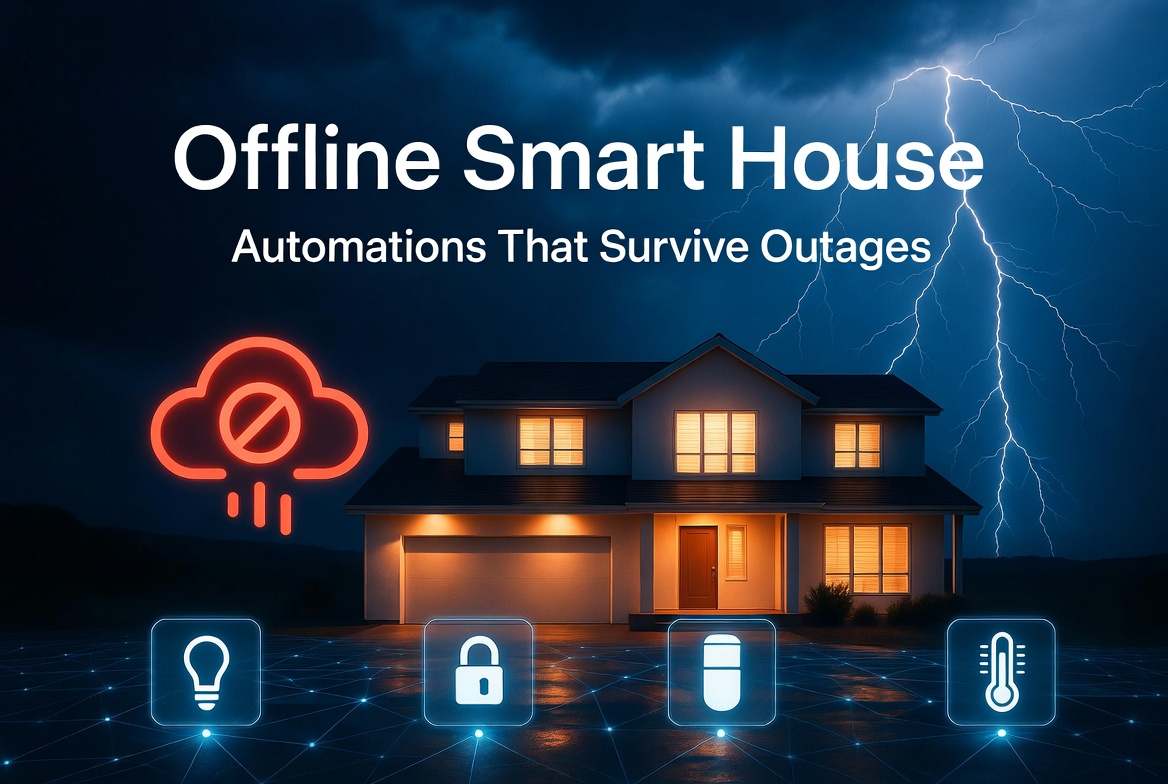
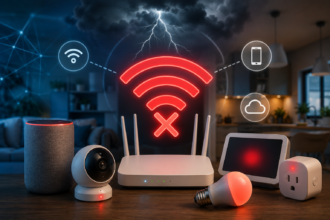
It depends on the system. Cloud-based platforms need internet to trigger most routines, so an outage can interrupt them. Local systems, including some hubs and Apple Home with a home hub device, can run many routines offline. For beginners, expect that an internet outage may temporarily pause cloud routines.
How many routines is too many for a beginner?
There is no hard limit, but reliability matters more than quantity. Start with three to five routines, make sure each works dependably, and only add more once you trust the existing ones. A handful of reliable routines beats a dozen unpredictable ones.
Will routines slow down or break my devices?
No. Routines do not harm your devices. The most common issue is a poorly designed routine that triggers at the wrong time, which is a logic problem you fix by adjusting the trigger or condition, not a hardware problem.
What is the difference between a routine and a scene?
A scene is a saved set of device states, such as “Movie Night” dimming the lights and closing the blinds. A routine can trigger a scene as one of its actions. Think of a scene as a snapshot and a routine as the instruction that decides when to apply it.