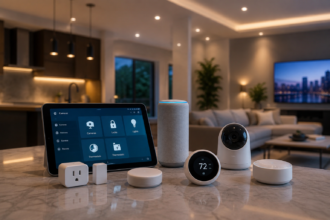


The living room is where most smart home setups either come together or reveal their gaps. It’s the space where you spend the most varied kind of time — working from the couch in the morning, watching something in the evening, hosting people on weekends, doing nothing in particular on a Sunday afternoon — and each of those activities has genuinely different lighting, temperature, and entertainment requirements. It’s also usually the room with the most devices: a TV, a streaming box or console, a speaker, lamps, possibly overhead lights, maybe a fan or air purifier. Getting all of those to work together coherently is the real challenge.
The good news is that the living room is also where smart home investment delivers its most visible daily returns. A bedroom setup that works perfectly is mostly invisible — it does its thing while you’re asleep or half-awake. A living room setup that works well is something you notice and use actively, multiple times a day, in ways that feel genuinely different from what you had before. This guide covers how to build that setup correctly: lighting first, then entertainment control, then voice integration, then the automations that tie it all together.
Getting the Lighting Right First
Lighting is the foundation of a good living room smart home setup, and it’s also where most people make their first mistake — buying a few smart bulbs, setting them to the same white they were already using, and wondering why the room doesn’t feel any different. The living room is the space where color temperature and scene variety matter most, precisely because of how many different modes the room operates in throughout the day.
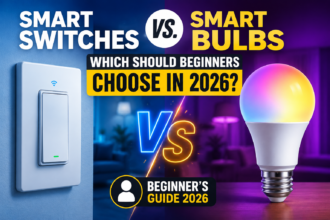
The hardware decision here is between smart bulbs in existing lamps and fixtures, smart light strips for accent and bias lighting, and smart switches that control the overhead circuit. For renters or anyone who doesn’t want to touch the wiring, smart bulbs in floor lamps and table lamps plus a light strip are the practical combination. For homeowners with a neutral ceiling fixture and some willingness to spend an afternoon on installation, a smart switch or dimmer controlling the overhead light (Lutron Caseta, Leviton Decora, or the Shelly Dimmer 2 for a more DIY-friendly option) paired with smart lamps gives the most complete control.
The scene structure that works for most living rooms follows the same color temperature logic covered in the lighting article on this site, but applied specifically to the range of activities that happen here. A bright, neutral white around 4000K at 80% for working or reading. A warm, dimmer setting around 2700K at 50% for evening conversation or casual TV watching. A very warm, very dim setting around 2200K at 20% for late-night wind-down. And a fully off state for when the TV’s own light is sufficient and ambient lighting would create glare.
The bias lighting angle is worth spending a moment on because it’s genuinely underused and noticeably effective. A smart LED strip placed behind the TV — attached to the back of the panel facing the wall — creates a soft glow that reduces the contrast between the bright screen and the dark room around it. This reduces eye strain during long viewing sessions in a way that’s immediately perceptible. The Govee Immersion TV backlight syncs its colors to the TV content in real time using a camera module. The Philips Hue Play gradient strip does the same through HDMI capture. Both are legitimately impressive and worth the $40–100 investment if you watch television regularly in a darkened room. For a simpler version, any static warm-white LED strip behind the TV set to a fixed dim warm setting achieves the eye-strain reduction benefit without the sync feature, at minimal cost.
TV and Entertainment: The Integration That Most People Miss
Smart lighting in a living room without entertainment integration is half a setup. The moment where a smart living room feels genuinely different from a collection of individually controlled devices is when changing what you’re doing — starting a movie, turning on the TV, switching to music — triggers the right environment automatically without any manual adjustment.
The core challenge here is that TVs and streaming devices don’t have native smart home integration in most cases. A Samsung or LG smart TV might have Alexa or Google Assistant built in, but that’s typically limited to voice control of the TV itself rather than a trigger that can activate other devices. The bridge between entertainment and smart home usually goes through one of a few approaches.
HDMI-CEC is the most underused free feature in most home theater setups. It’s a protocol built into virtually every HDMI device made in the last fifteen years that allows devices on the same HDMI chain to communicate with each other — meaning a TV turning on can signal a connected soundbar to turn on and switch to the right input, and a streaming device powering up can wake the TV. Enabling CEC (called different things by different manufacturers — Samsung calls it Anynet+, LG calls it SimpLink, Sony calls it Bravia Sync) in your TV’s settings costs nothing and immediately improves the coherence of your entertainment setup without any smart home platform involvement.
For actual smart home integration — where turning on the TV triggers a lighting scene, or stopping a movie returns the room to its previous state — the Harmony Hub from Logitech (now discontinued but widely available secondhand) remains the most capable universal remote and automation bridge available. It integrates with Alexa, Google Home, and Home Assistant, controls IR and HDMI-CEC devices, and can be used as an automation trigger. A Harmony Hub triggering a “movie mode” scene — dimming the lights to 10% warm white, closing smart blinds if you have them, turning off the overhead fixture — is the living room automation most people reference when they describe a smart home that genuinely works the way they imagined.
For newer setups without the Harmony Hub, the Apple TV 4K serves as a HomeKit hub and can trigger HomeKit automations when playback starts or stops. Google TV devices and Fire TV devices similarly integrate with their respective ecosystems, though the trigger capabilities are more limited. Home Assistant’s integration with Plex, Kodi, and several streaming platforms allows playback-state-based automations regardless of what hardware you’re using — if you’re running Home Assistant and use any of those platforms, this is worth exploring.
A practical and inexpensive alternative that works across ecosystems: a smart plug with energy monitoring on the TV’s power circuit. A TV drawing less than 5W is in standby; drawing 80W or more means it’s actively on. Home Assistant or a Shelly smart plug can use this power threshold as a proxy for “TV is on” without any direct integration with the TV software. It’s not as clean as a native integration, but it’s reliable and works with any TV regardless of age or operating system.
Voice Control: Choosing One Hub and Committing to It
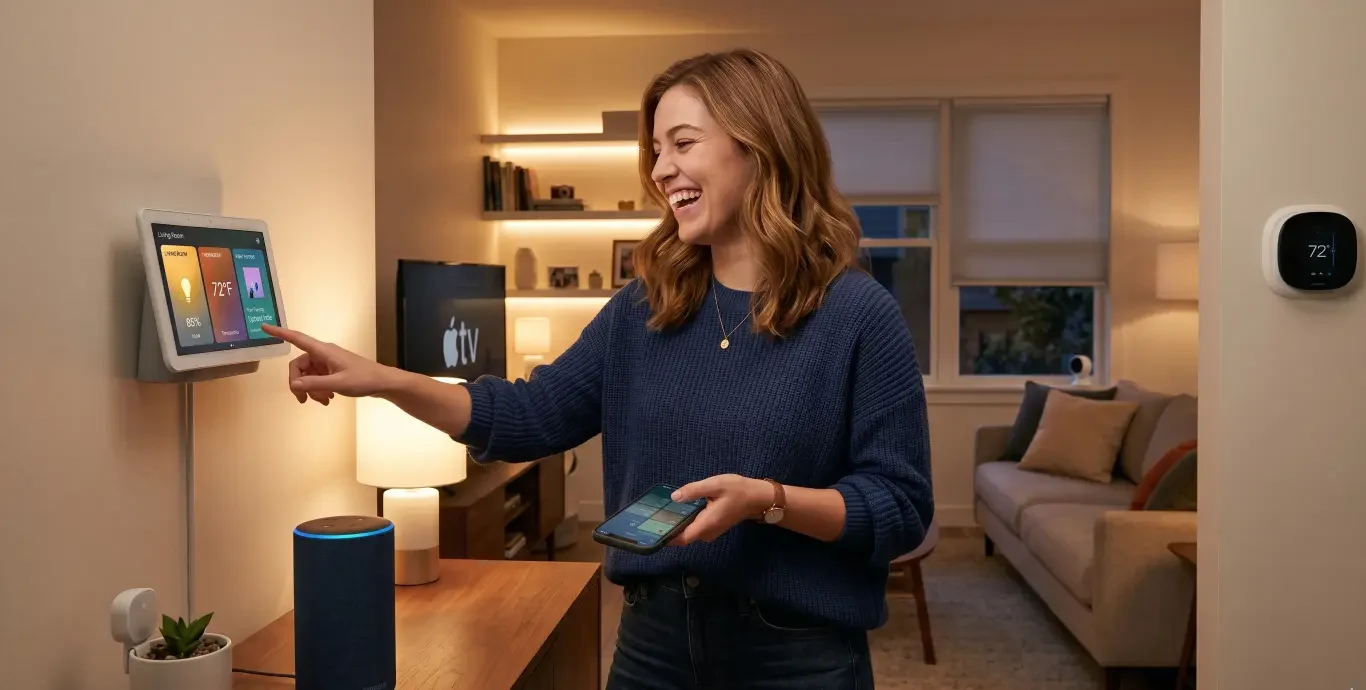
The living room is where voice assistant placement matters most, because it’s the room where you’re most likely to be hands-free — eating, cooking something in an adjacent kitchen, holding a drink, settled on the couch with a blanket. A well-placed smart speaker here gets used constantly; a poorly placed one gets ignored.
The placement principle is simple: put it where you naturally speak toward, not where there’s a convenient shelf. In most living rooms, that’s somewhere central and at roughly ear height when seated — a media unit or a side table near the main seating position, not a corner shelf three meters away behind the TV. For living rooms with multiple distinct seating areas, two smaller speakers (Echo Dot or Google Nest Mini) placed at opposite ends of the room provide better coverage than one larger device in the middle.
The ecosystem decision for the living room is also where cross-platform fragmentation has its most practical consequences. If your TV control goes through Harmony and Alexa, your smart bulbs are in the Philips Hue app, and your heating is on Google Home, you’re managing three separate voice interfaces in the same room. Saying “Alexa, movie mode” might handle the lights but not the heating. The living room is the space where the friction of a fragmented ecosystem is most apparent, and where the investment in unifying everything through Home Assistant or committing fully to a single ecosystem pays off most visibly.
For the majority of users who want a coherent experience without the complexity of Home Assistant, the practical advice is to audit what devices you have, identify which ecosystem already has the broadest coverage of your living room hardware, and migrate the outliers to that ecosystem even if it means replacing a device or two. The ongoing friction of a fragmented living room is worse than the one-time cost of standardizing.
If you’re starting fresh, Amazon Alexa currently has the broadest third-party device compatibility for living room hardware specifically — entertainment devices, smart plugs, lighting, climate — which makes it the lowest-friction default for a unified living room experience. Google Home has the edge in display-based interactions (the Nest Hub’s ambient mode and recipe/photo display in the living room is genuinely pleasant) and in multi-room audio coordination. Apple HomeKit is the right choice if you’re deeply in the Apple ecosystem and prioritize local processing and privacy.
The Automations That Make It Feel Like a Smart Home
Individual device control via app or voice is useful, but the automations that run without any input are what make a living room feel genuinely smart rather than just remotely operated. A few that deliver outsized daily value:
Occupancy-based lighting is the most impactful single automation in a living room. A presence sensor — either a PIR motion sensor for general occupancy or a millimeter-wave presence sensor like the Aqara FP2 for detecting someone sitting still on the couch — turns the lights on when someone enters and off when the room has been empty for a defined period. This eliminates the most common smart home frustration (lights turning off while you’re sitting quietly) and the most common non-smart-home frustration (leaving the living room lights on when you go to bed). The automation runs silently and correctly every time without any voice command or manual interaction.
Time-based scene transitions extend the color temperature logic to the living room without requiring any manual input. A Home Assistant automation or Alexa Routine that shifts the living room lights from neutral working white in the afternoon to warm evening mode at 6pm, and then to very dim wind-down mode at 9:30pm, matches the room’s ambiance to the time of day automatically. Combined with occupancy detection — the scene only applies if someone is actually in the room — this prevents unnecessary transitions when the room is empty.
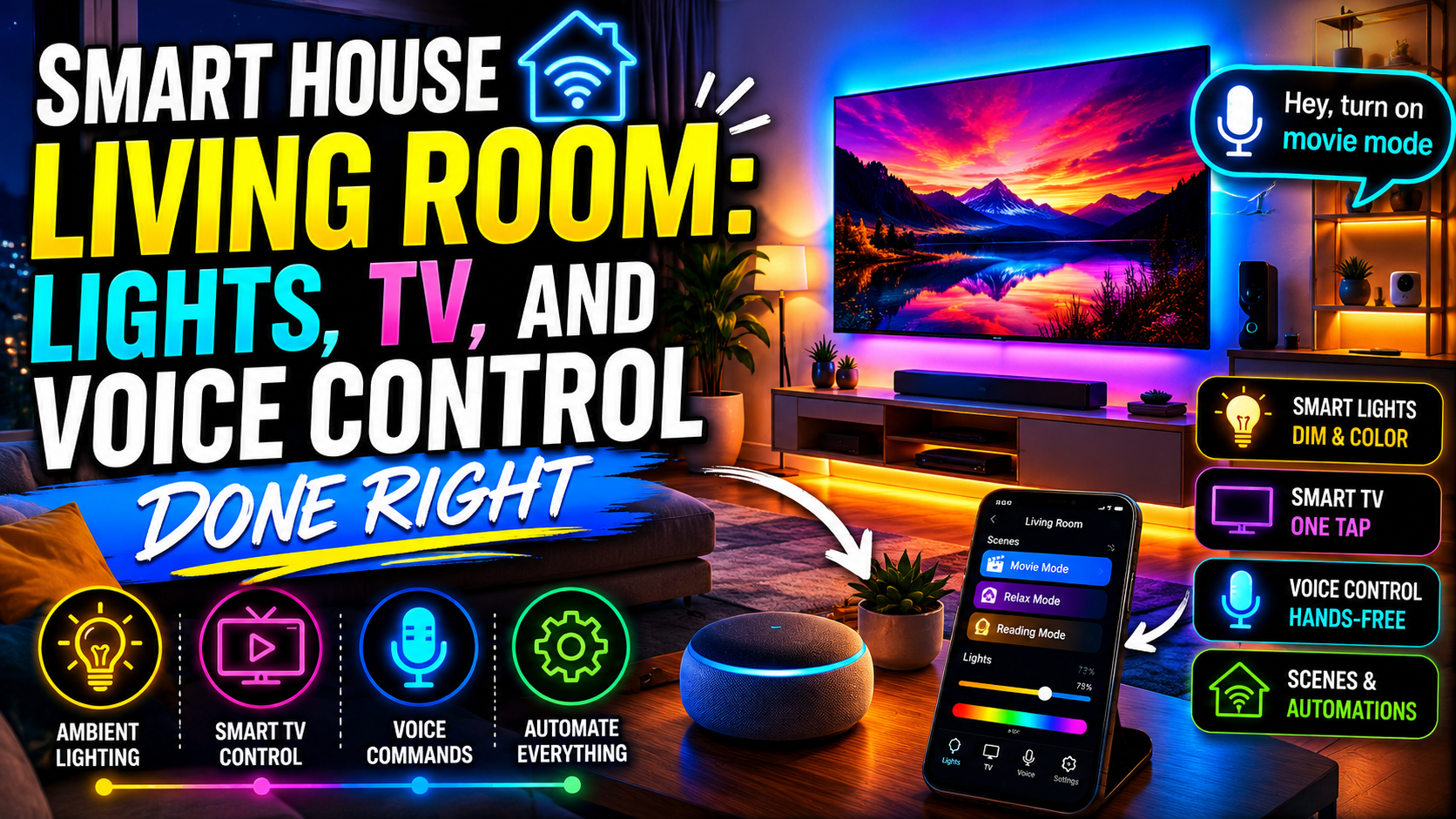
A “movie mode” scene activated by voice or by entertainment integration brings together multiple devices simultaneously: lights dim to near-off, TV input switches to the streaming device, the soundbar activates, and smart blinds close if you have them. The reverse — “I’m done watching” or detecting that playback has stopped and the TV has been off for ten minutes — restores the room to its previous lighting state. This is the automation that most consistently impresses people who see a well-configured smart living room for the first time, because it makes the technology feel responsive to intent rather than just obedient to commands.
Guest mode is a useful consideration for households that entertain regularly. A scene that locks the lighting at a pleasant fixed setting, disables any automations that might behave oddly in the presence of multiple people (occupancy sensors get confused by groups), and prevents voice assistants from accessing anything sensitive is worth building and having accessible as a one-tap activation. In Home Assistant this is a boolean input toggle that other automations check as a condition. In Alexa and Google Home, it’s a routine that sets everything to fixed states and disables other routines.
Bringing It Together: The Living Room as the Center of the Smart Home
The living room tends to be where people form their lasting impression of whether their smart home actually works. A bedroom or bathroom setup that has a rough edge or two doesn’t matter much — you’re not spending enough time there to notice. In the living room, every friction point is encountered multiple times daily and accumulates into either satisfaction or frustration.
The setup sequence that minimizes friction: start with smart bulbs in the main lamps and configure two or three scenes before adding anything else. Live with that for a week, refine the brightness and color temperature settings until they feel right, and then add entertainment integration. Voice assistant placement comes next, then occupancy automation, then the finer-grained automations like scene transitions and movie mode. Each stage builds on the previous one, and the system at each stage is complete enough to be useful — you’re not waiting for the whole thing to be finished before getting value from it.
Done in this sequence, the living room smart home setup compounds into something that feels genuinely different from both a conventional room and from the sum of its individual devices. It’s a space that adapts to what you’re doing, responds to when you’re there, and handles the lighting and entertainment transitions that you’d otherwise have to manage manually — invisibly, correctly, and every single time.
Conclusion
The living room is the best argument for smart home technology that exists, because it’s the space where the investment is most visible and most used. Smart lighting with well-designed scenes for different activities, entertainment integration that makes movie mode feel effortless, voice control that’s placed and configured to actually be useful, and automations that respond to occupancy and time of day rather than requiring manual activation — these aren’t complicated goals, but they require building the setup deliberately rather than accumulating devices randomly.
The result is a room that works the way you want it to without you having to think about it. And in a space where you spend as much time as the living room, that matters more than it might sound.