


If you’ve bought a smart lock, a thermostat, or a set of sensors in the last year or two, there’s a decent chance the box mentioned “Thread” somewhere in the fine print — usually right next to “Matter compatible,” as if the two words were interchangeable. They’re not, and the gap between them is exactly where a lot of smart home setups quietly go wrong.
- Key Takeaways
- What a Thread Border Router Actually Does
- The Border Routers You Might Already Own
- Do You Actually Need to Add One?
- Thread vs. Matter: Clearing Up the Confusion
- Common Border Router Problems (and How to Fix Them)
- Where This Fits Into Your Broader Smart Home Plan
- Conclusion
- Frequently Asked Questions
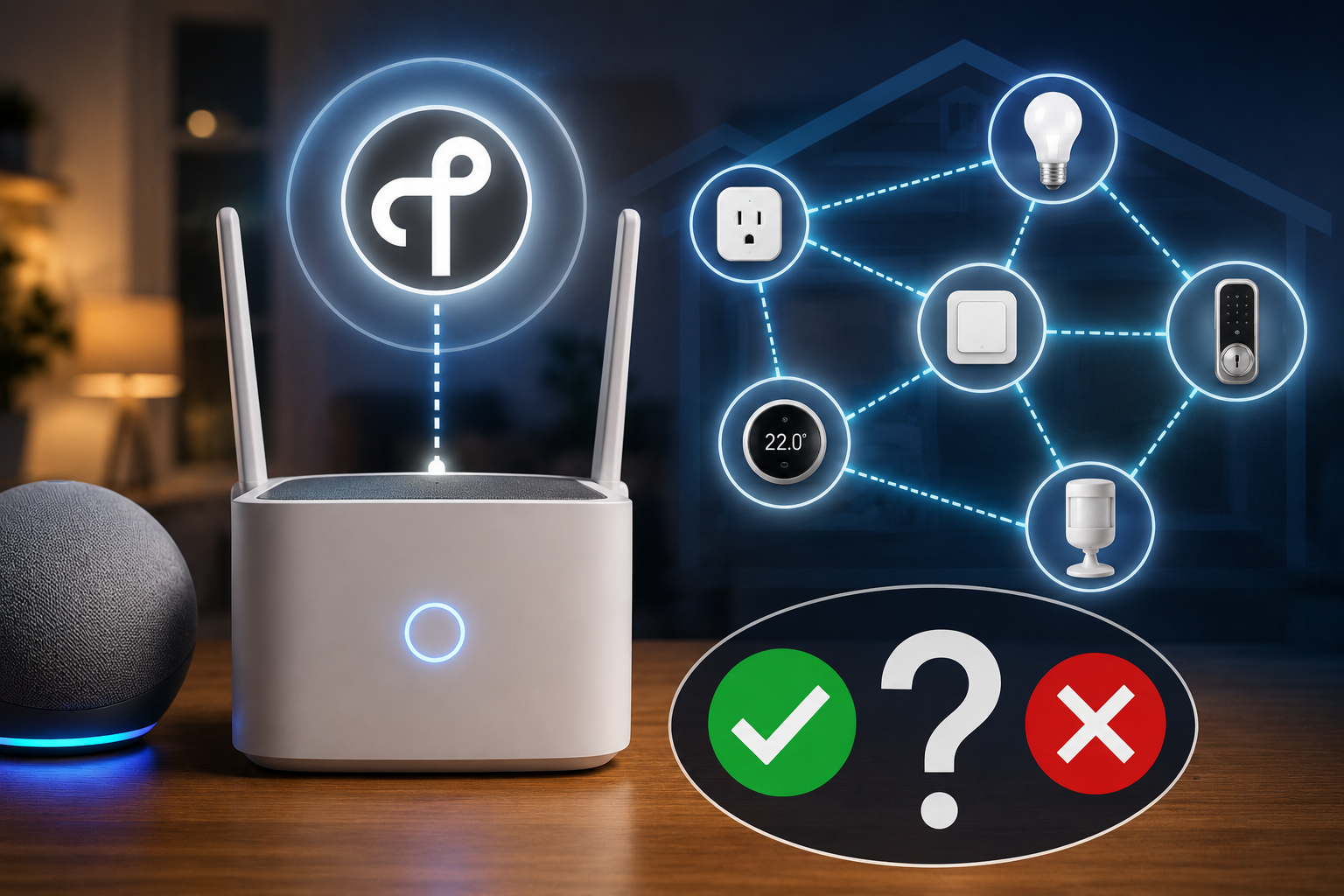
Thread is a low-power wireless mesh protocol, similar in spirit to Zigbee, but with one crucial difference: it needs something called a border router to actually talk to the rest of your network. Without one, a Thread device is essentially stranded — it can chat with other nearby Thread devices, but it can’t reach your app, your automations, or the internet. And unlike Wi-Fi or Zigbee, where most people already understand the basic hub-and-spoke relationship, Thread border routers tend to show up in your home invisibly, bundled inside products you didn’t buy specifically for that purpose.
This guide walks through what a Thread border router actually does, which devices you might already own that quietly function as one, how to tell if you need to add one on purpose, and where this fits alongside the other protocol decisions covered elsewhere in our Protocols & Compatibility coverage.
Key Takeaways
- A Thread border router is the bridge between your local Thread mesh network and your home Wi-Fi/internet connection — without one, Thread devices can’t be controlled remotely or through most apps.
- Many popular smart home products already contain a hidden Thread border router, including several Apple HomePods, Google Nest speakers and displays, Amazon Echo devices with Thread support, and Eero routers.
- You don’t need to buy a border router as a standalone product in most cases — you likely already have one or two sitting in your home right now.
- More border routers generally make your Thread network more reliable, not less, since they act cooperatively rather than competing for control.
- Thread and Matter are related but distinct: Thread is the wireless transport layer, Matter is the application-layer standard that rides on top of it (and also works over Wi-Fi and Ethernet).
What a Thread Border Router Actually Does
Think of your smart home network in layers. At the bottom, you have the physical radio signal — the actual wireless hop between one device and another. Above that sits the protocol that organizes how devices form a network and pass messages along. And above that sits the “language” your apps and automations use to actually control a device: turn on, dim to 40%, report battery level.
Thread operates at that middle layer. It’s a mesh protocol, meaning Thread devices don’t all need a direct line to a central hub — they can relay messages to each other, hop by hop, the same way Zigbee devices do. This is genuinely useful in a home with thick walls or an oddly shaped floor plan, since a signal can hop through several devices to reach its destination rather than needing to punch straight through the building.
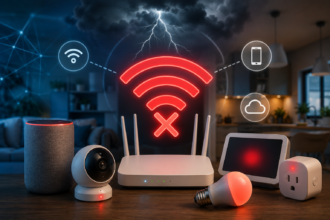
The catch is that a Thread mesh, left entirely on its own, is a closed loop. Your phone, your voice assistant, and the wider internet all speak Wi-Fi or Ethernet, not Thread. A border router is the translator sitting at the edge of that mesh, converting Thread traffic into IP traffic your router understands, and back again. Without at least one border router present and reachable, your Thread devices can only talk to each other locally — they can’t be triggered from an app, checked from outside the house, or included in most cloud-based automations.
This is a meaningfully different architecture from a traditional hub. A Zigbee bridge, for instance, is typically the single required gateway for every device on that network — if it goes down, everything on it goes dark, a tradeoff we cover in more depth in our breakdown of when a smart home hub is actually necessary. Thread was deliberately designed to avoid that single point of failure.
The Border Routers You Might Already Own
This is the part that surprises most people: you probably don’t need to shop for a Thread border router at all, because a huge number of products released since 2023 already contain one, quietly running in the background regardless of whether you’re using it for Thread yet.
Devices that commonly include a built-in Thread border router:
- Apple HomePod mini and HomePod (2nd generation)
- Apple TV 4K (2021 and later)
- Google Nest Hub (2nd generation), Nest Hub Max, and several Nest speaker models
- Amazon Echo (4th generation and later) and Eero routers with Thread support
- Samsung SmartThings Station and select SmartThings hubs
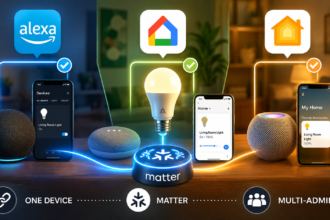
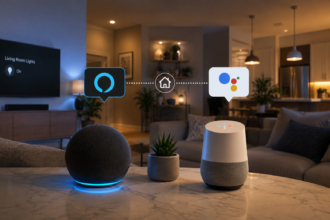
If you own even one of these, updated to a current software version, there’s a good chance a Thread border router is already active in your home without you having done anything. This matters directly if you’re weighing Alexa against Google Home and Apple Home as your primary ecosystem — since 2023, all three companies have shipped Thread border router hardware into their flagship speakers and hubs specifically to support the Matter standard, so your ecosystem choice and your Thread coverage are now more linked than most buying guides acknowledge.
Do You Actually Need to Add One?
For most households, the honest answer is no — not as a deliberate purchase. If you already own a recent HomePod mini, Nest speaker, or Echo device, you likely have Thread coverage without spending anything extra. The more useful question isn’t “do I need a border router,” but “do I have enough of them, positioned well enough, to cover my whole home.”
Signs your Thread coverage might be thin
- Thread-based devices (locks, sensors, some thermostats) work reliably near one part of the house but drop out or respond slowly in another
- You only own a single device capable of acting as a border router, and it’s tucked in a closet or basement far from where your Thread devices actually live
- You’re planning to add several Thread-based sensors or a Thread-based lock and currently have zero border router-capable devices at all
Why more border routers is a genuine upgrade, not just redundancy
Unlike adding a second Wi-Fi router (which usually requires careful configuration to avoid conflicts), adding more Thread border routers to your home is close to a pure win. They’re designed to cooperate, sharing mesh coverage and automatically providing failover if one goes offline or loses its connection. If you’re already buying a smart speaker or streaming device for another reason, choosing one with Thread support is a small decision that pays off later — particularly if you’re building out a Zigbee vs. Wi-Fi vs. Thread setup in a smaller space like an apartment, where a single centrally placed border router can often cover the entire unit.
Thread vs. Matter: Clearing Up the Confusion
It’s worth being precise here, since “Thread” and “Matter” get used almost interchangeably in marketing copy, and that’s genuinely misleading.
Thread is a wireless networking protocol — the mesh layer that moves data between devices, comparable in role to Wi-Fi or Zigbee.
Matter is an application-layer standard — a common “language” that lets devices from different brands understand each other’s commands, regardless of which wireless protocol carries the message underneath. Matter can run over Thread, but it can just as easily run over Wi-Fi or wired Ethernet.
In practice, this means a device can be Matter-compatible without using Thread at all, and a Thread network can exist without a single Matter device on it (Thread predates Matter by years and was originally built for products like the Nest Protect smoke detector). For a fuller breakdown of how these standards actually interact — and where Matter still falls short of its “universal compatibility” promise — see our dedicated guides on Wi-Fi, Zigbee, Thread, and Matter explained for beginners and what Matter actually gets right and wrong in 2026.
Common Border Router Problems (and How to Fix Them)
Devices show as “offline” intermittently. This is often a sign your only border router is too far from the affected devices, or that it’s a battery-powered or portable unit (some phone-adjacent devices deprioritize their Thread radio to save power). Plugging in a second, stationary border router closer to the problem area usually resolves this.
A device won’t join the Thread network at all during setup. Double-check that at least one border router is powered on, connected to the same Wi-Fi network, and running current firmware — outdated firmware on the border router itself is a surprisingly common culprit that’s easy to overlook.
Switching ecosystems seems to “break” Thread devices. Thread credentials are typically tied to the ecosystem app that originally set them up. If you’re migrating your smart house between ecosystems, Thread devices generally need to be re-added through the new app rather than simply carrying over, even though the underlying Thread mesh hardware doesn’t change.
Too many border routers seem to be “fighting.” This is rarer than people assume — Thread border routers are built to share a single mesh network cooperatively. If you’re seeing genuine instability with multiple routers present, it’s more often a symptom of an outdated device or a Wi-Fi network issue than actual border router conflict.
Where This Fits Into Your Broader Smart Home Plan
Thread border routers sit in an unusual spot in smart home planning: they’re rarely something you buy on purpose, but they quietly determine how reliable a growing share of your devices will be. If you’re mapping out a new setup from scratch, it’s worth checking this box before you check for hubs — see our overview of when a dedicated smart home hub is worth adding — or before deciding whether an older protocol like Z-Wave still earns a place in a 2026 smart home. In most cases, the practical move isn’t a new purchase at all: it’s confirming which devices you already own are quietly doing this job, and making sure at least one of them lives near the Thread devices that depend on it.
Conclusion
Thread border routers are one of the few pieces of smart home infrastructure designed to be invisible by default, which is exactly why they’re so poorly understood. You’re not choosing whether to have one the way you’d choose a hub — you’re almost certainly running one or two already, tucked inside a speaker or streaming box you bought for an entirely different reason. The real decision is whether that coverage is positioned well enough for the devices depending on it, and whether your next smart speaker purchase might be worth steering toward a model that quietly strengthens your mesh at the same time.
For more practical, decision-focused breakdowns of the protocols and hubs that decide whether your devices actually work together, browse the rest of our Protocols & Compatibility guides.
Frequently Asked Questions
Do I need to buy a Thread border router separately? Usually not. If you already own a recent Apple HomePod mini, a Google Nest speaker or display, an Amazon Echo (4th generation or later), or an Eero router, you likely already have a Thread border router running in your home. Most people only need to buy one deliberately if they own none of these devices and are planning to add Thread-based locks, sensors, or thermostats.
Can I have too many Thread border routers? No — multiple border routers are designed to cooperate and share coverage across your Thread mesh, improving reliability and providing failover rather than causing conflicts. This is different from adding extra Wi-Fi routers, which can require careful configuration to avoid interference.
Is Thread the same thing as Matter? No. Thread is the wireless networking protocol that moves data between devices, while Matter is an application-layer standard that lets different brands’ devices understand each other’s commands. Matter can run over Thread, Wi-Fi, or Ethernet — Thread existed before Matter and can operate independently of it.
Why did my smart lock stop working after I switched from Google Home to Apple Home? Thread device credentials are typically tied to the ecosystem app used during setup. When migrating between ecosystems, Thread-based devices usually need to be re-paired through the new app, even though the physical Thread mesh and hardware haven’t changed.
Does my Wi-Fi router double as a Thread border router? Not automatically. Standard consumer Wi-Fi routers don’t include Thread radios unless specifically built for it — Eero is a notable exception, with Thread support built into several of its mesh router models. Most traditional routers need a separate Thread-capable device, like a smart speaker or display, to provide border router functionality.
How do I know if a product I’m buying includes a Thread border router? Check the product’s technical specifications for “Thread border router” specifically, not just “Thread” or “Matter compatible” — a device can support Thread as an end device without being able to route traffic for the rest of your network. Manufacturer support pages and official spec sheets are typically more reliable here than retail packaging.